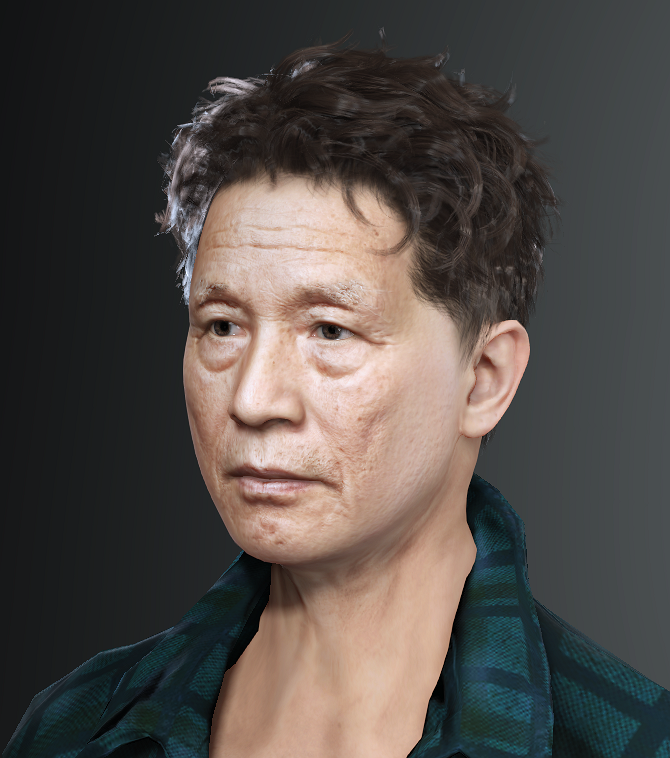
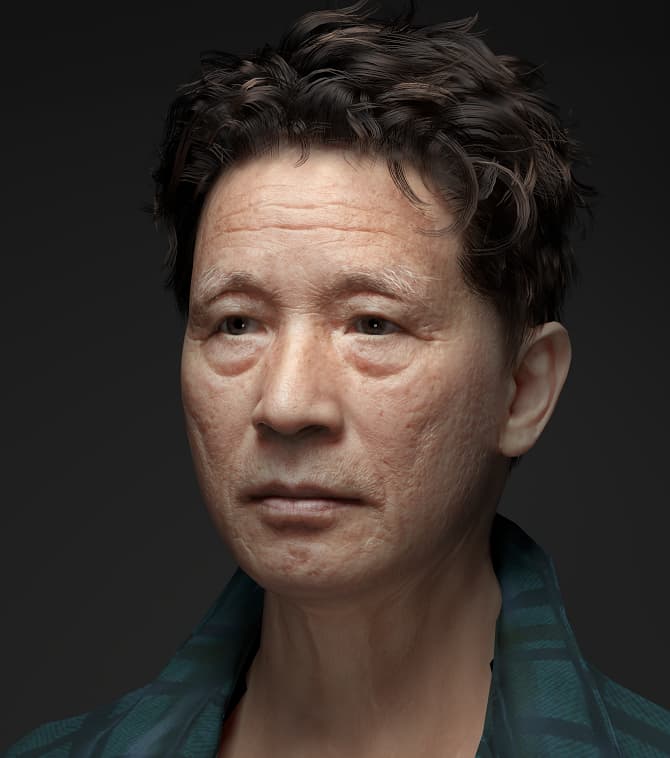
<EVENT> Share Your RTX Renders and Get 500 Bonus Points

Show Us What You’ve Made with RTX Render

You’ve installed the beta and watched your first render converge. Now we want to see it.

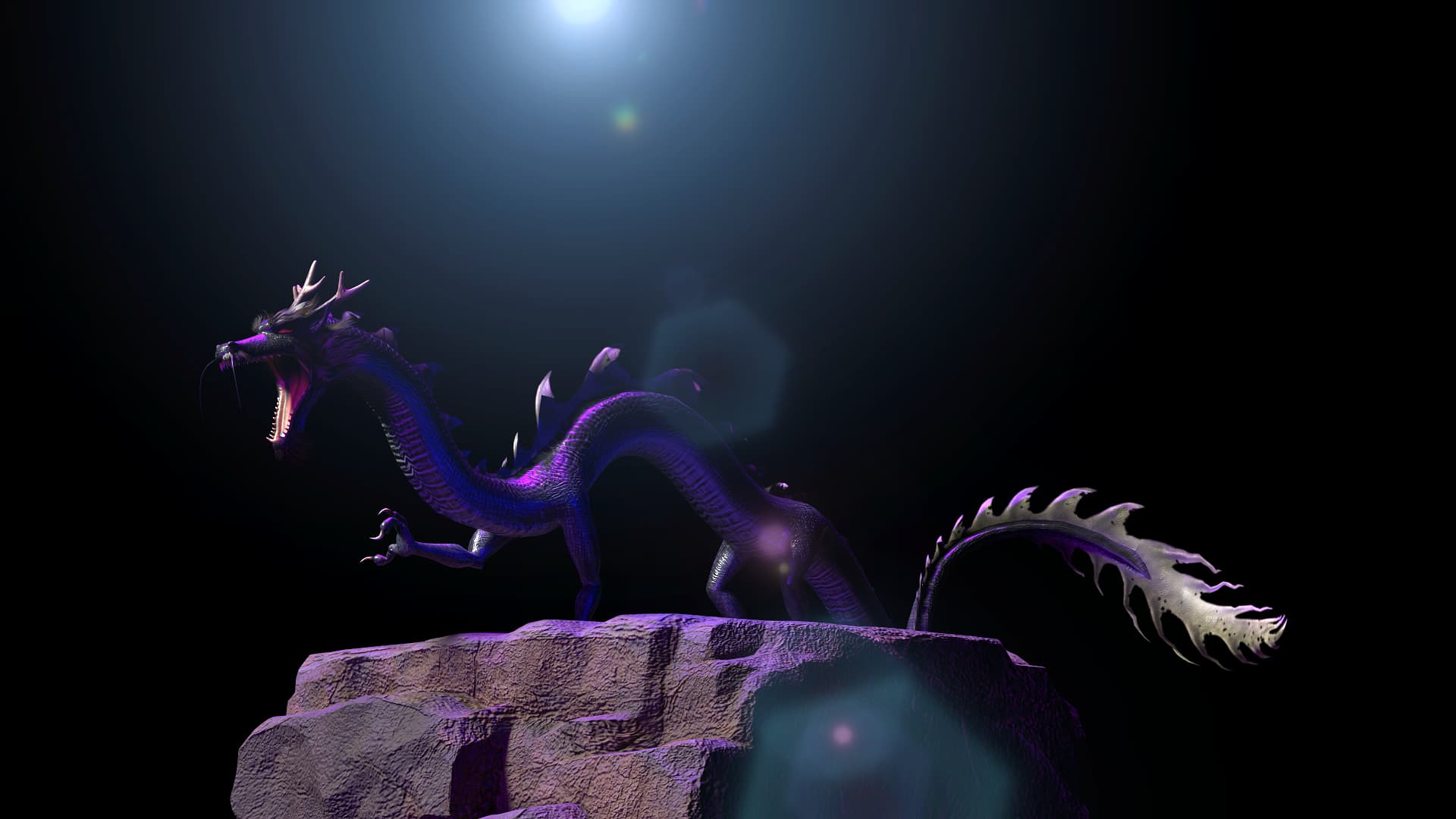
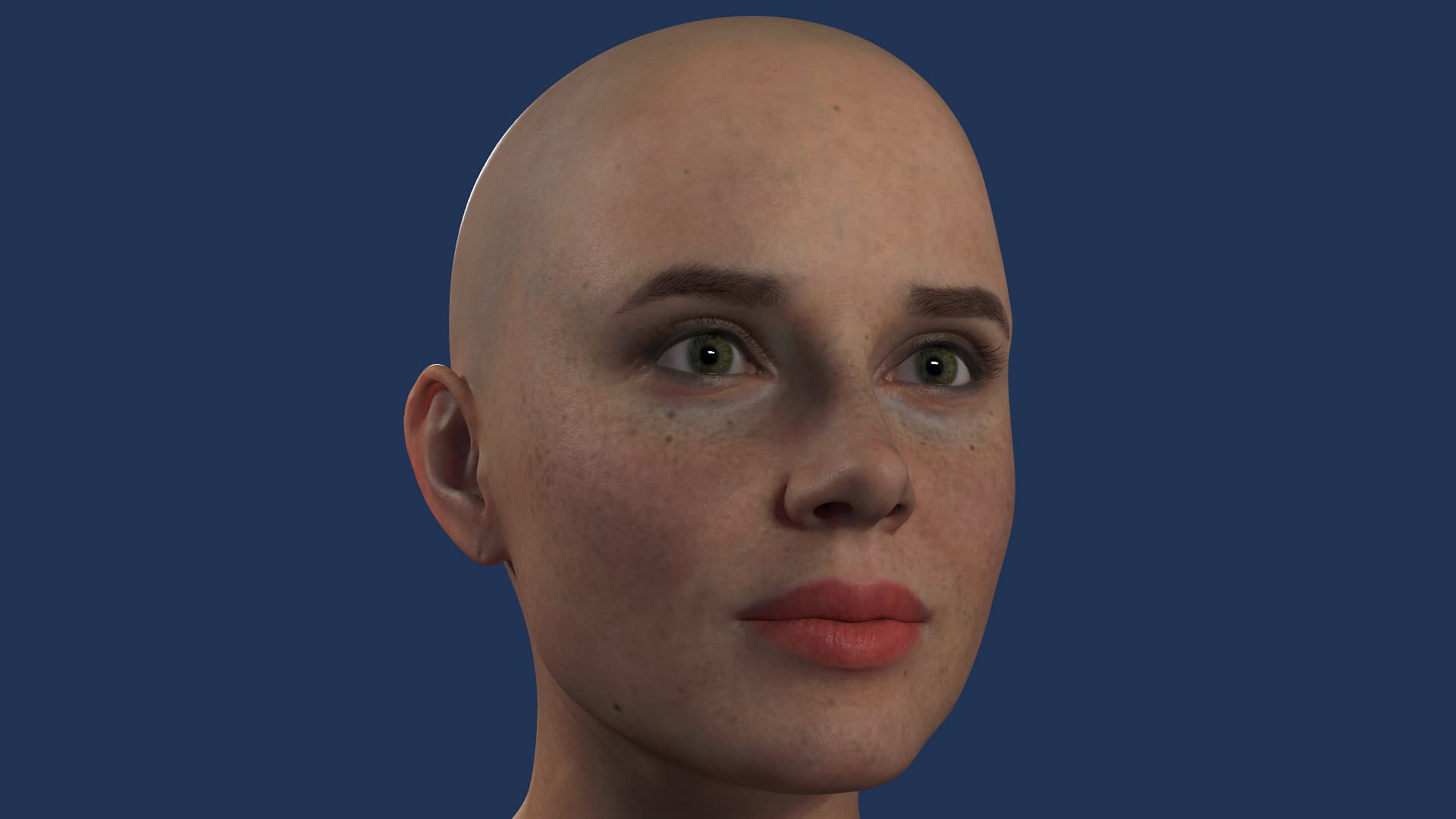
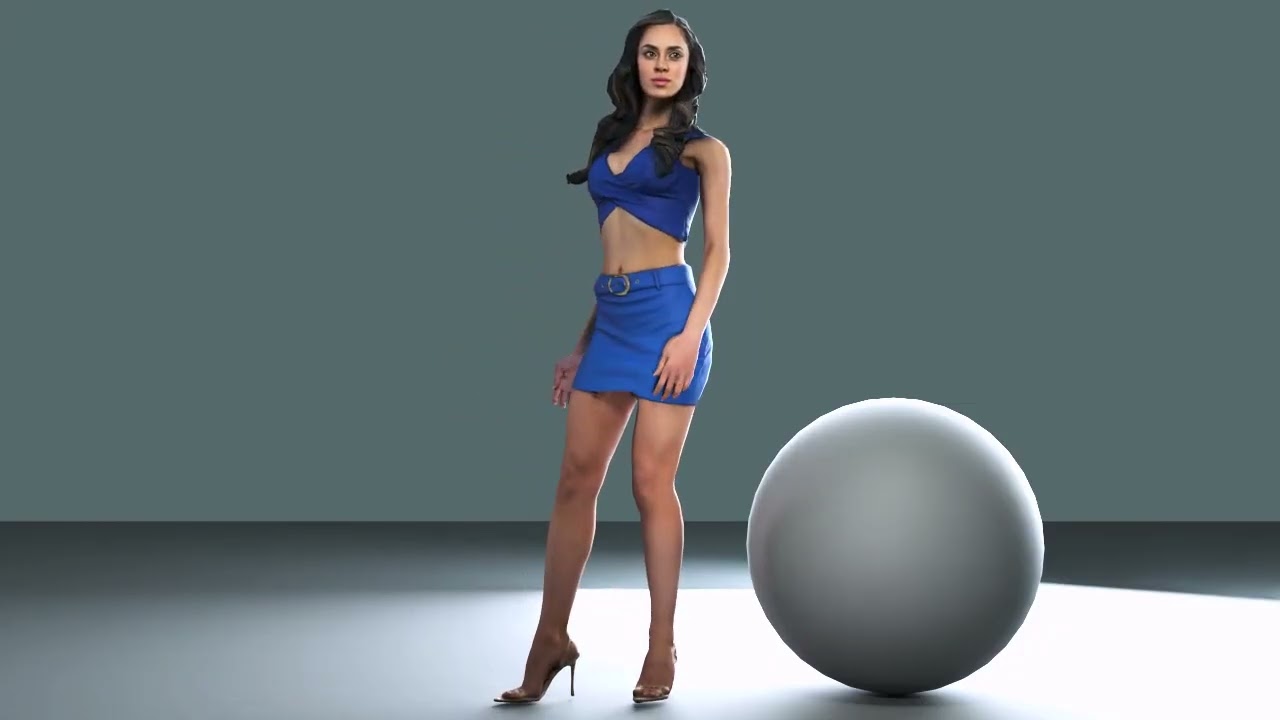
A character close-up where the skin finally reads as skin, a glass material you tuned for hours, or even a render that didn’t go as planned: post it in this thread. This is an open beta, so every render you share, and especially every problem you hit, feeds straight back to the development team. It tells us how RTX Render holds up in real hands, on real projects, on hardware we don’t have in the office.

We’re also looking for community work to feature. The strongest renders here may be highlighted across Reallusion’s channels, including our magazine, social media, and promotional demo reels, with full credit to you.

And as a thank you, you’ll get 500 bonus points.

Please note: by posting your work in this thread, you agree that Reallusion may feature it in our marketing materials, including demo reels, social media, and promotional content, with credit to you as the creator.

How to take part

  1. Render something with RTX Render. Any subject, any style. A single still is enough.
  2. Post it in this thread, along with a few words about what you made and how it went. Even better if you include:
  • A DX11 vs RTX comparison
  • Your render settings (samples, bounces, denoise)
  • Your GPU and render time
  • Anything that surprised you, good or bad
  1. That’s it. We’ll take care of the rest.

One important rule: your submission must be your own work. Renders of the bundled Reallusion demo projects, as they come, aren’t eligible. Feel free to use the Material Library presets and demo scenes as a starting point, but the final render should be something you built, lit, or meaningfully changed yourself.

About the bonus points

  • 500 bonus points, valid for 3 months from the date they’re issued
  • Points are distributed on the second Monday of the following month. For example, if you post in July, your points arrive on the second Monday of August.
  • One claim per person. Posting more than once is very welcome, but the 500-point reward can only be claimed once per user.

Need a hand first?

Not sure where to start? Open one of your own characters or scenes, switch to RTX Render, and see what changes. Post whatever comes out.

We’re looking forward to seeing your work.
3 Likes

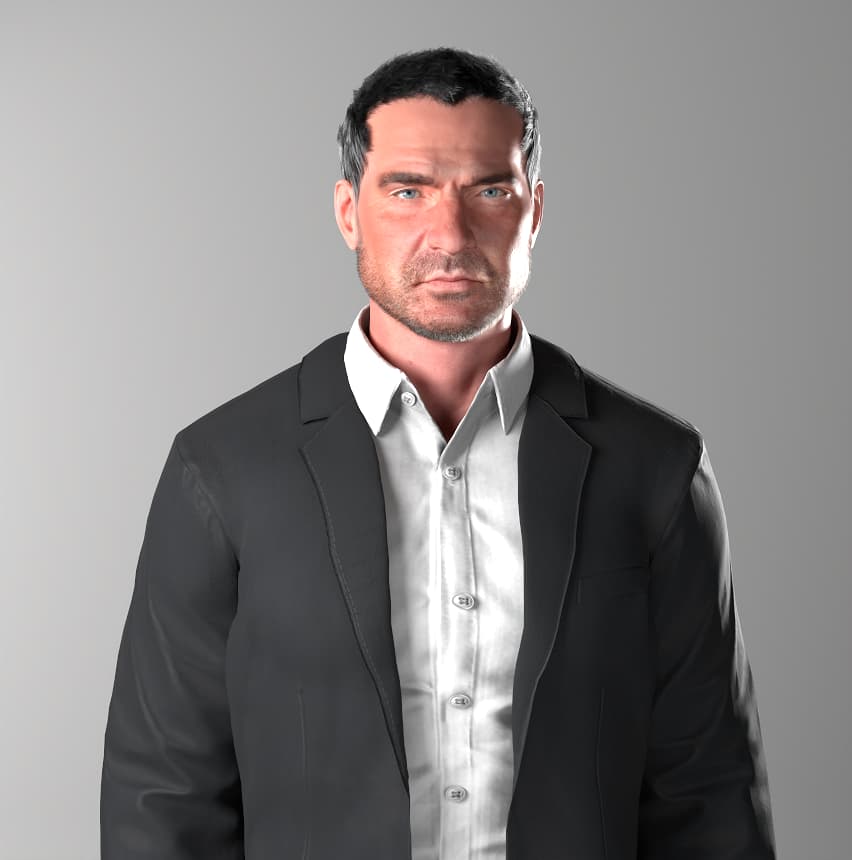
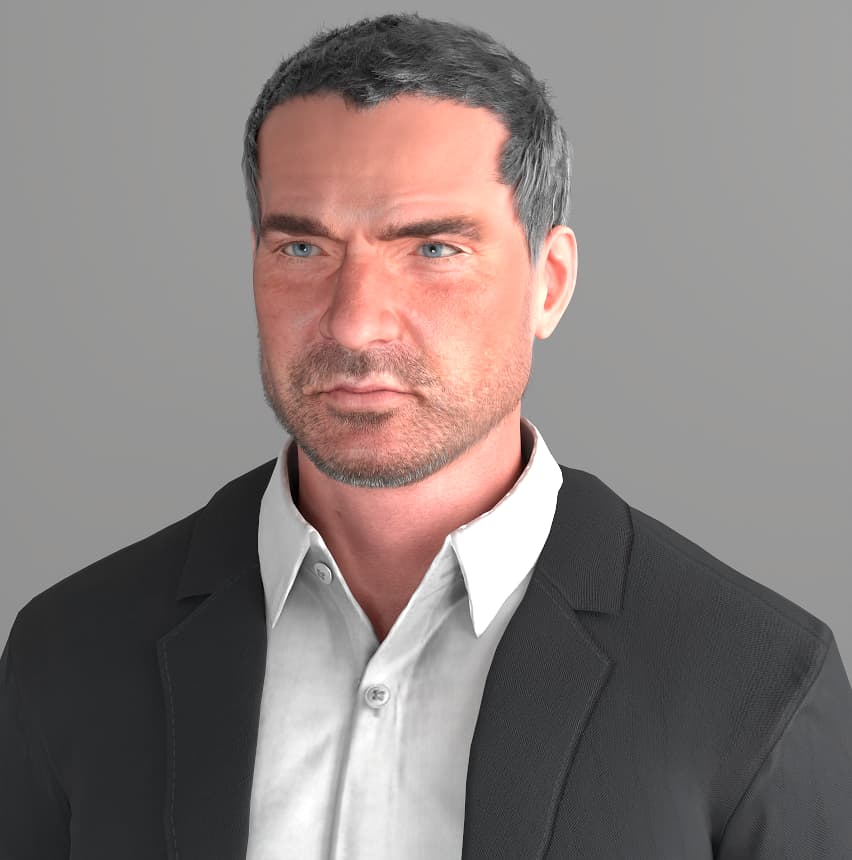
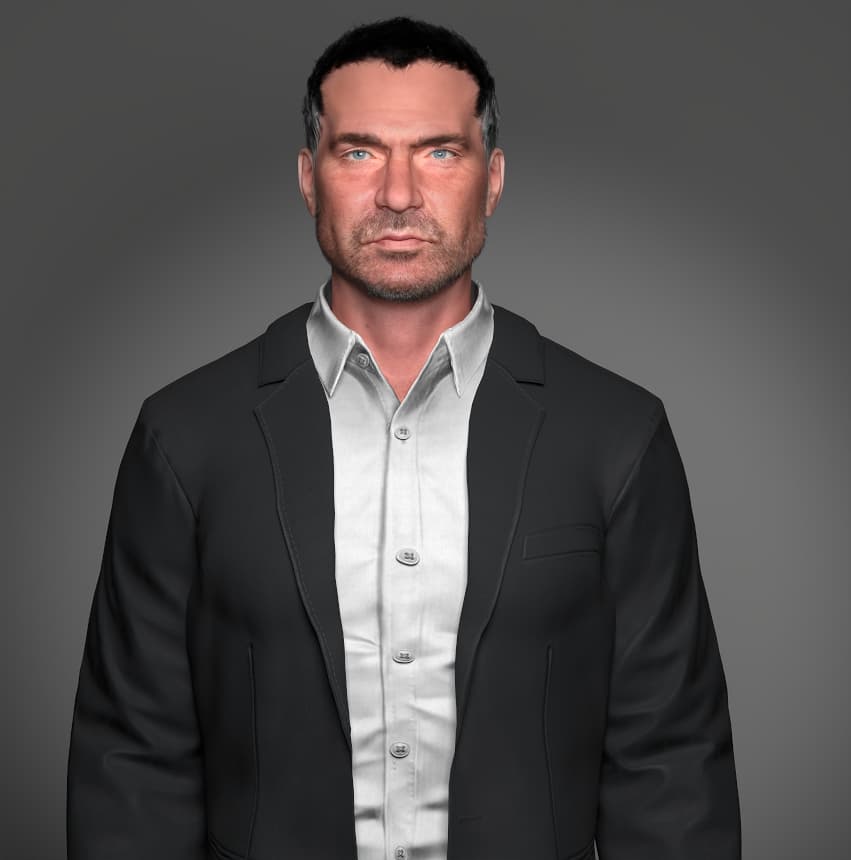
So I did several render tests in both CC5 and iClone 8 (stills only… don’t bother with video/sequences unless you have a powerful computer and a LOT of time on your hands). I kep everything factory settings just to see what this can do right out of the box before I start attempting to tweak anything. Here are some of my results…

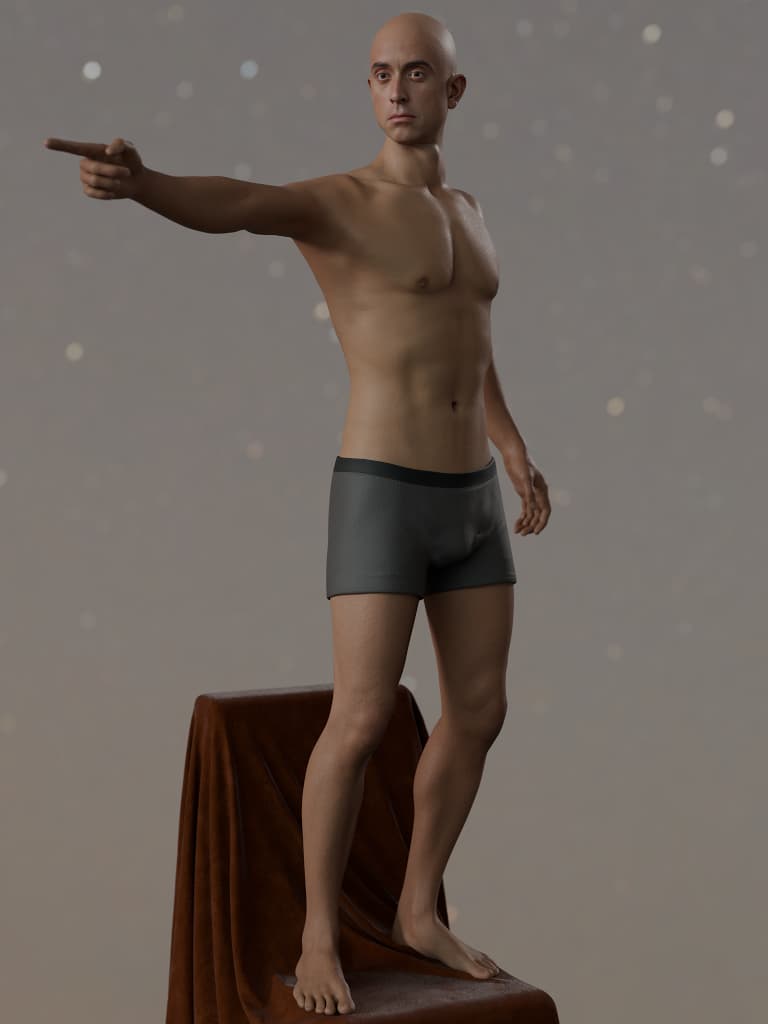
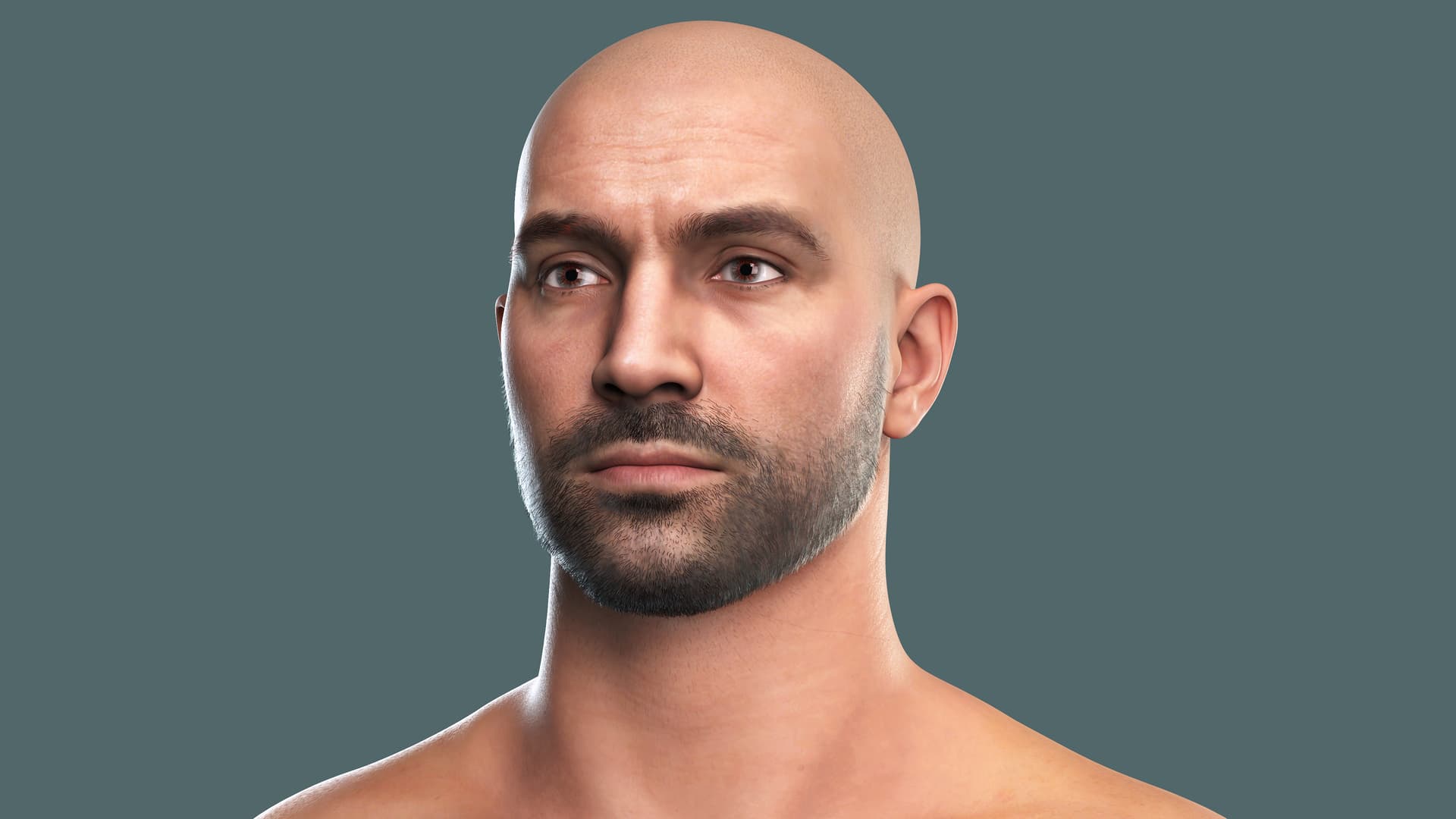
First, I did a lighting study using the new lightroom settings that are available for RTX. I used a custom sculpt I made of the character Ray Donovan. I REALLY like some of these new lighting setups.

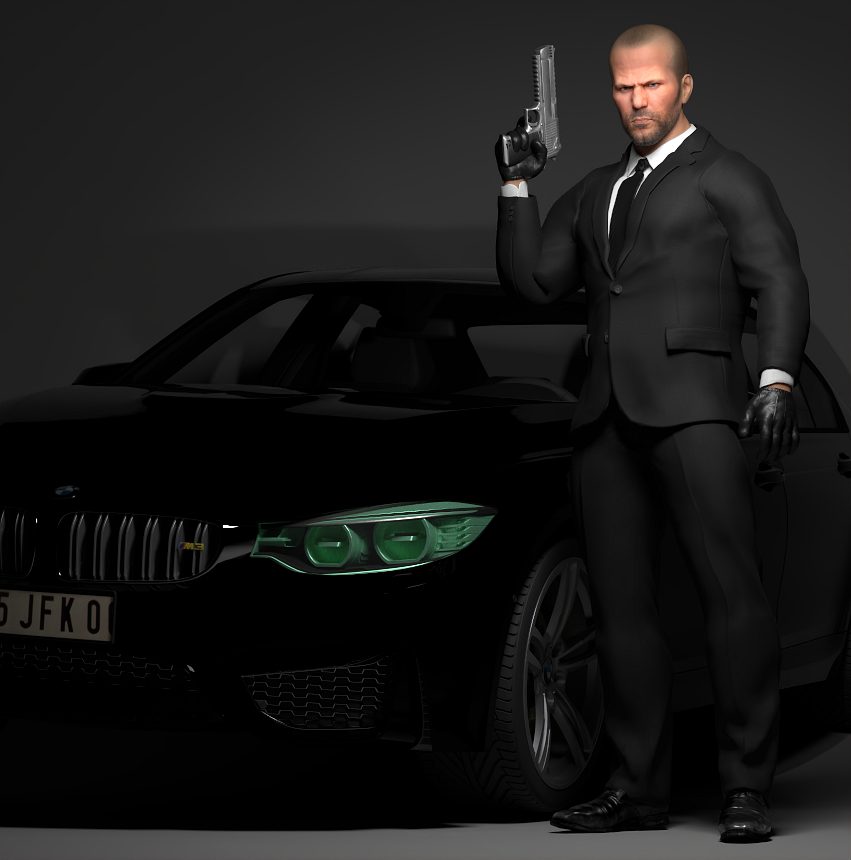
I did one quick render test of my model of The Transporter, to see how the render would turn out with other objects like vehicles in the render. I was only able to get one render off before the app crashed when I attempted to use the edit pose function.

I then fired up iClone to give it a go over there and this time I did some tinkering under the hood. I found that your safest bet to avoid multiple crashes is to stay in DX11 mode until you are 100% happy with your scene and then switch to RTX for your render. If you intend to move around the scene and/or adjust anything pose related, do yourself a favor and switch to preview mode and save yourself a massive headache with repeated crashes and lengthy load times between every single function adjustment.

Full disclosure, I’ve been really looking forward to this particular launch from Reallusion for quite some time now, hoping that it would be a suitable replacement for Iray (which use to be one of my favorite rendering tools before it went the way of the Dodo), so I might be slightly biased, that being said, there are obviously a ton of issues but since this is Beta that is to be expected, so I’m going to spend a lot more time putting it through its paces so I can make a more in depth analysis. Next up… attempting to render video… wish me luck, lol!

3 Likes

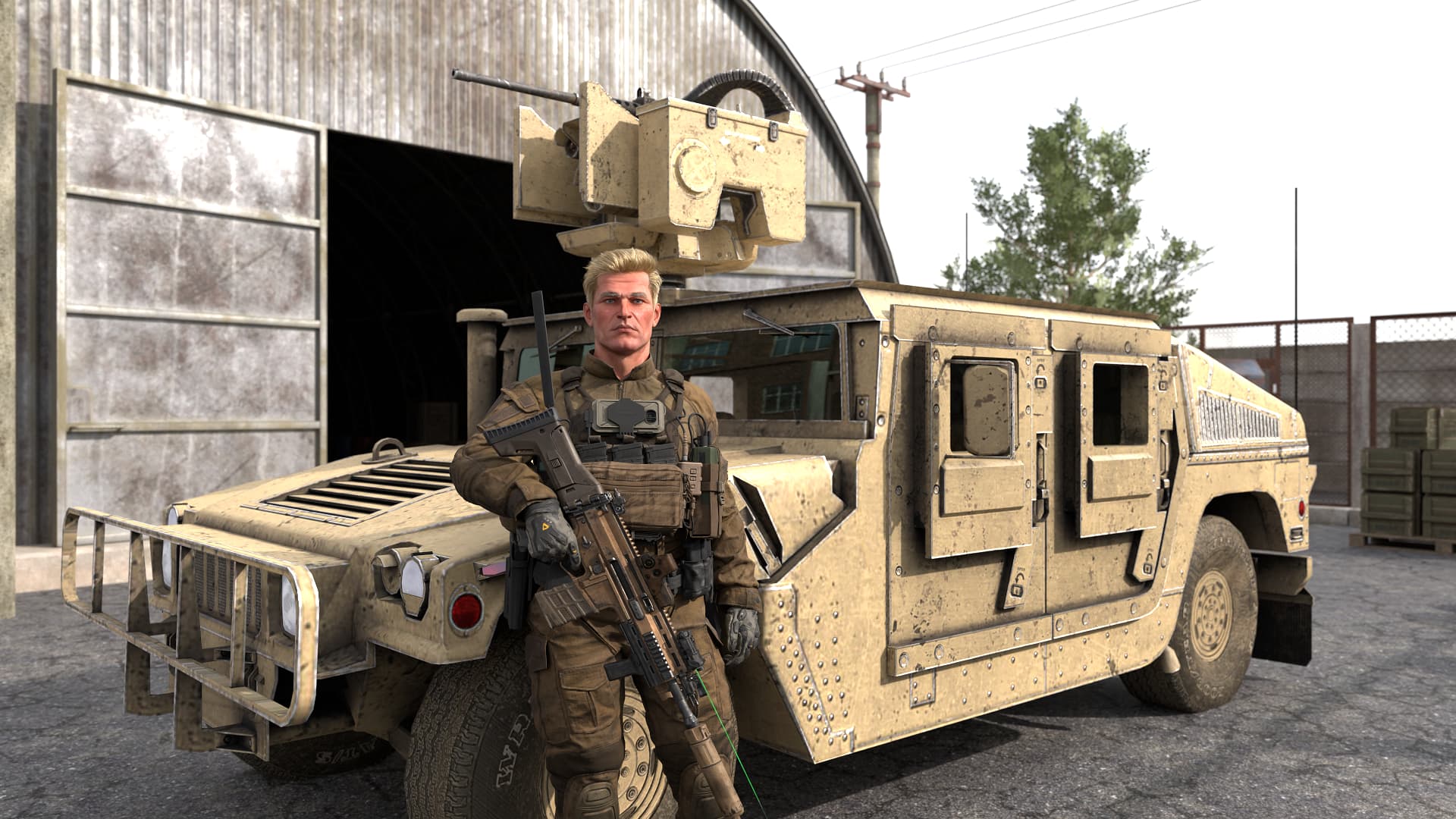
Here are a couple test renders…


1 Like

I’m assuming you kept the samples REAL LOW for the animation render test?

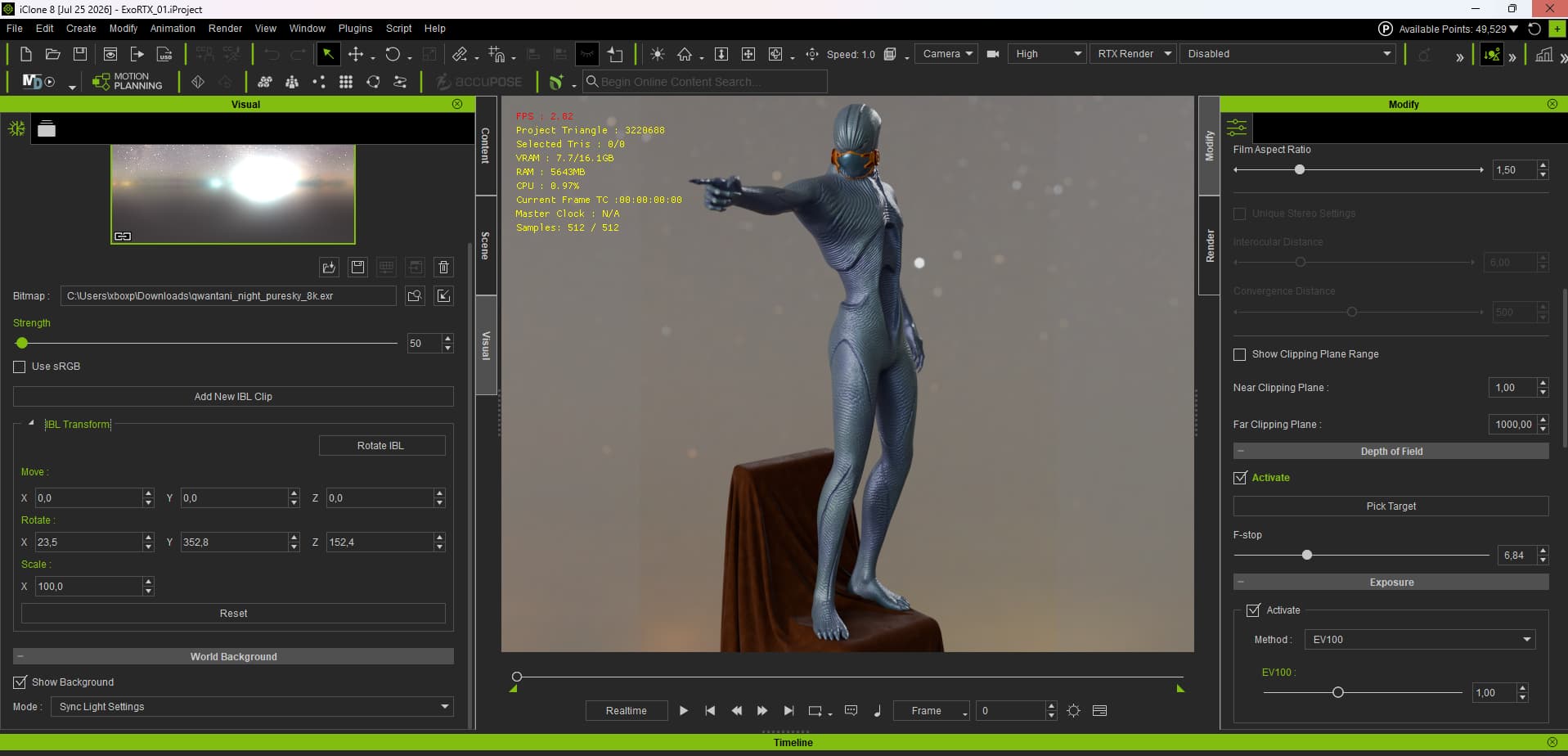
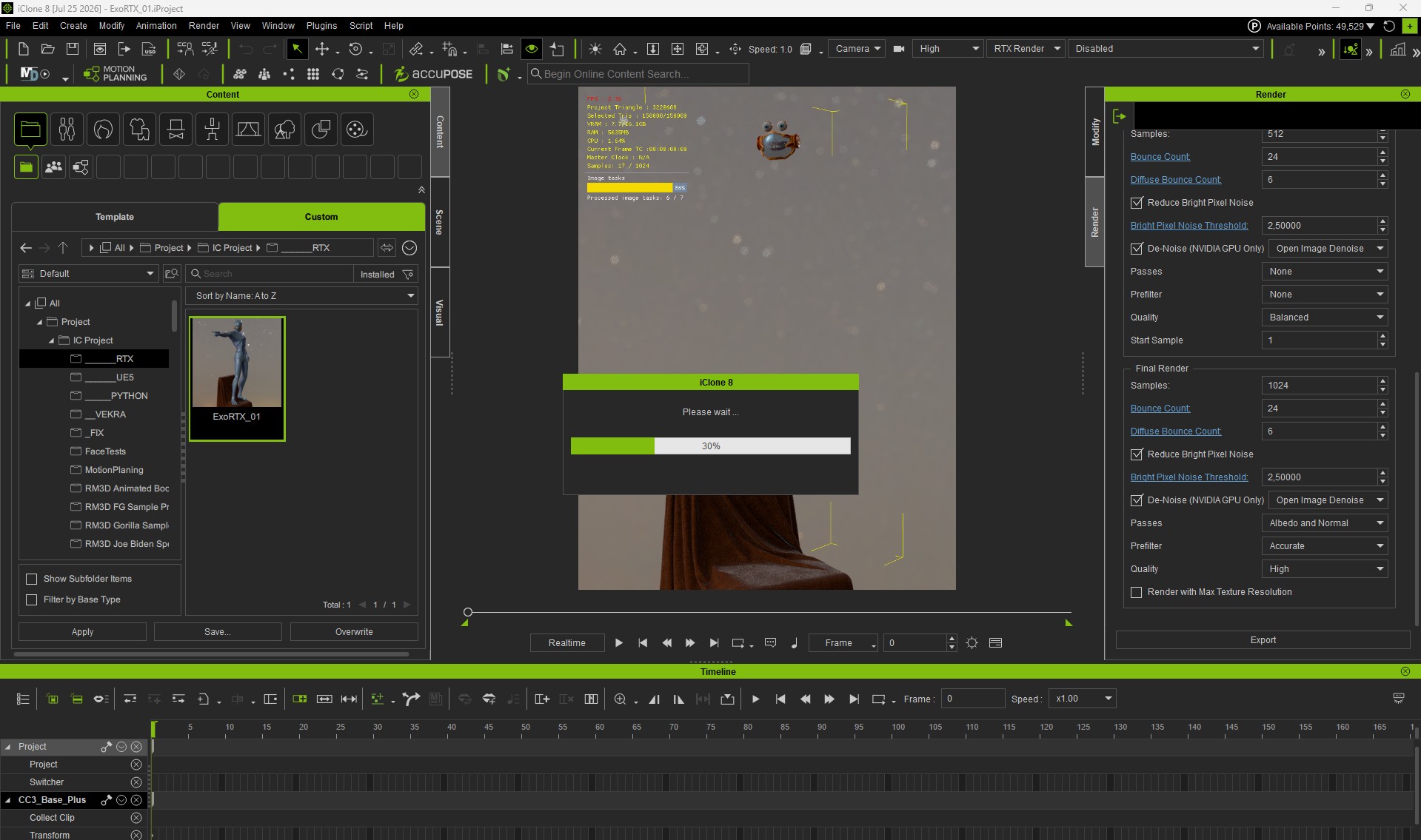
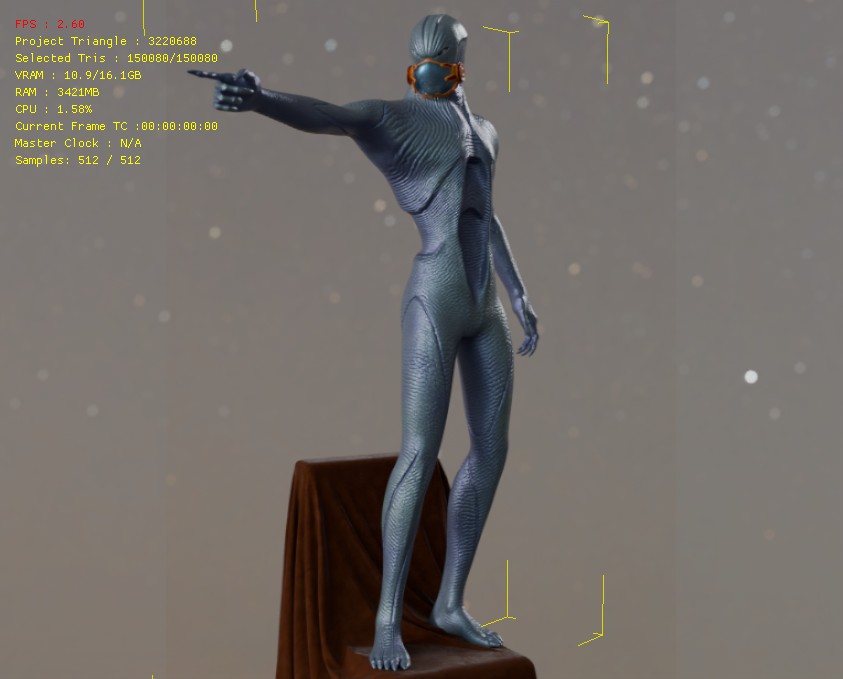
I tried to set the bar as high as possible and used the 8K model I’m currently working on. RTX real-time runs absolutely perfectly on the RTX 5060 Ti (16GB VRAM). Unfortunately, RTX rendering is still showing errors—it probably can’t handle 8K, but maybe I’m just doing something wrong. And yet there’s plenty of space on the hard drive, in VRAM, and in RAM. I’ll continue testing. (For now, it’s only available in the form of screenshots). The same problem in both IC8 and CC5. What I also don’t know yet is why it completely ignores the Glow (PBR) map. - RM3D


2 Likes

Hi, ReMark3Dcz

Nice try—I love your character! :smile:

If you continue to encounter crashes, could you please provide the steps to reproduce the issue, along with the .dmp file and the project file, if possible? That would help us investigate and fix the problem much more efficiently.

Hi, Lord_Dreadmoor

Sorry to hear you’re experiencing crashes.

If you encounter another crash in the future, could you please provide the steps to reproduce the issue, along with the .dmp file and the project file, if possible? This will help us investigate and resolve the issue much more quickly.

I found the DMP file (%LOCALAPPDATA%\CrashDumps); it’s a crash that occurred after an attempt to render. The character is intended for sale, so I won’t provide it for free. If I manage to reproduce the problem in another scene, I’ll send it along with the project. Thank you for your understanding. The DMP file is in the google drive link.


1 Like

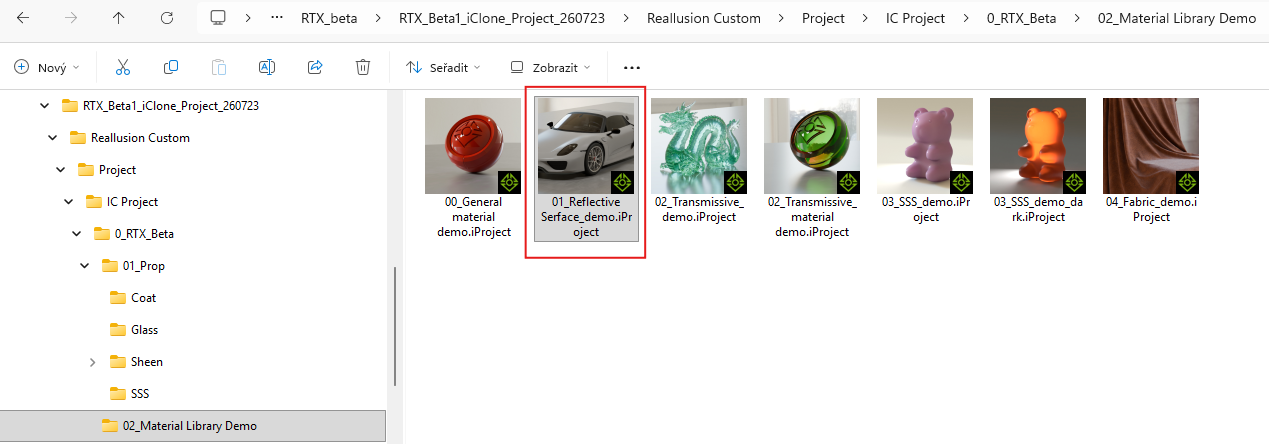
Hi Luke, again, …Just to be sure, I restarted my PC. After launching iClone 8 (beta), I tried to open a project to see if I could render a frame from your demo (01_Reflective Surface_demo.iProject) without any errors. Unfortunately, it won’t open—IC8 crashes without any warning when trying to load it. I’m attaching a link to the DMP file; hopefully it will help identify the problem. - https://drive.google.com/file/d/1iDXbfDQkzkIiNhP_TGF-hb6KH4Oet1C1/view?usp=sharing

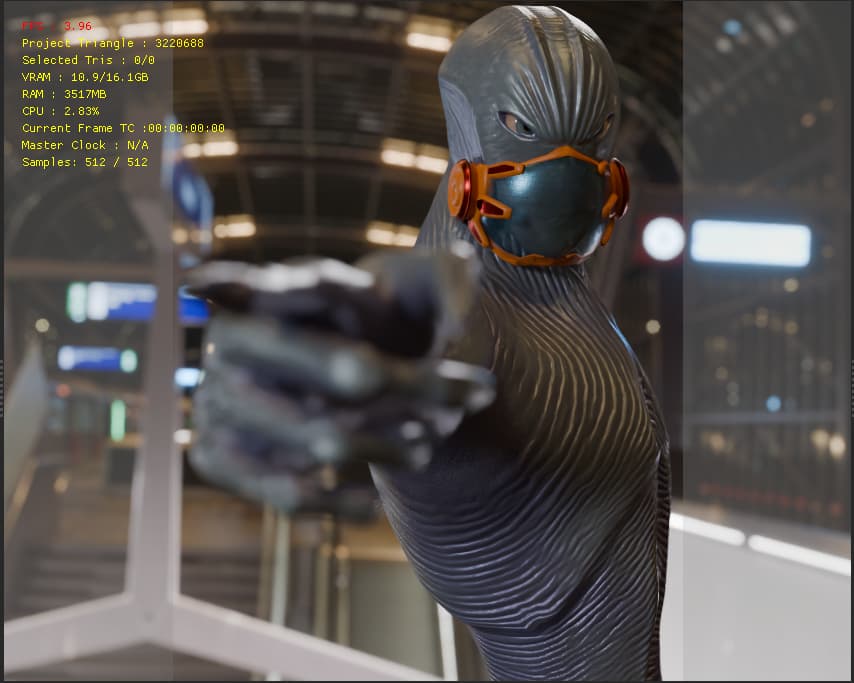
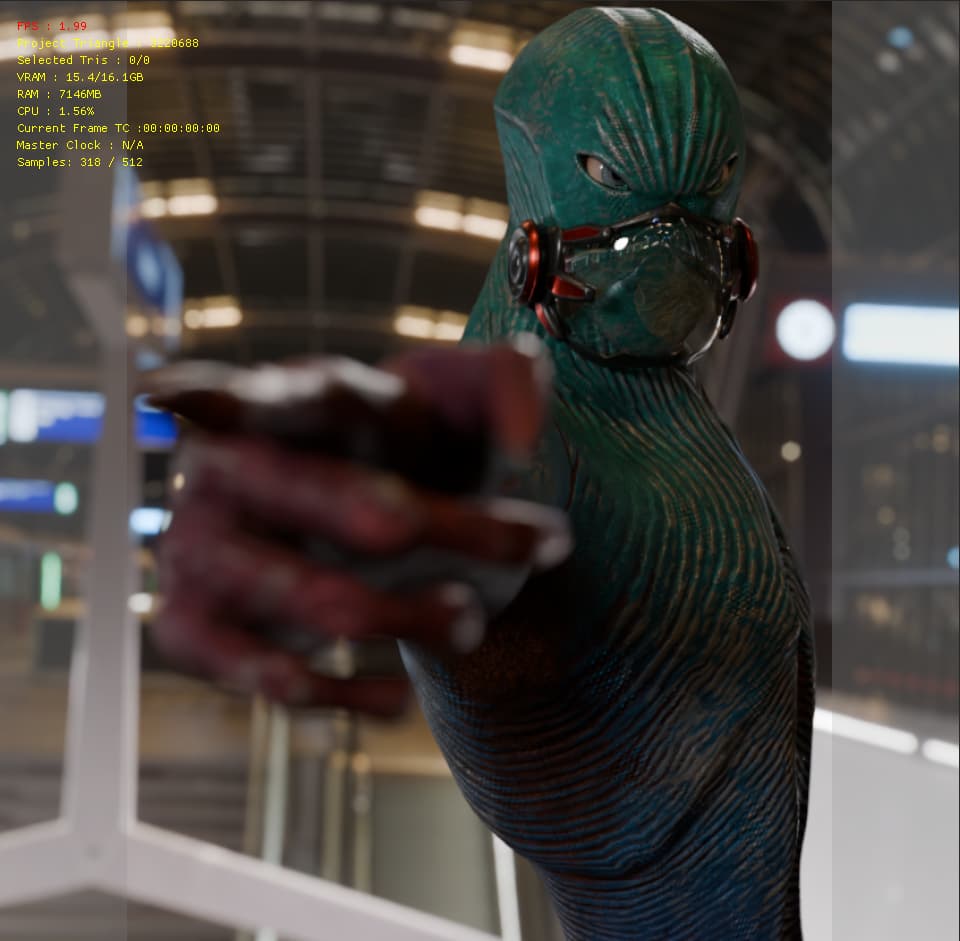
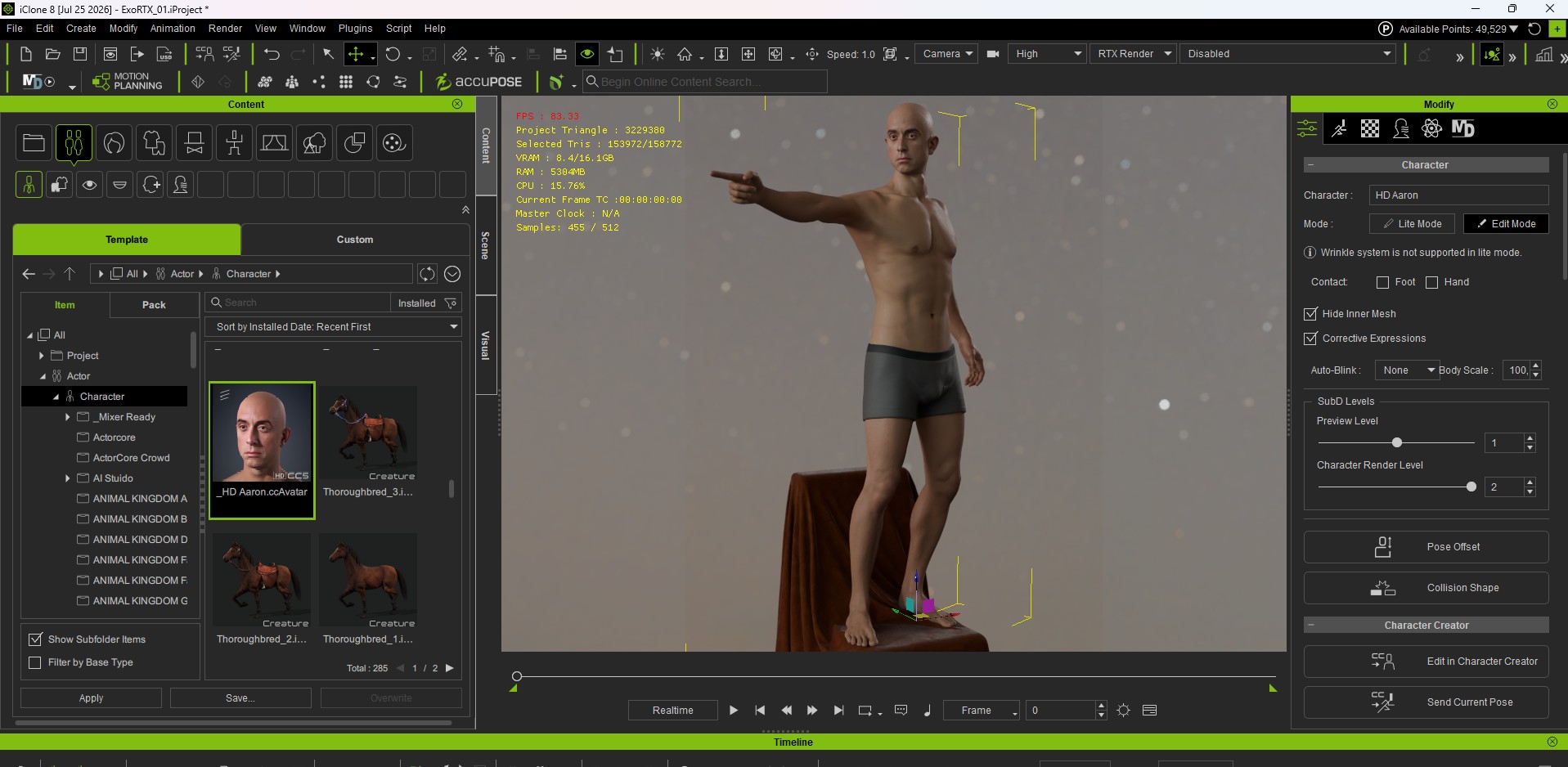
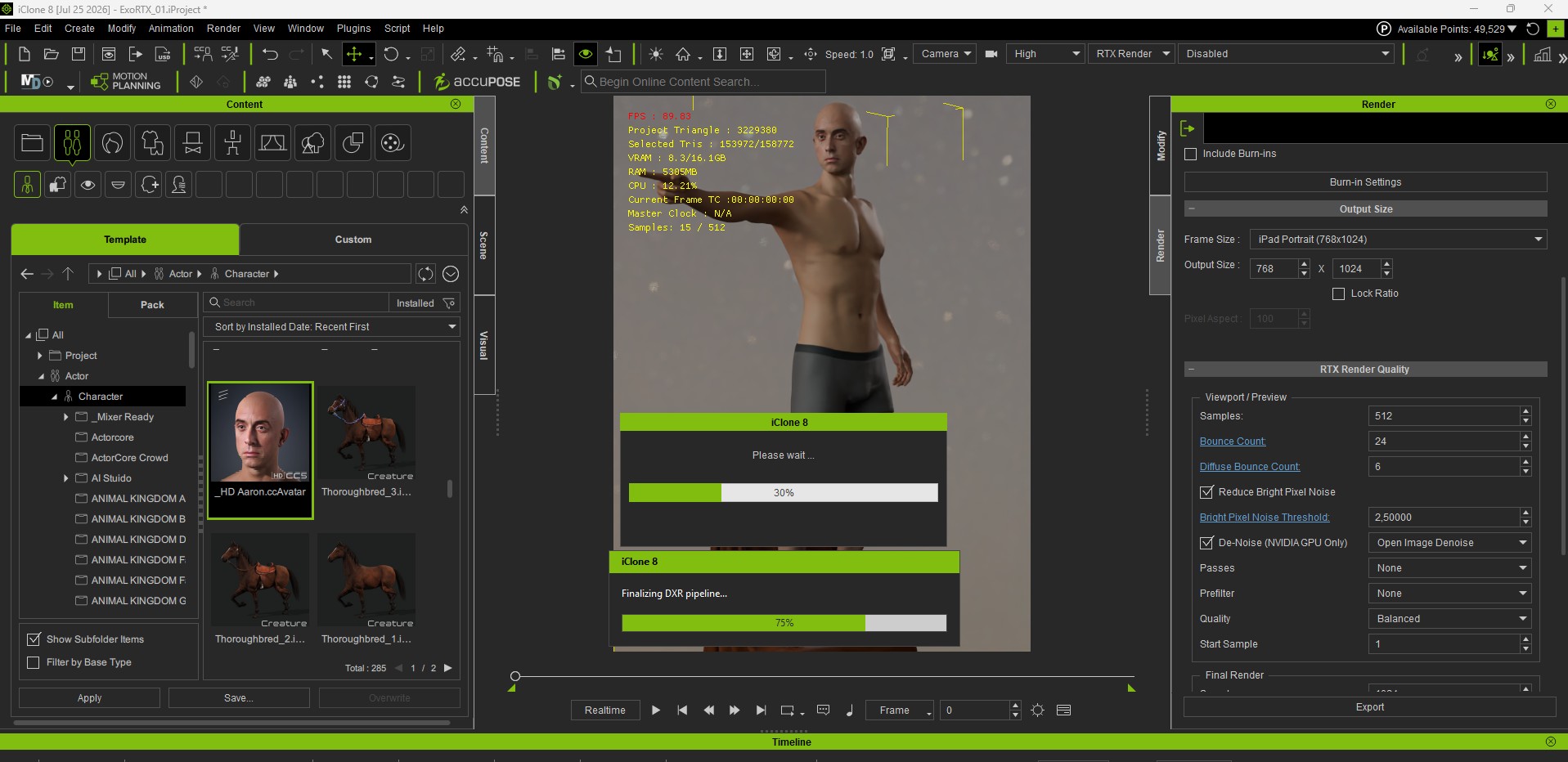
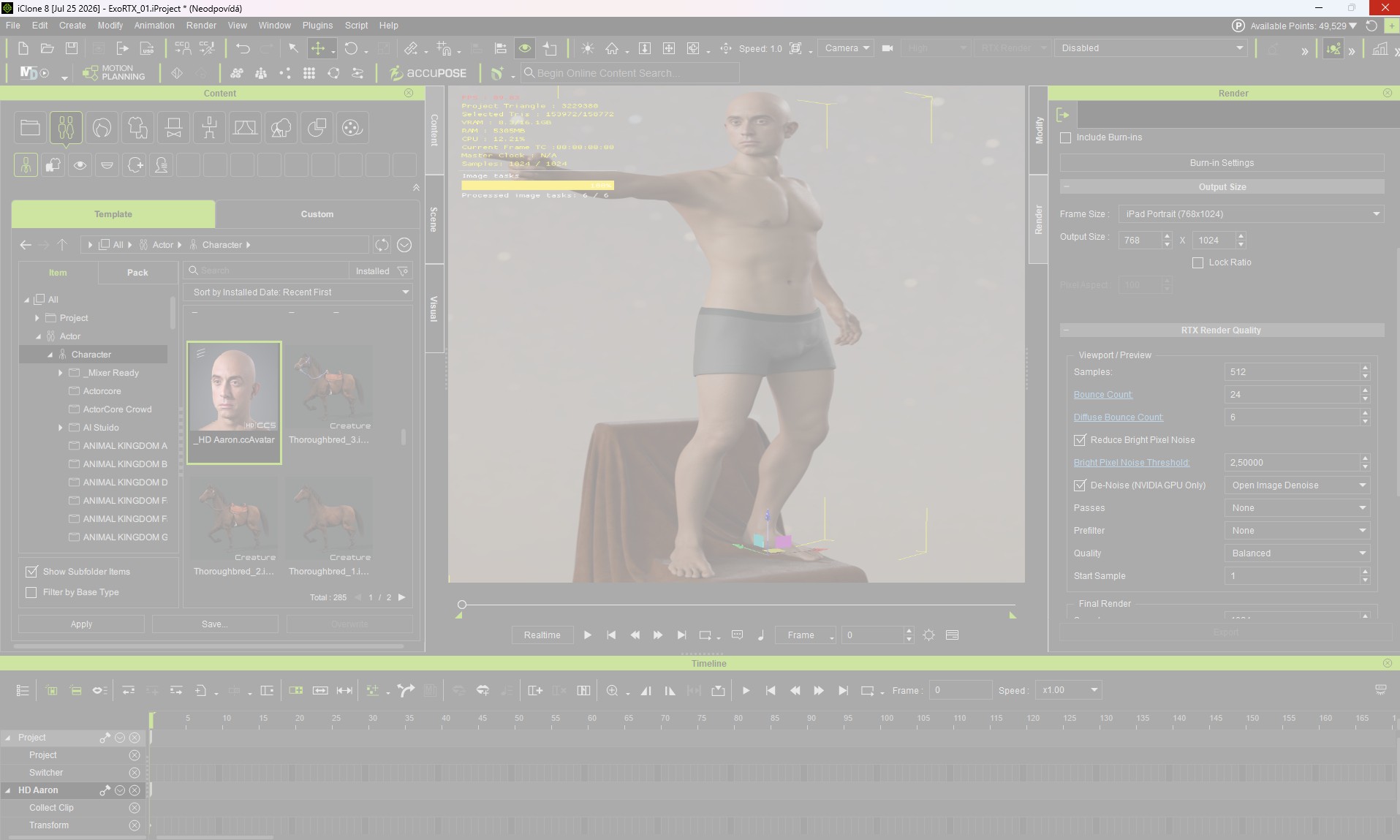
Hi Luke, I tried the same scene in IC8 beta with Alien, but replaced him with the Aron HD 4K character (which comes bundled with the CC5 release). This time the image rendered, but after the render finished, the entire iClone froze (during recovery and cleanup from the success render) and crashed after about 4 minutes. This confirms to me that the problem isn’t primarily with the 8K PBR maps. However, I noticed that even though the 16 VRAM wasn’t even a third full, iClone started using a lot of system RAM (I only have 32GB), and usage climbed to 88%. I suspect that it was overusing system memory instead of VRAM to store files. I’m attaching screenshots and the DRM again. - https://drive.google.com/file/d/13WHOY478pSIXhNOYwQMKj9ryf2eQsZ-k/view?usp=sharing

Nope. This is default settings


This is my test render. I tried making another character but CC5 Open beta would not let me open it. I created this one inside moving over the textures from that other one and tweaking it to just test.


I think I may have post this to the wrong place the first time so I posting again.

The sky did not render right. However over all I thing RXT will be a great addtion once it’s out of beta. I tried to reander as a Video. but my NVIDIA GeForce RTX 4070 Ti (12 GB). did not like it Iclone crashed 4 times.

So here is a still for now.

I will let you know when I’m able to render the video.

The beta has crashed my computer a couple of times, but I was able to get a few renders.


First test

Well, it’s glass that looks like glass. I’m pretty happy. Although, it took about 10 tries to finally render. iClone kept crashing on my 4070 8GB VRAM Laptop. It rendered just fine in viewport, but seemed to crash at 4k and 2k resolution during rendering.

The other two further down did fine at 2k, just not this first one. Perhaps the textures added too much weight? Anyway, I’m not complaining. This is great.

Here’s another comparison, but put in the wrong thread earlier.

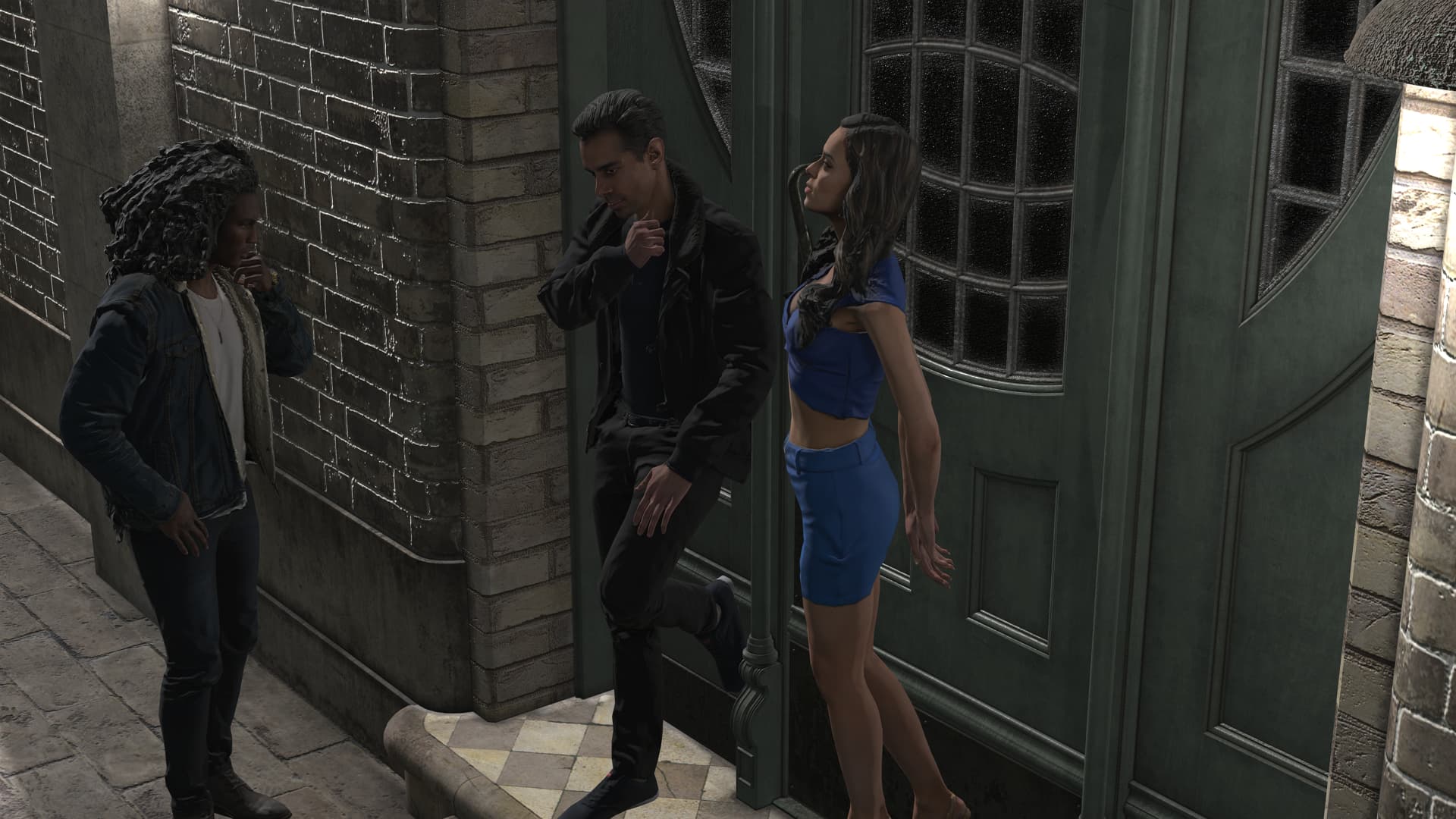
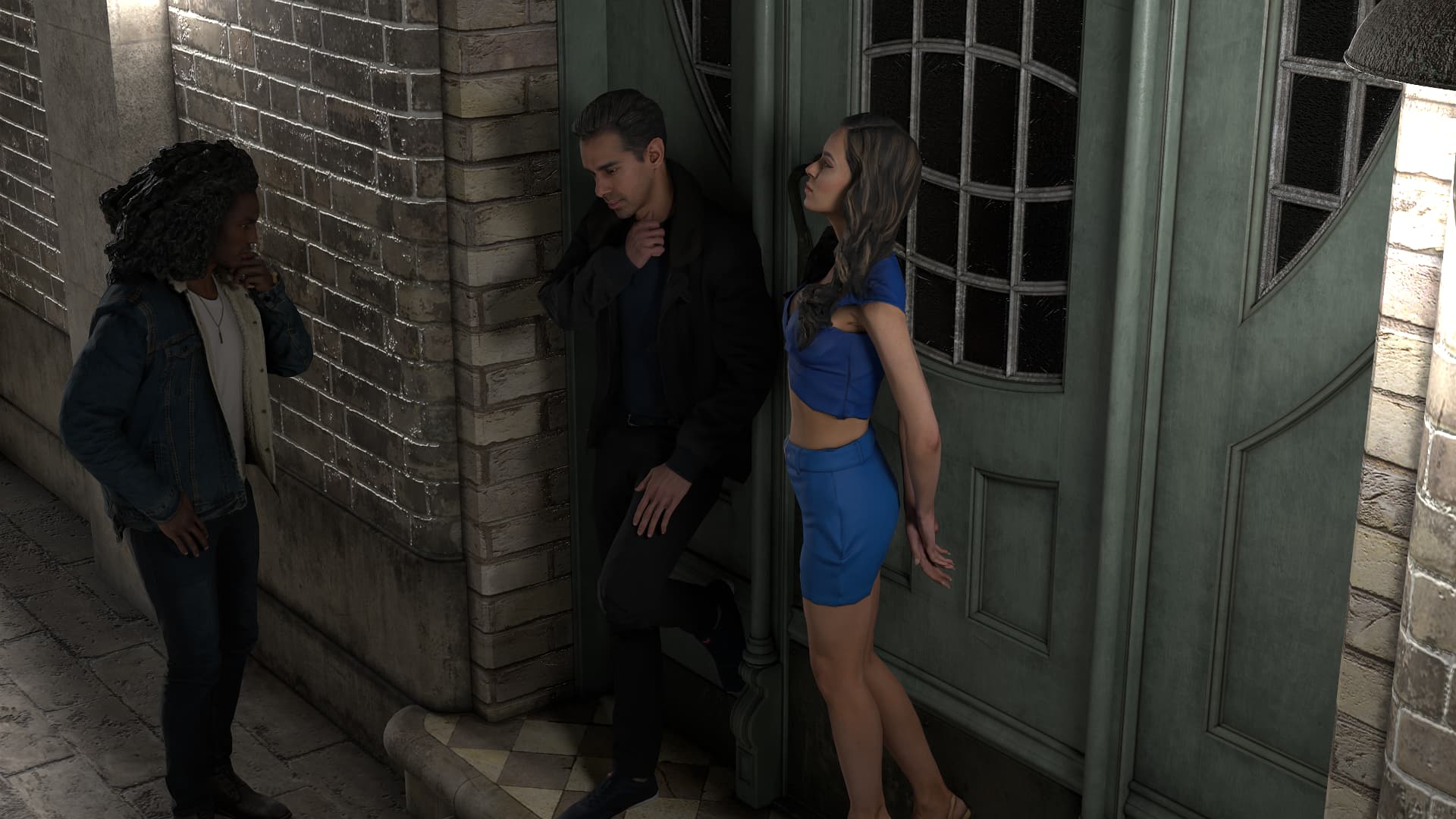
DX11 Render:

RTX Render:

Here’s my first test:
Image 1: Native render
Image 2: RTX render, 1,500 samples,
Greetings, Robert

5 Likes

The RTX render makes it look MUCH less glaringly like it was generated with Headshot (which is my biggest complaint with Headshot generated avatars). Nice!

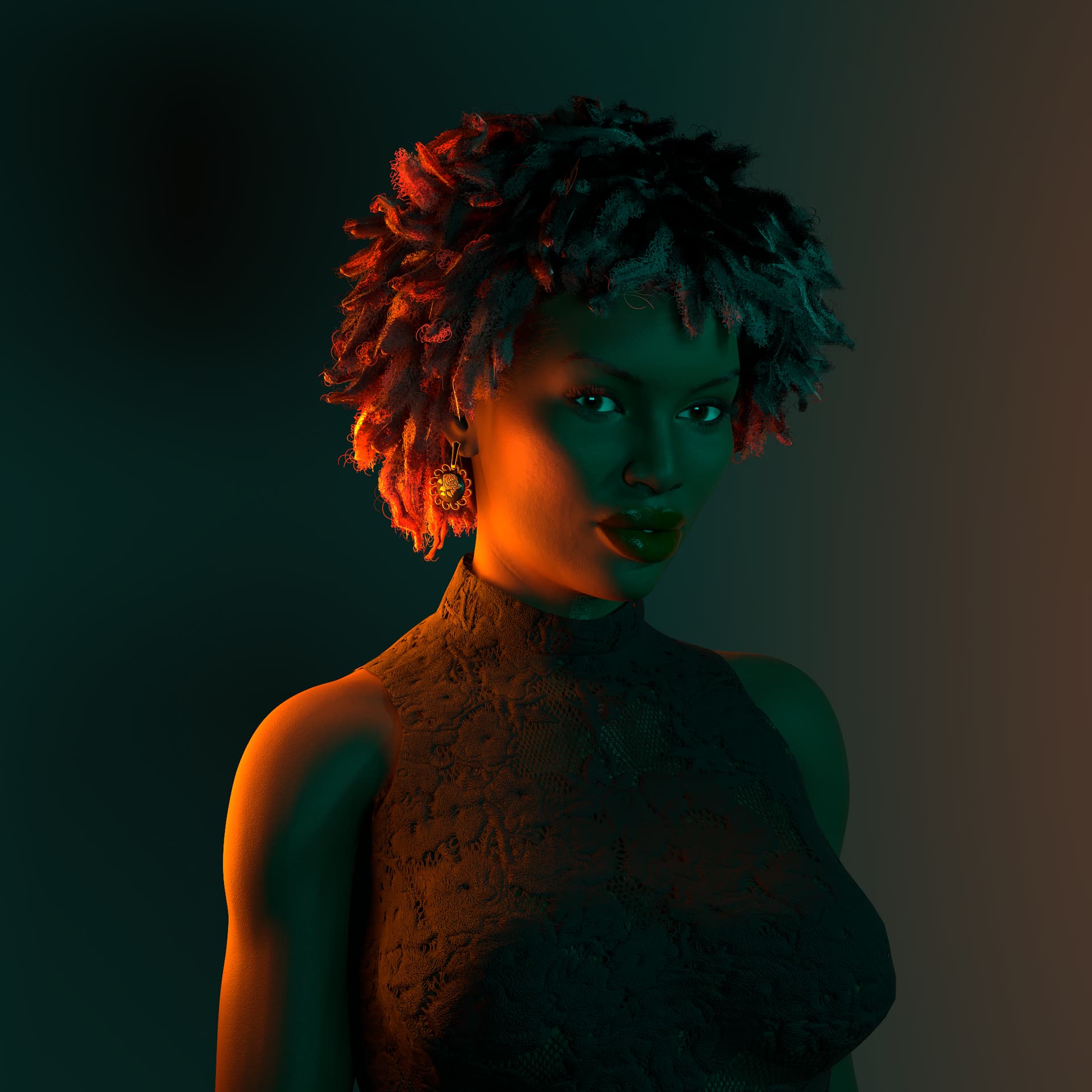
Some 2K test renders in CC5.

CC5 HD Character, skin from Actor Mixer pro, Hair from Hair Builder 1. Outfit from Daz.

The hair and skin render really nicely.

An older Daz Genesis 8 character conversion and outfit.

I think I’m going to need to work on my hair shaders in Blender, because suddenly, I’m not so happy with them …

3 Likes