I wasn’t able to load any project that I’m currently working on so I threw this one together to test it out. I for one am impressed with the quality. (sorry, didn’t think to do a dx11 render for comparison. Next time.) I can’t wait for the renderer to be finalized, my current project really needs terrain, water, popcorn effect, everything. Oh, one thing that wasn’t on the “Not ready list” was cloth physics. For some reason the physics tab for cloth and hair wasn’t there,
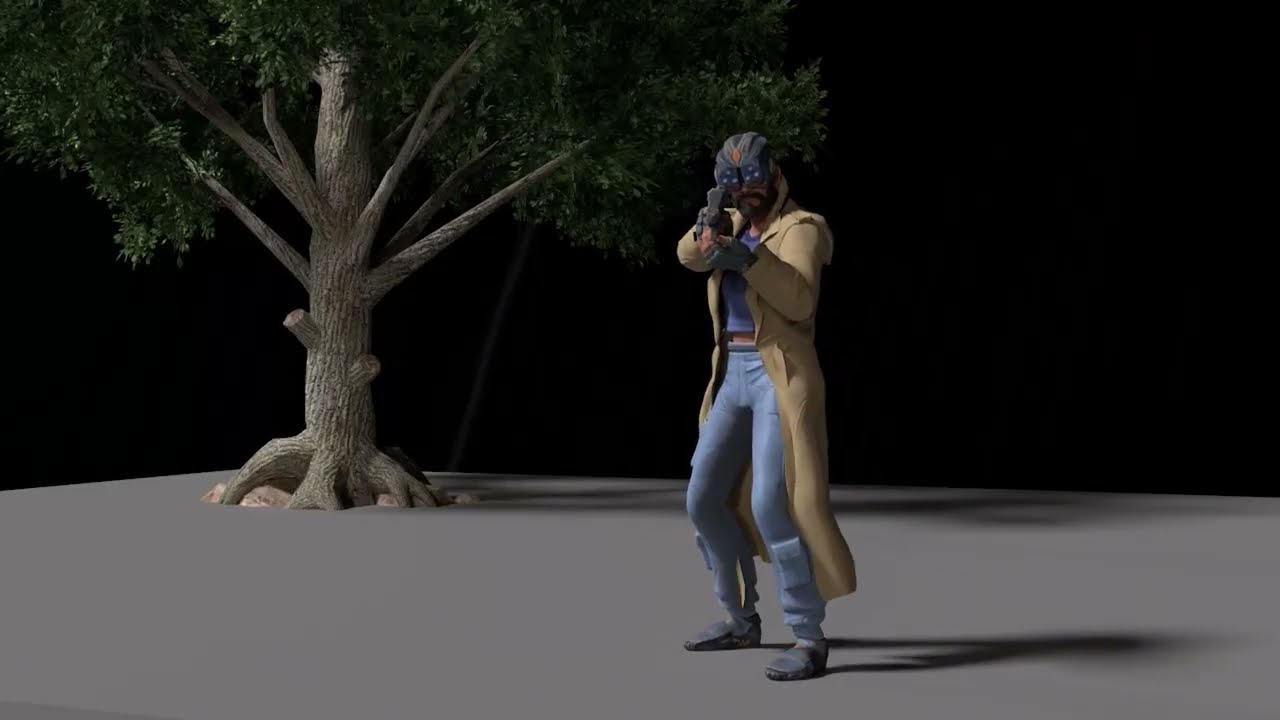
Just tested a quick render using RTX Beta with soft cloth simulation.
It’s just awesome. I also add an old iclone tree, that also looks excellent.
1 Like
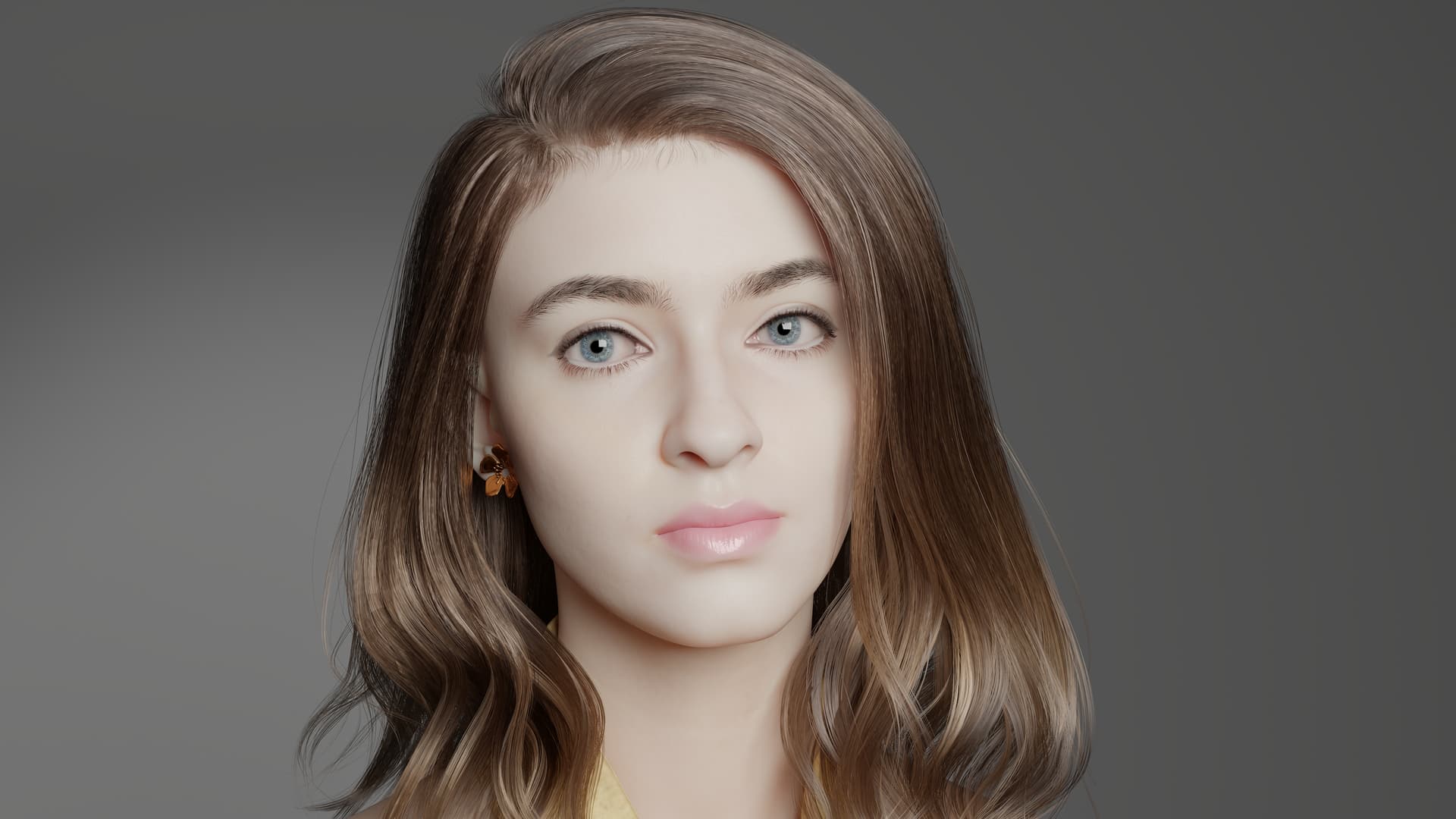
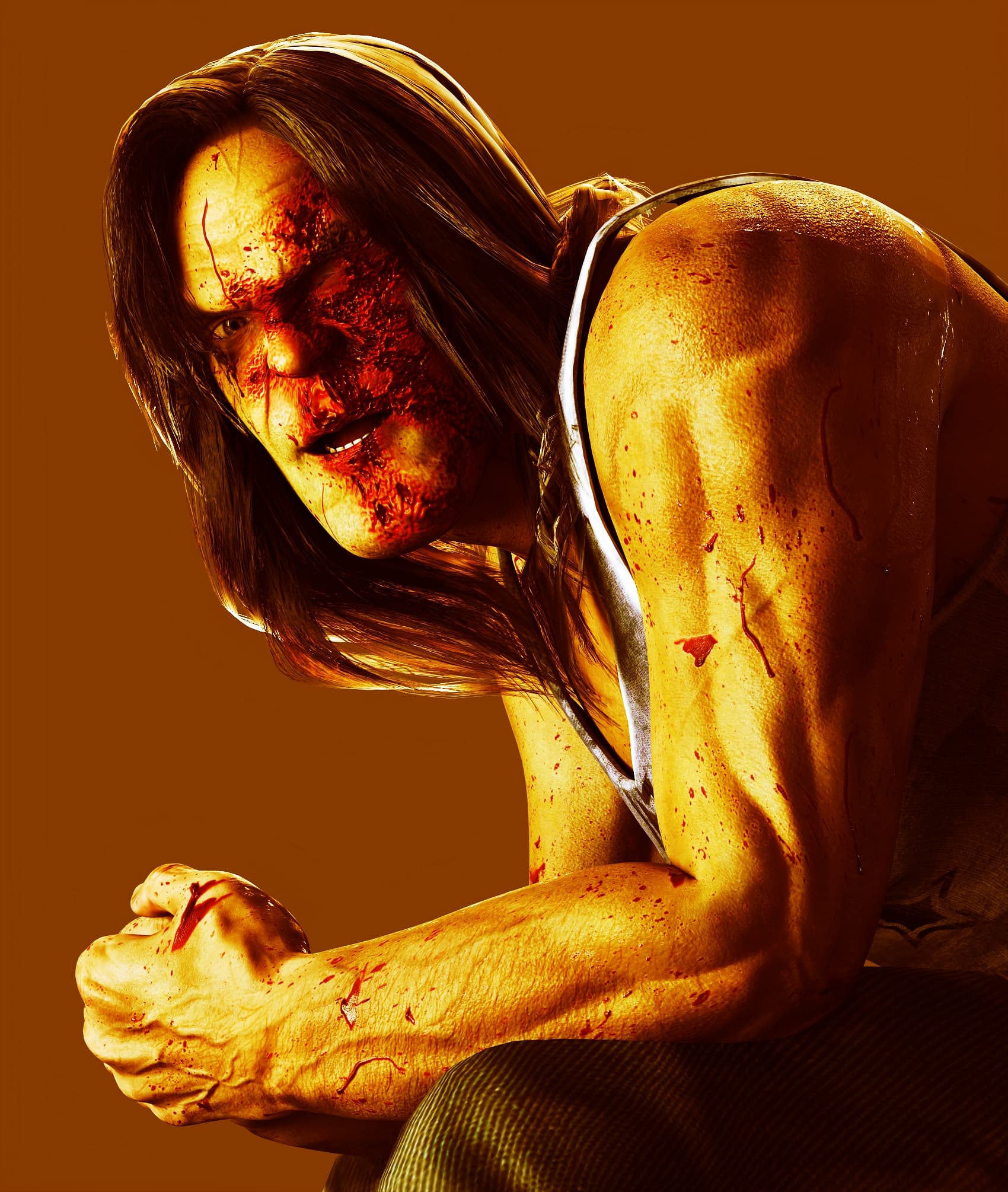
The hair looks really natural in RTX. I have hair builder 1 and 2 but haven’t found anything that looks that good yet.
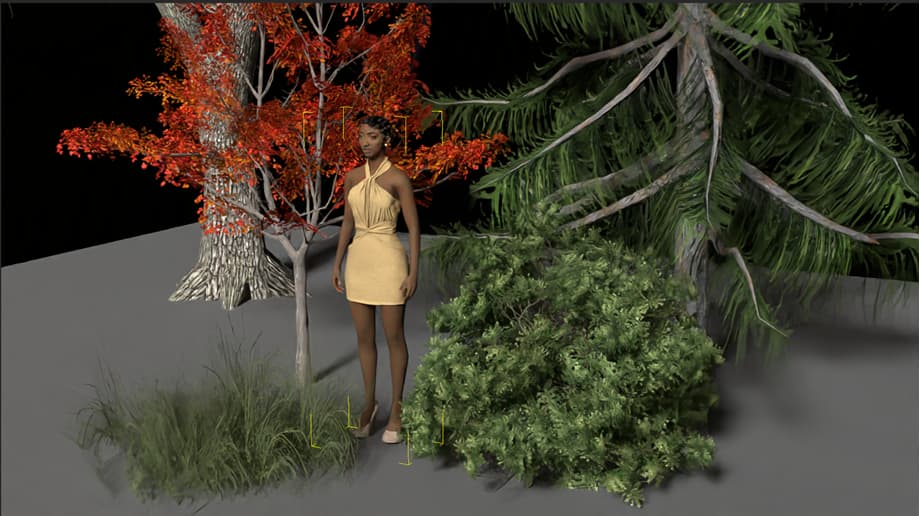
You can actually load Speedtrees. It will just be a really calm day, because the wind requires DX11 render.
iClone 8 RTX Beta 1: Can’t seem to get any of the Substance Painter PBR to apply to objects.
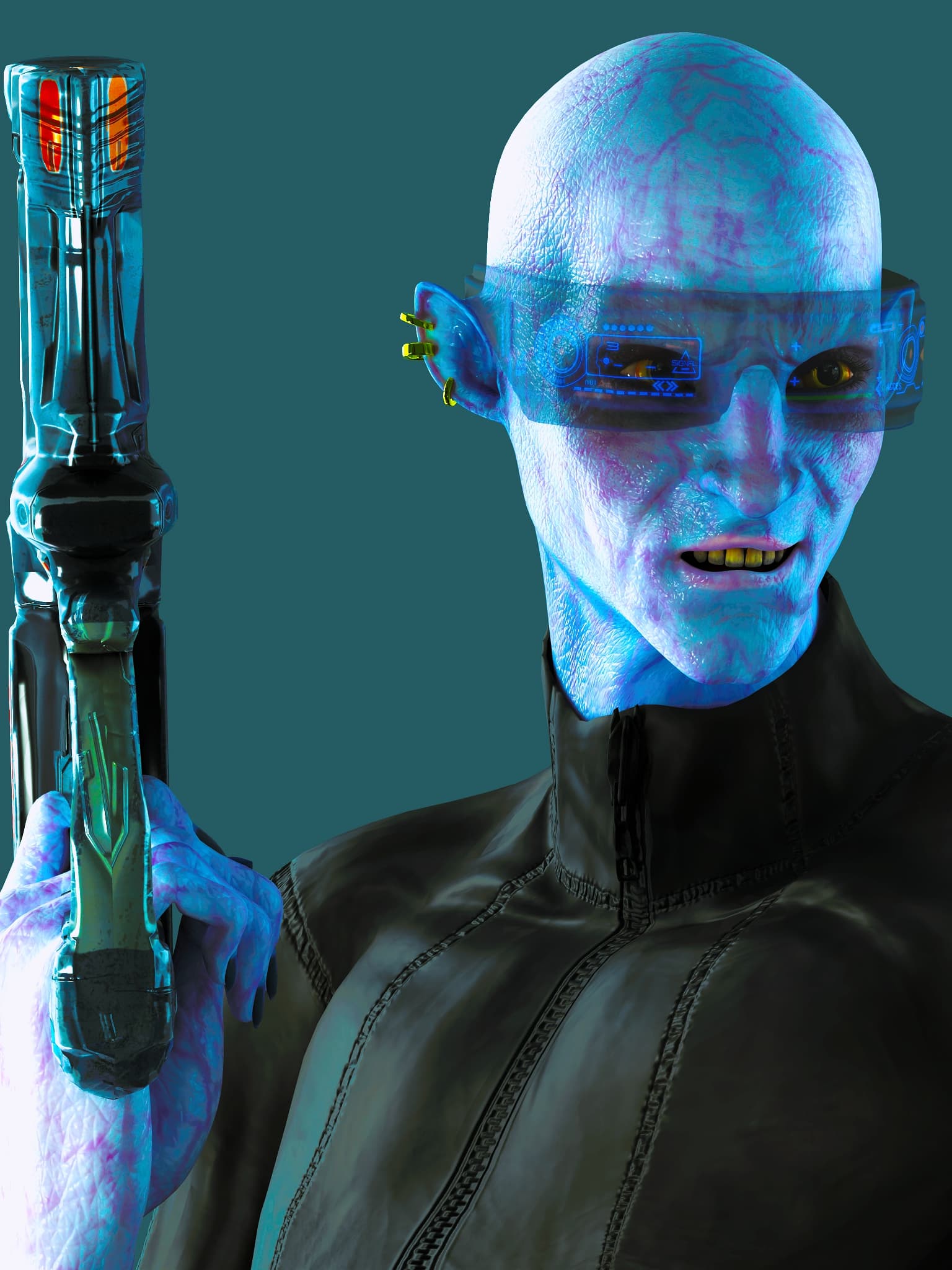
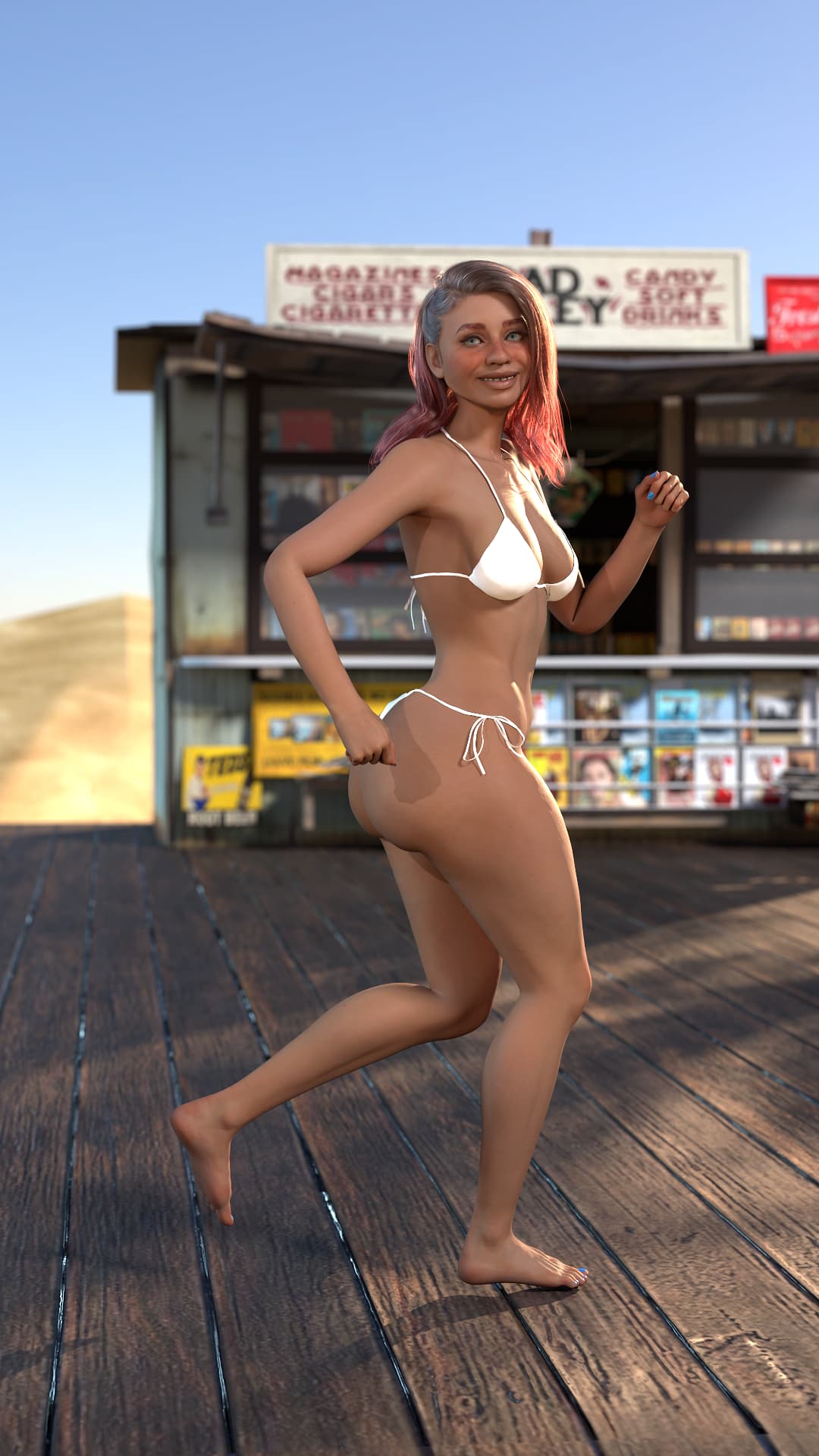
Hello, everyone. Here are my first raw render tests. I used my character for the 2026 Reallusion contest here
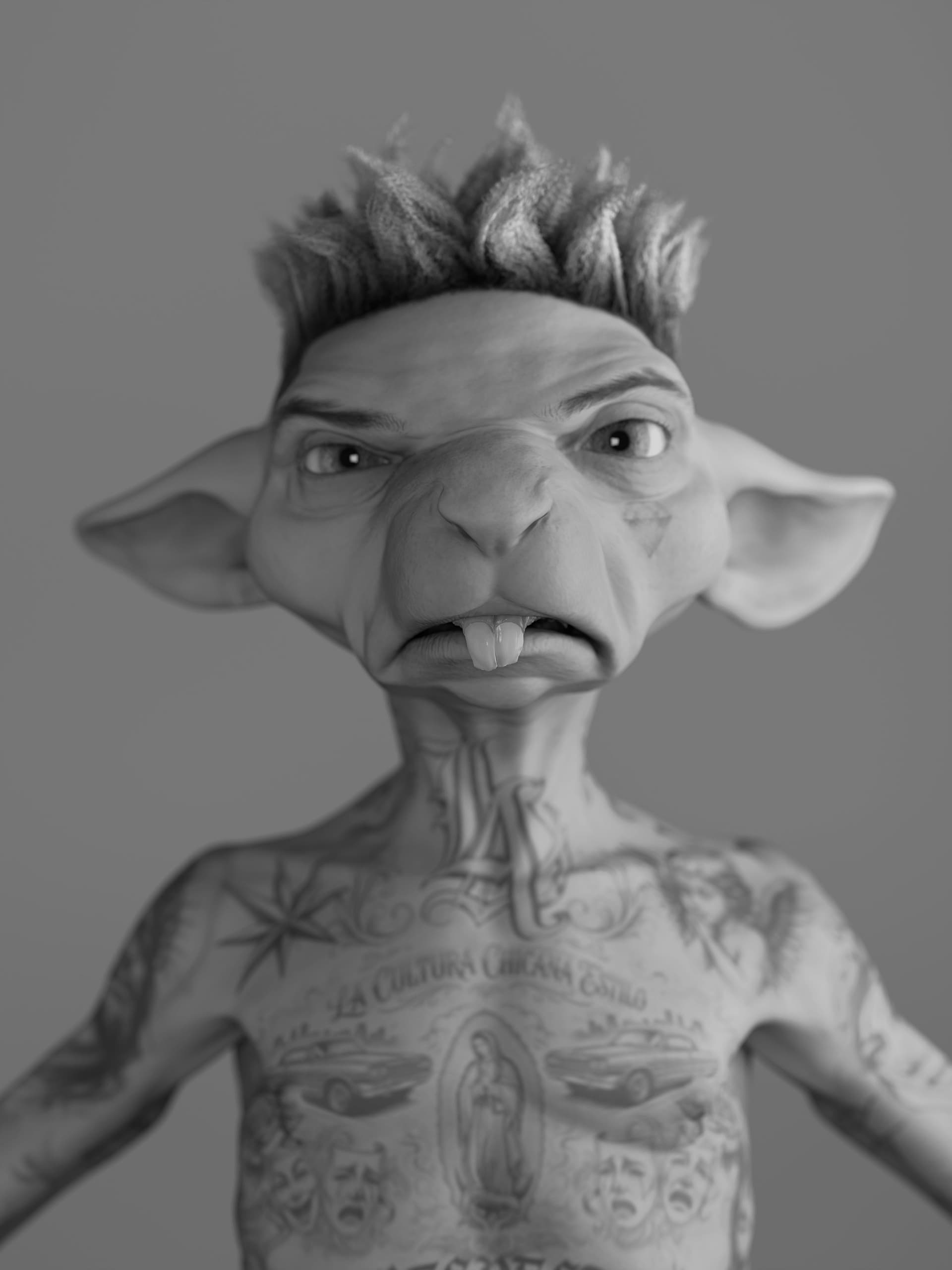
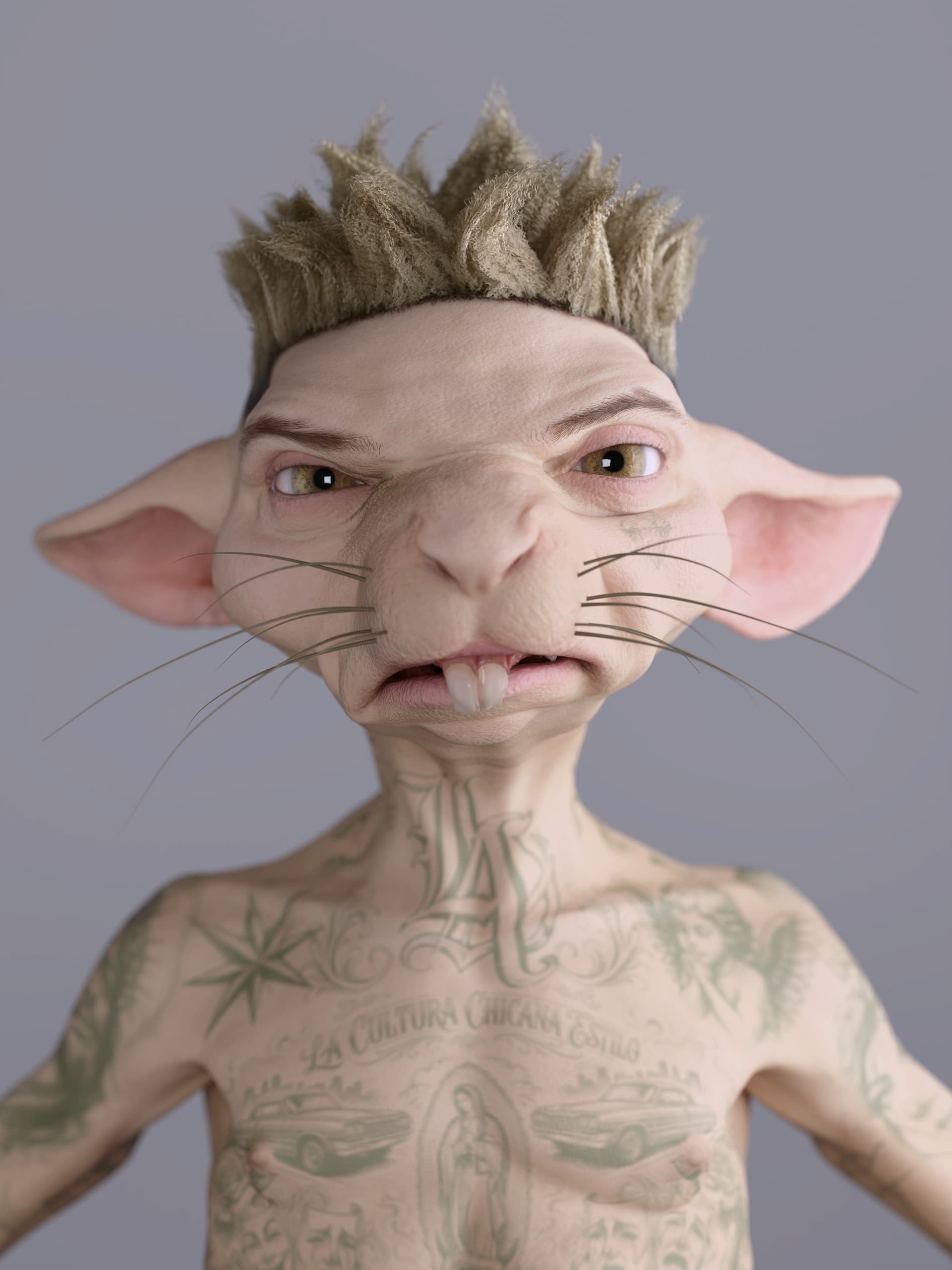
2 Likes
Hi, brainsguy
That shouldn’t happen. Could you provide one of the projects that can’t be loaded in the RTX version so we can investigate the issue?
It is hair builder 3 .
1 Like
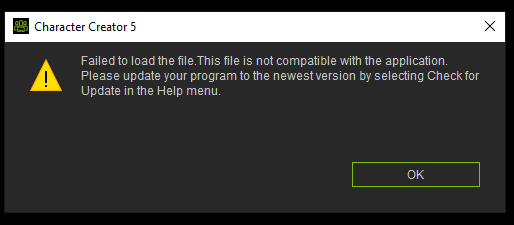
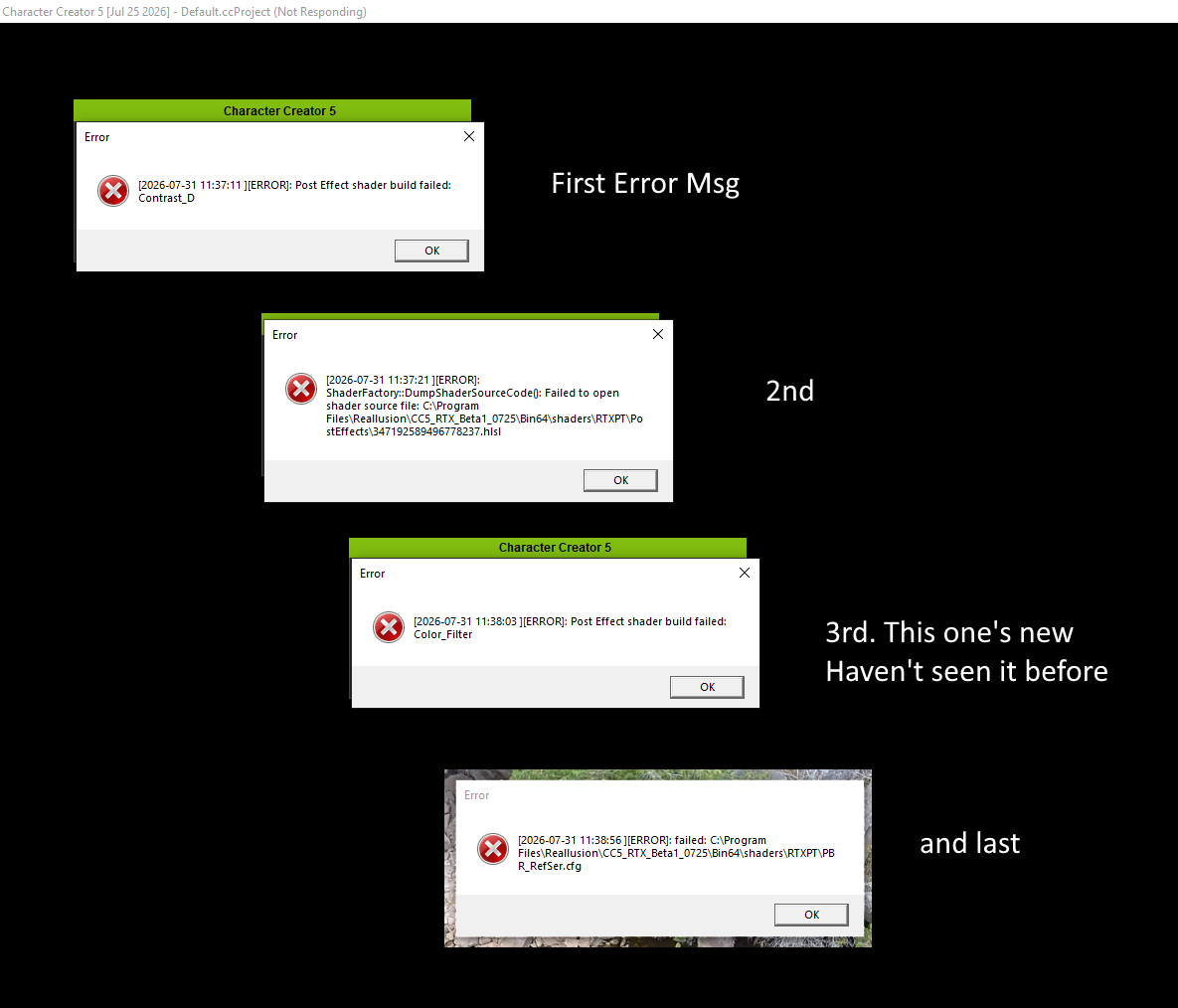
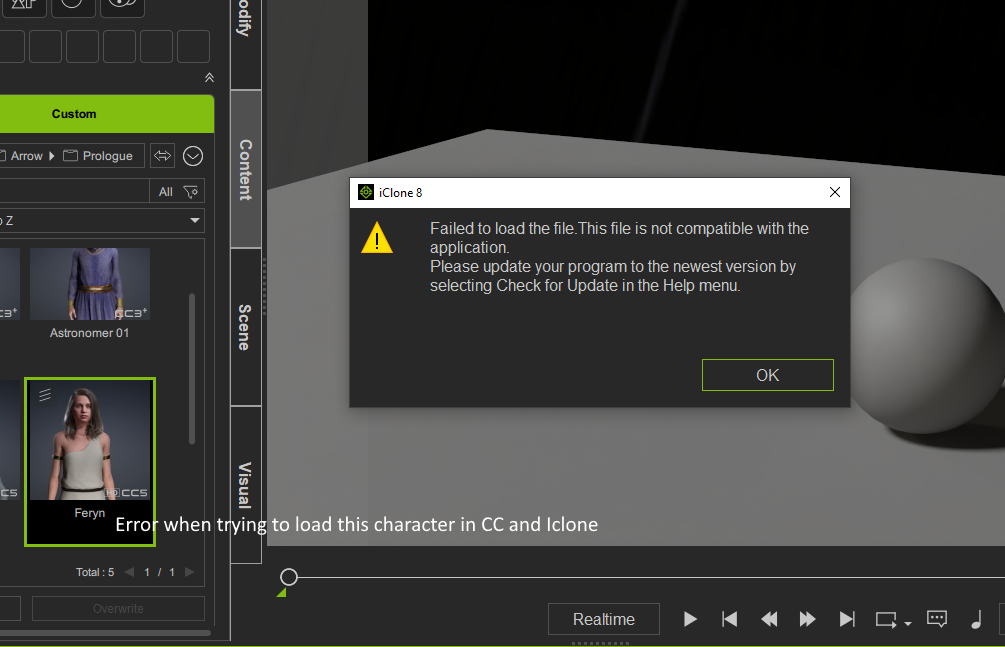
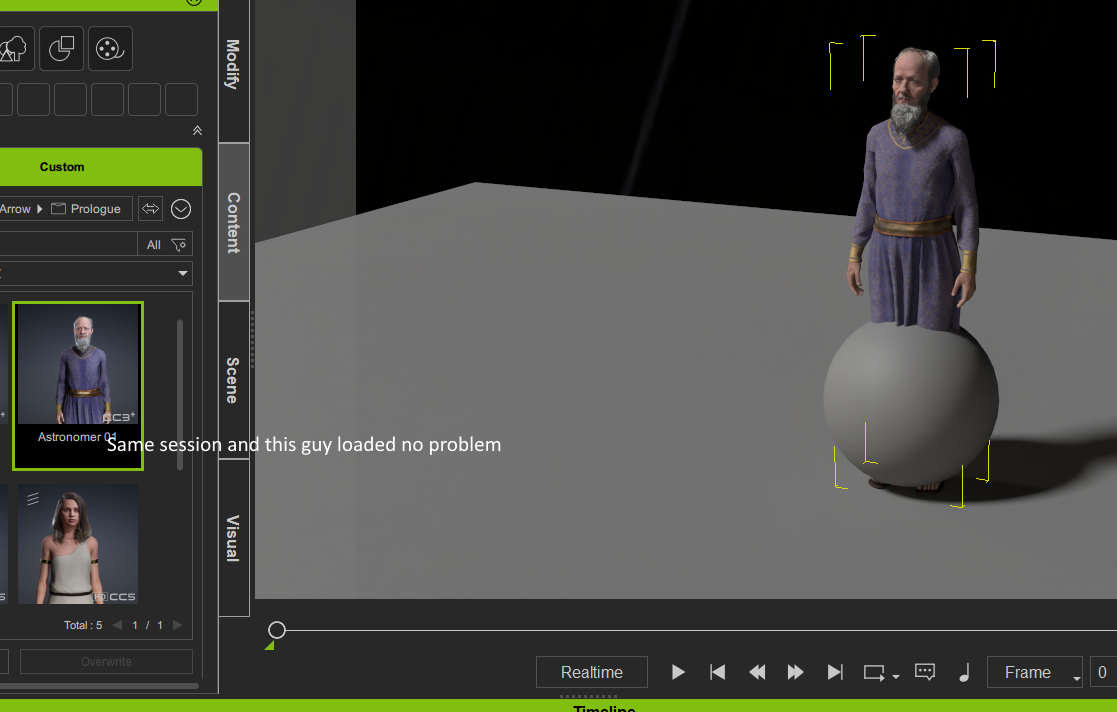
Here’s some images that show the error messages. I was able to load some other scenes and characters without too much trouble. So far it seems to be this one character, I’ll try some others to see if they too have issues. CC1 is what i get when trying to load her in CC, then CC2 are several messages I get when i loaded a character that actually loaded. Then I think the IClone error images are self explanatory. What would be the best way to send a CC5 character file?

So I finally got a chance to test the RTX rendering on animation. Here are the comparison results:
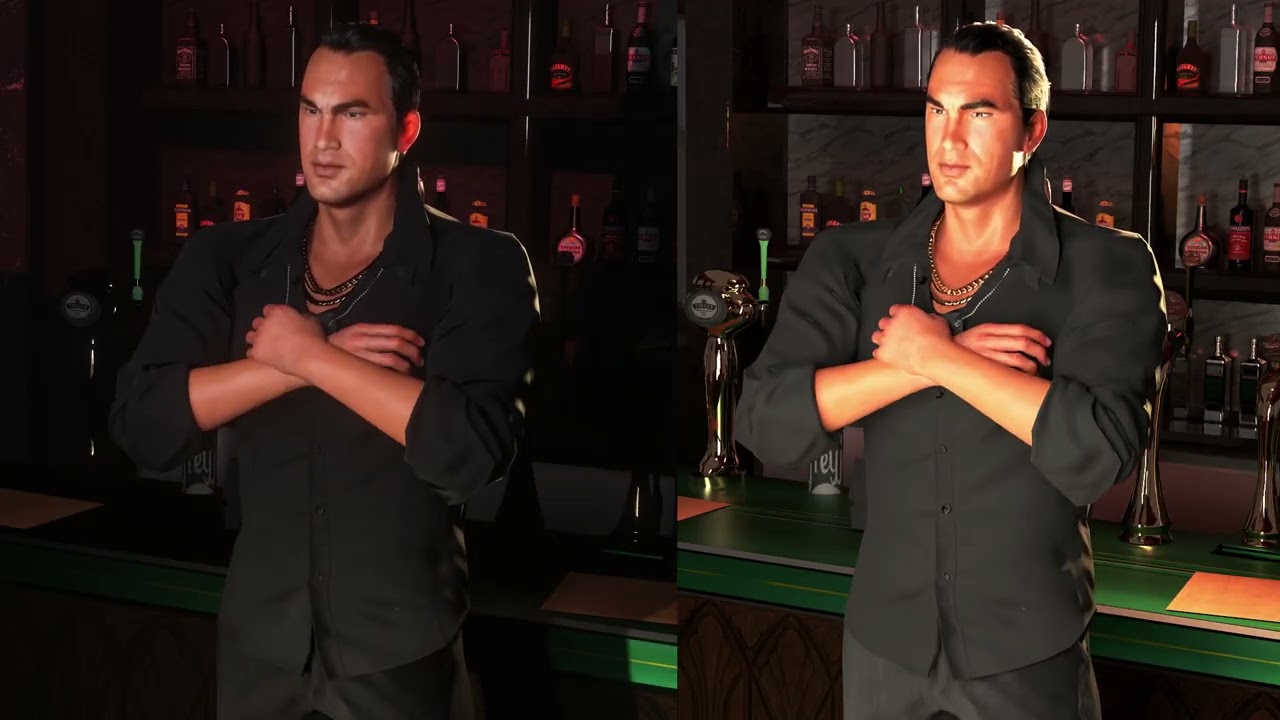
At the end of the day, for my personal needs, I get far better results with still renders, especially with time being a factor as it is. Love the still render results though…
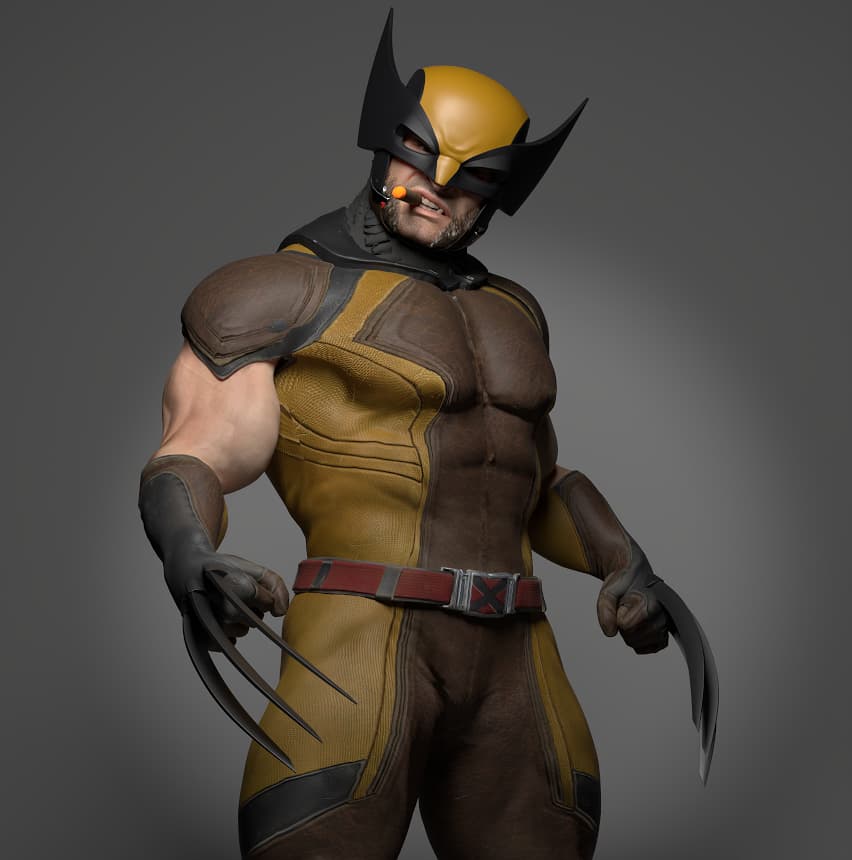
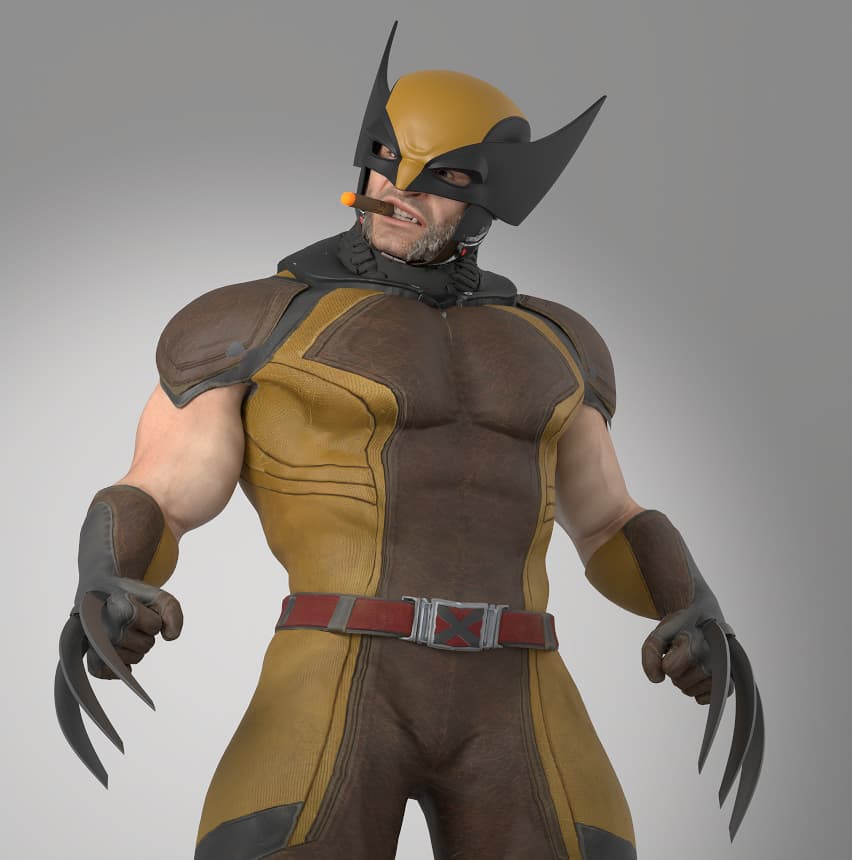
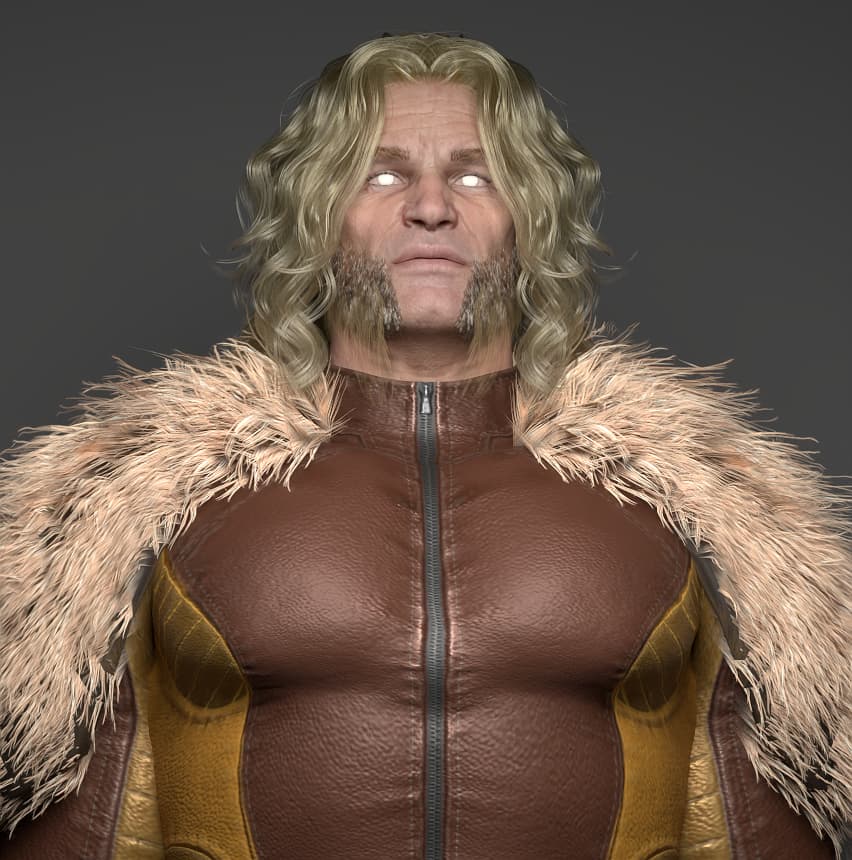
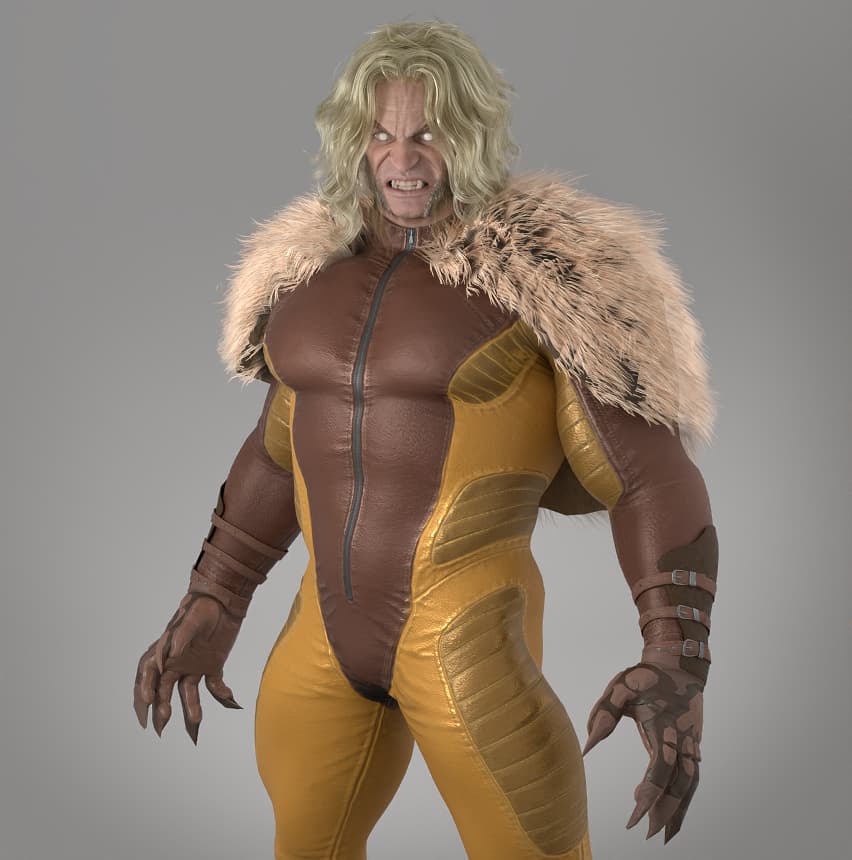
5 Likes
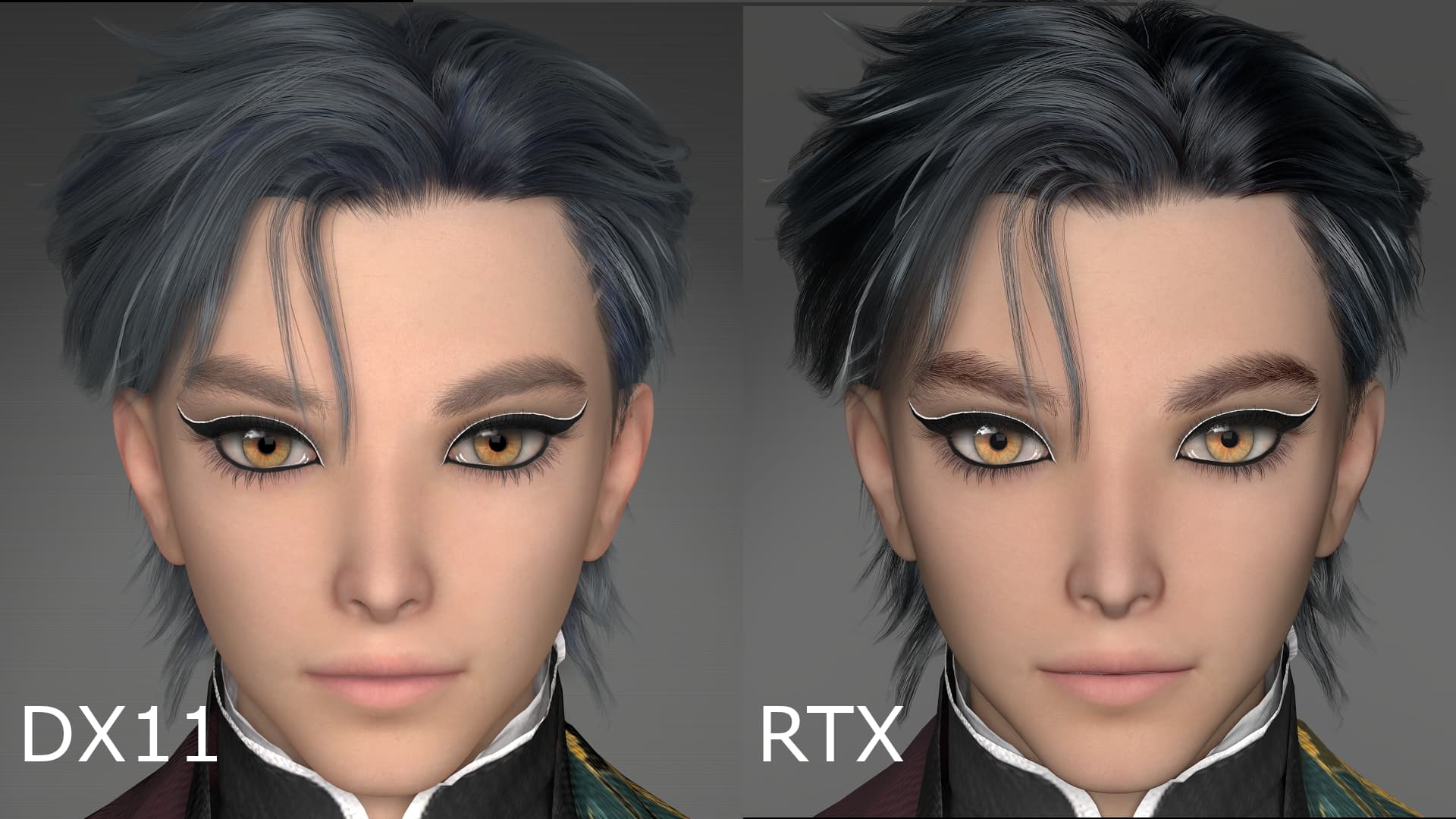
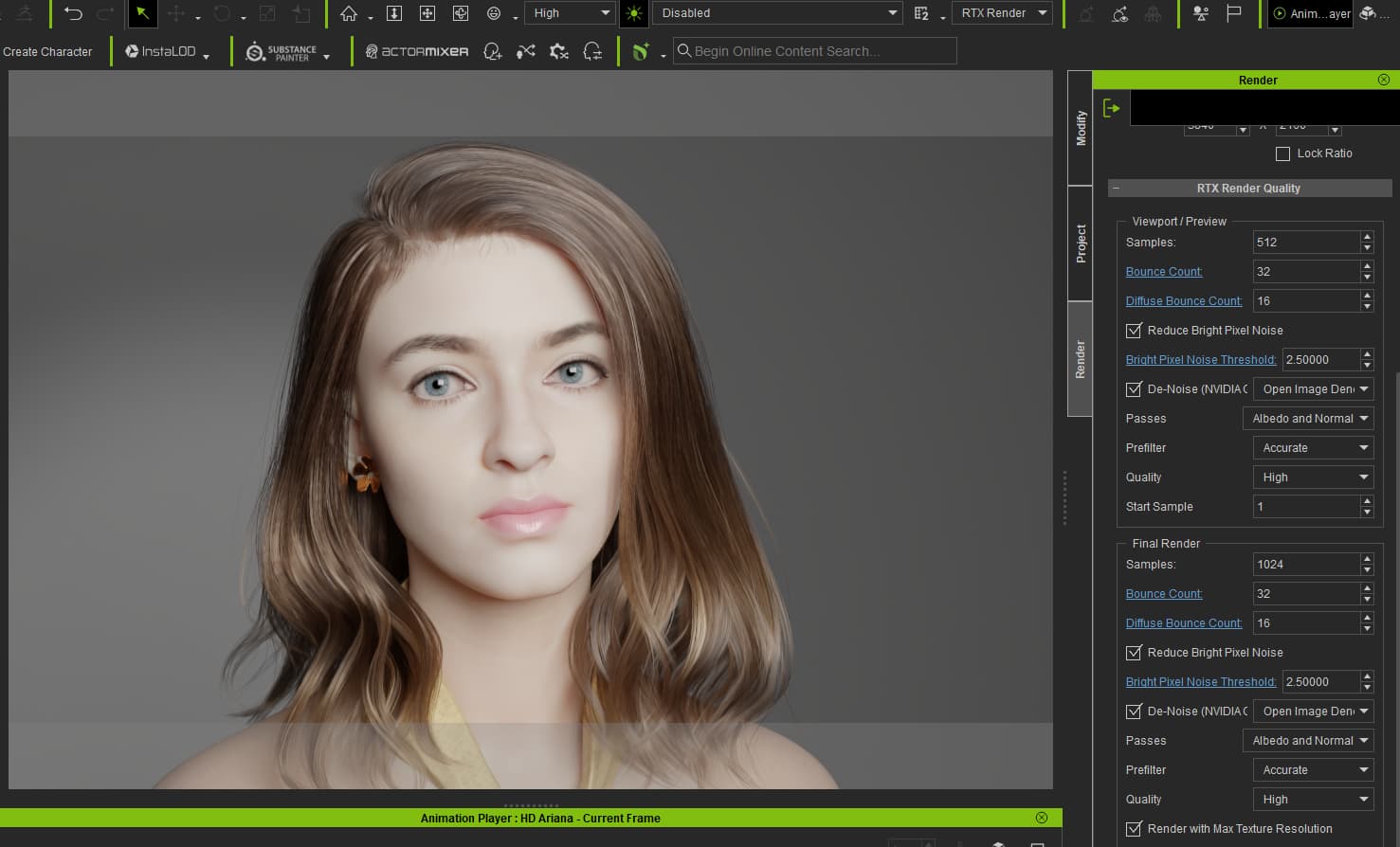
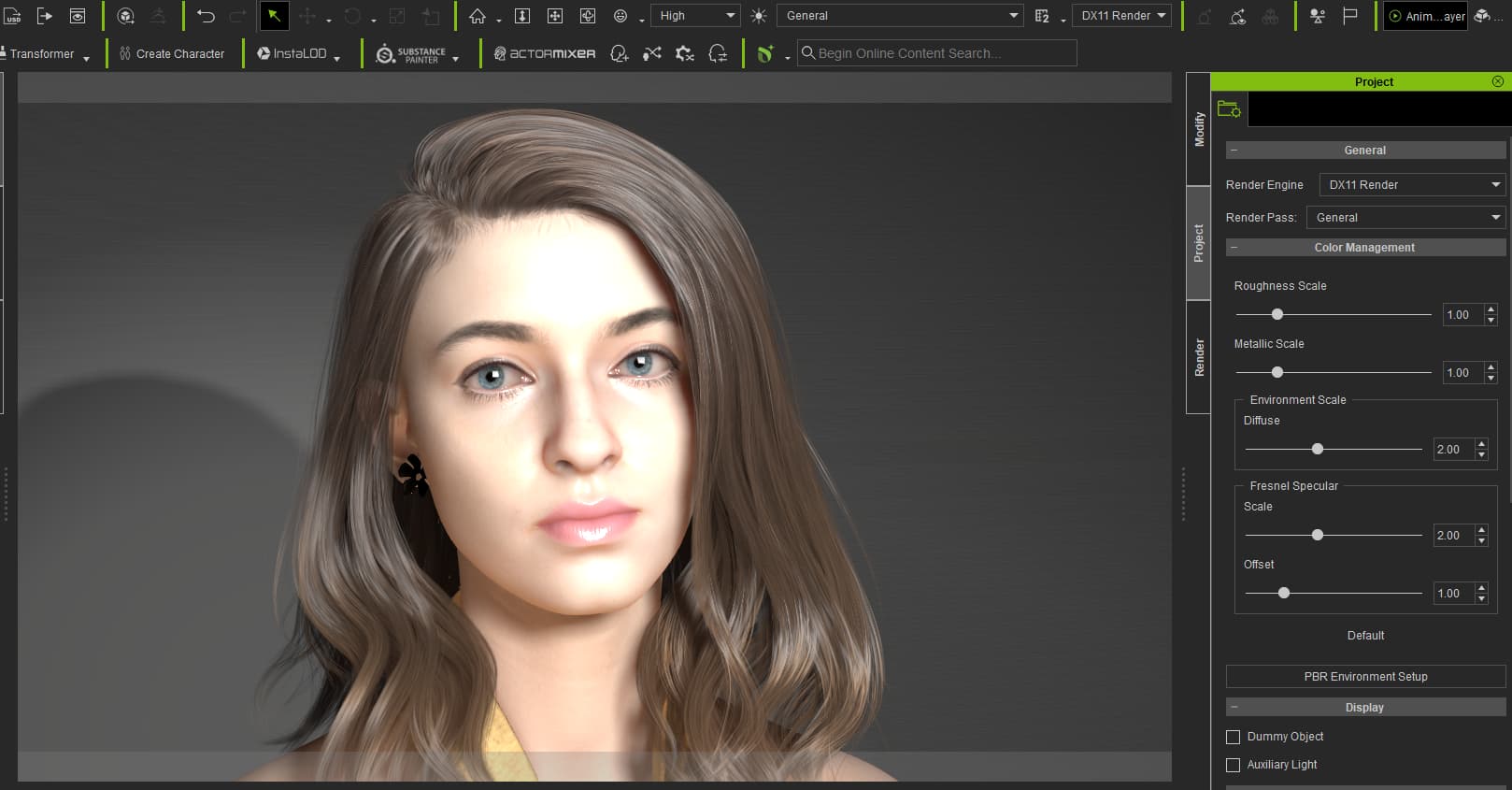
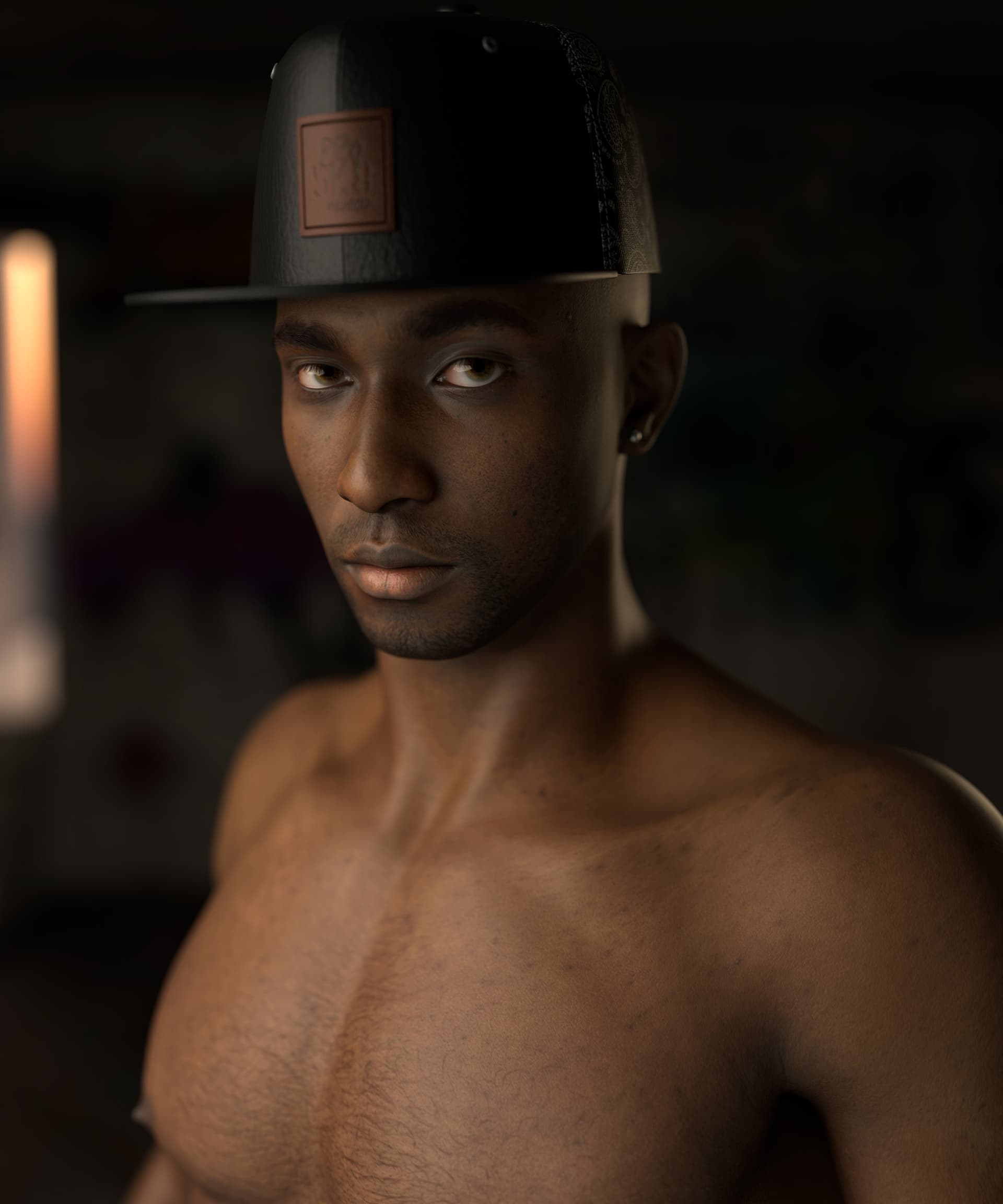
When comparing renders of my custom character, “TT Kuon,” the RTX render looks much more realistic than the DX11 version. The hair and eyebrows are darker and defined strand by strand, the eye reflections are stronger, and the skin texture looks far more lifelike. Rendering took 1 minute using an RTX 5060, with the settings set to 512 samples, 24 max bounces, and a denoiser strength of 2.5.
What surprised me, however, was that the Yoshiwara (Red-light district) building prop included in the project completely disappeared from the scene as soon as I switched the render setting to RTX. Does anyone know why this happens?
Also, I was shocked when the app crashed right as I started rendering after changing the lighting to the CC5 Default setup.
Hi, brainsguy
If possible, could you upload your files to Google Drive and share the link with us?
Also, could you provide your PC specifications, including your CPU, GPU, RAM, and Windows version?
I’m pretty sure the problem is with one character. For some reason any scene this character is in won’t load, and can’t load the character itself into either CC or Iclone. These two scenes both have her and as you can see I replaced the character in the one scene and it loaded fine. Would it have something to do with Headshot 3 or Skingen? I think she is the most recent character I created using Headshot 3.

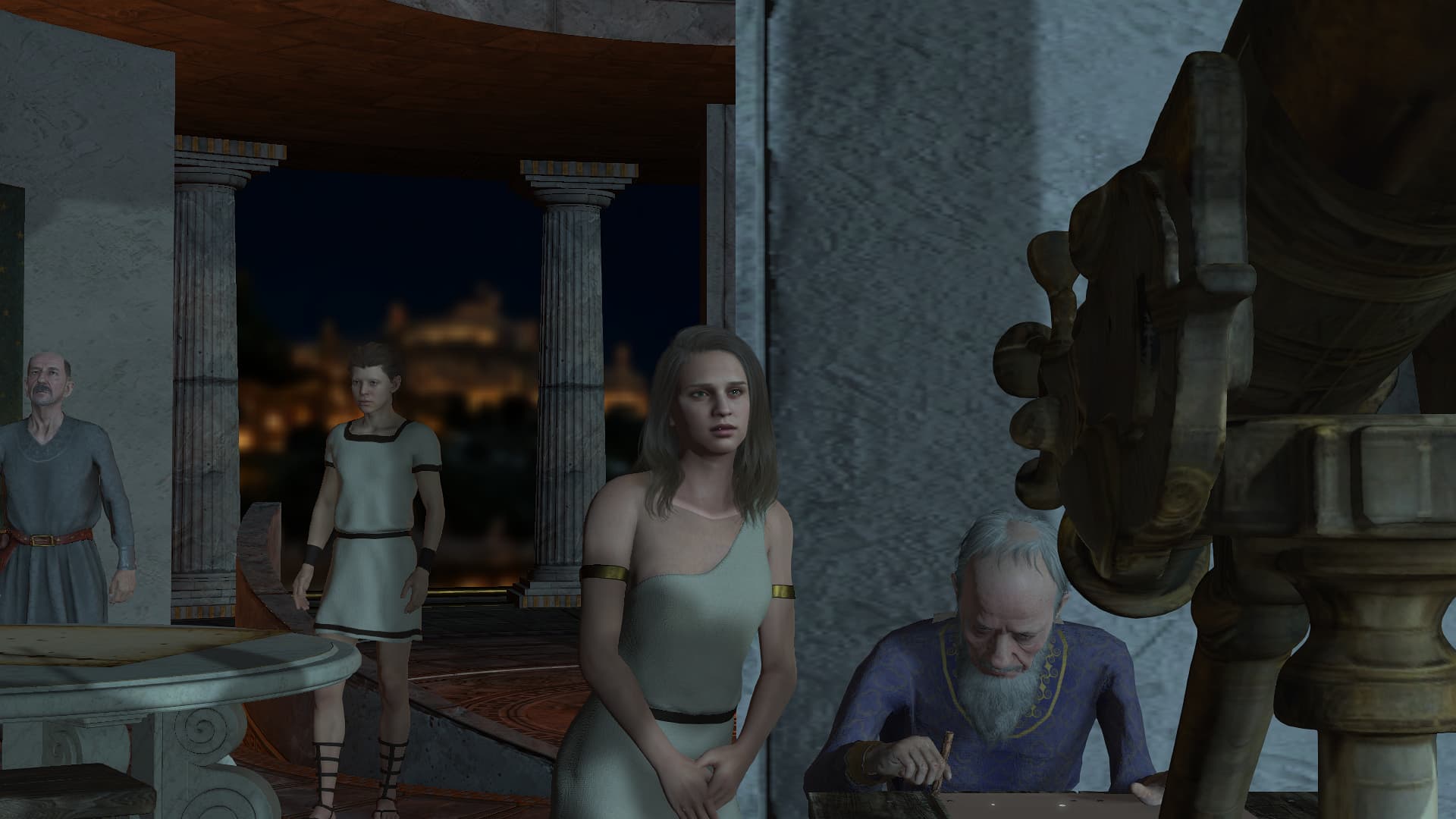
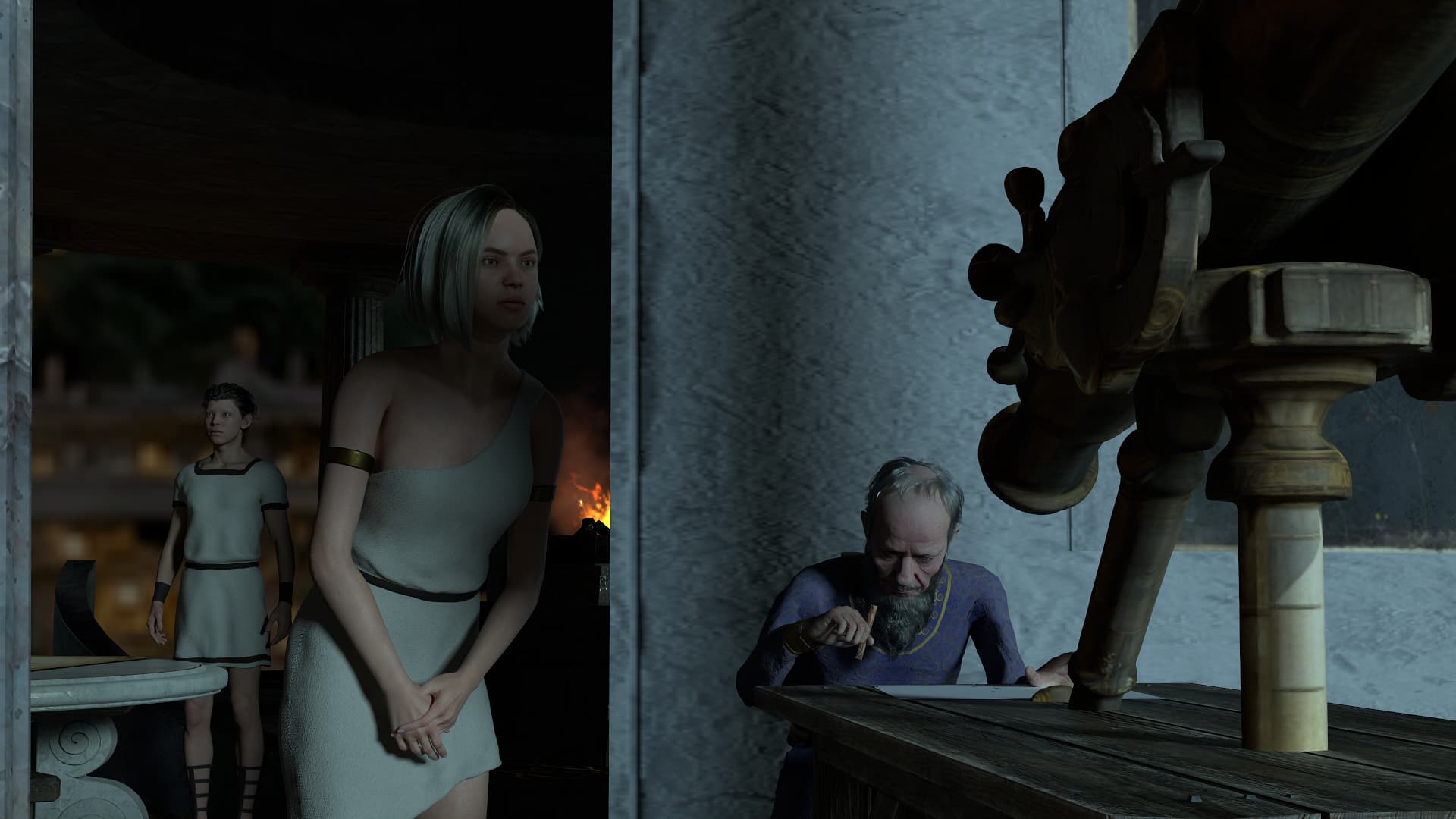
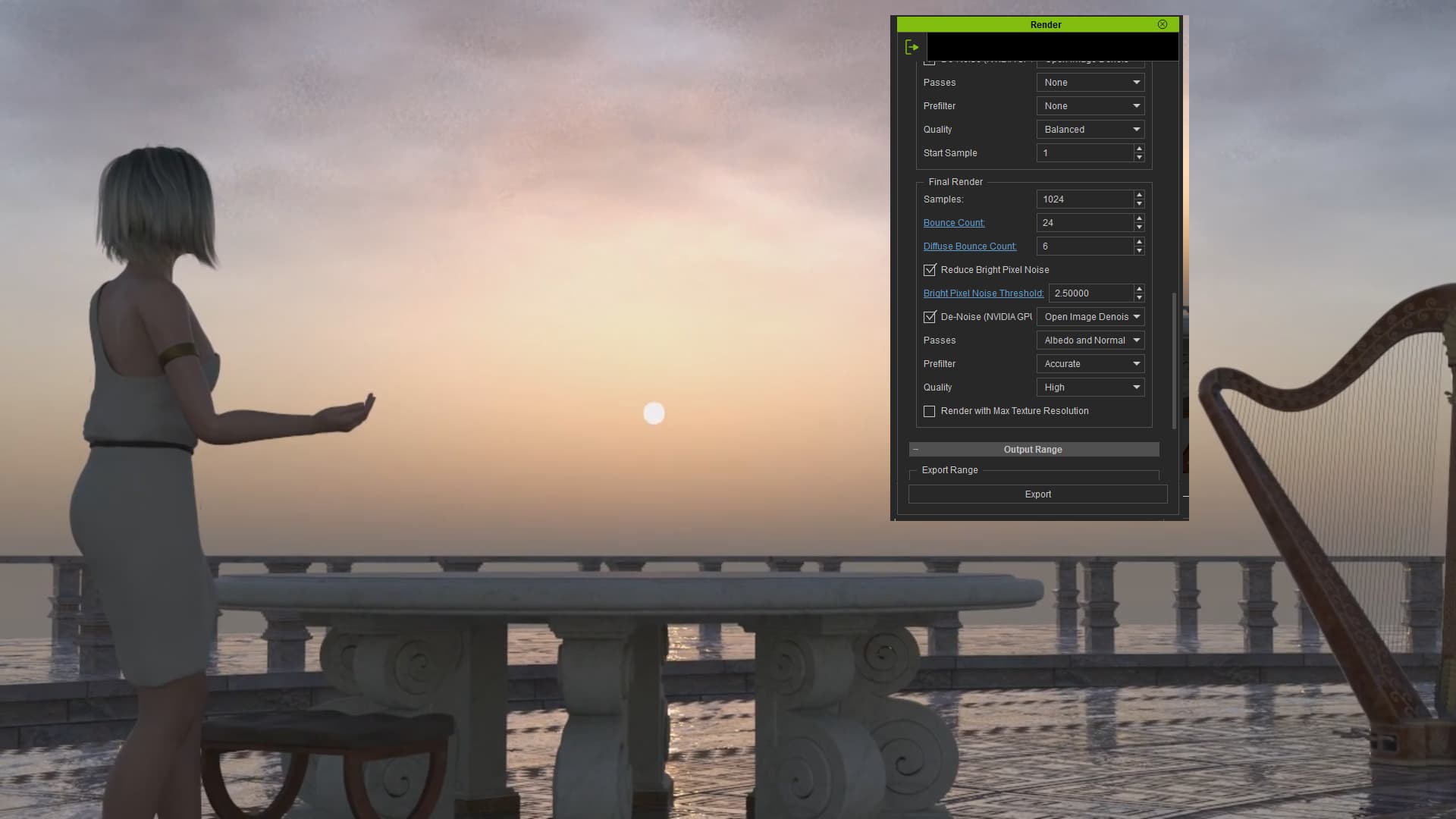
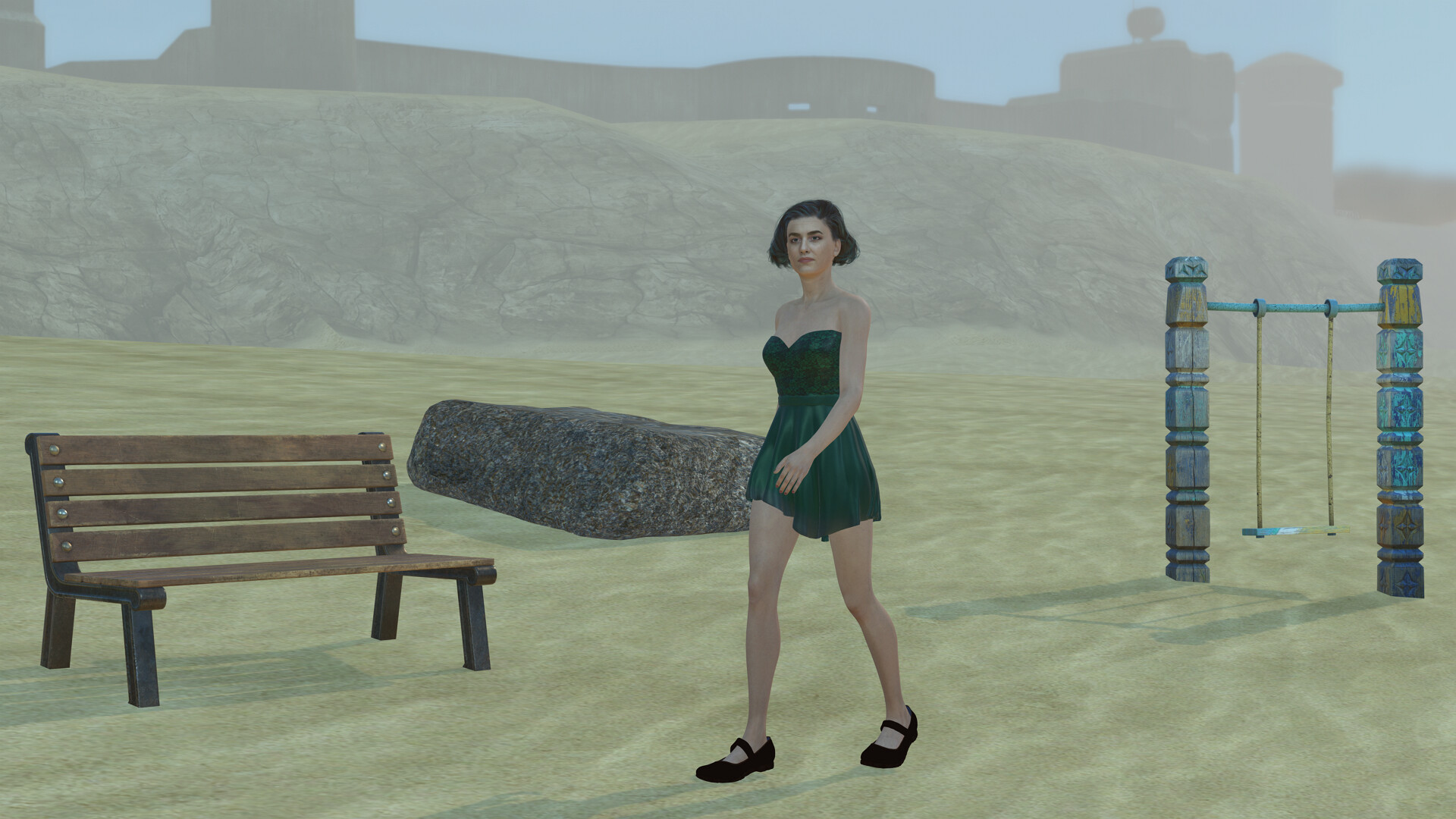
I took an existing project of mine and used it as a starting point. Everything converted, except the fog that I had in the scene. Instead, I used a sphere with a gradient for transparency. Another adjustment was for the DOF of the camera. The settings were not translated correctly, but that was easily remedied.
DX Render:
RTX Render:
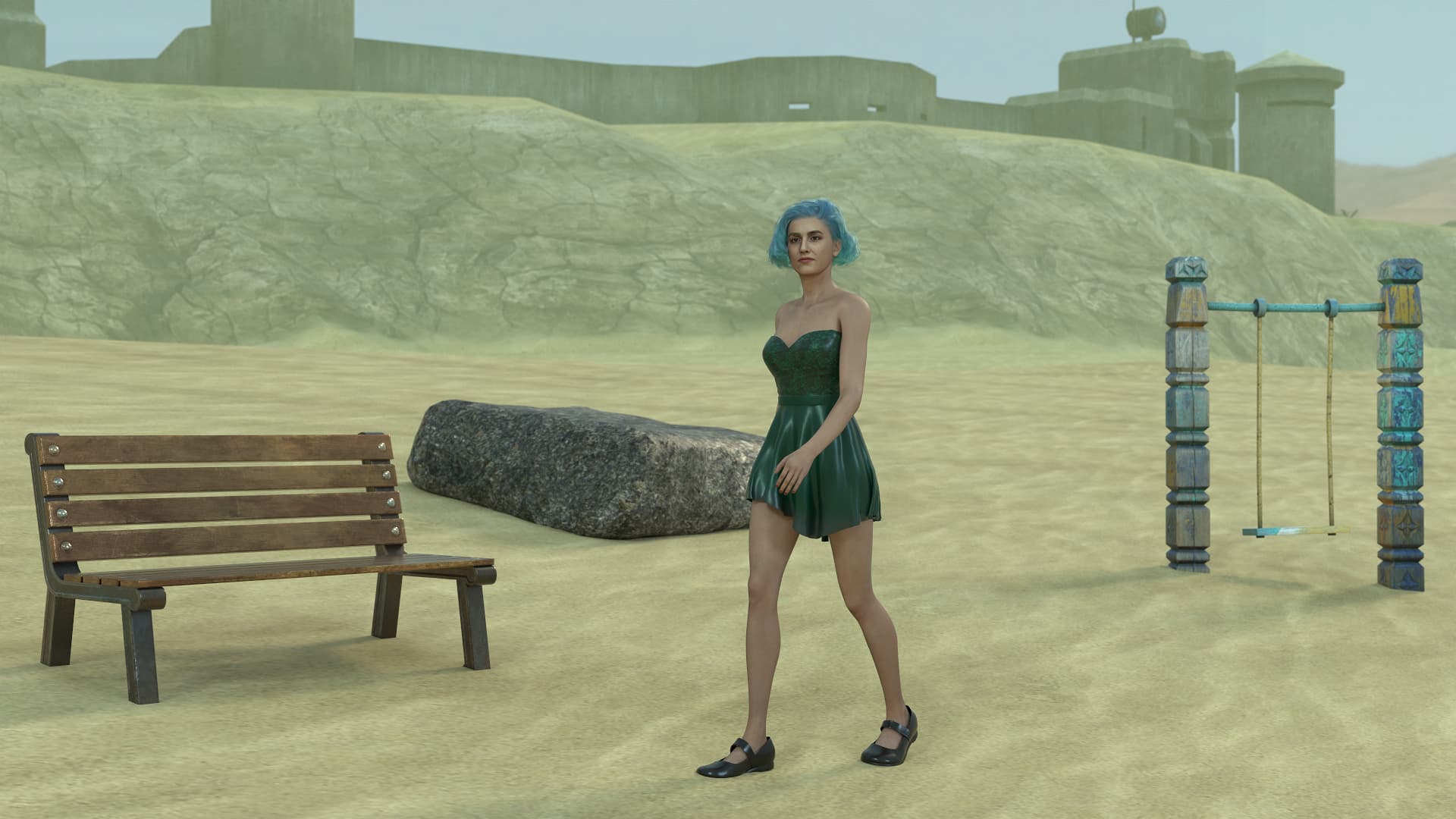
For the RTX render I played a bit with the material options, especially of the bench.
Render time 71 seconds.
Resolution 1920x1080
Default render settings:
Samples: 1024
Bounce Count: 24
Diffuse Bounce Count: 6
Bright Pixel Noise Threshold: 2.5
OpenImage Denoise enabled
Technical details:
System:
Processor: 11th Gen Intel(R) Core™ i9-11900F @ 2.50GHz (2.50 GHz)
Installed RAM: 128 GB (128 GB usable)
Graphics card: NVIDIA GeForce RTX 3090 (24 GB)
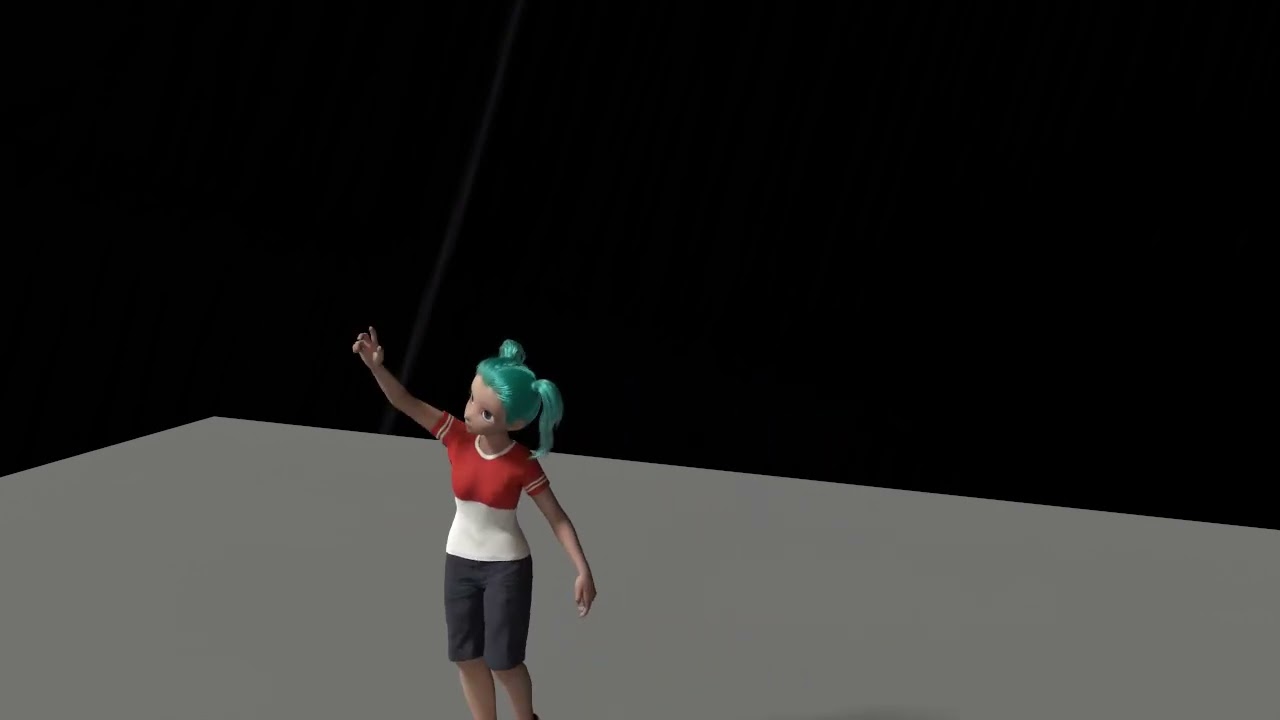
I try DAZ G8 gtansfer to CC4 and send to iclone5 beta.