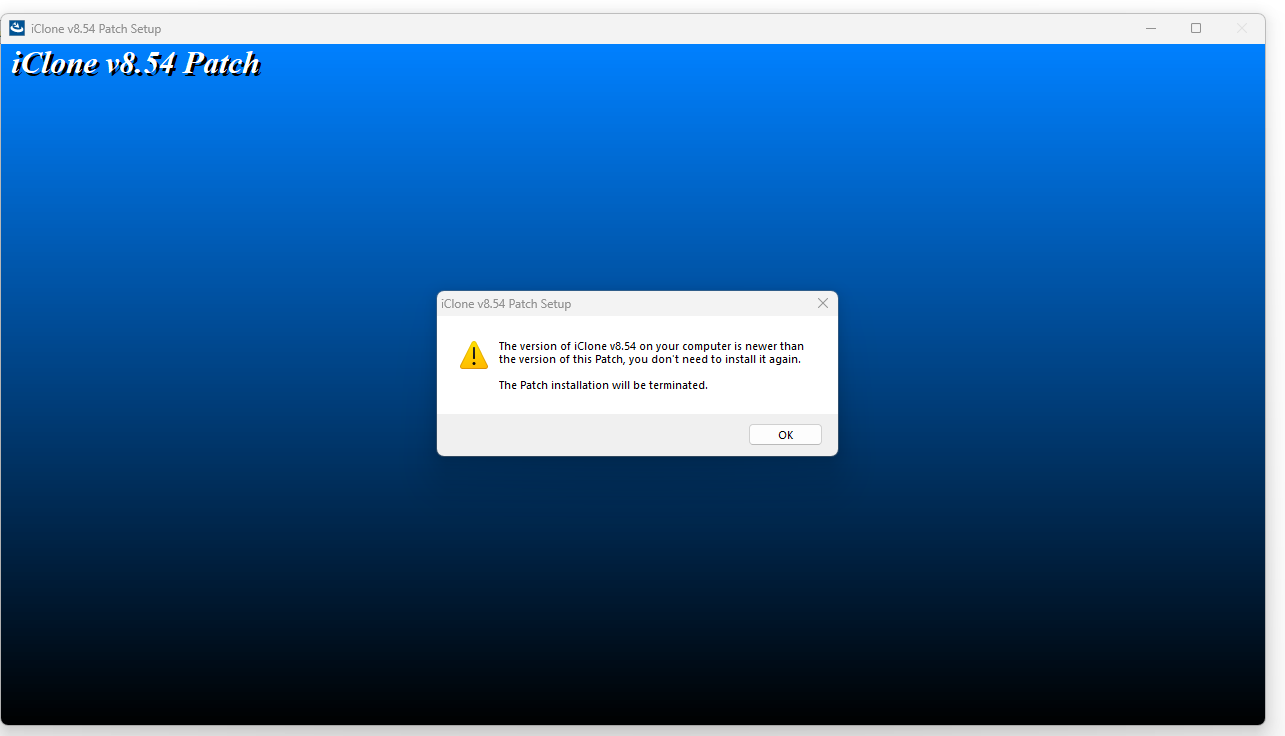
An error message suggest that GitHub is not installed, but I would think that that would be a part of the installation process. I can render out a picture by hitting the upscale button. Once the AI changes the image, the render button does not pop up as being available.
When I am trying to render a video out, it may go through the whole process and then when it’s time to render out it eventually fails at around 82%. Most of the time the system crashes and goes into a reboot. As I stated prior, The prompt messages suggest certain things are not installed properly, but I followed instructions. I was really looking forward to using this tool and I have spent two days trying to get it to work.
I have spent a lot of money on the reallusion products and to have to wait till August 27 for character creator 5 was one thing, but problems with this product is really sad. So any help you can give would be appreciated.
This is a Beta version, it’s not the final product. RL provided the plugin as part of an Open Beta program. So every user is a Beta tester and the information they can provide regarding issues is invaluable.
Hello, crysild
Thank you for your message. I would like to confirm a few points with you:
-
GitHub error – I am not sure what steps led to the error message you mentioned. Could you please share a screenshot or a screen recording of the process so we can better understand the issue?
-
Render button – The Render button in the Render Preview panel will only be enabled when you preview through the Video tab. This button is intended specifically for generating videos. Apologies if the naming has caused any confusion.
-
Video rendering – Do you mean that pressing Render to generate a video in the Render Preview panel consistently fails at 82% and causes iClone/Character Creator to crash? If so, does ComfyUI also crash at the same time, and does its console window display any error messages? If possible, please share those error logs with us.
We are very sorry for the inconvenience this has caused and would greatly appreciate your help in troubleshooting.
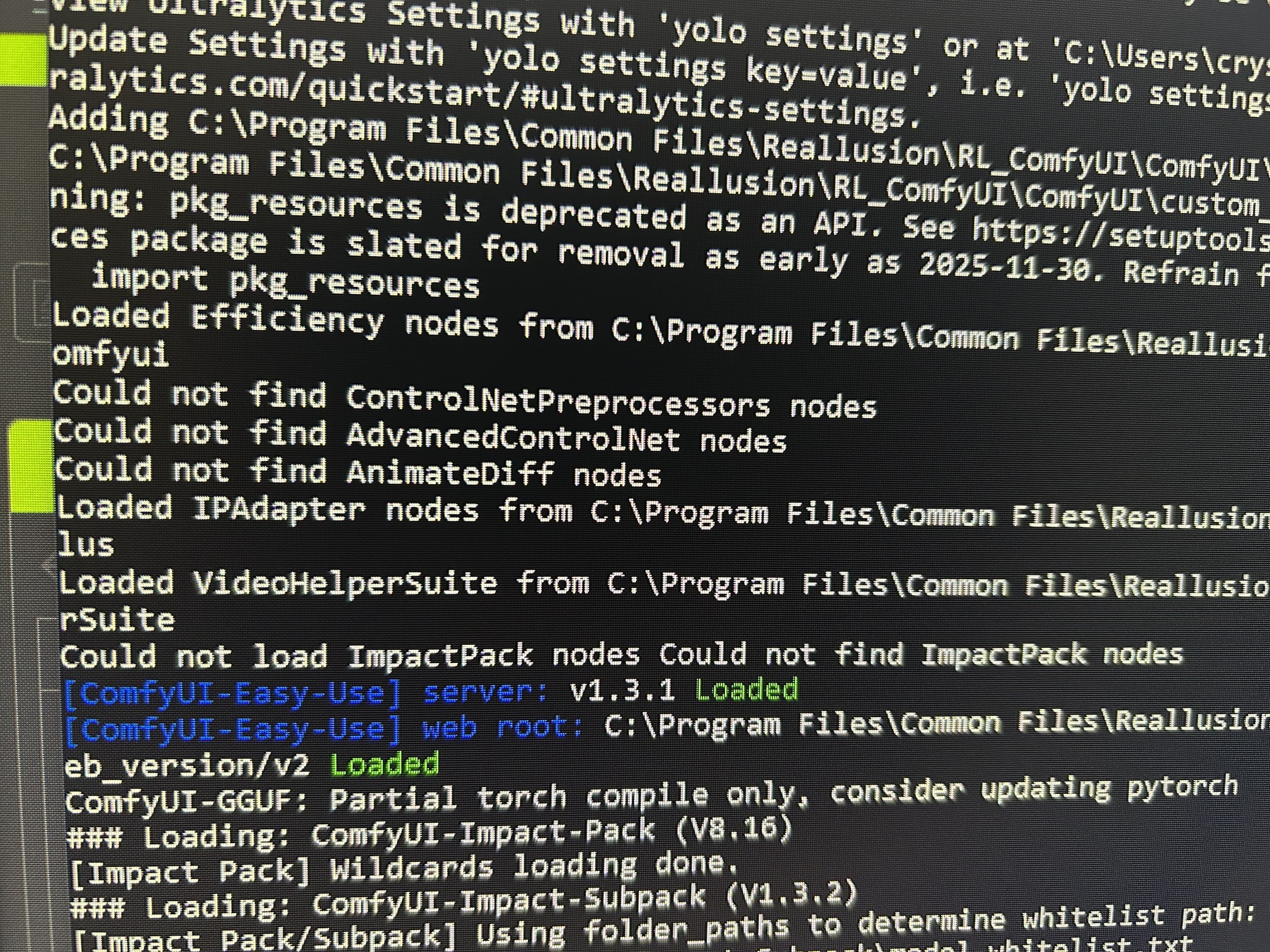
You can copy and paste text from command line window. Your photo isn’t really helpful.
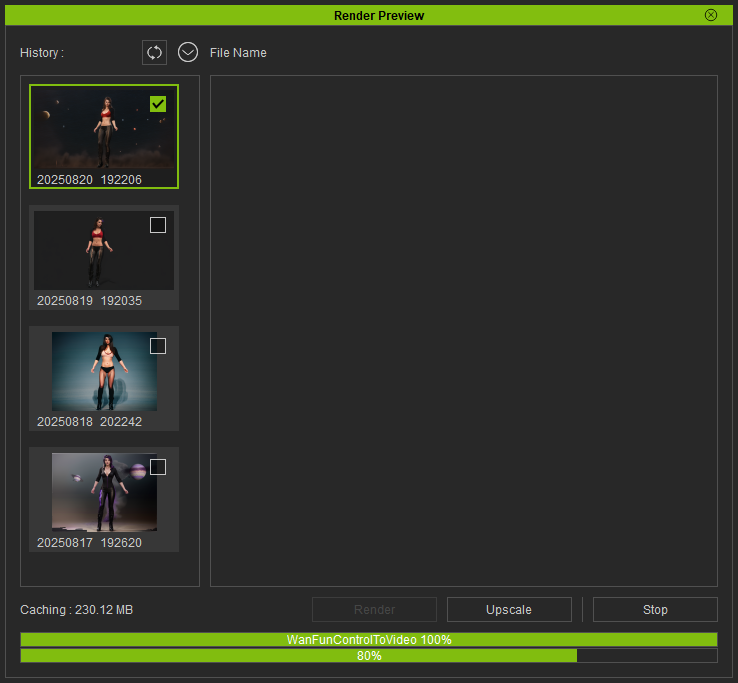
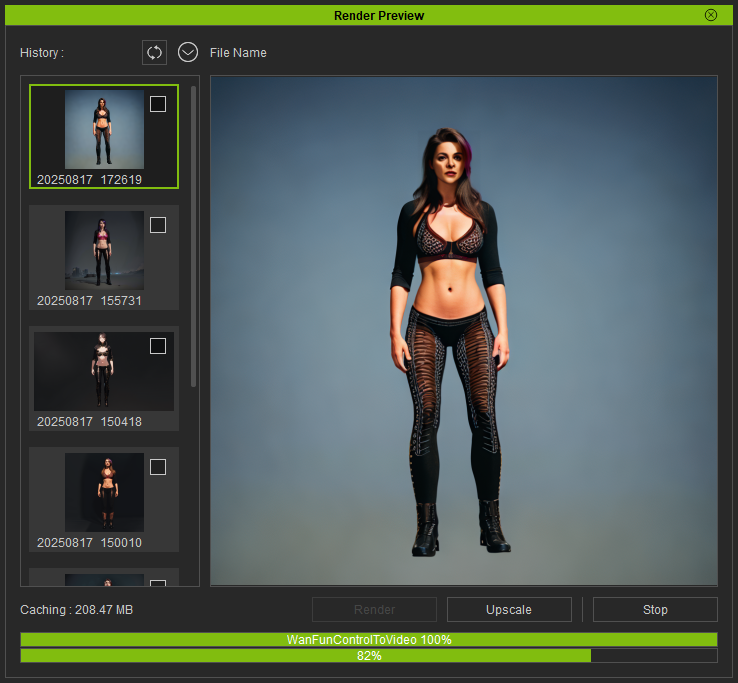
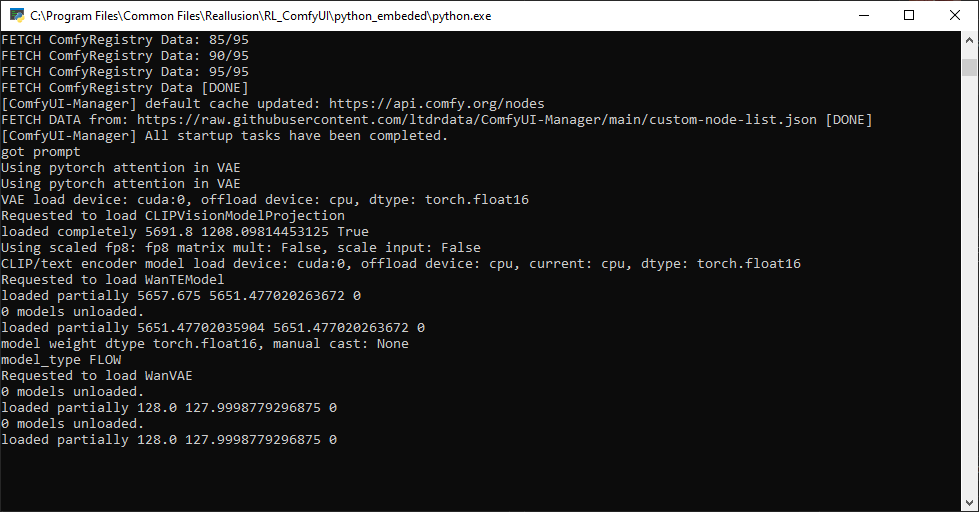
This is a screenshot of what is going on when the whole process dies or crashes.
Hopefully this was helpful.
Thanks for the screenshot. Have you checked the VRAM graph in the Windows Taskmanager while it’s loading? Does your computer maybe run out of VRAM?
Hi all,
We now have cloud-GPU templates for AI Render on RunComfy & RunPod — making it easy to skip setup and run workflows directly in the cloud. They fully support our preset workflows, plus the Flux image and WAN video workflows coming in the webinars.
 Thanks to RunComfy, there are also special offers for Reallusion users (credits & subscription discounts).
 More details here: [Cloud-GPU Templates for AI Render — Powered by RunComfy & RunPod]
Hello, crysild
Thank you for sharing the screenshot.
It seems that there are no errors in the ComfyUI console log.
For Wan2.1 FunControl, stable performance generally requires 480p resolution and at least 8 GB of VRAM.
Could you please provide more details about your setup?
- Video length
- FPS
- Video resolution
- VRAM of your computer
In the meantime, you might also try testing with a 512×512 resolution, 2-second video at 16 FPS to see if it works more reliably.
Thanks for your assistance!
Hi
so I’ve got a pre-existing comfyUI install which i have connected to create some of my custom workflows but now i’d also like to try and run some of the pre-existing templates (SD15) and i was wondering what the procedure would be? I assume i would need to find and open the correct (SD15) workflows in comfy to do so? Or is there some other way to do it. thanks for any help!
Hi all,
Our second AI Render webinar is coming up on Aug 29, 2025 (PST/PDT)!
This session dives into the full LoRA training workflow—from preparing CC4/iClone characters, batch rendering training images, and training with FluxGym on RunPod, to applying your trained LoRA for consistent character results in AI Render.
 Webinar Outline:
- Preparing a CC4 character for LoRA training
- Batch rendering character images in iClone
- Setting up and running FluxGym on RunPod
- Training workflow breakdown & best practices
- Applying trained LoRA for consistent AI image results
- Q&A Session
A huge thanks to everyone who joined the first webinar! 
The full recording has been uploaded to our official YouTube channel—so whether you missed the live session or want to review, you can watch it anytime.
You can now register for this one and the third webinar to secure your spot for the complete learning experience.
 Learn more and register here: Reallusion Courses - Free Online Tutorials for 2D & 3D Animations
doh i figured it out - i had been trying to connect to the LAN server instead of local - so all good. Sometimes i am astounded by my own idiocy!
Hi all,
We’re excited to announce that an update to the AI Render plugin will be released on September 1! 
-
Fully compatible with iClone 8.6, Character Creator 4.6, and the newly released Character Creator 5.
-
For users who prefer not to update iClone or CC yet, you can still update the AI Render plugin itself. Step-by-step instructions will be provided in the release note.
-
Includes fixes and enhancements to several critical functions for a smoother workflow.
Important Note: If you update to iClone 8.6 or CC 4.6 now, the current AI Render plugin will not be supported. Please wait for the September 1 release for full compatibility. If you already updated and need to roll back, follow these steps:
- Uninstall the current version of iClone/Character Creator (via Hub).
- Reinstall iClone 8.54 / Character Creator 4.54 using the installers below.
- Run the patch in the original AI Render installer you installed before.
iClone 8.54: https://file.reallusion.com/IC854_Enu.exe
Character Creator 4.54: https://file.reallusion.com/ic/Character_Creator_454_Enu_Full.exe
Stay tuned — the full release notes will be shared on launch day!
Hello,
I ended up buying a new computer with 16gb vram and faster processing speed so everything has been much better.
I am also learning Runpod and runcomfy through the tutorials.
 AI Render Update is live — now compatible with iClone 8.54/8.6, CC4.54/4.6, and CC5.
Highlights: HD Realistic Image Style (SDXL), Face Detail for SD1.5, Reset to Default, plus stability and workflow fixes.
Update now: CC4/iC8 existing users grab the Patch ZIP; first-time installs & all CC5 users use the Full ZIP
View full release note & download now: [Official]  AI Render Plugin 0901 Version Release Note
Hi all,
Our third AI Render webinar is coming up on Sept 5, 2025 (PST/PDT)!
This session explores AI video generation with WAN workflows in iClone—combining precise 3D animation control with advanced video-to-video rendering for dynamic, cinematic results.
Webinar Outline
- Setting up WAN video workflows with AI Render
- Preparing and animating characters in iClone
- Applying video-to-video generation for style and detail
- Recommended settings for best performance
- Workflow tips for multi-character interactions
- Q&A Session
Thanks again to everyone who joined the first two webinars!
Recordings of previous sessions are available now on our official YouTube channel—so you can catch up anytime before the final one.
This is the third and final webinar in our AI Render series—don’t miss the chance to complete the full learning experience.
Learn more and register here: Reallusion Courses - Free Online Tutorials for 2D & 3D Animations
I got a notice to install the 8.6 Update, but when I installed the update, AI Render is now missing from the iClone 8.6 and Character Creator 5 interface and when I try to reinstall AI Render, it says that a newer version is already installed. How do I get the interface back in iClone and Character Creator?
Soooo cool. We can implement techniques like this to demo results of genetic engineering services.
I just got an NVIDIA RTX. My big project is going to be decoding SNP and phenotypic variations. Create model with gene editing results - or some photogrammetry process for simple mutations. Then, showcase them in real life. Going to be so bespoke. 
This is the setup for such a cool future. 
I love it - developers  You’re all appreciated. I’m super open to proposals for collaborations.
Hello, Camonra
The previous version is not compatible with iClone 8.6 and Character Creator 4.6.
Please install the AI_Render_Beta_0901_for_IC8_Enu_Patch to update AI Render to the latest version.
Please download from this post: