This update brings expanded compatibility and key improvements to AI Render. It now works with iClone 8.54, CC4.54, iClone 8.6, CC4.6, and CC5, delivering enhanced workflows, new style presets, stability fixes, and a smoother creative experience.
Added
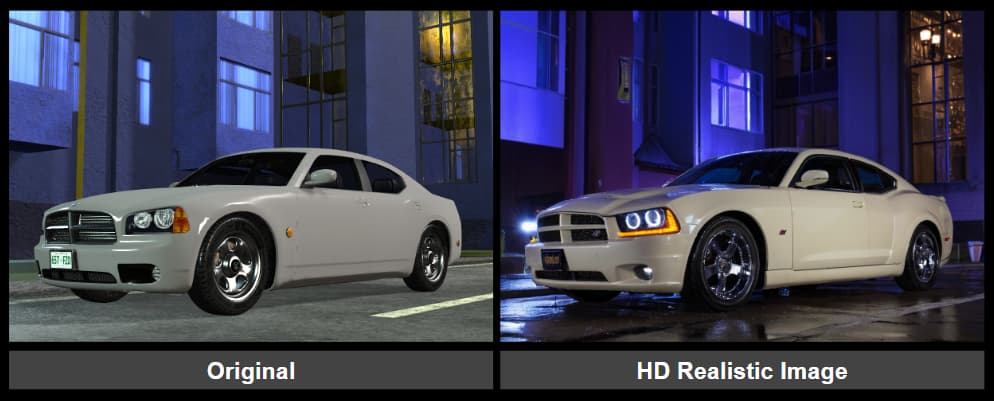
SDXL Photorealism Style Preset — Uses the SDXL model to deliver HD-quality, photo-realistic results.
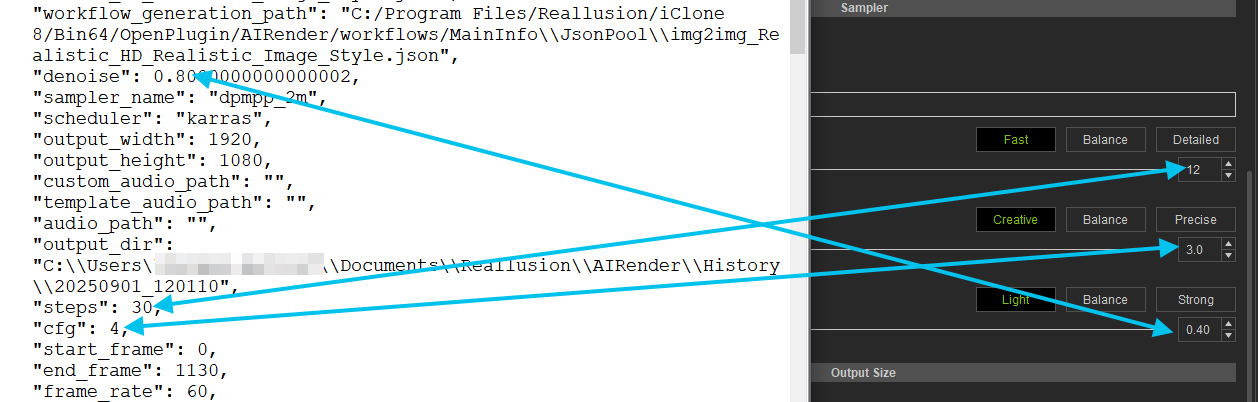
It does indeed preserve Sampler controls when switching models, which is a good thing. It does however do it only in iClone UI. The actual parameters passed to AI render engine are different.
Just installed the 8.54 patch and AI Render patch. Now when I try to launch iClone it crashes my computer w/page fault!
EDIT: Re-installed the 8.54 patch and now it seems to be working
I have updated to IC 8.6 and CC4.6.
I uninstalled the old AI plugins beforehand.
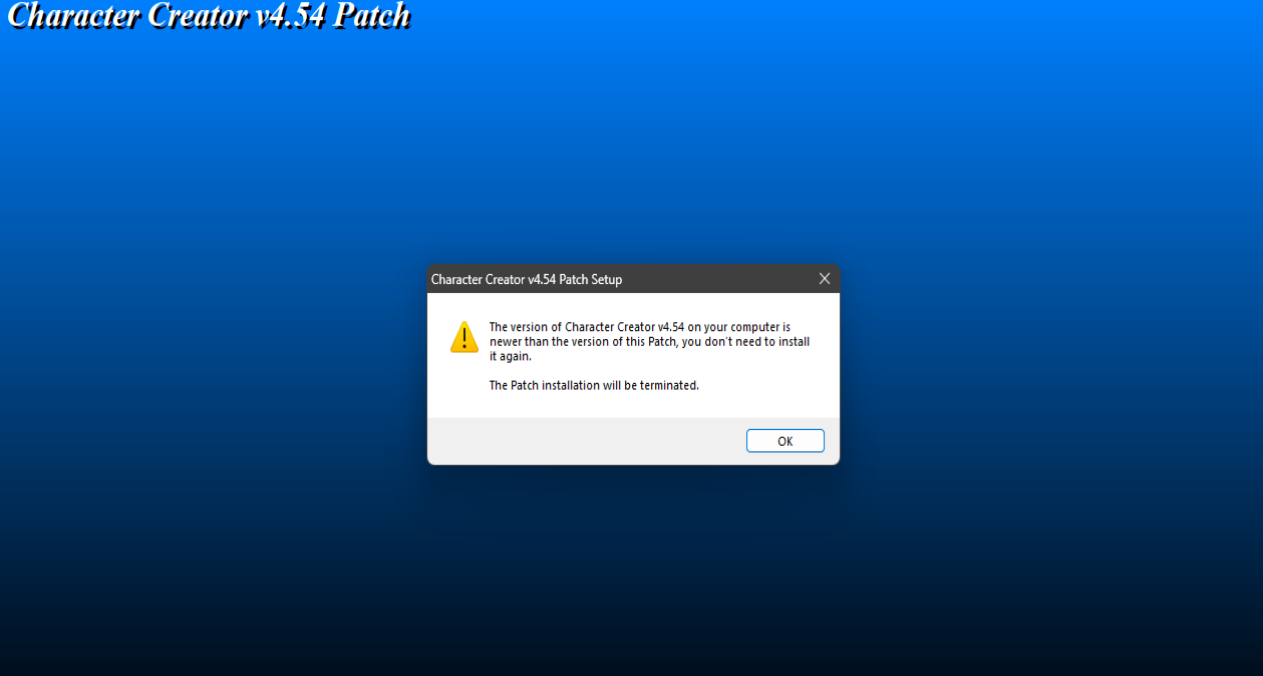
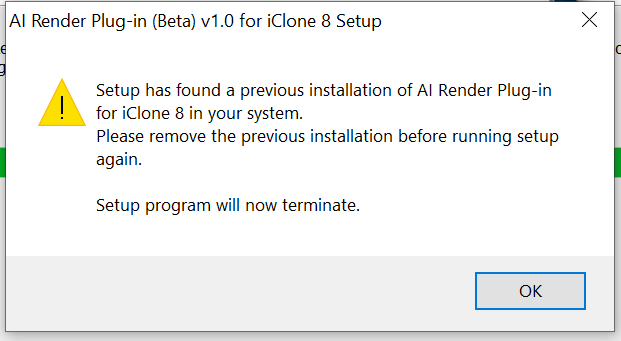
However, I am unable to install them; the message shown in the photo appears.
I installed and used the previous AI Render Beta.
I now have CC5, CC4.6 and iClone 8.6.
Does this mean that I need to install the CC5 full version ?
It says install fresh, so do I uninstall comfy ui and anything else installed (what do I look for to uninstall?)
Do I then install the full iClone 8 version? since I should uninstall to install the CC5 version.
Does this leave me with 2 versions of Comfy UI and whatever else is in the package?
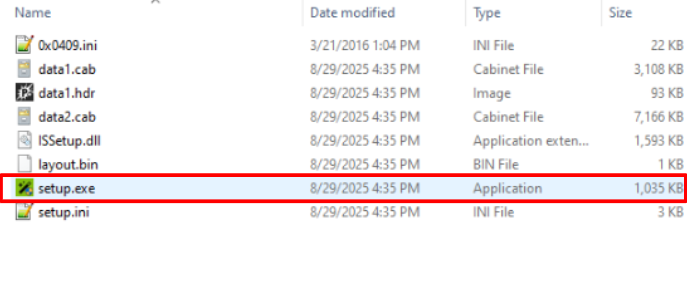
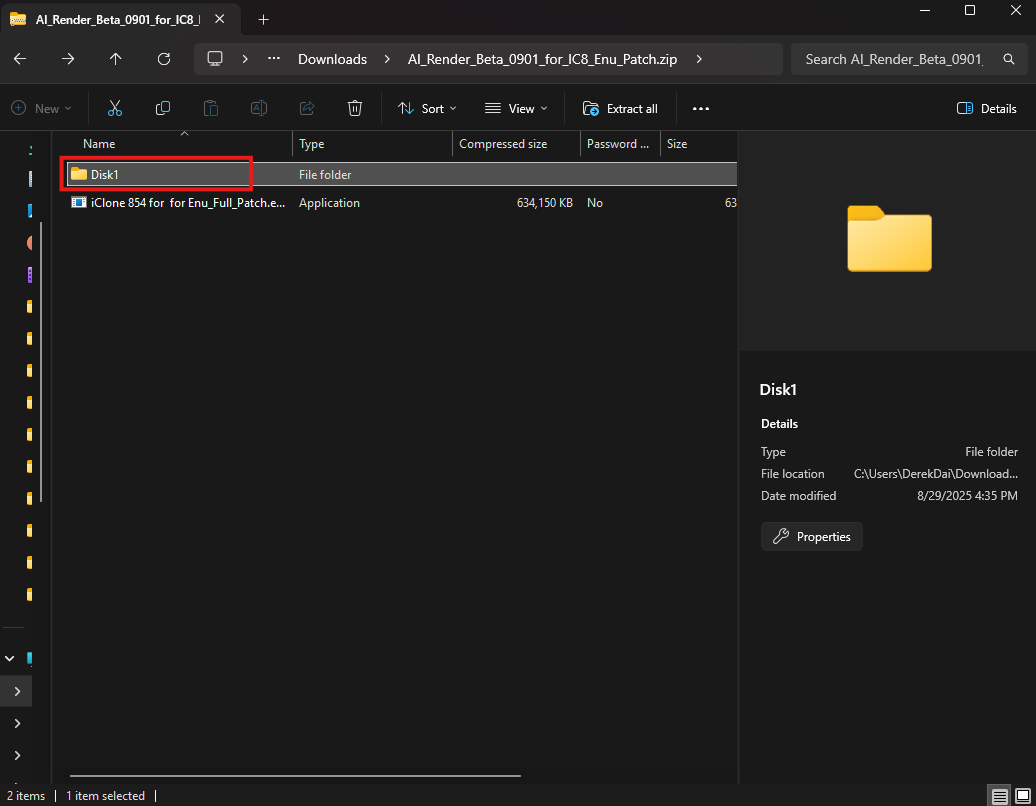
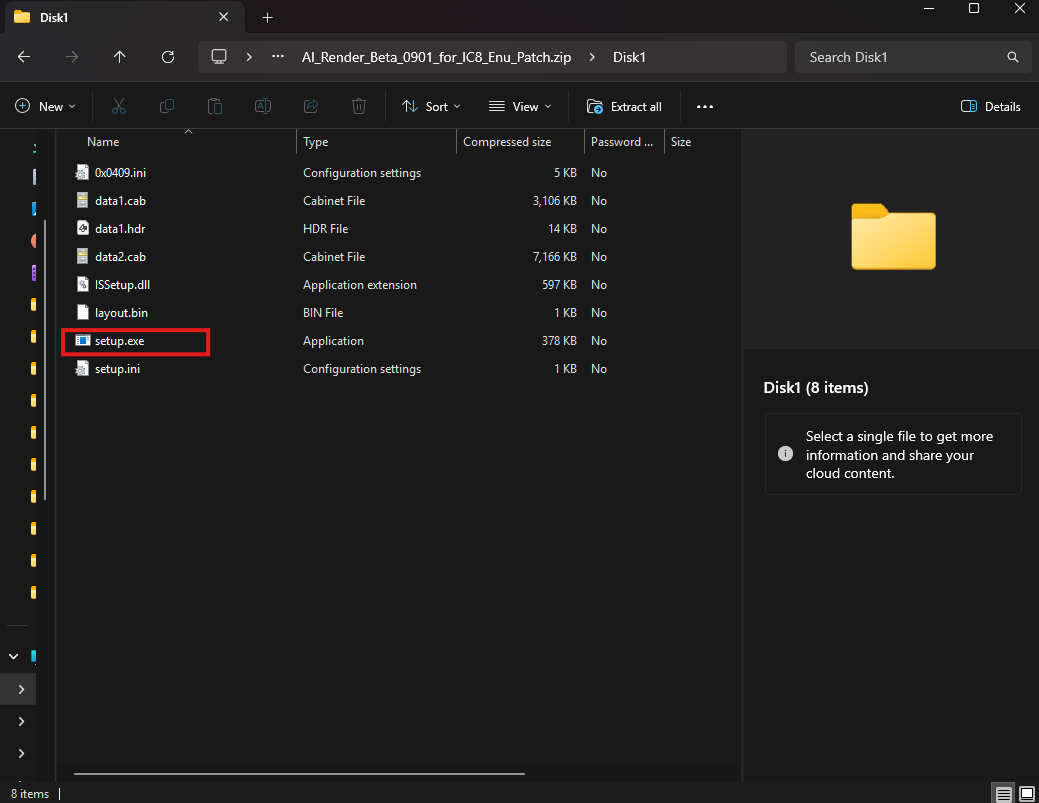
I had the same issue and get the same error message. I solve this by going into the Disk1 folder and rub the ‘setup.exe’ instead of ‘full patch file’ and it worked for me with no issues.
If you’ve already upgraded to IC 8.6 & CC 4.6, you don’t need to run the IC 8.54 / CC 4.54 patch in the folder, since your main program is already the latest version. You can go straight to running the AI Render update in the disk1 folder.
To use the CC5 version of AI Render, please download and install the CC5 Full version. As long as you still have either IC8 or CC4 installed, ComfyUI will not be reinstalled.
We will work to address and resolve it as soon as possible.
As a temporary workaround, please make a slight adjustment to the sampler value after changing the preset. This will ensure the correct value is passed to ComfyUI.
We sincerely apologize for the inconvenience and greatly appreciate your patience.
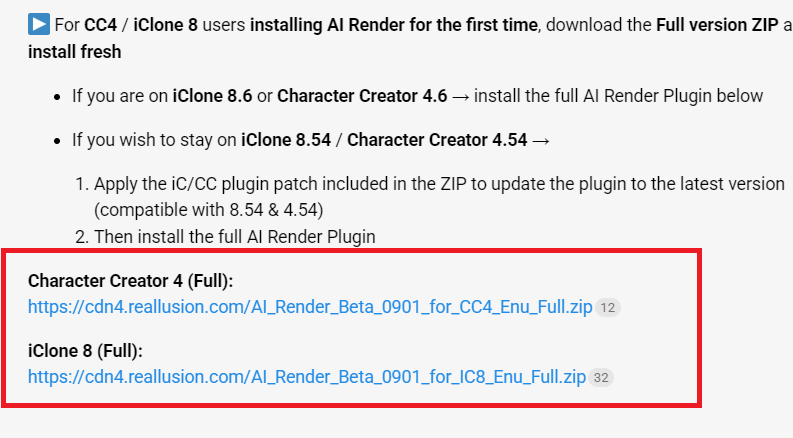
I had 8.54 installed with AI render. I upgraded to 8.6 before realising that the AI render plugin doesn’t work. I downloaded AI_Render_Beta_0901_for_IC8_Enu_Full and run the setup program in disk 1 but get
The previous version is not compatible with iClone 8.6 and Character Creator 4.6.
Please install the AI_Render_Beta_0901_for_IC8_Enu_Patch to update AI Render to the latest version.
Since the previous version of AI Render does not support iC 8.6 and CC 4.6, if your current iC/CC version is outdated, please download the patch from the link below and update to the latest version:
Thanks, but it will not install because there is a previous installation. How do you uninstall the previous version, and can you verify if it works on 8.61 and not just 8.6?
We sincerely apologize for the inconvenience caused.
In order to better assist you with the installation issue, may I kindly ask you to help confirm the following:
When installing the patch, did you choose disk1 > setup to run the installation? If not, please try this method.
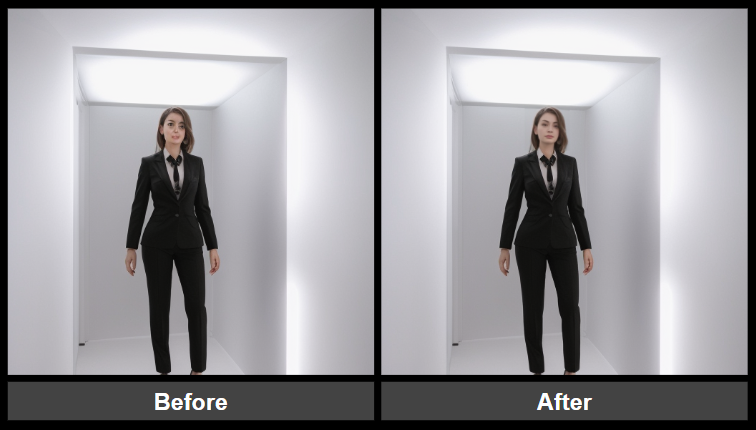
 Added
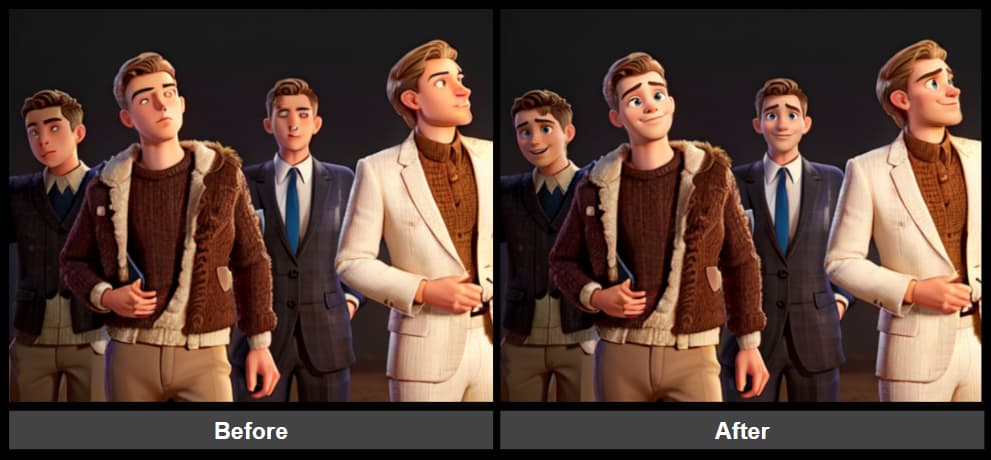
Added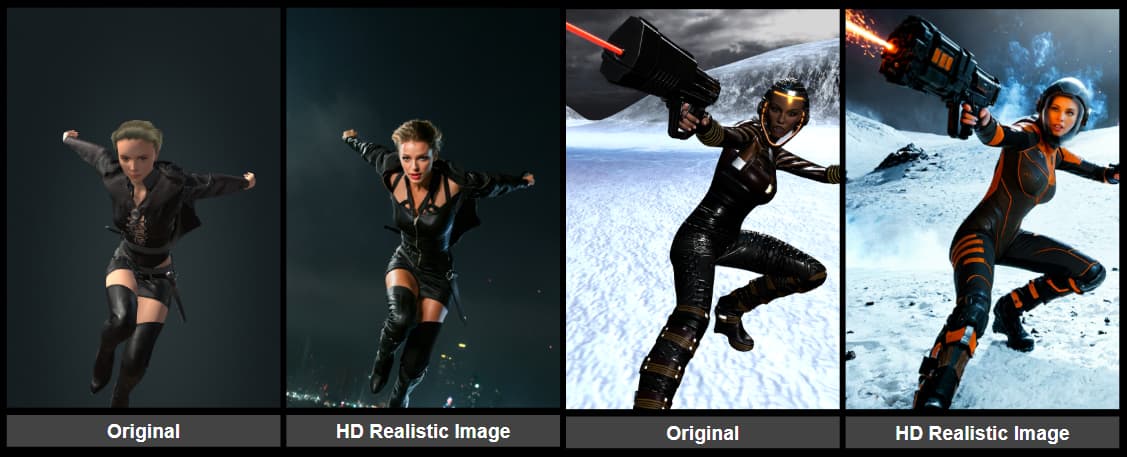
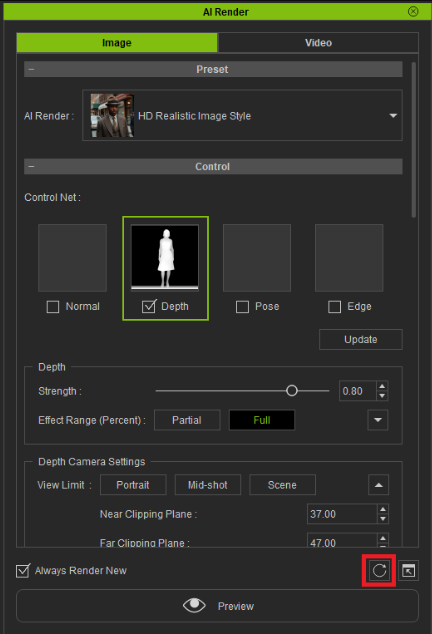
 Enhanced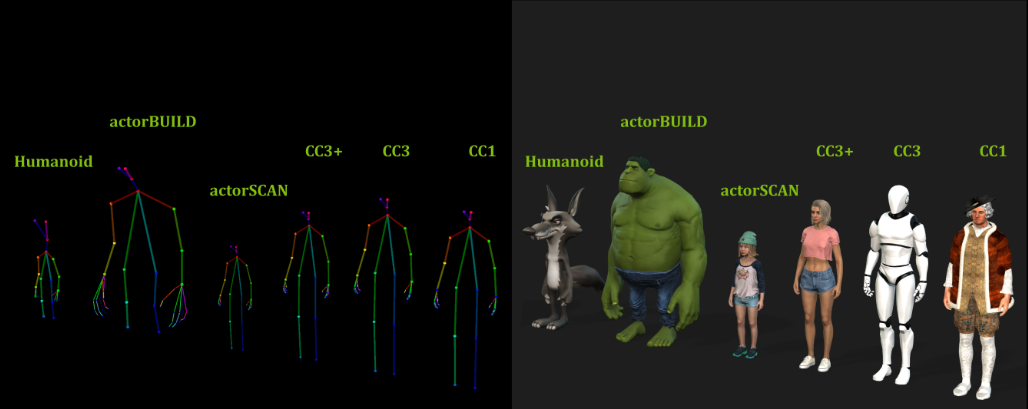
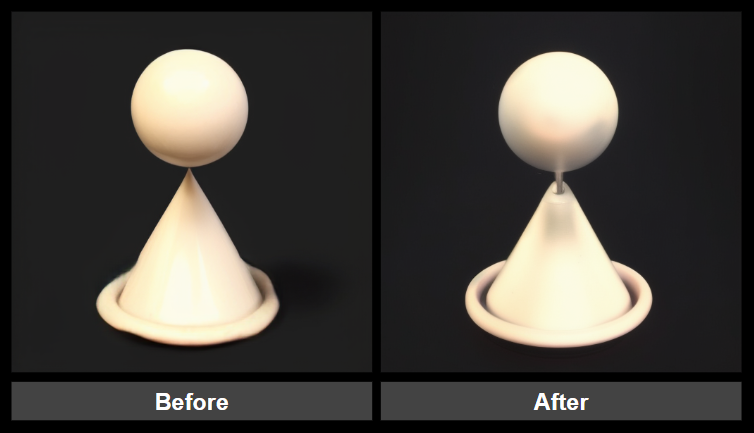
 Fixed
Fixed Installation Instructions
 For CC5 users, download the Full version ZIP and install fresh