Unity Auto Setup thread continues here: Auto Setup for Unity v2.1.1 is now released - Unity 6.3 & Expression Bone drivers
Hi, I have 2.2.4 and i keep getting an error in the console saying:
Invalid editor window of type: Reallusion.Import.UnityLinkManagerWindow, title: Reallusion.Import.UnityLinkManagerWindow
UnityEditor.EditorApplication:Internal_CallDelayFunctions ()
Thanks
Sounds like it’s not installed properly. Which version of Unity is it?
@zhito3d @Winner_RL
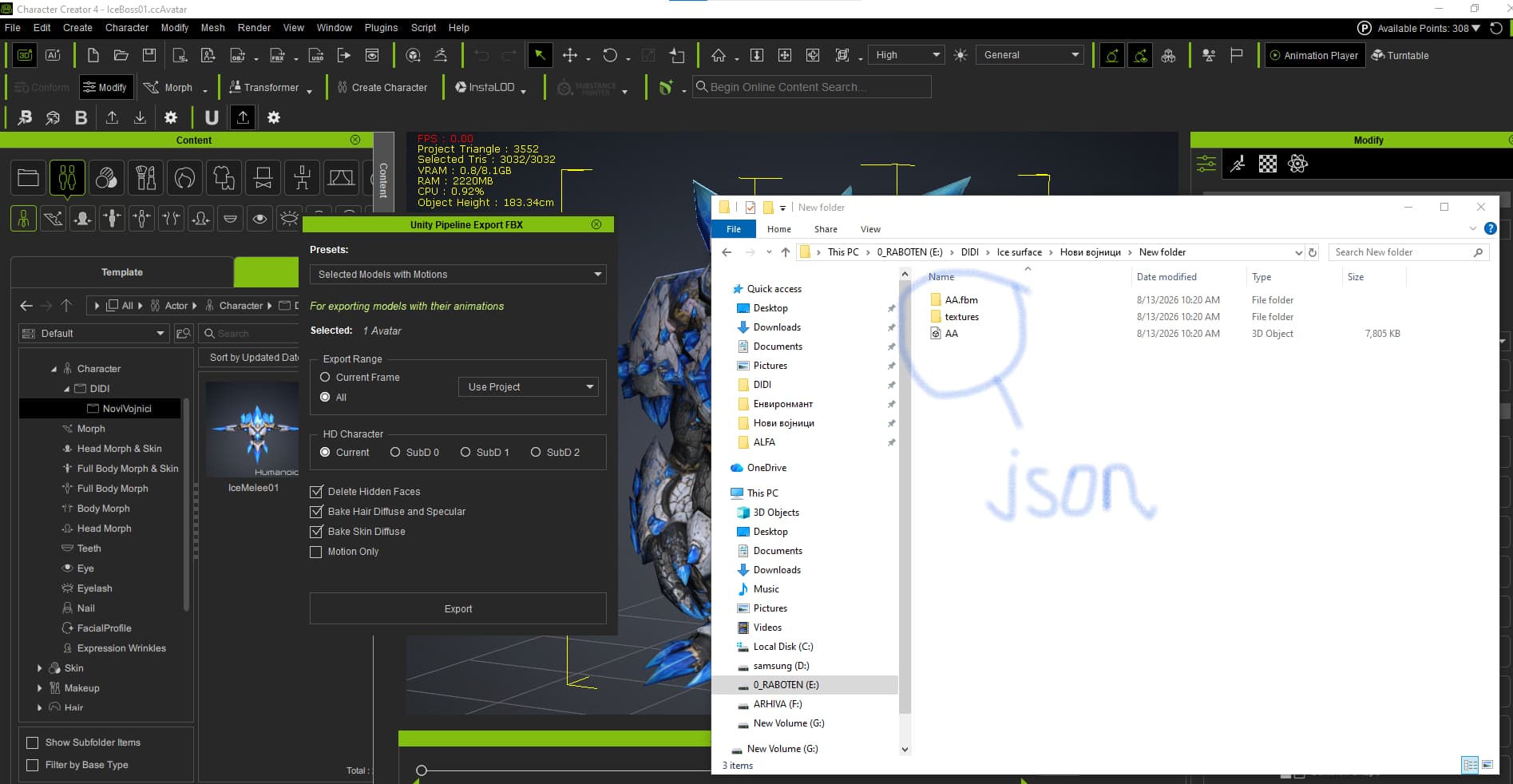
The export should normally work, but a quick test shows that CC4 (and CC5 and iClone8) fails to export the .json file because of the Cyrillic characters in the path.
Further testing: any multi-byte unicode character in the path will cause the .json file (but only the .json file) to fail to generate.
e.g. Trying to export into these folders:
- F:\test\汉字\
- F:\test\日本語\
- F:\test\Тестовая папка\
Prevents the .json file from being created.
We happened to come across this post and ran a quick test on our end. It looks like the generated JSON supports only English and Traditional Chinese characters.
We are checking in with our team to investigate this further if we are going to support more language with the json file. In the meantime, would it be possible to use English for the folder names as a workaround?
We’ll keep you updated as soon as we have news.
Thanks!
I am very grateful to you. That’s right, that was the problem. Thank you.
1 Like