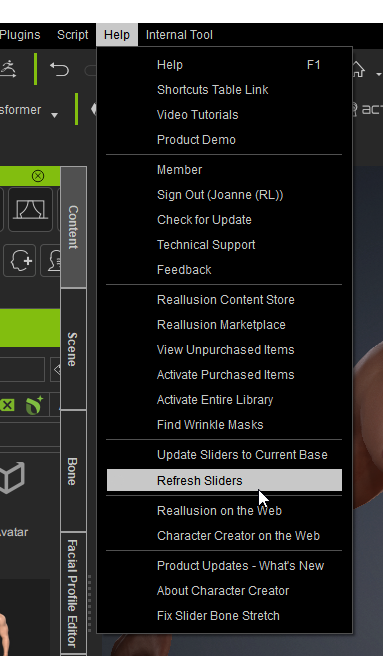
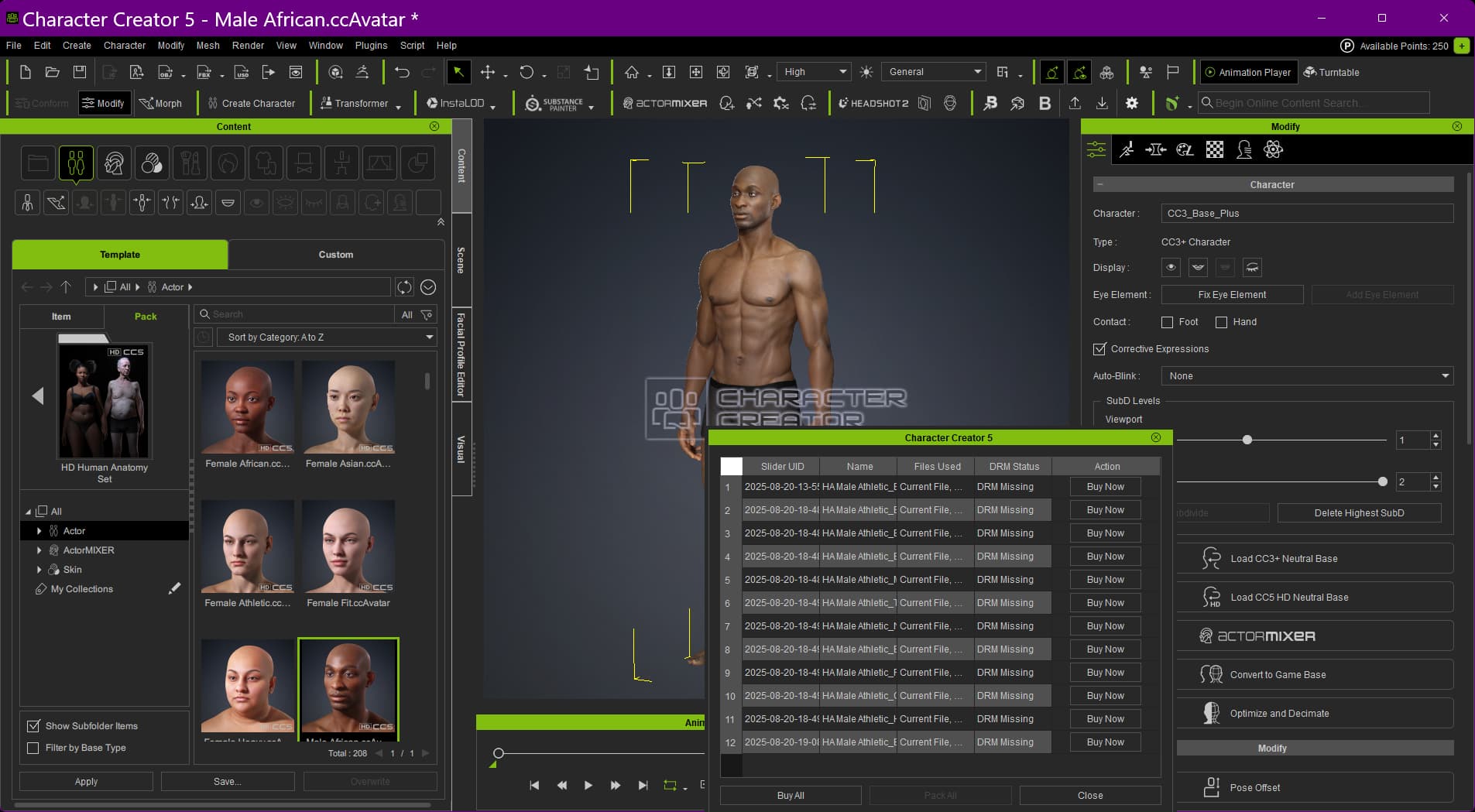
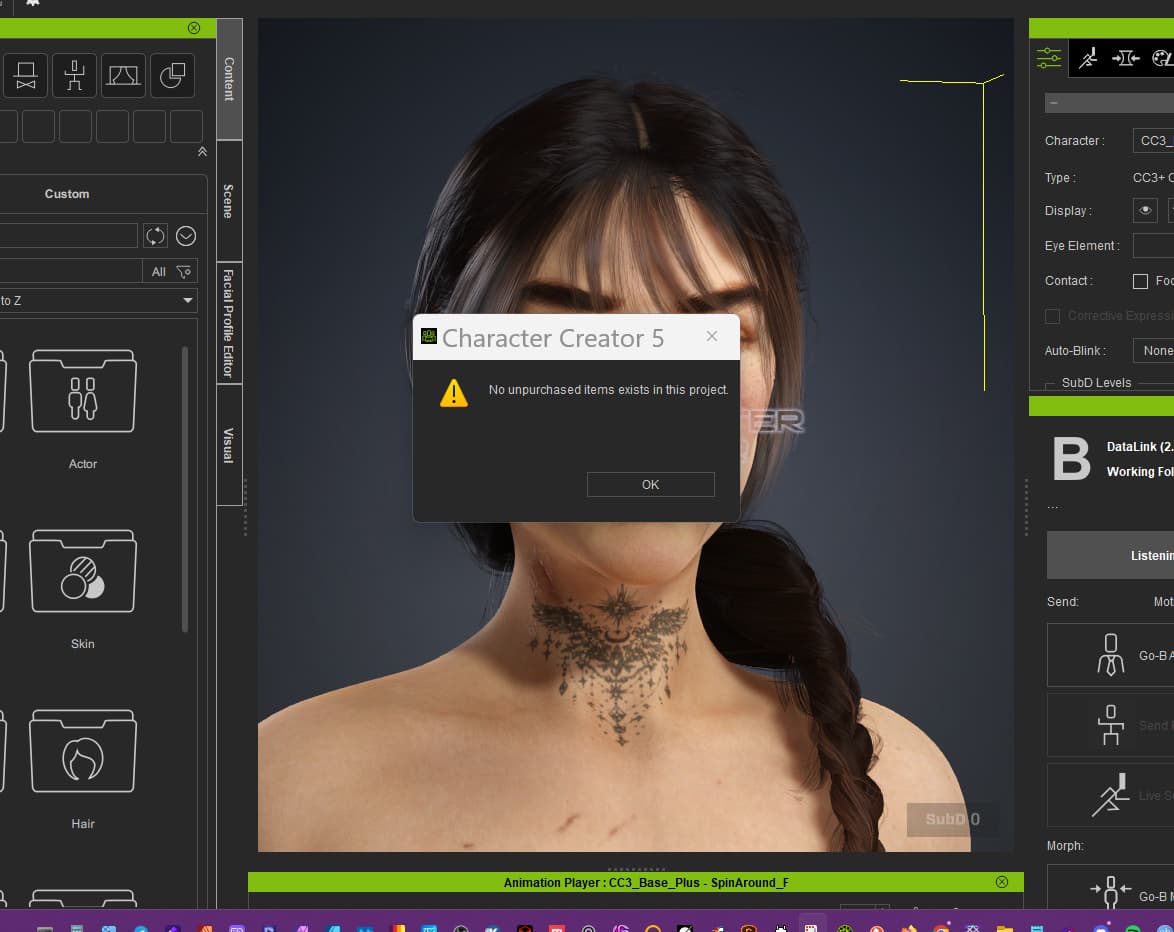
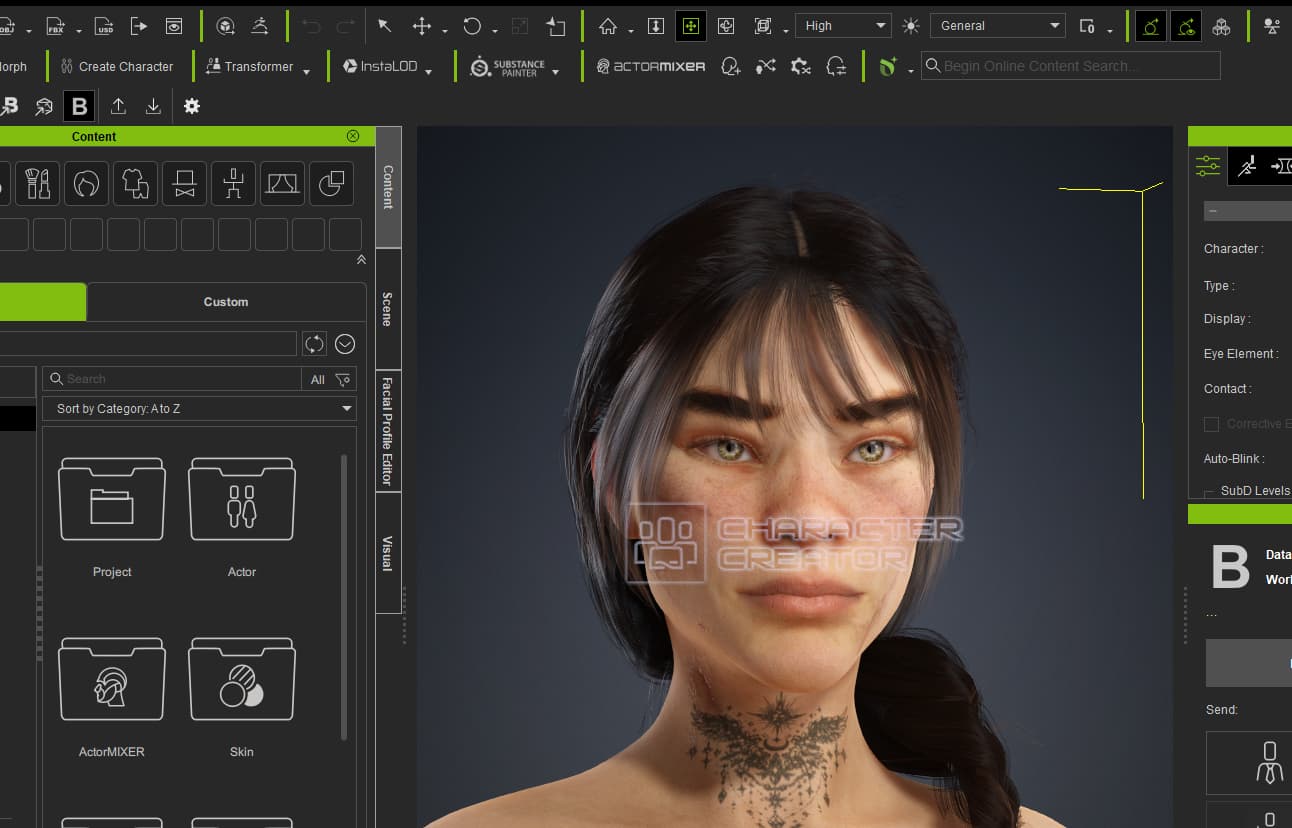
We sincerely apologize for the issue you’ve encountered. Typically, when “server failed to connect” appears, it is due to network connection problems. If this occurs again, or if the watermark issue persists, you can try pressing the Refresh Slider, which will reload the verification process.
If the problem continues, we recommend submitting it through the Feedback Tracker.
Thank you for your feedback, and we hope this helps resolve the issue.
I have the same issue periodically. What usually helps is to close the app and then launch it again. This is a recent problem, which I have not seen before during the many years that I have used the software.
We recently released a version update that improves the issue where a watermark may appear.
Please help us confirm whether both your Hub and CC5 are updated to the latest version.
Thank you for your feedback.
We recently released a version update that improves the issue where a watermark may appear.
Please help us confirm whether both your Hub and CC5 are updated to the latest version.
Thank you for your feedback.
Compatible with FashionGen, along with several bug fixes.
Please update using the Hub.
If you do still encounter issues after updating to v5.04, please continue to discuss them in this thread, but importantly also report the issue in the Feedback Tracker to get the issue logged and investigated. Thank you.
Reduced the long wait time for the first phase of the loading process (especially for HD characters). Feedback Tracker
Export FBX
Missing “ExpressionSet” value in the exported Json file (File > Export FBX > All) causing the creation of the facial rig to fail.
Digital Human Hair shader fails to export a diffuse map after performing an export with the Marmoset Toolbag preset.
ActorMIXER
Head parts derived from “Create MIXER Assets” did not proper rescale for optimized blending.
Bone Manager
The pinky bone gizmo for “Gibro” character was especially large.
Optimize and Decimate
Character Creator crashes when executing “InstaLOD > Polygon Reduction-Wearables”.
Facial morph sliders were not completely removed after undergoing the remesher process (Optimize and Decimate > Custom > Mesh > Polygon Reduction).
Disabling “Optimize and Decimate > Custom > Facial” parameters did not remove the associated facial sliders. For example, disabling “Eye Rotation” did not remove the eyeball-related sliders.
If you do still encounter issues after updating to v5.05, please continue to discuss them in this thread, but importantly also report the issue in the Feedback Tracker to get the issue logged and investigated. Thank you.
Added subscription-based licensing and various functional updates, enhancements, and several bug fixes.
Added
General
Support for subscription-based licensing.
GoZ
Support for ZBrush 2026.1.1 with CC now matching the new transfer directory used by ZBrush.
Content
18 new eyelash and eyebrow materials are now available, allowing color changes using the “Ignore Opacity Texture” option.
Transformer
New high-to-low normal baking tool for Daz Transformer (Transformer > High to Low Normal Bake).
New “Get Daz T-Pose” and “Get Daz A-Pose” buttons in the menu and toolbar.
Enhanced
ActorMIXER PRO
ActorMIXER PRO > Random Face now supports multiple target asset folders for the Content Manager.
Performance
Progressive texture loading is now set to use 100% of CPU processing by default to accelerate texture loading.
Entering and exiting Adjust Bone, Spring, Proportion, and Facial Profile modes is now faster.
Transformer
Daz characters can now be converted to CC5 HD characters via the Transformer (Menu > Create > Transformer > CC5 HD).
G9 male and female preset with topology mapping data are now provided for Daz Transformer.
Daz Transformer now includes updated topology mapping for Daz G8, G8.1, and G9. Adjustments cover the nasolabial folds, chest, belly button, wrist line, and chin line, with mesh stretching around the toes and ears removed.
Export FBX
Exporting certain characters with missing key humanoid bones using the Unreal (UE5 Skeleton) preset triggered an error message and automatically switched the export to the Unreal UE4 Skeleton preset. Forum Post
Load File
Applying Individual (Flatten) Wrinkles now triggers a dialog reminding users that Individualized Wrinkles are designed for specific characters with fixed skin tones. The message also includes a link to a tutorial.
Render
Loading certain projects with the Blur or Lens Blur post effect enabled triggers a message warning that the final render may appear darker than usual. Feedback Tracker
Fixed
General
Error message upon activating Help > Activate Entire Library.
Tooltip videos not playing within the application.
Save Layout not storing the current state of the toolbar with the toolbar resetting every time the application is launched. Feedback Tracker 1, Feedback Tracker 2
Load File
Applying certain content packs, such as the Combo Mouth Shape for Chinese and Japanese, triggers a message stating “Can’t load invalid data.”, rendering the pack unusable.
Unable to apply certain saved characters, including those saved within a project, due to irregular texture data that triggers a “Failed to load” message.
Mesh distortion when applying certain clothing and shoes, such as the C_High Top Shoes from the Casual High Top Shoes content pack. Feedback Tracker
Applying other hair assets caused an application crash after performing Polygon Reduction – Object on certain hair content (e.g. Lite Hair series and Hair Builder series).
Render
There is a significant difference in the roughness map between the head and body of the HD Neutral Female character when viewed in Roughness mode. Please update the content via Content Manager. Feedback Tracker
AccuRIG
Abnormal facial animations with characters created from “AccuRIG > Generate Skeleton (Keep Existing Set) > Bind Skin”.
Editing
Faceted mesh appearing on the eyelids of some HD characters when “Character > Correct Eyeblink” is executed.
Export iAvatar
CC crashes when trying to export the Neutral_M or Neutral_F characters. Feedback Tracker
Export FBX
Abnormal rendering of the hair for characters that are exported to Blender via Auto Setup.
Three sets of repeating morphs (including some faulty ones) may appear on certain characters exported with the UE preset when the Mouth Open as Morph is enabled.
Wrinkle texture maps may reach 8K resolution under 8K texture export settings, even when such high resolution is unnecessary.
Unable to disable Advanced Settings > A-Pose for UEFN when exporting props to Unreal.
Certain hair content, such as the “Light Hair” and “Hair Builder” series, cannot be exported in FBX format after applying Polygon Reduction. Feedback Tracker
Unable to disable Embed Textures when exporting a character with Target Tool Preset set to Marmoset Toolbag.
Abnormal collision shapes may occur with certain characters (such as the embedded CC3+ Baby) when transferred to Unreal via Auto Setup.
Skin and hair colors may appear different in Unreal compared to iClone when transferring a character FBX with Bake diffuse maps from skin color enabled using Auto Setup.
GoZ
Can’t update a humanoid character, props when Zplugin > CC GoZ Plus is performed with with SubD 0 - 2 enabled.
ZBrush is not switching to subdivision level 3 when a CC5 HD character is transferred with subdivision level 2 enabled in CC.(CC SubD2 = ZB SDiv 3)
Character is offset when relink is performed on a character with low subdivision in CC and high subdivision in ZBrush.
When the character SubD Preview Level is set to Level 2 and sent to ZBrush, ZBrush displays SubDiv Level 3, but the viewport mesh still appears unsmoothed, similar to SubD Level 1.
Missing mesh data on certain ZBrush projects that were transfered via the relink mechanism of CC GoZ Plus.
CC crashes when Create Accessory is enabled in the GoZ Options and no character is loaded in CC.
Executing ZPlugin > CC GoZ Plus > Visible after editing character accessories in ZBrush displayed an error message and failed to update the changes back to Character Creator.
Import FBX
Application crashes when “Convert All” is performed on certain characters (FBX Options: Motion), including the “Character Pack > Horse” character.
Optimize and Decimate
Error message appears when applying InstaLOD > Polygon Reduction-wearables on certain characters, including HD Aaron_Clothed and HD Ariana_Clothed.
Certain hair content, such as the “Back-swept Top” hair from the “Hair Builder 3 – Edgy Pack”, triggers an error message after executing InstaLOD > Polygon Reduction. Feedback Tracker
SkinGen
The application crashes when applying the Cross Dry skin (via Content Manager > Skin > Acquired) and changing the Texture Size to 4096 x 4096 under Modify > Appearance > Skin.
LipsSync
Executing Create Script TTS did not drive lip animation on characters re-imported from edited FBX files using Mesh and Expression Sequence. Feedback Tracker
Hi
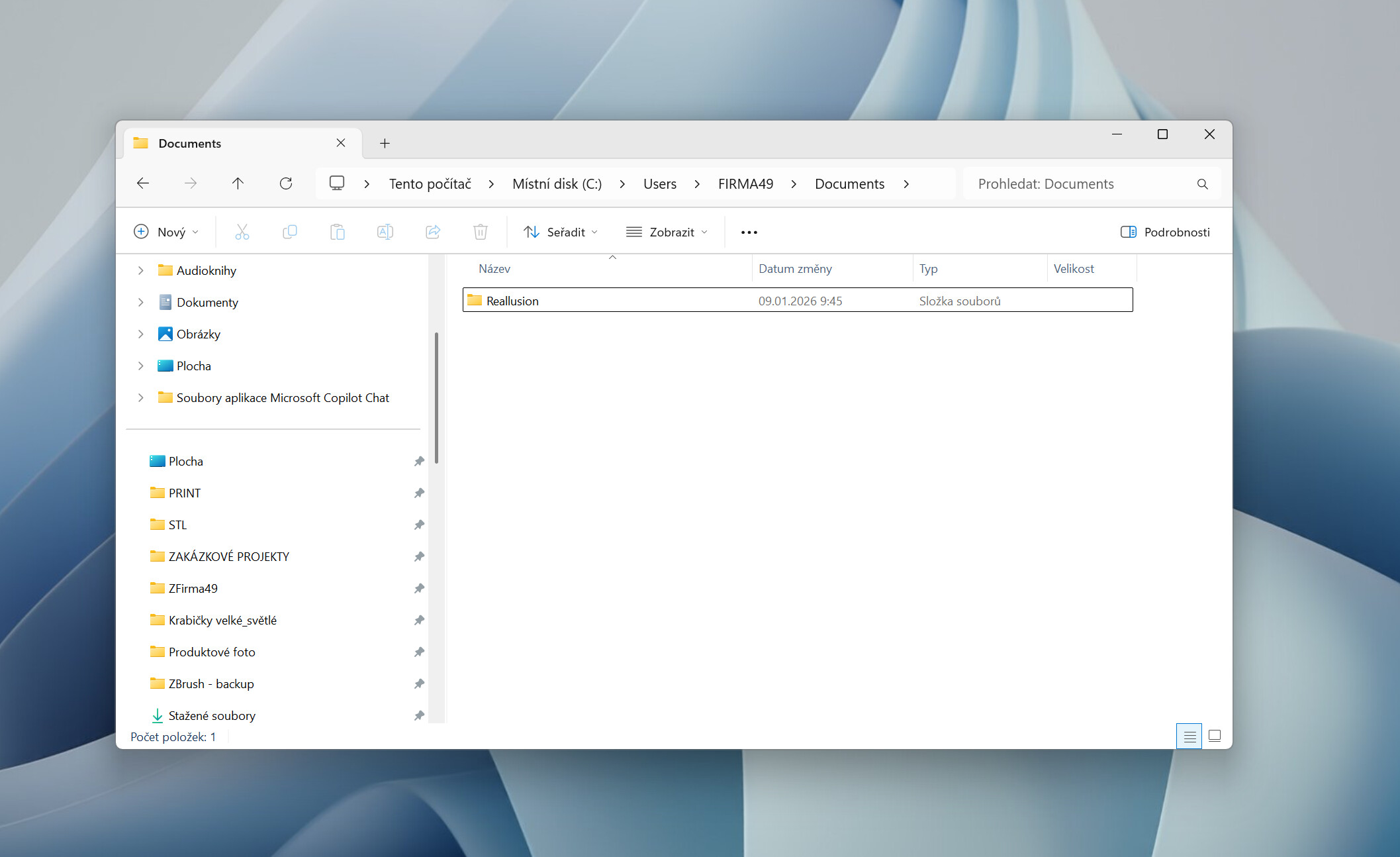
Please go to the following location and check whether there is a Reallusion folder:
C:\Users[Username]\Documents\
If the folder does not exist, please create it manually, and then re-open CC, and GoZ.
After checking with R&D, we found that some changes made for ZBrush 2026.1.1 data transfer did not fully cover all cases. We sincerely apologize for the inconvenience.
Before a patch is released, please use this workaround first.
Hey, Peter. Just a head’s up but it appears that the Retopologize for Base for High Poly Normal Bake is broken for both CC4/5. Kiddo was trying to get some practice using Substance Painter and noticed the arms and fingers are all jacked up. I gave him my copy of CC4, since I upgraded to 5 and when I tried using 5 on his character, we found the same problem. Works fine in CC3, though. I did a quick test so I could show you. I just exported his character in CC3, so he could get his work done, but I just wanted to let you guys know. I don’t know how much of a priority this is and whether nor not I should add this to the bug tracker.
Hello! Similar issue to @trogleth a few days ago. CC5 will rarely start successfully. Splash screen opens, then quietly quits. I can get to to start by choosing to run as administrator and rolling the dice – it’ll complete initialization maybe 20% of the time, but remain unstable and crash after working a while.
Nvidia drivers updated. No issues in other software.
If you do still encounter issues after updating to v5.06, please continue to discuss them in this thread, but importantly also report the issue in the Feedback Tracker to get the issue logged and investigated. Thank you.
Several bug fixes.
Fixed
Apply Content
The eyeball mesh shrinks when applied to a loaded male or female base character.
Continuously applied eyelashes become distorted when applied to a SubD 2 character and after switching to a different subdivision level.
General
Random cache data corruption when downloading content causes the incorrect “Server not responding…” error message to appear, prompting the user to reinstall the content. Feedback Tracker
Export FBX
“Jaw Open” does not work for characters transferred via Auto Setup for UE (All-in-One) 2.0.
Incomplete JSON data exported from the trial version of Character Creator, causing an error when imported into Unity. Forum Post
Character Creator crashes when “Export OBJ > Eye Part” is performed on a character that has wrinkles applied.
An error message appears when exporting certain characters (e.g., Clothed Ariana, HD Gribro) to Substance Painter.
GoZ
GoZ transfer fails on certain computers if the Reallusion folder is missing in the system Documents. Character Creator now automatically creates a replacement folder when needed.
Replace Mesh
Re-importing an object with “Replace Mesh” enabled does not update it in Character Creator. Normally, the object’s shape should update, or an error message should appear. Feedback Tracker
Transformer
A pure white neutral character appears in the viewport, and the Transformer panel does not show for certain Daz G9 characters wearing G9 or G8.1 shoes that were imported into Character Creator via the Transformer.
Some Daz G8 or G8.1 characters had distorted clothing when transferred into Character Creator via the Transformer. Forum Post
ActorMIXER PRO
An error message appears when pressing the “Randomize” button in the “Random Face Settings” panel after assigning a custom directory for Head Skin. Forum Post