That solved the problem!! BIG THANKS!!!
Hi,
Regarding the physics issue you mentioned, could you specify what kind of physics simulation you're referring to (cloth, ragdoll, etc.)? Would it be possible to share some visuals so we can better understand your needs?On Custom cc5 Chracters… 2 things are happening…
- HD Eyes get messed up when we apply subdivision to the character but aaron eyes and ariana work
- Whenever i wanna use a cc5 custom character in iclone 8.6 and the chracter has subd levels… it will ALWAYS fail to load…when i delete all subd and load in iclone they will load. so for right now we are stuck at using the old subd method from cc4 etc…
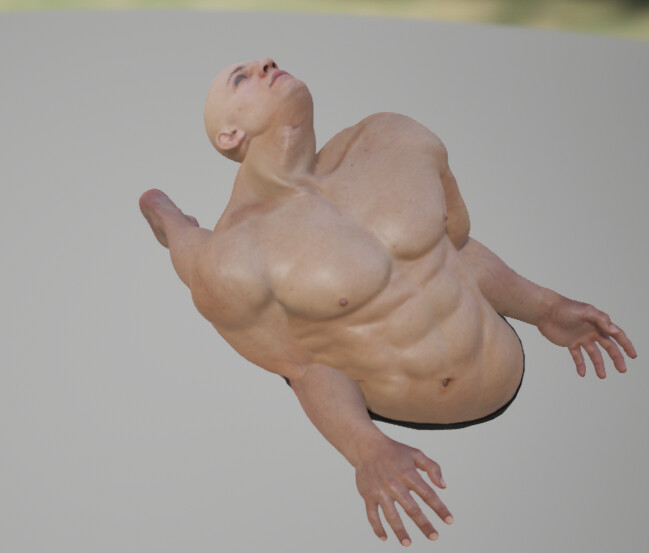
Referring to basic ragdoll physics simulation; export a character to UE5 according to documentation, then open the phyiscs asset that comes with it and simulate phyiscs. You’ll see the mesh bending overbackwards at the hip, the head going all kinds of places etc; screenshot here:
When exporting to UE5 according to documentation and then using UE5’s default PhysicsAsset (PA_Mannequin, the one manny/quinn use by default), the head stretches way too far off the body and the shoulders are entirely off due to mismatching bone structure, see screenshot here:
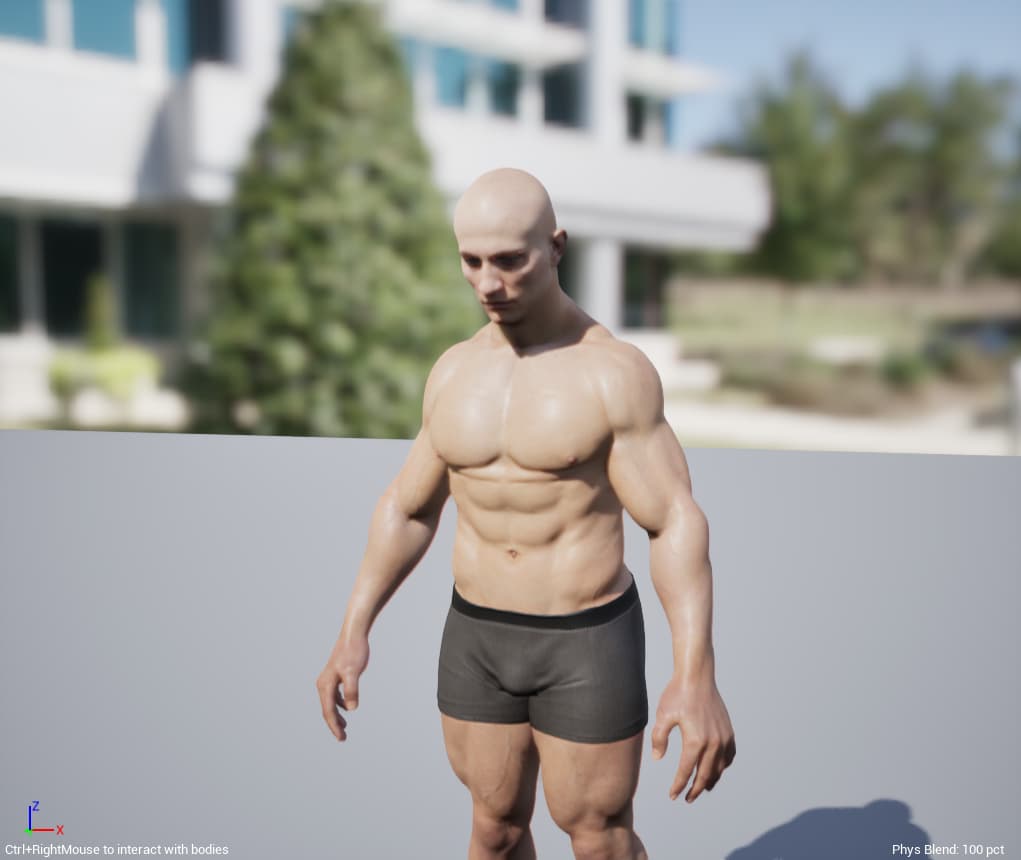
Would be fantastic if RI could provide a physics asset that matches the new CC5 skeleton and has humans constraints/hinges.
When I add an accessory from the create window, when I import it, it is not added as an accessory, as the glasses icon does not appear in front of the object name. Furthermore, in the modify options, only the Edit mesh and ACUrig options appear.
2 Likes
Please see this post.
I Uninstalled both ActorMixer Core Library pack and CC5 Character Pack. Then I uninstalled CC5 and ActorMixer Pro and then reinstalled them. Then reinstalled both the Library and Character Packs. Closed CC5 and restarted my PC. It now works, 90% of the time correctly 10% crashes and I have to start again. Support were not that helpful, they just said uninstall then reinstall the packs which if they had read my ticket properly would have seen I’d aleady tried that. My PC spec is more than fine so I don’t know what the issue is.
1 Like
I’m also getting this error. Weirdly it was the only part of ActorMixer that was working at first , now I’ve sorted that problem I now have this one.
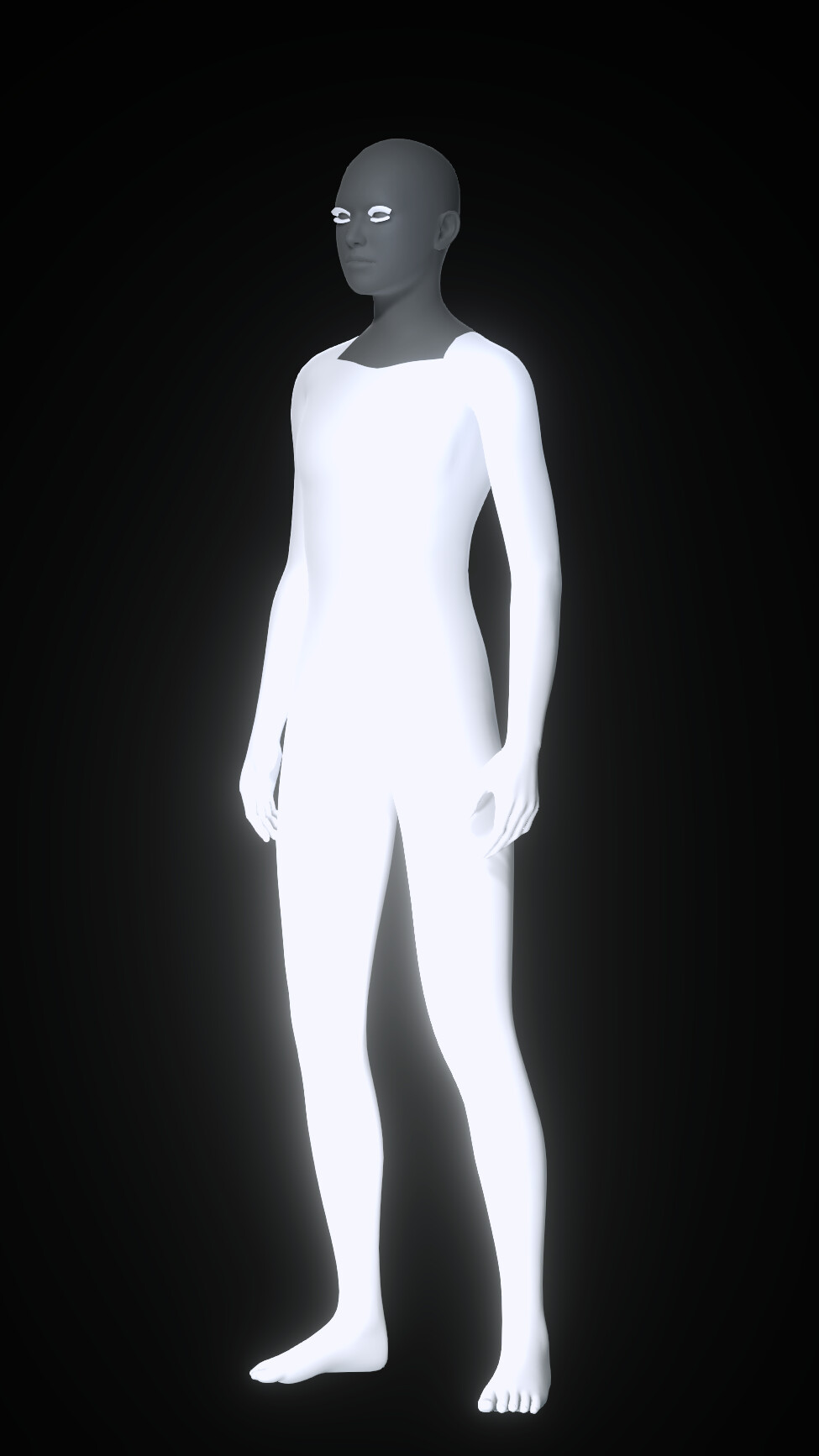
Are your graphics drivers up to date? This kind of problem is often related to outdated or unsupported graphics drivers.
REMINDER
As well as discussing in this thread, please remember to report your issues in the Feedback Tracker so they can logged. The FT is the only way to guarantee your issue will be investigated by the dev team so it’s important not to forget to do it. Thanks.
1 Like
This issues occurs when the content pack is not installed in the default path.
Please help report it to the Feedback Tracer. Thank you for your feedback.
After working fine for about an hour, CC5 dropped contact with its server and now I can’t use the avatars. Apparently ownership must be constantly verified over the internet or the content goes into trial mode. The program says to use Help / Activate Purchases but that’s an endless loop and the program has to be terminated in Task Manager. Reporting this now on Feedback Tracker.
1 Like
Hi,
Please check the wrinkle type. If the character’s dynamic wrinkle is Flatten/Individual type, it will restore its original texture. Only Geenral Wrinkle will keep the original diffuse color.
P.S. You can find more details about these two wrinkle types in the online manual.
1 Like
Hi,
Currently, SkinGen export is limited to 4K textures. This design choice was made for performance and memory optimization reasons.
yea I guess that works. But I might as well just use CC3/4 characters. I thought we could create new and better looking characters ON TOP of the new CC5 characters like we’ve done in CC3 & CC4. What your saying is basically use a CC3 + character - Add my headshot photo - and subdivide. I’ve already did that workflow but ok. Hopefully CC5 will let us use their base CC5 characters with headshot WITH subdivide already ON. As Always Thanks @Rampa for the help
1 Like
Hi,
After test, add more details:
Cause: The current design does not fully support the multi-drive feature in Content Manager. Sorry, this needs more time to improve.
Workaround:
- Move your Template installed content location back to the default install location. see video 1
- Re-open CC5 and refresh Content Manager > Run Random Face again, it should work. (if you want to decrease the mixing time, you can un-check the Skin.) see video 2)
We hope this solution works for you.
This issue is caused by our current design. We’re very sorry. For now, please use that workaround — I hope it helps.
Is this a permanent thing? I know that iC/CC can be resource hungry but what’s the point of having 8k resolution when it’s not supported by Skin Gen?
2 Likes
I have the exact same issue.