[OFFICIAL] Character Creator 5 Issues Thread

I’ve contacted Support regarding ActorMixer Pro not opening. The response I received was
"Try these steps to help us diagnose the issue.

  1. Please go visit: http://cdn2.reallusion.com/Feedback-tracker/RLSystemInfoCollector-Windows.zip
  2. A file named “RLSystemInfoCollector-Windows.zip” will be downloaded automatically
  3. Find and extract this zip file, then click “RLSystemInfoCollector.exe” to execute.
  4. Click “OK” when displaying dialog “Please click OK to start collecting system information.”
  5. After the process is done, click “OK” on dialog “Finish collecting system information.”
  6. Find “RL_FBT_UserSystemInfo_Windows.zip” and attach it."

Which means I’ll probably have to wait another 24 hrs before they get back but considering the link won’t open it will be a lot longer! :expressionless:

EDIT: The link works in Edge but not Chrome

Is there a solution for this? The hair is from Hair Bundle 3. Is it because of the sublevels?

1 Like

@DomusLudus
Is ther an option to get the conform menu. You can there recalculate collision. I had the same for some Hairbrows. Hope it helps!

3 Likes

Same. I applied the “Classic short” hairstyle and none of the morph sliders were functioning. A little workaround until the bug is fixed is to convert the hair to an accessory and then back to hair — then the sliders work again.

1 Like

Impossible to save some characters or dressing them or sending to iClone. CC5 is crashing everytime.

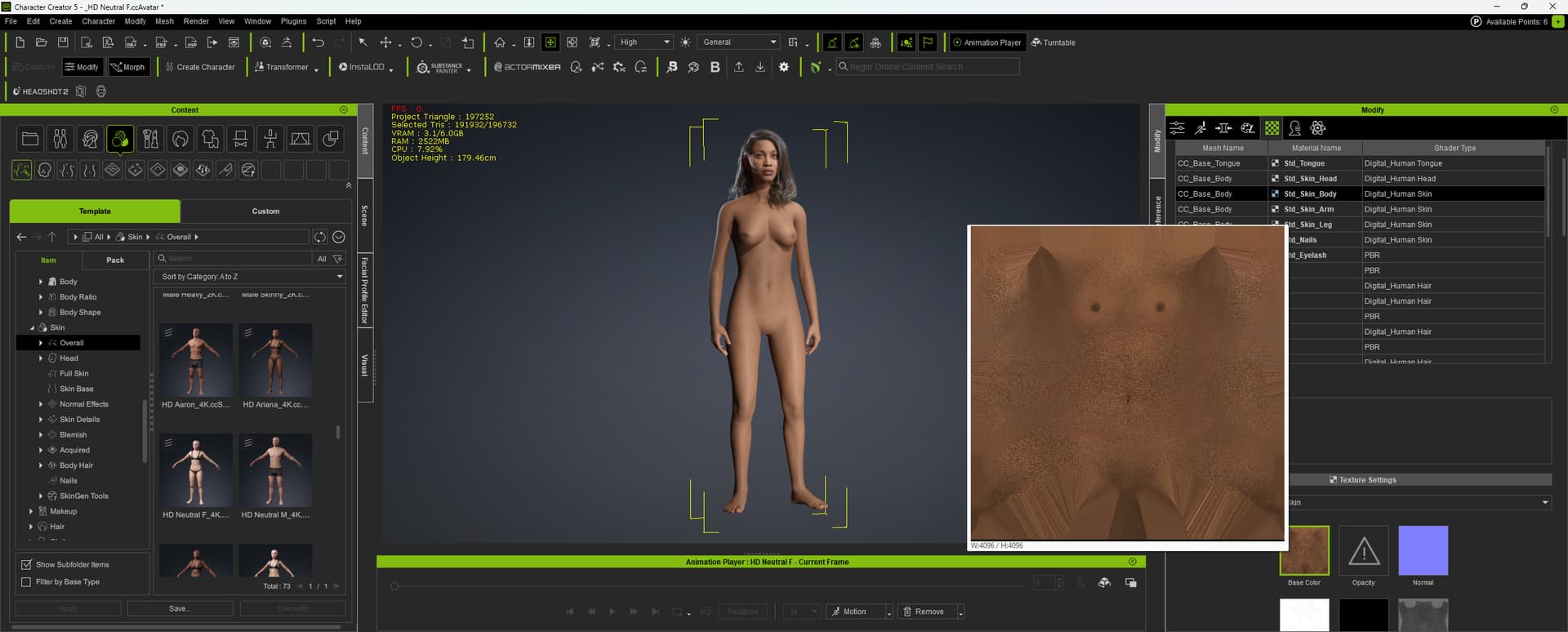
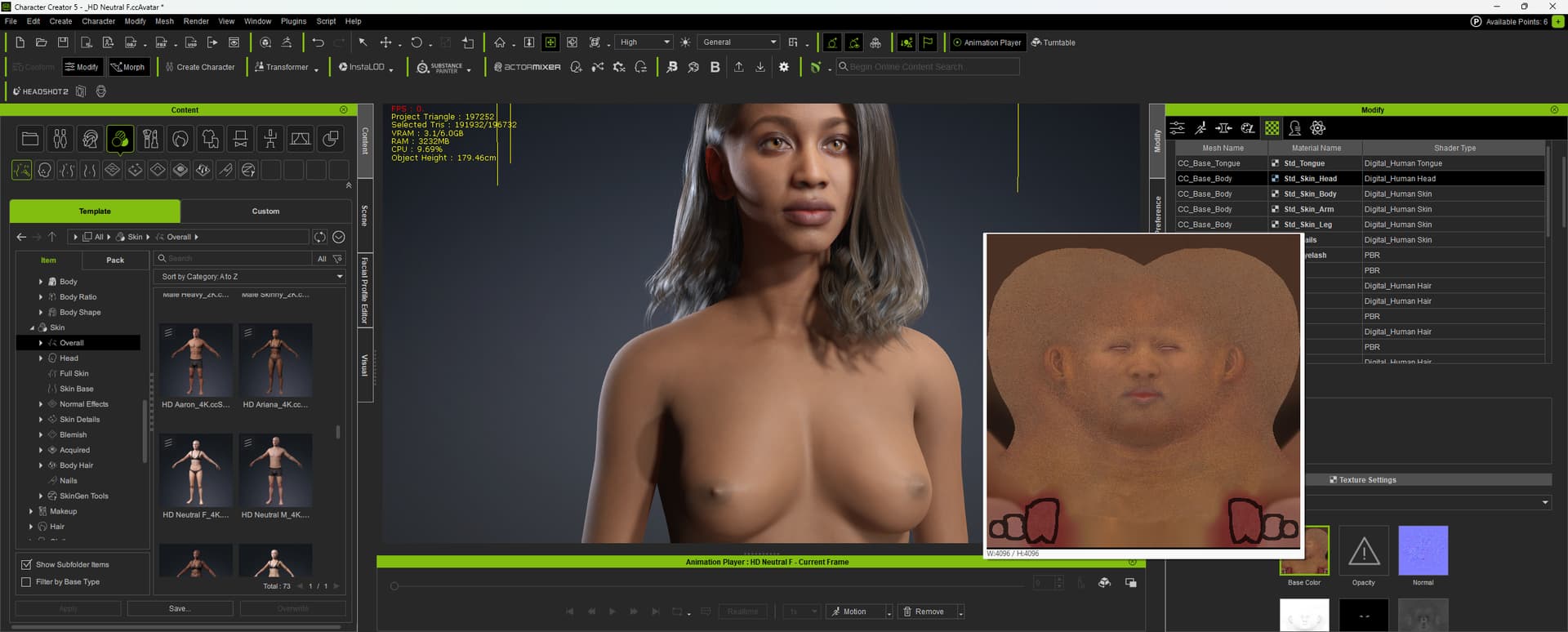
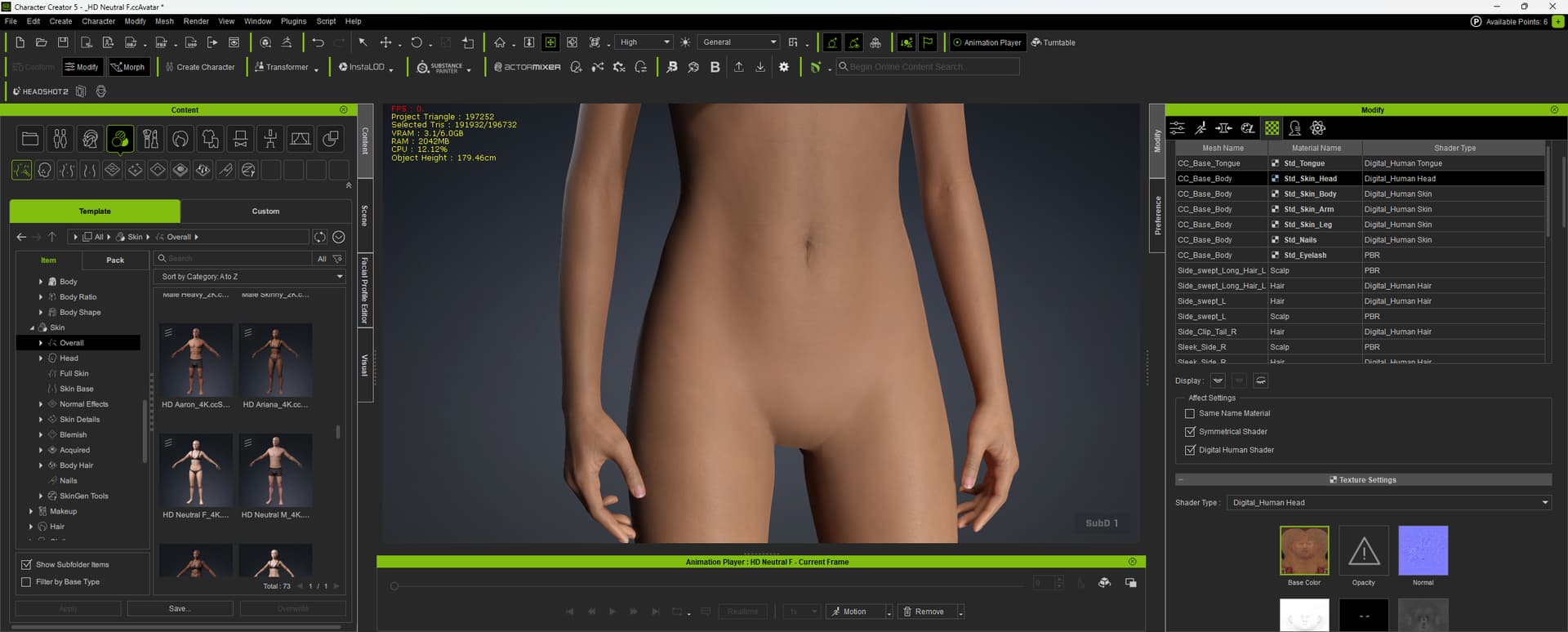
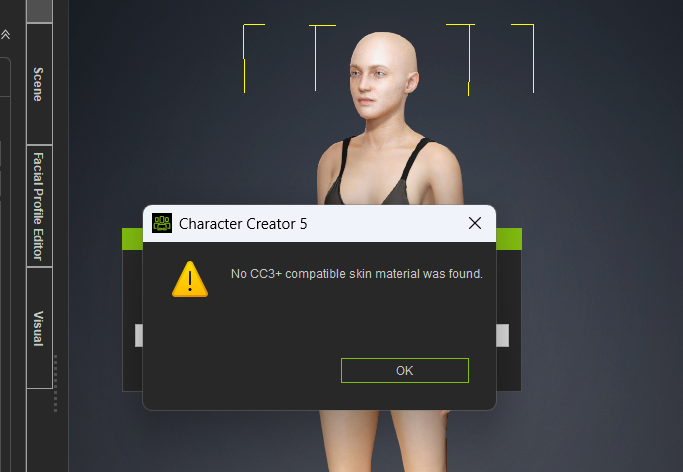
Is this a bug? When I apply the skin to the character (skin > overall), the head looks detailed but the body texture appears flat. I followed the same process on a male character by adding SkinGen. Same result. The body is only slightly more detailed.

Some HD morphs are blocked and when activated the trial sign appears.

well this seems to have cleared up on iclone 8, maybe it was just my system. Still am enjoying CC5, but Iclone 8 hopefully with catch up to it. still can’t do face puppet and the Accupose doesn’t seem to work with CC5 characters. Not at least for me.


Refresh worked for me to correct the Actormixer pro library compatibility problem.

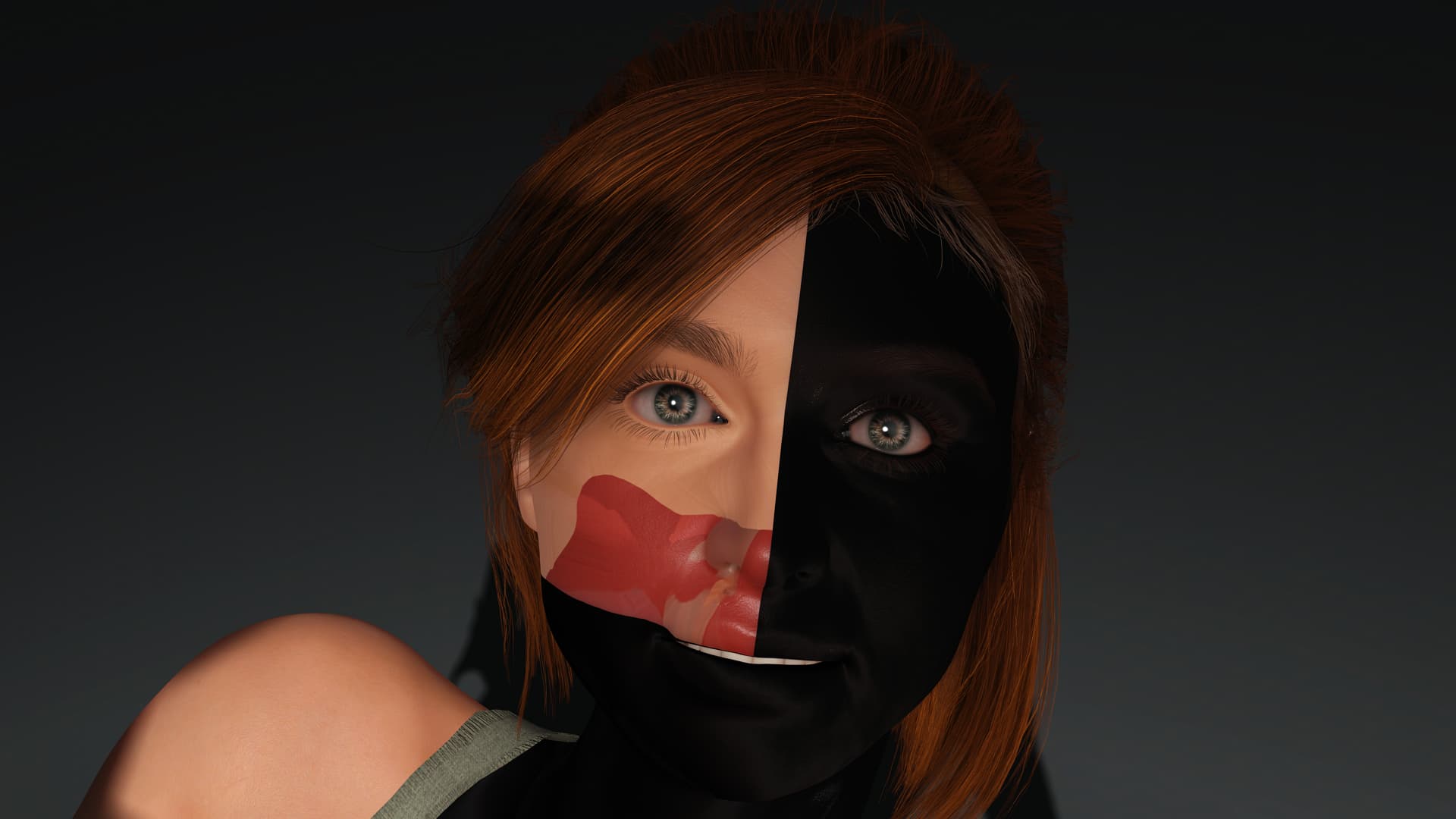
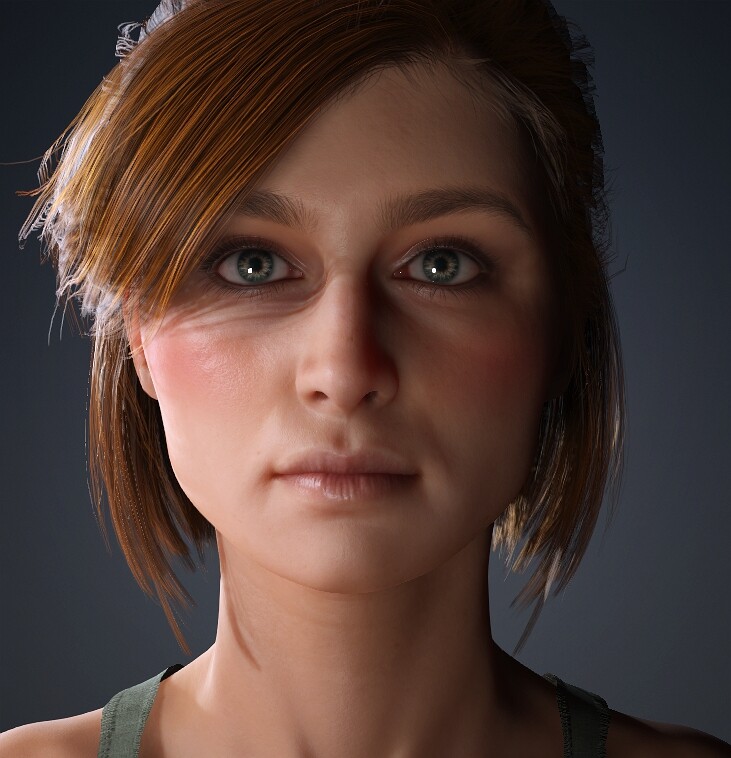
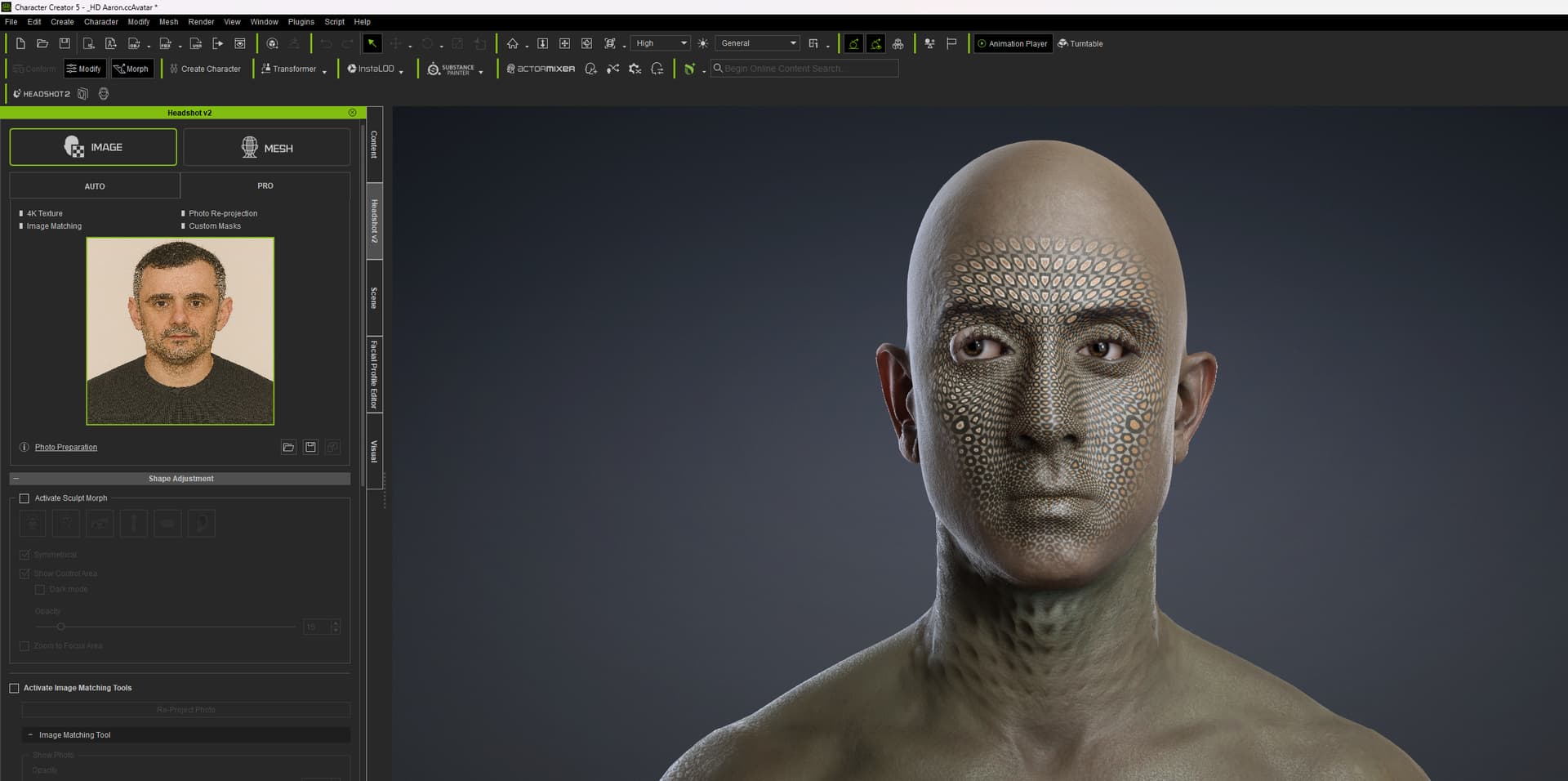
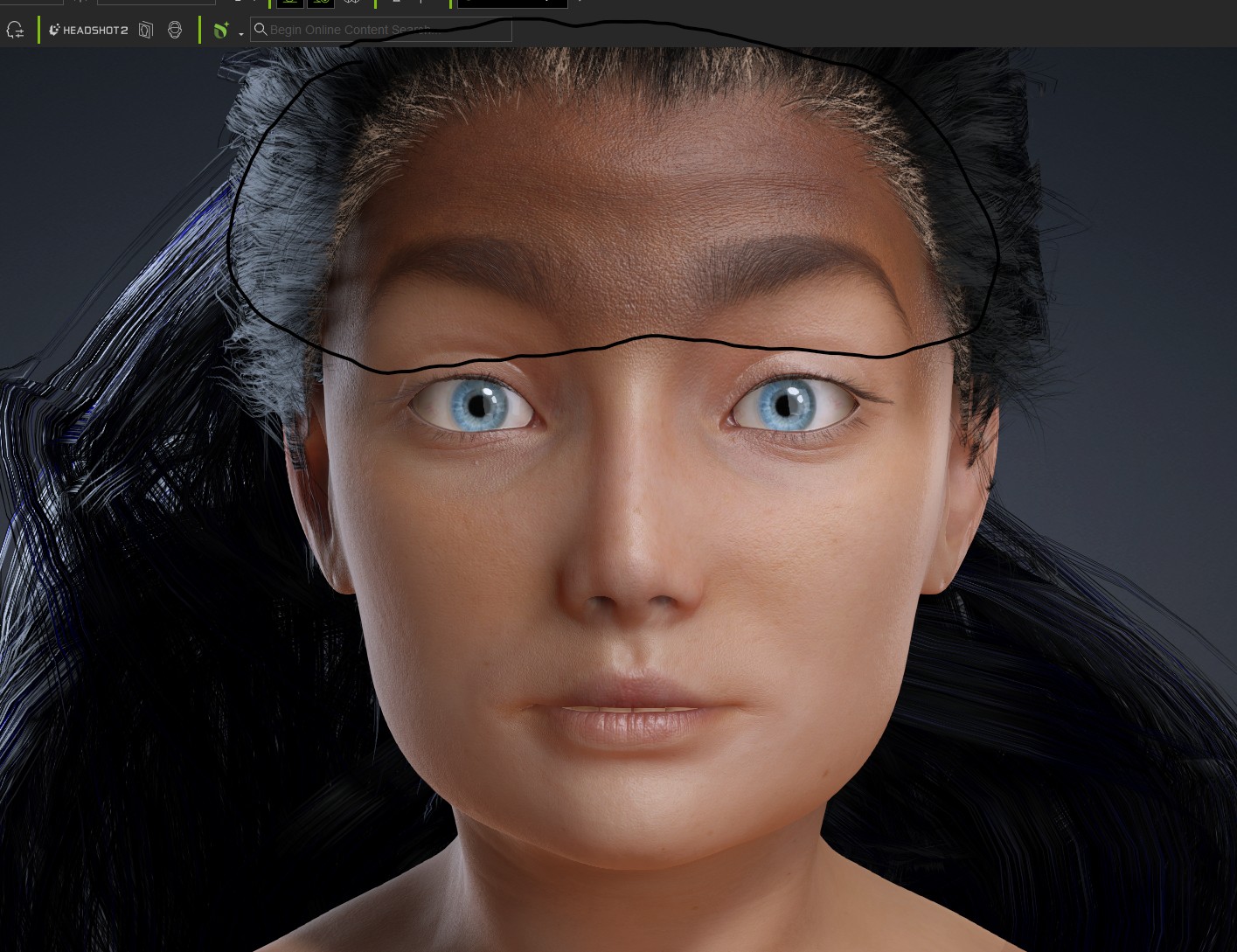
I was hoping to use Headshot 2 on the new CC5 characters. Unfortunately, I get this wrong texture display without the photo image I used for Headshot. Is this a early bird glitch or is Headshot 2 not compatible with CC5??

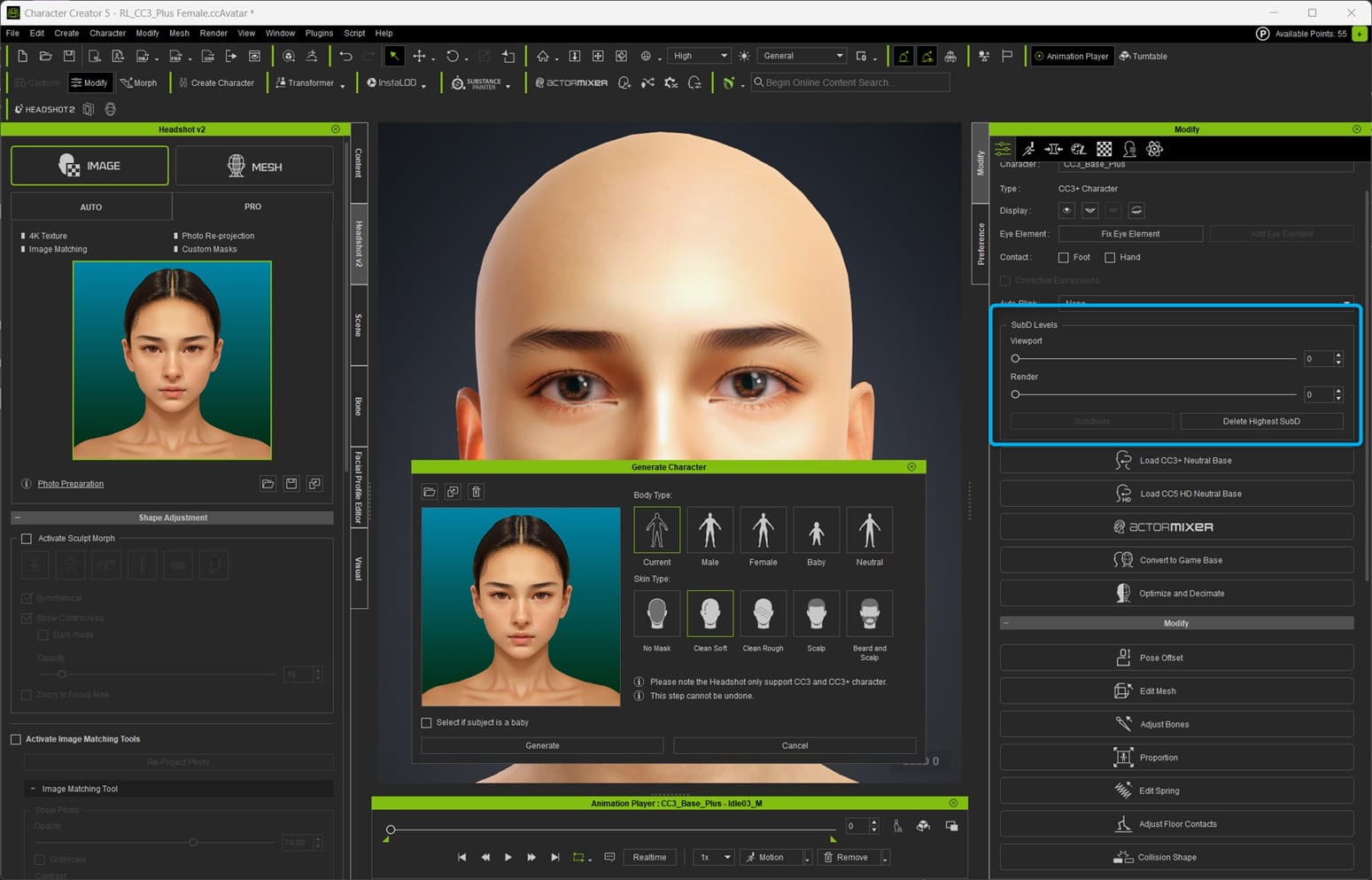
This happens if you choose the “Current” setting in Headshot image mode, and your current character has a subdivision level set.

To correct it, make sure your character is not subdivided while creating the head. So set the subdivision to zero before using Headshot image mode, or use a non-subdivided character. After using Headshot image mode, you can then subdivide your character to level 1 or 2.

Unable to import cc5 character in ue5.6 with latest plugin. it will hang on 0% importing, 15mins+ or not even do anything but hang. no crashes

Edit, it worked, just took 25-30 mins to pop the import window up after the drag of the fbx in

1 Like

Quick correction: the sliders work again, but the morphs still don’t deform the mesh right.

1 Like

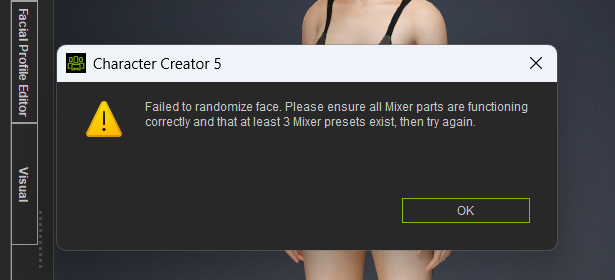
Cannot get ActorMixer Pro randmomizer to work. I get this error:


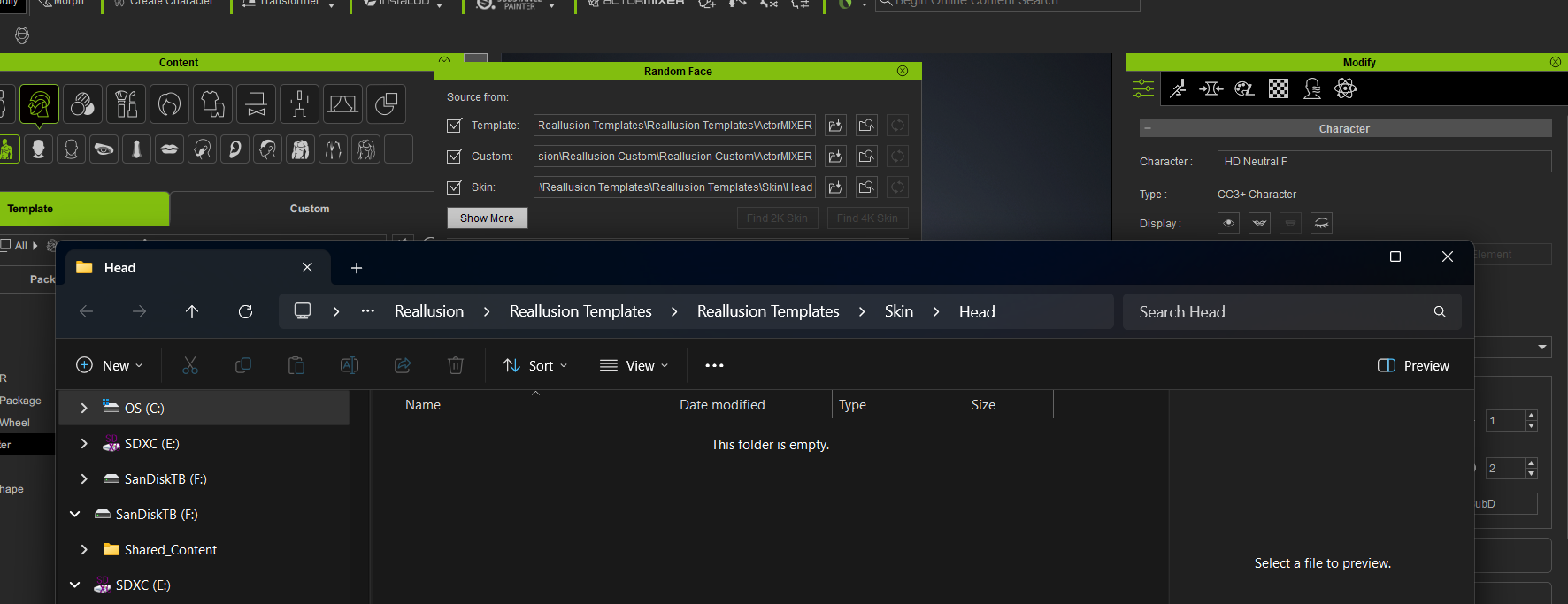
I checked the random face settings which are still the default. However for the skin settings when you browse to the directory listed. There is nothing in there.

Should this be set to another location? Am I missing some assets?

Is that why this is happening???

See how the skin is extra dark when I try to do expressions with wrinkles? I’m wondering if this is the reason why. I only have 1 custom made character that doesn’t have this issue.

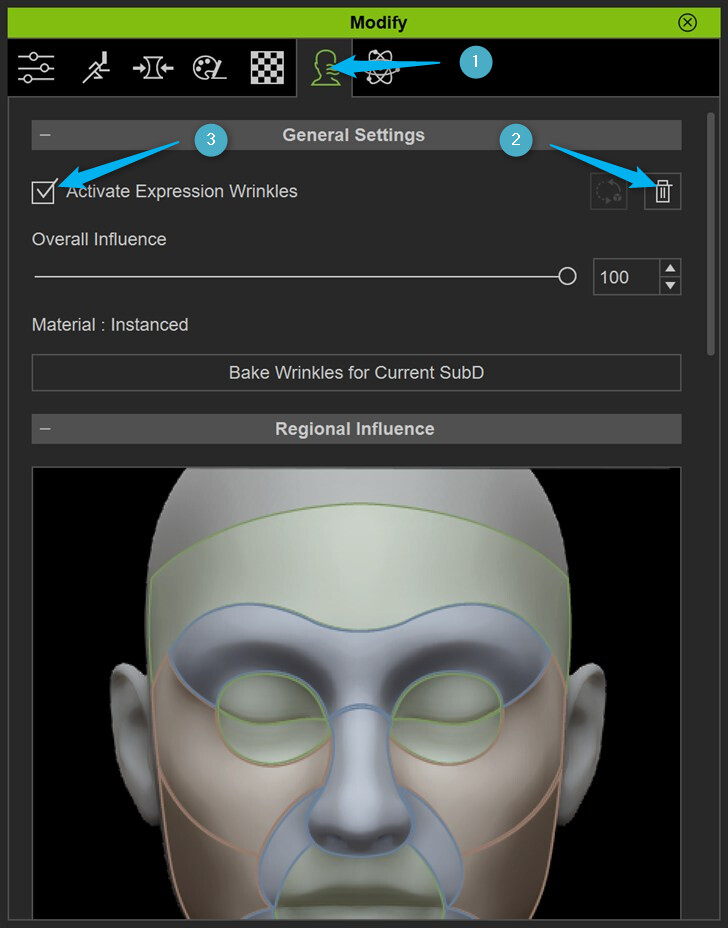
Delete and and re-enable your wrinkles. It will create new wrinkle maps that match the skin tone properly.

4 Likes

Why is the Meta Tailor plugin not available in CC5?

  • Also went back and tried it on CC4 and it doesn’t actually send the clothes back…

Why does it take a hundred years for the UE 5.6 Auto Setup to work?

  • 10 minutes for the pop-up to appear in Unreal, and it’s been trying to finish importing for at least 20-30 minutes. Absolutely ridiculous this was released in this state.

AMD Ryzen 7 9800X3XD
AMD Radeon RX 9070 XT

2 Likes

Didn’t work for me either. I reset metadata, refreshed. Then when that didn’t work I uninstalled the packs, then reinstalled and was still greeted by the same error.

I’m also noticing this in CC5. :slight_smile:

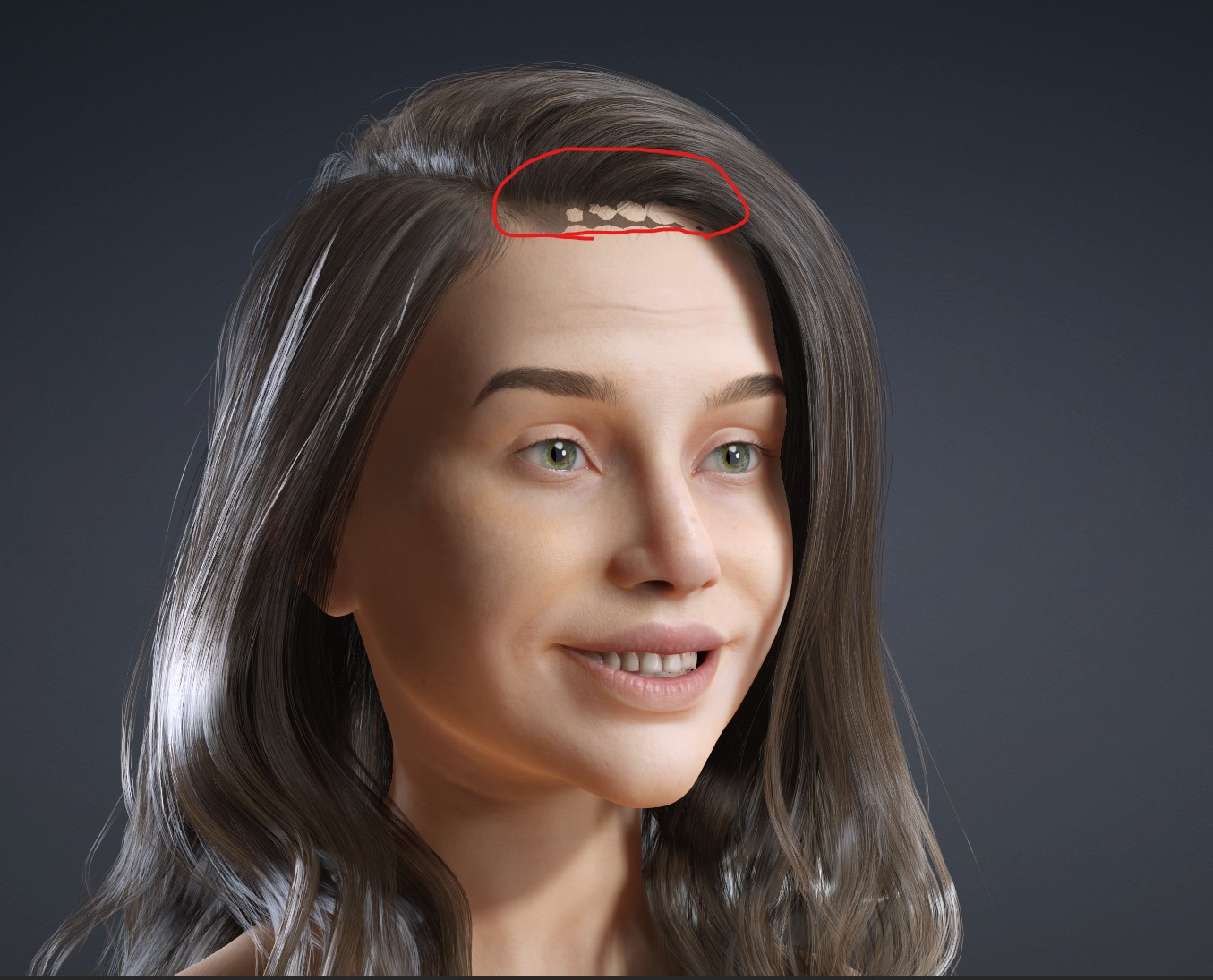
Okay, I see the problem. In iclone 8.6.4427.1 When I switch in preferences to 4k or 8k then this problem appears. In 2k no problem. Hopefully this is be address in an upcoming update.

1 Like