I cant get a CC mesh into unreal with the auto setup at all now. It takes forever to process and when it does it always crashes, sighting the auto setup as the cause. Multiple projects, same crash. Can anyone tell me how they got around this if it happened to them?
Hi,
Thanks for reporting the issue—our team is aware of it and it will be addressed in the upcoming CC5.01 patch.
1 Like
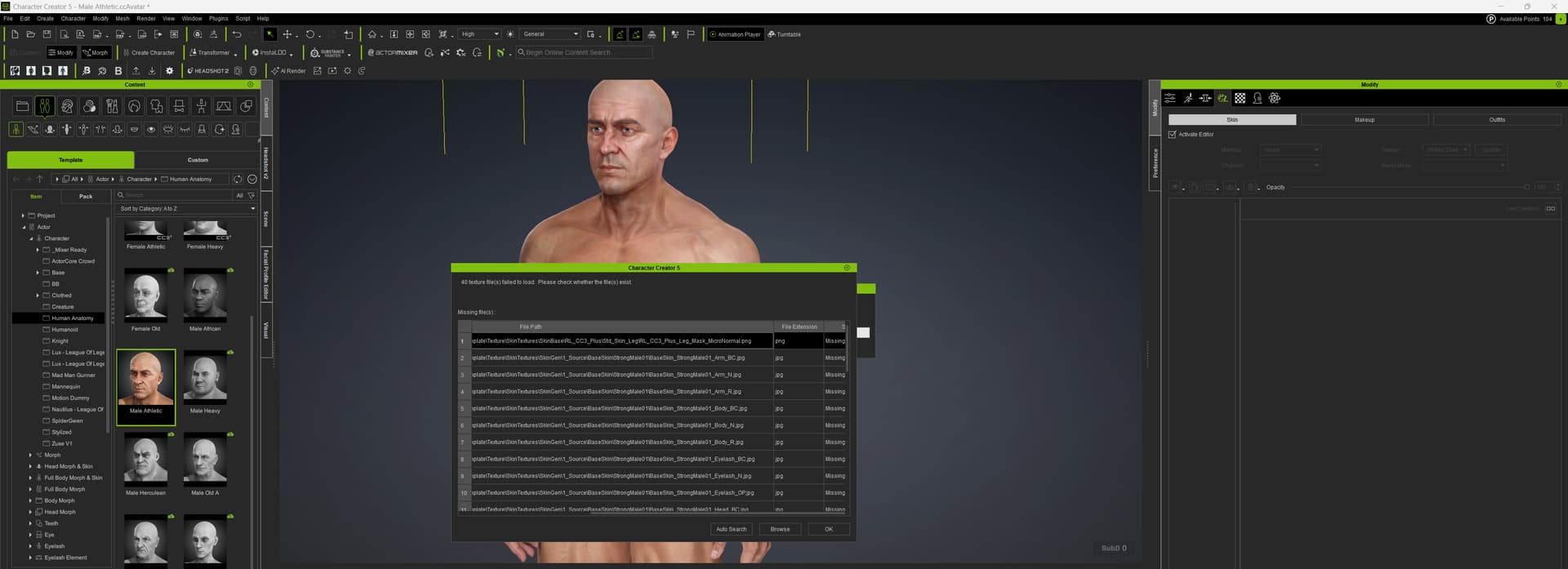
Yet another bug in CC5 - I tried using the Human Anatomy → Male Athletic character, then went to the Modify tab → Appearance → Active Editor; I immediately got a window "40 texture file(s) failed to load. Please check whether the file(s) exist. Even worse, I can’t expand the dimensions of the window - I’ve attached a screen shot.
The release (CC5) appears quite buggy and rushed and the question now is, who is in charge? Where is the quality control? Who managed/is managing the release? I work in software and I’ve seen it thousand times.
1 Like
Hi,
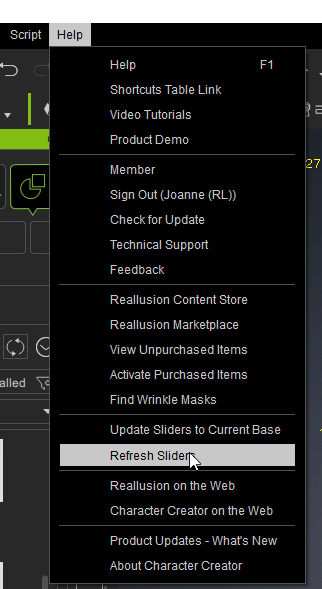
could you try to refresh slider? Let program to load the sliders again.
See if the water mark (trial sign) does not appear.
1 Like
Hi,
Please try the following:
- In Epic Games Launcher, click “⋯” → Verify your UE installation.
- Make sure you’re using the latest Auto Setup version.
- Try in a new blank UE project to rule out project-specific issues.
If it still crashes, feel free to submit your logs via the Feedback Tracker:
You can try updating your graphics card driver to the latest version, or run Windows Update.
If the issue still persists, you can submit your problem to Reallusion’s Feedback Tracker.
https://www.reallusion.com/FeedBackTracker/MyNew
Hi,
Please help report it to the Feedback Tracer. And attached your system information file and this project to help us identify the problem.
Thank you for your feedback.
Hello, could you please report this issue on the Reallusion Feedback Tracker? Please provide details of your operations or any relevant files so the development team can try to reproduce and fix this problem. Thank you.
hi… i know this may sound very odd… but try deleting your normal map from your head and repeat the process to export… for me 100% of all my characters are having this issue… before deleting the normal map… save it on your hdd and then bring to unreal once (if) your character is exported OK to unreal… and then add it to the head materila in its proper slot… took me a loooong time to find this workaround :(.
Hello. My content was already in the default location, but i tried this anyway. This solution didn’t work for me.
Thanks!
Hi,
Team had some discussion and we’d like you to help confirm this:
In this video, we used the native ZBrush plugin > Scale Master to resize the mesh (x0.01 & x100).
Steps:
- Menu > ZPlugin > Scale Master
- Click Sliders to Subtool Size
- Change Y value → x0.01 or x100
- Click Resize Subtool, check the rusults in CC.
Since CC5 GoZ now includes a displacement map flow, the displacement strength will not scale with mesh size, which causes incorrect results. So, we suggest removing this checkbox (scaling ).
Could you please help confirm if the above method solves your problem?
ps. The same content is also replied in your FT report
Still popup the same error message? (no skin…, Failed to random face…)
I’m not sure about your computer settings, so here’s another workaround (video link).
See if this can help your Random Face work properly.
I’ve broken down the steps in the video description and added timecodes, so you can watch each part directly.
Hi, First of all, I LOVE the character creator 5 update. I am getting wonderful creation results. However, I can no longer swap clothing on characters, even after transferring skin weights or assigning clothing or armor as an accessory. The clothing “melts” or deforms, and has its own physics. I can no longer import clothing assets or hair from Blender, the item attaches itself to my character permanently as if it’s a part of the base mesh itself, and I cannot delete it. I am working on an animated film, and this has halted my production at the moment. I truly appreciate Reallusion’s hard work for the update, but please make a hot fix asap! Thanks, team!
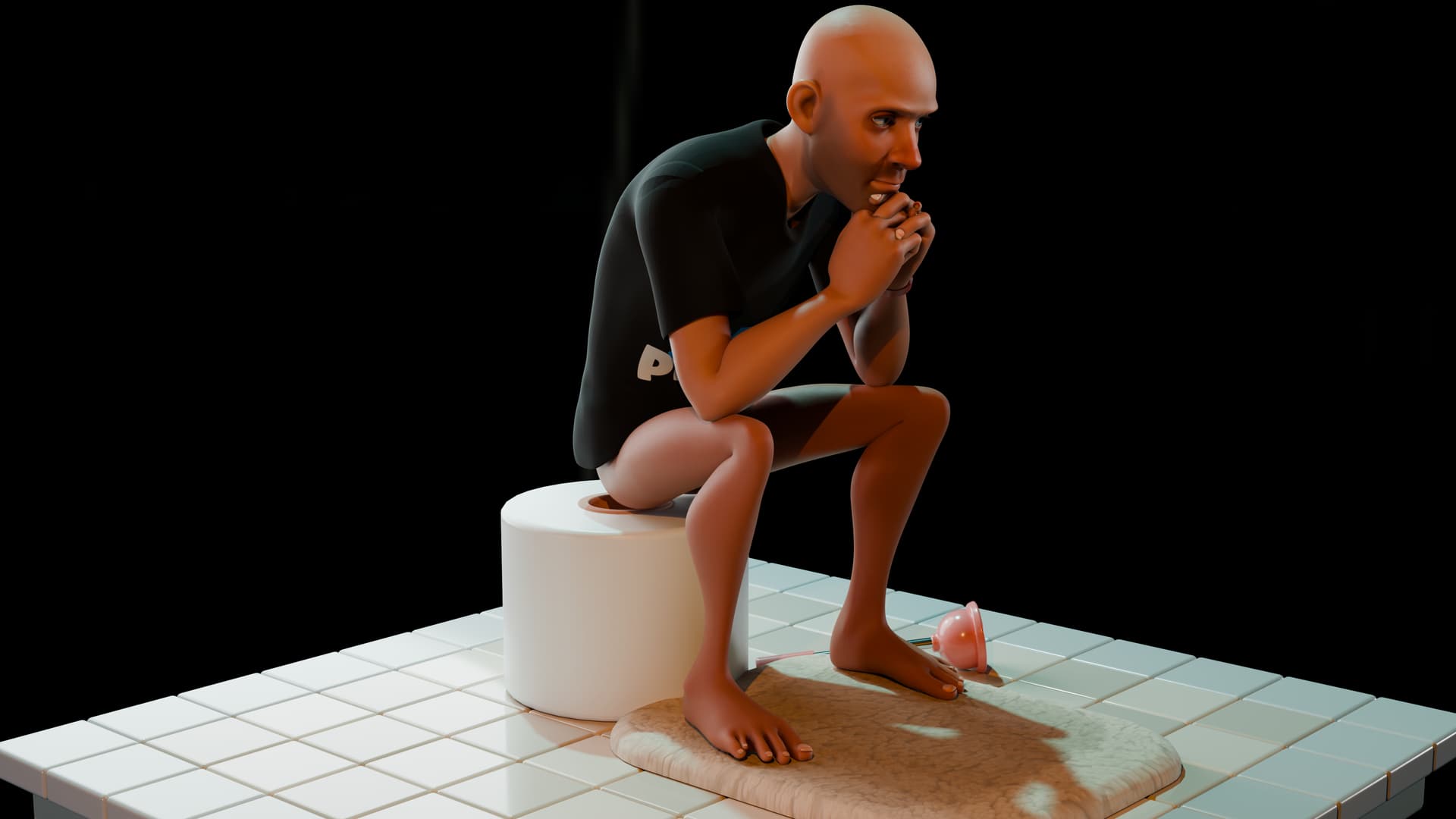
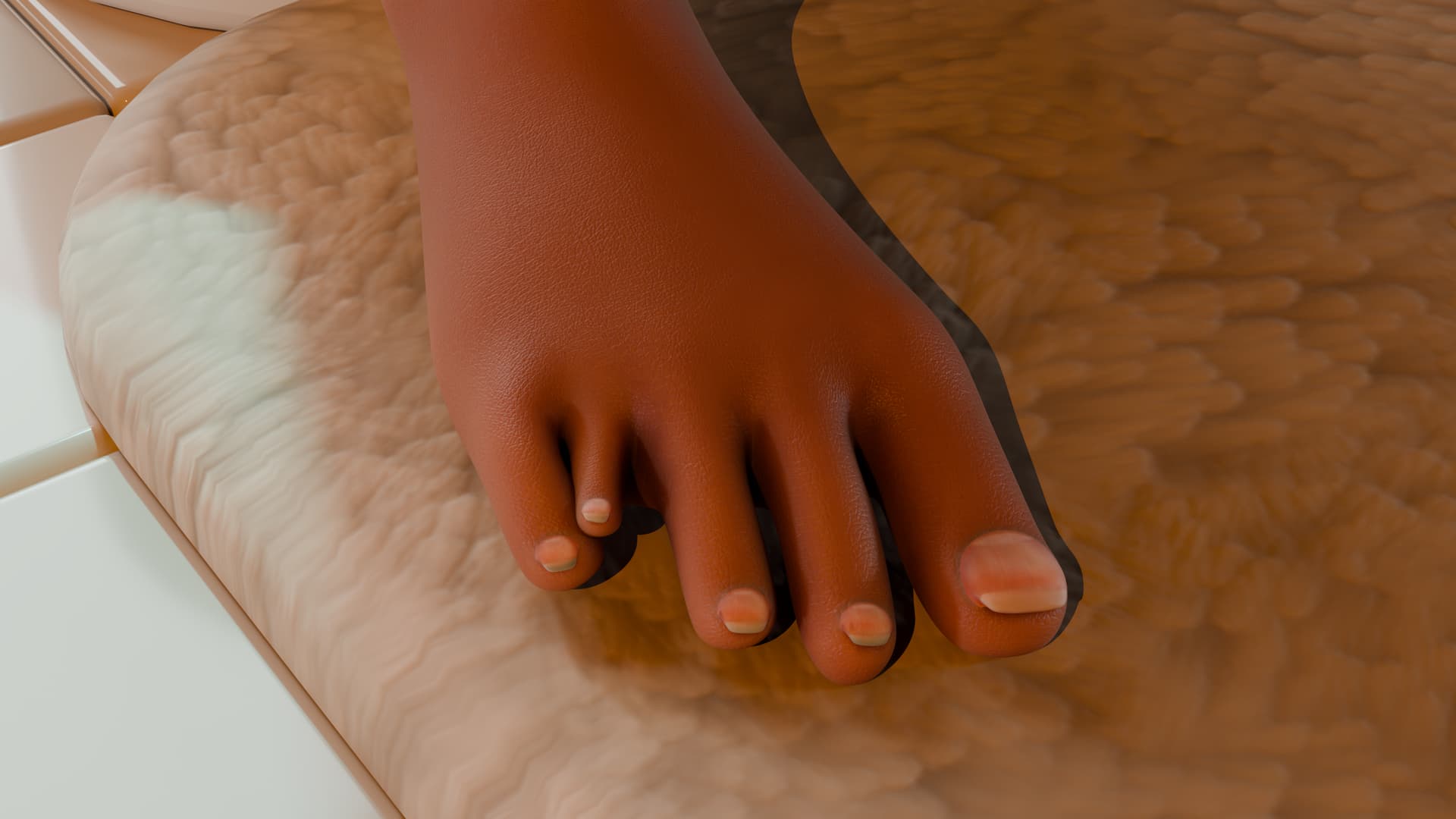
i had this issue too what fixed it for me was under the wrinkle system making sure that the texture you have on your character is the same one that is in the wrinkle section. So go to youe textures Go to the head texture, Copy it, then go to the wrinkle section and paste it there or if paste is not allowed just double click to load the same texture from your pc. I had to go save the texture i had on the character and load it in the wrinkle section and it fixed it.
With this default export from CC5 or even CC4 the brushes are not working as they would with Draw Size Dynamic turned on because the scale is way too big for the Zbrush brushes.
In my opinion it would be better if the check box was checked by default for a seamless integration with Zbrush and it’s brushes because for now it is better to first use GoBlender and use the GozBlender add on to have a correct scale from the start inside zbrush and make clothes shoes etc from this model.
It is really important to have the correct and consistent scale between softwares.
I’m sorry to say that but for now the GoZ plugin is useless for me as every project i made so far was with the scale turned on.
Also it is a step back and a waste of time to do the scaling in zbrush every single time you want to go back and forth.
While waiting for a fix i’ll go to blender before going to zbrush…work on the models then goblender from zbrush and finally goCC.
Hope you’ll find a way to fix this issue 
1 Like
What a crazy way to get around the error! haha must have taken forever to figure that out. Ill try it asap thank you!
1 Like
I just got it too work another way, delete all the cashed shader files and change your graphics template to default if its set to DirectX11 or 12. Everything is uploading just fine now!
took me the most part of the day and a good help from chatgpt!  lol… it hinted that what might be causing issues were normal maps because of their color space… i was like…oh well… lets delete them…and voila lol
I own Character Creator 5 and 4.6. I purchased Smart Hair Packs from the Reallusion store, but morph sliders (CID files) do not work. These packs are advertised for customization through sliders. I’m stuck until fixed. Is there an ETA? Are working alternatives available? Please help.