Character Creator 5 is now available. However, as with all updates there may still be a few bugs, glitches or other annoying issues that remain.
Important: If you do find any bugs, issues or glitches in Character Creator 5, please can you report them first in the Feedback Tracker. Then feel free to discuss the issues in this thread but do try to include a link back to the original Feedback Tracker report or your tracker number.
As always it will help us greatly if we can keep all technical issues in the one place (this thread). This will help the development team keep track of any problems.
Please do try to provide your full system specifications and a detailed description of the problem when reporting issues and include screenshots and/or a workflow video whenever possible. If you can provide specific steps so we can try and reproduce the problem that will be even better.
Many thanks and have fun with Character Creator 5.
There are some morph sliders, mainly 3rd party purchased or custom and even some Reallusion , which does not show up in CC5. (They are now also not showing up in CC4 update).
I installed CC5 and upgraded CC4 to version 4.6.
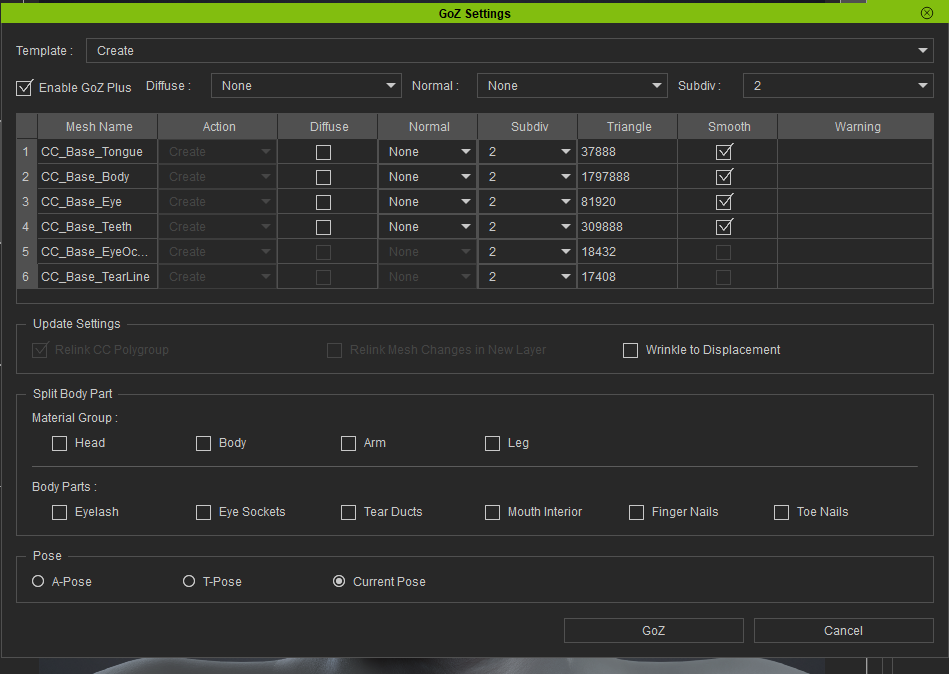
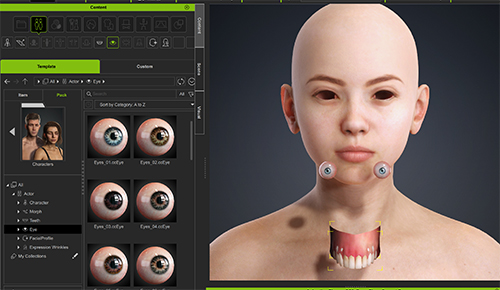
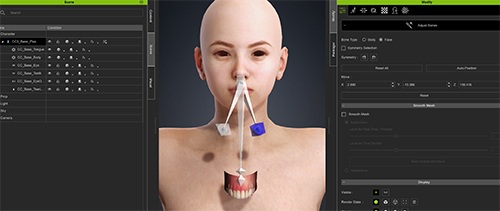
I imported an FBX from DAZ and replaced the eyes and teeth with the CC4 ones, but they’re now misaligned. It worked fine before the update. I’ve tried it with both DAZ G9 and G8. I also installed CC5 and tried it, but the eyes and teeth are still misaligned.
Due to incredible strange placing of the Spine05 bone - which should be sitting right between the clavicles, but sits in the center of the sternum - all physics simulation breaks the character; the autogenerated physics asset is of no use, and when using the UE default physics asset, the snap up and the neck elongates due to the misplaced bone.
Is there any chance that there will be a fix either for the bone placement or a suitable physics asset to go with CC characters?
CC5 is a great step in the right direction but if we still have to make custom physics assets for these characters, then that’s a big gap in the pipeline.
I have CC5 installed and upgraded CC4 to version 4.6.
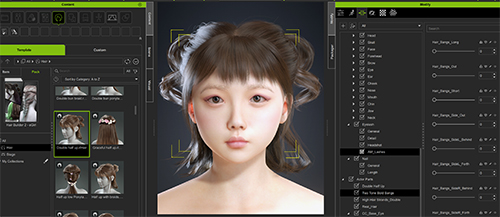
In both cases, the morph sliders are visible for some hairstyles, but they are unresponsive when moved.
For example,
Hair Builder 2 - eGirl
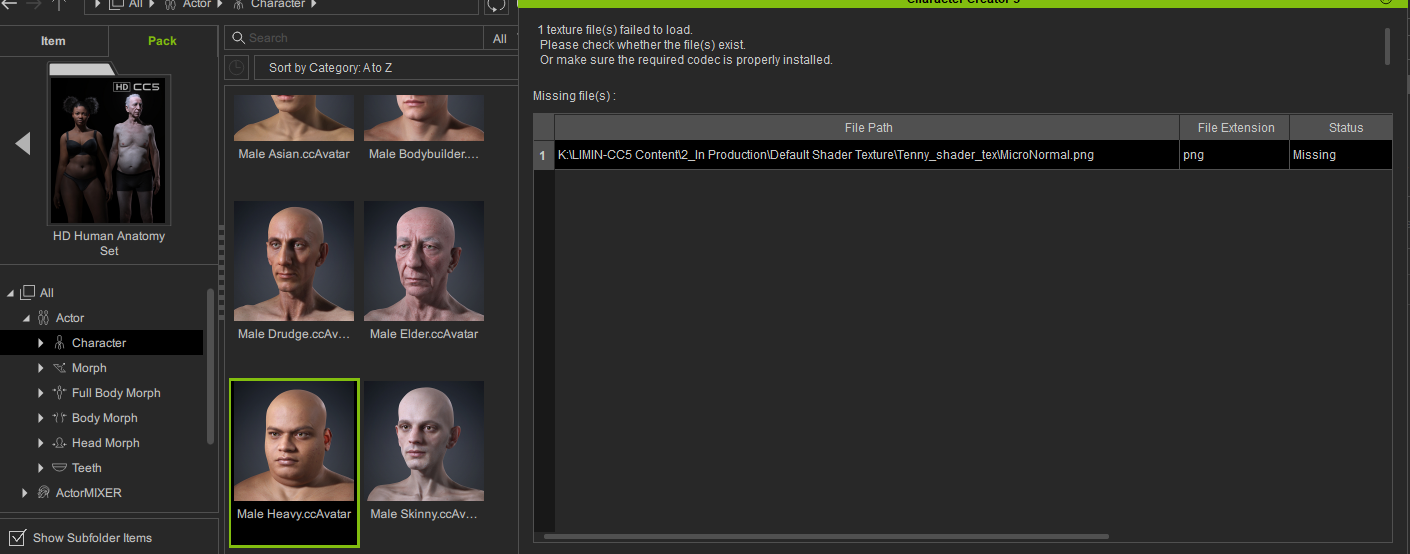
Because we did some content pack item testing, there are some residual cache data
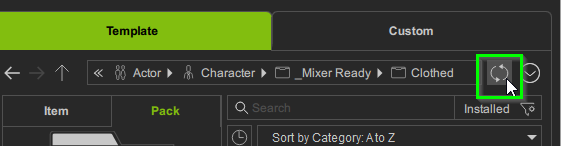
Please right-click on the Refresh, run Reset MetaData, you will get the corect one.
so we still can’t scale the UI in CC5? Does anyone at Reallusion actually use their tools? The UI is still gigantic and takes up 2/3 of the screen in any normal configuration. This is such a fundamental issue I can’t believe that it hasn’t been addressed before now.
Please try Refresh in content manager, uninstall > re-install the content pack .
Please wait again while the content is being installed. very sorry about this.
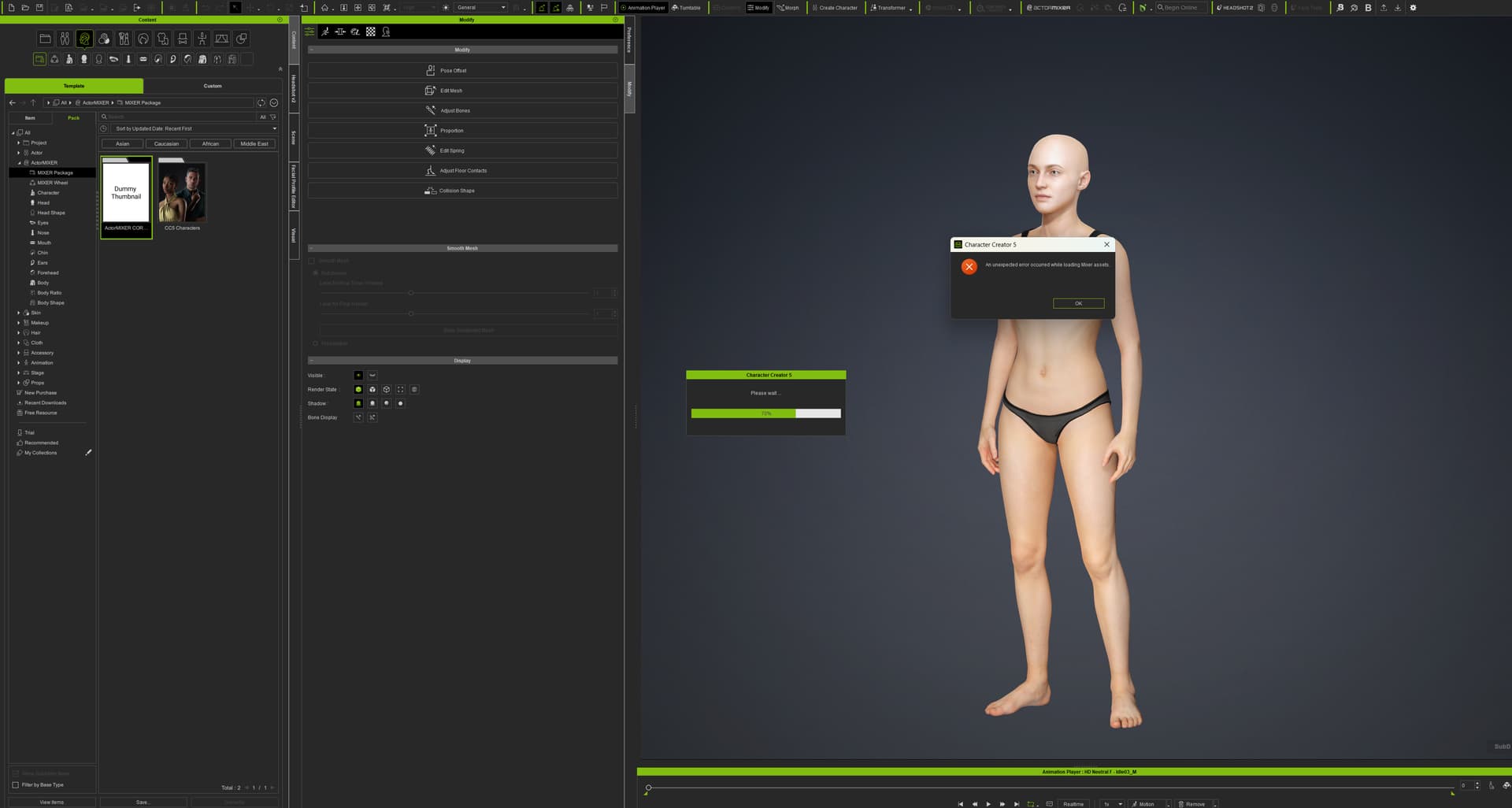
I have uninstalled and then reinstalled Actormixer Pro plugin, the Actor Core library, CC5 Characters packs. I’ve refreashed and reset Metadata. I have Aaron selected and click on “Start with current” selected in the Starting Base dialog box, after clicking on ActorMixer in the modify tab. I still get the error and I still can not use ActorMixer.