Due to some technical issues with baking displacement and normal maps, we have disabled this feature. We appreciate your feedback and are discussing how to fix & enable it.
This is a defect. We will fix it as soon as possible.
Thank you for your feedback.
2 Likes
Thank you for your feedback. We will update the related data in future releases.
Hi @playlogic
Were you able to fix this and get ActorMixer working?
Thanks
Unfortunately, this does not work; the new assets look like they have been installed…but the same error appears and the mixer can not be used
I have a problem when trying to use Face Puppet with the new character, it says:
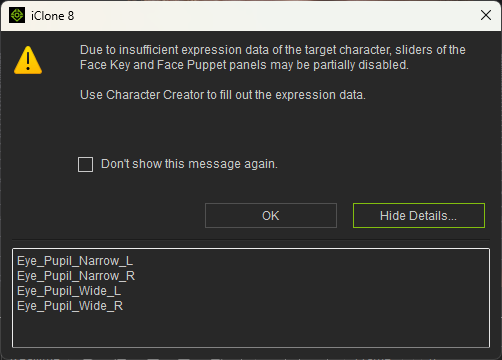
Anyone know how to fix this?
Entering process in Skingen is very slow. Several minutes for me.
1 Like
One of them was answered in another thread about physics but just listing the things that I used often that I can’t currently in CC5 or Iclone with SubD characters,
Morph Creator

Even turning it to 0 it won’t work can’t create morphs in animation.
Headshot v2 Mesh head generation
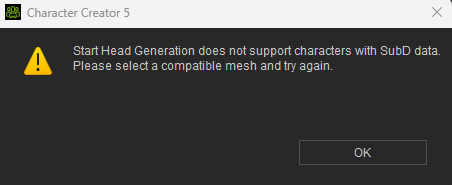
and Activate Physics using weight map for body physics
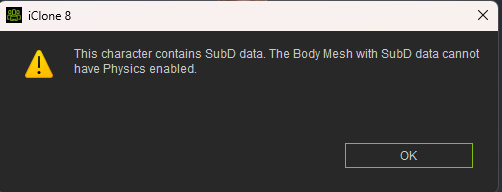
1 Like
My only suggestion is speed up FBX exports, transfers between apps like unreal engine. Seems a lot slower now… Iclone crashes while processing Acculips audio files. Light and shading looks very unstable. This is all after the latest updates.
Did you get 8k exports? I didn’t. It still only exports 4k for me. Pointless now that CC5 supports 8k textures. I’m not paying for a skin gen update, after being forced to buy new versions of ultimate morphs and human anatomy set, just to get HD morphs I could sculpt on my own in Zbrush and have been doing since CC3.
Not sure why this is happening. In iclone this is a render of my new CC5 character. Looks fine in the preview. Rendering is off. Used max texture resolution. renders fine (still anyway) in Character Creator 5.
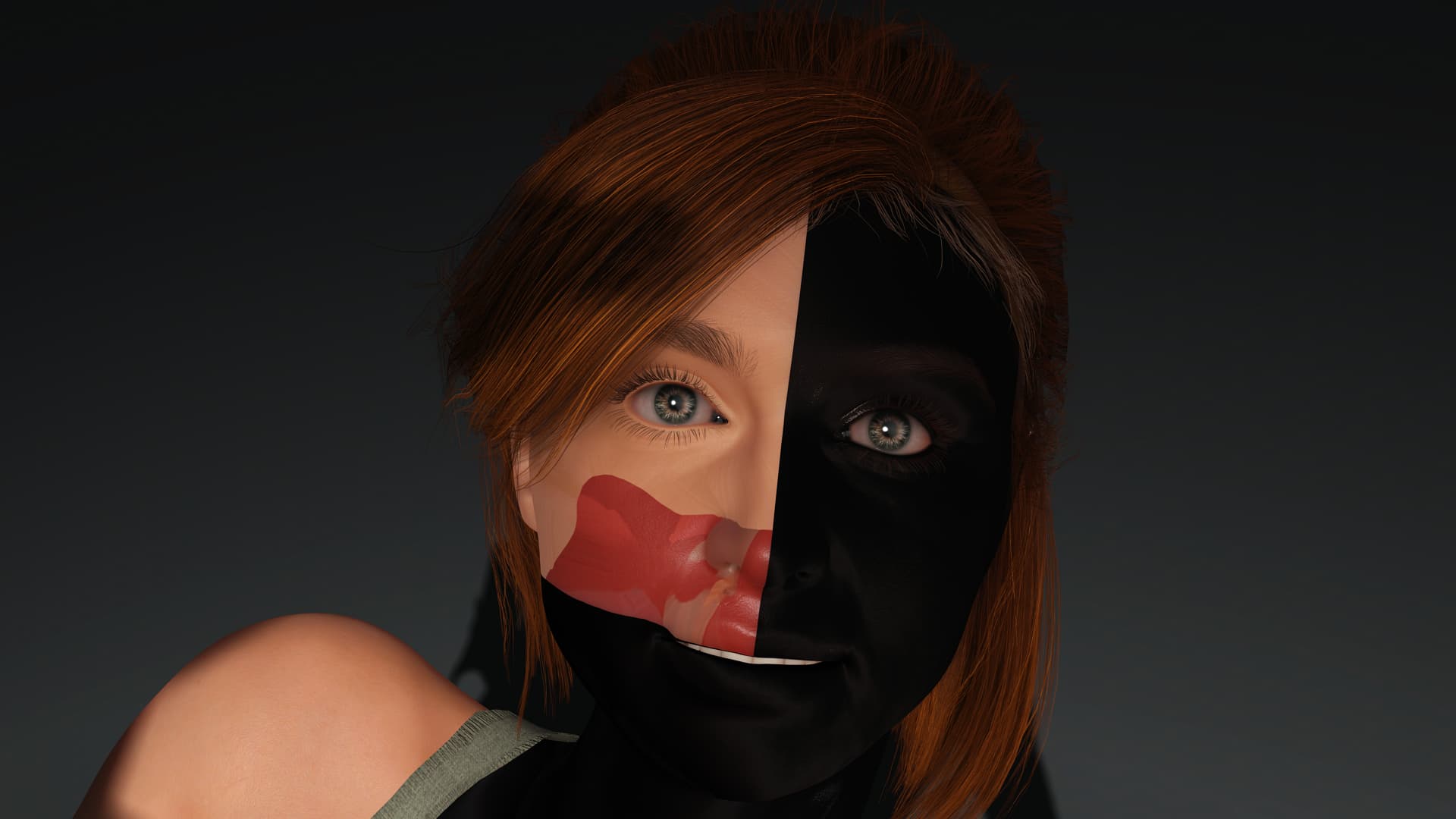
2 Likes
Thank you. Yes, they re-appeared now!
ya thanks for info. good idea keep all bug report in one place.
1 Like
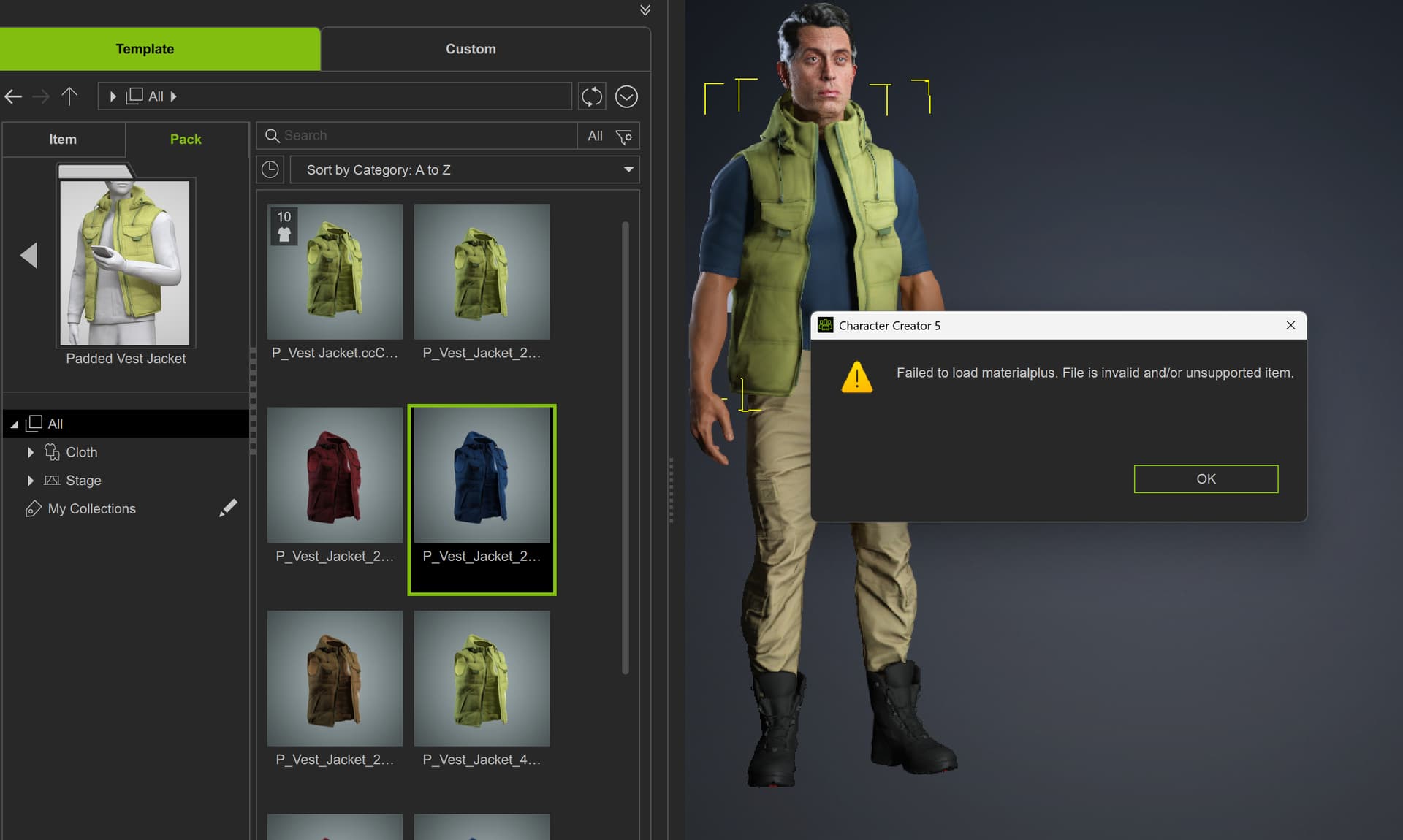
I can’t add a new colour of casual clothing in CC5 or iclone 8.42 It works for clothing made by third parties just none made by Reallusion I’ve sent a ticket.
Issue seen with “Create Accessory”. FBX file is imported, but the only Option visible under “Modify” is “Edit Mesh”, no other option (so can’t change transform, bone link etc etc). This happens with any FBX file, even a simple cube. Also, if I try to delete the same imported FBX from scene menu, nothing happens - items remains in scene.
2 Likes
You should at least revert cc4 to the old version for now until you fixed all the issues because it’s literally impossible to edit my characters right now since this update…
2 Likes
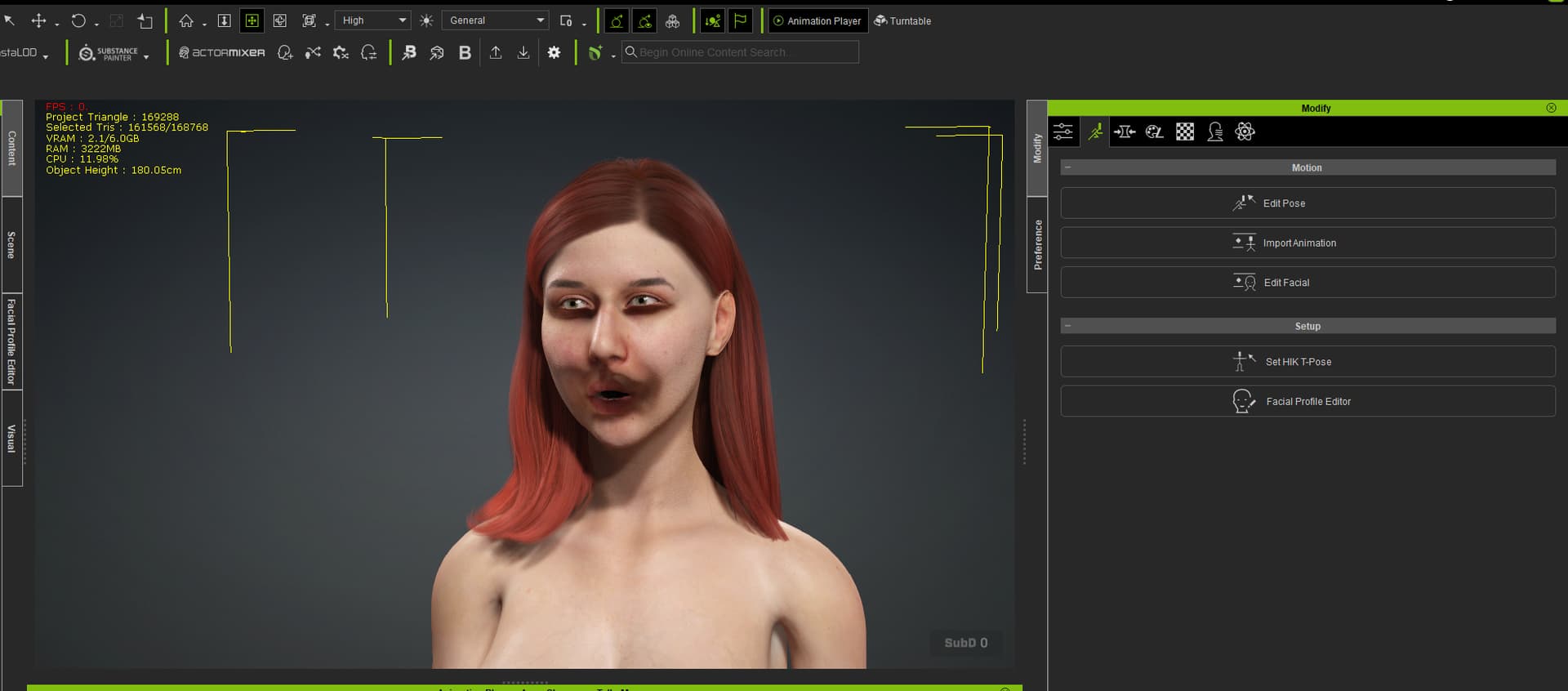
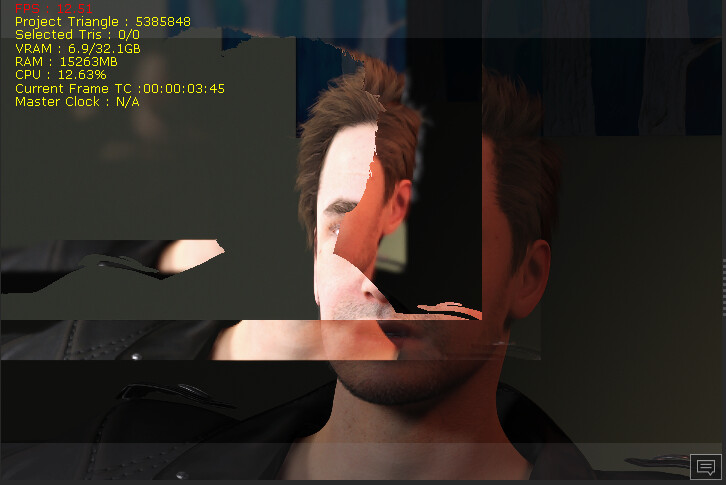
I realize there are lots of bugs. I haven’t installed the trial yet, but does anything render better with IClone 8 and CC5 compared to CC4 with IClone 8? This thread is convincing me I should save money and wait.
6 Likes
Yes the characters look noticeably better. But I just found another bug when trying to add mirrors. Makes everything go black and crash. Lots of bugs.