Continuing the discussion from [OFFICIAL] Character Creator 5 Issues Thread: every time i add hair to my character it changes their face.
1 Like
A screen capture of before and after the hair is added would be helpful.
Charcter Creator 5.06
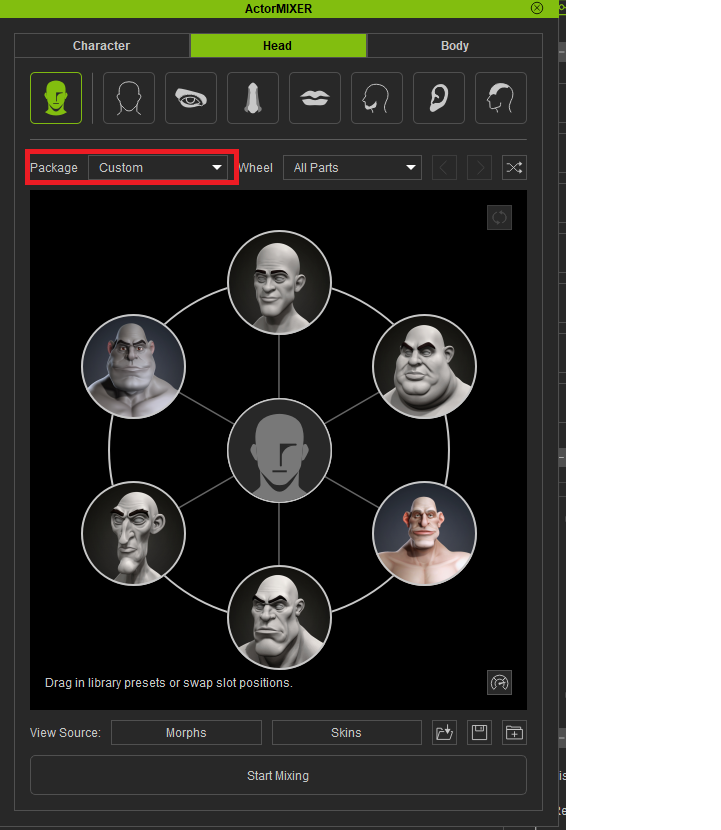
I have the same problem when I use Actor Mixer Custom.
Feedback Tracker.
Regards, Robert
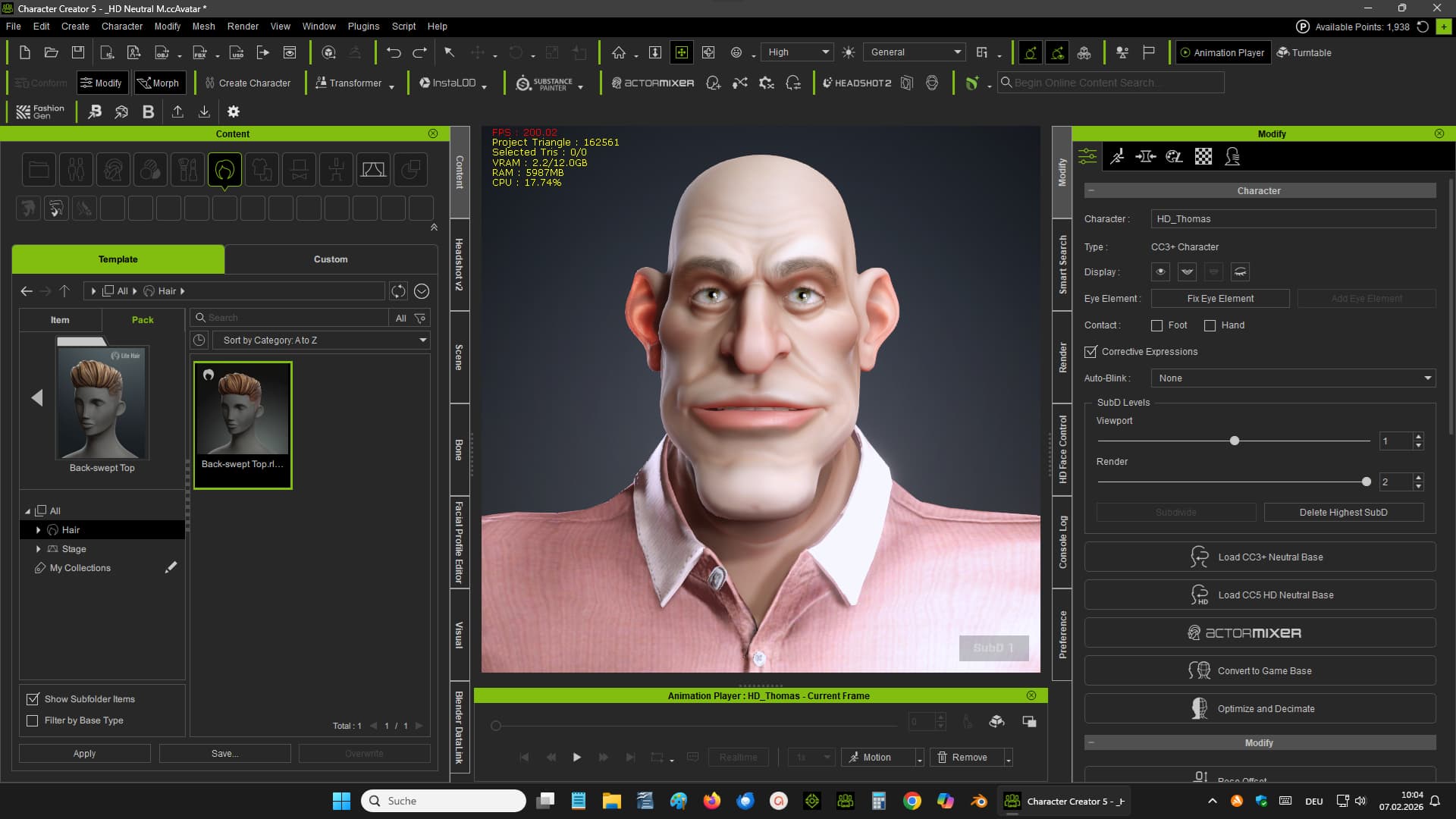
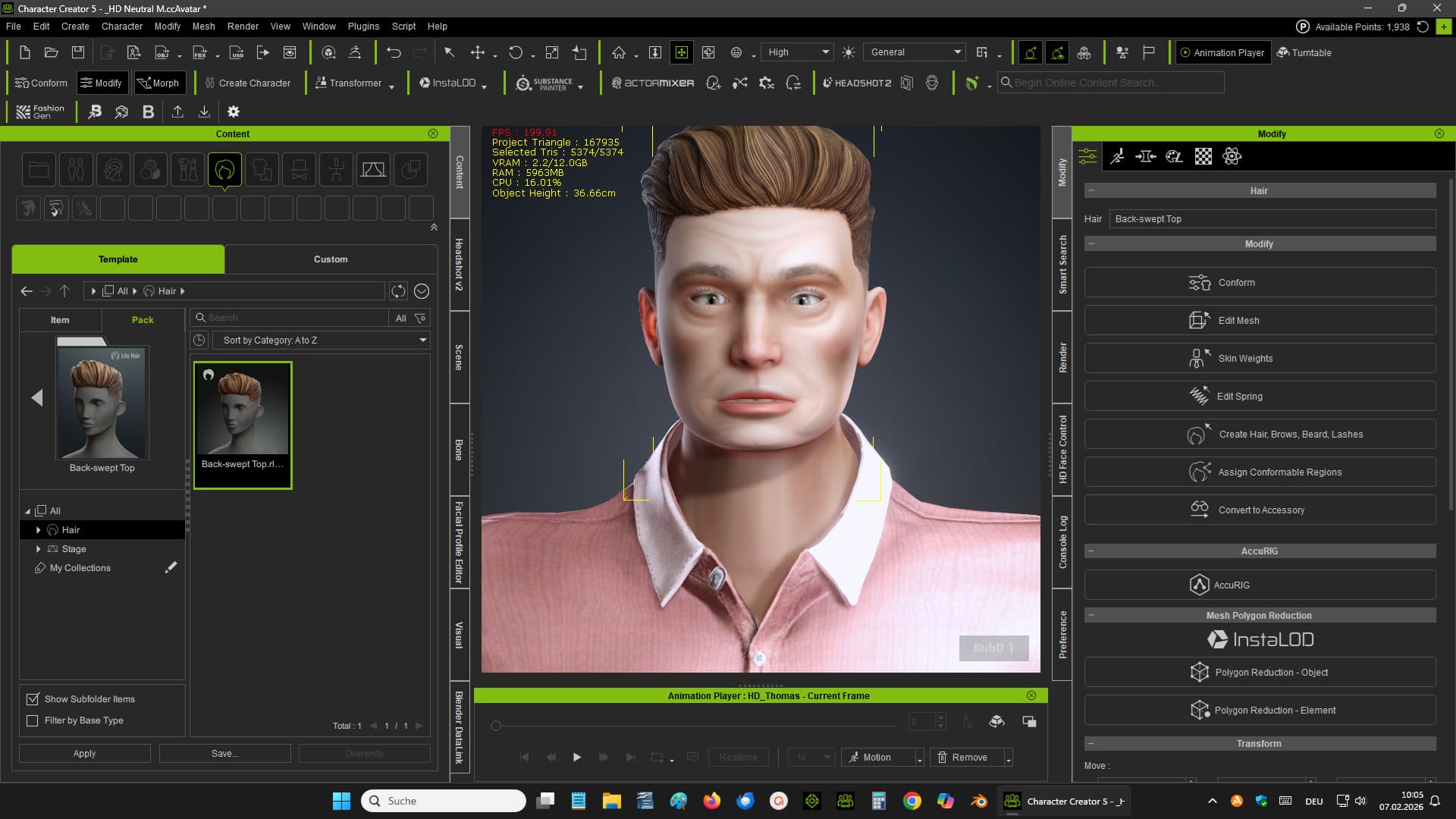
Can someone help us?
The bug is being investigated by Reallusion.
I have reported this bug in the feedback tracker.
Greetings Robert
I figured out you can bypass this issue if you create a custom morph for your character you want to use, load in a default character and add the hair and then apply the morph for your character, its a bit of a pain and you cant change the hair after but its something for now
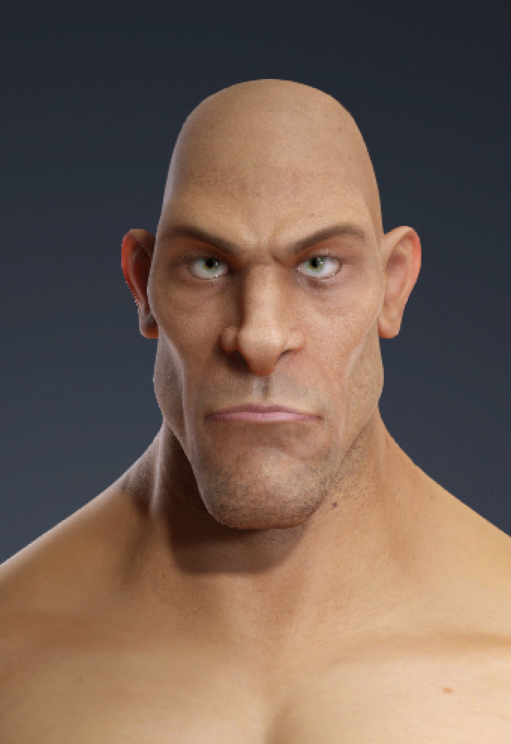

Update: We have been able to reproduce the issue and will be looking to fix it in the next available update. Sincere apologies for the inconvenience caused.
1 Like
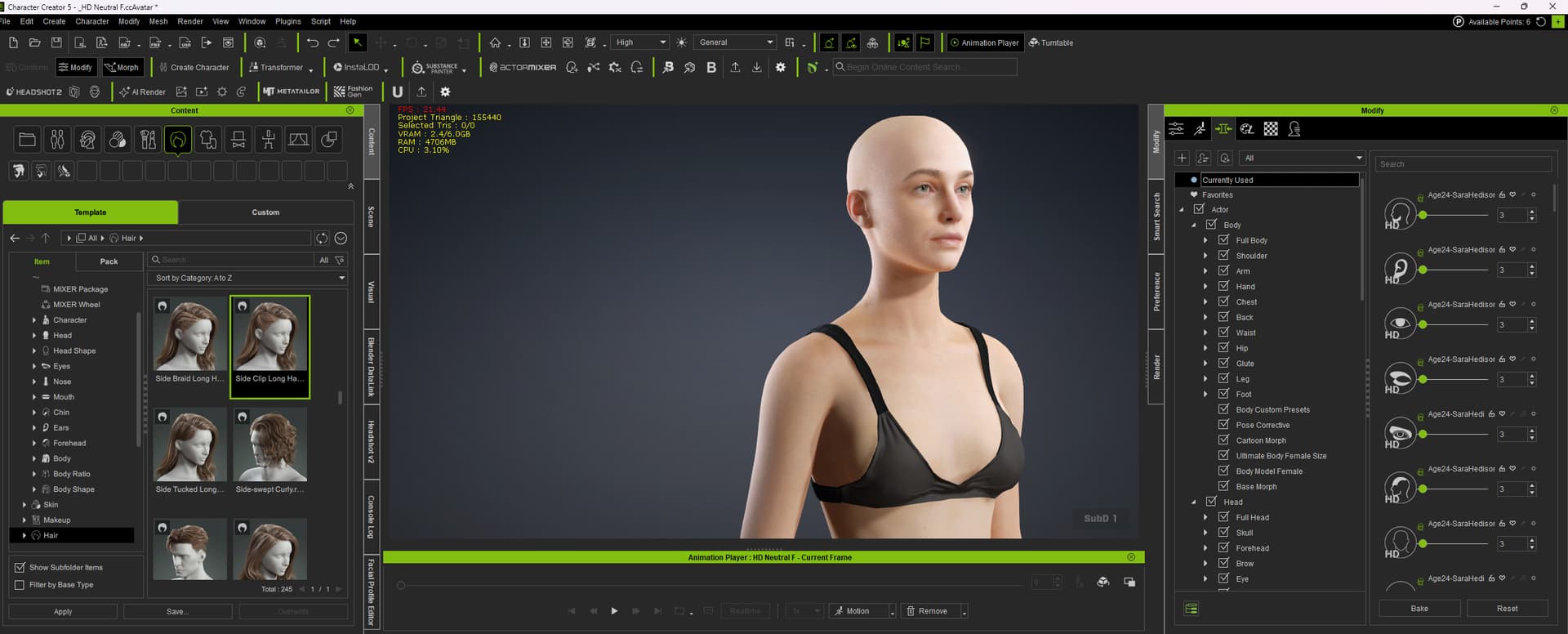
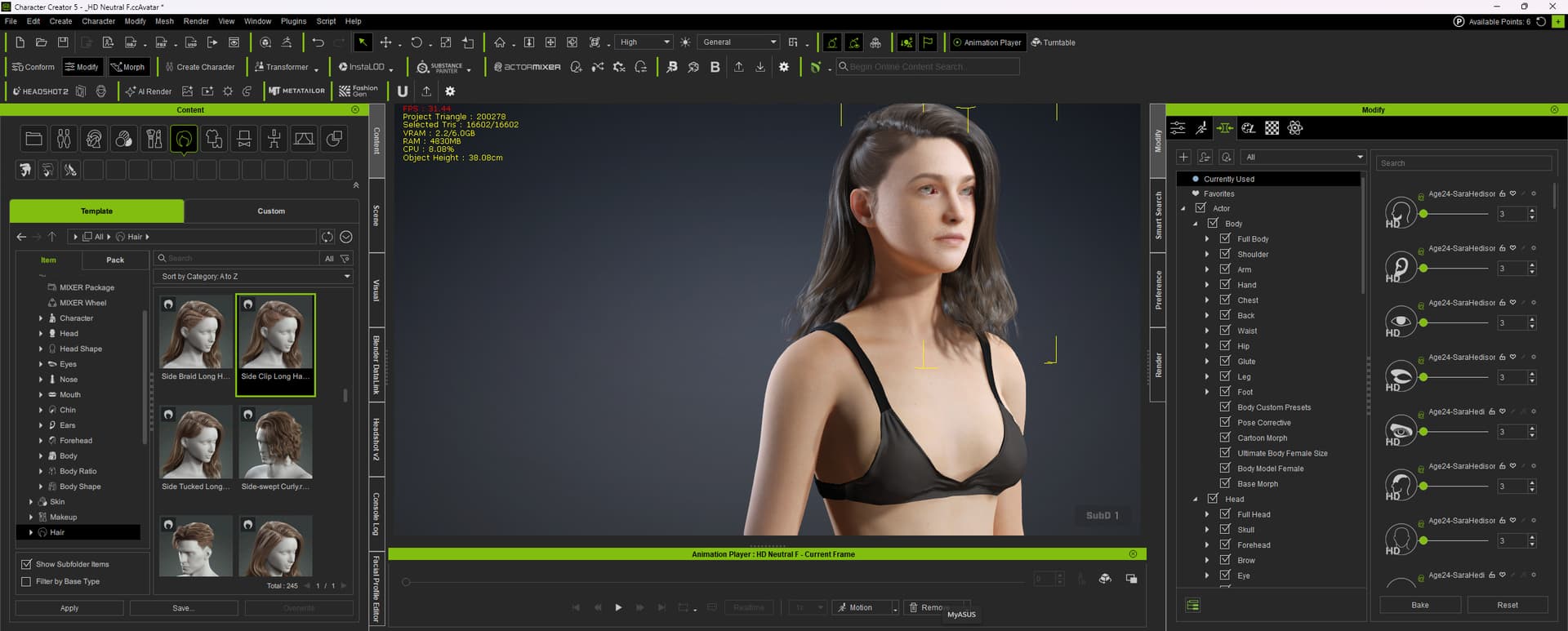
Hi Pete, yes I also have this issue. It’s very tricky to keep on top of all the little bugs that come up with the CC5 updates. I often save a character without noticing that changing the hair has damaged some other thing. Sometimes I find that the scaling doesn’t work and requires a restart. Today changing to a different sub division removes all the ‘currently used’ sliders. I really enjoy working in CC5 but it’s very difficult to keep an eye on everything that can go wrong.
Makes this software completely unusable. Extremely frustrating.
@Pete_RL Update on the fix progress please.
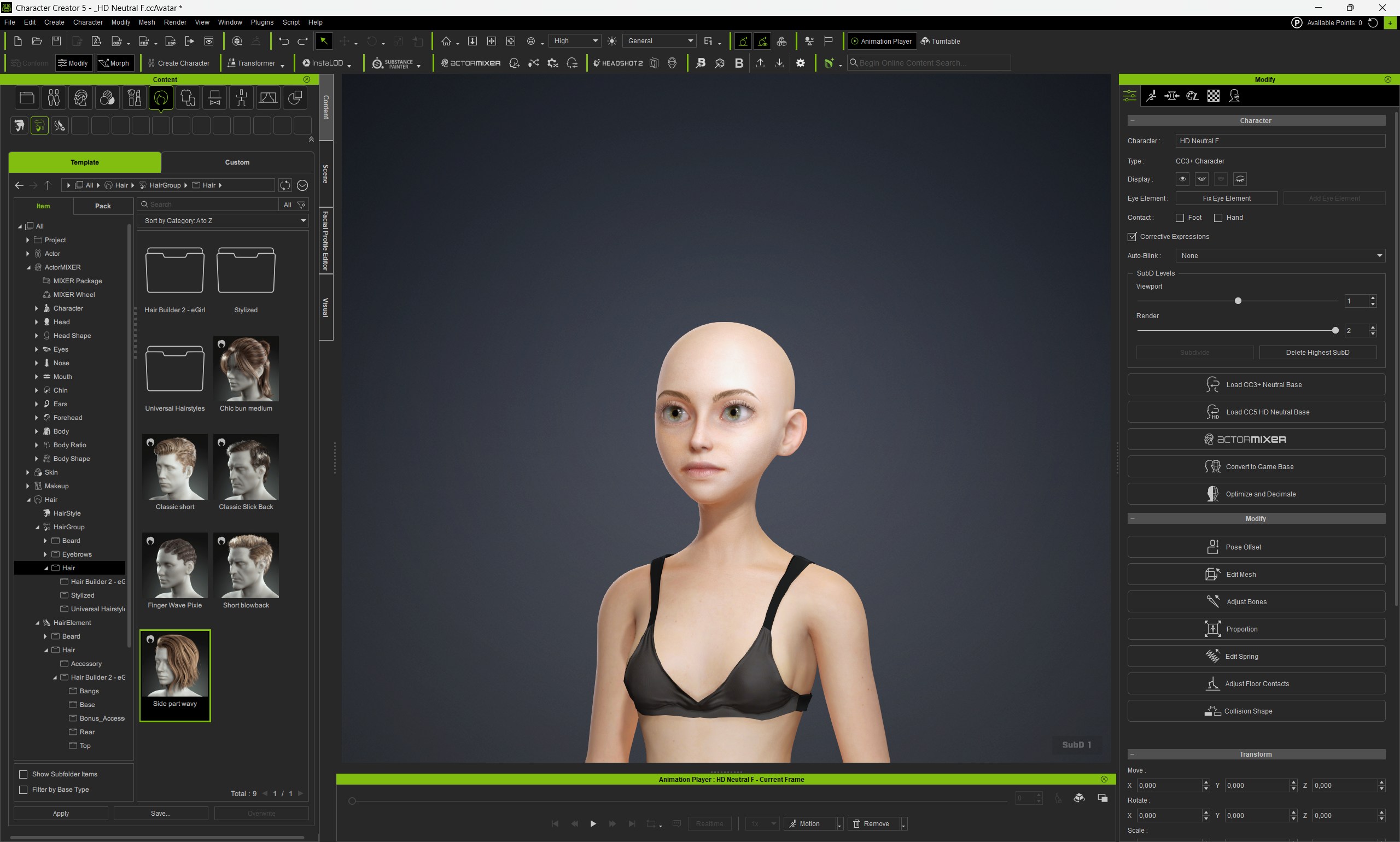
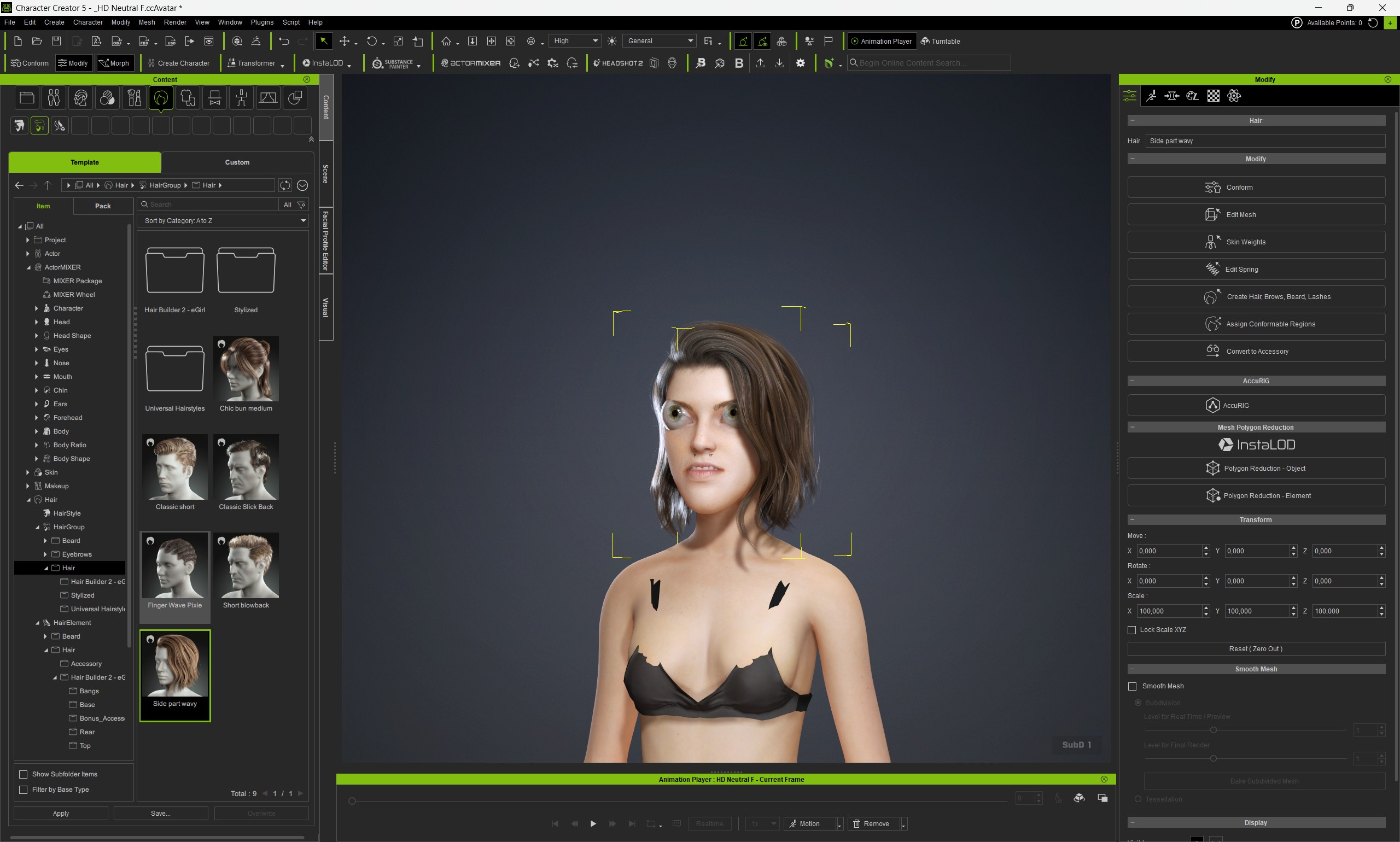
Unfortunately I don’t have a specific date for the next update but the dev team are aware of this issue and working hard to get it fixed as soon as possible.
If I receive any further information about this issue I will be sure to let you all know immediately.
Thank you for your patience and understanding.
Hope its soon, doesn’t this technically mean CC5 is basically unusable for characters with hair right now? Or I guess maybe its only mixer characters, not sure.
It could. I’m using CC5 with regular characters (so not mixer ones), and I have no issues.
Hi Anton,
Just set SubD to 2. Problem solved. 
Plus you can set it back to 1 after that without problems.
SOLUTION! 

Just set SubD level 2, and the hair won’t mess up the face.
And even when you set it back to SubD 1 after that, it stays good.
Success!!
I do one thing with a character, then suddenly another facial things are mixed up…!! 
Please can you report the issue in the Feedback Tracker and the dev team will look into it and give you a status update.
Please supply as much information as possible about the problem, including steps to reproduce it. Thanks.
1 Like