Hi everyone,
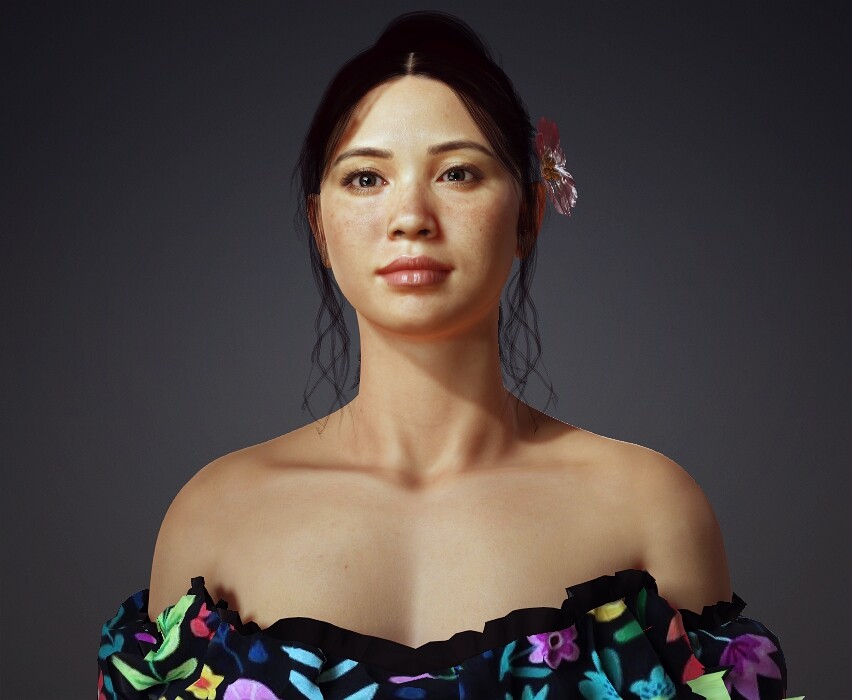
We’re thrilled to announce the launch of Headshot 3 for Character Creator 5 — the most streamlined solution for creating professional-grade digital doubles from 2D photos. This next-generation plugin brings proprietary AI reconstruction, spline-based head shaping, advanced texture generation, and much more.
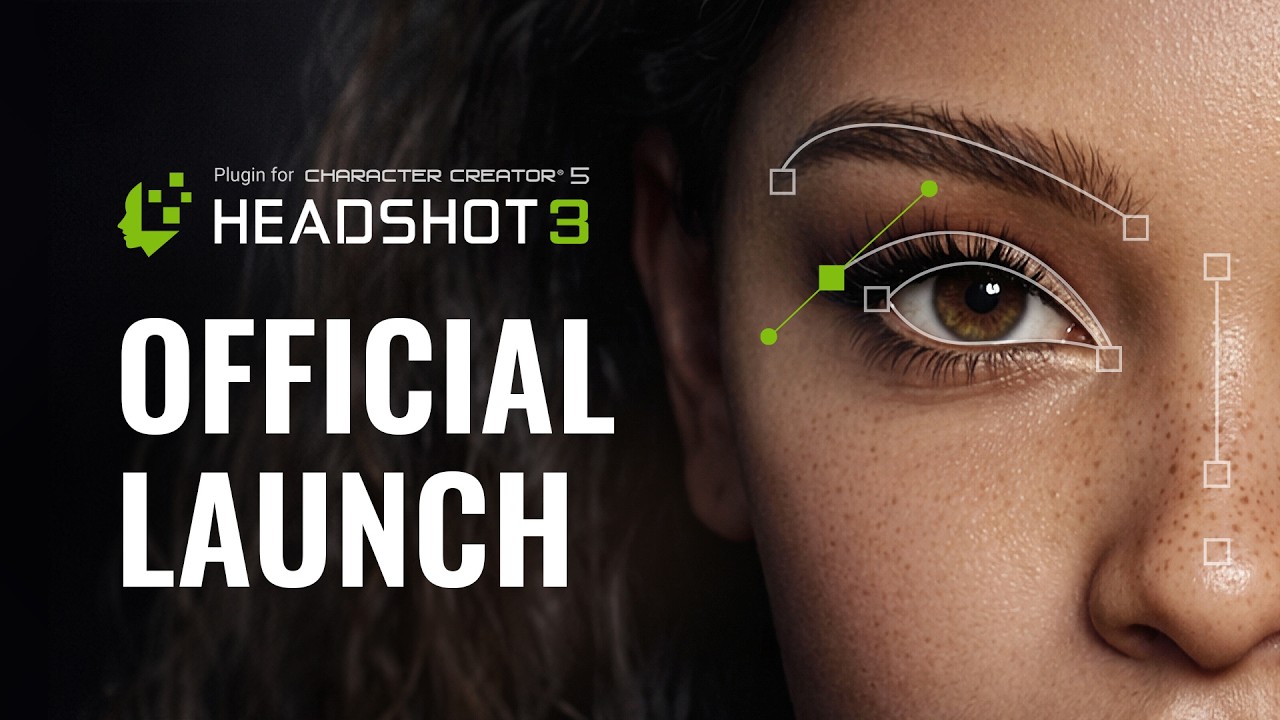
To celebrate the launch, we’re offering an Early Bird special from now until May 31st, 2026 — the best time to get Headshot 3 at a significantly discounted rate.
Related Links:
Here’s a closer look at what’s inside.
 Headshot 3 Key Features
Proprietary AI: High Precision & Worldwide Diversity
Headshot 3 features a proprietary AI model trained on a vast dataset of high-resolution facial scans. It interprets facial landmarks, depth cues, and subtle anatomical features from 2D images with unprecedented accuracy.
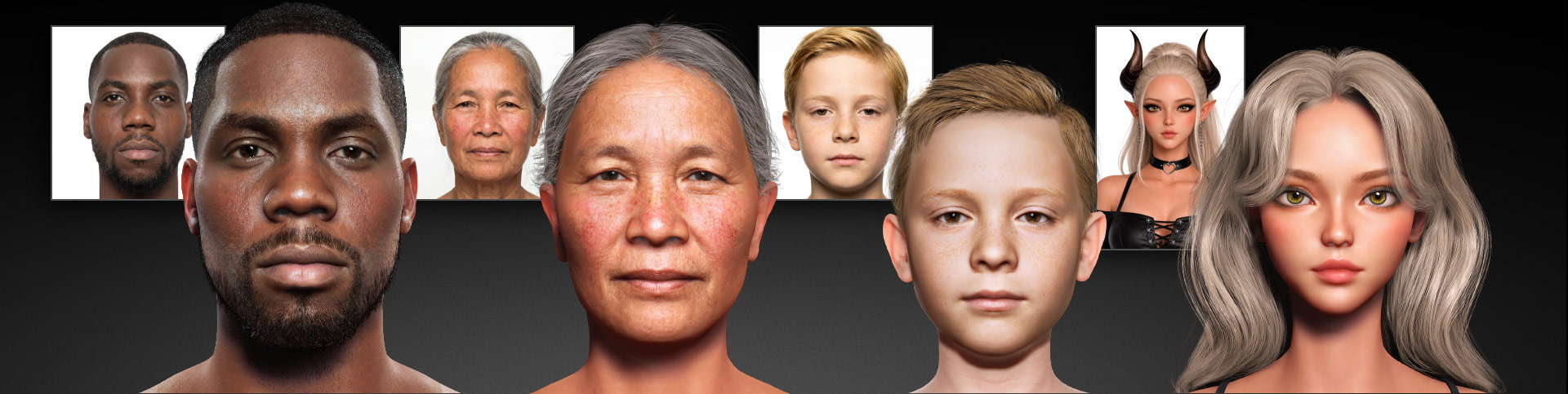
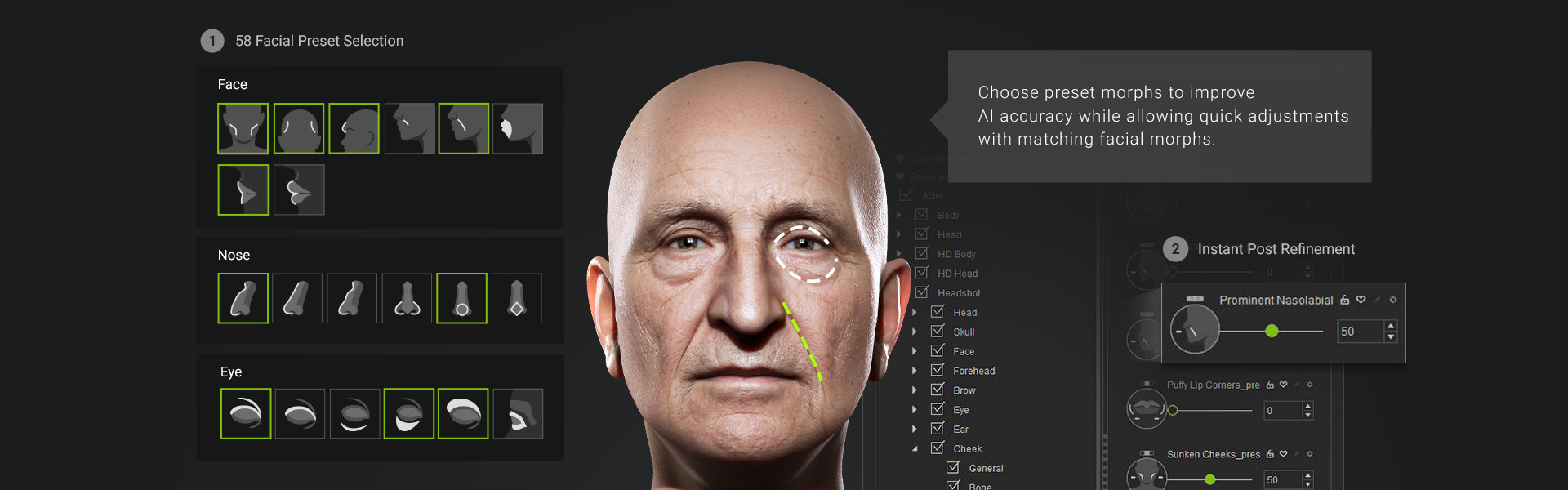
Combined with Facial Feature Presets that add essential depth structure, you can create highly accurate digital doubles across diverse ethnicities and all age groups.
Prompt-to-Image: Make Every Photo a Perfect Shot
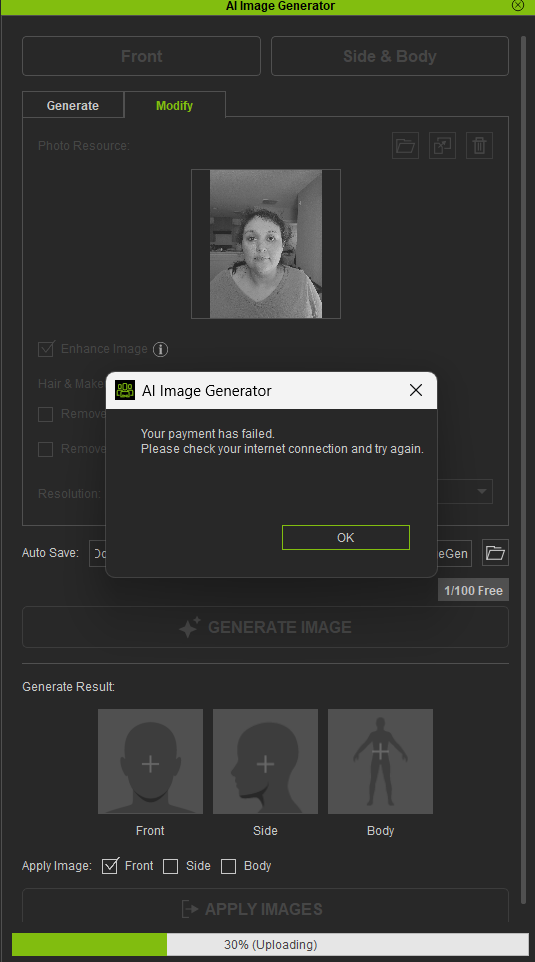
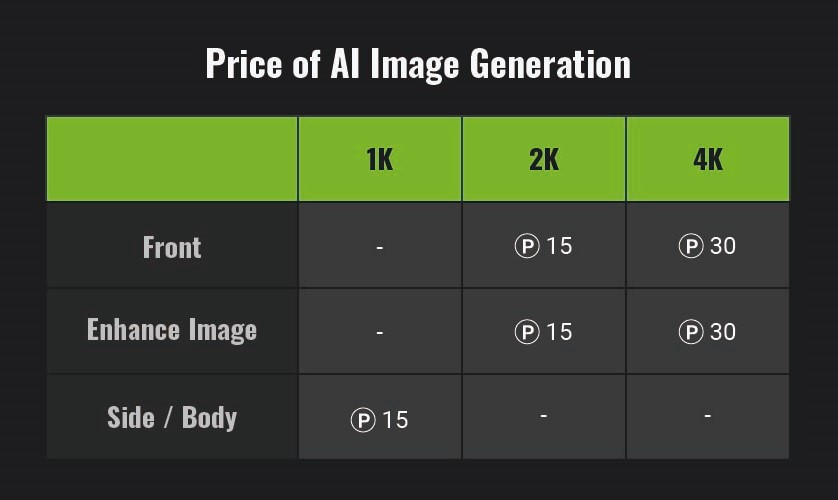
Beyond importing custom photos, Headshot 3 introduces an AI Image Generator powered by Google Nano Banana Pro. Generate high-quality, front-facing images from simple text prompts, or transform your own photos into polished, production-ready results. You can see the AI image generation price table below (Each point costs $0.01) → Learn More
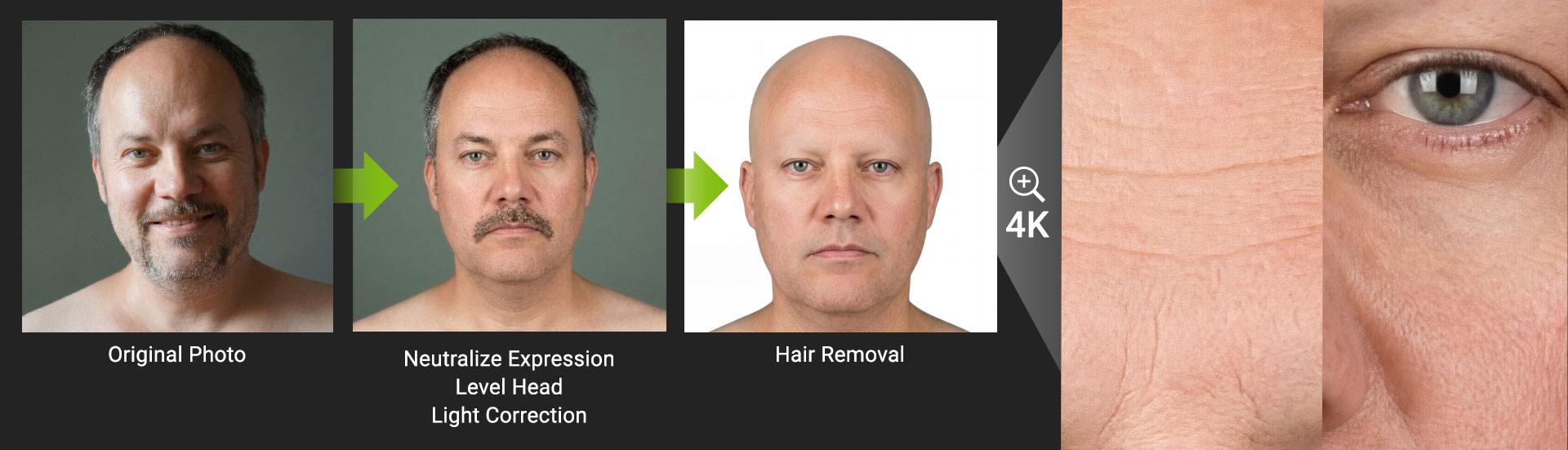
The AI also auto-corrects expressions, camera angles, lighting, stray hairs, and enhances resolution up to 4K.
Shape Refinements & Texture Enhancements
-
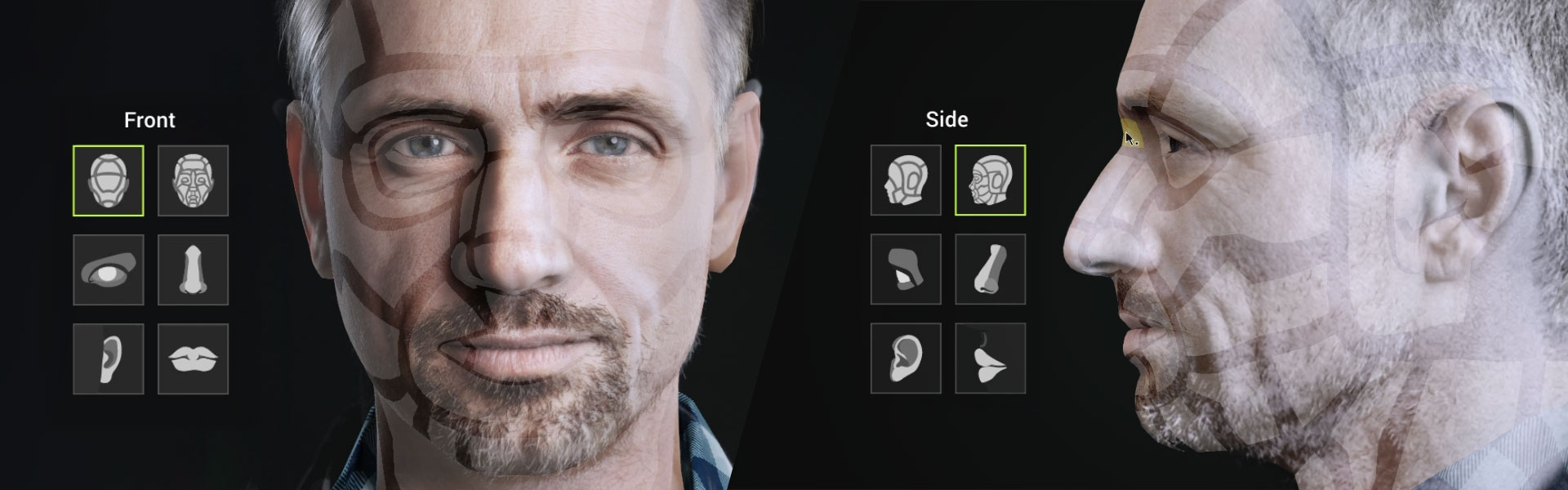
Spline-Based Mesh Shaping — Bezier curves trace facial contours with surgical precision. Front and side adjustments are fully independent, purpose-built for complex anatomy like double eyelids, deep-set eye sockets, and nasolabial folds.
-
3D Sculpt Morph System — Hover over a control region and adjust mesh shape using directional mouse movements. No more hunting for individual sliders.
-
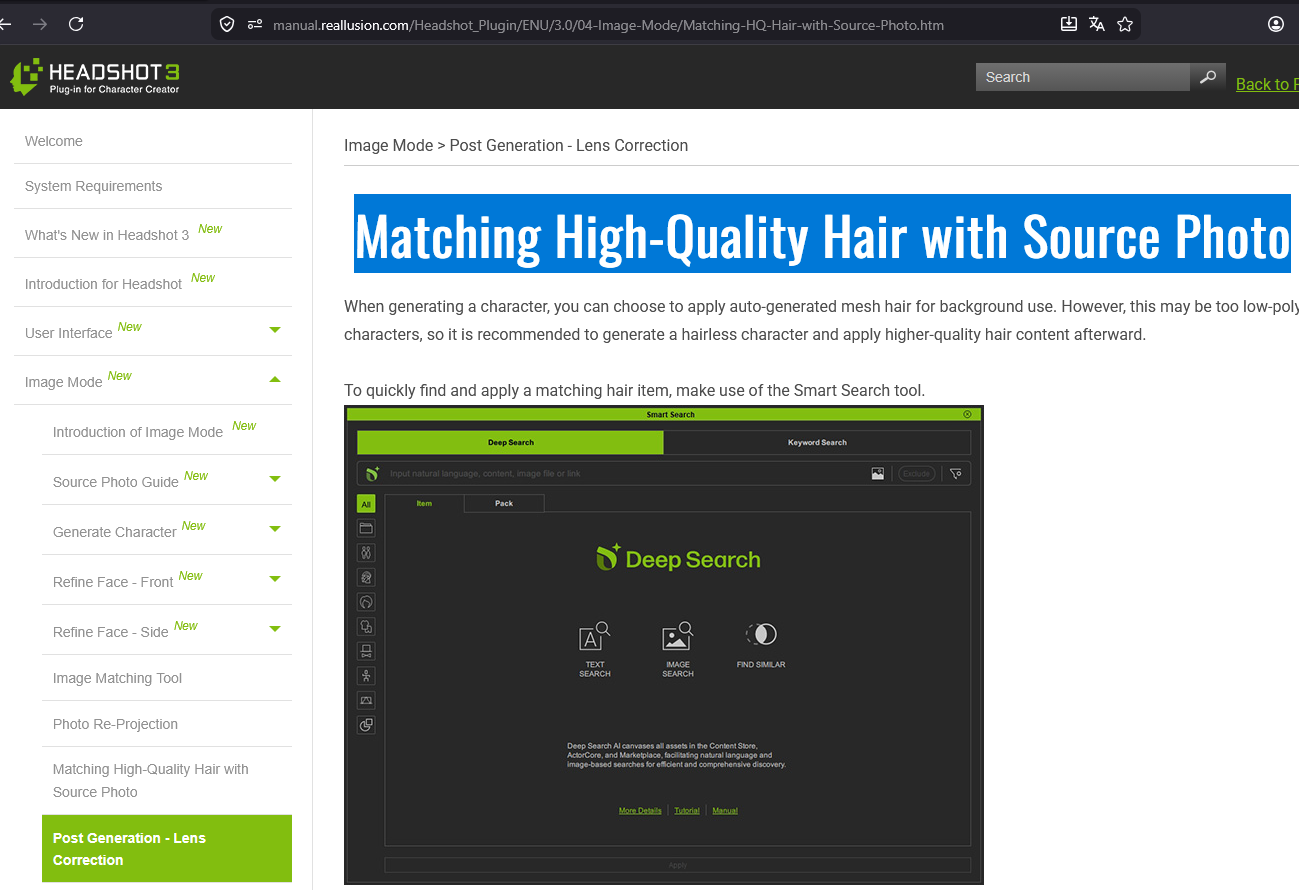
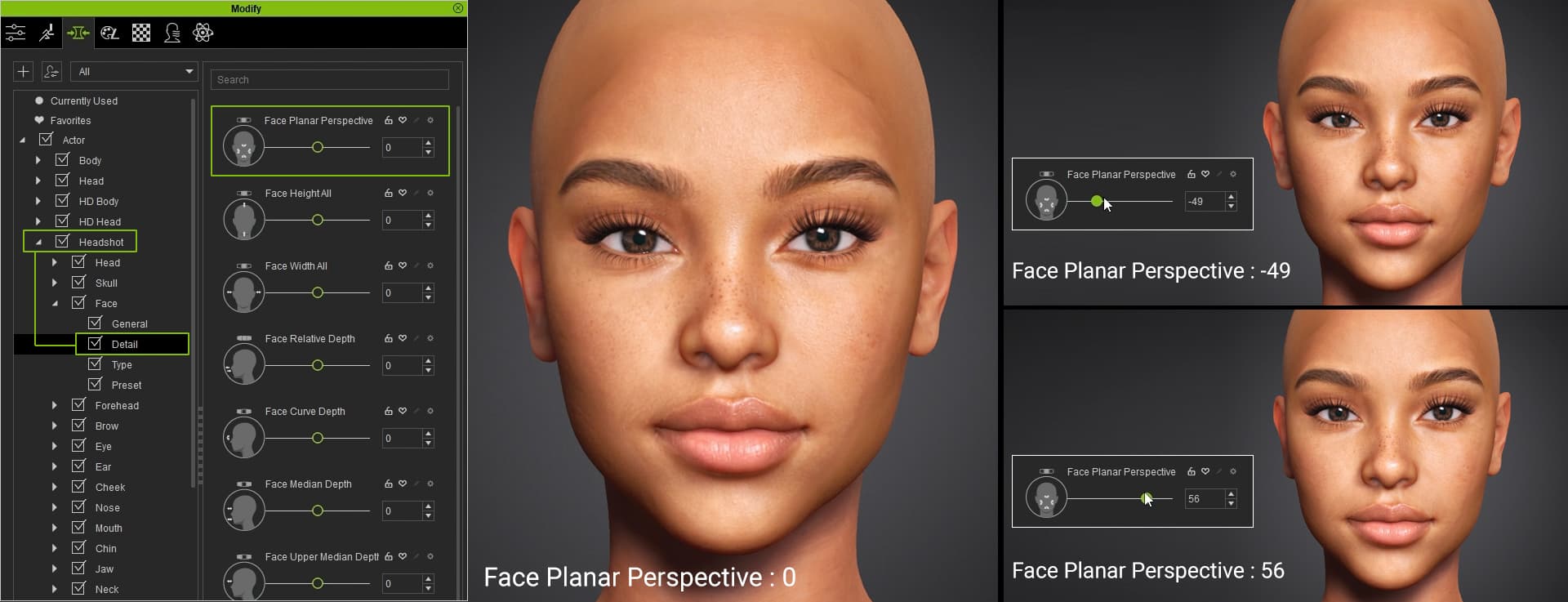
Post-Lens Correction — A Face Plane Perspective Slider quickly corrects fisheye distortion from smartphone photos, restoring accurate proportions.

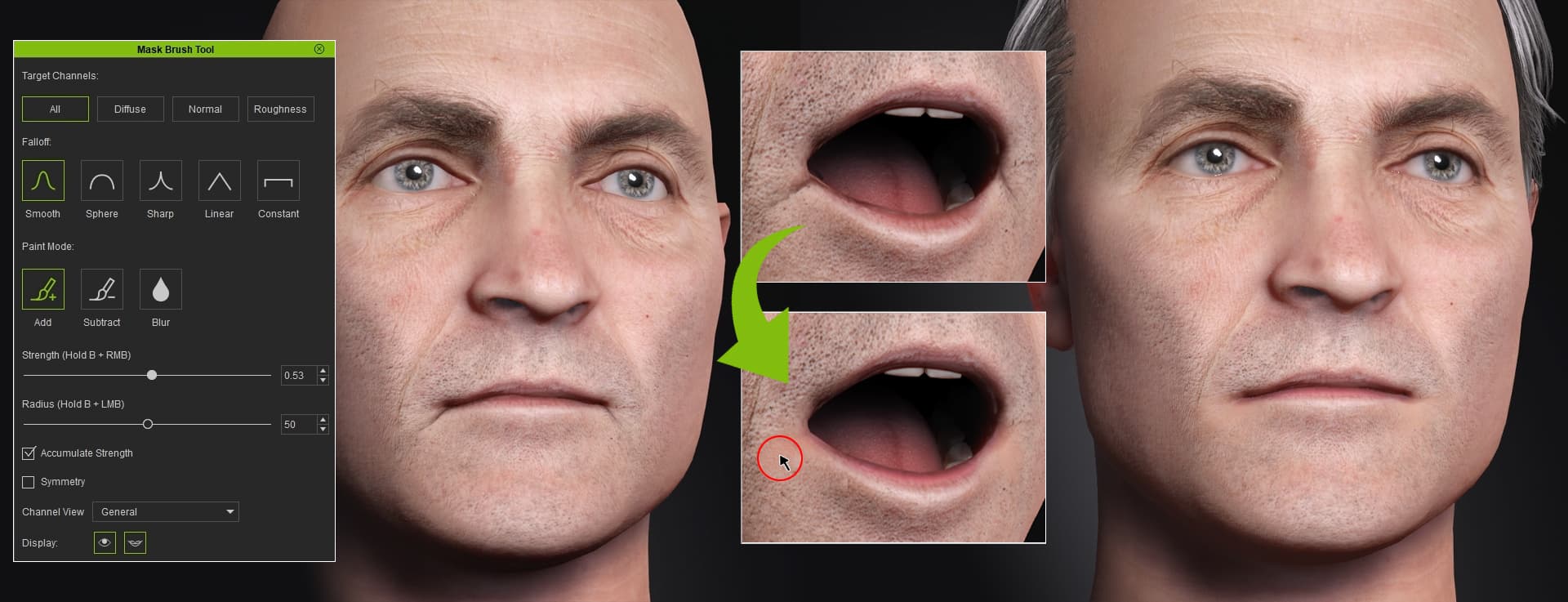
- Blend Mask Editing — Remove unwanted elements projected from source photos (shadows, hair, eyelashes, scars) for a clean, cohesive result.
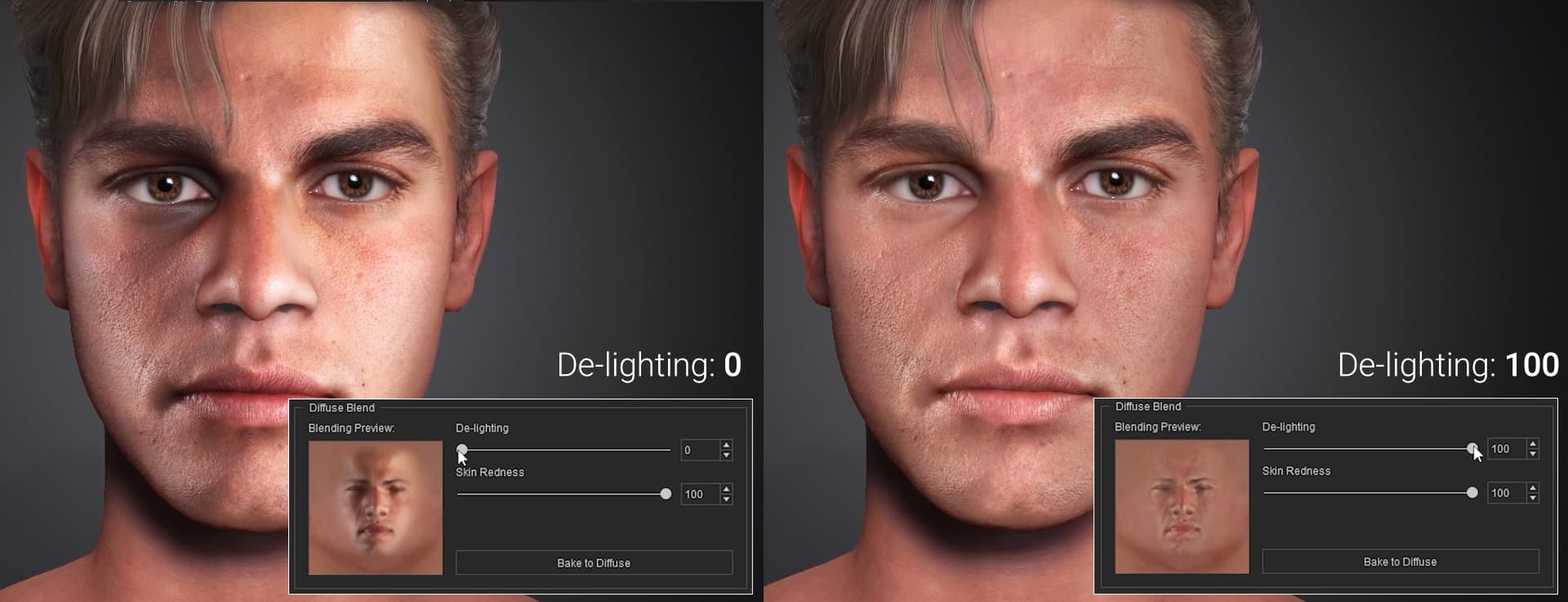
- De-lighting & Skin Redness — Remove uneven shadows for clean albedo textures and restore natural skin tones.
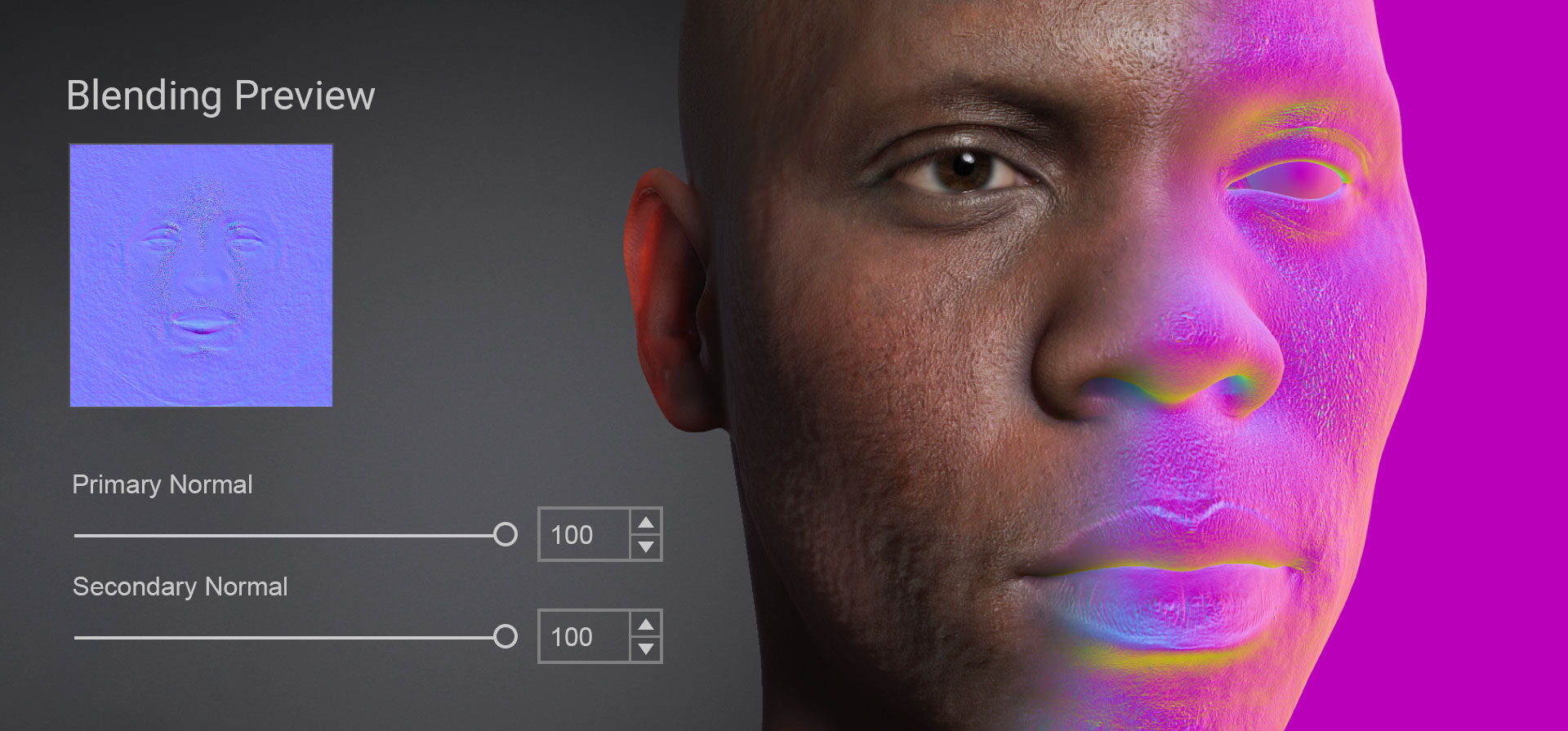
- Primary & Secondary Normal Generation — Granular control over skin detail, from broad muscle definition and deep wrinkles down to pores and fine lines.
Full-Body Digital Double
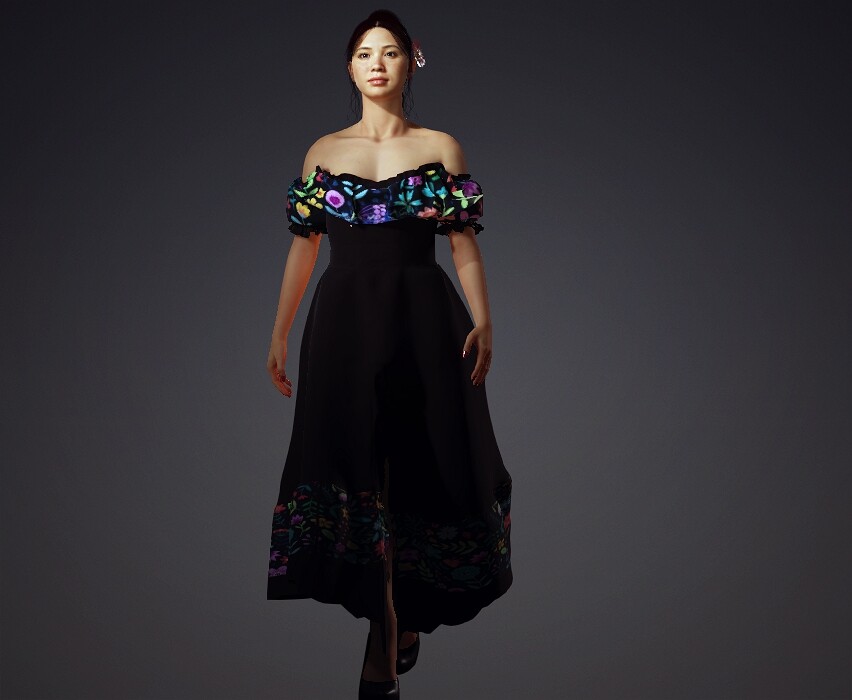
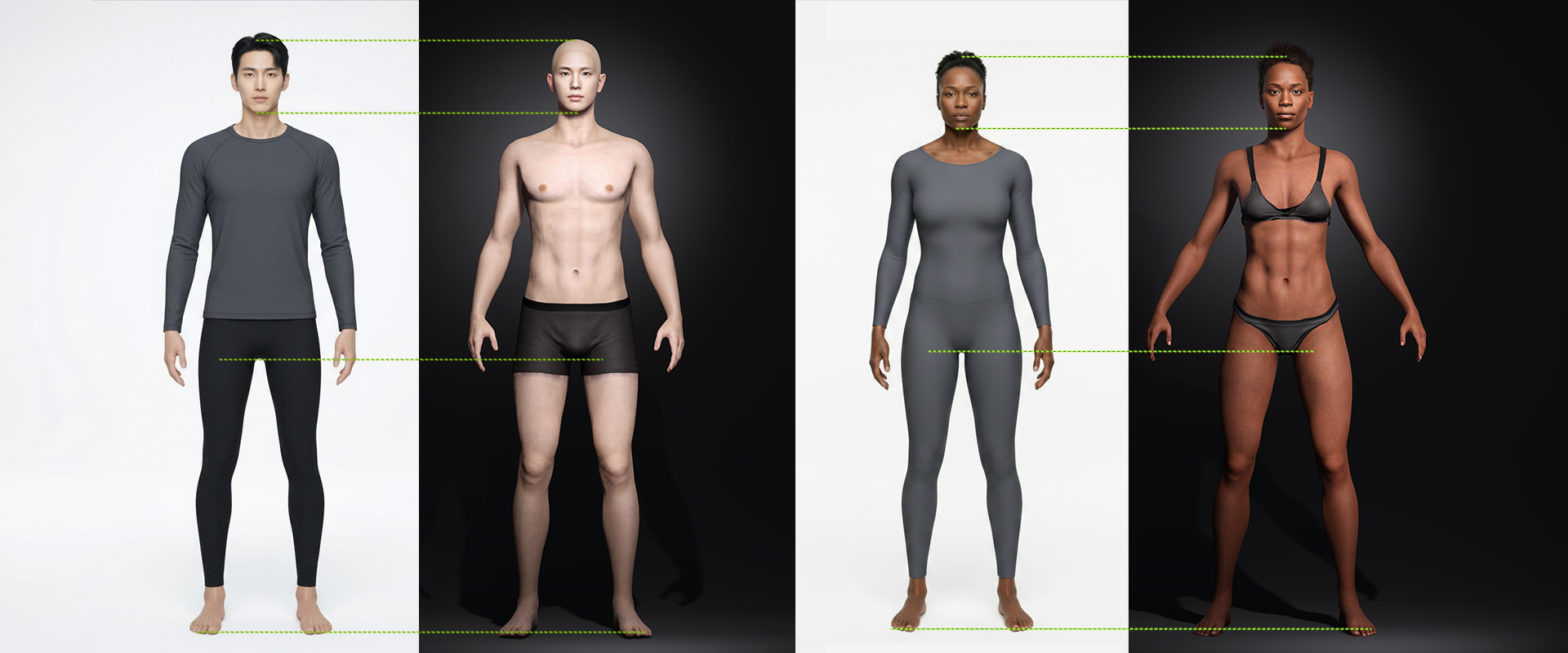
Headshot 3 goes beyond the head. Using full-body reference photos, the AI automatically generates a matching body shape — whether the subject is an athlete, or an elderly individual. The result is a fully rigged character ready for animation within the CC5 ecosystem.
 Bonus: Headshot Morph 1400+ Pack
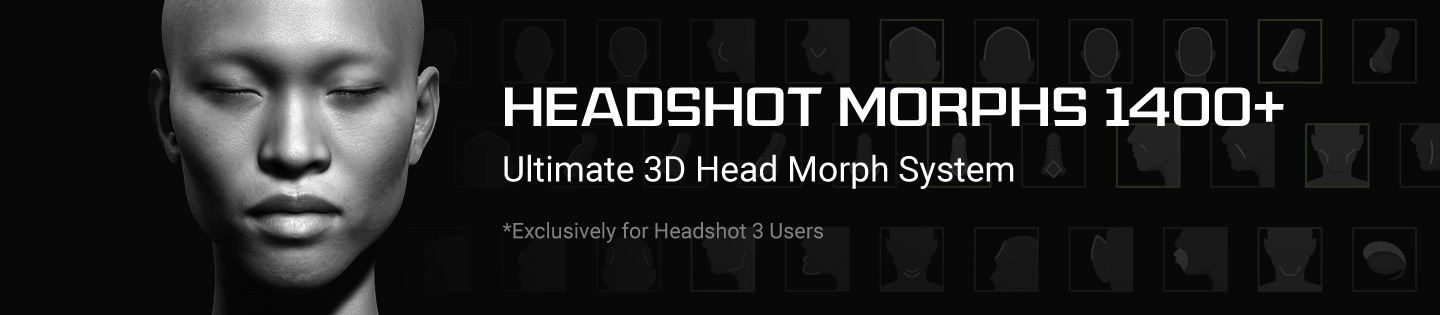
Every Headshot 3 purchase includes the Headshot Morph 1400+ Pack (a $99 value) for free. Building on the acclaimed Morph 1000+, this expanded pack adds CC5 HD workflow support, new preset sliders for more precise facial construction, and enhanced sculpt morphs for flexible post-adjustment.
 For Prelaunch Offer Customers
If you purchased the Prelaunch Offer, Headshot 3 and 200 AI Image Generation credits are already available in your account — no action needed. Simply log in to the Reallusion Hub to get started.
- Note: the AI Image Generation credits will expire on September 30, 2026.
For the Headshot Morph 1400+ Pack bonus, please check your registered email for a redemption code and follow the instructions to claim it.
 Early Bird Offer — Until May 31, 2026
Headshot 3 is available now. Don’t miss the Early Bird Offer — running until May 31st, 2026 — for the best value on this powerful addition to your Character Creator 5 workflow.
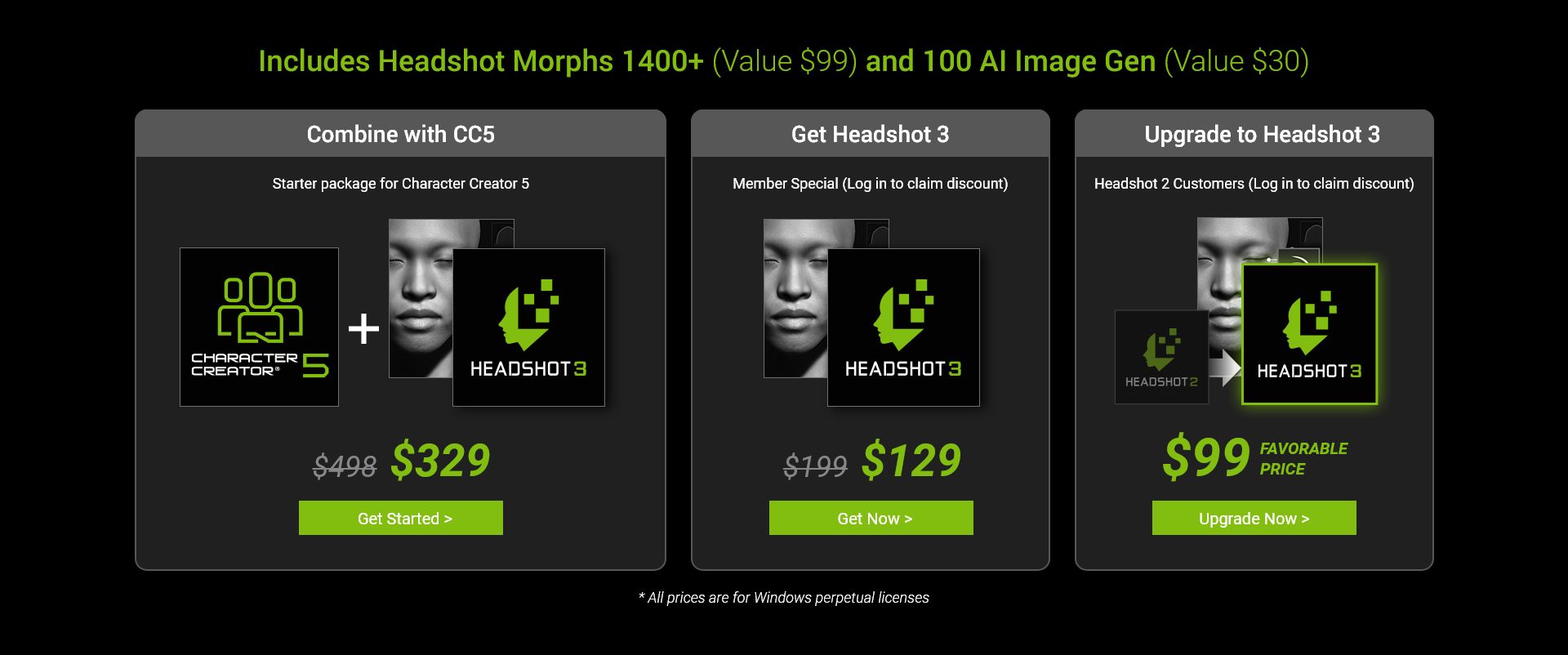
All Early Bird purchases include 100 AI Image Generation credits (expires September 30, 2026).
If you have any questions, feedback, or want to share your creations, feel free to leave a comment in this thread!
Happy creating! The Reallusion Team