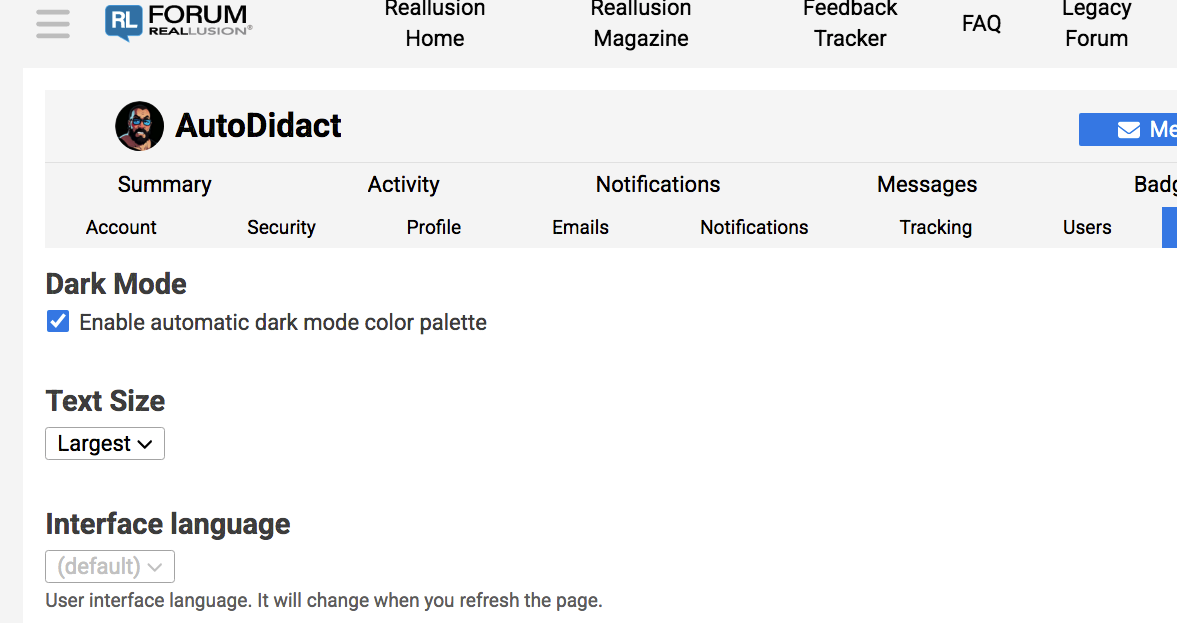
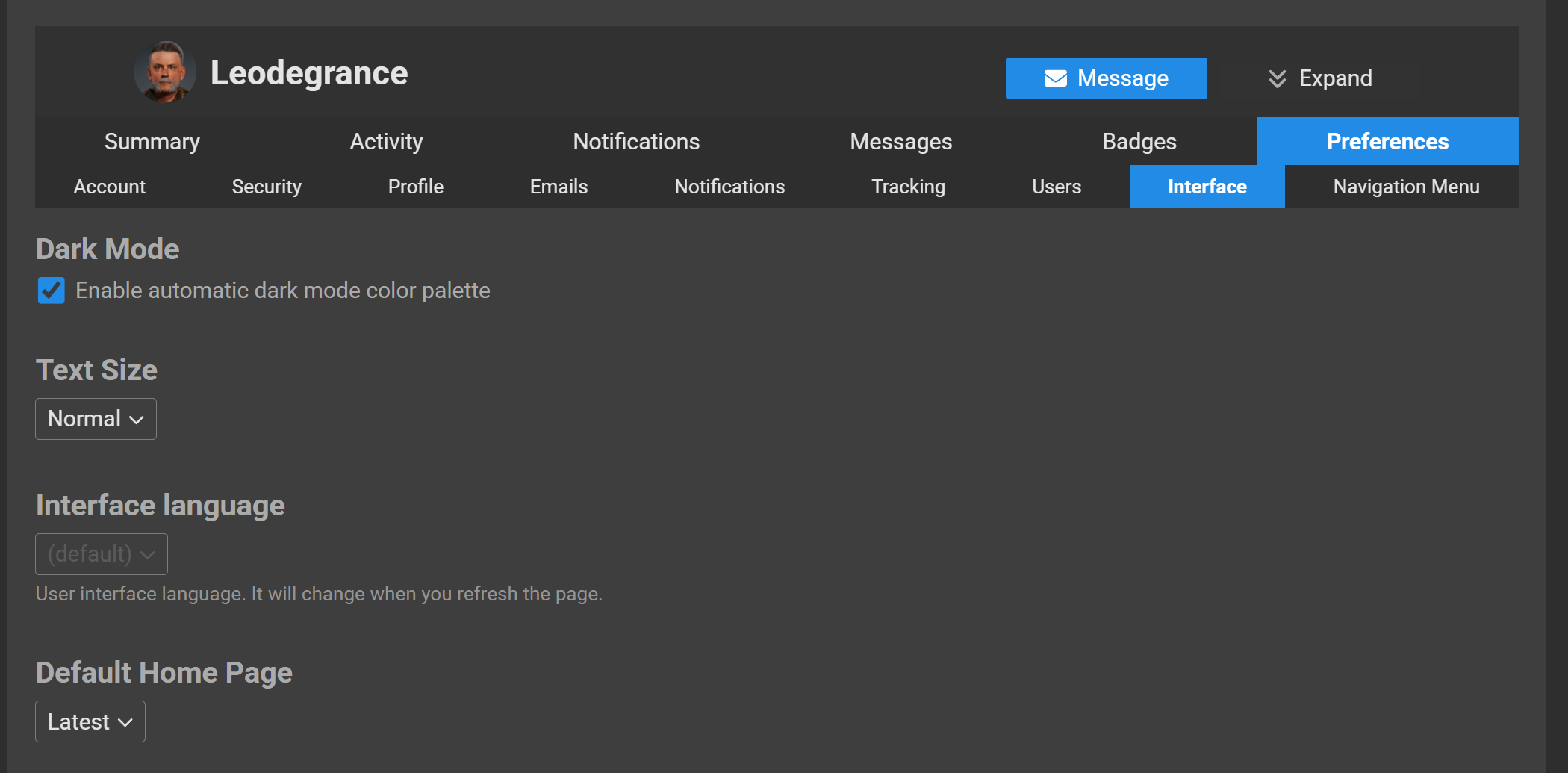
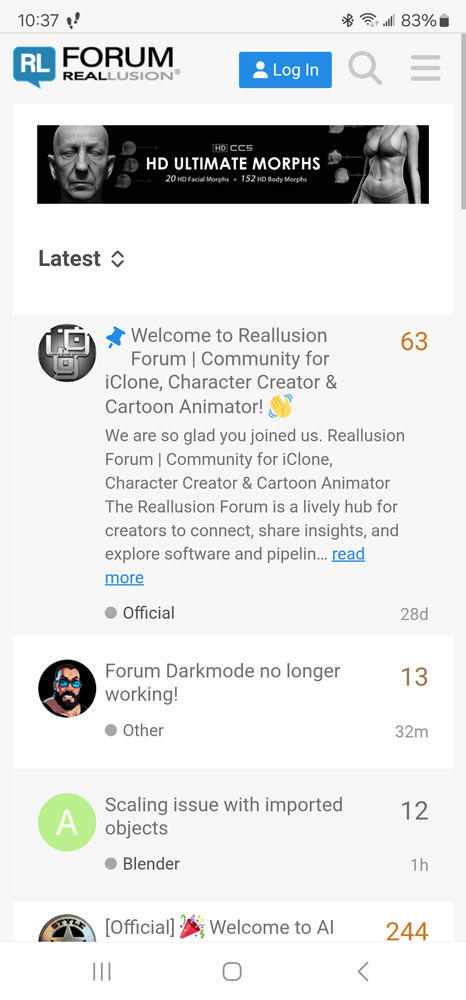
Suddenly I can’t switch this site to Dark mode any more!!
Did something change?? this makes this forum unusable to me
Suddenly I can’t switch this site to Dark mode any more!!
Did something change?? this makes this forum unusable to me
I don’t like this washed out white theme either.
What happened admins??
Glad to see it’s not just my browser
oddly the reallusion mobile forum app, for android, still
allows dark mode 
Mine went white this morning  …
…
Same here.
I have to manually turn down the brightness on my internet machine (Imac) or the site hurts my 61 year old eyes .
I hope they fix it soon.
On iPad chrome and PC chrome (both recently updated) it is still working for me. Hopefully it stays working, because white would be unusable for me.
And, yes, I, too, very much miss the old one.
I’m sorry I didn’t see this topic and started a new one on the same subject here: No more dark mode for forum?.
Either way, I hope RL will take some action because we will all be blind and unable to do any work with their products!
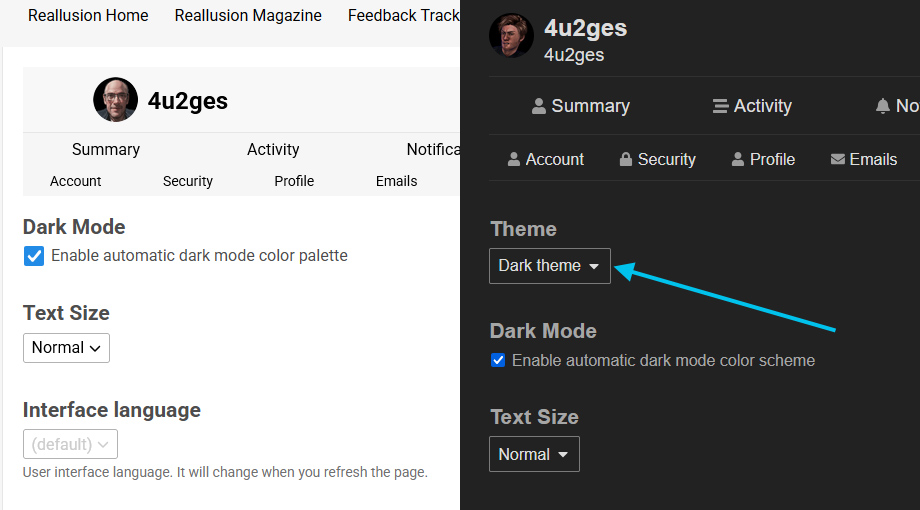
You should not be as it does not do anything unless you click Save at the bottom. But Save will not do anything either to this check box. It will stay checked ON regardless, as RL forum admins forced it to stay ON, which makes forum theme to follow your Windows theme.
In a nutshell it’s basically this:
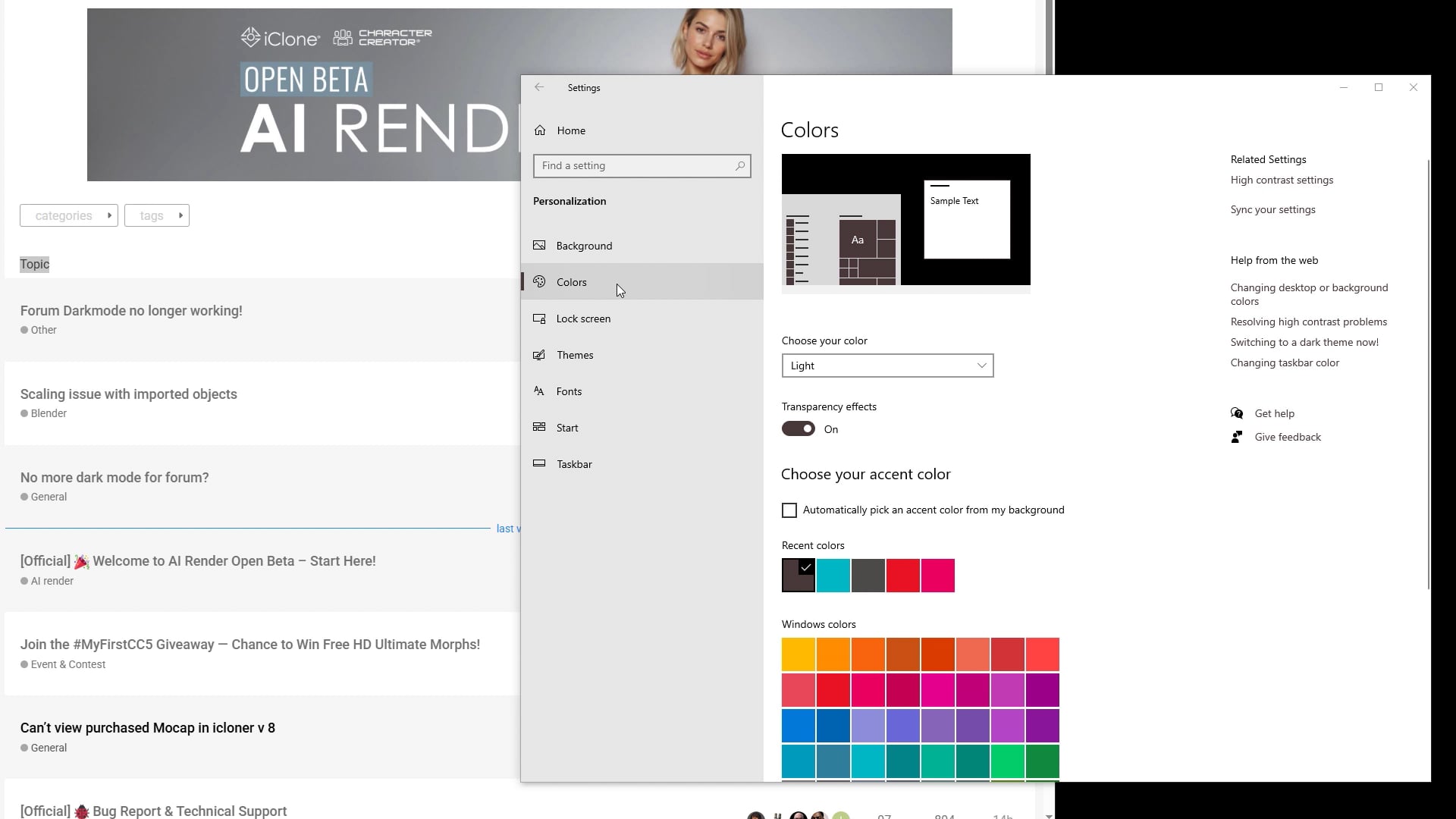
I guess all we can do at the moment is keep complaining so that this topic stays on top! It’s evening now and my eyes start to hurt!
This is hurting my eyes, not good !
Thanks for letting us know about this issue.
I have certainly not made any changes that would stop Dark Mode being used, but I will investigate why this happened.
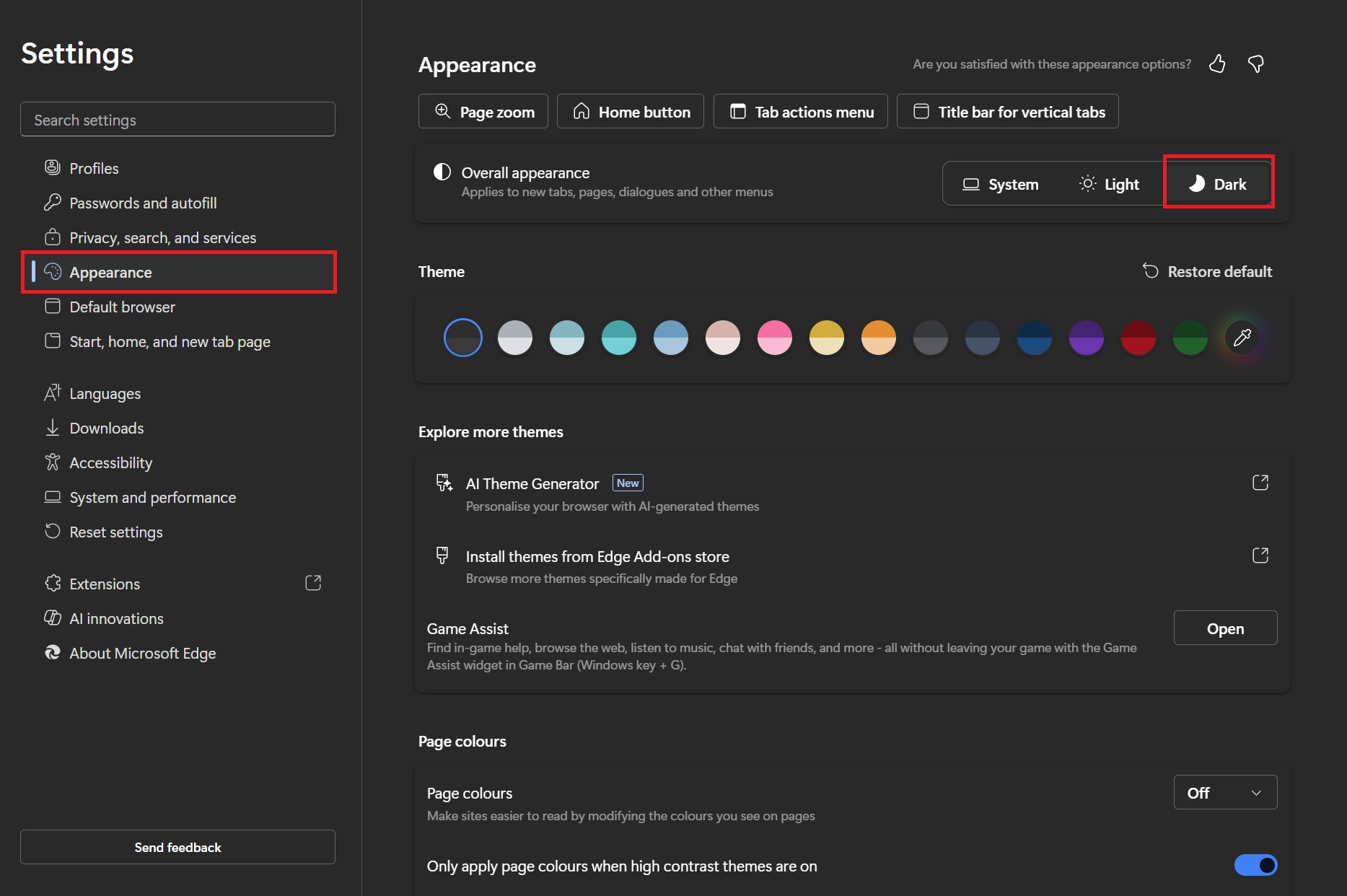
For now, you should be able to get Dark Mode back by making a change in your Browser settings. For example, in Microsoft Edge you can select Dark in Overall Appearance (see below) and this should fix the problem (might need to refresh your browser).
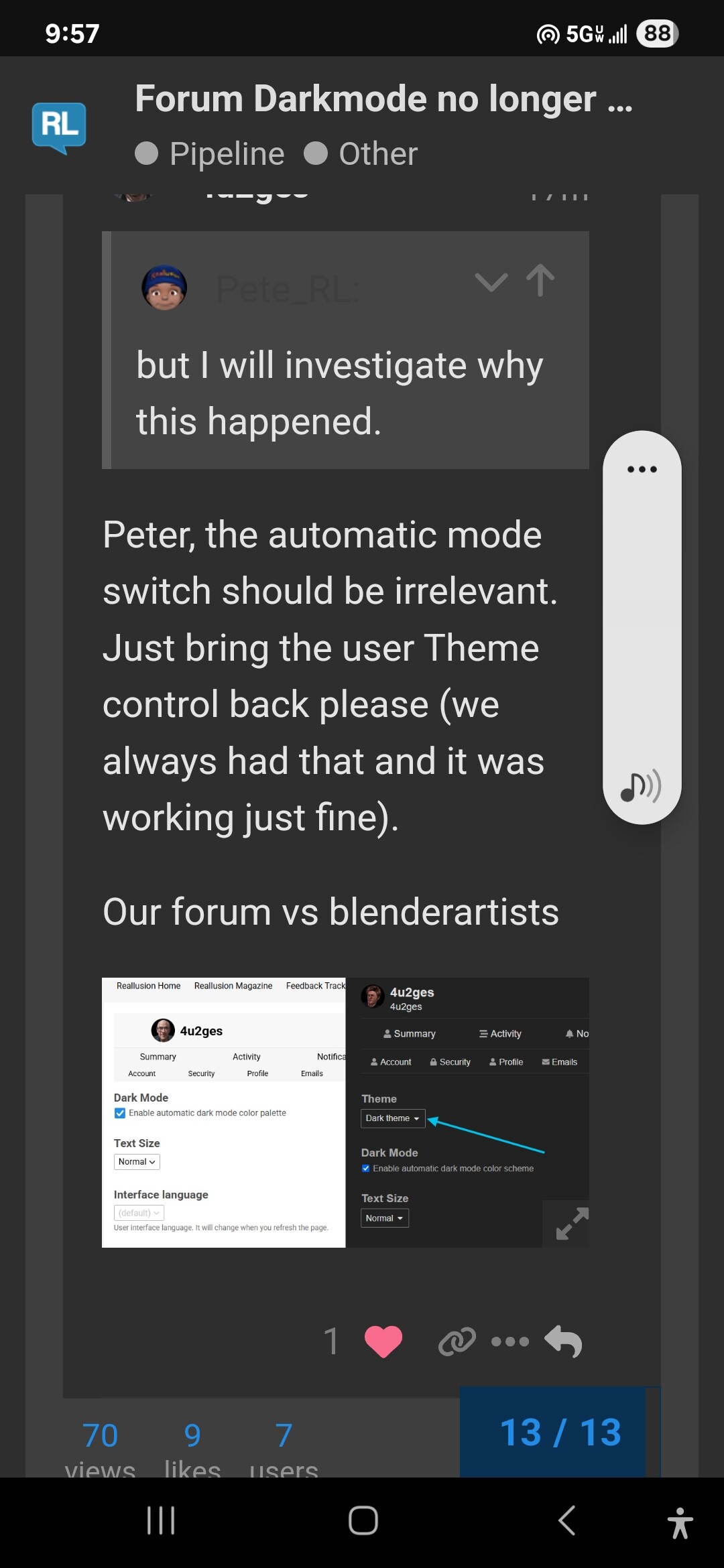
Peter, the automatic mode switch should be irrelevant.
Just bring the user Theme control back please (we always had that and it was working just fine).
Our forum vs blenderartists
I only allow my old Imac computer ,running chrome, to access the internet so using Microsoft Edge on my main production PC is not an option for me.
Every other web forum that I use such as Blender artists has dark mode still working fine.
Something has gone wrong with the main Reallusion website as your mobile forum app ,on Android, still has Dark mode working correctly.
Unfortunately, mobile app does not work right either.
The only reason your phone retained dark forum appearance, is because your phone Display mode is set to Dark. Mine was always Light and so I lost forum Dark mode as soon as they removed Theme selector from forum Preferences.
I hope it will be fixed soon.
Greetings Robert
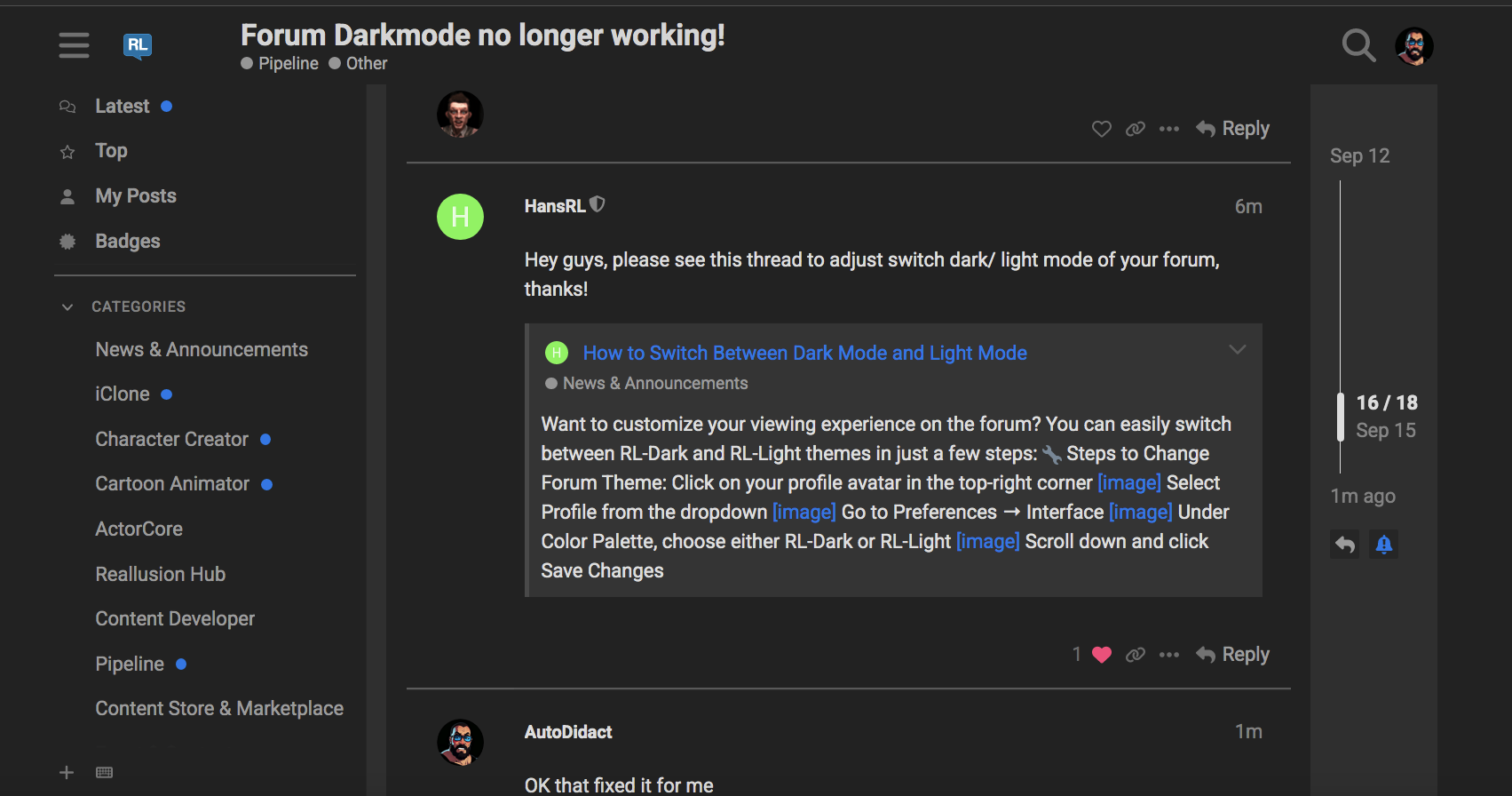
Hey guys, please see this thread to switch dark/ light mode of your forum, thanks!
Manny Thanks,
Thanks very much! My  thank you too!
BTW, I had to refresh the profile page with Ctrl+F5 to make the option show up so if you don’t see it try that.