yes, I have been away for a long time and many of you probably no longer remember me.
iClone simply became too expensive for me, and I only had version 7. I stopped programming scripts at that point. Now Reallusion has released a free version. I actually intended to quit completely, but I ended up installing it anyway.
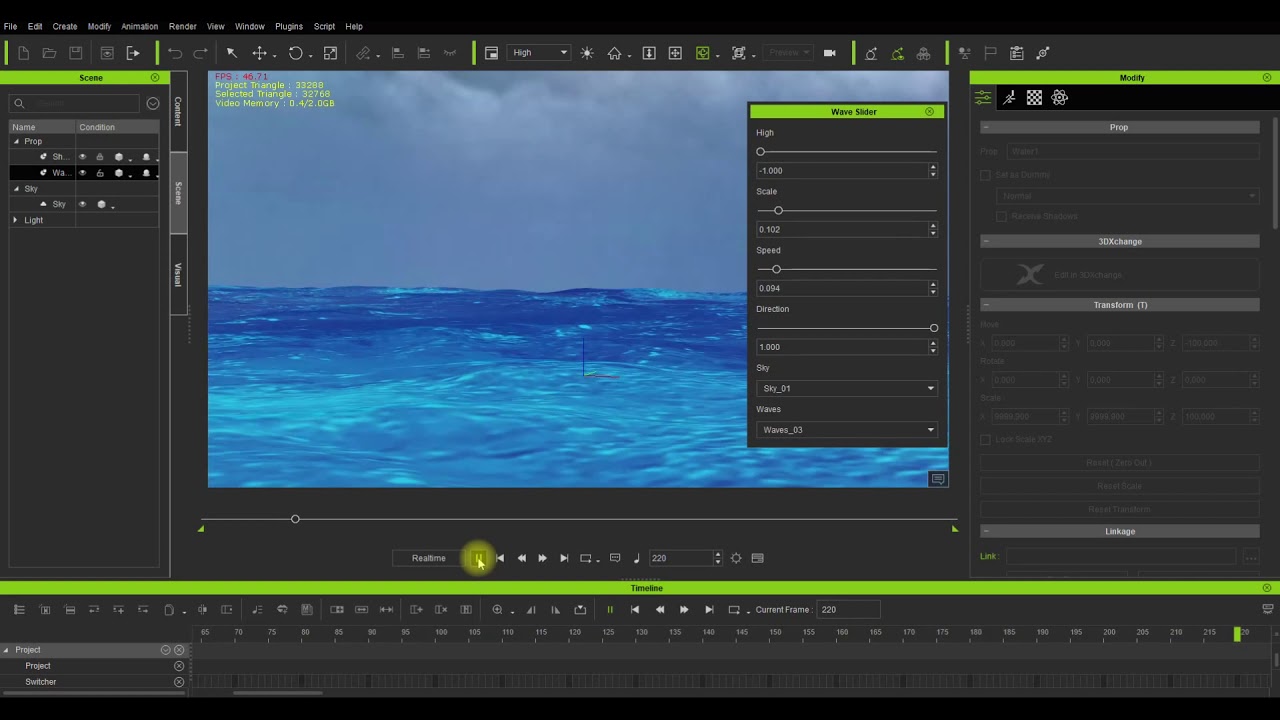
As a reminder of what I was working on back then, here is the script explained:
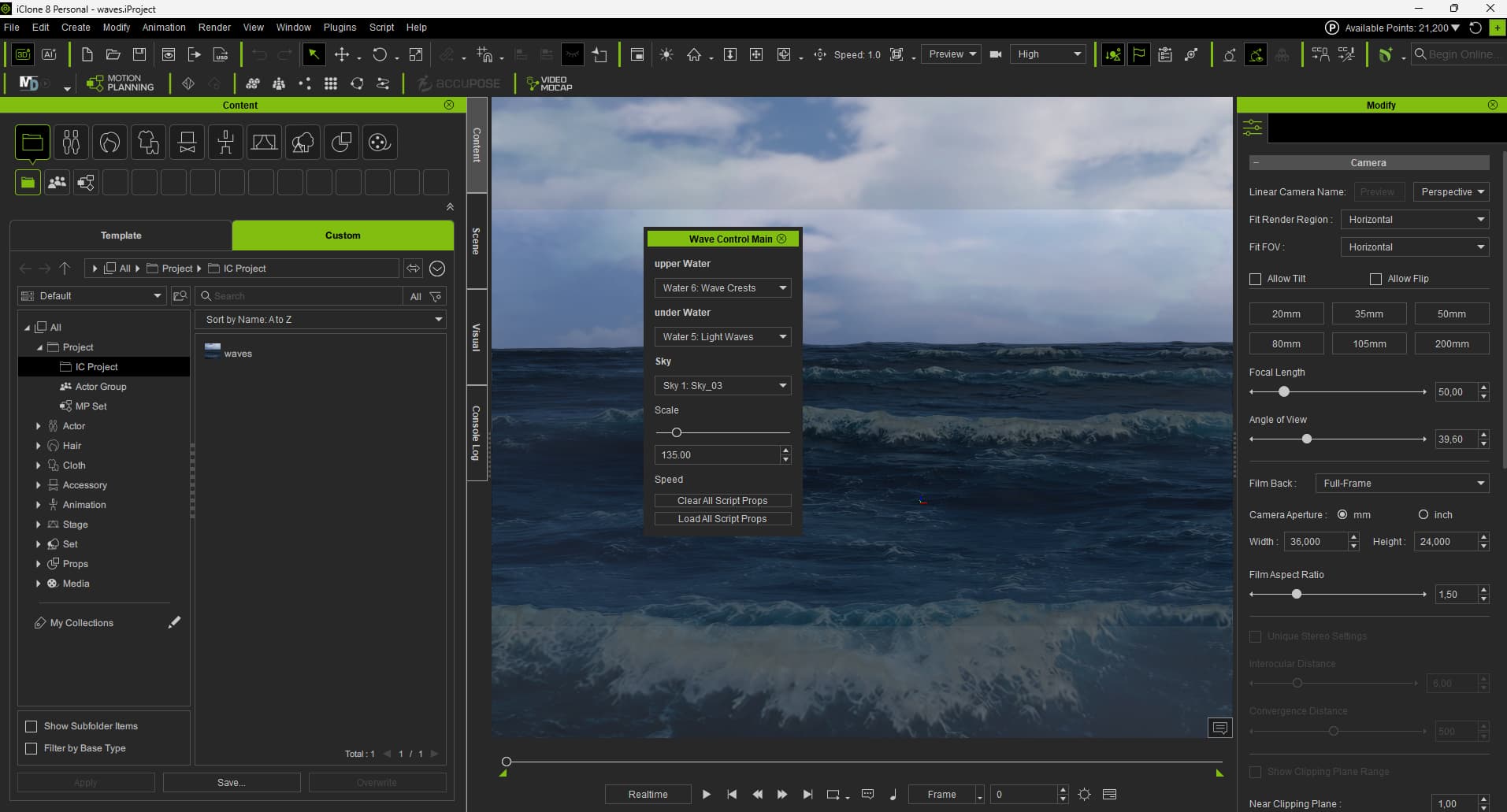
I have now implemented a stripped-down version of it in iClone 8:
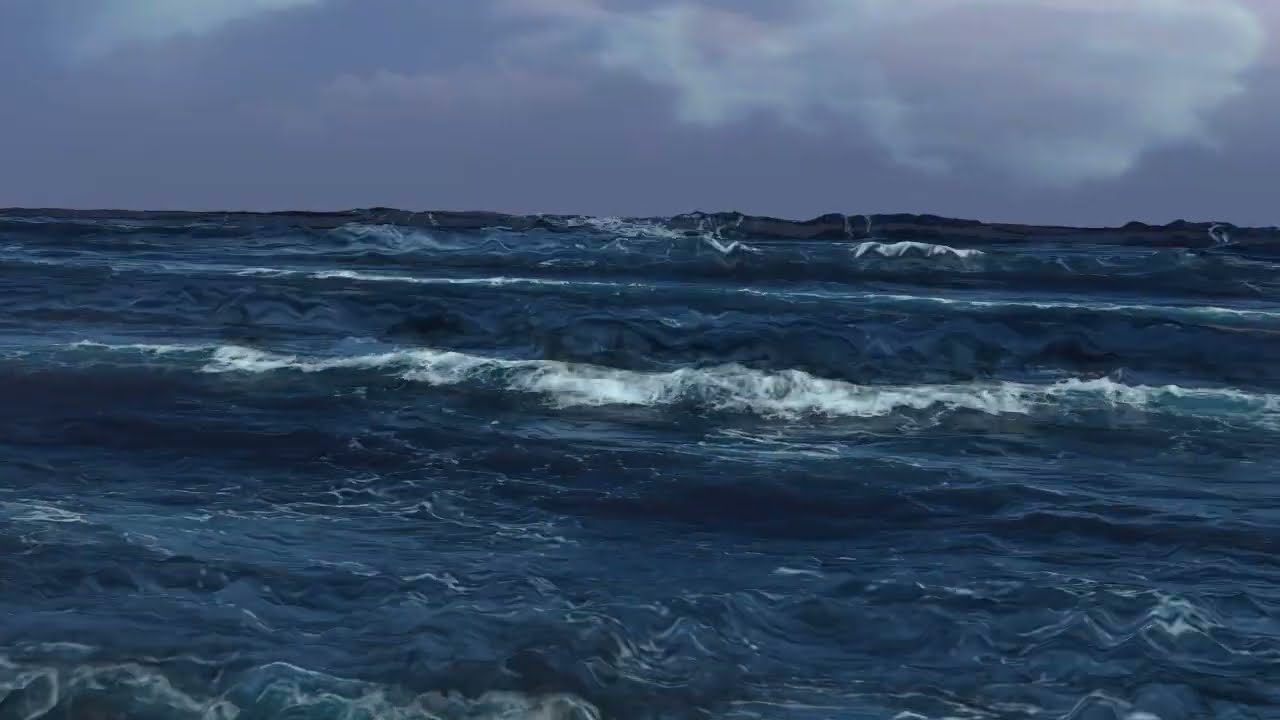
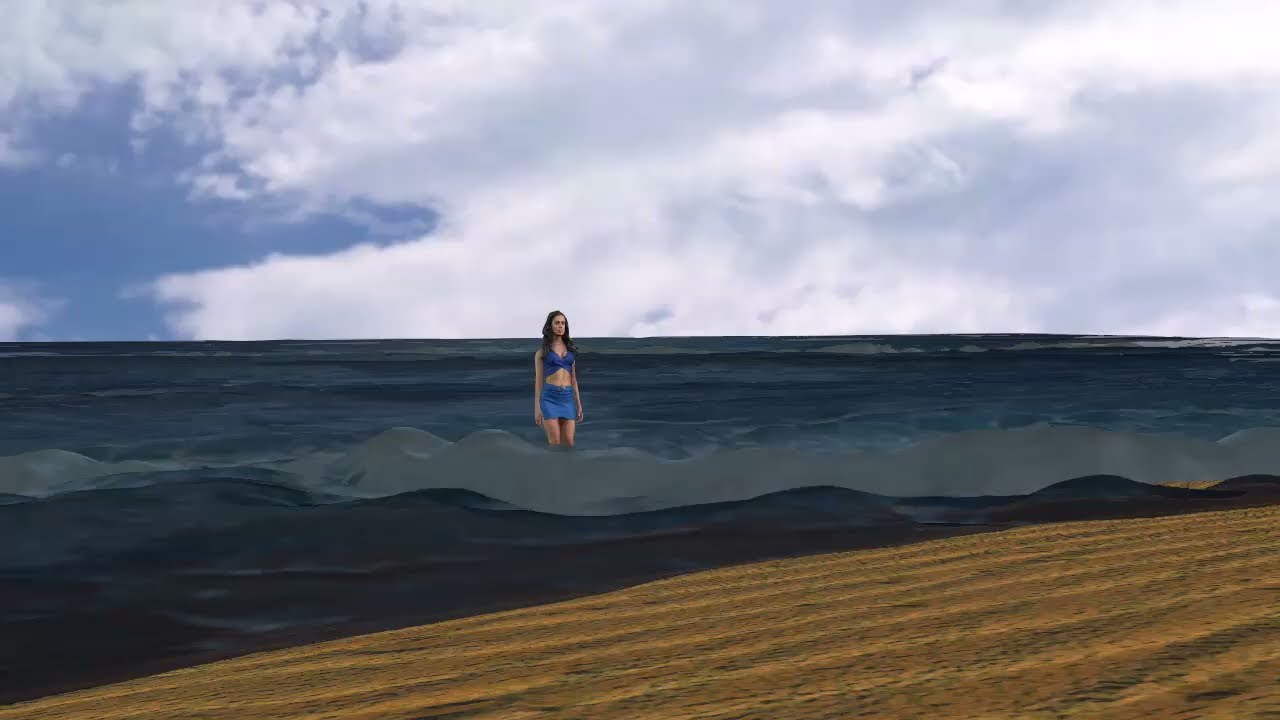
And here is the first example:
Dear forum members,
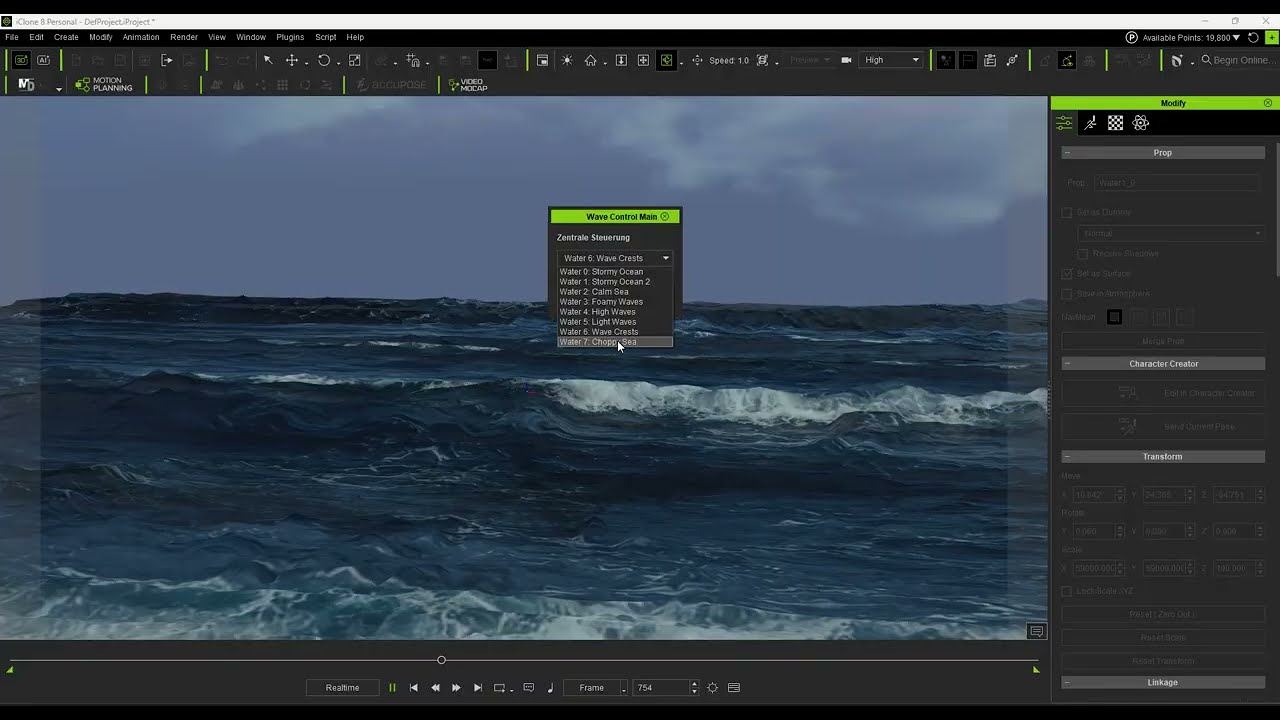
until now I will not report about the bugs I have found and the iClone crash - I have stressed the programm a bit with the script. But I will show, how the first interface dos work, which creates different wave forms and skies.
Thanks Peter_RL, well the script isn’t ready yet, but I could bring an ready animated projekt in my store. So the people could experiment with new textures. But dont know until now, how the marketplace now works. Will try.
Well, I can show you parts of the script, but I cannot distribute it as a ready-to-run tool. To use it, you must have the necessary Python components installed and manually configure the file paths to match your own system setup. First, I will publish the parts that create the interface and load the ‘waves’ project, which you can find in my store. The project must be saved in your custom directory under ‘IC Project’ and simply renamed to ‘waves’. Once you have installed all the necessary Python components, it should run. To open it in iClone, just go to Script → Load Python. Until now the interface will only print in the log, what the funktions should do.
well, I have build in now more functions in the custom script, but there are to make some changes in the script:
Here you must define your path: my_template_path = “your template path”
script_path +“//resource//” = my_template_path
In the folder “resource” I have 4 folders: “Beach”, “Clouds”, “Sky”, “Waves”.
There you place your textures.
The wave textures must be named wave_0, wave_1 … for the main textures.
wave_0soft, wave_1soft for the displacement and bump textures …
I have no idea, if somebody here really is interested, to do all this work.
Please let me know. Because, it is also for me much work, to bring this custom script to work. In my workarround are much more things, which I must clean up.
This script loads now new textures for the upper and the under water. Which you need , you can find in the project or script.
I haven’t visited the forum for a couple of weeks now, so have only just seen this post.
That’s great work Tesira, I’m definitely keen and will be following closely. I have been trying to convince RL into doing more with waves for a long time. I’m a beach person myself so have plenty of ideas for projects that include beach scenes with realistic crashing waves. So far I’ve just had to compromise using video background with crashing waves with a beach foreground. I’ve seen some admirable workarounds, cleverly manipulating soft cloth etc, but it wasn’t enough to convince me and it was very labour intensive to set it up, with unpredictable results.
So far yours is the most impressive by far that I’ve seen that is available for iClone.
So one thing I’m really interested in setting up is a beach scene with the surf/waves crashing in. Basically what you’d see at a typical beach with surf. With your system, is it possible to add the waves to a beach/sand foreground so I could have a character walking from the beach foreground into the waves?
I have to admit, when it comes to scripting in iClone, I’m clueless. So would need some really clear instructions how to set it all up and utilise it within iClone scenes.
Hi Darren01,
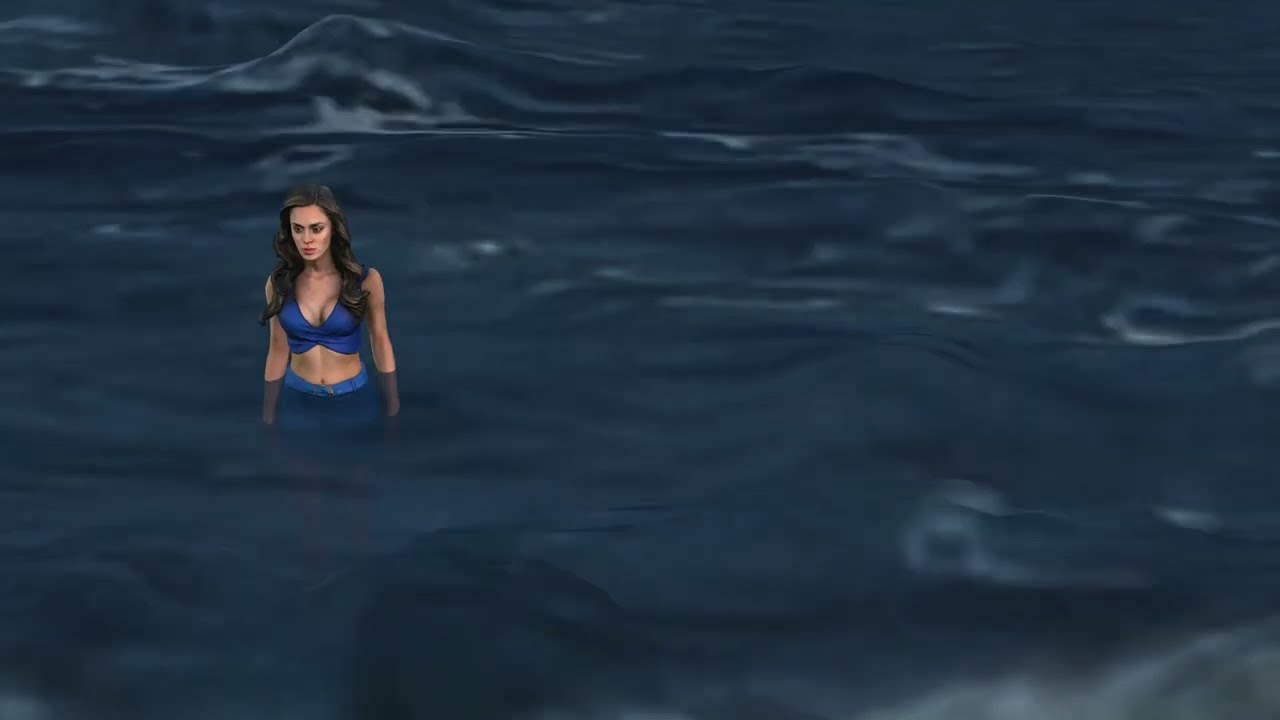
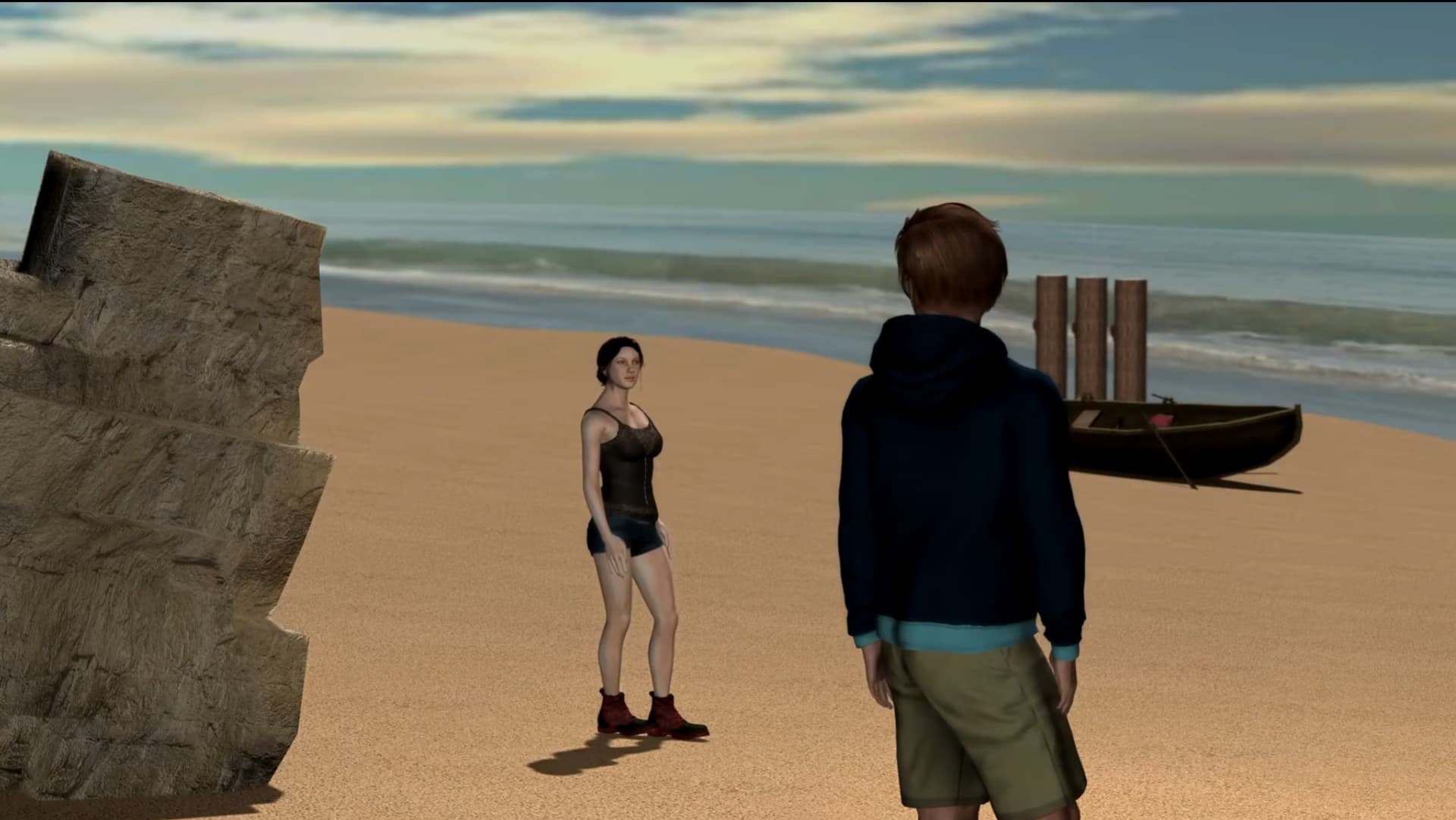
thanks. It is funny - I really have worked today with a beach. To be honest, it’s much harder to make a beach look realistic. I’ve tried. I don’t know if this is what you’re looking for.
hi animaic,
the problem isn’t building a beach. It’s hard to make the waves hit a curved beach in a way that looks realistic. The waves break through the beach at different spots, even if the beach drops steeply into the water… Or I just have to keep the waves pretty shallow. But Darren wanted high waves. I’ll keep trying.