Here you can see it.
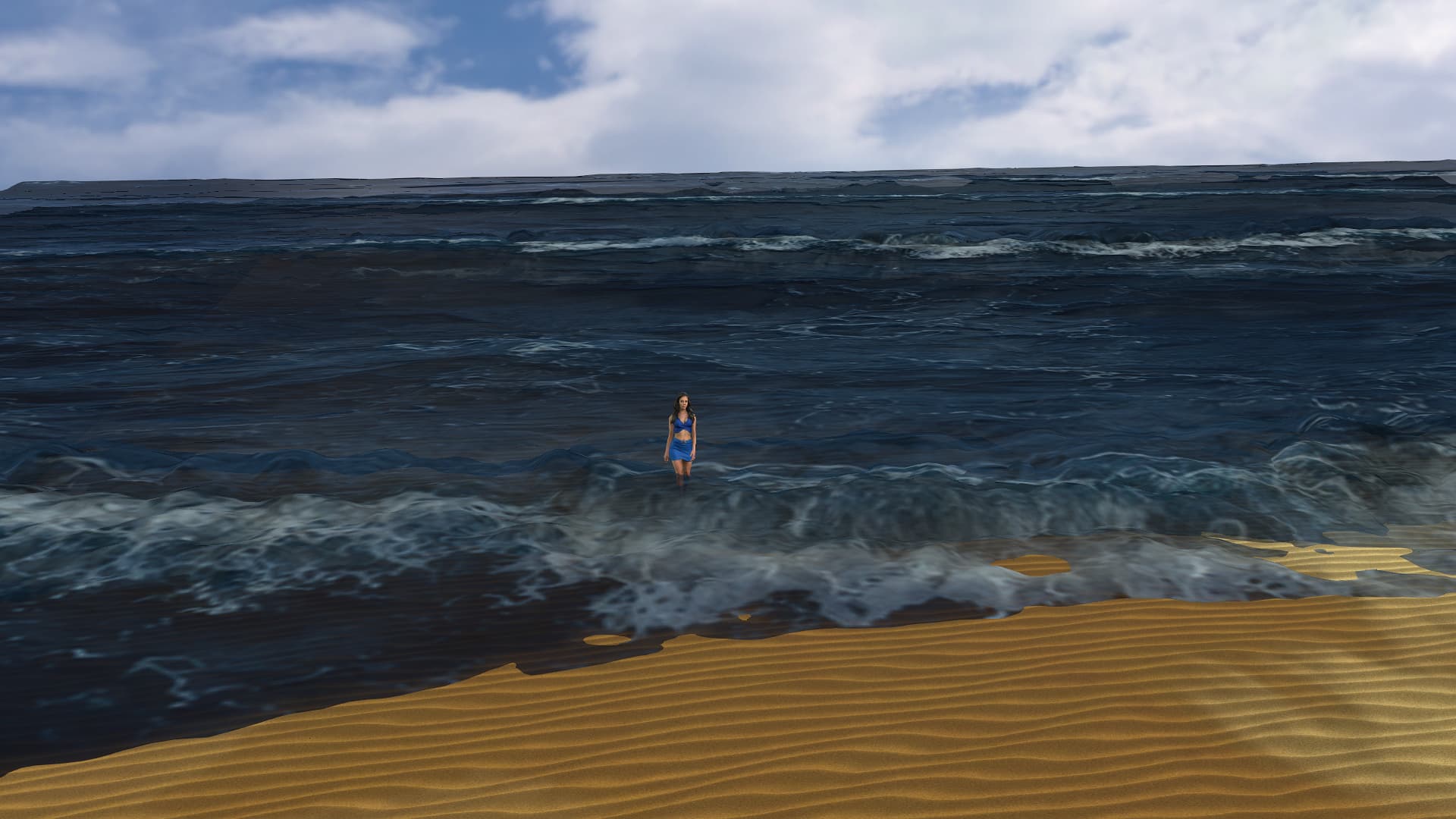
thanks Tesira, I appreciate your efforts, you’ve achieved good things.
It might not be perfect, but it’s a big step up from my attempts.
When it comes to wave size, I’m referring to bigger breaking waves back further from the beach and settling as they roll onto the beach.
I think if the sand had some darker shades in wavey shape along the edge where the waves come in (ie wet sand), it might make help the transition from the water to the sand look a bit more realistic.
So how hard is it to simply add your waves to a beach scene like you’ve done in your screenshots/videos above? It it just a matter of opening up a beach scene and then adding your waves script to that scene ?
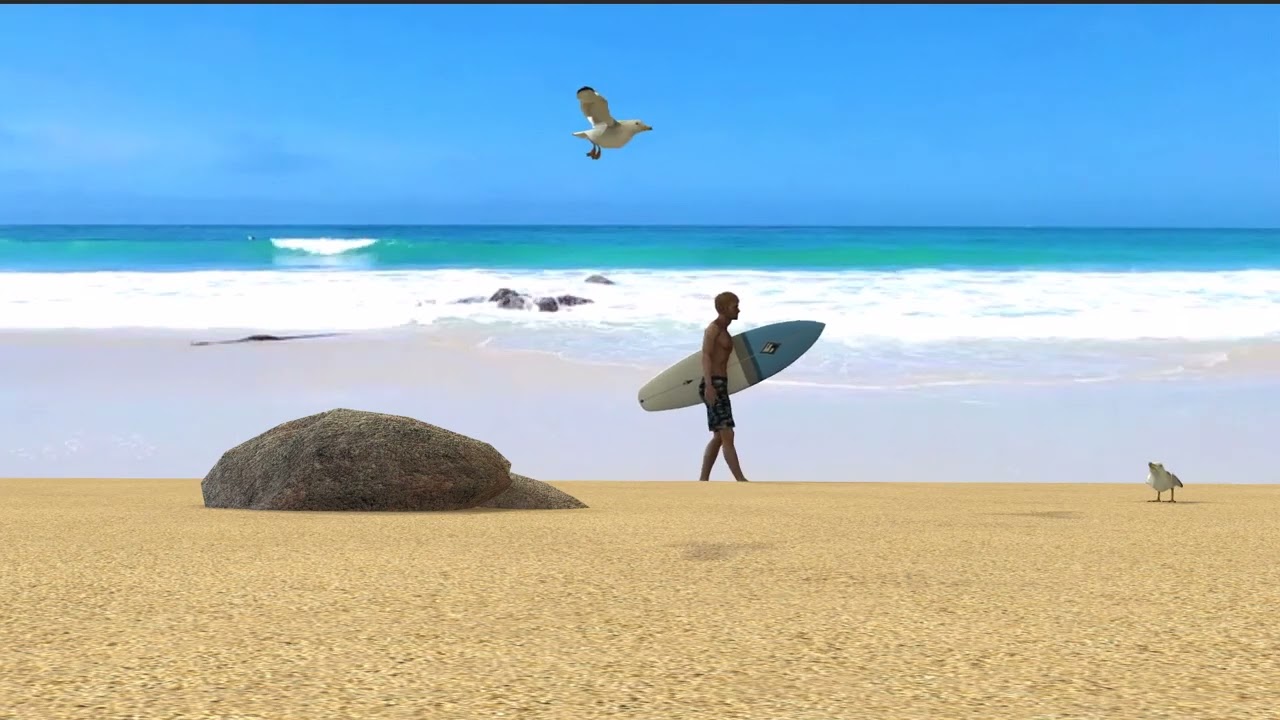
The video below is just a sample of the sort of thing I’ve been trying to achieve by using a video backdrop. Looks quite convincing, but the problem is the characters can’t realistically interact with and/or enter the water, not convincingly anyway. I can only rely on the powers of illusion  But if I could add your waves to my beach scene, I think it might work
Well Darren01,
you have to install Python moduls, which are imported in the script, and add all the folders and name the props right.
But the easiest way for you may be, to take the project from my store.
https://marketplace.reallusion.com/ocean-waves-710228
There all is ready to use.
You can save the water props from this project and add to your scene.
You also can change the textures, to get an other look of the waves.
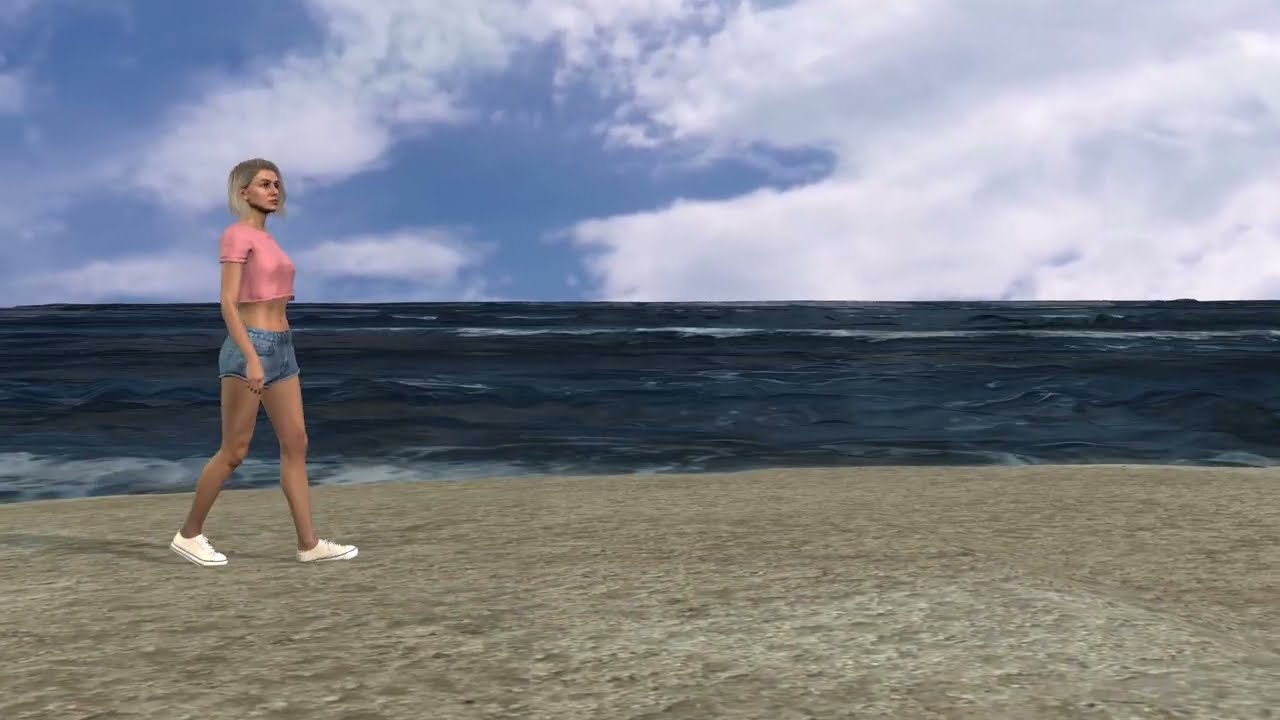
I also can make a project, where the beach is already included.
greetings Tesira
Hi Tesira, sorry been a bit flat out lately with work, haven’t had much time for the fun stuff. I’ve just purchased your wave project, I’ll have a look at your instructions how to add all the python files etc as soon as I get the chance and let you know how I go.
Thanks!
Hi Darren01,
thanks. If you begin, with the script, make an folder and bring the script in it.
Than set in this line my_template_path = “your template path” your path of this folder. The project save in your inventory in custom → project → IC Project.
Now go to the menu item script in iClone. Here open the Console Log.
Load the script from your folder with script → Load Python. In the Log you will see, if Python components are missing. These you must install with the Terminal.
If all is installed, the script may start and load the project from your inventory.
It has waves, which are animated already. But it will not load new textures.
For this make an folder resource in your script folder and in this place a folder Waves.
Here come all the textures in. They must be named: wave_0, wave_1 … for the texture and wave_0soft, wave_1soft for the displacement texture.
The log will say you, if there something isn’t found.
Greetings Tesira
is the water bothering you diva
Do you mean me or the woman in the video? 
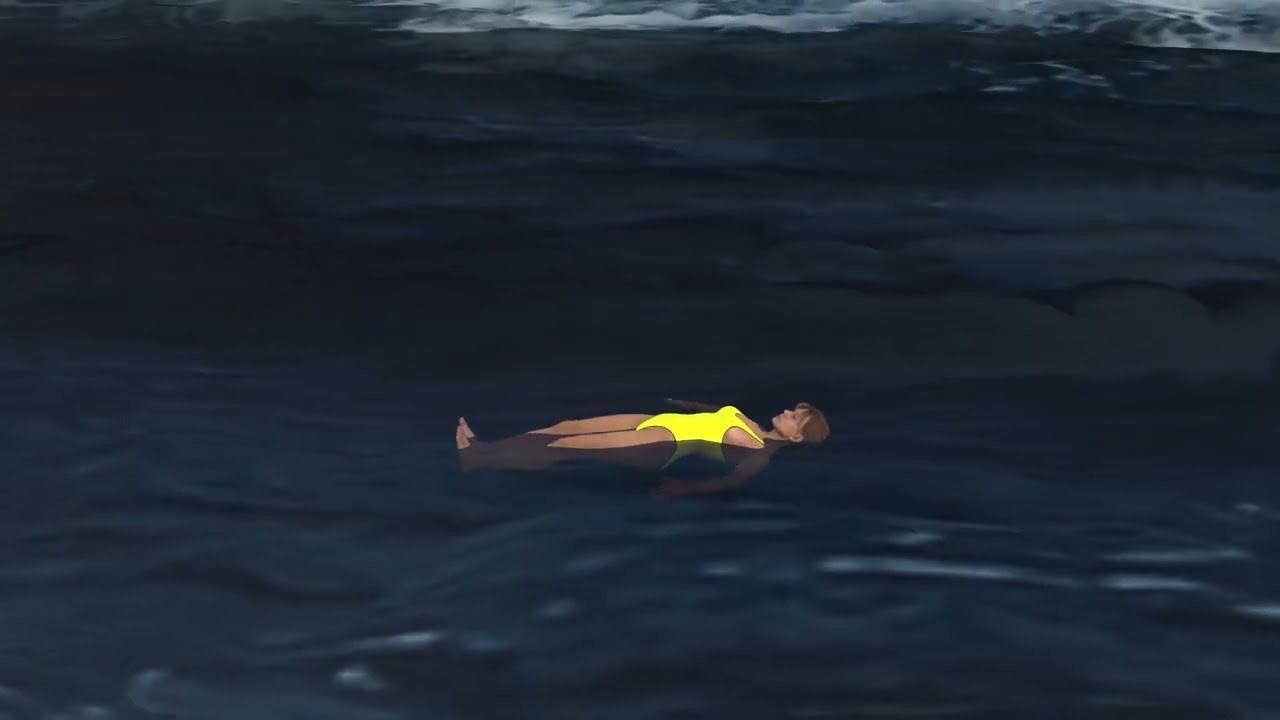
Swimming in the waves isn’t easy. I have tryed, to hold her head over water.
Because I fight always with the timeline, I have made together with the Google KI a little tool. The KI knows iClone Python very well. And this tool is really helpful.
Multi-Frame Snapping:
- Enter your desired step size (e.g., 50 frames).
- Click Snap Forward or Snap Back to jump precisely to the next or previous multiple of that step size.
- If you manually stopped the timeline on an odd frame (like frame 123), clicking Snap Back will automatically lock/snap you straight to frame 100, keeping your workflow clean and structured.
-
Frame Memory (Bookmark):
- Click Remember Frame to temporarily save your exact current timeline position in memory.
- You can now freely scrub around the timeline, copy/paste poses, or check other frames.
- Click Go to Remembered to immediately teleport right back to your precise working frame.
You can get it here: https://blickderweberin.de//Animationsscript_eng.py
Have a good time
Tesira
Welcome back! I definitely remember your work. It’s great to see you giving iClone another shot, especially now that there’s a free version available. Looking forward to seeing your script again and what you’ve been working on.
Thanks lucyburker.
Right now there are so many apricots and plums in the garden that I barely have time for iClone.
Hi again Tesira,
Sorry, excuse my ignorance, I’m a complete newbie when it comes to using Python scripts 
So I have downloaded the project, the waves are all animating ok.
I then saved your final version of the Python script that you posted up.
I saved it it into the same location as your wave project.
I opened the project in iClone and then loaded the Python script.
The ‘wave control’ window does appear and I can select different settings.
However it doesn’t change anything.
You mentioned I need to set my template path in the script.
Is this the path where the wave project is stored?
Will entering this path resolve the issue ?
Thanks!
- Load the project in iClone.
- Save it in iClone Custom → Project → IC Project
- Make a new folder where ever on your computer with the explorer “wave script”
- in this folder bring the script
- In the wave script folder make an new folder “ressource”
- This is your template path also maybe D://wave script//resource//"
- open the script - there is a line my_template_path = “your template path”
- change it to my_template_path = “D://wave script//resource//” or whatever is your path.
- in the folder “ressource” make a new folder “waves” - here come all the textures in.
- make wave textures and name them, how I have already described.
Well at the beginning, you could save the textures, which are in the project already. Load them in a grafic programm and change only the color, so that you see something. Name the unchanged wave_0 and the changed wave_1 and the displacement texture let how it is, but save as wavesoft_1.
I hope, I have written it in a way, that it is to understand.
Have a good time
Tesira