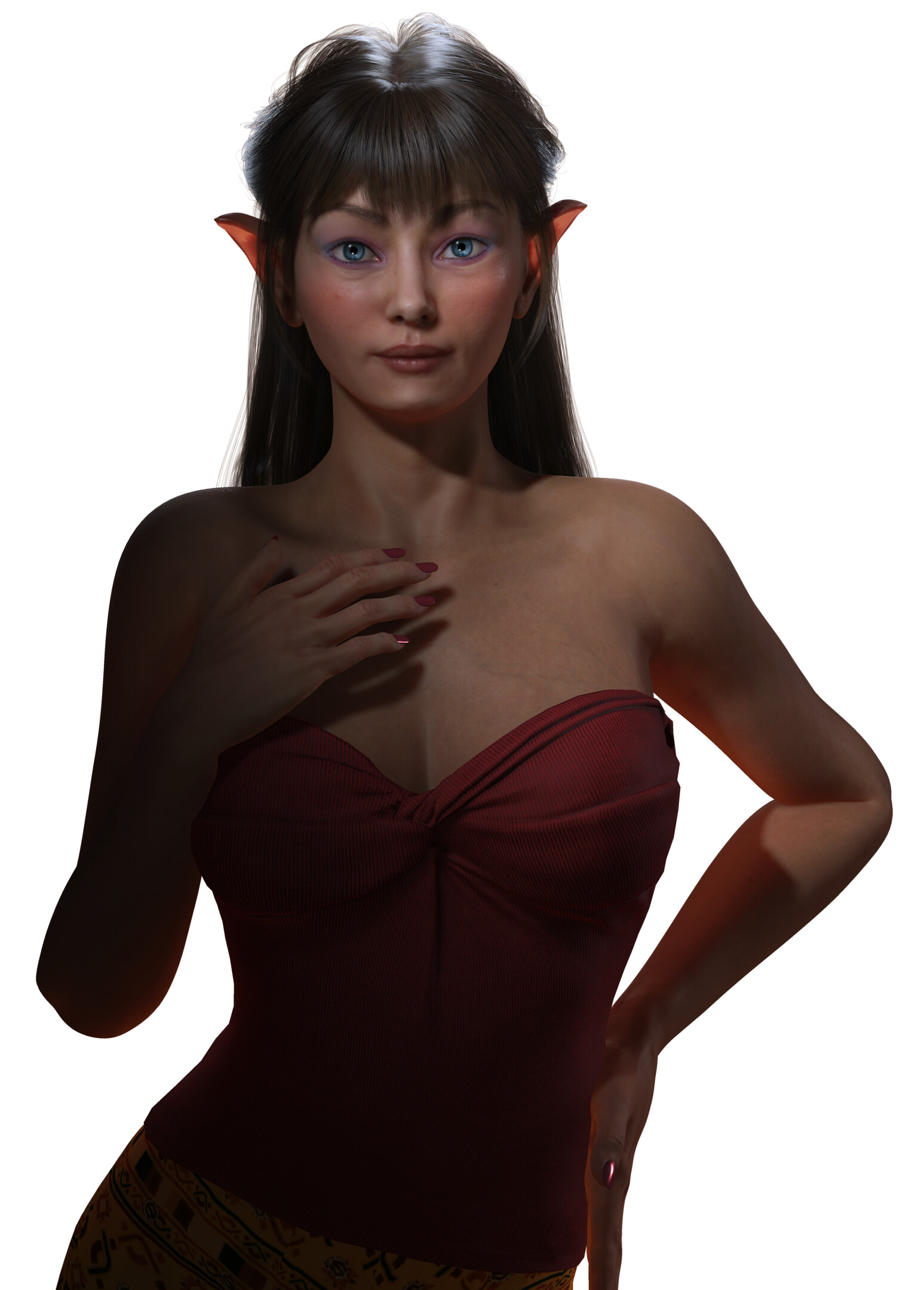
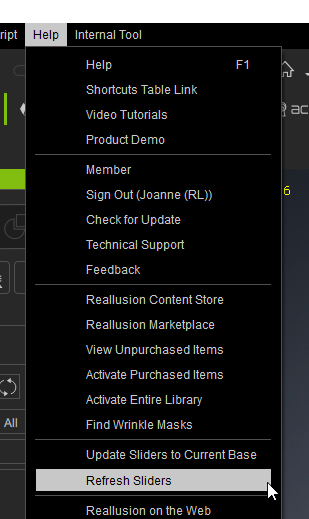
I recently started using ActorMixer to create characters in CC5. Since I now have the Pro version, I’m able to create custom characters using the Mixer wheel. In my first attempt I used a character I purchased from the content store or the marketplace, can’t recall specifically which atm, but this was the result inside CC5 initially:

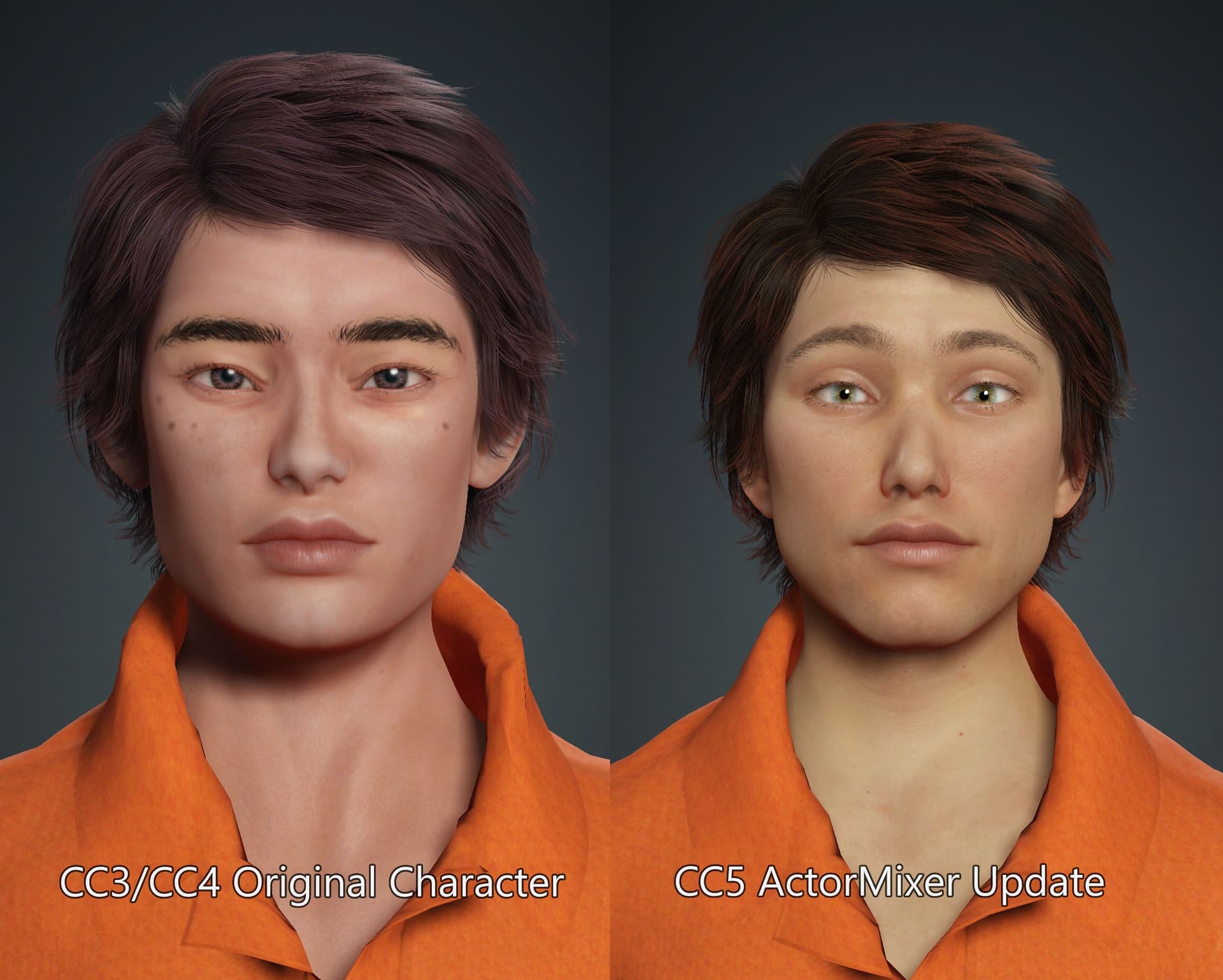
and here’s a side by side comparison with the original CC3 character next to the new CC5 version. I did apply some mixes and made some changes:
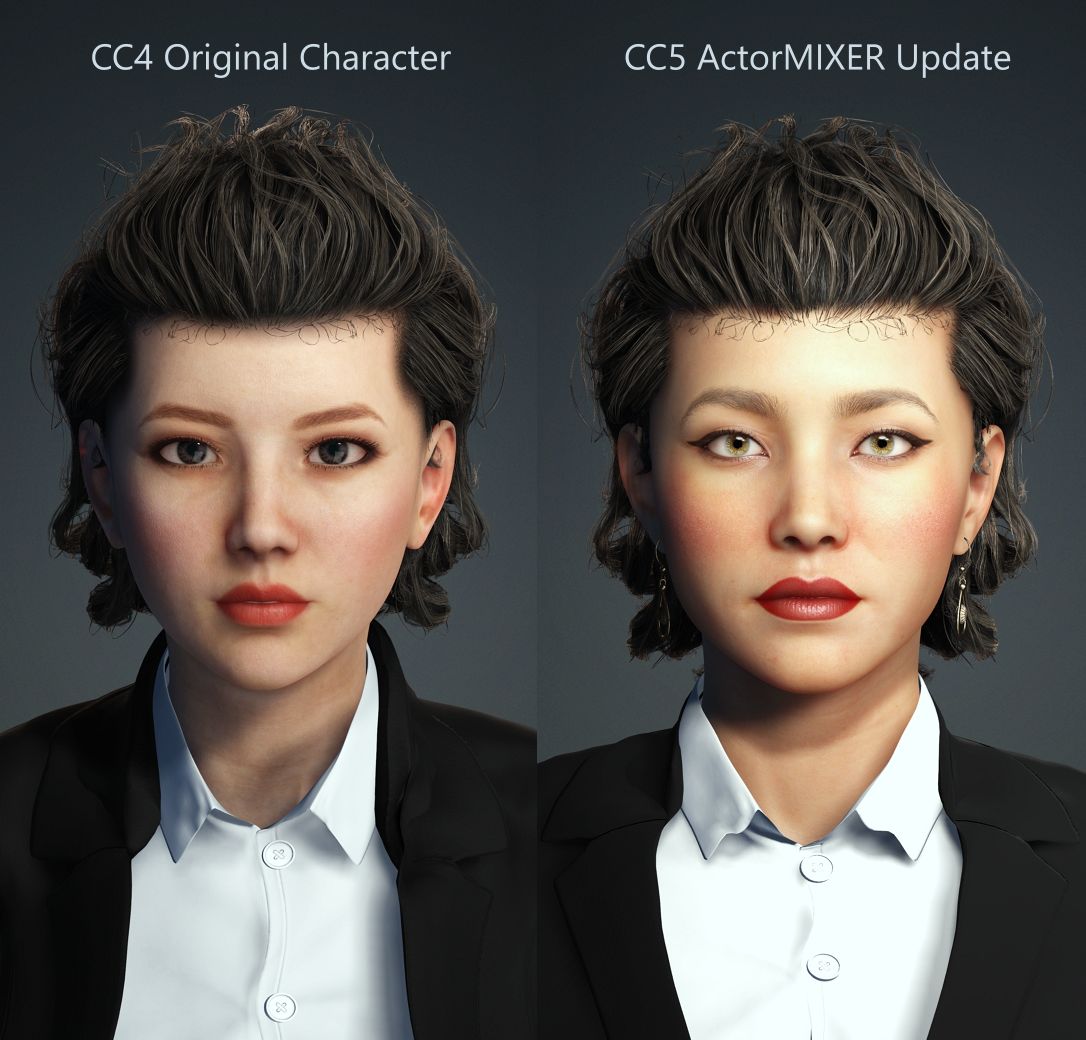
Next were a couple of other CC3 characters, again from the marketplace that I updated using the same method.

However, even though I checked this topic ( Actor Mixer Pro DRM Problem ) to try and resolve the issue, I still get the following ‘error’ or notification message when opening the character in CC5 later on.
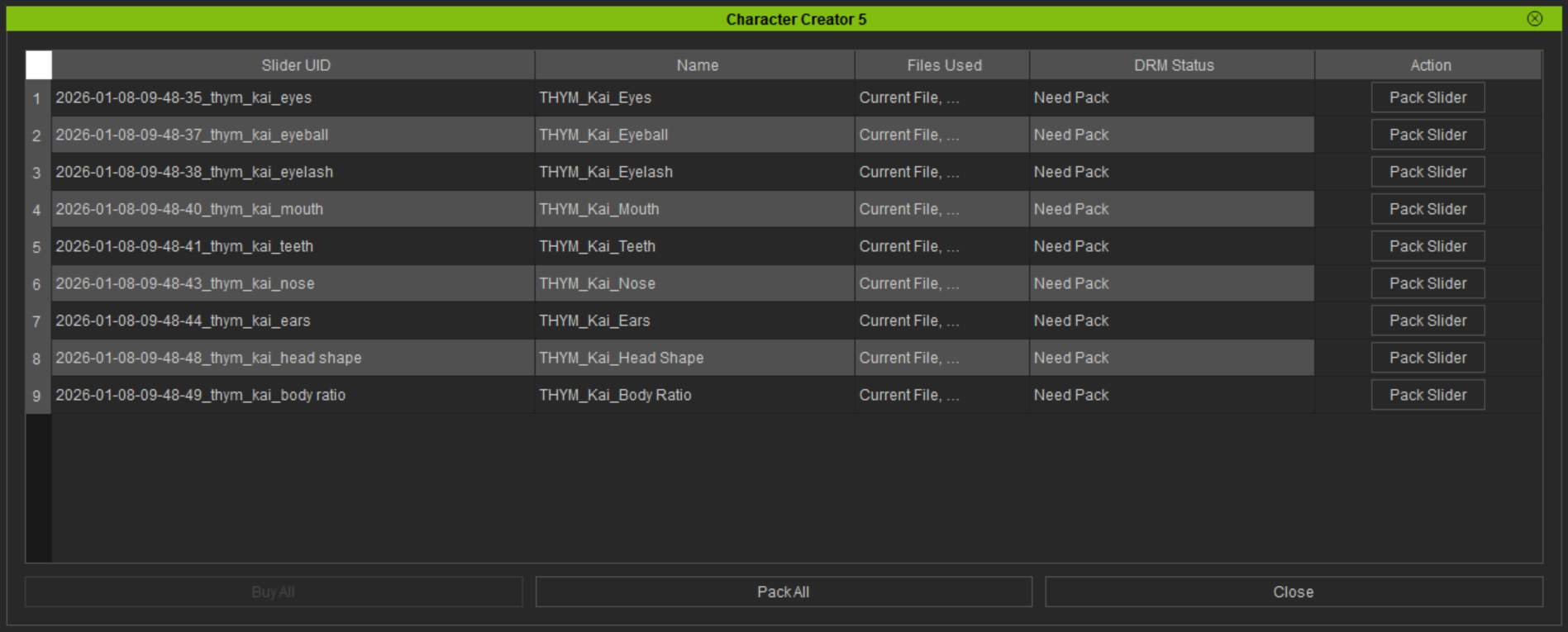
It’s more of an annoyance really. Closing the window doesn’t affect access to the character for further modifications. At least, not yet…
I’m assuming it has something to do with packing the morphs into a custom profile. I’m still looking through the online manual and watching the recent webinar and YouTube videos to lockdown how that’s done.