When a character’s FBX is modified in other third-party software, such as mesh names or material names, it can cause AutoSetup to fail its checks, leading to a crash. Feedback Tracker
When exporting from CC to InstaLOD without selecting Keep Original Character, and then importing the FBX into Unreal with Import Mesh LODs checked, Unreal crashes.
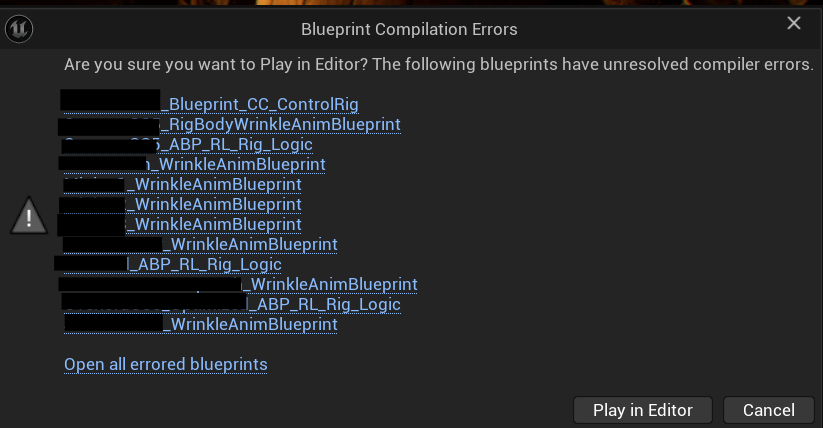
I upgraded my existing project from 2.00 to 2.01 following the instructions included in the readMe file in the 2.01 download. I’m now getting several errors in the blueprint files from my existing characters imported via 2.00:
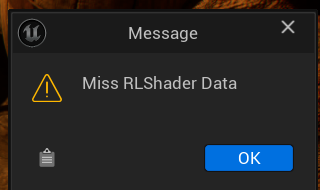
So, I tried re-importing one of my characters from IC 8.7.5009.1 using the steps detailed in https://www.youtube.com/watch?v=a4rdunCvT3o and I now get the following popup errors in UE 5.6 using Auto Setup 2.01:
So, those with existing projects and characters of previous versions of AutoSetup will need to initially KEEP the existing {Project}/Content/CC_Shaders folder in place and only replace the content of the {Project}/Plugins folder with the latest version. Then copy the new Content/CC_Shaders folder from the latest version into your project’s Content/CC_Shaders folder and have it OVERWRITE the existing one. This will resolve all errors.
Hi, kdn115
Because this update reorganizes the folder structure, projects that contain characters with the old AutoSetup data will need to keep the old CC_Shader folder in place when upgrading to version 2.0.
So you can first copy the old CC_Shaders folder into the original Project > Content directory, then overwrite it with the new CC_Shaders folder. After reopening the project, the errors should be resolved.
ue5.7.3 source code and auto setup 2.01, has issues below:
FBX Scene Loading: Found texture name clash, name clash can be wrongly reassign at reimport , texture ‘Std_Tearline_R_Opacity’ was renamed ‘Std_Tearline_R_Opacity_ncl1_1’
The following bones are missing from the bind pose:
cc_base_l_toebasesharebone
cc_base_r_toebasesharebone
ik_foot_root
ik_foot_r
ik_foot_l
ik_hand_root
ik_hand_gun
ik_hand_r
ik_hand_l
This can happen for bones that are not vert weighted. If they are not in the correct orientation after importing,
please set the “Use T0 as ref pose” option or add them to the bind pose and reimport the skeletal mesh.
ControllerRig blueprint and live link blueprint cannot be generated with a fatal error :
RLAutoSetup [AutoSetup][IK] Failed to setup IK Rig controller.
I really need some help because I’m completely stuck with the current Reallusion / MetaHuman / Unreal workflow.
I followed both tutorials from Reallusion:
the one from around 5 months ago,
and the more recent one from about a month ago.
But the problem is that the MetaHuman Construction Script in Unreal Engine 5.7.4 does NOT look the same anymore. The blueprints and setup shown in the tutorials are different from what actually exists now in Unreal.
My goal is simple:
I want to use a Character Creator character driven by:
Xsens mocap for body,
Live Link Face MetaHuman or ARKIT for facial animation,
while using the MetaHuman blueprint workflow shown in the tutorials.
Everything works perfectly inside iClone.
The issue only happens in Unreal Engine.
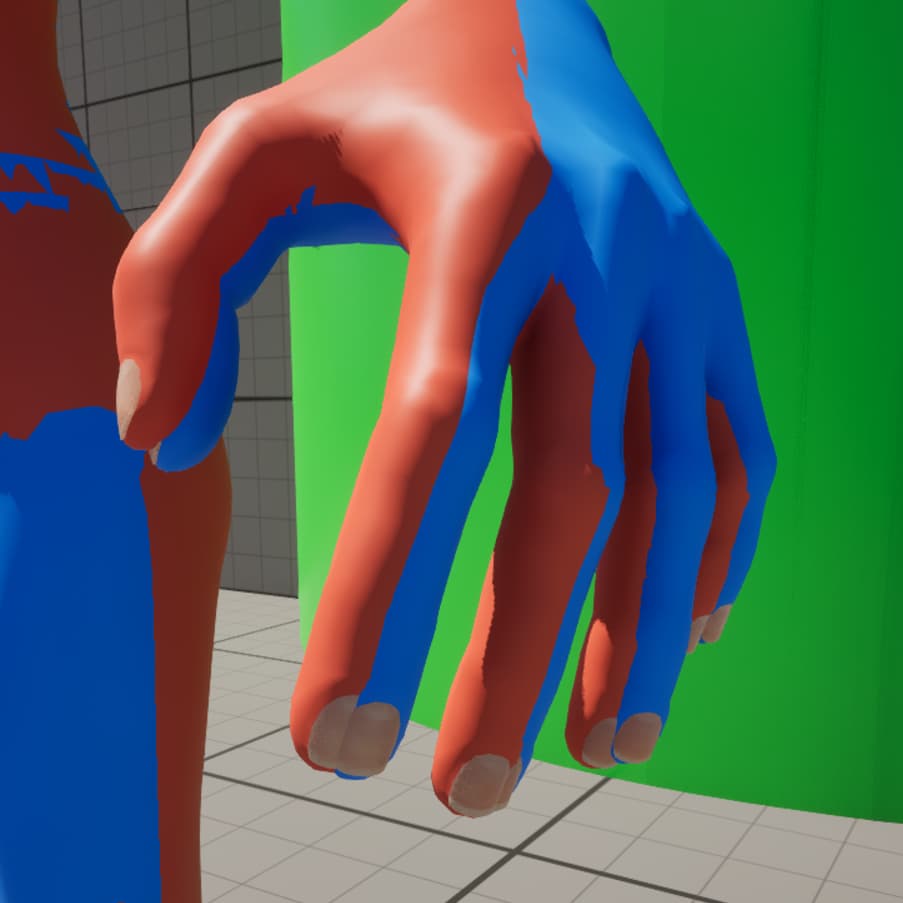
I’ve redone the setup dozens of times (literally 5–6 times a day sometimes ), and I always hit the same wall. I’m starting to feel like the tutorials are outdated or missing steps for UE 5.7.4.
I invested a lot into:
Character Creator,
iClone,
Motion Live,
Xsens,
and my Unreal pipeline,
so I’m really trying to make this workflow stable because it’s central to my production pipeline.
Thanks for your patience, here a quick tutorial on the new workflow.
Official tutorial will be out later.
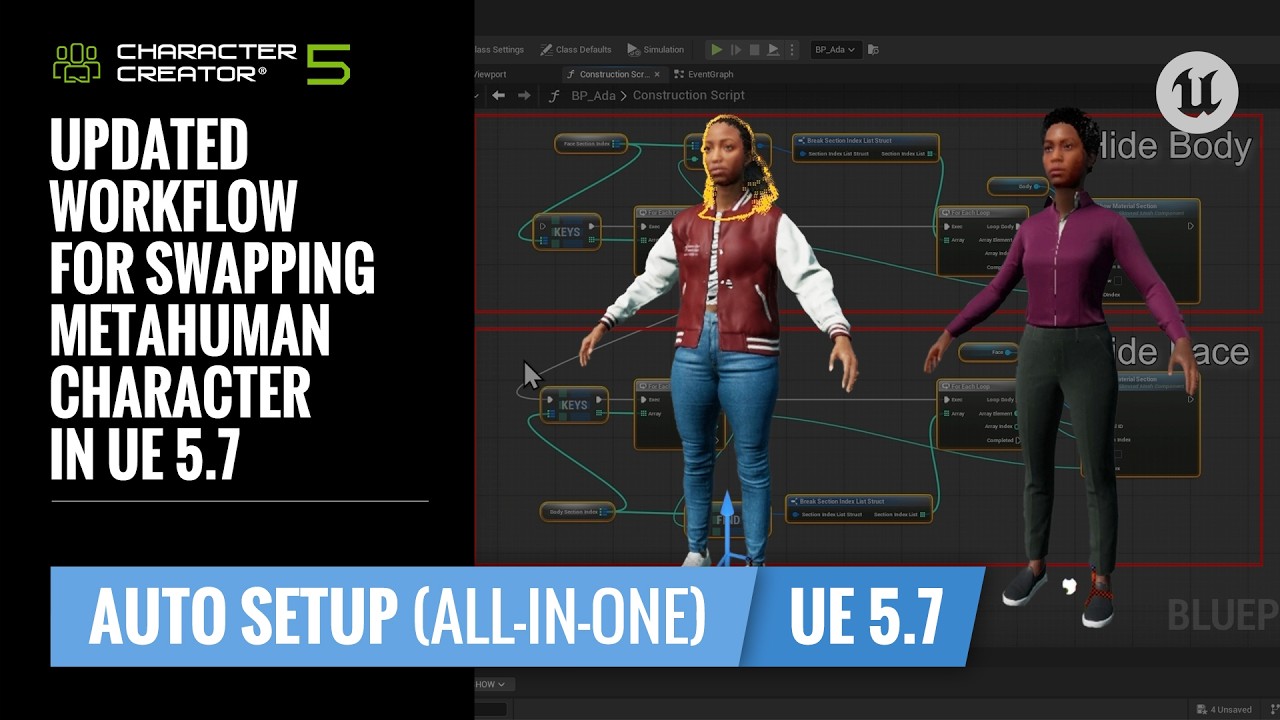
Please use this workflow to replace the steps from 1:40 to 2:08 of the previous tutorial (Updated Workflow for Swapping MetaHuman Character in Unreal 5.7).
Reallusion Auto Setup for Unreal Engine was updated on July 15, 2026, with support for Unreal Engine 5.8. You can update it through the Reallusion Hub or download it here.
Version 2.03.1914.1 Release Date: July 15, 2026
This release adds support for Unreal Engine 5.8 and includes several bug fixes.
Compatibility:
Unreal Engine 5.6, 5.7, and 5.8
Character Creator 5.11 or later, or 4.71 or later — update via Reallusion Hub
Apply CC Texture failed to apply textures to the latest version of MetaHuman characters.
After importing an FBX into Unreal Engine and saving the project, reopening it caused the character’s Physics Asset collision bodies and Skeleton Tree to appear enlarged.

 ), and I always hit the same wall. I’m starting to feel like the tutorials are outdated or missing steps for UE 5.7.4.