Hi dave_hoyles_829504,
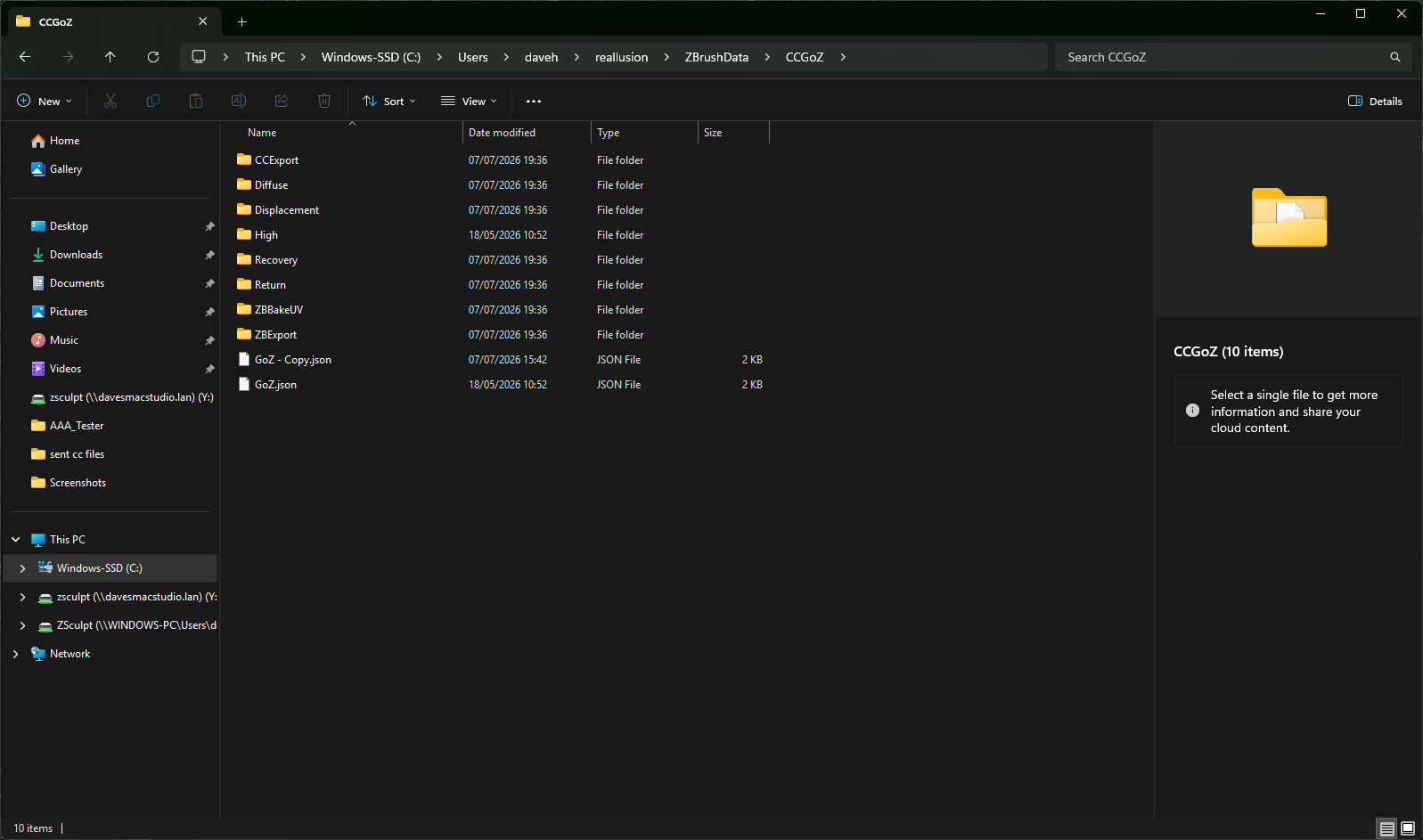
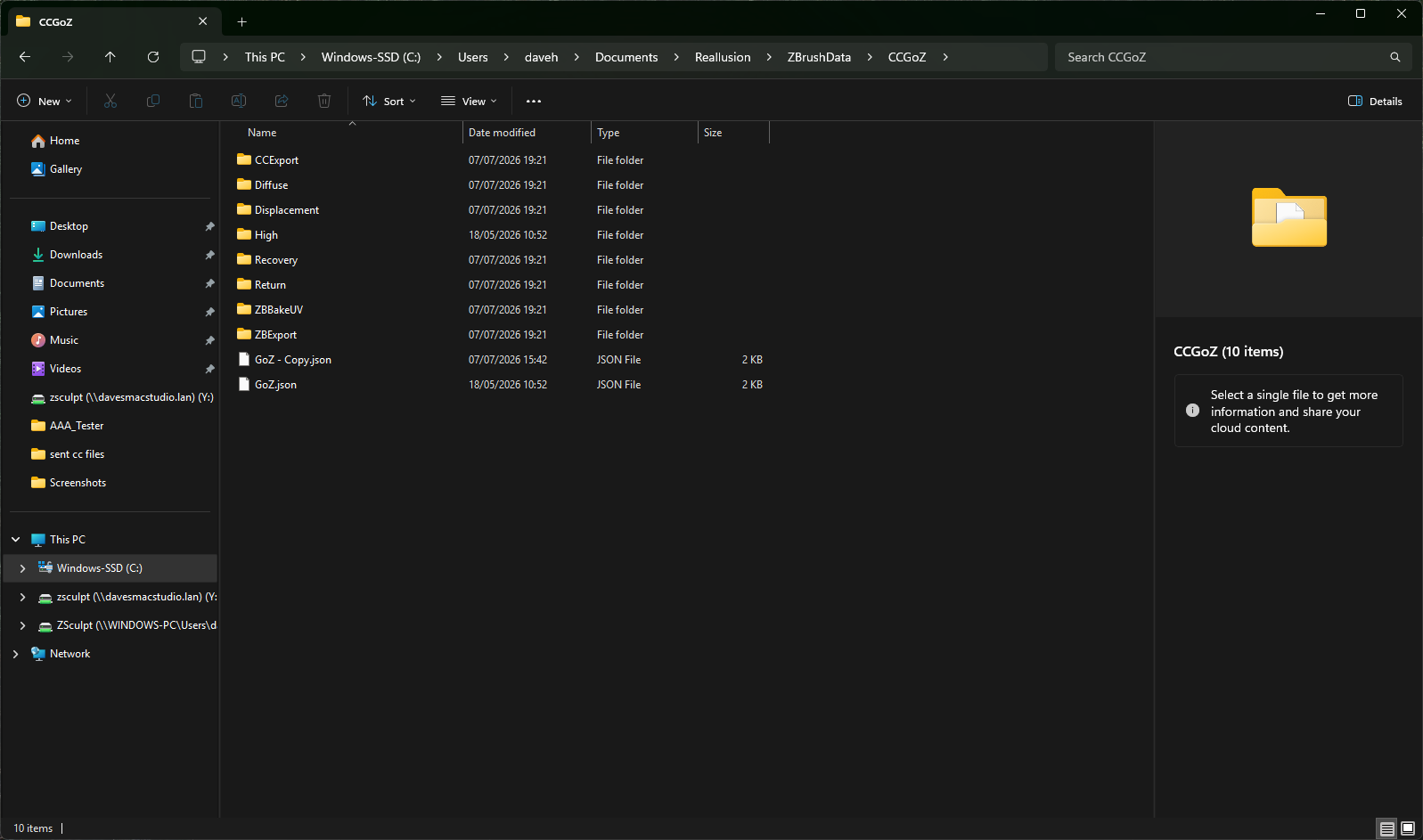
The GoZ interrupt message you saw is due to that Flag folder. In your other screenshot, you can see it located under CCGoz—you need to delete it. The error message wasn’t saying the flag couldn’t be found; it was actually instructing you to remove it.
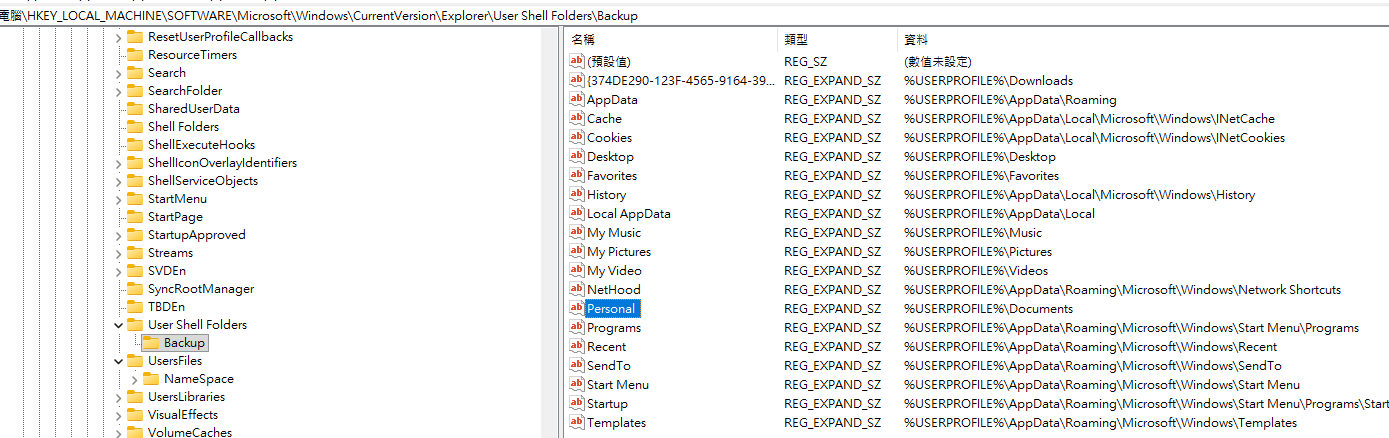
While you can try clicking Restart on the ZBrush plugin side to clear it, OneDrive’s backup feature often blocks this deletion. I highly recommend pausing OneDrive’s automatic backup for your “Documents” folder, or setting it to exclude the Reallusion folder entirely.
Ultimately, the upcoming software release will permanently resolve this bug.
Regards
Hi,
I have removed the flag folder from everywhere I have found it. It doesn’t seem to have made any difference at all. I’ve included in every path I have on C Drive. All the paths that have reaillusion in .
I have removed oneDrive as best I can. It no longer is within the apps, and no longer within loading on start-up. Looking up various peoples comments it looks as though it is very difficult to remove one drive. Obviously, Microsoft would allow you to use it.
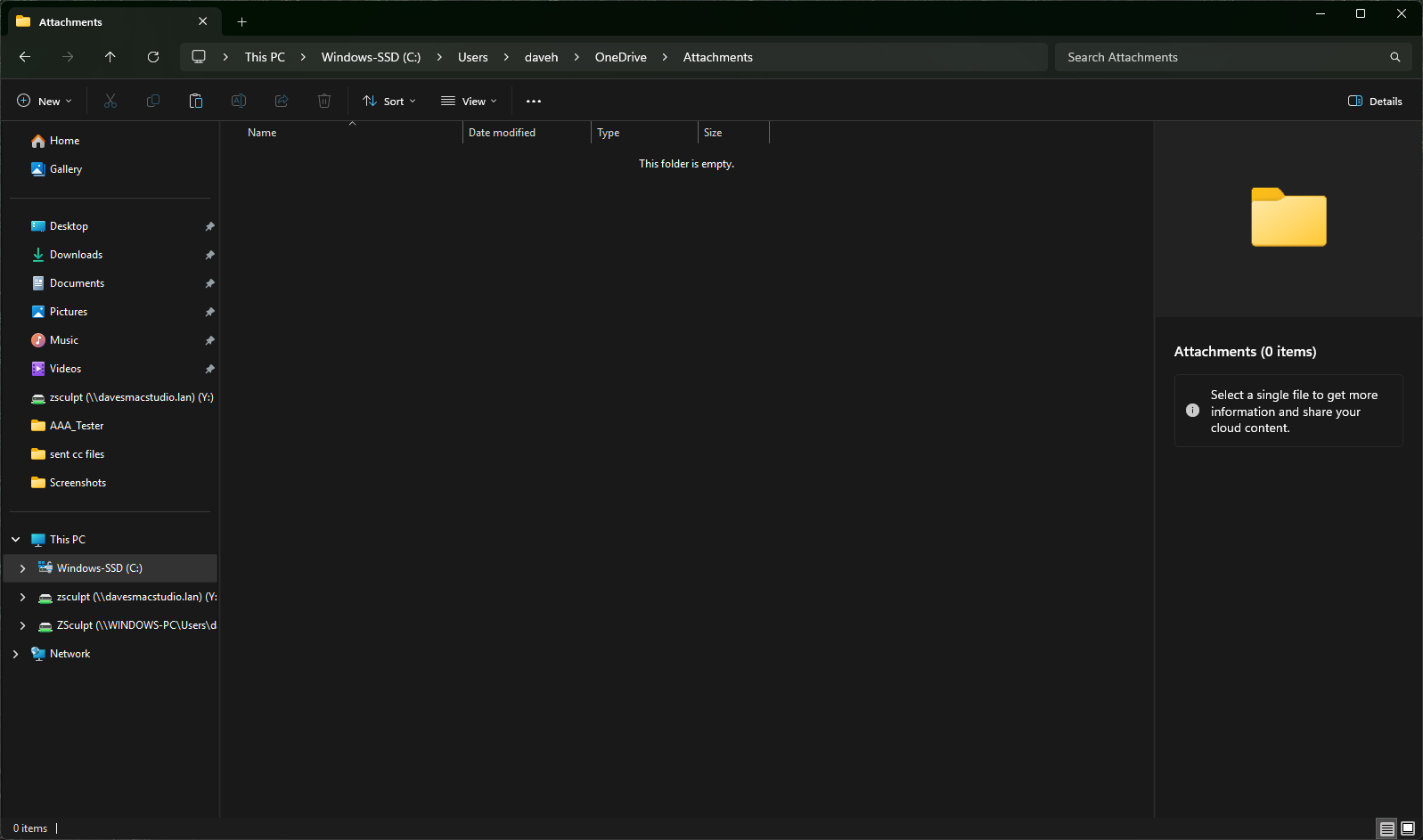
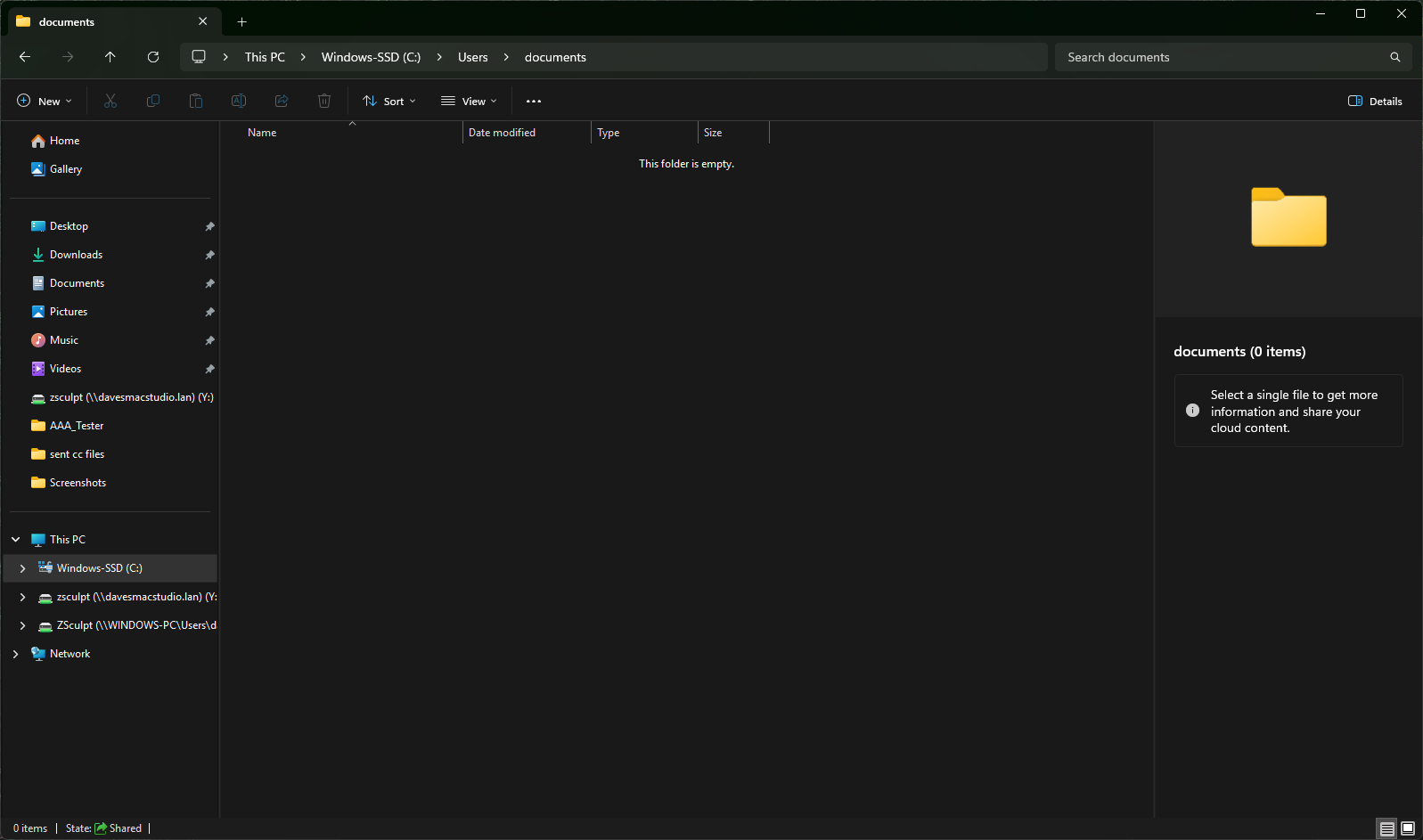
One driver appears in daveh user, should I delete this file folder?
Currently we’ve tested with One Drive environment, setting it not back up the Documents folder shall work.
I’m not sure does One Drive change the actual location of Documents, need to check if Documents is your current document folder.
I looked for the Flag folders and deleted any that I found. This in itself didn’t seem to make any difference. I still couldn’t go between cc and Zbrush.
What I did a look at was in the users folder and in a sub category found a OneDrive documents folder. I found a Reaillusion folder within which I deleted. I then went back rebooted after looking at anything I’d missed relevant to OneDrive.
This seems to have sorted out one of the problems, which was CC finding ZBrush. It does seem now to manage if I just use GoZ in CC.
I haven’t really had time to see what happens if I use the plug-in for ZBrush in CC, But it is a step forward.
I’m still having the other problem though when I send from ZBrush it crashes when it gets to the Z RUSH tools I have created. If I delete the clothing files made from the original ZBrush tools in CC then the replacement is transferred. But I have to delete the original file in CC first. I’m not sure working this way if I retain all the details CC put into the ZBrush tool.
Current version of CC may crash when sending back cloth/hat/hair from zbrush with goz if character in CC contain subdivide level data. It shall be fixed in next release, if you want to update cloth, delete higher level of character may work.
Please note that if you’re going to update accessory or cloth from zbrush, please avoid using Sub1~2 in zbrush goz plus plugin.