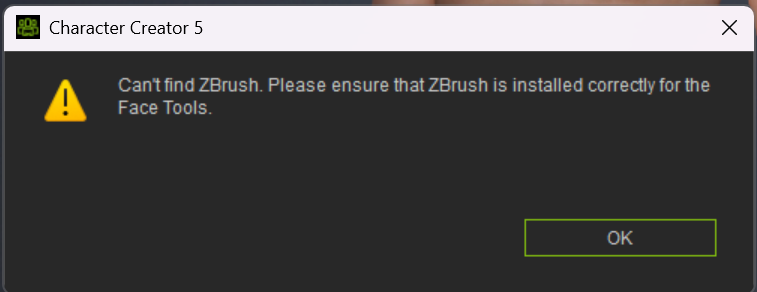
Also I have deleted both CC5 and Zbrush and did a clean install on both, and also made sure the Reallusion file is under C: Users, UsuersName, Documents, and it still didn’t work. I ever tried deleted it and manually adding it back to make sure its all clean, and that did not work either. I still keep getting this message from CC5 when trying to Goz from CC5 to Zbrush
Having the same problem with CC5 and Goz not working when I attempt to send a model from CC5 to Zbrush. Everything had been working fine, and I didn’t really notice an issue until one of theses updates CC5 5.07 or Zbrush 2026.2.0 before then everything seem to work just fine for me… How ever when I try sending anything from Zbrush to CC5 it exports and imports into CC5 just fine, so I’m guessing the issue is with CC5 Goz not working because I keep getting a message error that CC5 can not find Zbrush exe. Do anyone know how to fix this? Or know how to point CC5 in the right direction to the Zbrush exe. path?
Same problem. Latest versions of both Zbrush and CC5.
Hi,
Please take a look into regidit.
It seems like the registry path of newest Zbrush had " \ " changed to " / ".
If this is the case, you can manually go to Zbrush registry and change it back while we work on the fix.
Thanks!
This does not work!!!
Any updates here?
I recently wanted to start a new project, updated CC5 and Zbrush and now i am not able to send the model over to zbrush. It says it cannot find ZBrush.exe and when i cklick on the details, it gives me the exact folder where ZBrush is ^^
What works instead: using GOZ to send a model from ZBrush to CC5. But that’s not what i need 
@tobiduda, @mwhite509 @adamlstern @Tusunkus
If you still having problems with GoZ not working, please can you contact our Technical Support department and they will try to help you get these issues resolved.
Thanks.
Hi,
Could you elaborate on what you encountered?
We did some testing. After changing the path, there should be a pop up asking you to close ZB and let CC install the plugin.
If you’re still facing issue, please let us know.
Thanks!
Hello. I managed to fix it by copying the plugin to the ZBrush file directory. I think it has something to do with the new ZBrush 2026 update.
1 Like
Hi mwhite509,
Could you provide the path of your ZBrush directory and path shown in regedit(screenshot would help a lot)? We’d like to look into why GoZ may fail to find path and perhaps prevent it in the future.
Thanks!
Hey,
I honestly don’t remember the exact steps, I’m not a very good techie lol. I’ll try and describe what I did the best I can. I tried to reinstall the plugin in the Zbrush application to no avail. After doing a bit of research and seeing I wasn’t the only one facing this issue since the Zbrush 2026 update, I copied the plugin from CC5 and pasted it in the Zbrush plugin file location and it works now.
Hope this helps.
1 Like
Please see if this helps.
For ZBrush 2026.2, plugins should be installed in the user-specific AppData folder rather than the program files, following the structure introduced in 2026.1. [1, 2]
So try putting your zsc and data folder in this path.
Windows Plugin Path:
C:\Users\[YourUserName]\AppData\Roaming\Maxon\ZBrush_[HashValue]\ZStartup\ZPlugs64\
1 Like
I have been trying to figure this out for 5 days and still no update. I have updated the latest version of ZBrush and now nothing is working regarding any GoZ plaugins facial tools etc…I too am not techie so when I have something like this happen it sets me backback for days on end and I lose the wind in my sales completely. There should be no issues ESPECIALLY with a small update. NOTHING IS WORKING RIGHT NOW and I’ve tried reinstalling everything. . . So discouraging… When will a fix be ready?
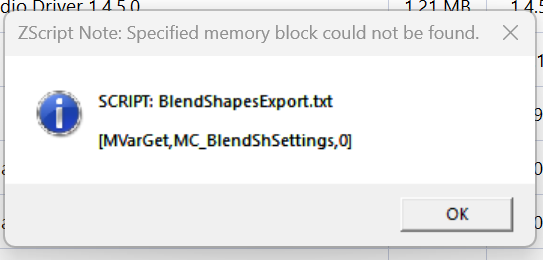
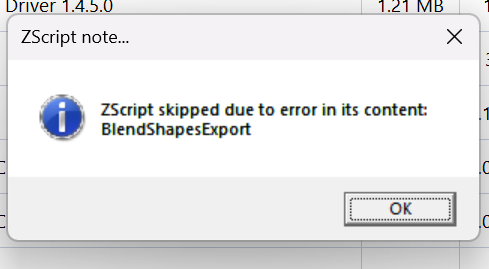
1 Like
@Pixel_Self
Using the latest version of ZBrush might not be the best idea. If internal changes happened and the plugins now no longer work, it will take some time for Reallusion to update them. It might be better to use ZBrush 2025 instead.
I downgraded back to 2025 and now I’m met with this. . It seems I can’t get this to connect which is ultimately frustrating being 4 days behind in my work. Please guide me on how to connect this. I’m running out of time with this project being a week behind deadline now. the install path is literally in the location shown in the details. CC5 also doesn’t prompt me to choose which version of ZBrush to use like it did at the beginning.
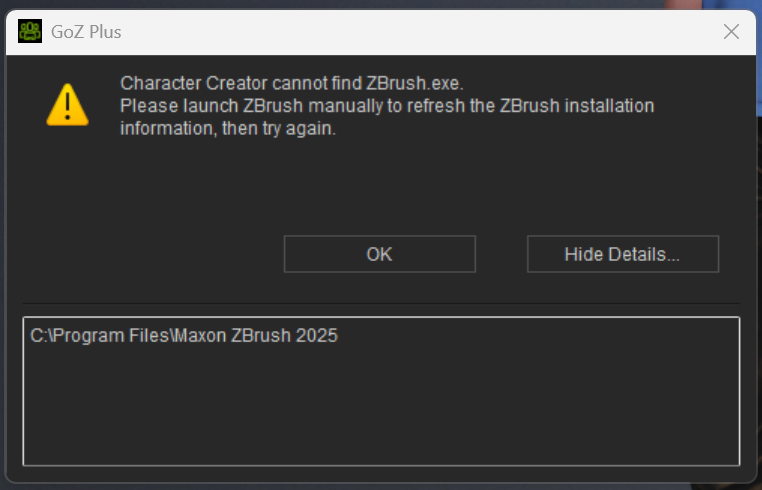
HERE IS THE FIX. I modified the file path and now I’m back to the GoZ pipeline.
I really feel that the forum admin and mods dropped the ball on this. As I was starting my support ticket this was on the top of the page. . This is all we needed guys. This is the second major issue I’ve figured out myself BTW. The forum mods need to step their service here a notch rather than the whole “go to the support ticket page”. Anyways. . . Back to work
I can’t believe something so small caused so much of an issue for a week now.
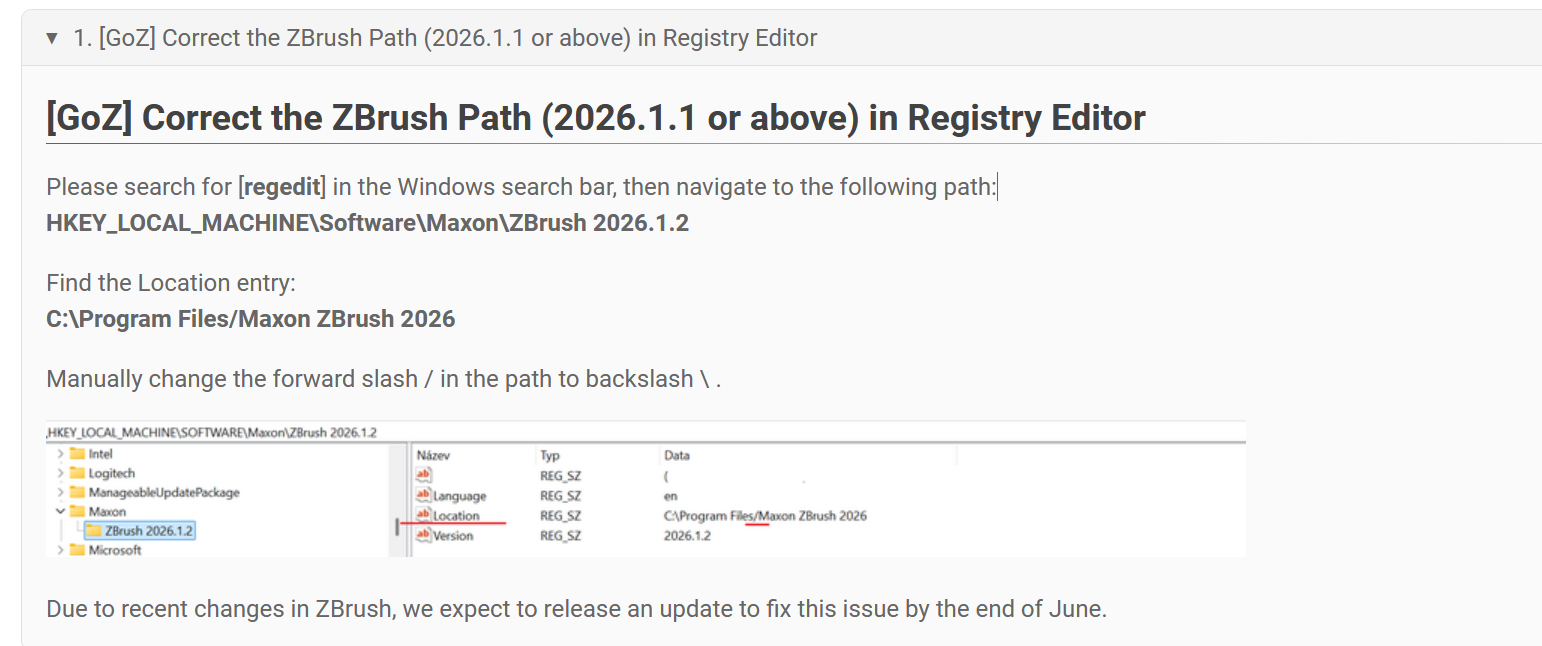
2 Likes
@Pixel_Self This solution was already mentioned above:
1 Like
Again, I am not a techie person Sophus so Alan’s comment was confusing to say the least. And your input didn’t provide me any solution. It was just “this might not be the best idea”
However providing a link with clear instruction was all I asked for which i found on my own.
If anyone is still stuck feel free to ask.
1 Like
@Pixel_Self Okay, I assumed you had already tried the registry modification, given that you posted on the discussion where this had already been mentioned.
Besides that, it is still a useful recommendation when working with Reallusion products, to not always use the very latest version of external software when using their pipeline tools.
It’s the same with Unreal Engine where nearly every update breaks compatibility with iClone, and users then get upset when Reallusion takes two months to provide a fix.
1 Like
I appreciate the reply thank you… I’m surprised that companies that are suppose to play well with each other don’t communicate that a version update is on the way and what to markup on the software so there aren’t any issues or hickups. . a 2 month wait for something we’ve invested our time and thousands of dollars in is unacceptable these days. Especially a simple forward or backslash which is an apparent coding oversight. .
1 Like