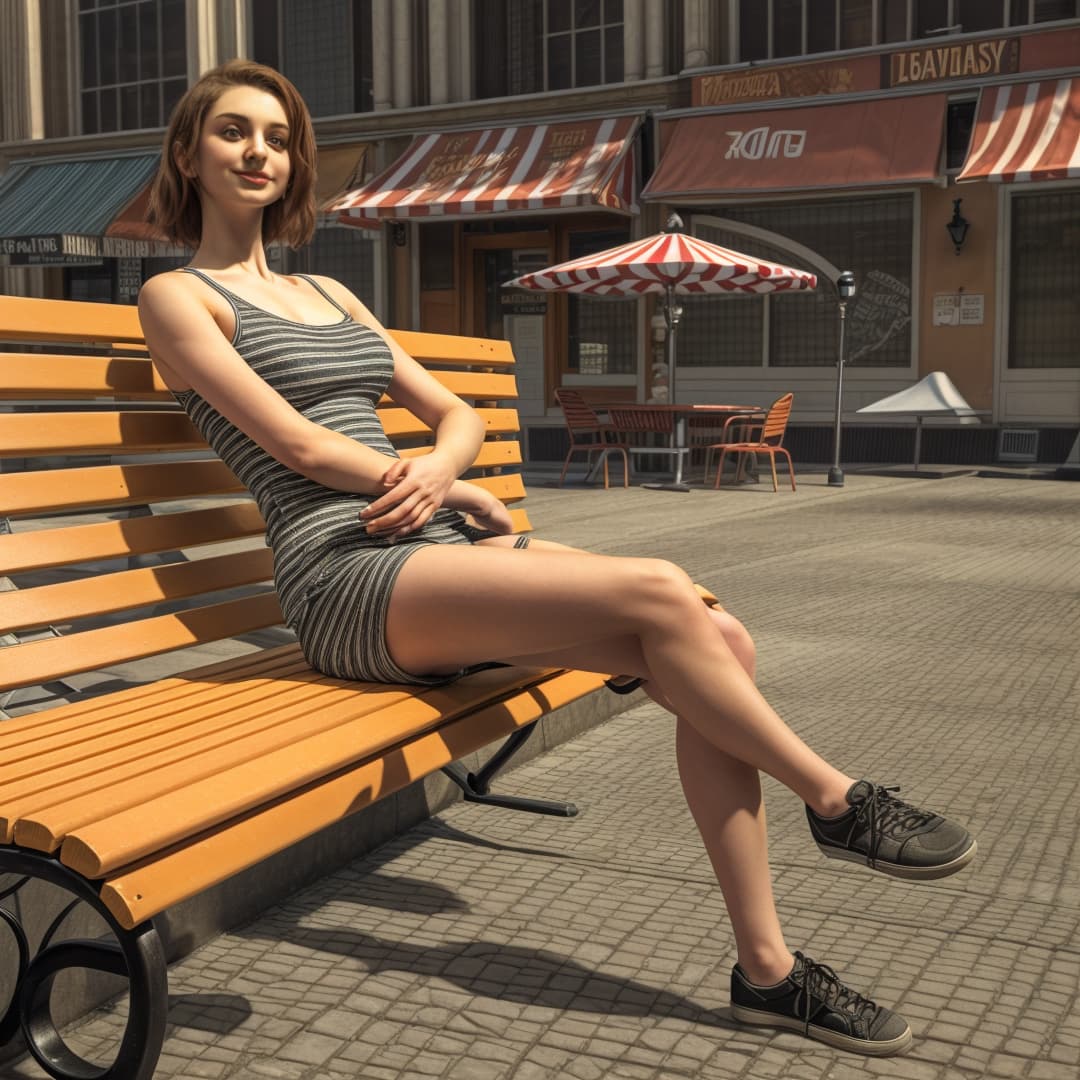
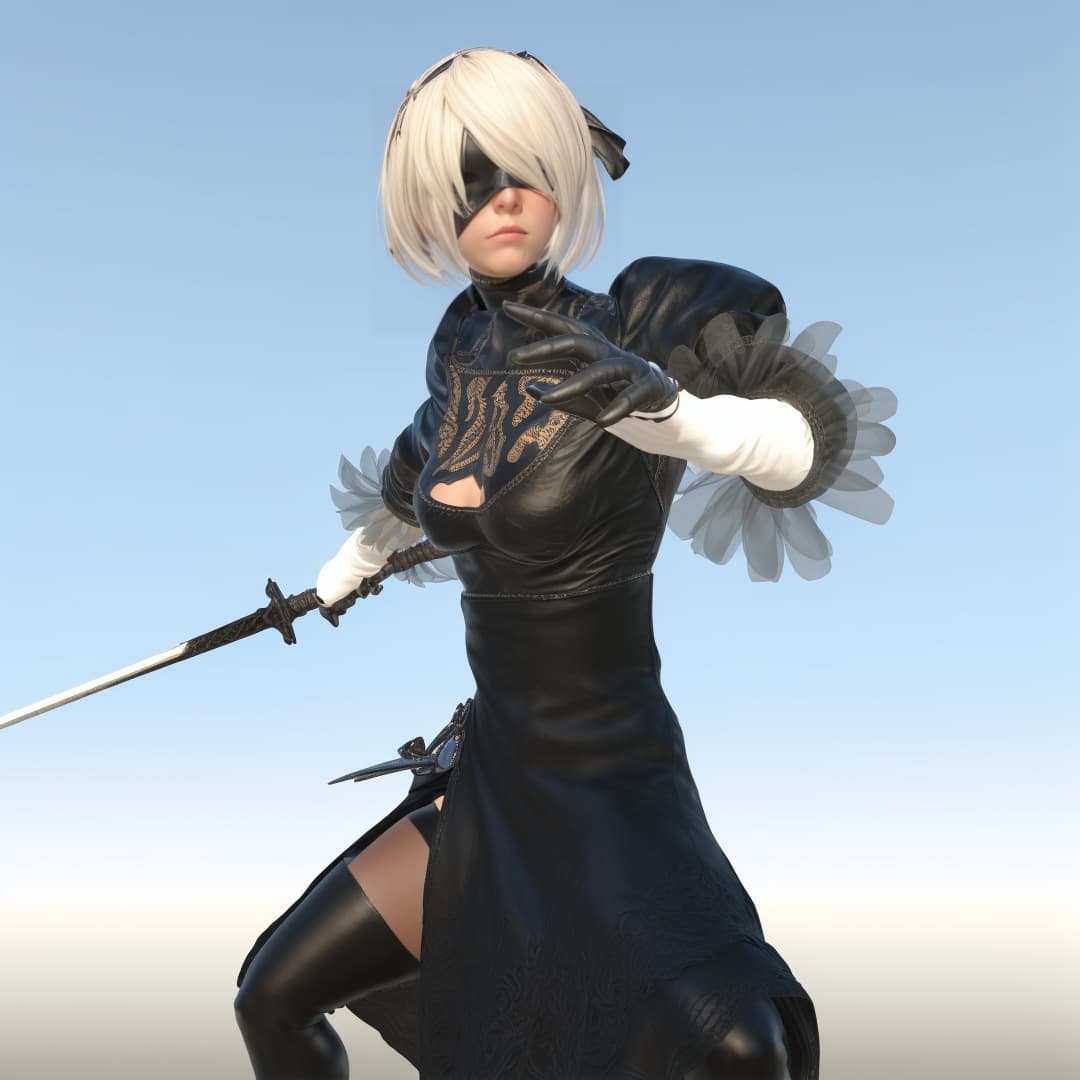
Did you try the Video upscaler in iClone?
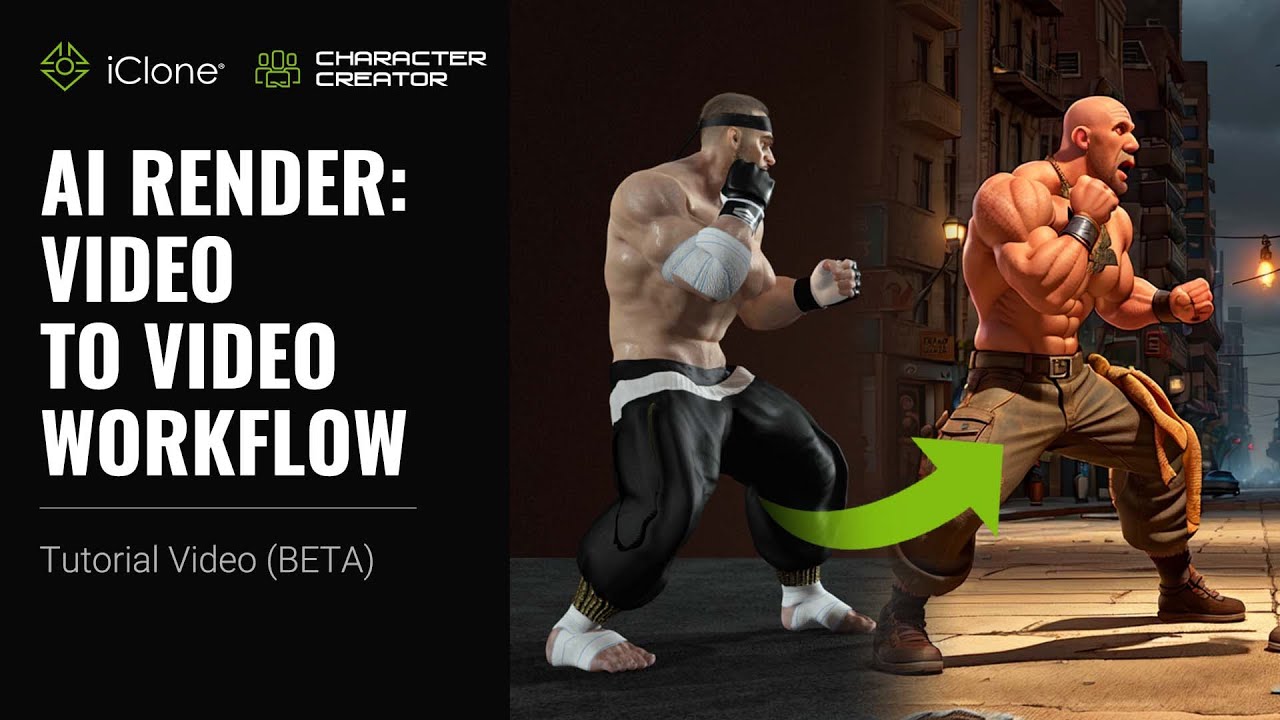
Did you try the Video upscaler in iClone?
I made this trial. May because I didn’t understand well english but I think that this plugin focus on character and it reinterprets the design.
Iclone render :
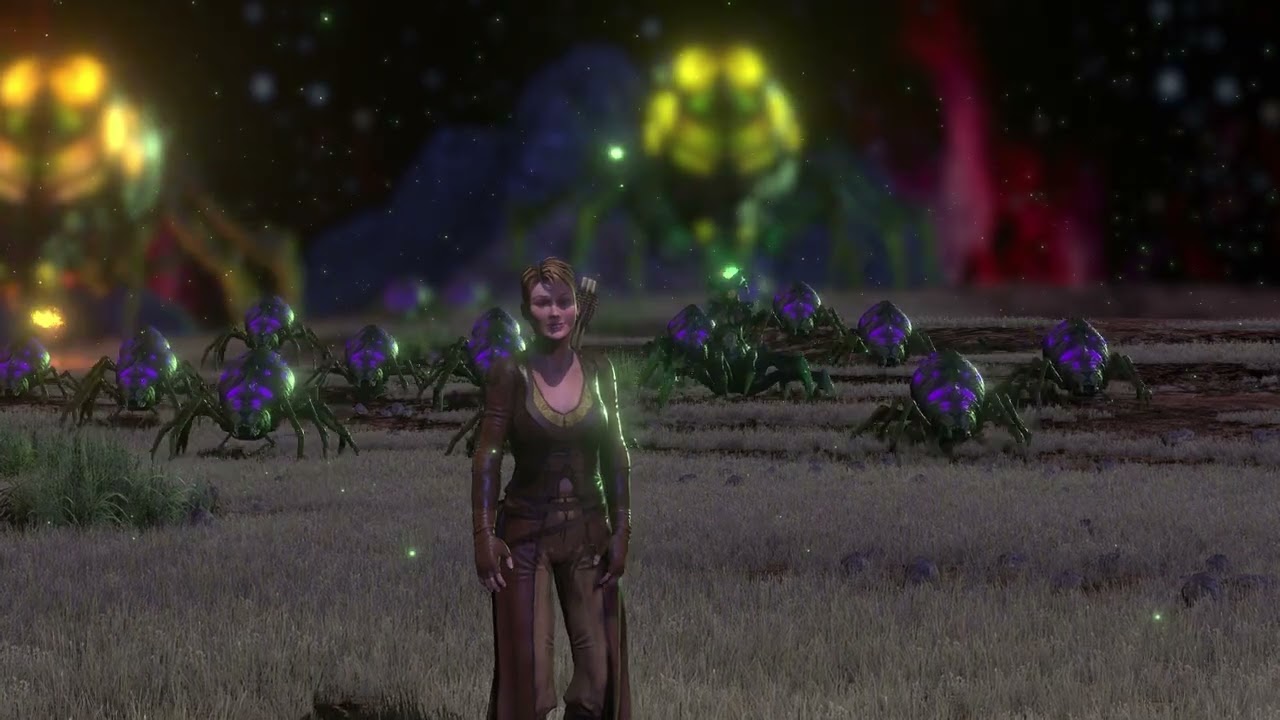
IA. 2h30 hours to render.

2,5 hours render for 2 seconds is insane!
For the moment this all is a waste of time and resources.
I really don’t get it, to work with slow outdated AI with poor results.
Sure, this is “free” when you have a copy of IC8,
so no subscription but if I would want to use AI for filmmaking,
I surely would use Veo 3 or similar.
It is good Reallusion steps into this, but I will not use this untill it really gives fast and good results.
I wish all Beta testers here good luck!
This happens if the VRAM is too small. The rendering is then done on CPU which takes a magnitude more time.
The video models just came out some months ago. Technically, it’s state-of-the-art for local generation.
Oh, I was not aware of this, saw someone wrote they were “old” in the discussion.
I understand that the goal is to do it local, makes sense.
I tested AI Render only once, took a while even with my 3090.
Anyway, I am super happy with my iClone + Unreal workflow.
Render of very complicated scenes goes super fast.
Whenever I work with AI it is cloud based…
As said, I think it is a good move from RL to start this.
And one day I might benefit from the time you Beta testers spent on this…
Yeah, I think that was regarding Stable Diffusion 1.5 which is relatively old for an AI image model, but on the other hand it’s widely supported by custom additions and it’s uncensored. If I remember it correctly it was accidentally released too early? Many modern models are censored. SD 1.5 has problems with hands though.
I look forward to trying this as well, hopefully it works well with my PC. My current specs are:
AMD 5900X CPU
128GB DDR 4 3200 RAM
NVidia 3090 24GB Founder’s Edition
Approx.18TB free space (SSD and M.2)
Yea I’m in a similar boat, I got 32GB Ram but only a GeForce 1070 Max-Q 8GB GPU. I’m fairly new to 3D Modeling (experimented with Daz 3D and UnReal’s MetaHuman) so really interested with what this program can do and create.
I did try it and set up the CC4 character the way I wanted then I tried a few renders to test all the settings out.
I’m going to have to set this up and try out.
Thanks for the tutorial.
AI Render Test - MultiTalk ( ComfyUI ) - AI is great for facial animations.
I used a RTX 4090 - rendertime : 20min for 31sec, but with a pimped Comfy.
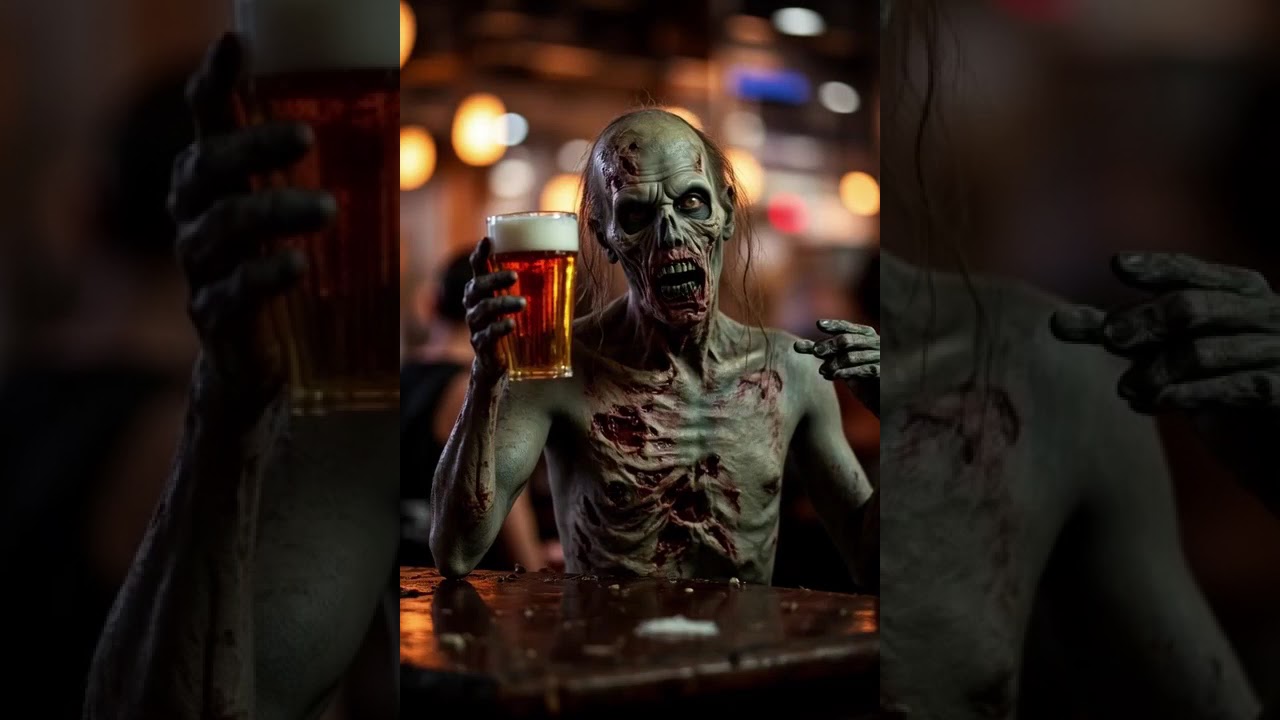
Hello, downloading now, but I have a question, I already have ComfyUI and stable diffusion installed on my PC and I’m using it for other functions including their custom nodes so will this plugin install within my current ComfyUI and stable Diffusion installation or is it going to double up and totally confuse my current ComfyUI install. It was a lot of work to get my current ComfyUI working so, I would really hate for it to break my current ComfyUI operation. Is there any specific install procedure for my situation? In the files downloaded all I see is setup.exe??
AI also has real problems with text as you can see from your example. I don’t know why.
use Hi Res images and use the canny ControlNet together with a prompt of “the text” but SD1.5 models are not trained for text, you should use Flux models…
So I figured a sweet-spot for 720p render with 24GB VRAM is around 300 frames (must switch view-port to Minimal to reclaim 3-4 GB on average before Render start).
This particular one has 12 FPS. Rendered in about 2h and up-scaled to QHD in Topaz VE AI
Characters are not trained. But here is a thing. This 2 minutes clip RL posted about LoRA does very little for inexperienced with AI users. We need a COMPREHENSIVE, in depth tutorial on this important subject.
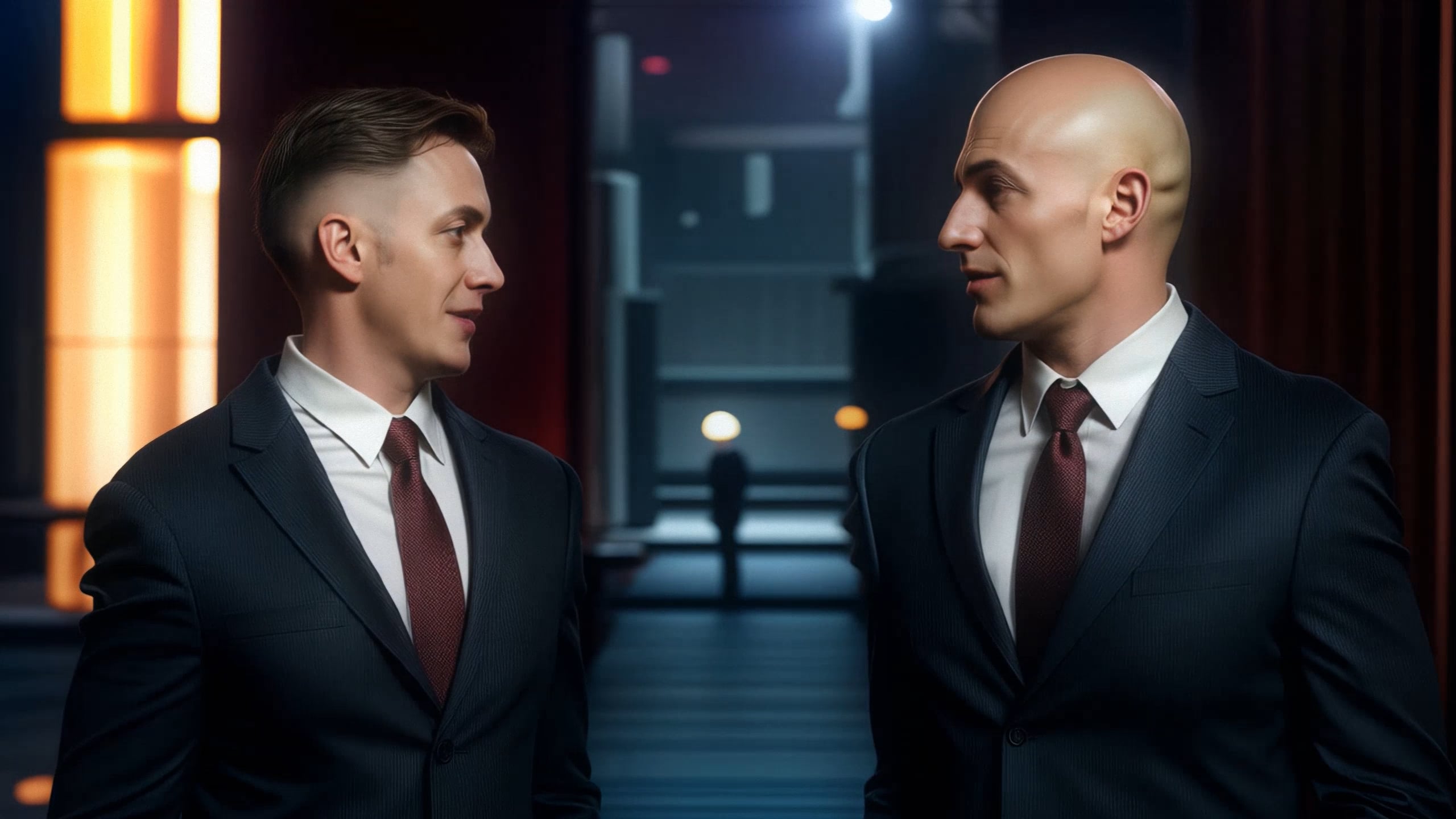
Anyway, after a lot of trial and error, this is a best version I came up with. Lip-sync/Expressions are not so good. But this is probably because of the side view of the characters and no characters training. Voices are from 11 Labs with speed set to max to fit clip specs.
Security guards at night club - small talk
Yes, it is AI model problem, some better model can handle text much better, but need iClone to provide more flexibilty to alter using other models. If iclone can allow more workflow control editing how to communicate between iclone and comfyui, it will be great improvement.
Text only became somewhat acceptable in Flux or SD 3.0 or later. SD 1.5 or SD XL don’t have any understanding of how text should look like. Displaying text was a big thing when the new models were released.
Wan 2.1 is trained to render 81 frames. Anything beyond that will likely degrade video generation. I think your video stays relatively consistent because of the the little movement.