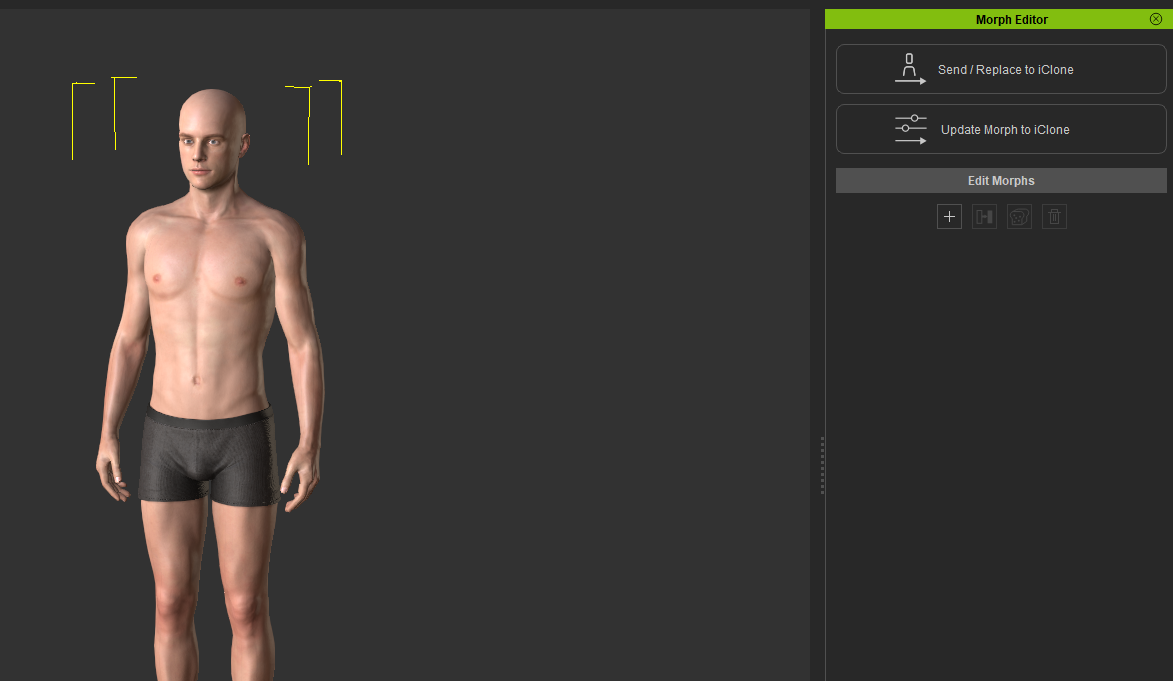
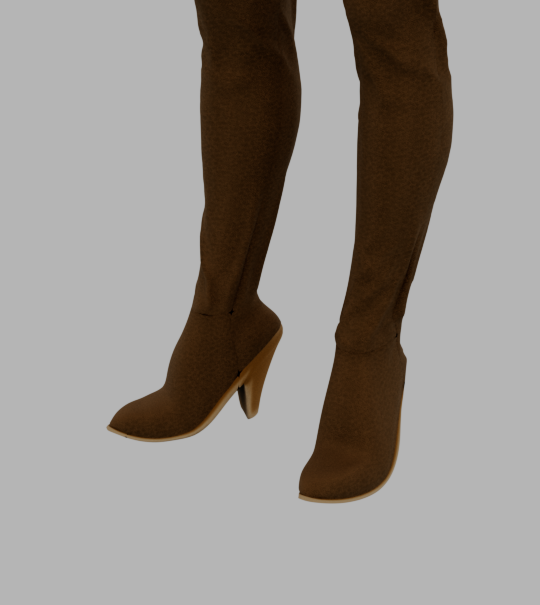
Update: I was able to get pretty good results using MetaTailor, which sometimes creates seam issues, but still much better. MT is pretty good, overall, tho I still think it’s kind of overpriced for what I need it for. I’d like to see Reallusion maybe get them to make a plugin version that’s limited to just fitting/fixing meshes.
iClone 8.62. IClone constantly crashes when trying to drag a rokoko animation fbx onto a character rigged in CC5. It works ok in a blank project but my current project has a few characters and simple props imported via unreal live link from unreal.
Any help would be great, very hard to work this way. Thanks
Hi… iClone 8.63 is the latest version so please update iClone and see if the issue is the same.
However, if the problem persists, please report it in the Feedback Tracker and supply a link to download the problematic FBX. The iClone team will then check to see what the problem is and give you an update there. Thanks.
iClone v8.63 (8.63.4627.1) has been released on Oct. 29th, 2025
Please update using the Reallusion Hub.
If you do still encounter issues after updating to v8.63, please continue to discuss them in this thread, and importantly report them in the Feedback Tracker to get the issue logged and looked at. Thank you.
This update enables seamless integration with the iClone Video Mocap, allowing users to transform ordinary videos into precise 3D motions with full-body, upper-body, and finger tracking. Video Mocap provides real-time preview, visual trimming, and batch generation directly within iClone, delivering smooth, natural animation ready for refinement through Motion Layer, Curve Editor, and AccuPOSE. Includes several added functions, improvements, and stability fixes.
Added
- Animation
- Now compatble with iClone Video Mocap.
Fixed
- Animation
-
iClone crashed after loading an FBX motion, scrubbing the playhead, and then loading another FBX motion. Feedback Tracker
-
Morph key transitions did not start smoothly from frame 0; instead, they began abruptly near the keyframe. For example, a morph key set at frame 200 starts its abrupt transition at frame 189. Feedback Tracker
- Timeline
-
iClone crashes when a viseme clip exists on frame 0, while “Reduce Lips Key” is applied to other viseme clips in the timeline.
-
Applying “Copy Lips Key” on a viseme clip that does not start at frame 0 and then pasting the result can cause keys to be missing or misplaced.
- Load File
-
iClone crashes when applying certain ipfx files.
-
iClone crashes when opening certain projects that contain terrain.
- General
- iClone crashes when a prop with a child prop is detached from a character.
- Live Link
- Applying “Active Link” to props for certain Unreal-linked characters causes the props to deviate from their hands in Unreal.
Enhance
- Export FBX
- The “Sample Motion Bone” process now appears on the progress bar when exporting an FBX file, indicating that the application is still running. If the export frame range is very long, the Sample Motion Bone process may also take a significant amount of time.
Okay bugs with 8.63
Iclone fails to launch - have to restart windows to get it to load - seems to lag on VideoMocap plugin
Export FBX (for Maya) fails.
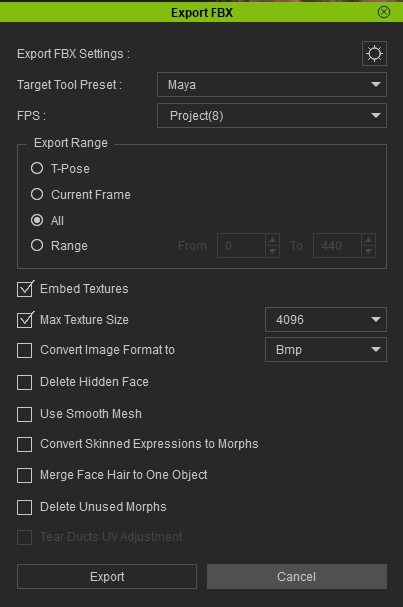
Gets to 27%
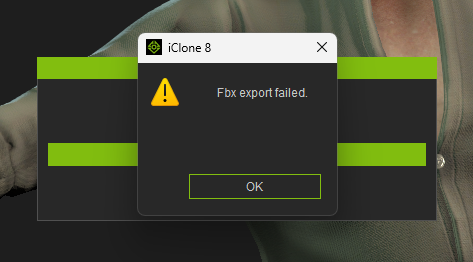
Doesn’t matter what frame rate
I’ll revert back to 8.62 until resolved.
Also I haven’t checked yet but did the alembic export with subdivision issue get resolved in this patch?
Okay FBX export issue resolved - I’d been working in 4k in After Effects this morning which had filled up my C: Drive and Iclone was trying to create a temp file for the FBX and ran out of space, so the export is now working okay - still need to restart windows though to launch Iclone.
After last 8.63 update, also installed the new plugin video mocap. After that, my current project was unable to load, the last 2 versions, but the previous backups work normally.
At 42% shows a message that says “Unable to load”. When you click accept or ok or whatever it says, it jumps to 60% User interface, and then cancels the loading.
The only “big difference”, in addition to some camera position changes and etc that those 2 projects had in common from the previous versions of same project is that both had applied new facial custom facial profiles instead of noone. I reverted to iclone 8.62, now it works again. Hope you will fix this
BUG! All imported motions (.rlMotion, .iMotion etc) are now baked — ALL keys are gone!
This started after the latest update.
When are you going to add a rollback feature for updates?
Every new release seems to introduce serious issues, and right now it’s impossible to revert to a stable version once the update breaks something.
Hi… There is already a rollback option. You can find it in the Hub. Just click the three dots and then click “Manage Version” (see below).
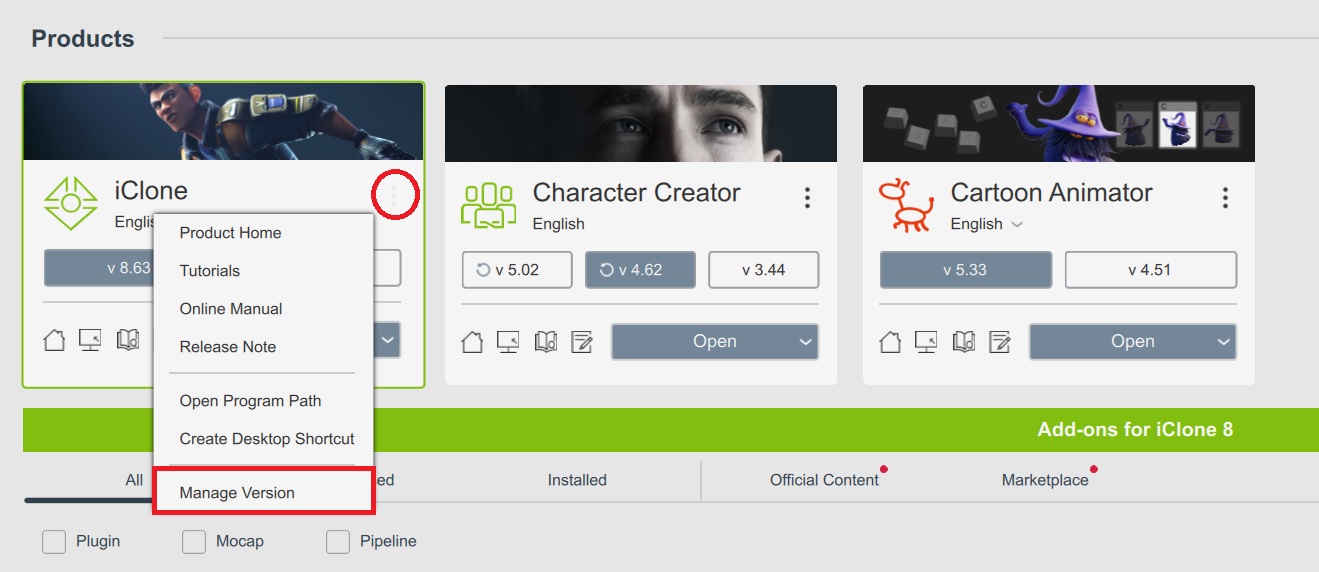
3 Likes
@losdra1 @amckenzie @anders_187857
Please Note: We have released today a further bug fix update to bring iClone 8 to build v8.63 (8.63.4631.1). Please try updating using the Hub and see if the issues you were having have been fixed. Thanks,
Hi Pete,
Yes, now it works.
Thanks!
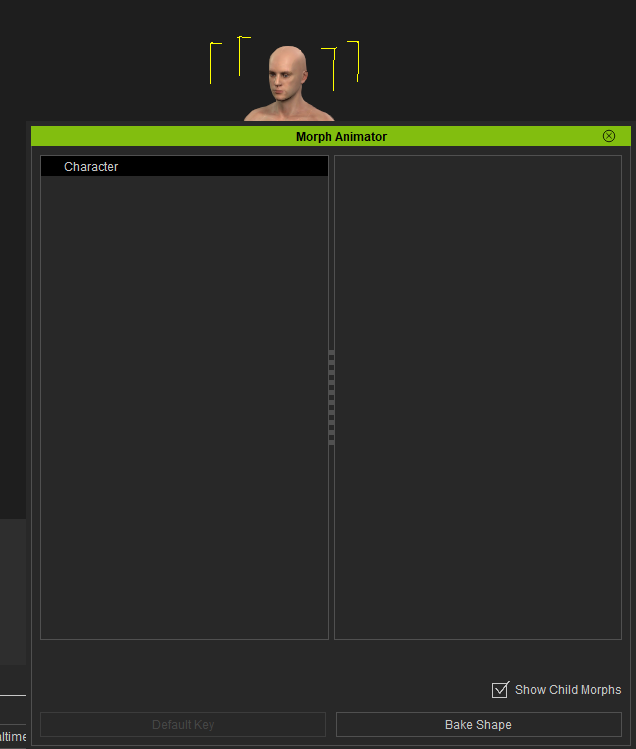
In iClone 8.6, CC5 character morph animations
are not displayed.
CC4 morphs and morphs from characters created in earlier versions are displayed.
v8.65 (8.65.4905.1) released on Jan. 6th, 2026
Please update using the Reallusion Hub.
If you do still encounter issues after updating to v8.65, please continue to discuss them in this thread, and importantly report them in the Feedback Tracker to get the issue logged and looked at. Thank you.
Added subscription-based licensing and various functional updates, enhancements, and several bug fixes.
Added
- General
- Available DA points can now be refreshed on the top-right corner of iClone to reflect the latest balance.
Enhanced
- Performance
- The maximum value for progressive texture loading has been increased to 100%, while the default value remains unchanged.
- Export FBX
- Exporting certain characters with missing key humanoid bones using the Unreal (UE5 Skeleton) preset triggered an error message and automatically switched the export to the Unreal UE4 Skeleton preset. Forum
- Load File
- Applying Individual (Flatten) Wrinkles now triggers a dialog reminding users that Individualized Wrinkles are designed for specific characters with fixed skin tones. The message also includes a link to a tutorial.
- Render
- Loading certain projects with the Blur or Lens Blur post effect enabled triggers a message warning that the final render may appear darker than usual. Feedback Tracker
- AccuPOSE Core
- Some AccuPOSE Core assets are now available in iClone 8.65 as free embedded assets.
Fixed
- General
-
Error message upon activating Help > Activate Entire Library.
-
Save Layout not storing the current state of the toolbar with the toolbar resetting every time the application is launched. Feedback Tracker 1, Feedback Tracker 2
- Video Mocap
- Video Mocap now automatically appears in the toolbar after installation, and iClone launches in full-screen mode by default.
- Load File
-
Applying certain content packs, such as the Combo Mouth Shape for Chinese and Japanese, triggers a message stating “Can’t load invalid data.”, rendering the pack unusable.
-
Unable to apply certain saved characters, including those saved within a project, due to irregular texture data that triggers a “Failed to load” message.
- Export FBX
-
Abnormal rendering of the hair for characters that are exported to Blender via Auto Setup.
-
Three sets of repeating morphs (including some faulty ones) may appear on certain characters exported with the UE preset when the Mouth Open as Morph is enabled.
-
Wrinkle texture maps may reach 8K resolution under 8K texture export settings, even when such high resolution is unnecessary.
-
Unable to disable Advanced Settings > A-Pose for UEFN when exporting props to Unreal.
-
Disabled Tear Ducts UV Adjustment when exporting a character with Target Preset set to Maya.
-
Unable to disable Embed Textures when exporting a character with Target Tool Preset set to Marmoset Toolbag.
-
Abnormal collision shapes may occur with certain characters (such as the embedded CC3+ Baby) when transferred to Unreal via Auto Setup.
- Import USD
- Importing a USD file into iClone via Plugins > Omniverse > Import USD creates an additional layer of sub-props in the Scene Manager.
- Timeline
-
Unable to set the first default key for the morph track causing the morph animation to disappear. Feedback Tracker
-
Linked morph keys are not deleted together when one morph key is removed from the Timeline. Feedback Tracker
-
Child morphs not moving along with the parent morphs.
-
After applying a Transition Curve Preset to a morph key, the Transition Curve Presets panel does not highlight the applied preset. Feedback Tracker
-
Expression Clips with adjusted Speed (via Timeline > Expression > Set Speed) were saved as iTalk files but were reverted to 100% speed when reloaded.
- LipsSync
- Executing Create Script TTS did not drive lip animation on characters re-imported from edited FBX files using Mesh and Expression Sequence. Feedback Tracker