Hi all,
Our second AI Render webinar is coming up on Aug 29, 2025 (PST/PDT)!
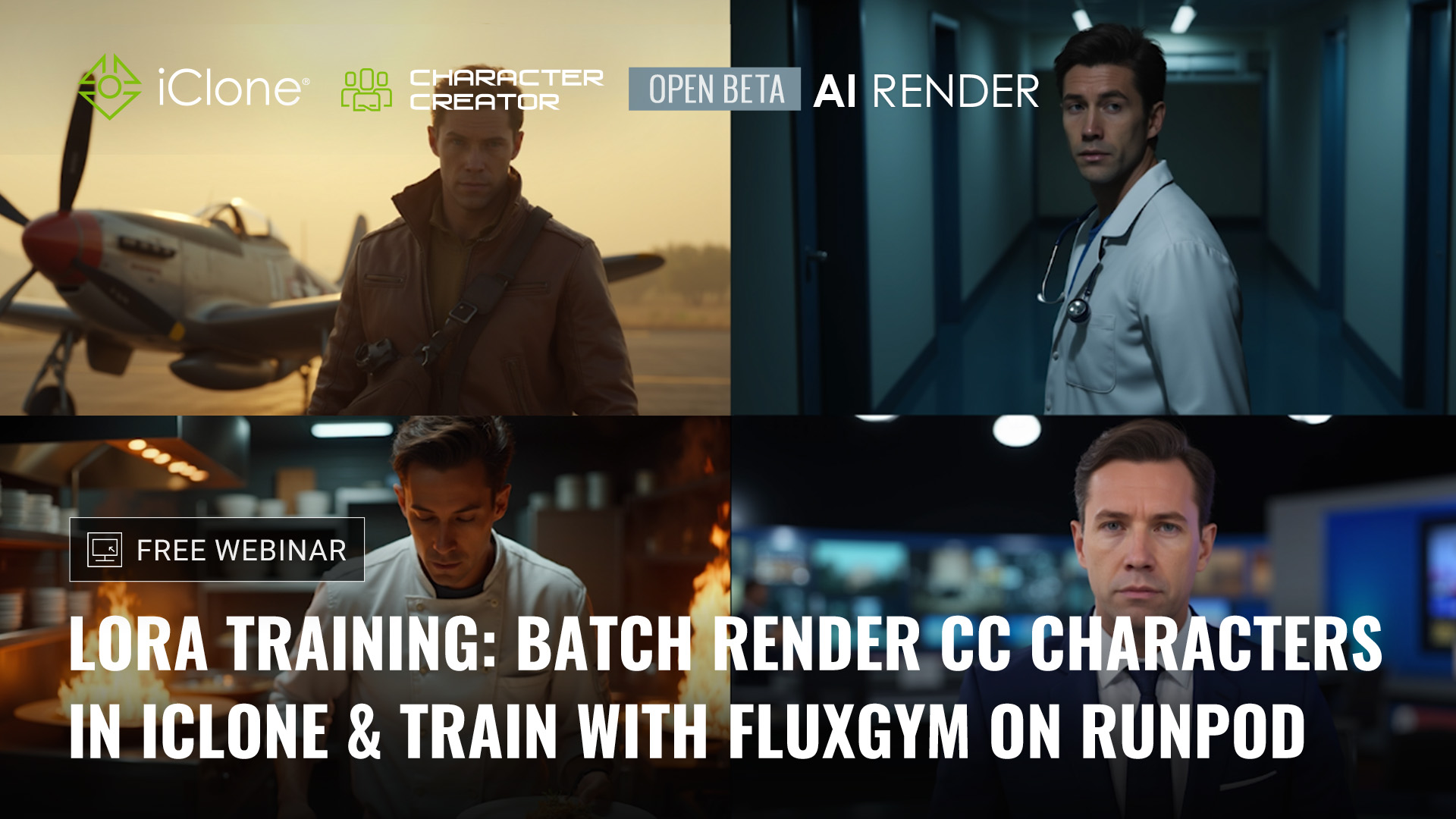
This session dives into the full LoRA training workflow—from preparing CC4/iClone characters, batch rendering training images, and training with FluxGym on RunPod, to applying your trained LoRA for consistent character results in AI Render.
 Webinar Outline:
- Preparing a CC4 character for LoRA training
- Batch rendering character images in iClone
- Setting up and running FluxGym on RunPod
- Training workflow breakdown & best practices
- Applying trained LoRA for consistent AI image results
- Q&A Session
A huge thanks to everyone who joined the first webinar! 
The full recording has been uploaded to our official YouTube channel—so whether you missed the live session or want to review, you can watch it anytime.
You can now register for this one and the third webinar to secure your spot for the complete learning experience.
 Learn more and register here: Reallusion Courses - Free Online Tutorials for 2D & 3D Animations
Hi all,
We’re excited to announce that an update to the AI Render plugin will be released on September 1! 
-
Fully compatible with iClone 8.6, Character Creator 4.6, and the newly released Character Creator 5.
-
For users who prefer not to update iClone or CC yet, you can still update the AI Render plugin itself. Step-by-step instructions will be provided in the release note.
-
Includes fixes and enhancements to several critical functions for a smoother workflow.
 Important Note: If you update to iClone 8.6 or CC 4.6 now, the current AI Render plugin will not be supported. Please wait for the September 1 release for full compatibility. If you already updated and need to roll back, follow these steps:
- Uninstall the current version of iClone/Character Creator (via Hub).
- Reinstall iClone 8.54 / Character Creator 4.54 using the installers below.
- Run the patch in the original AI Render installer you installed before.
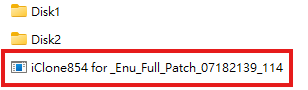
iClone 8.54: https://file.reallusion.com/IC854_Enu.exe
Character Creator 4.54: https://file.reallusion.com/ic/Character_Creator_454_Enu_Full.exe
Stay tuned — the full release notes will be shared on launch day!
I broadly understand the workflow to get consistent characters, but is it possible to get consistent props, such as with the text and logo on that shampoo bottle? And would this be covered in this week’s webinar?
 AI Render Update is live — now compatible with iClone 8.54/8.6, CC4.54/4.6, and CC5.
Highlights: HD Realistic Image Style (SDXL), Face Detail for SD1.5, Reset to Default, plus stability and workflow fixes.
Update now: CC4/iC8 existing users grab the Patch ZIP; first-time installs & all CC5 users use the Full ZIP
View full release note & download now: [Official]  AI Render Plugin 0901 Version Release Note
Hi all,
Our third AI Render webinar is coming up on Sept 5, 2025 (PST/PDT)!
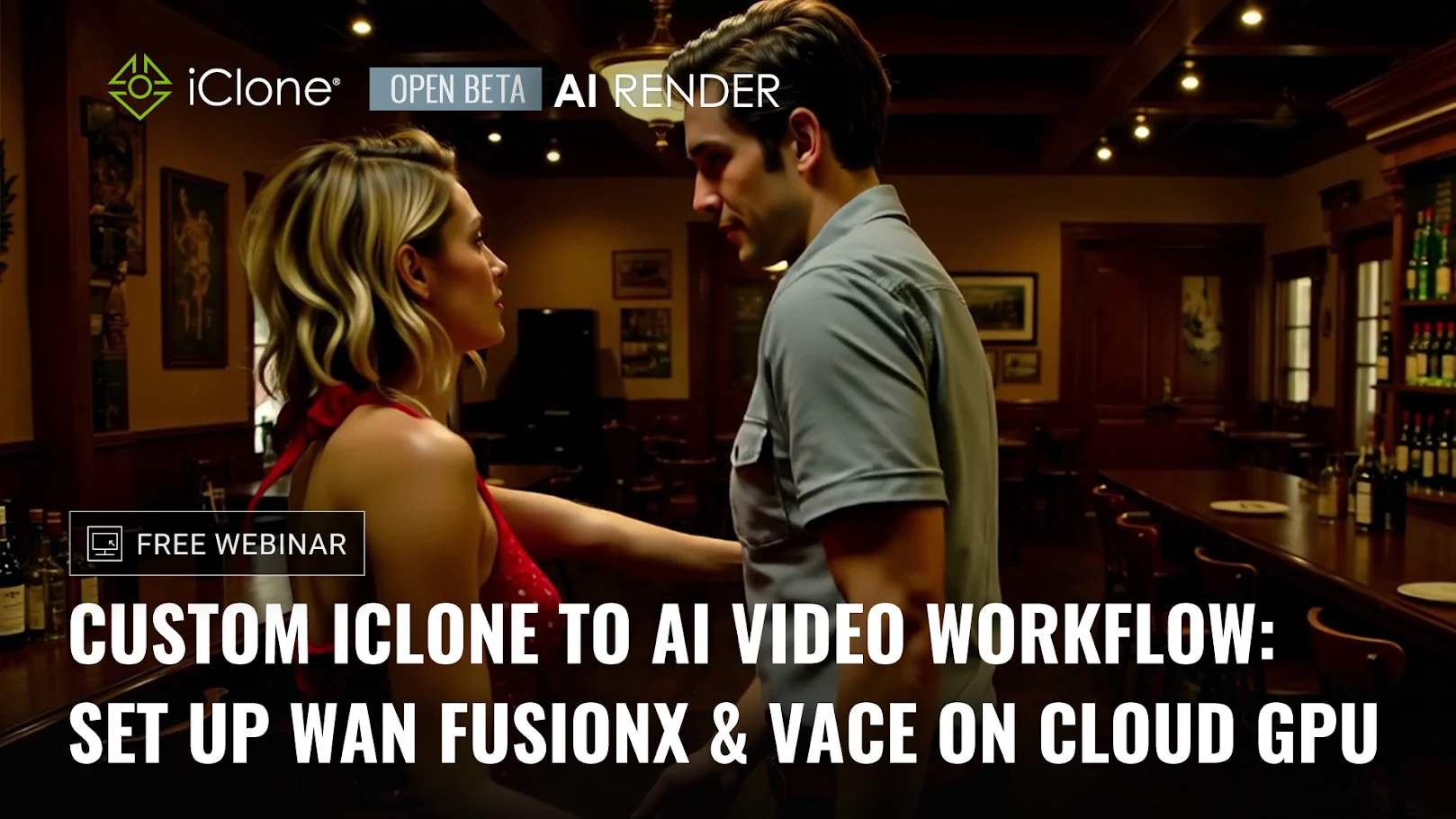
This session explores AI video generation with WAN workflows in iClone—combining precise 3D animation control with advanced video-to-video rendering for dynamic, cinematic results.
Webinar Outline
- Setting up WAN video workflows with AI Render
- Preparing and animating characters in iClone
- Applying video-to-video generation for style and detail
- Recommended settings for best performance
- Workflow tips for multi-character interactions
- Q&A Session
Thanks again to everyone who joined the first two webinars!
Recordings of previous sessions are available now on our official YouTube channel—so you can catch up anytime before the final one.
This is the third and final webinar in our AI Render series—don’t miss the chance to complete the full learning experience.
Learn more and register here: Reallusion Courses - Free Online Tutorials for 2D & 3D Animations
I’m looking for the FusionXVACE workflow that was demonstrated in the third webinar. Is this available for download, similar to the Flux1DKreaRLV2 workflow? If so, could you point me to the location? During the webinar, Max mentioned he was making some adjustments to the workflow before releasing it.
AI Render Update is live — now available for iClone & Character Creator Trial users
Highlights: Trial support, Face Detailer toggle, plus stability and workflow fixes.
Update now: Existing users update to iClone 8.6 / CC4.6 first, then install the Patch; first-time installs use the Full ZIP. Note: iClone 8.54 / CC4.54 are no longer supported.
View full release notes & download now: [Official] AI Render Plugin 1002 Version Release Note