[Official] šŸž Bug Report & Technical Support

Hello, blackhawk,

Please do not worry about this message. We have some default settings in the Settings Panel. Once you open it, your custom settings will be recorded. This message simply indicates that no custom settings were found, and the default settings will be used instead.

Hello, Darren01,
I have sent you a private message. Please check it at your convenience.
Thank you.

thanks Maelyn, that solved the issue

1 Like

Hi all,

Registration is now open for our first AI Render webinar, happening Aug 22, 2025 (PST/PDT)!
In this session, we’ll show you how to set up Flux 1 Dev on cloud GPU and connect it with iClone, unlocking production-level AI image generation with precise 3D guidance.

Webinar Outline:

  1. Launching Cloud GPU & Connecting to iClone
  2. Adding a Custom Flux 1 Dev Workflow to iClone
  3. Flux 1 Dev Overview
  4. Image Workflow Breakdown – LoRA, ControlNet, and recommended render settings for character consistency
  5. Q&A Session

This is the first of three webinars in our AI Render series, and all three are open for registration now. Each session explores a different advanced AI workflow, so be sure to join them all.

:link: Learn more and register here: Reallusion Courses - Free Online Tutorials for 2D & 3D Animations

3 Likes

Hey Maeln_RL,

I have the same issue, windows disappearing.

win 11, rtx 4080, 64GB RAM

What is the fix for this?
thank you

I am having the same disappearing and unclickable UI issue that blackhawk, Darren01, and az.sergio are having. Console stays clear (outside of custom settings log).

It looks like Darren01 got a working fix through DM. Can that information be made public or can I get a DM with that beautiful fix??

Thank you thank you

I’m getting accustomed to the new forum as I still use the legacy forum. Does anyone know where the links to these tasks so I can complete them for the badge? Reallusion Forum | Community for iClone, Character Creator & Cartoon Animator

[Hotfix Available for IntelĀ® Coreā„¢ i9-13980HX Users]

Based on our investigation, we’ve identified that the AI Render UI may not be fully compatible with systems running the 13th Gen IntelĀ® Coreā„¢ i9-13980HX processor.

We’ve prepared a hotfix that includes adjustments to resolve the issue.

Download Hotfix:
Google Drive Link

Installation Steps:

  1. Download and unzip the hotfix file.
  2. Place the AIRender folder in the following location, replacing the original folder:
C:\Program Files\Reallusion\iClone 8\Bin64\OpenPlugin
  1. Restart iClone 8 and check if the UI displays correctly.

Hello, accounting_150174

Please try this version:

I hope it works for you.
If the UI still disappears, please contact us and share your hardware details with us.

Hello, az.sergio

Please try this version:

I’m not sure if the issue you encountered is also related to the processor, but I hope this version can resolve your problem. If not, please share more detailed hardware information with us.

thank you.

Issues solved.

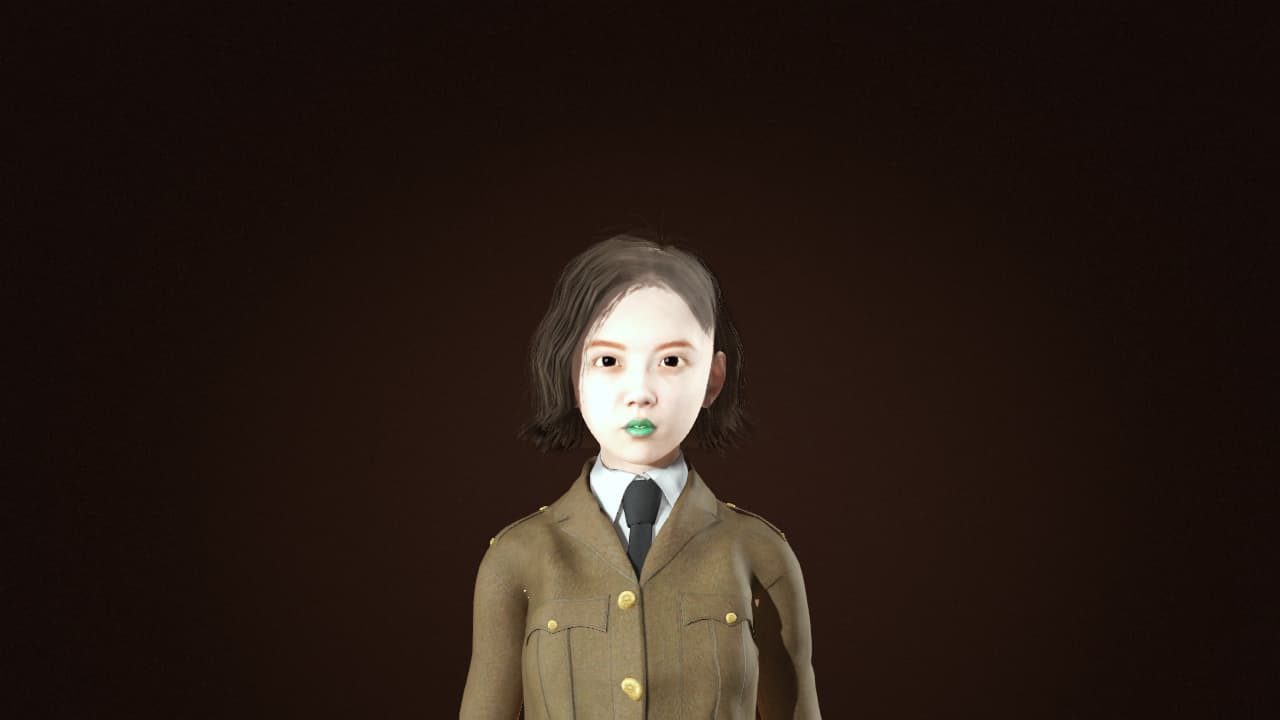
Hello there, here I have 2 images. 1st image is my own custom model that I made!

So in the 2nd image I trying apply a anime style to it! And when I doing it, I getting this black square box right at her face as a result!

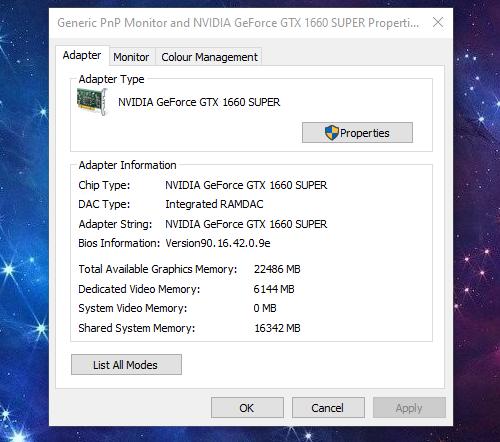
Is it cuz I using this?

Could be a GTX 1660 problem. Years ago I had problems with a GTX 1660 Ti rendering black images in Stable Diffusion. This has something to do with the precision:

Hello, Stridgamer

I’ve sent you a private message. Please check it at your convenience.
Thank you.

This is just an observation about my attempts with the AI Render that I have experienced so far. And I hope that it may help others who face something similar. Although this may get a little ā€œtechnicalā€ at times, I am neither an expert nor a novice when it comes to software. Others with more knowledge can feel free to chime in and add further points.

I successfully installed the AI Render about a week ago. It ran fine on my laptop (RTX 4090, 16 gig vram, 128 gig ram, i9-13980HX, 4 TB drive). I was satisfied with the results.

Since I know nothing about Comfyui, I decided to install a separate copy and look at some videos to learn more about it. I downloaded and installed the standalone version (but I probably would have had similar issues if I had installed the desktop version).

AI Render stopped working for me! I got some of the same error messages that others here may have seen. And sorry, but I did not record them.

For 2 days, I worked on it off and on. I completely uninstalled/reinstalled Iclone/CC4 and the AI render of Comfyui. No luck!! Same issues. I used AI to interpret the error messages, and come up with suggested solutions. And finally, I got it working again!!!.

Now I probably could have used ChatGPT or some other AI model. But I chose the free ā€œperplexity.aiā€ website for this.

===================

What I discovered:

People write Python programs using different versions of Python. That can cause conflicts. Especially when conflicting "environment variables: (paths) are set.

So I uninstalled the Iclone8/CC4 programs and the related Comfyui. I also uninstalled the ā€œnewā€ Comfyui that I had installed. And I cleaned out my ā€œpathā€ variables. Then I reinstalled the Iclone8/CC4 programs and AI Render.

It worked!!!

=================

This happened because I had installed another version of Comfyui after installing AI Render. But it could also have happened with some other Python application. And … I still wanted a copy of Comfy to play with, and learn. so …

HI TECH ALERT FOLLOWS <<<<<

I remembered that I had installed Conda (Anaconda ā€œminiā€ version) on my computer a while back. Conda allows you to run Python apps in a self contained environment so that there are no conflicts, and no changes to the system environment settings. It provides a separate and complete working environment for programs.

I installed my separate Comfyui into Conda. AND I HAD NO FURTHER ISSUES WITH AI RENDER! Now I’m lookin at some additional and related tools which I will put into Conda. If you want to know more about Conda, there are probably videos up on YouTube to get you started. And AI might help you to set it up. I can’t help with that. But I’m sure that some who are more knowledgeable will comment.

I would love to see Reallusion’s AI Render version installable into something like Conda. That might prevent some of the issues that us novices face, and maybe reduce a few service/support requests.

I hope it helps.

1 Like

Hey @major_mccargo

What you experienced is a package dependency conflict, where an application like ComyUI is written against a semtenic numbered versioned modules or libraries. It is standard for Python applications to come with a requirements.txt or pyproject file that sets and installs these modules and libraries to work…normally in a isolated enviroment.

To keep this short:

  • Avoid installing anything in your system Python environment
  • Create a new environment for installation and isolation. This is so common that Python has built-in tools, on a command line ā€œpython -m venv .venvā€. I would avoid Anaconda / Conda unless you are a Python developer, as they install tools you will never need.
  • Look into tools like UV or pipx
  • Stick to the portable version of ComfyUI , which I believe AI Render is a modified version of. These are self-contained and already have their own python excuteable and enviroment for isolation.
  • If you are ok with being on the command line, you the ComfyUI CLI tools for installation. Or a personal tool I wrote in GO, called Comfy Chair

Bottom line…I think unless you are familiar with Python or looking to learn, stick with RL AI Render version or the Portable version.

1 Like

I had ComfyUI installed on my PC before the IClone plug-in installed it a second time. Ever since the IClone installation, my earlier instance of ComfyUI doesn’t work. The server will boot up and the web browser will open, but most of the menu options in it don’t work; mostly, it’s just frozen. I don’t know if the IClone installation caused the problem. I hadn’t used the original instance in a few months, so maybe something else caused the problem. I don’t know how to fix the current problem, so I’m probably going to need to re-install my non-IClone ComfyUI instance again, a pain I’m not looking forward to. Reallusion, please make sure that the IClone ComfyUI instance doesn’t clash with other ComfyUI instances. Thanks.

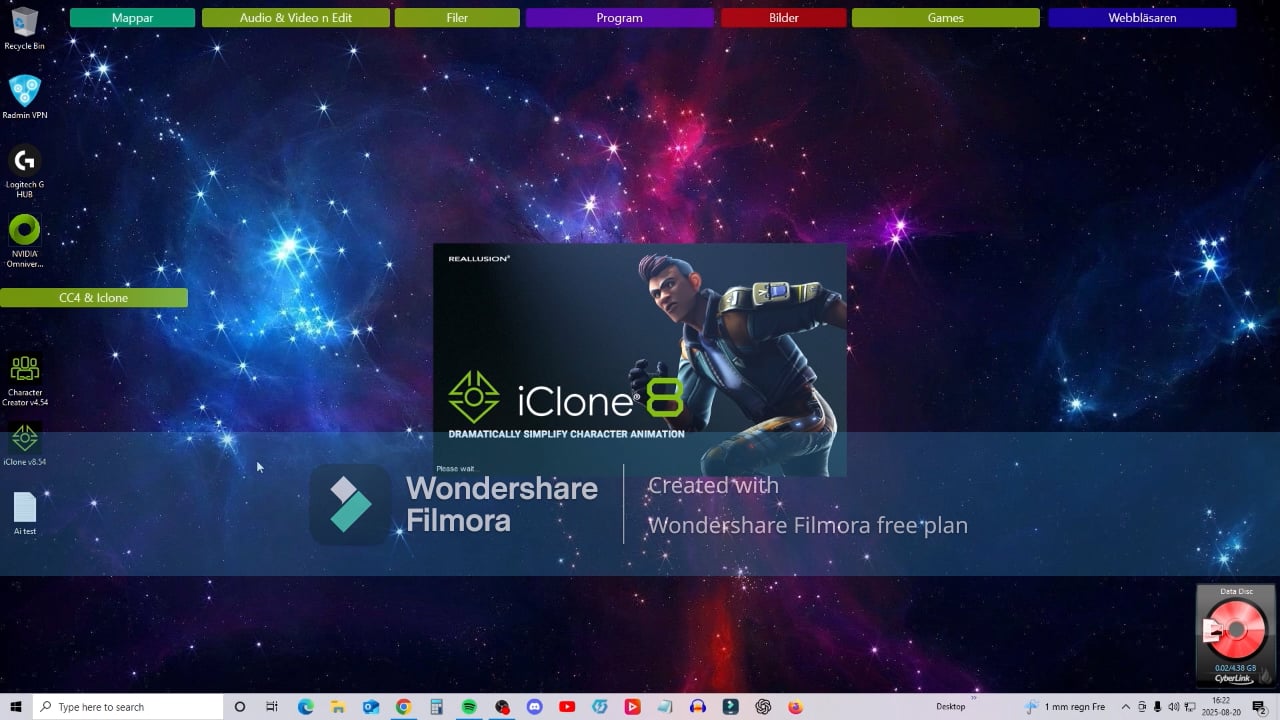
Hey, I just made a video. And hopefully how I can fix this!

And sorry for my bad English speaking.

Here is the video!

For those that are asking about a already installed version of Comfy

Watch Video

1 Like

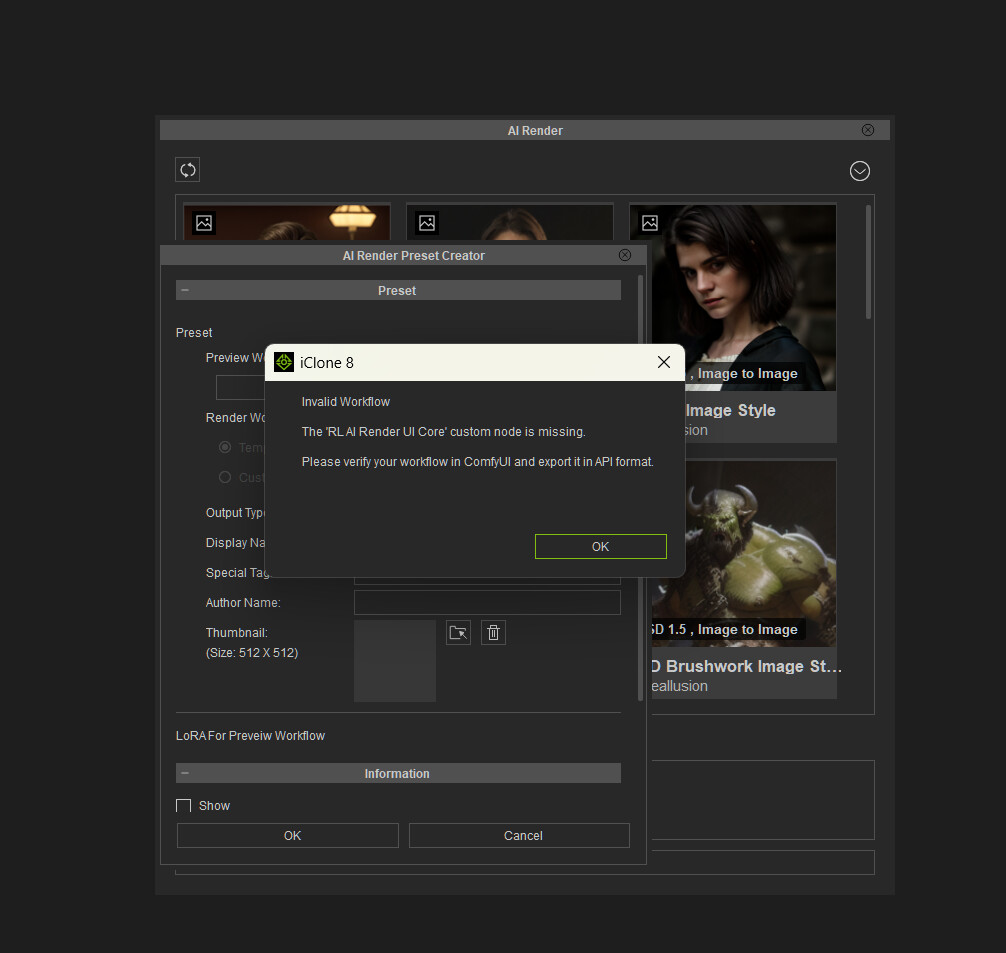
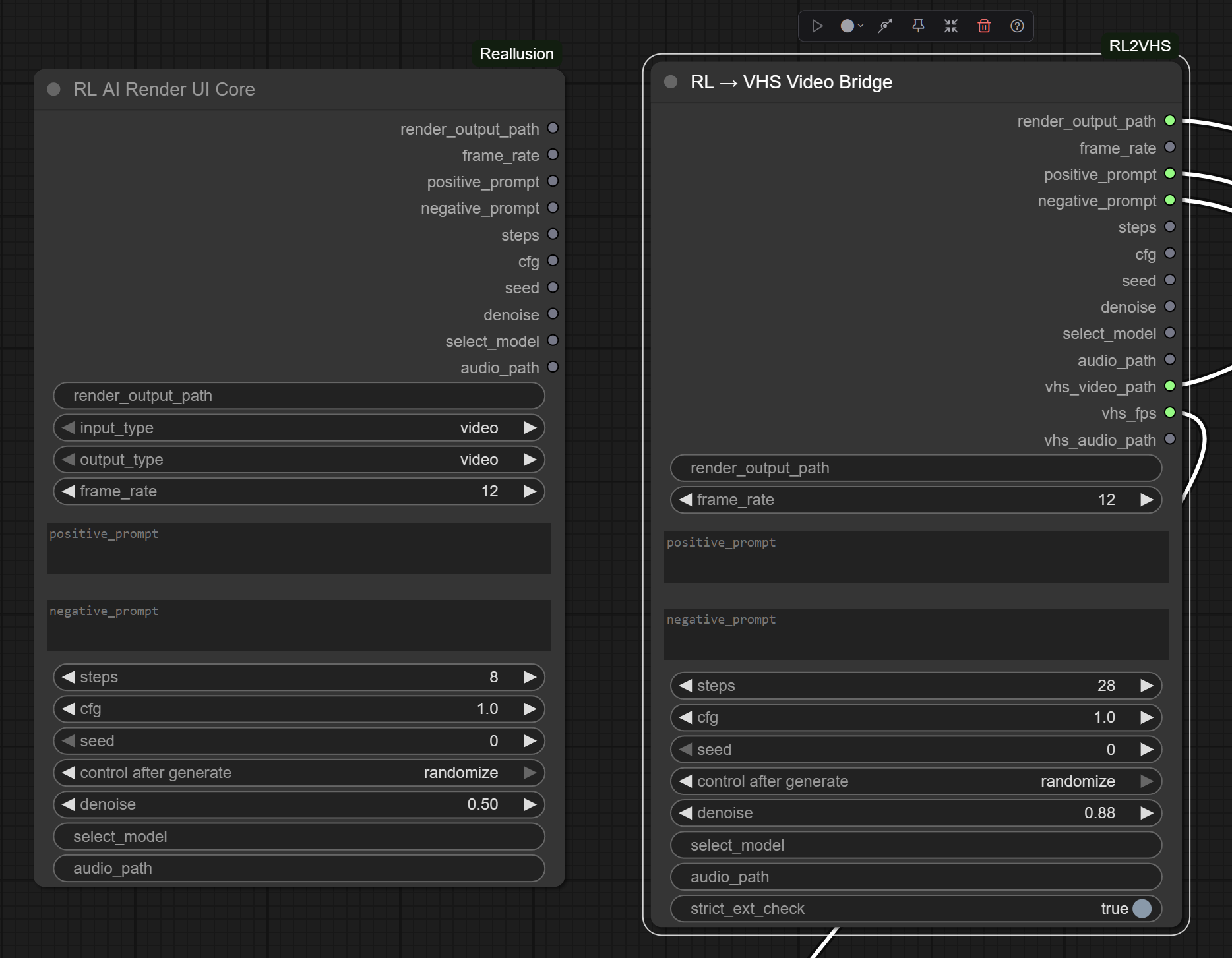
The RL AI Render UI Core node should not be a ā€œhardā€ requirement in a workflow. The use case being for custom nodes that extend or fork the original RL node, we can not use it in our workflows