Thanks I added the git path to env sys variables. solved the errors. but I dont think Reallusion installers installs git for us, I maybe wrong but if not maybe should be added to the install notes
Hi , Getting this error
Error in getting videos in prompt 4acde311-5b2b-4724-b3cf-899a244b7da5, please check the ComfyUI server log for details.
I have a very stupid question, i have both CC4 and i clone, now with the patches i get , do i have to install both plugins? and what about the models??
Yes, you have to install both plugins for CC and IC.
But models are only installed once (from either CC/IC) as they are placed into a common location.
1 Like
We talked about saving/loading a file with configuration, but I also would like to stress the importance of an ability to save current config along with the project.
Currently If I want to repeat something I did prior to closing and reopening iClone and a project, I have to go to History, open respective Setting.json file and spend quite some time replicating configuration manually (there are a lot of parameters).
It obviously is not going to render the exact copy, but for the most parts it would be pretty much similar.
I also keep bumping into this bug, which is quite annoying. If I use a Stop button in the middle of rendering process, a Preview button becomes available right away and If you click it without waiting for Execution Interrupted message, iClone crashes hard. And of course after restoring the project, I have to go back to .json to recover settings manually.
Issue in Character Creator 4 /// Issues with Custom Workflows
- Before anyone asks…the video is this render this way because I normally just drop things like this in my old template. Not promoting…just easier to get it out because everything is just set.
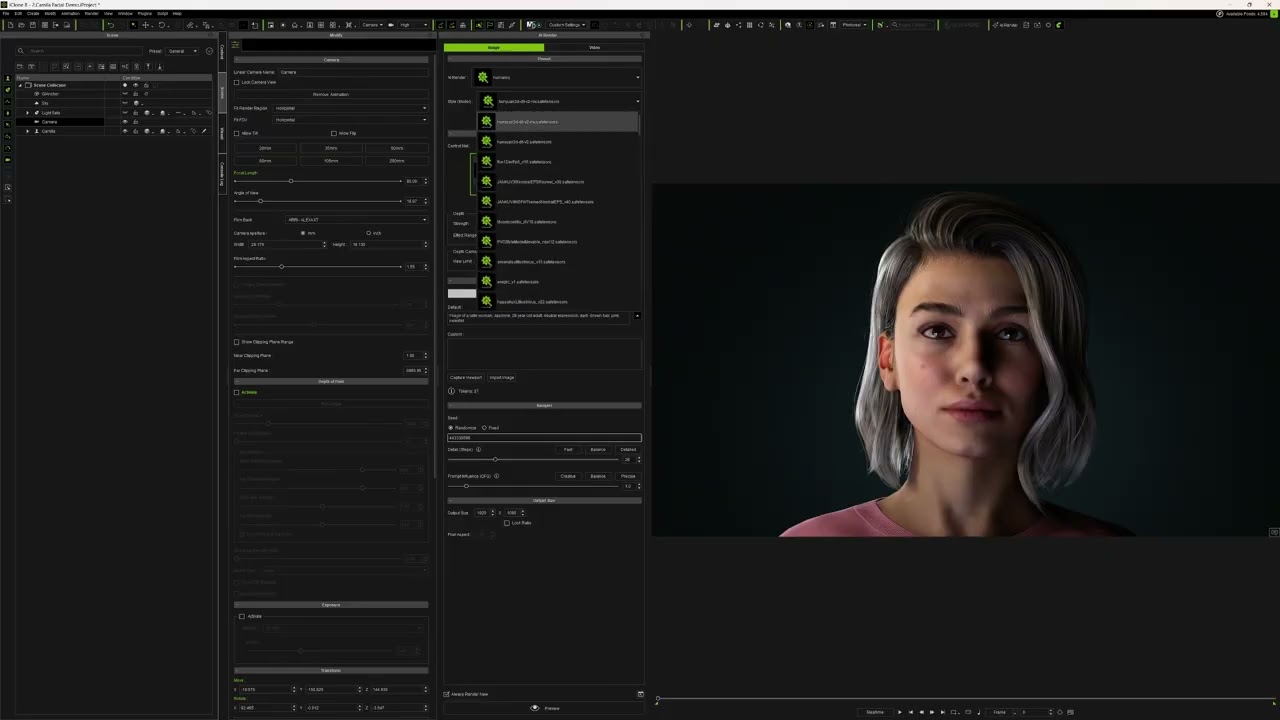
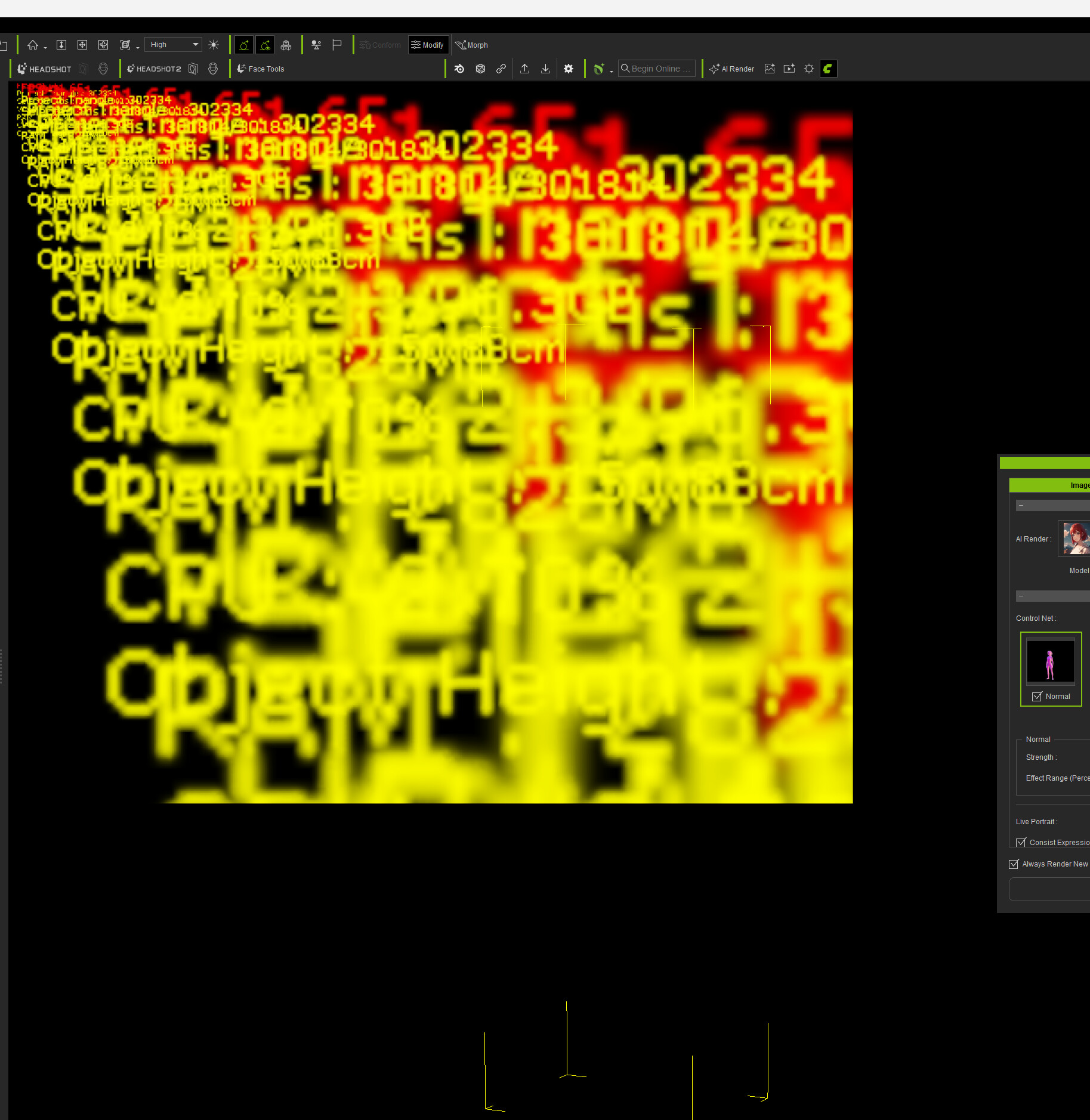
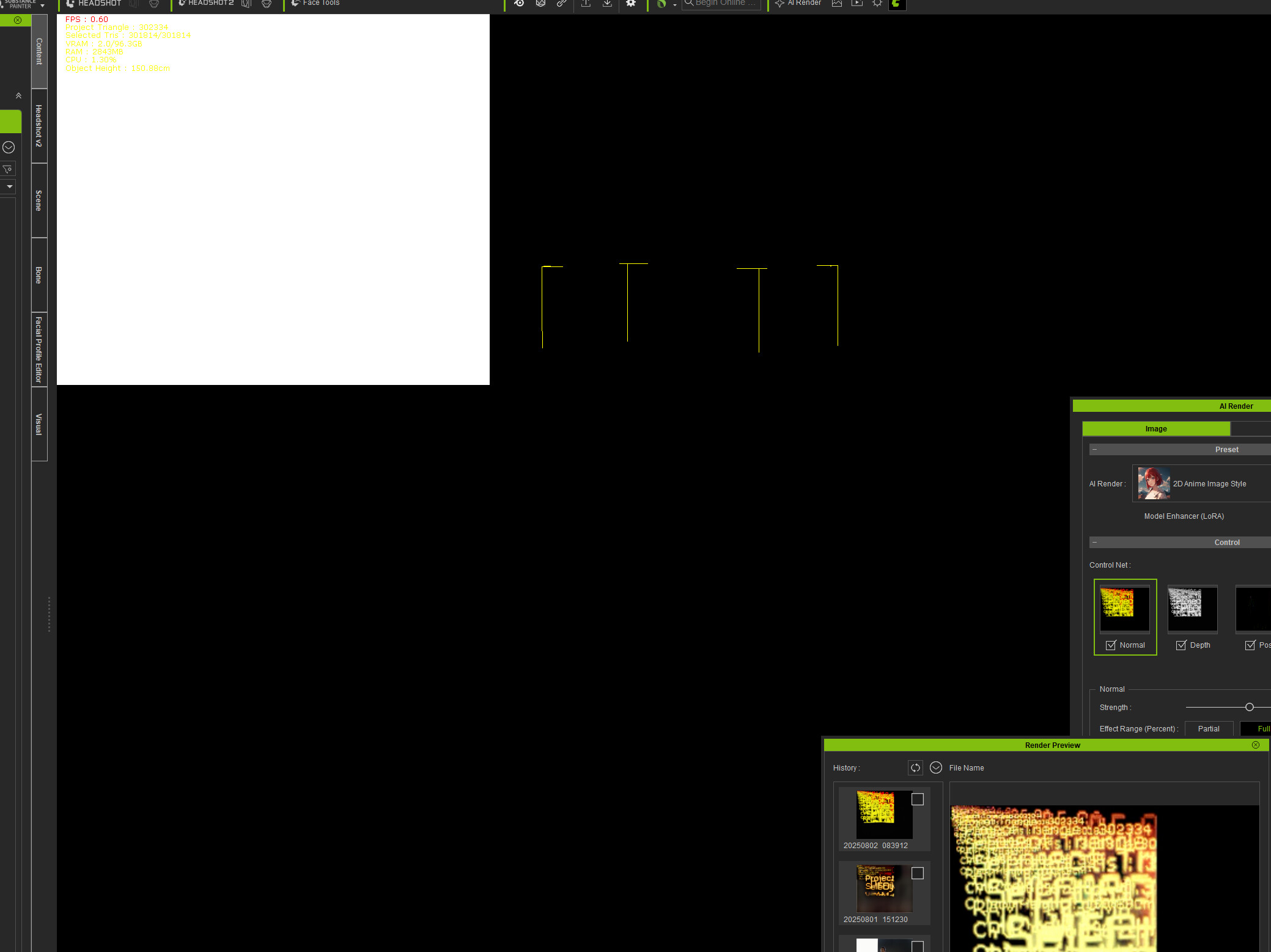
I’ve tried with a couple different driver versions with my Blackwell 6000, but the viewport goes nuts and most of the time that also messes up the depth map, etc, though once or twice the maps worked out.
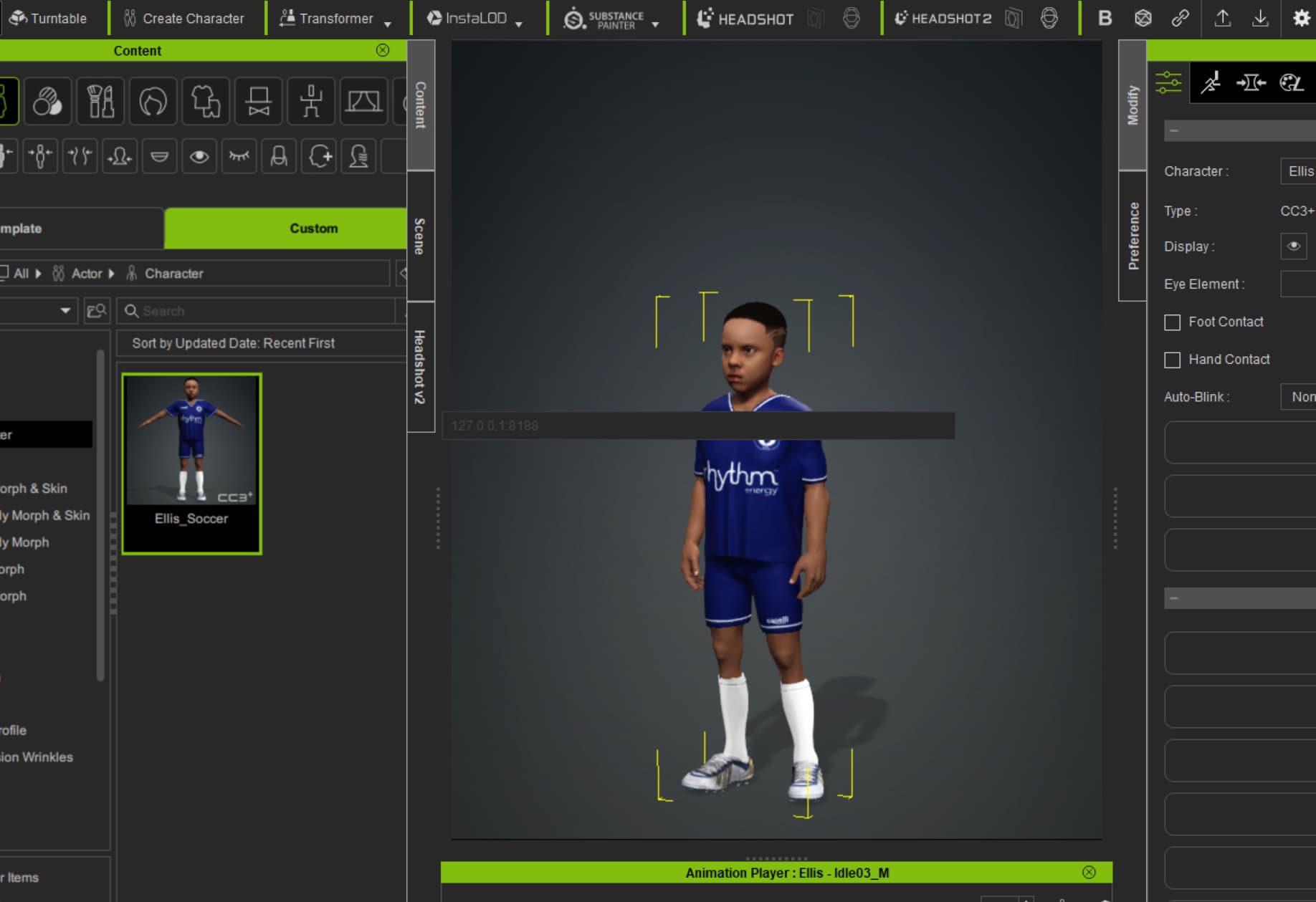
I just installed the AI Render on my laptop. As soon as I move my mouse over the UI it disappears. So I can’t connect to ComfyUI. Any idea why this may be?
My system is as follows:
| Device name | BlackHawk |
|---|---|
| Processor | 13th Gen Intel(R) Core™ i9-13950HX (2.20 GHz) |
| Installed RAM | 32.0 GB (31.7 GB usable) |
| Device ID | D89F1245-140D-4333-B396-BBF79608BB52 |
| Product ID | 00355-60883-91766-AAOEM |
| System type | 64-bit operating system, x64-based processor |
| Pen and touch | Pen support |
Hi DIGIWEAR_EMPORIUM,
Please capture a screenshot of the complete error message from Menu → Script → Console Log, so we can assist you in resolving the problem.
Hi bad_character,
We’ve identified that this issue happens when DLSS is turned on. For the time being, please disable it while using AI Render. The fix is planned for our next beta release.
Please go to Edit → Preference, find the Performance section, and disable DLSS.
Hi Playlogic,
Regarding the first issue you mentioned in your video, it is the same as the one reported by user bad_character. This is a known issue that occurs when DLSS is enabled. You can temporarily resolve it by turning off DLSS in Preference.
As for the second question, do you mean that the output of your imported custom workflow is not as expected compared to what ComfyUI produces?
When you load the workflow_pre generated from History into ComfyUI, is the model you select the same as the one you originally intended to use?
Thanks, disabling DLSS solved the issue; As far as the workflow is concerned…I need to do a little more debugging. The workflow in the video contains several Custom Nodes I have built, and it may be changing the output sent back to the RL Render.
I built an basic SDXL workflow, and the results are about what I expect…so I will keep testing and let you know
Thanks for the help
Hi blackhawk,
To help us troubleshoot, could you share the following?
-
In Reallusion Hub, open the menu at the top right, select System Information, and export the full report for us.
You can send me the exported System Information file via the forum’s private messaging. -
When the issue happens in CC or iClone, check Script → Console Log to see if there are any error messages and let us know.
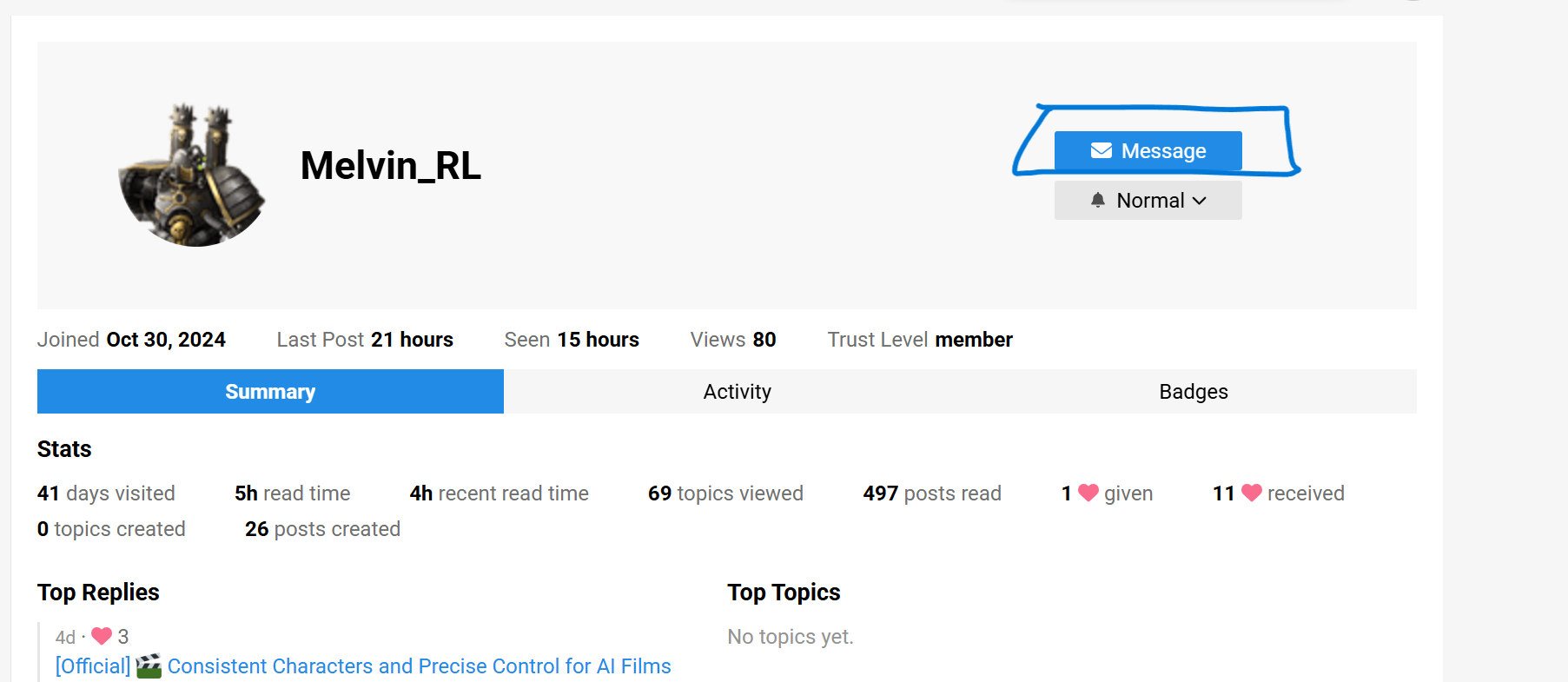
I cant seem to find how to send a private message to you to send the System Information. I click on your name in the forum but I don’t see private message I see Message as shown in the image. And when I click on that I can only send images.
private message.
Yes, you’re right, it’s through Message. Please upload your file to Google Drive or any cloud storage service, and share the link with me. Thank you.
Hi, The issue has been solved.
Processor: 13th Gen Intel(R) Core™ i9-13980HX
RAM 32GB
GPU: NVIDIA RTX4080 12GB
I have installed the AI render files for both iClone 8 and CC4.
I first installed the patch file for both and then the installation files.
Installation was successful.
I click the AI render settings button to launch the connection and the settings window just keeps disappearing. If I click the iClone icon in the taskbar the settings window will pop up again, but as soon as I try to select something it disappears again. I can’t select anything.
And at the same time iClone or CC4 (same thing happens to both), locks up and I can’t do anything. Have to close the program via Task Manager.
I’ve restarted the computer and tried again, same thing.
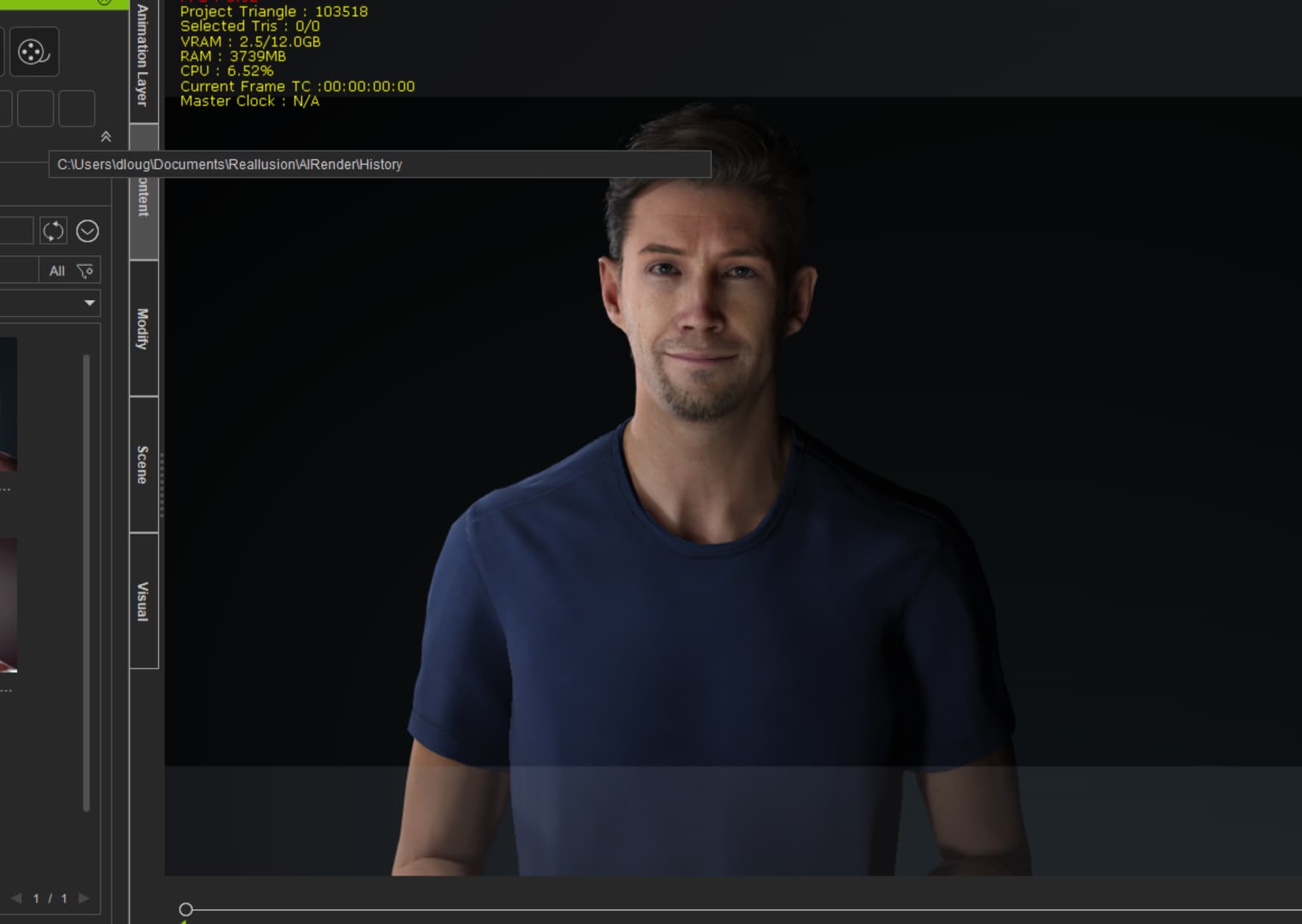
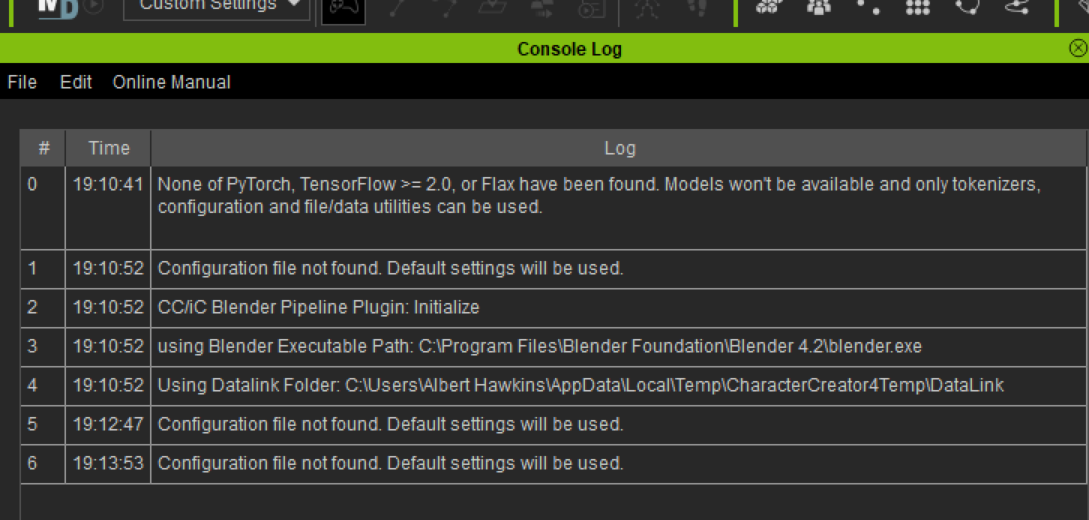
Here is the iClone 8 Console log from when the UI disappears. Looks like the error is “Configuation file not found. Default settings will be used.”
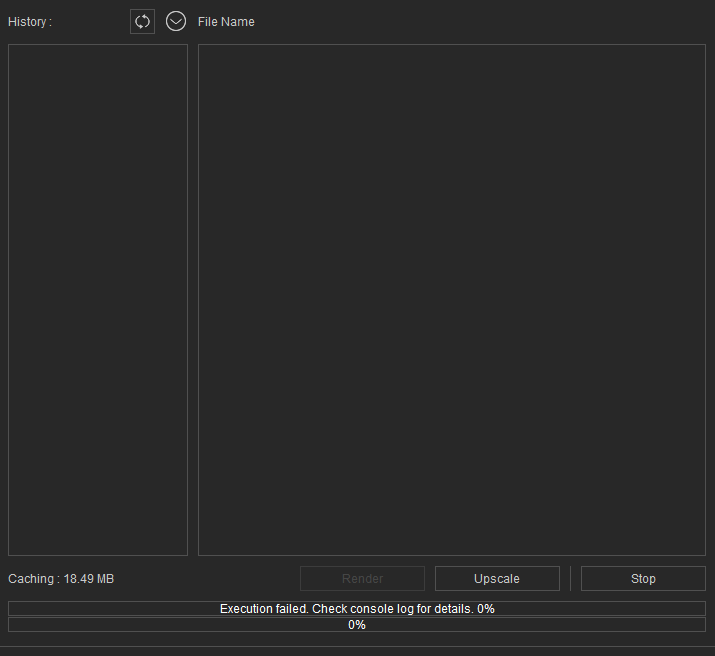
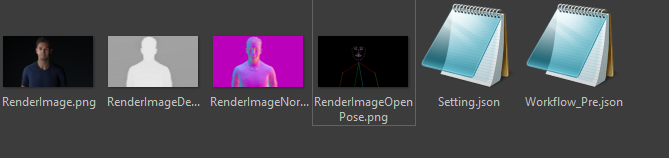
Hello, I just installed the AI rendering plugin like in the video but when I try to render a project (Talking Kevin project) likei n the video tutorial, I have an error wich can’t render the image. When I check the history folder, I have the normal, the, depth, the openpose but no ai render.
I have this message error in the rendering window : Execution failed. Check console log for details 0%
I don’t see any console anywhere and I already had Comfyui installed before the plugin installation but in a different disk to avoid any conflict problems. Does anyone knows how do I fix this problem?
Hello, kamehasutraa,
It seems that some failures occurred when running Workflow_Pre.json on the ComfyUI side.
Please try running the Workflow_Pre.json files in your ComfyUI environment to check if any errors appear, and share the screenshot to us.