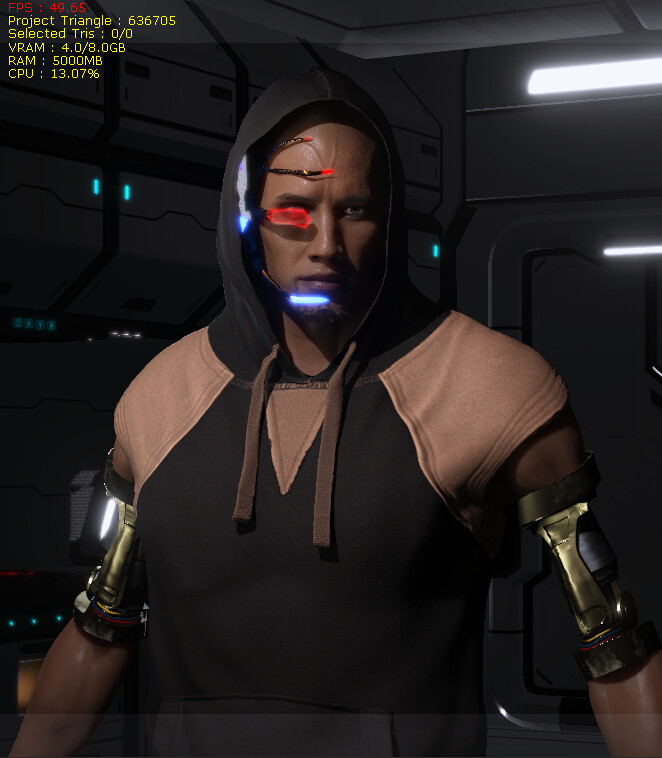
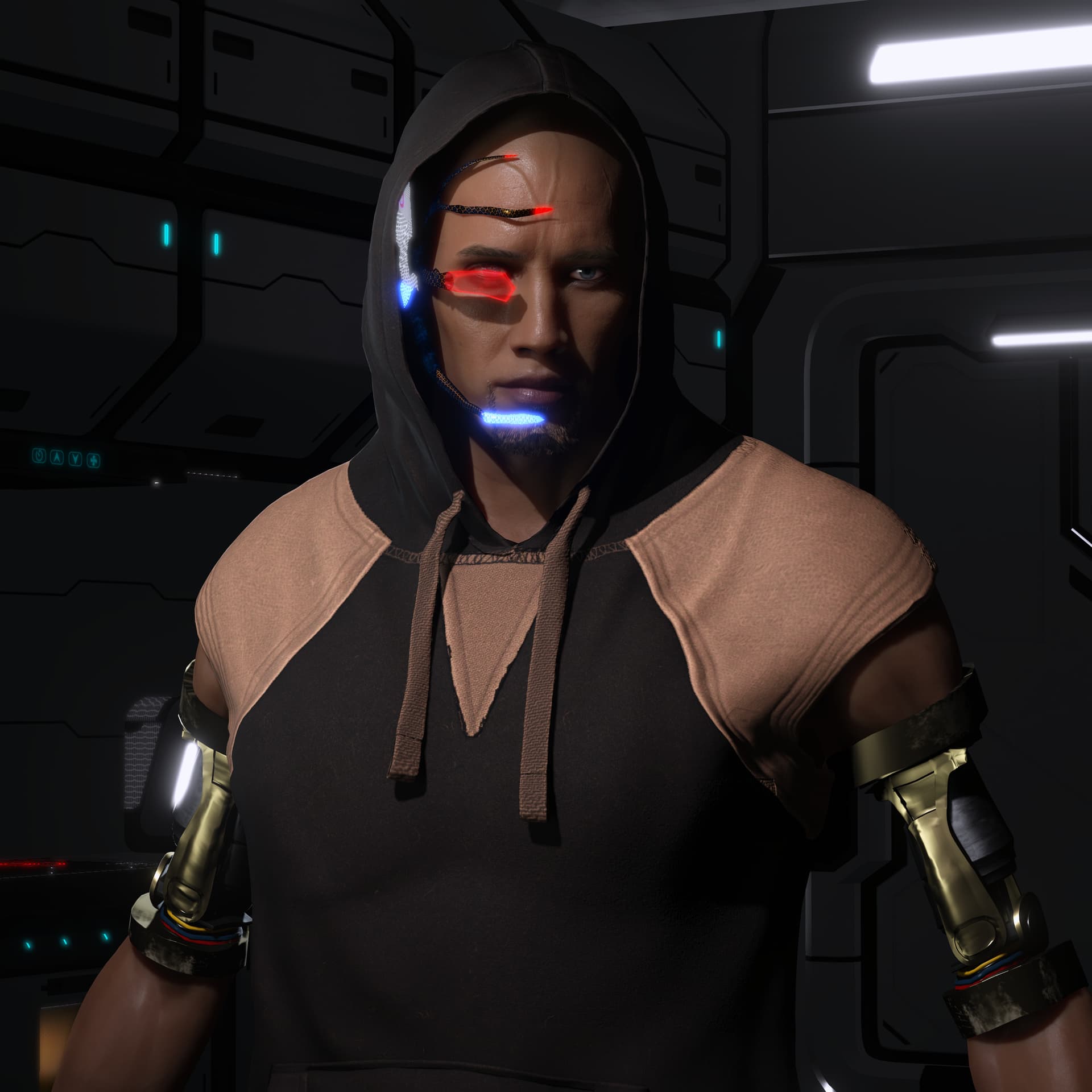
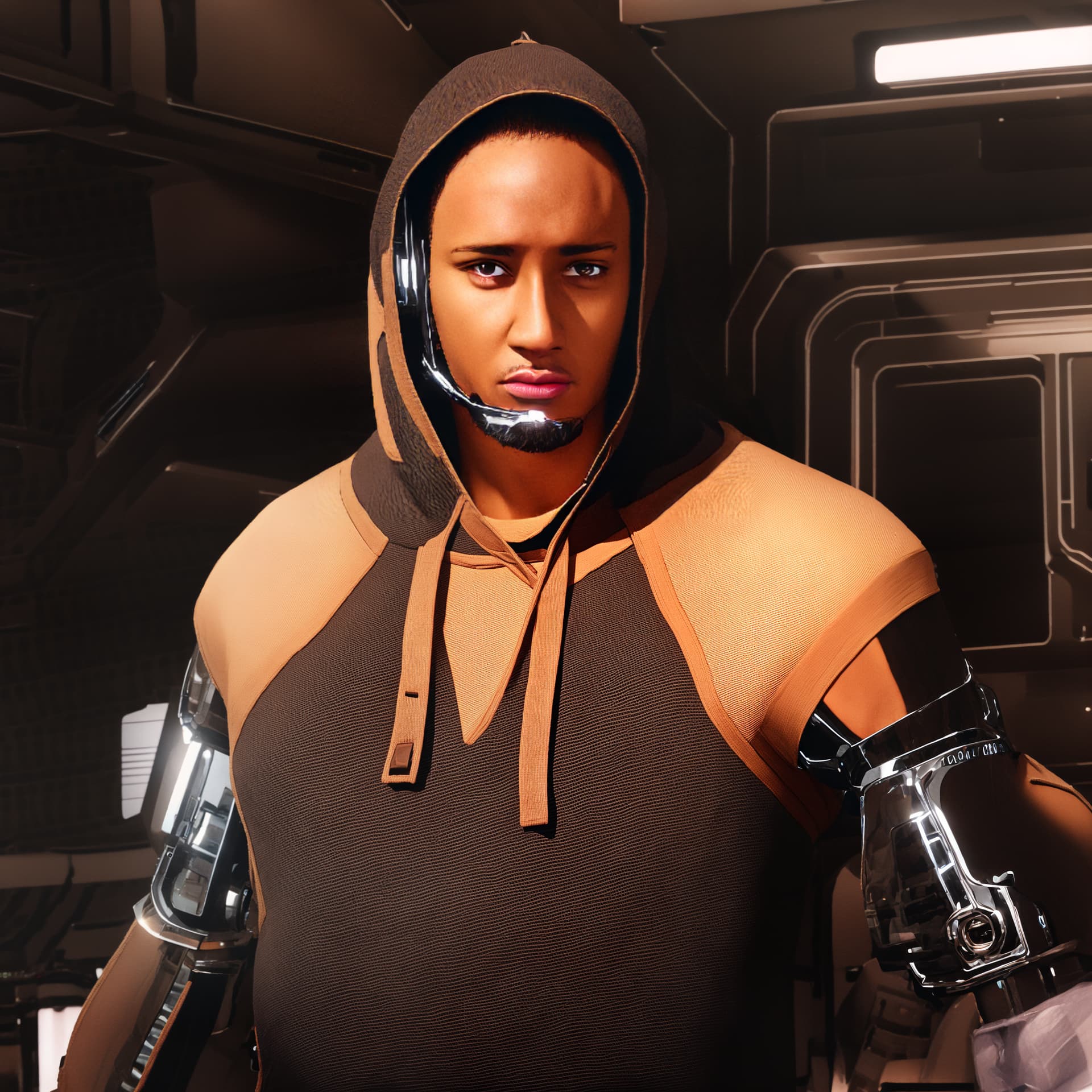
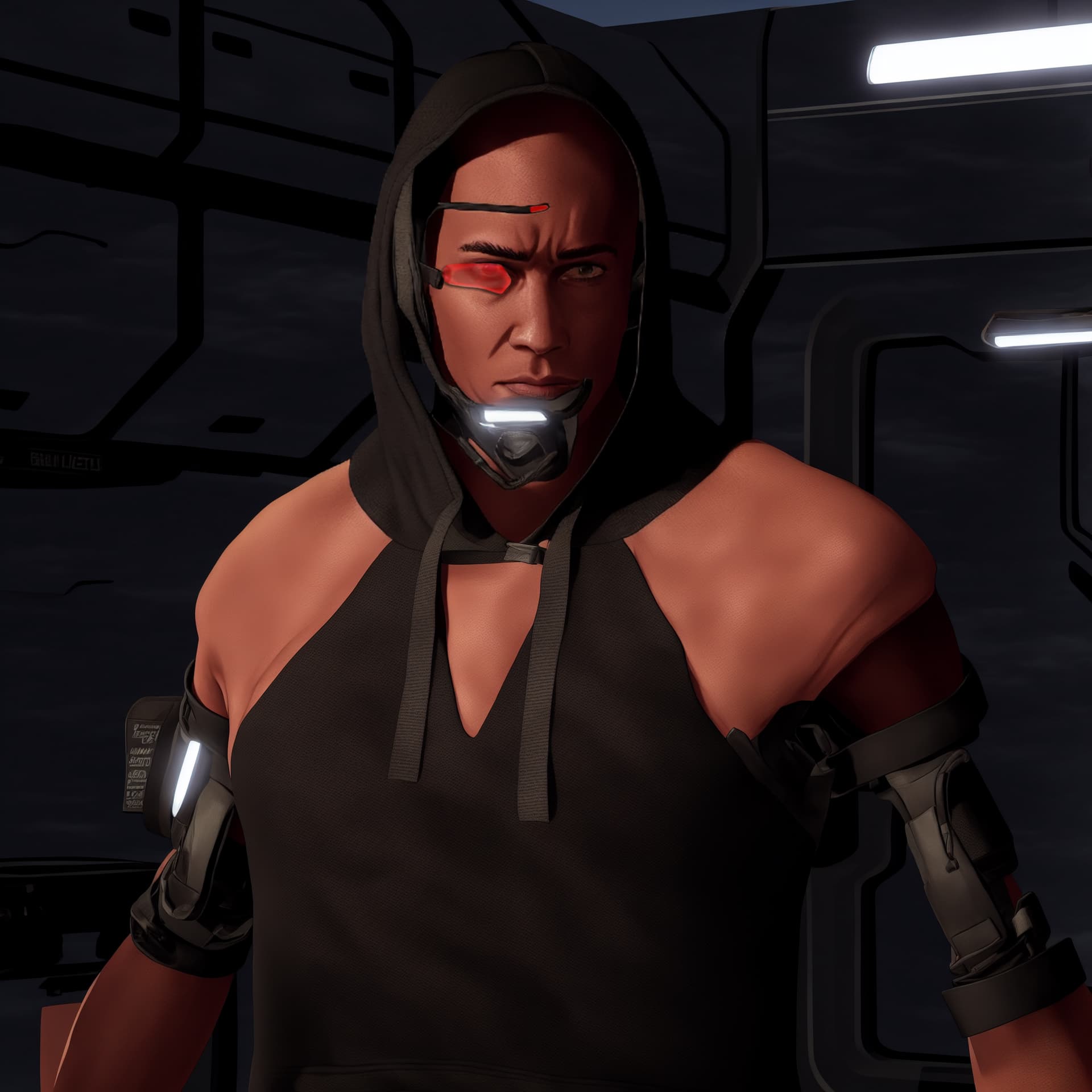
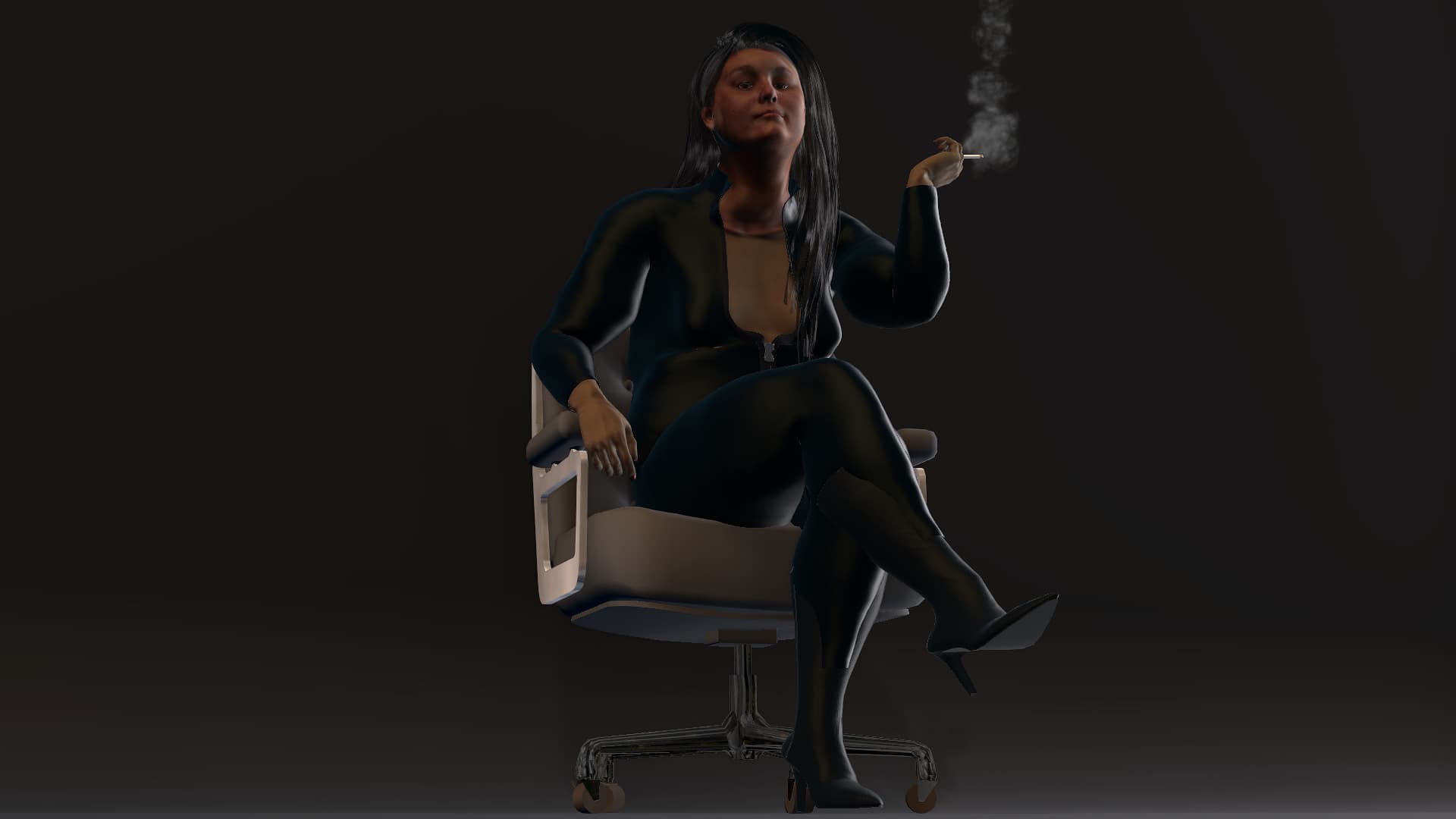
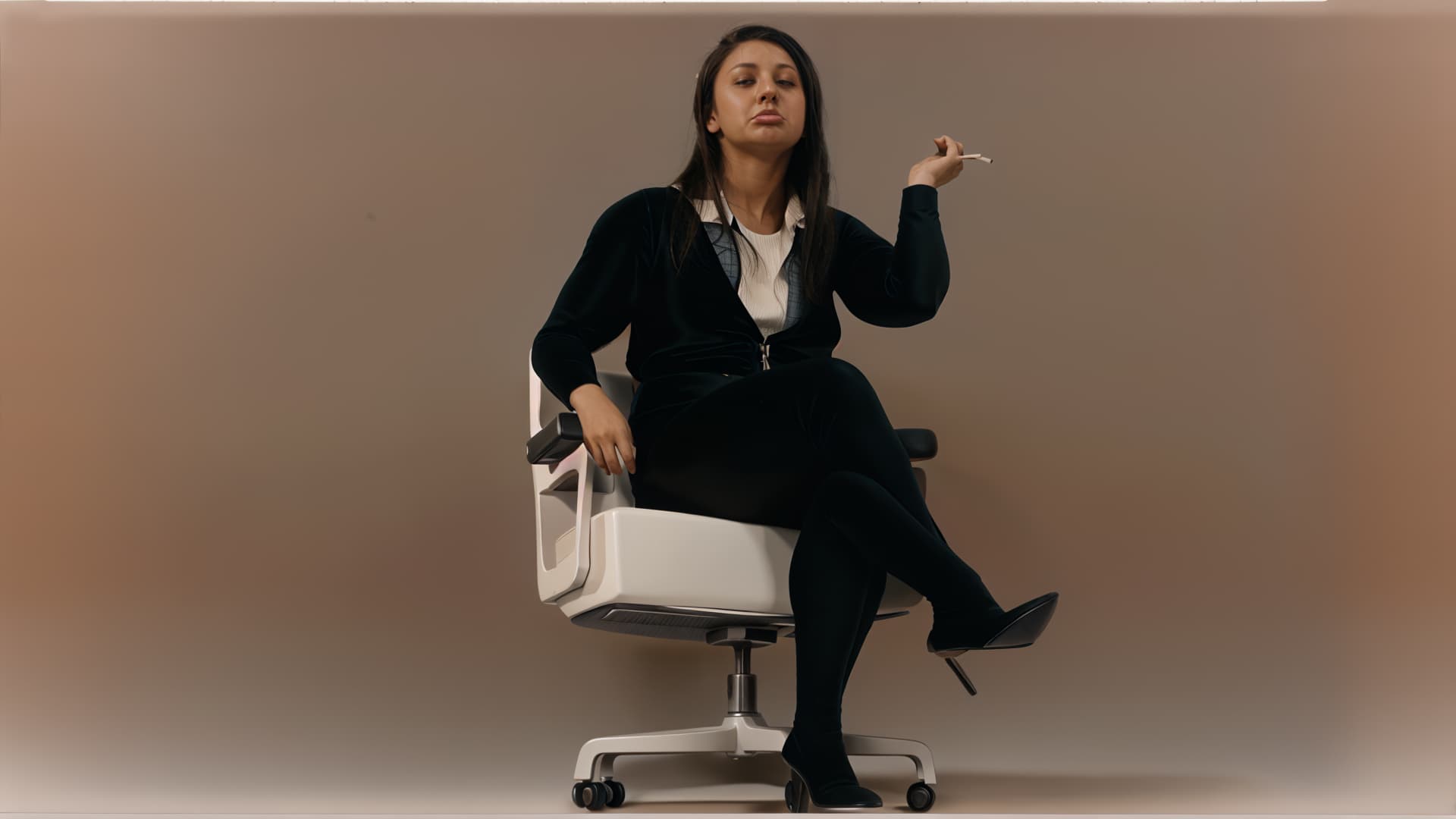
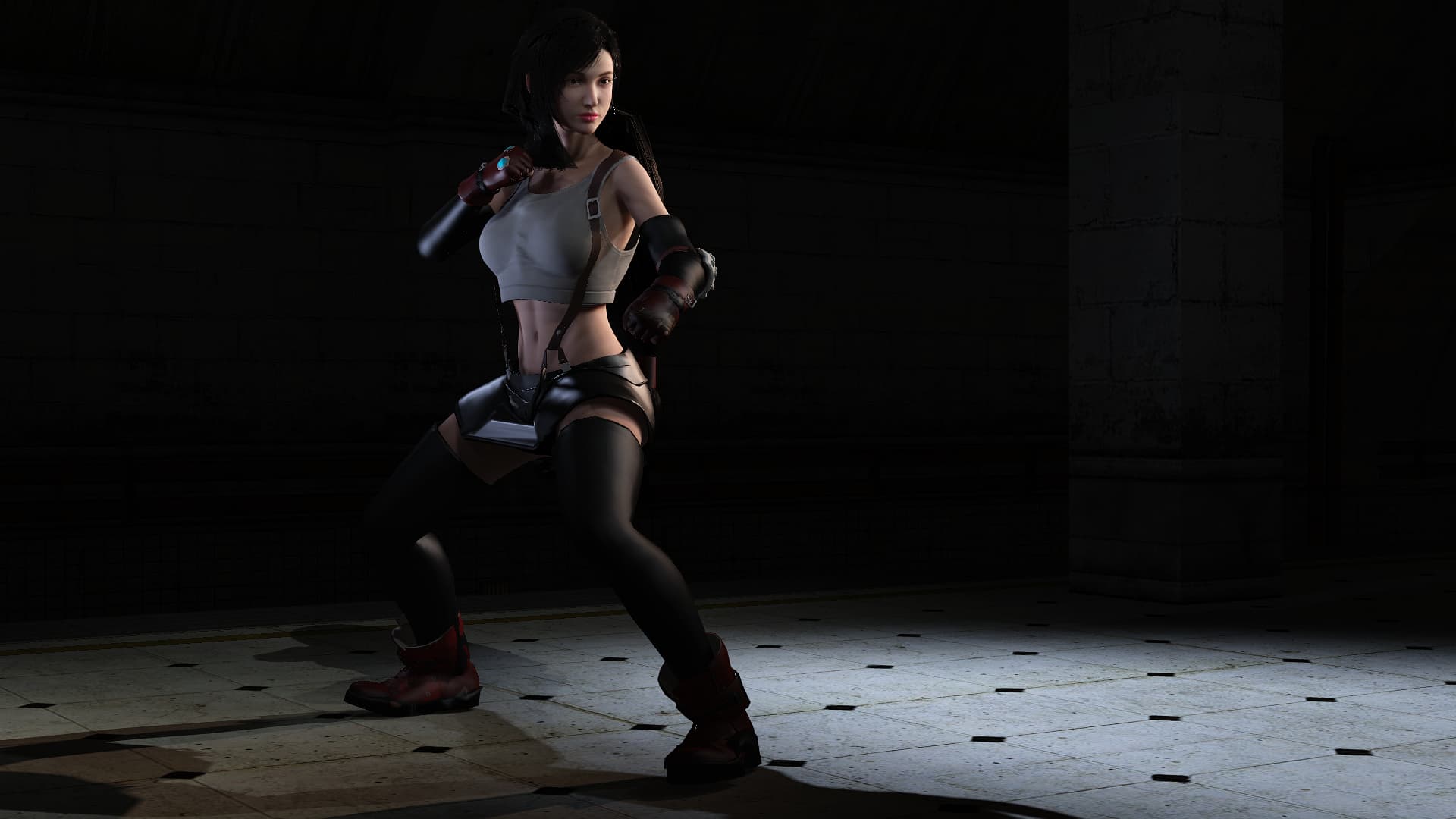
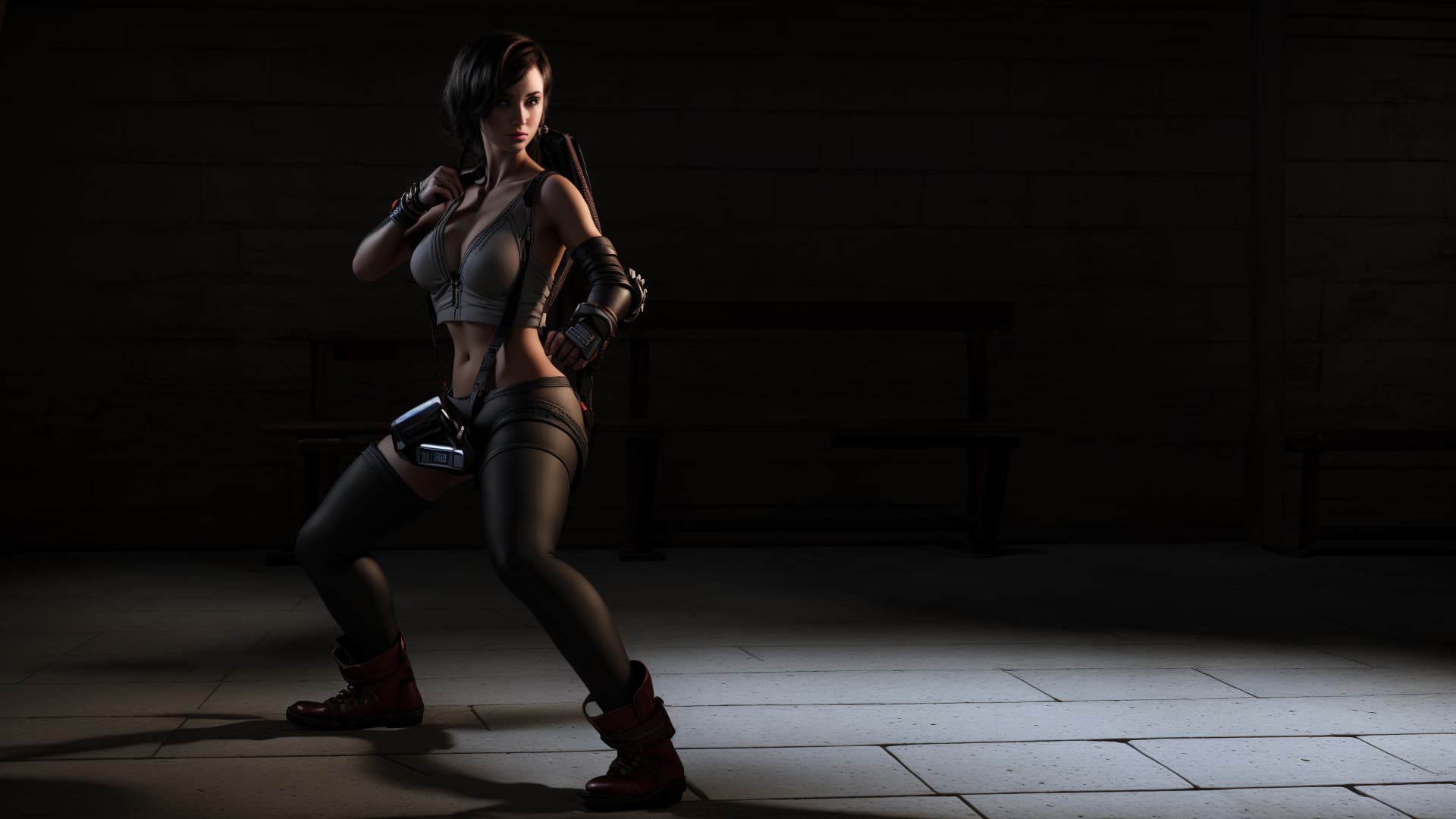
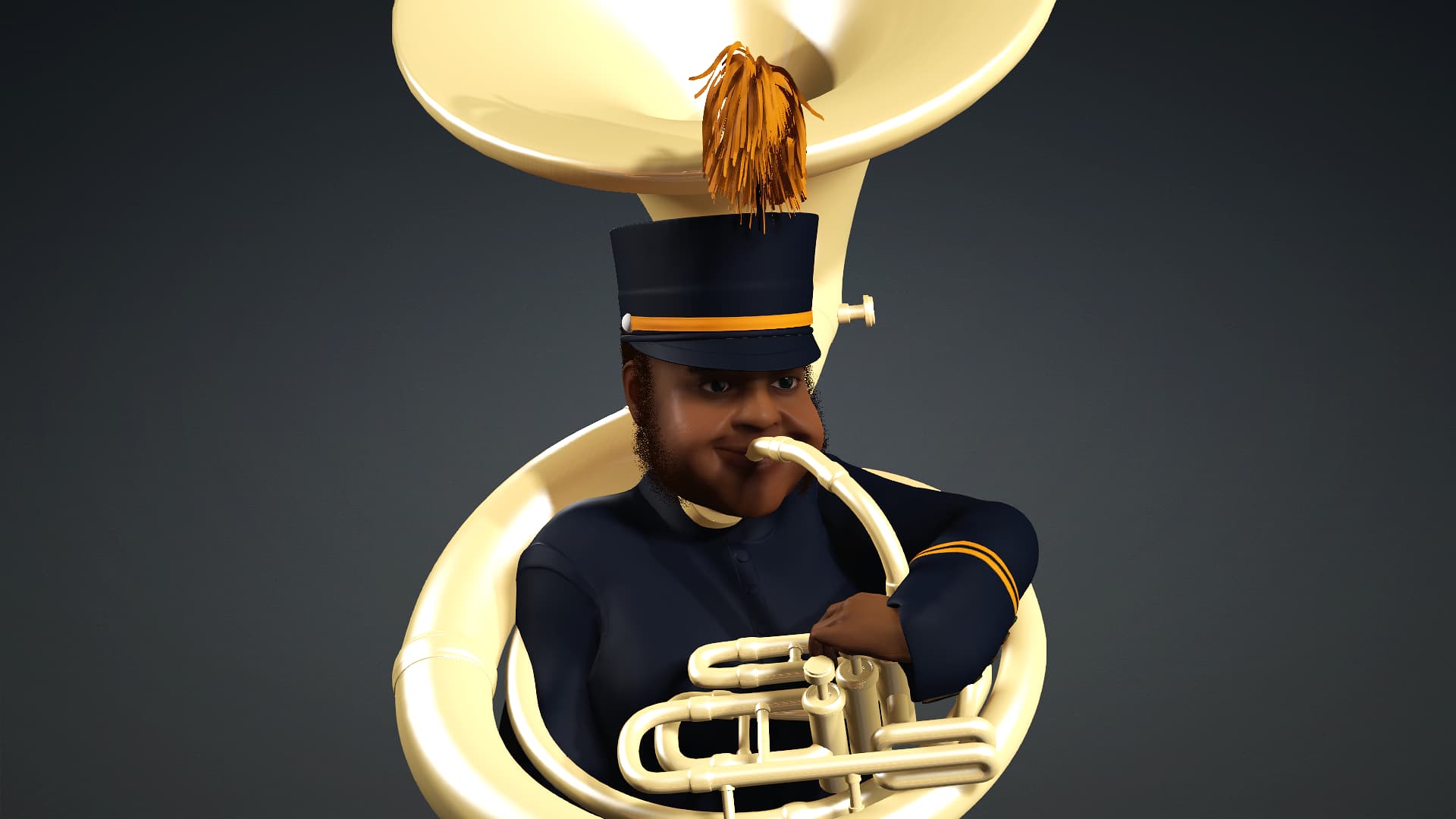
Here’s a look at my second entry for the CC4 Ai Render. This one was a bit more difficult getting a realistic render with the Ai as some of the details on the characters face, like that headgear, wouldn’t render properly. I decided to go 3D to 2D for this character. The original was rendered in CC4 followed by two renders in 2D stile from the Ai Renderer. Here are the results. 
2 Likes
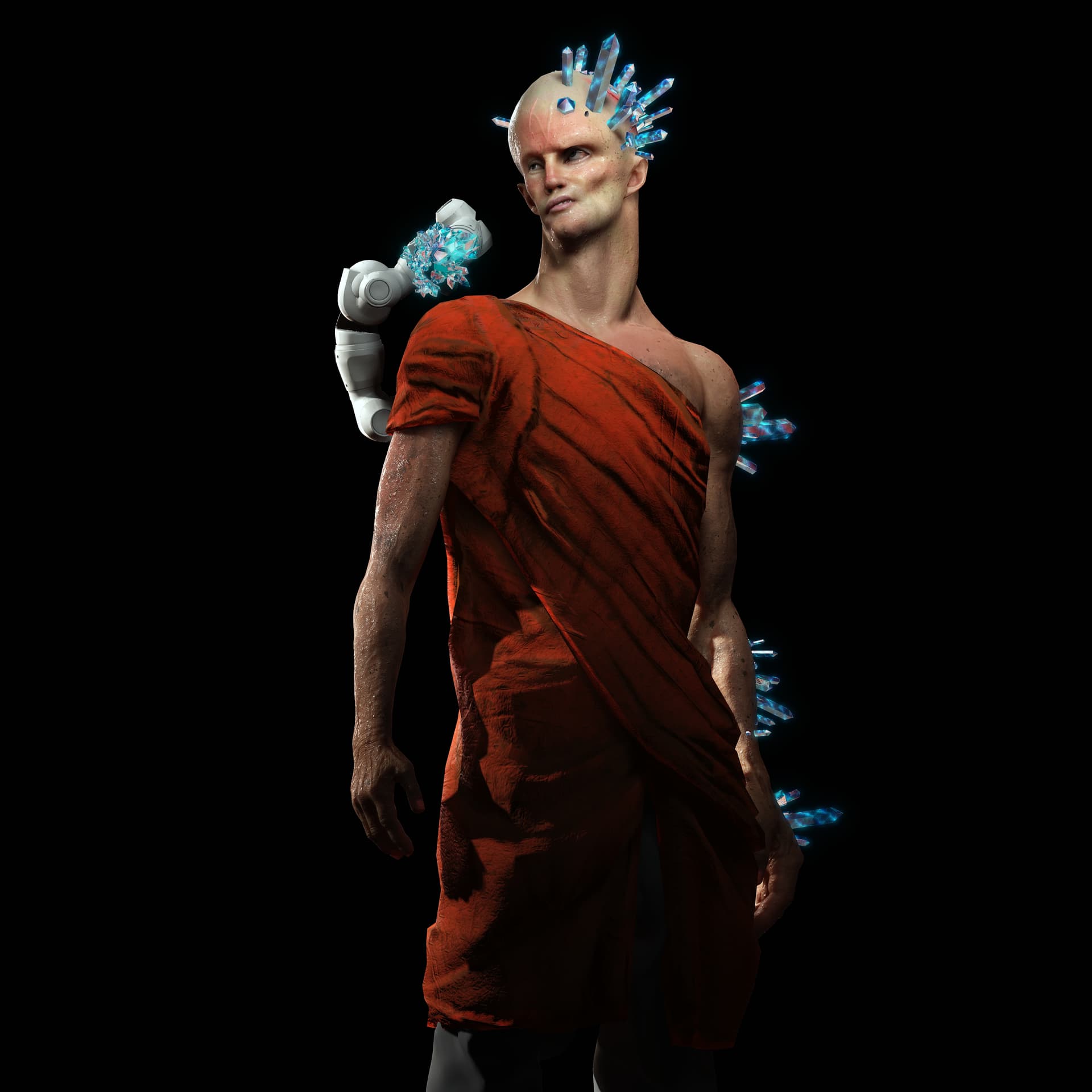
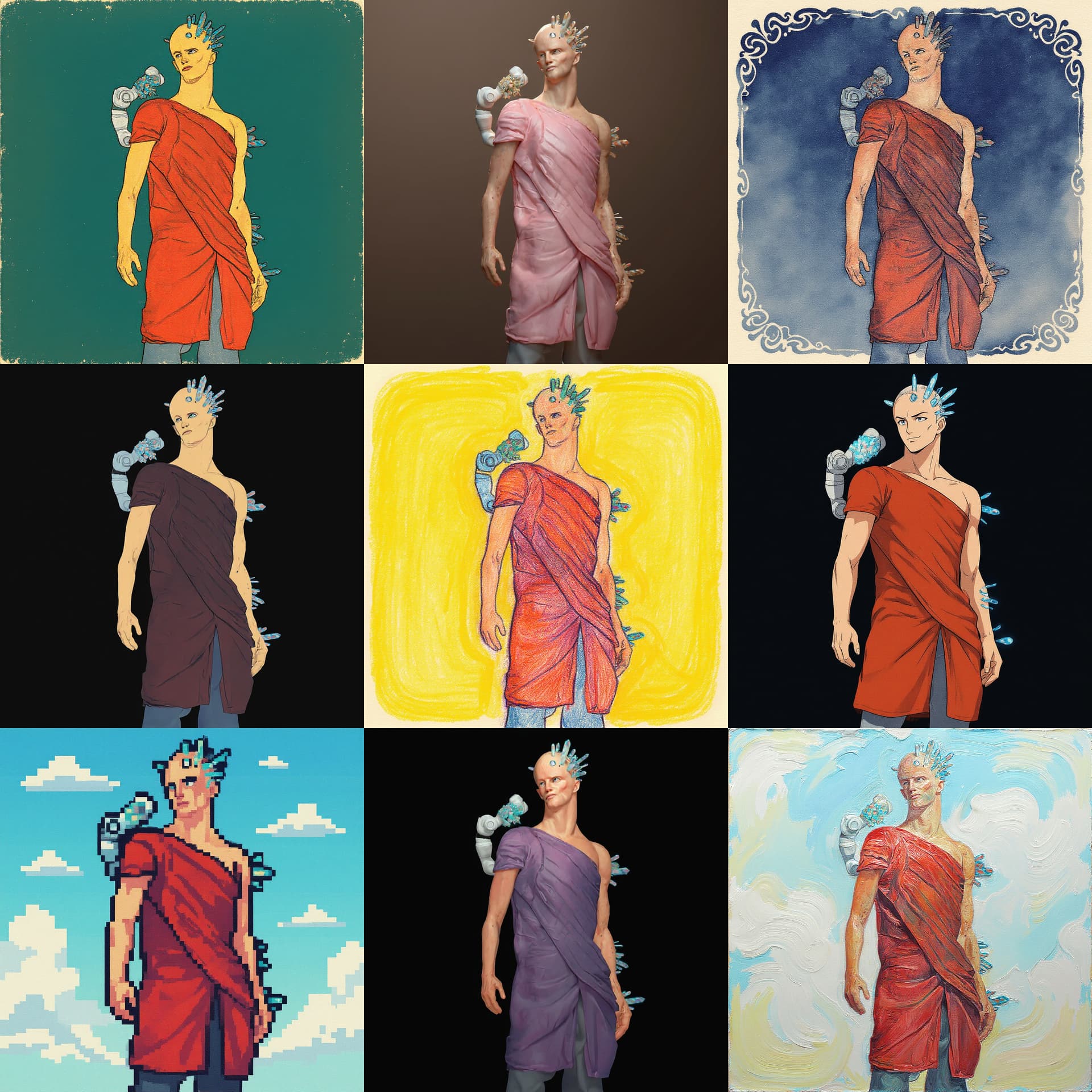
CC4 AI Render
CC4 Original Render
The AI Render was set to 720p and then exported using the 2X Upscale Feature. I used the 2D Anime Image Style with Detail Steps set to 12, Prompt Influence set to 5 and AI Creativity set to .4.
I did have to loosen and separate the fingers from the first pose to get rid of the “AI fingers” issue.
Also posted to my IG Stories.
2 Likes
1 Like
2 Likes
 Challenge Update: Second Entry Window Closed — Third Entry Window Now Open!
The second entry window for the AI Makeover Challenge has officially closed — huge thanks to everyone who joined in and shared their creations! 
The winner of the second entry window will be announced on August 18. Stay tuned to see who takes home a free copy of CC5!
Meanwhile, the third entry window starts now and runs until August 22 — so if you haven’t entered yet, this is your chance!


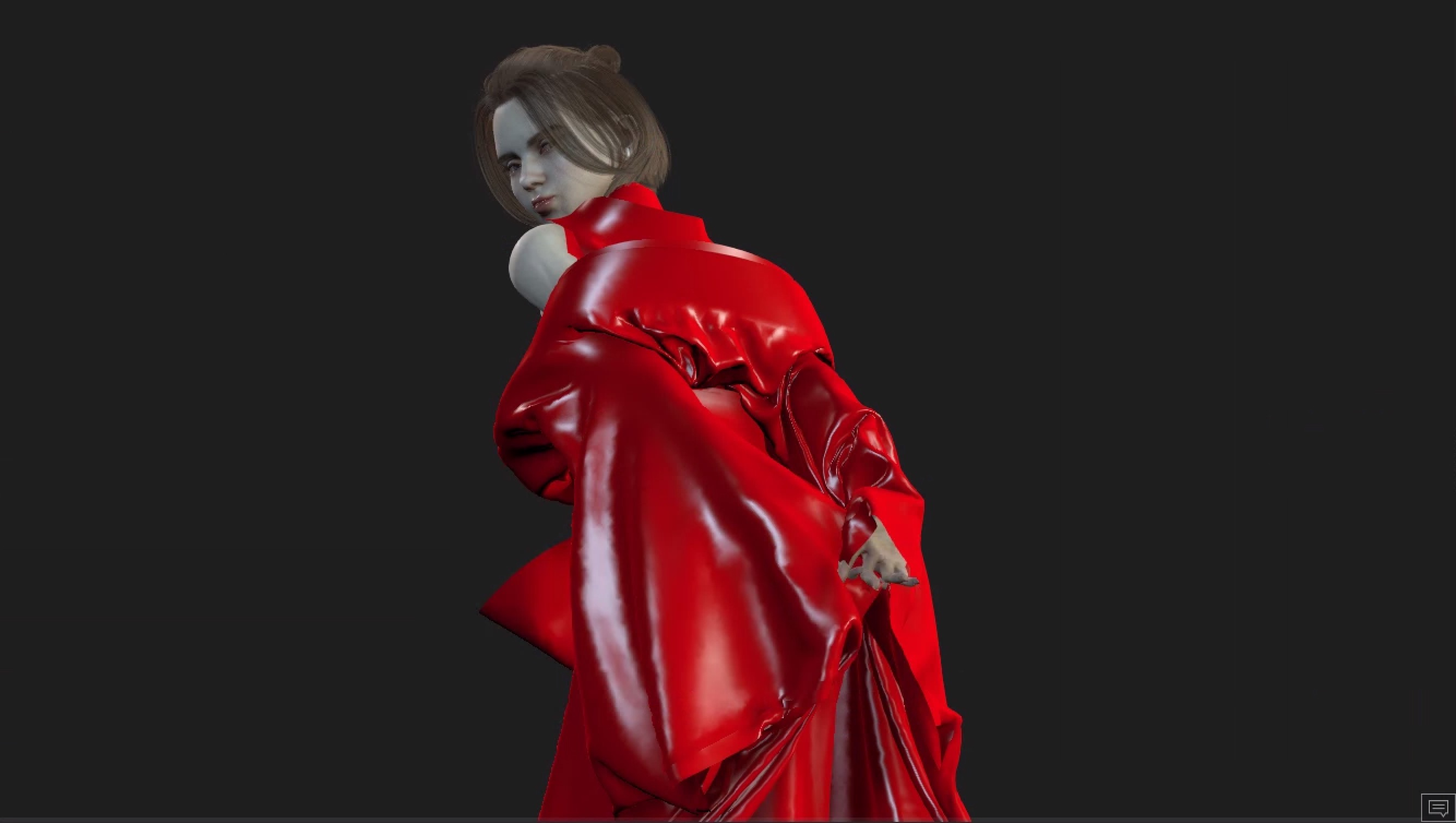
sry i too have issue of uplaoding the images like not allowed to embed iamges, so i ahve a error message and unable to upload, so please chekc this once
Ok guys I think you just broke the internet. I had to turn to AI as I was asked more and more about “photorealistic stuff” that I couldn’t render on Iclone or CC.
I have been going down the rabbit hole of Comfyui for about a year now, and now you plug Comfyui into Iclone and CC? The best of two worlds as I was struggling animating what I really wanted in Comfyui whereas with Iclone it is mainly done in 5 minutes.
I have seen a lot of AMAZING things you guys and girls did already with this new toy, but I wanted to drop a little novelty (as I can use my Comfyui experience now with this let"s go crazy)
But seems I am not allowed to embed images? I have an error message "
An error occurred: Sorry, you can’t embed media items in a post."
@marmottevendee
@sudharsan884
They allow images embedding after a couple of general posts I believe 
===========================================================
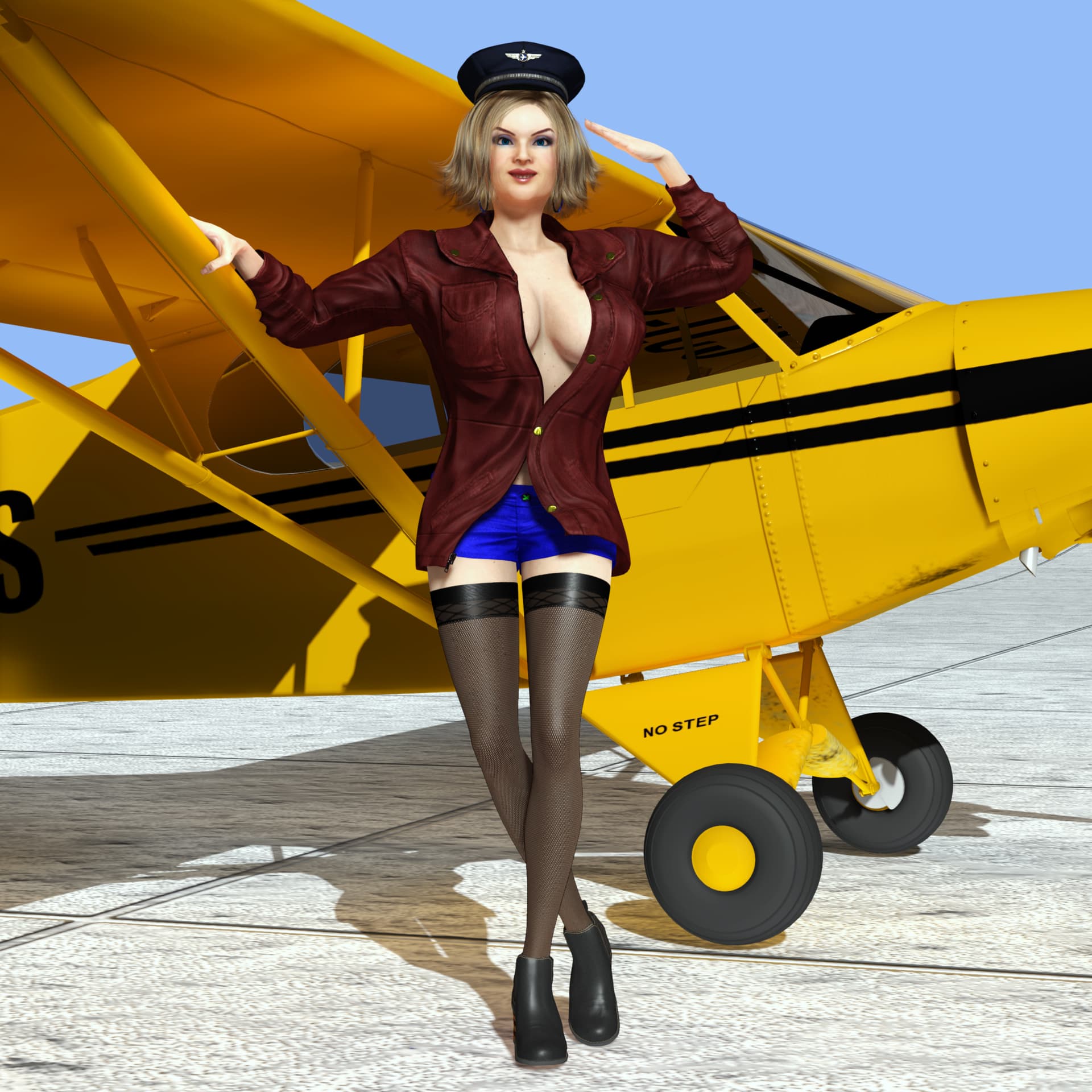
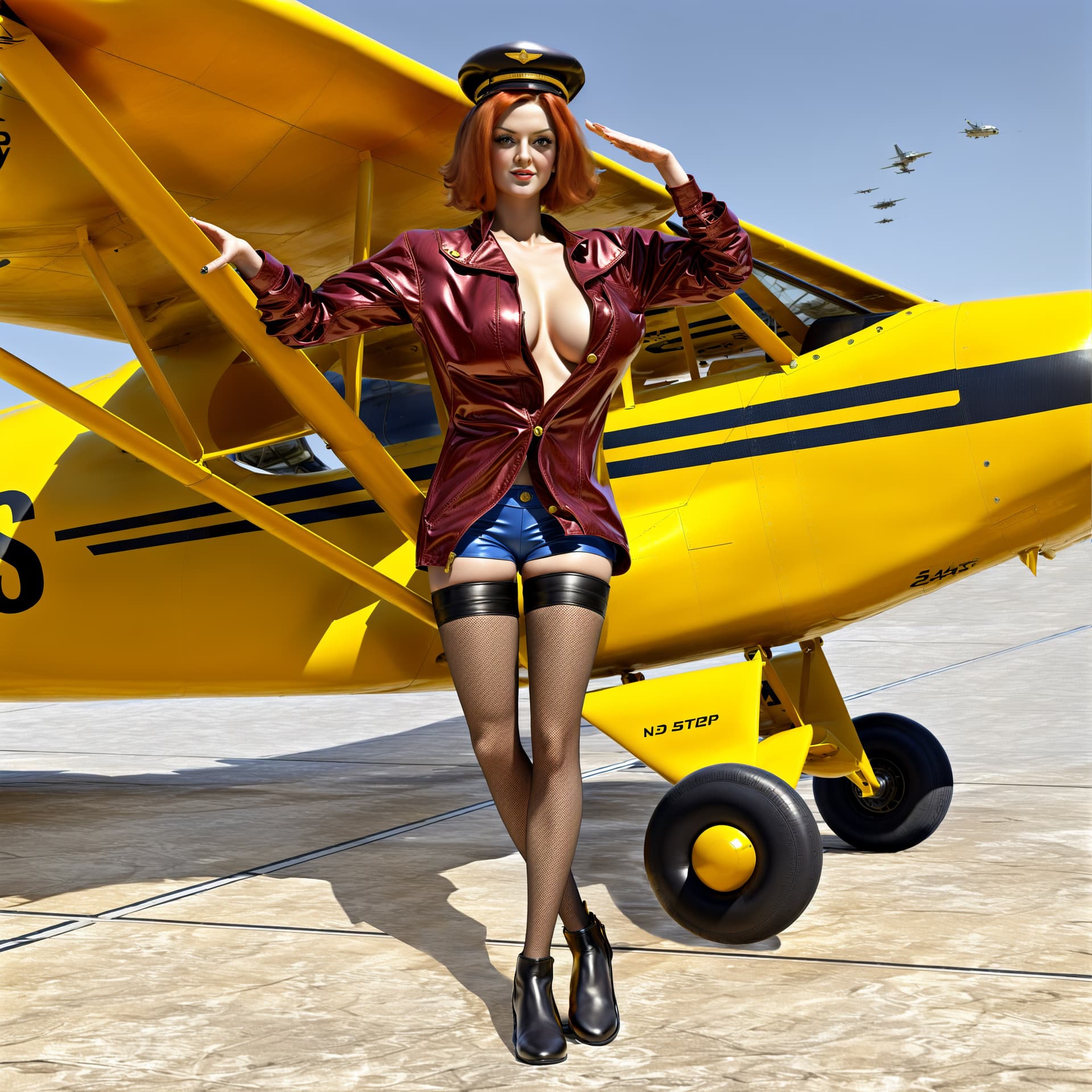
My CC5 bid for this week (nothing I can do to make them fingers to look decent):
A Pin-up Aviator 
iClone
Comfy
============================================================
On a brink of a sand storm  (I’ve chosen a Cartoon style for this one):
iClone
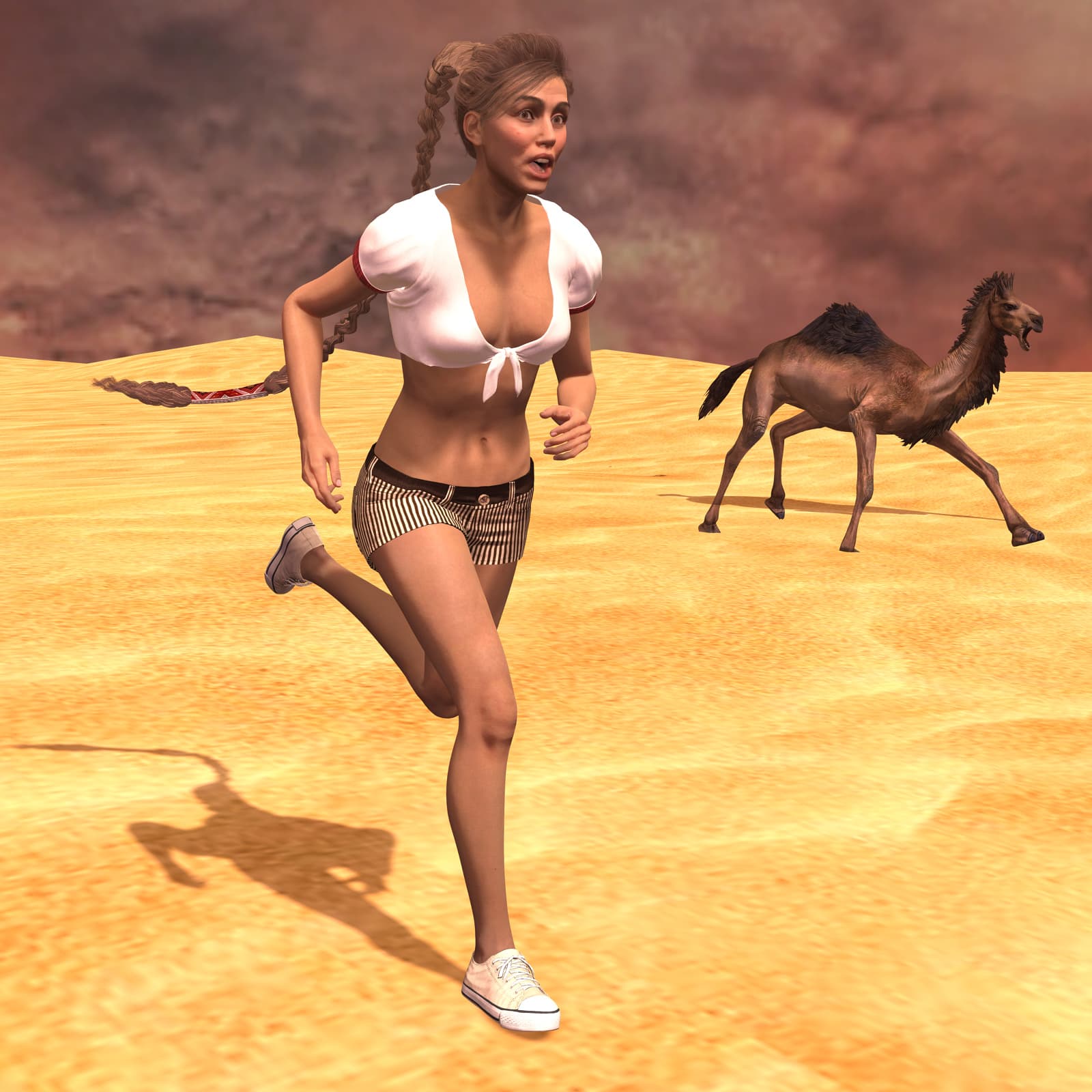
Comfy

Ok seems fine thanks @4u2ges will wait.
For your finger issues you may want to use a node in comfyui that will specifically handle the hands (and face even though I prefer using Reactor nodes for this)
I have run a test on my side with your pictures and had some nice results but I cannot still show them here.
Hope I will be allowed to share with you soon 
1 Like
Here’s a look at my week 3 entry “The Shepard at the Vineyard”
The Original render in CC4

The following are some of the render styles and variations with RenderAi







Tips for you all
If you haven’t done so yet and aren’t getting the results you want, make use of the Negative and Positive prompts
Positive prompts = What you want in the scene (render)
Negative prompts= What you want to omit in the render.
Weird Findings
So … I was able to find a way to cut the render times immensely. When waiting for the scene to render, I would usually use a ram booster/ optimizer from my McAfee anti virus tool. It would work as far as speeding up the rendering, but I also found out something that worked even better. On my windows OS, I simply tapped the Windows icon button on my keyboard, and the rendering boosted quickly. Some of the rendering done in seconds or in a minute or two. I have no idea why this happens, but it works!!! I even scaled up the render quality in the details (Steps) for iterations all the way to 100% and the rendering was pretty fast. Let me know if this works for you all! Good luck!
2 Likes
I was wondering what AI Render would do with an image that includes a mirror. I tried with three of the provided models, Film, Cinematic, and Realistic. I rendered in 512x512 and then upscaled to 2048x2048 with Topaz Gigapixel. The results are “interesting”.
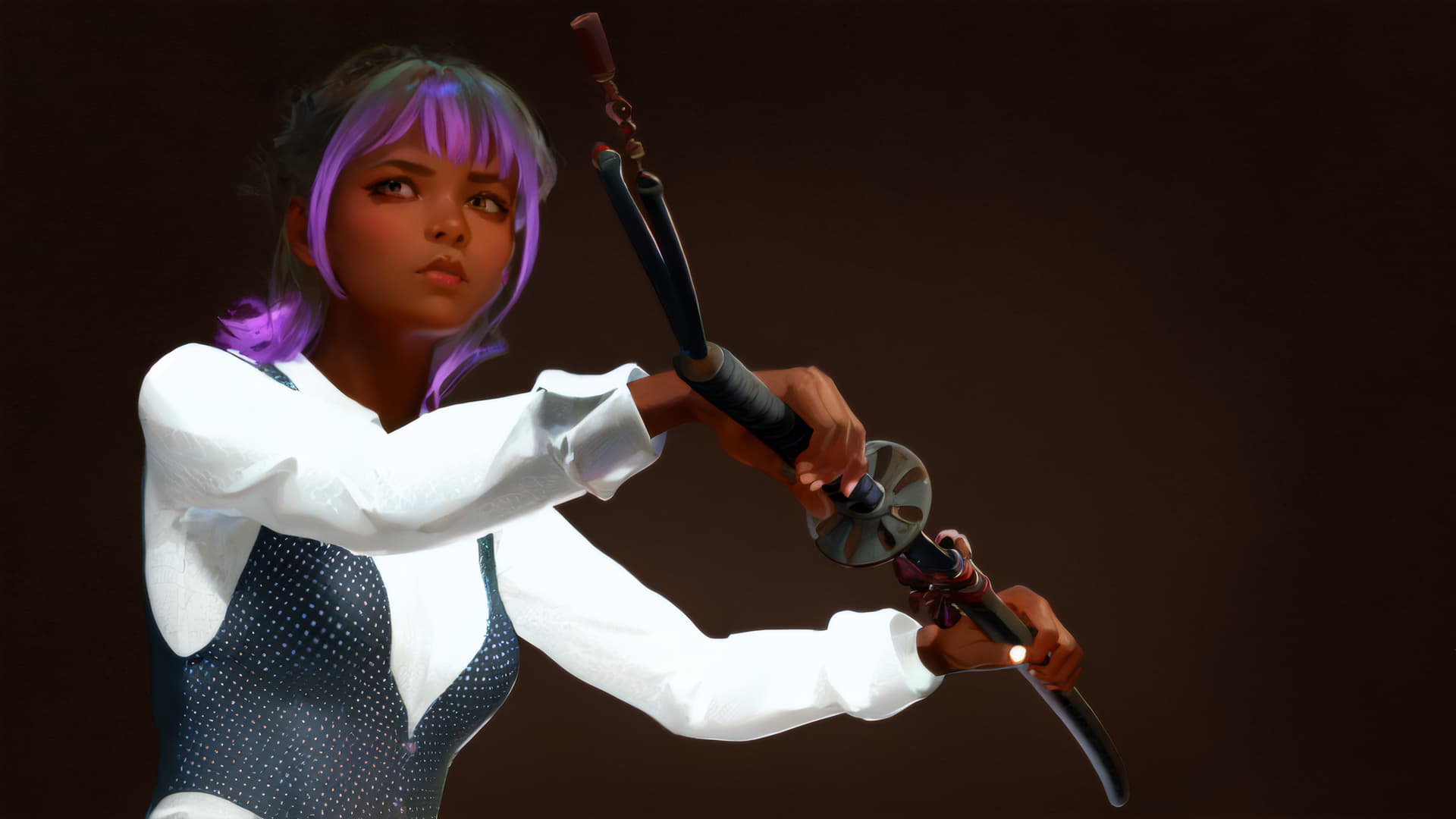
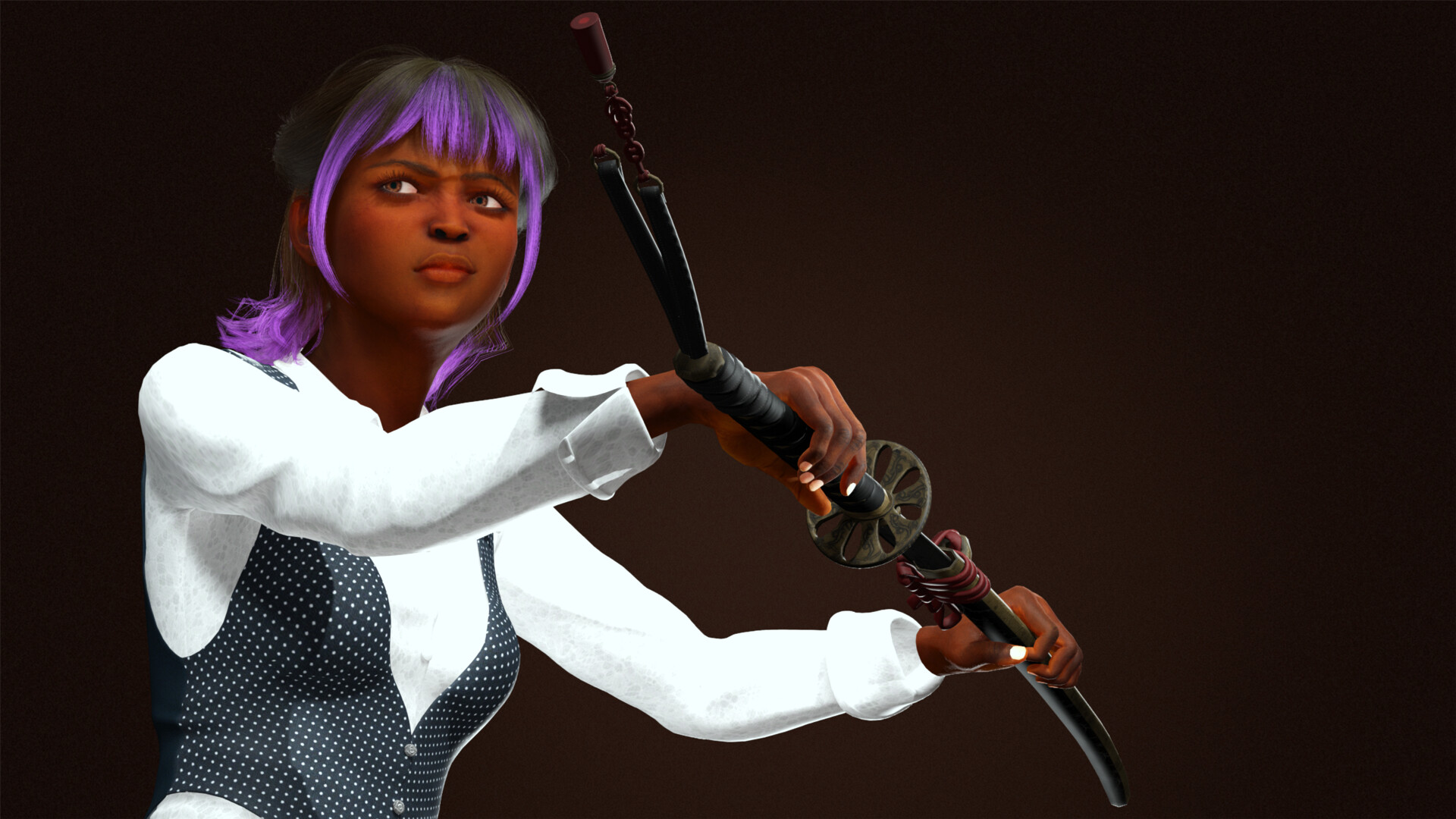
Original iClone render:
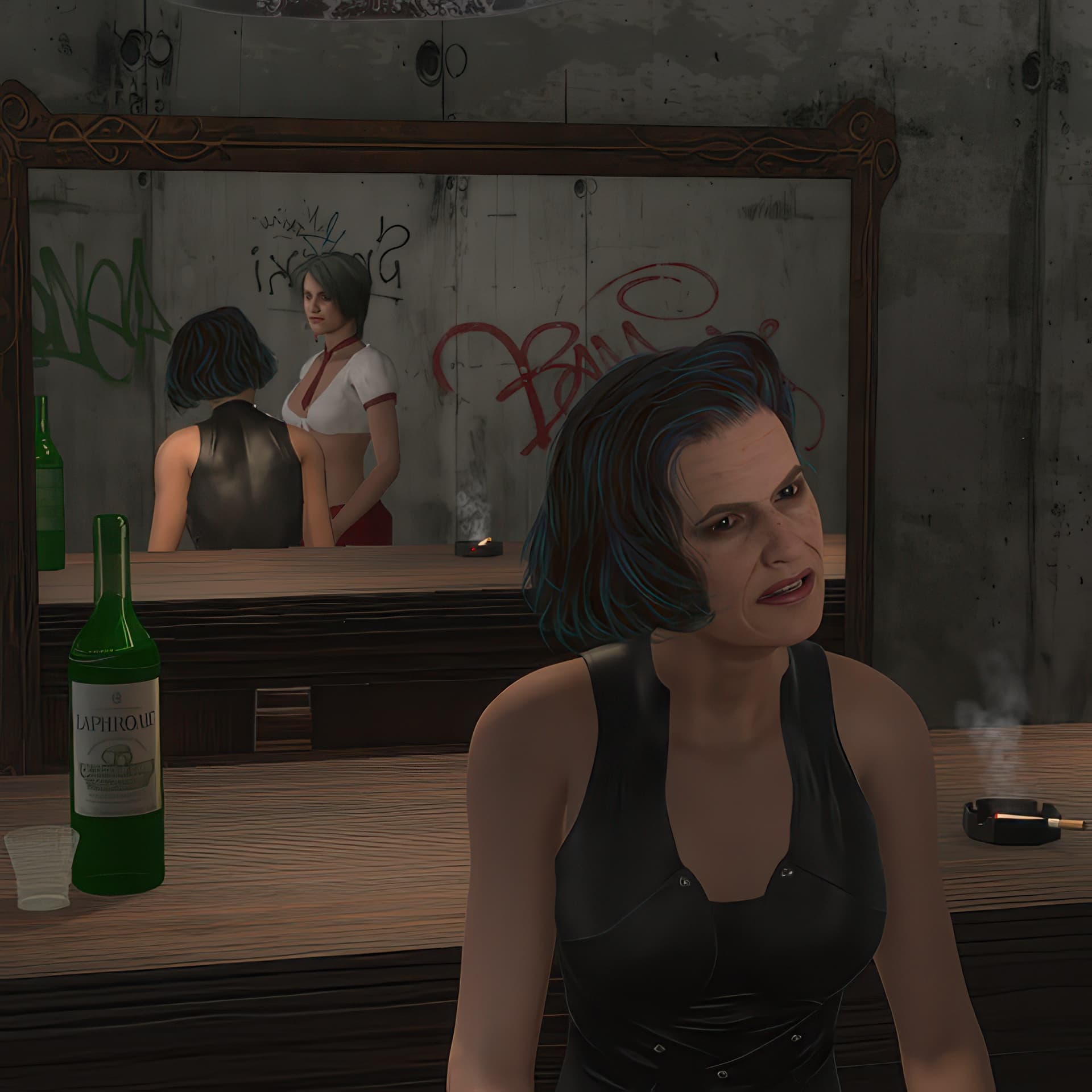
Film option render:
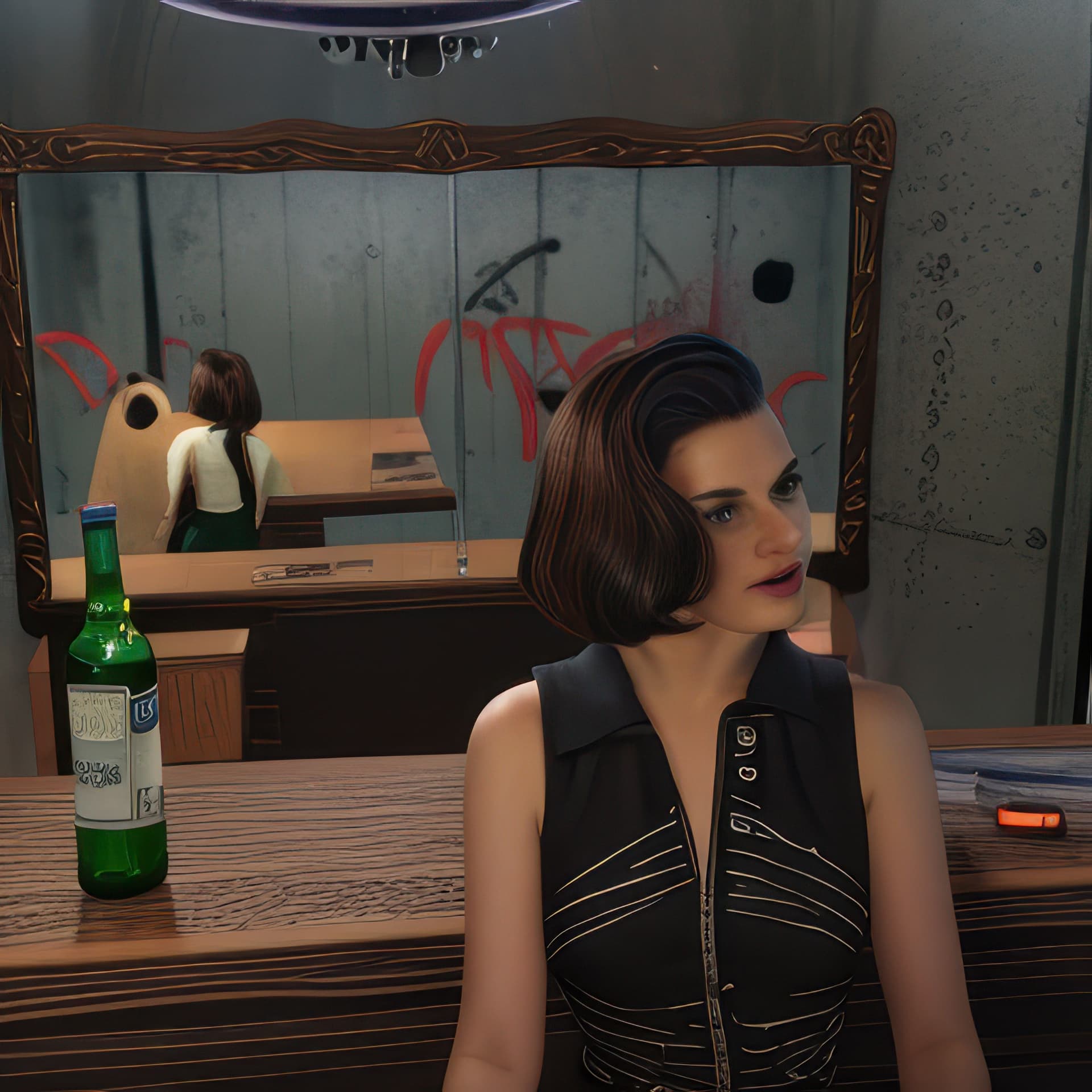
The woman is OK, but her clothing has changed. The bottle looks OK, but I lost the drinking glass and the ashtray. The reflection in the mirror is a mess.
Cinematic option render:
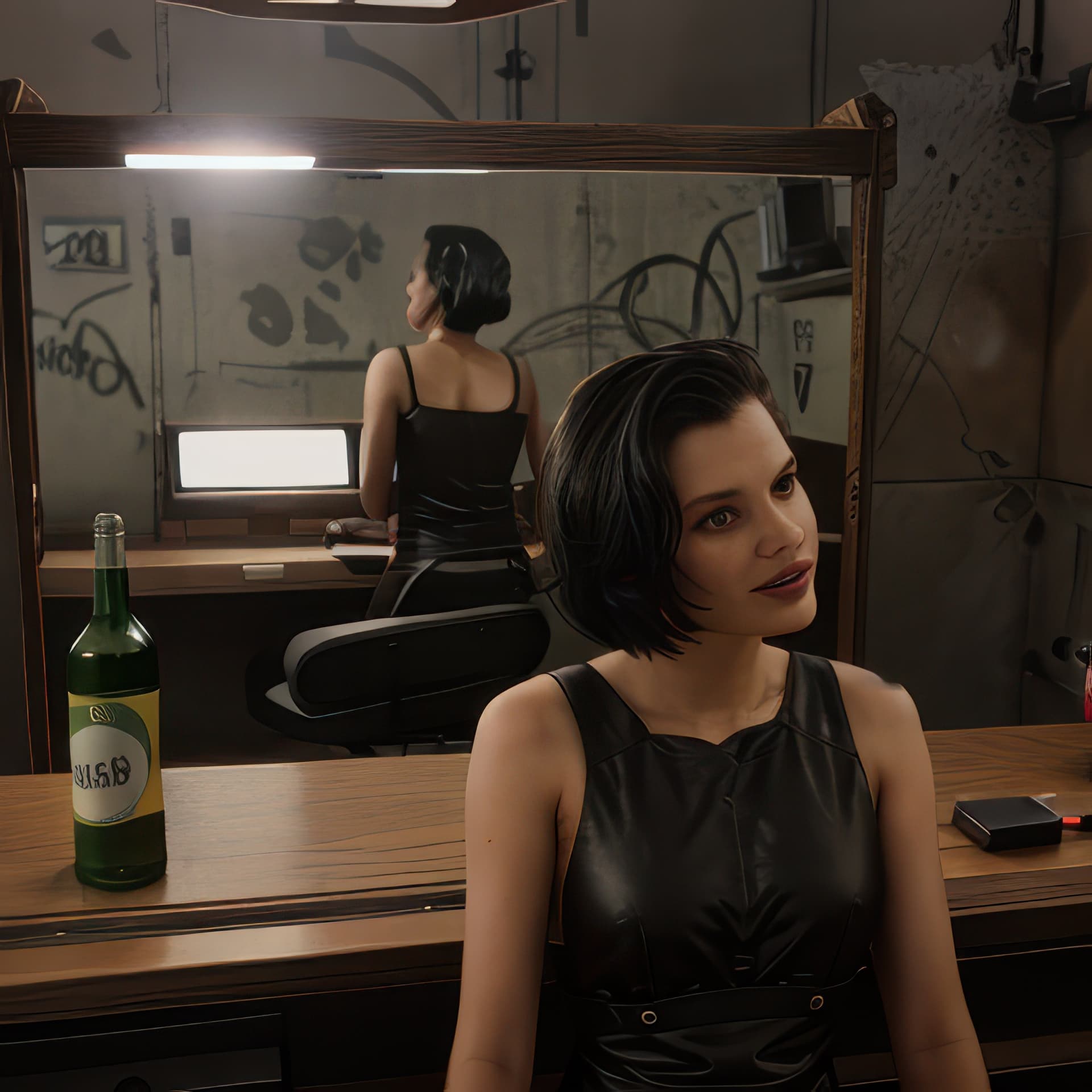
The bottle is not as good as for Film and there is still no drinking glass. Instead of an ashtray, there is something else. It tried to create a reflection but the woman seems to be standing and the rest pure fantasy. Also the young woman in the reflection is missing.
Realistic option render:
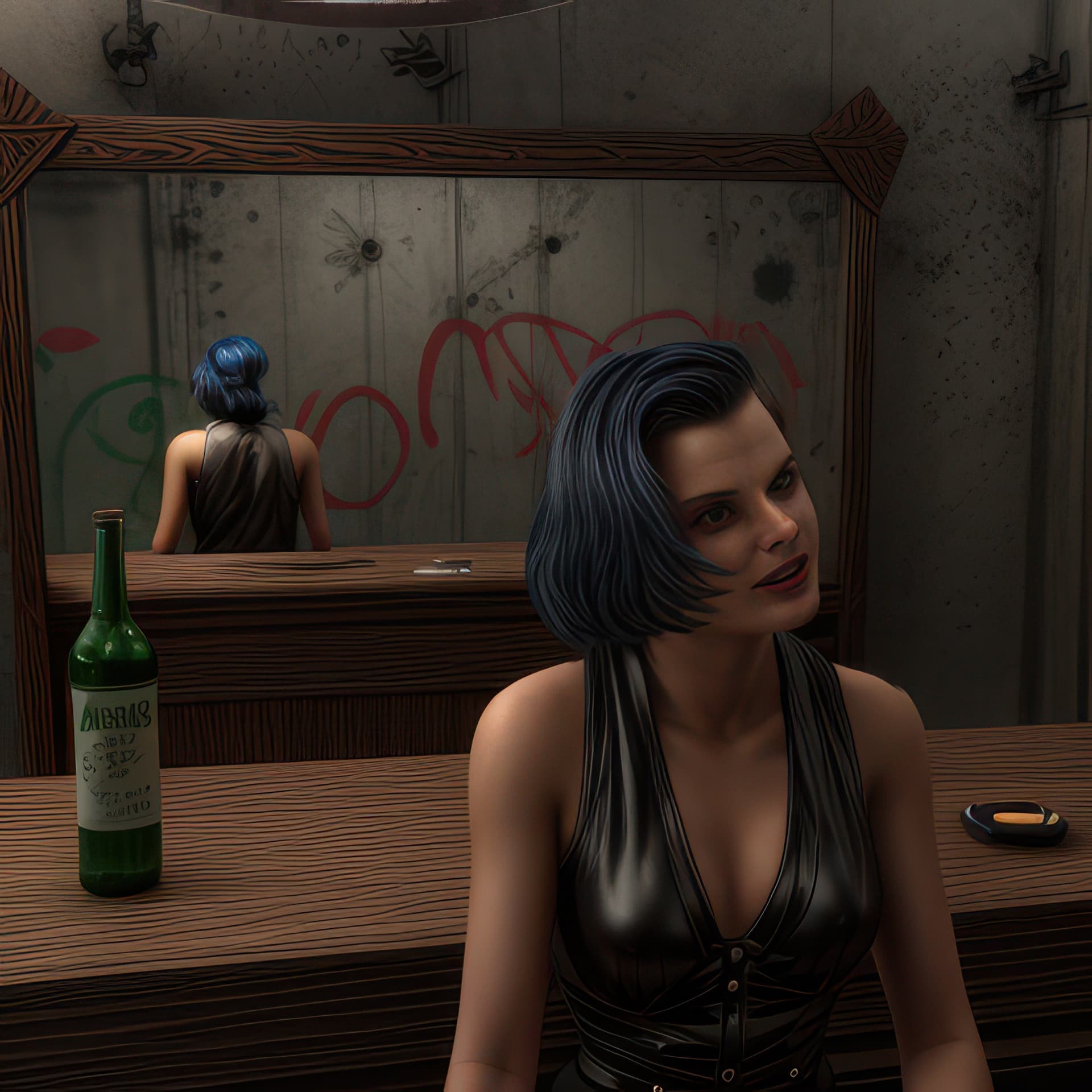
This is the best result by far, but not perfect. The orginal expression of the woman is not captured. There is no drinking glass and no young woman in the reflection. There is an ashstray, with something of a cigaret, but there is no smoke. The reflection of the woman is at least correct as to position and pose, so believable. There is graffiti on the wall, but it has changed.
I think this is an interesting project to test with, because there could be mirrors in a scene. I hope to learn more about how to use prompts to give the AI better guidance.
2 Likes
In Positive prompt try adding “Two Females”, and Negative Prompt add “Solo person” or something like that, so the prompts cross check that there’s not just one person. May even “Two Females” and “Two Females in Reflection”
So I took this little creature
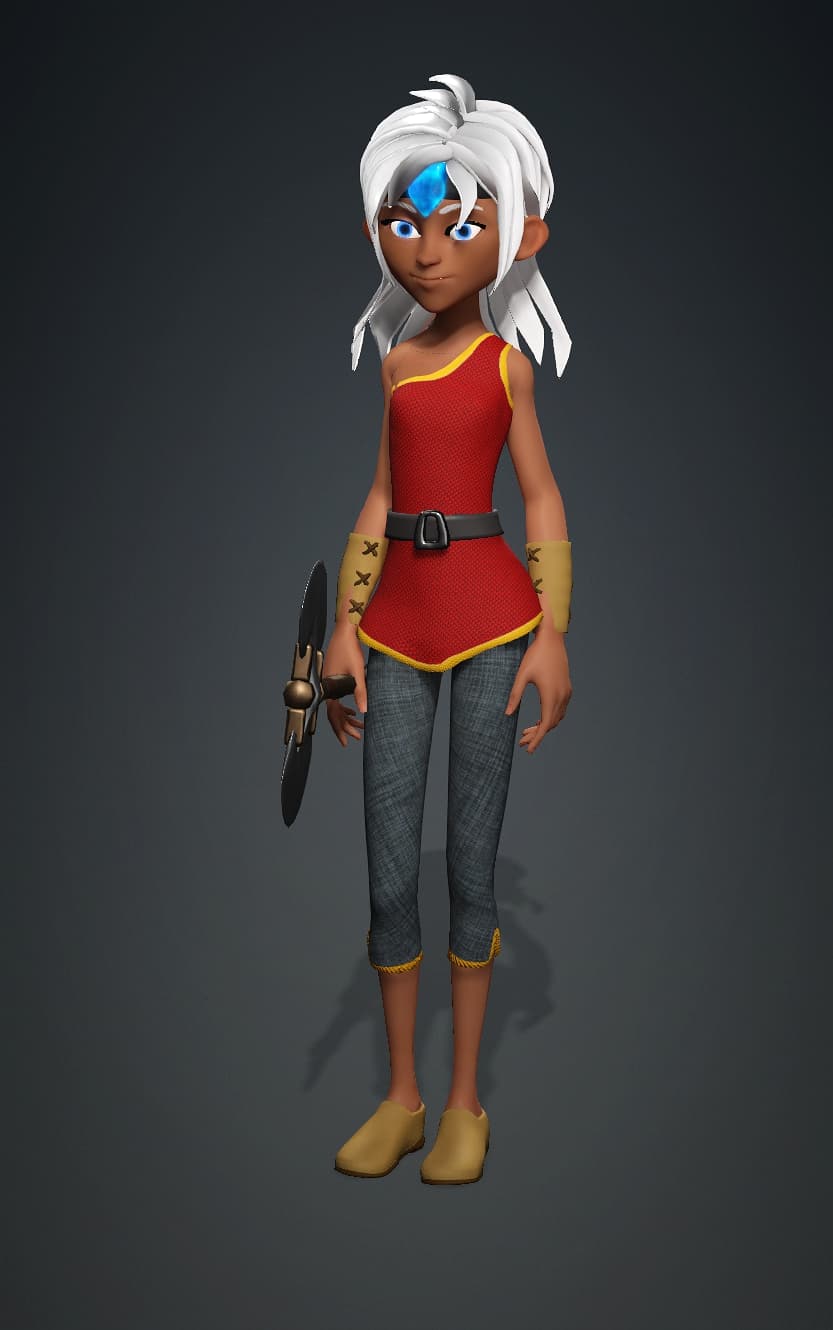
And created a workflow to run.
Using Flex Dev Model and asking for a photorealistic version of her I obtained this
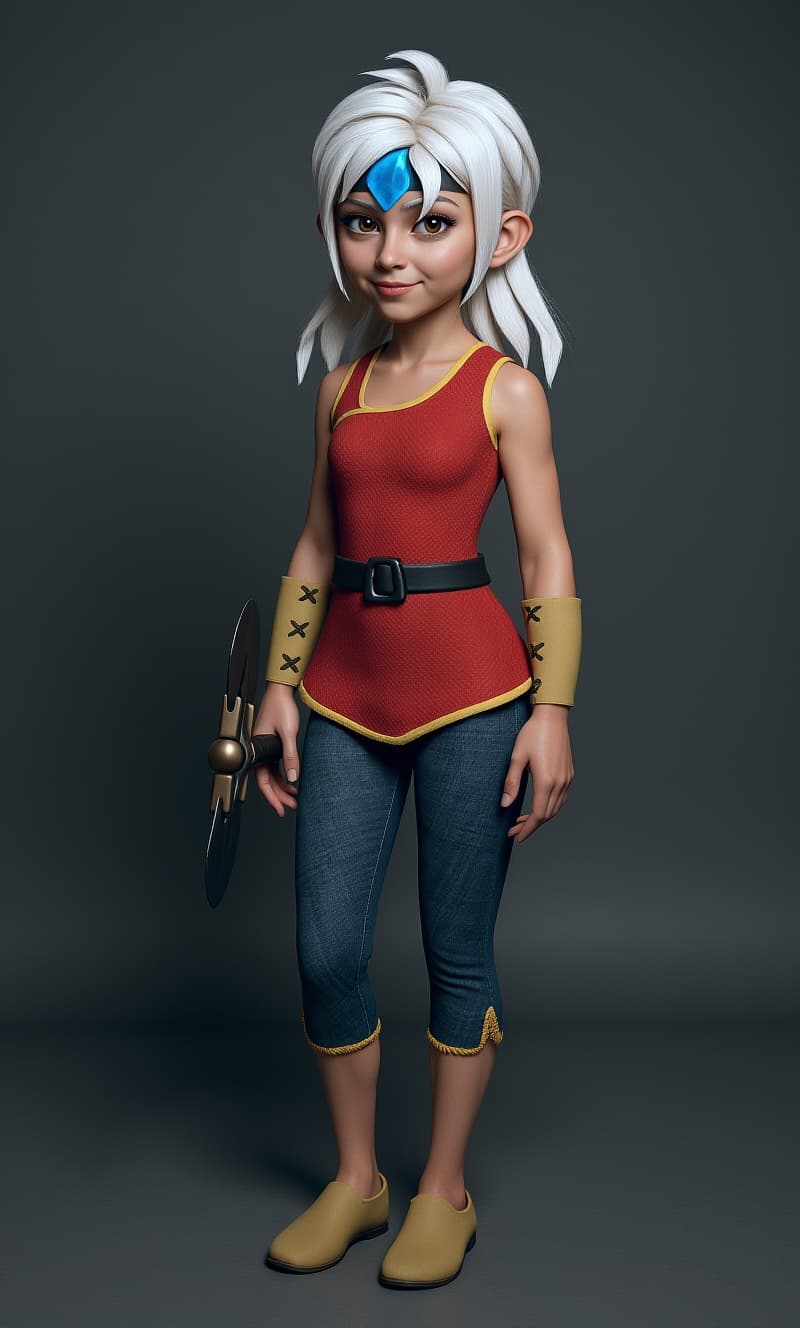
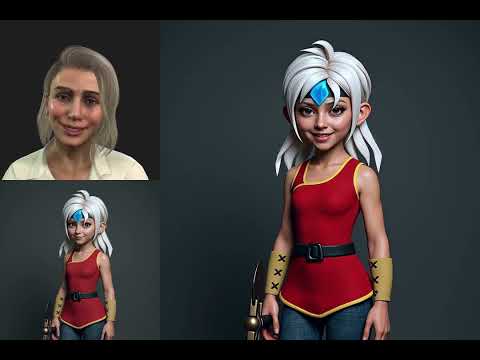
Than I then ran through the rest of the workflow which is basically a simple Fantasytalk model usage with Wan 2.1 and FusionX Lora
This girl can now mimic under her photorealistic form any talking video you may give to her.
Check the results in the video.
5 Likes
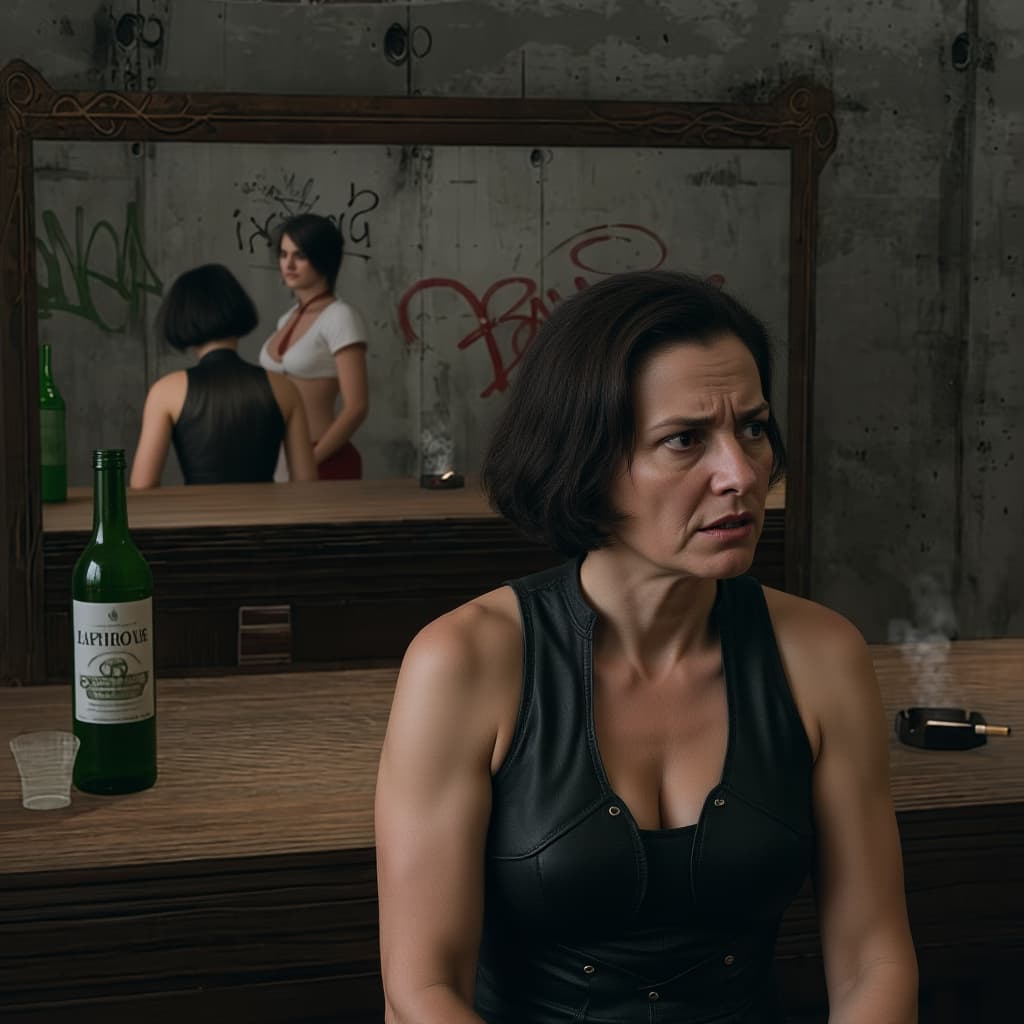
In fact it is not so much about prompts but about models used in comfyui.
Remember the basic usage is meant to be “common GPU friendly”
Using flux kontext and a very simple prompt “Turn the scene to photorealistic”,off we go!
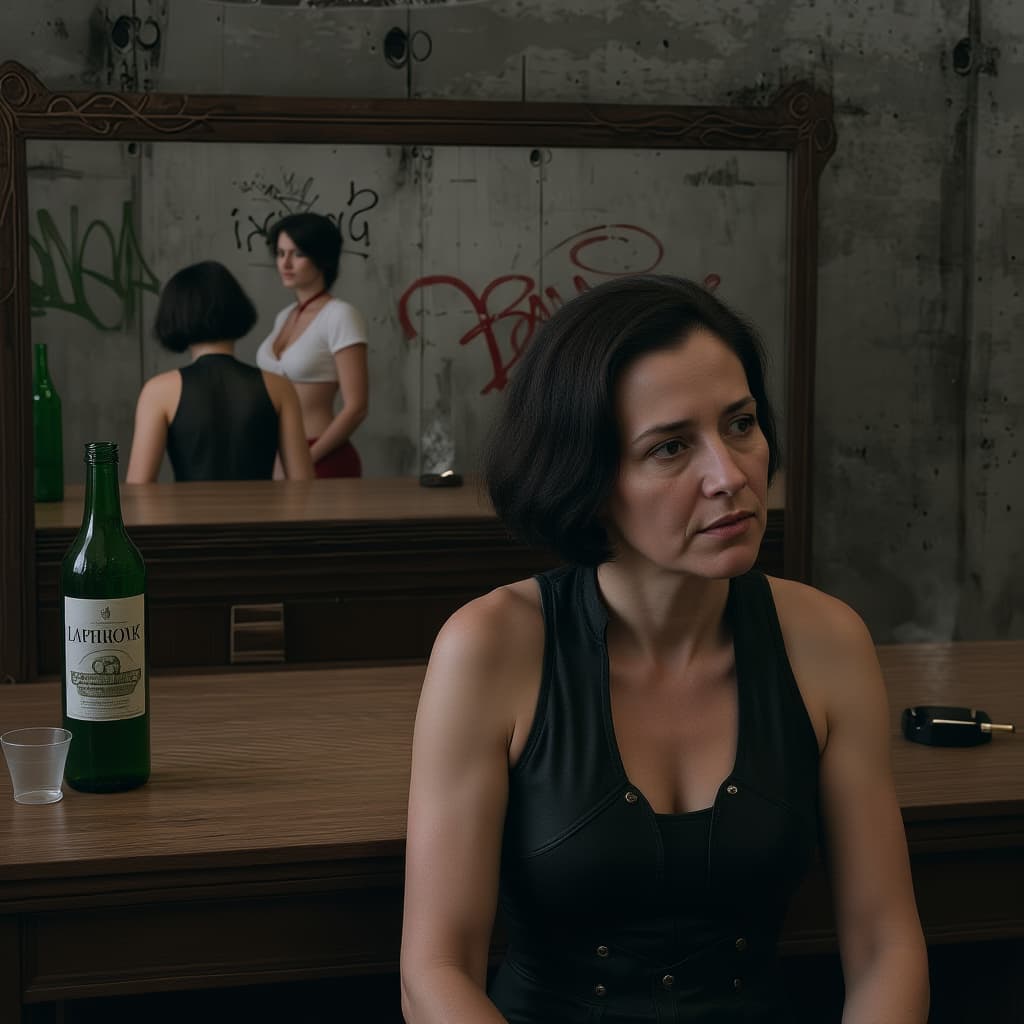
And if you want to emphasize the expression
change the scene to photorealistic. The woman has an angry look and looks to the right of the picture
5 Likes
Pardon my ignorance (you are talking to people who just scratched the surface of AI). But we do not have such a model in iClone/Comfy integration. So it has to be added first I suppose?
A lot of us just go by what we see in iClone GUI…
1 Like
Thanks for pointing that out. Add me to those who just scratched the surface. I believe there are many possibilities but there will be a need for many in depth tutorials.
1 Like
This looks indeed very good. Thanks for taking the time to work with my iClone input.
3 Likes