it’s a lucky draw.
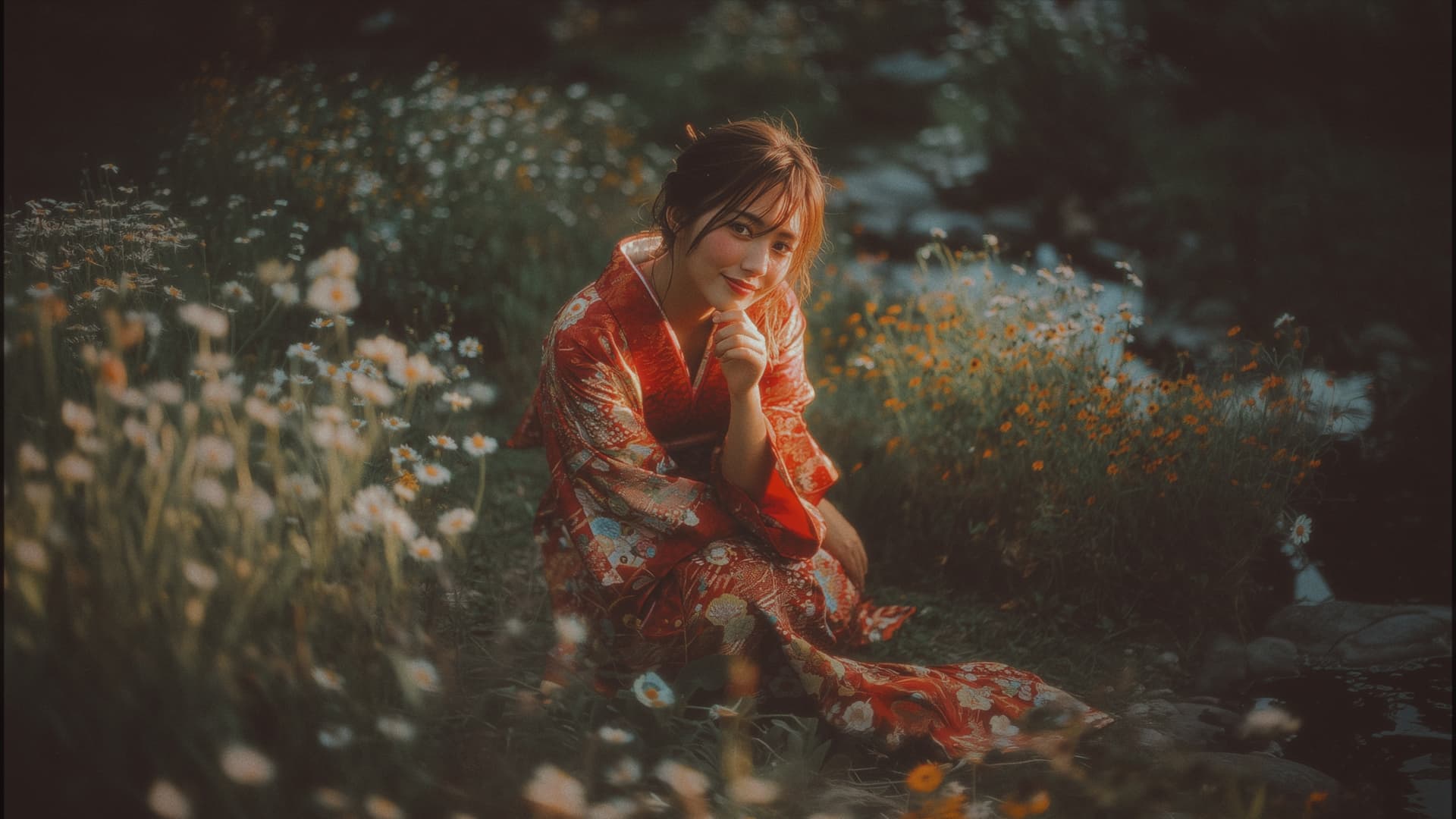
My submission for the 2nd Entry Window:
AI Render:
iClone Screenshot:
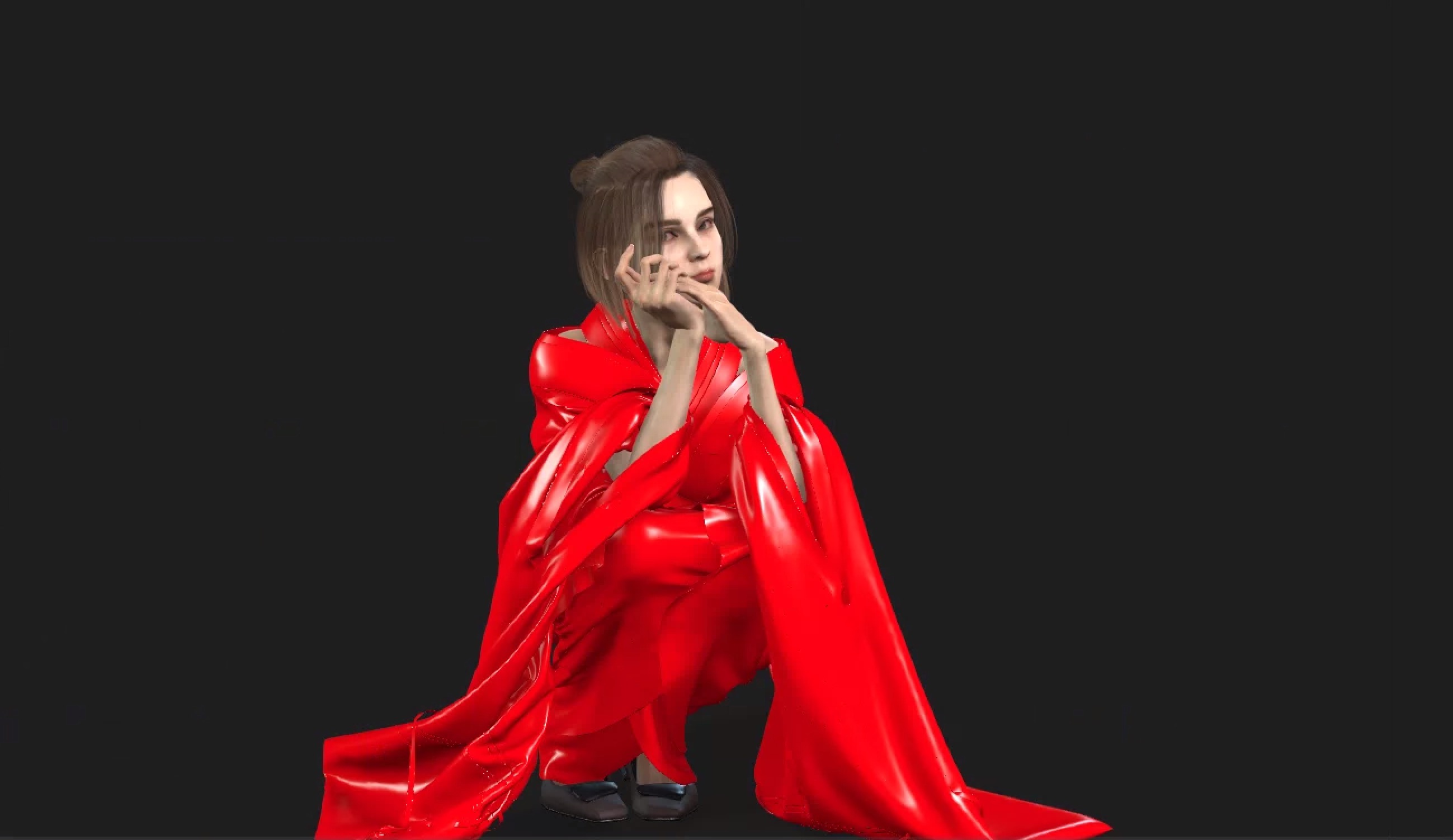
Experimenting with changing hand gestures and camera angles with text prompt.
4 Likes
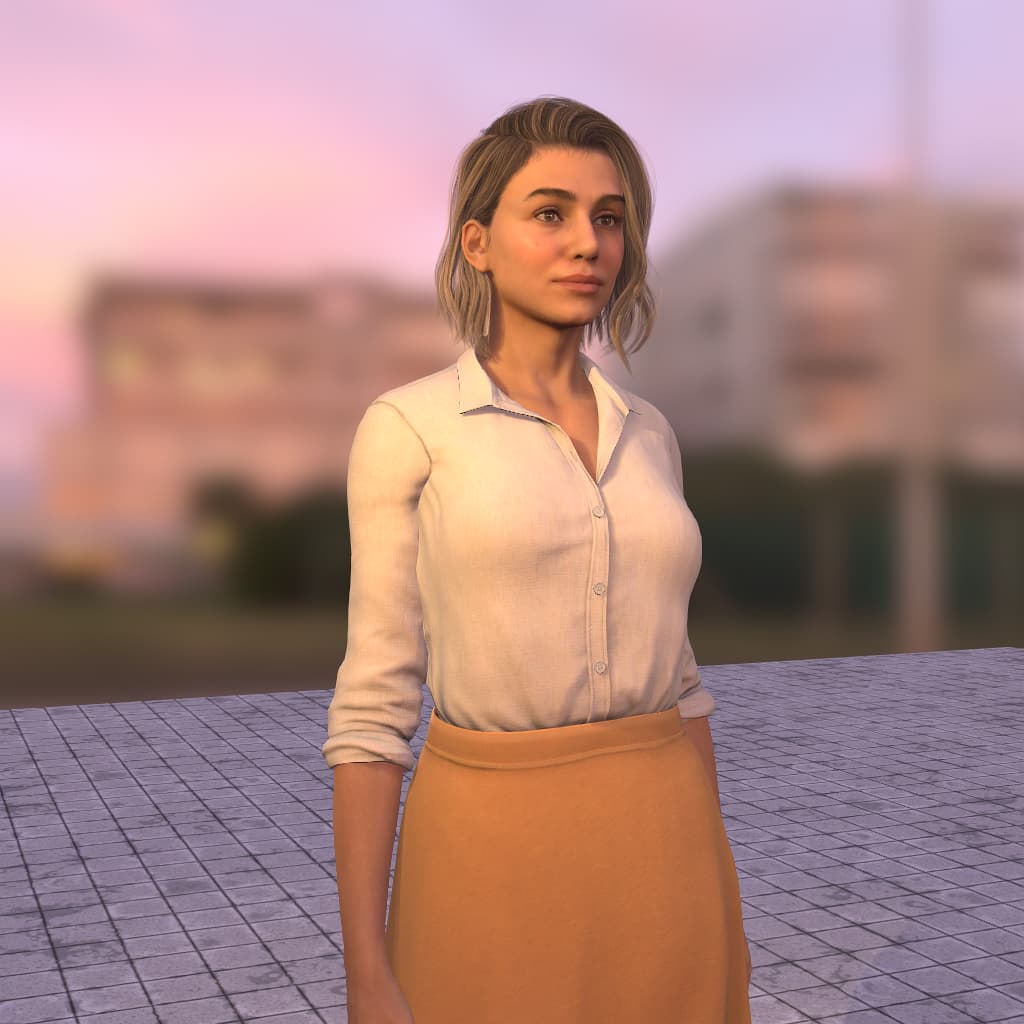
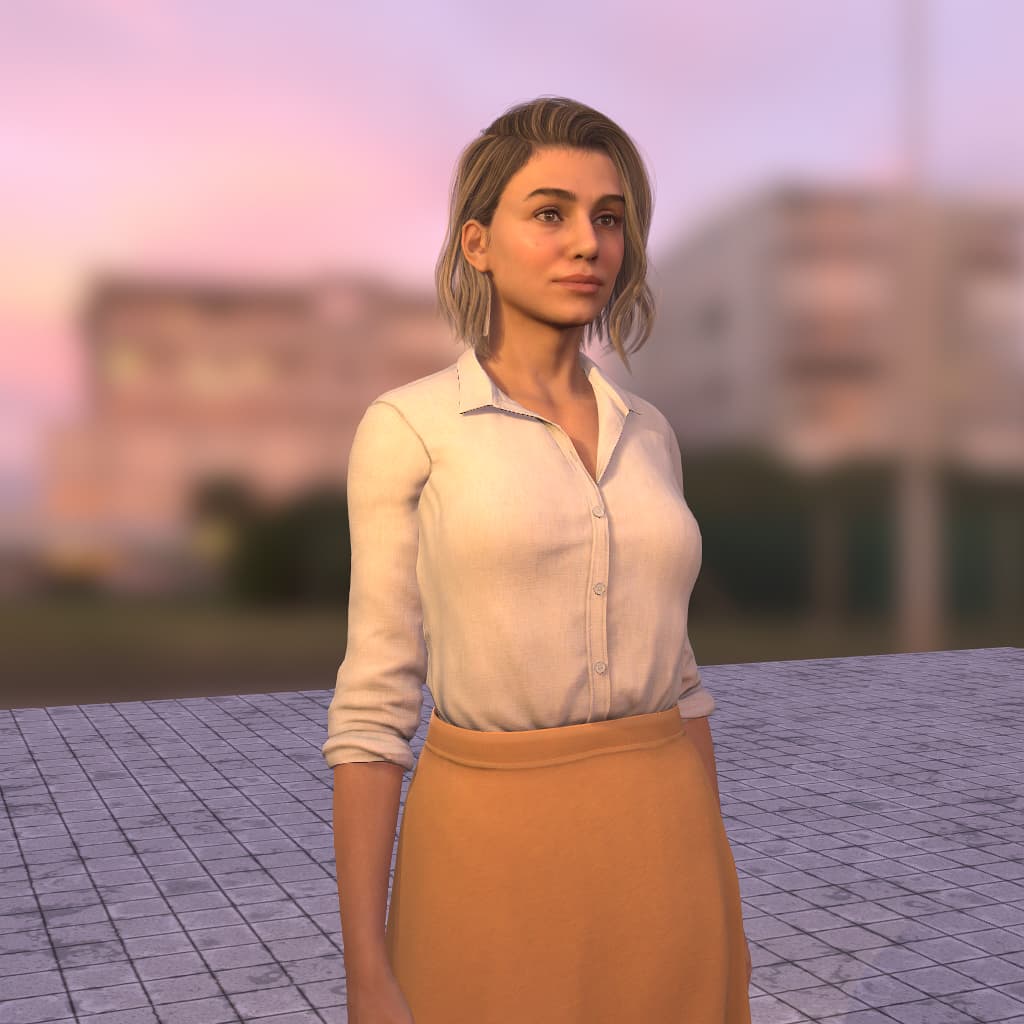
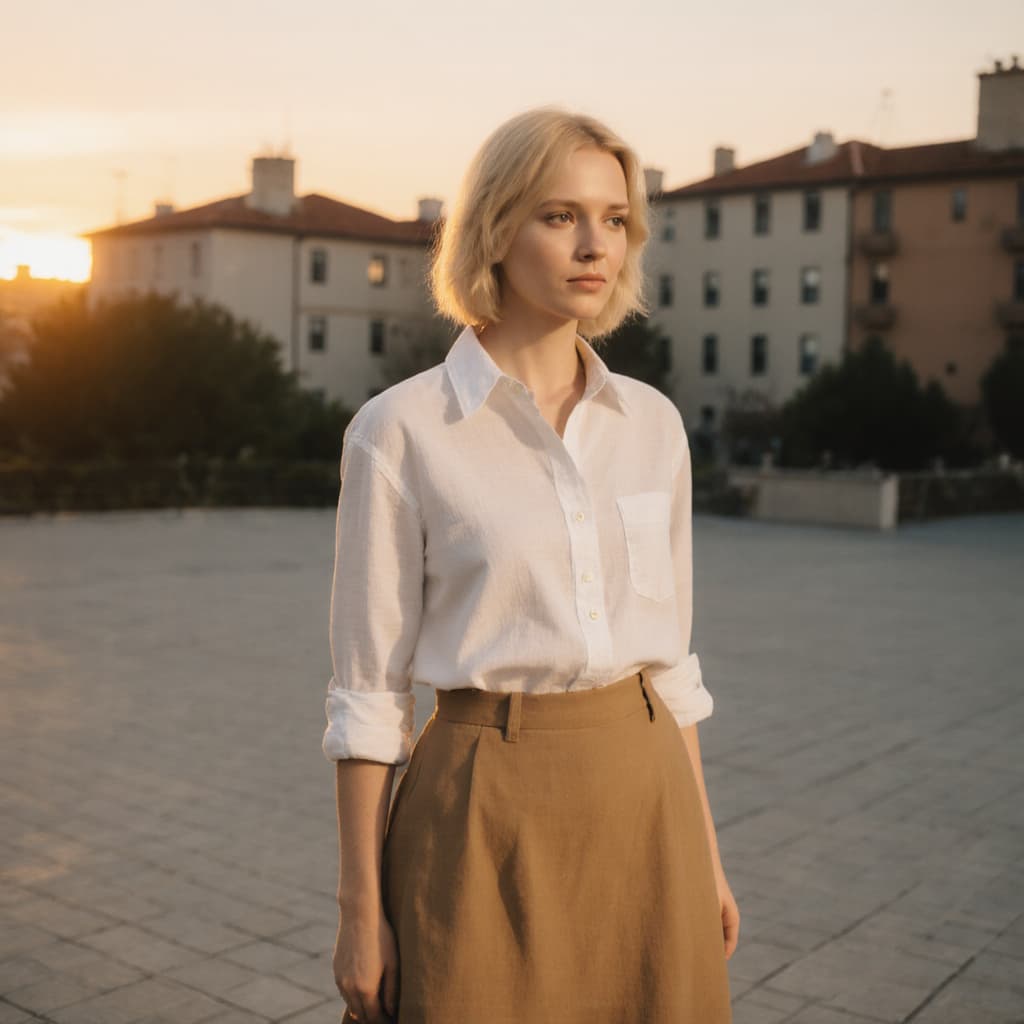
I was wondering if my GTX1070 would even work, but, at least for images, it does. I choose the smallest size, 512x512. My scene is one character with an image background. The AI Render was scaled up in iClone to 1024x1024.
I found out a few things. It helps the get the lighting well set up in the orginal and it also helps to reduce the AI creativity setting.
iClone render
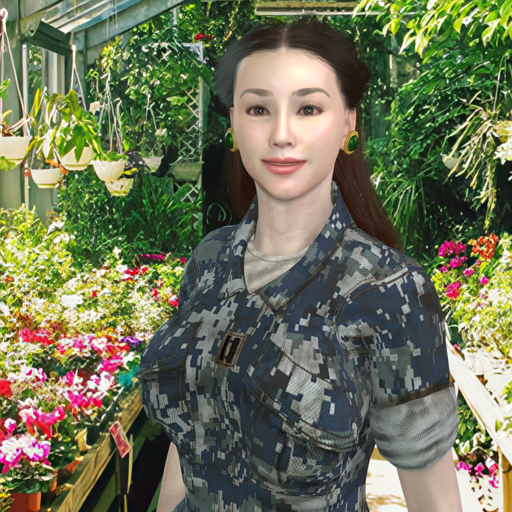
AI Render (second attempt)

Looks good overall, except that the earrings were not picked up. The background has been improved from the original image.
AI Render (first attempt to see the difference)
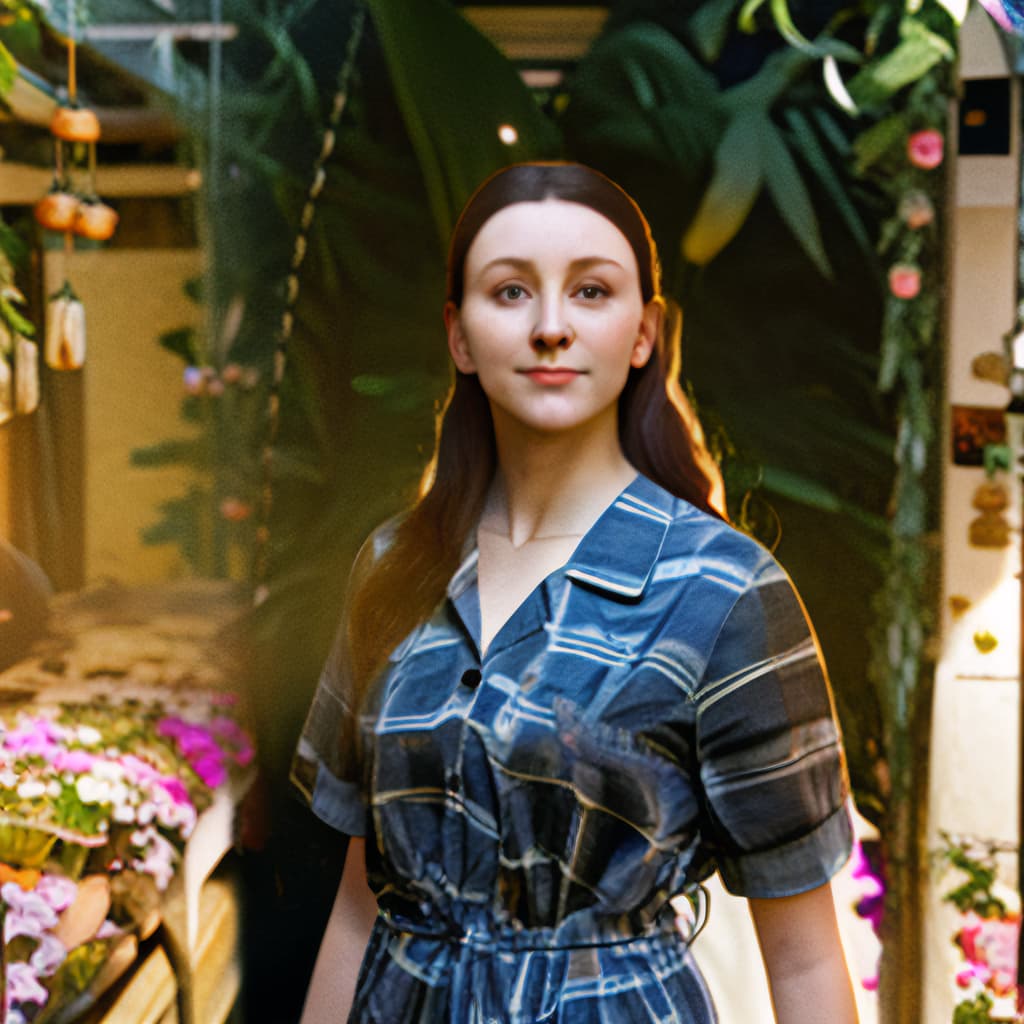
Notice that the character is changed quite a bit and that the background is a mess. It did capture the posture (which I changed for the second attempt) but the face was changed too much.
1 Like



 AI Makeover Challenge — First Week Lucky Winner!
Congratulations to @rosuckmedia, our first week lucky winner of the AI Makeover Challenge! 
We’ll be contacting you via private message here on the forum in the next couple of days — so please check your inbox.
A huge thank you to all participants — this is exactly what we hoped for with this challenge: creators from different backgrounds and skill levels sharing their work, inspiring each other, and engaging with respect.
We’re still in the second entry window, which runs until August 15 — so keep creating, keep experimenting, and you might be our next lucky winner! 
3 Likes
Hello Reallusion,
Thank you very much, I’m delighted.
I wish all participants the best of luck.
Greetings Robert
5 Likes
Sadly i dont have a RTX Card 
SuperRob did it !
1 Like
Good luck to everyone BTW!
- The famous Coyote keeps dreaming he’s a Fox! (silly content warning…)
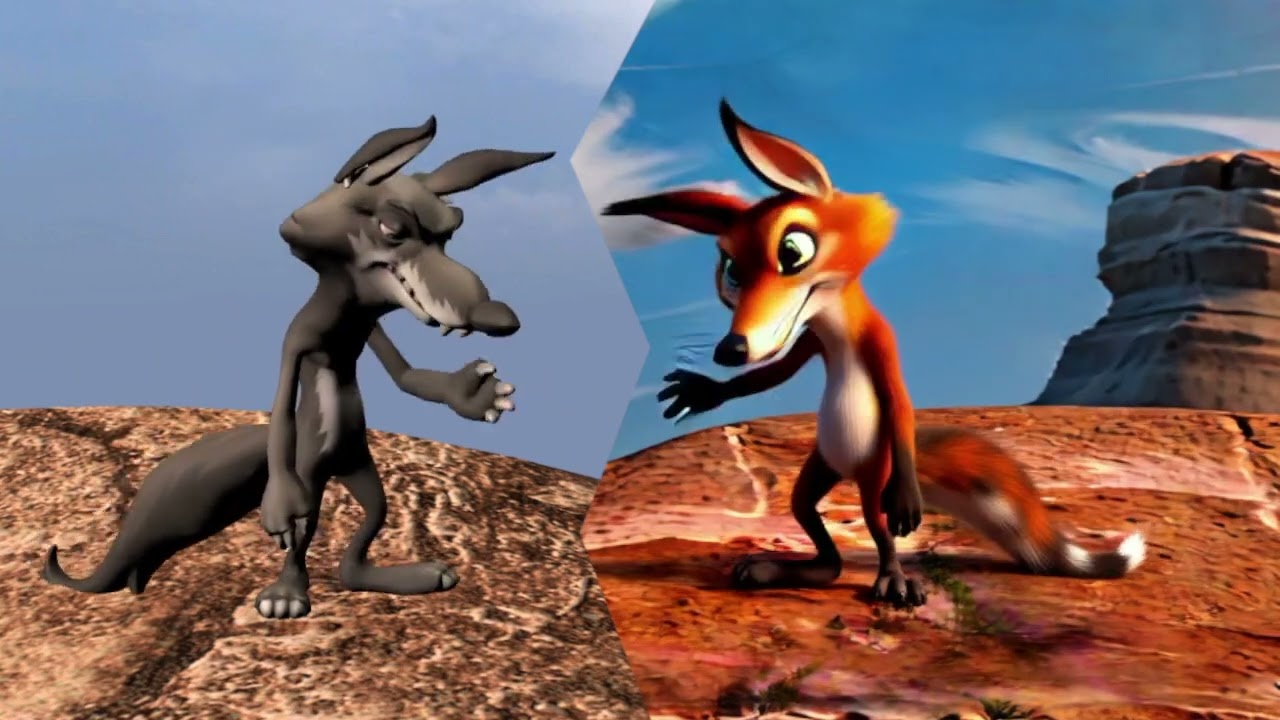
On the left the original, on the right the AI result.
Stitched together after rendering from iClone in FCP to mirror the clips. No other effects used.
Spoken voice initially done with Acculips/lip sync in iClone then rerecorded in Logic X
Took around 10-15 mins to render the AI clip with a lot of retakes and adjustments, graphics card was maxxed out most of the time. Video was exported at 832 × 480 (not sure if that’s even a correct size doh!) it definitely sped things up when rendering obviously.
- Camilla Beach LoRa scene
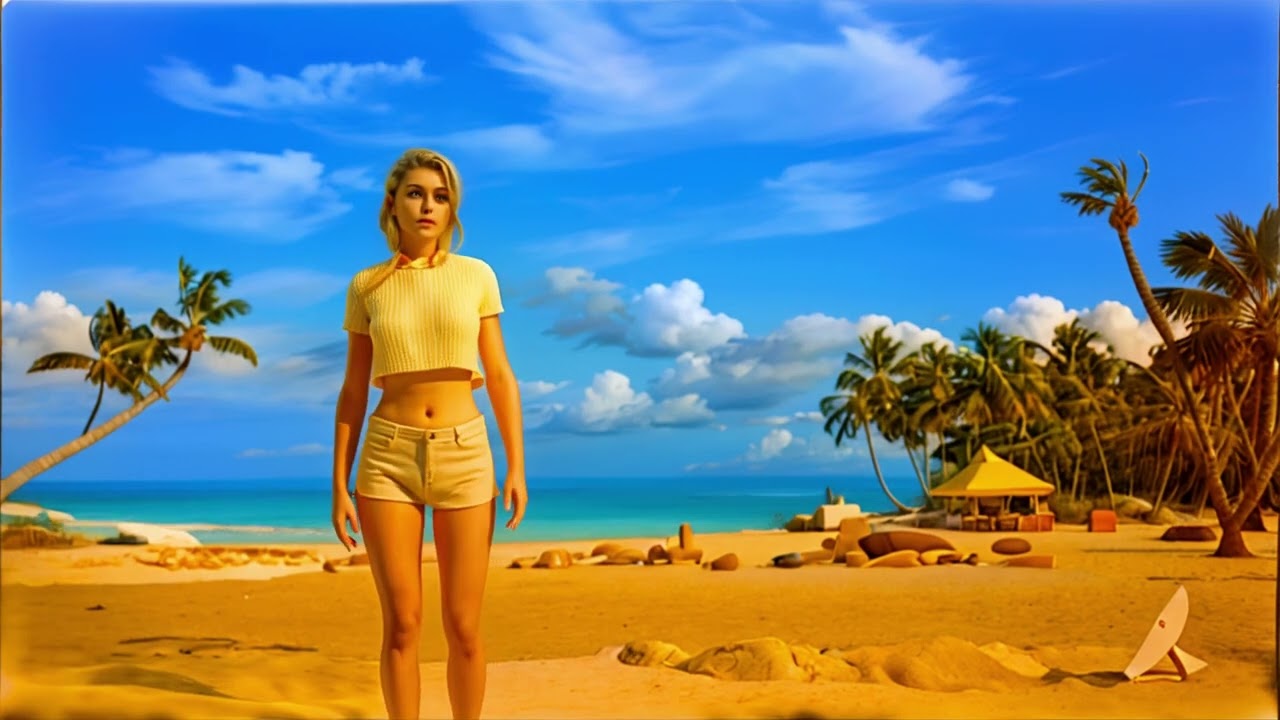
Done in iClone 8 but used Kohya_ss to train the LoRa model for the beach background. The LoRa model was then dropped into the ComfyUI Reallusion folder:
C:\Program Files\Common Files\Reallusion\RL_ComfyUI\ComfyUI\models which then allowed the LoRa to be selected from the list (where the other RL LoRa’s are) when running the AI in iClone.
There’s plenty of Kohya_ss tutorials out there if it helps - Chat GPT helped me iron out any installation problems. One major thing to mention is when using Kohya_ss to create your LoRa model, make sure the final destination folder NAME has a number and underscore in front of it such as 10_mymodel - this tells Kohya_ss how many times to iterate over your training images etc - this had me stumped for hours!
Windows spec: iClone running on Intel i9 14900KF, NVIDIA 4090 24gb, 64gb RAM
4 Likes
You don’t need one I have found out. I’m working with a laptop right now with an GTX1070 with 8GB of VRAM as well as 32GB of RAM and I was able to created an AI image. I used a resolution of 512x512.
1 Like
WOW good news !!!
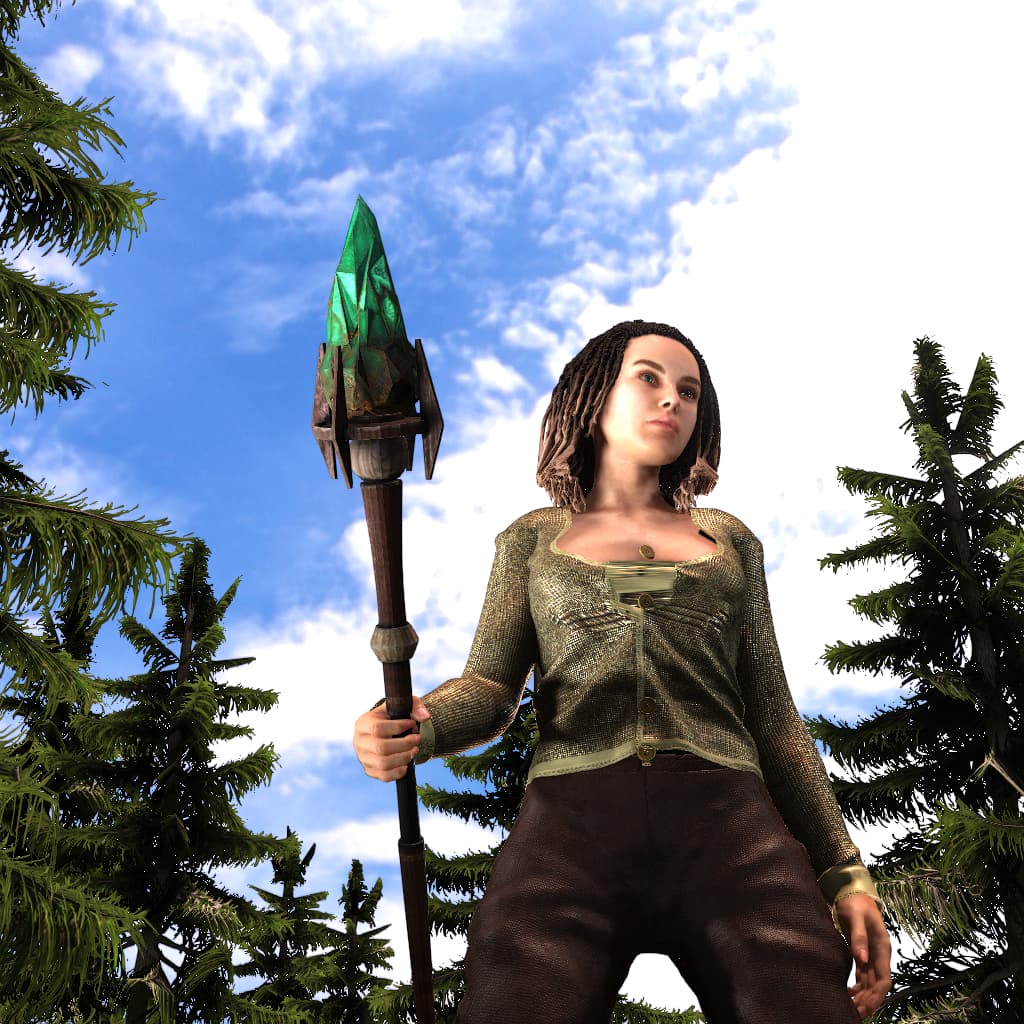
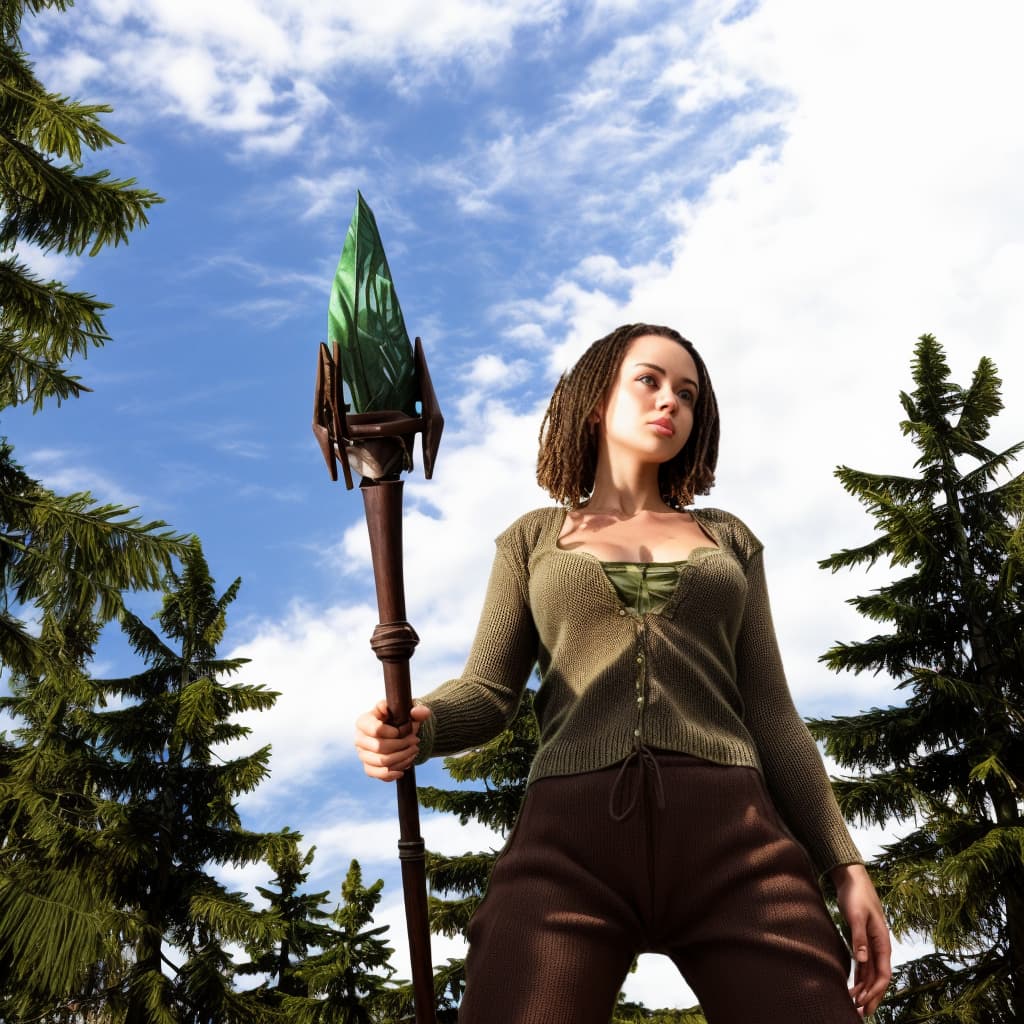
Hey! This 2nd entry wasn´t that successful.
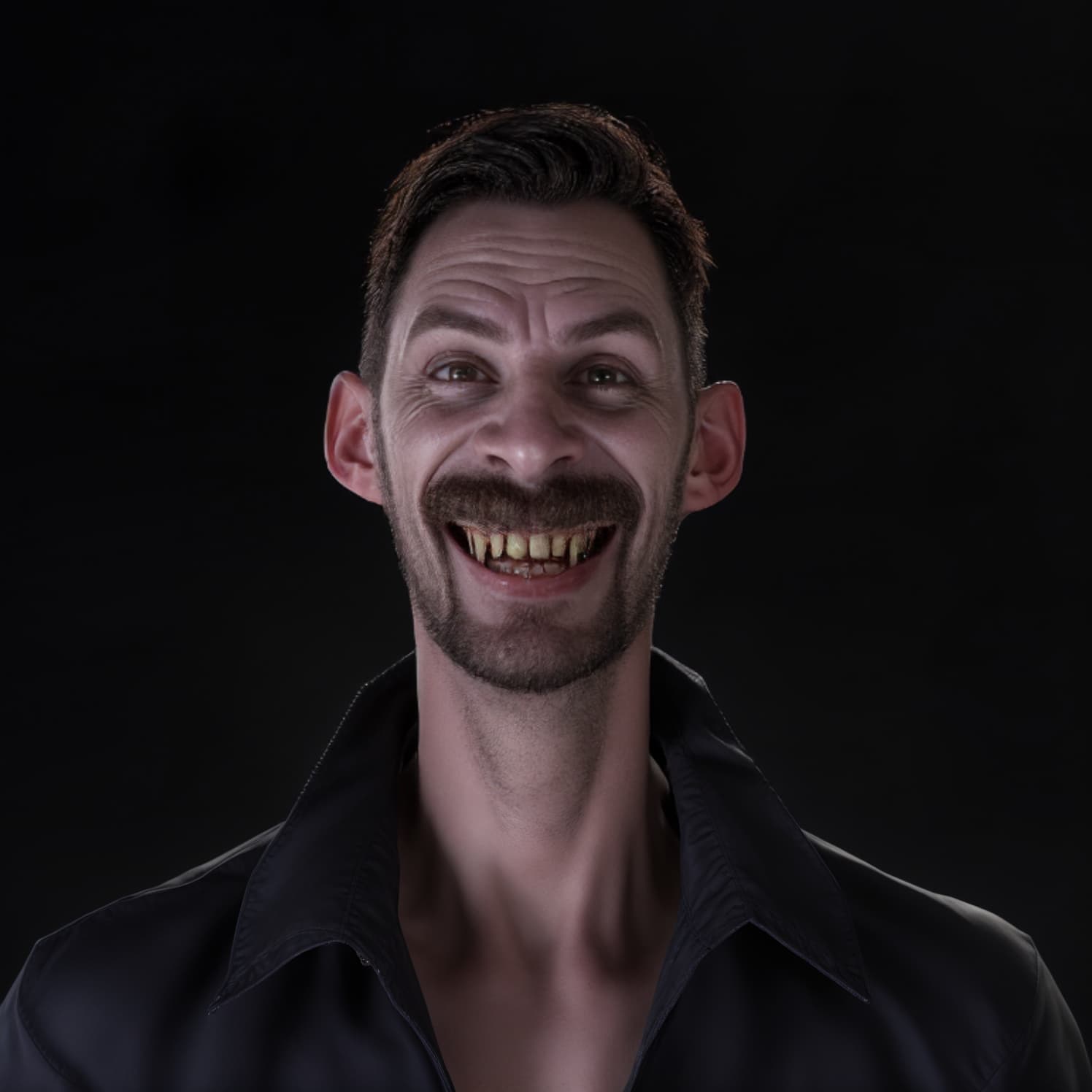
I tried several prompts to emphasis the long canine teeth that this vampire should have. Also suggested a cape and dripping blood from his teeth… but nope. Below is the best that I got.
INPUT MODEL
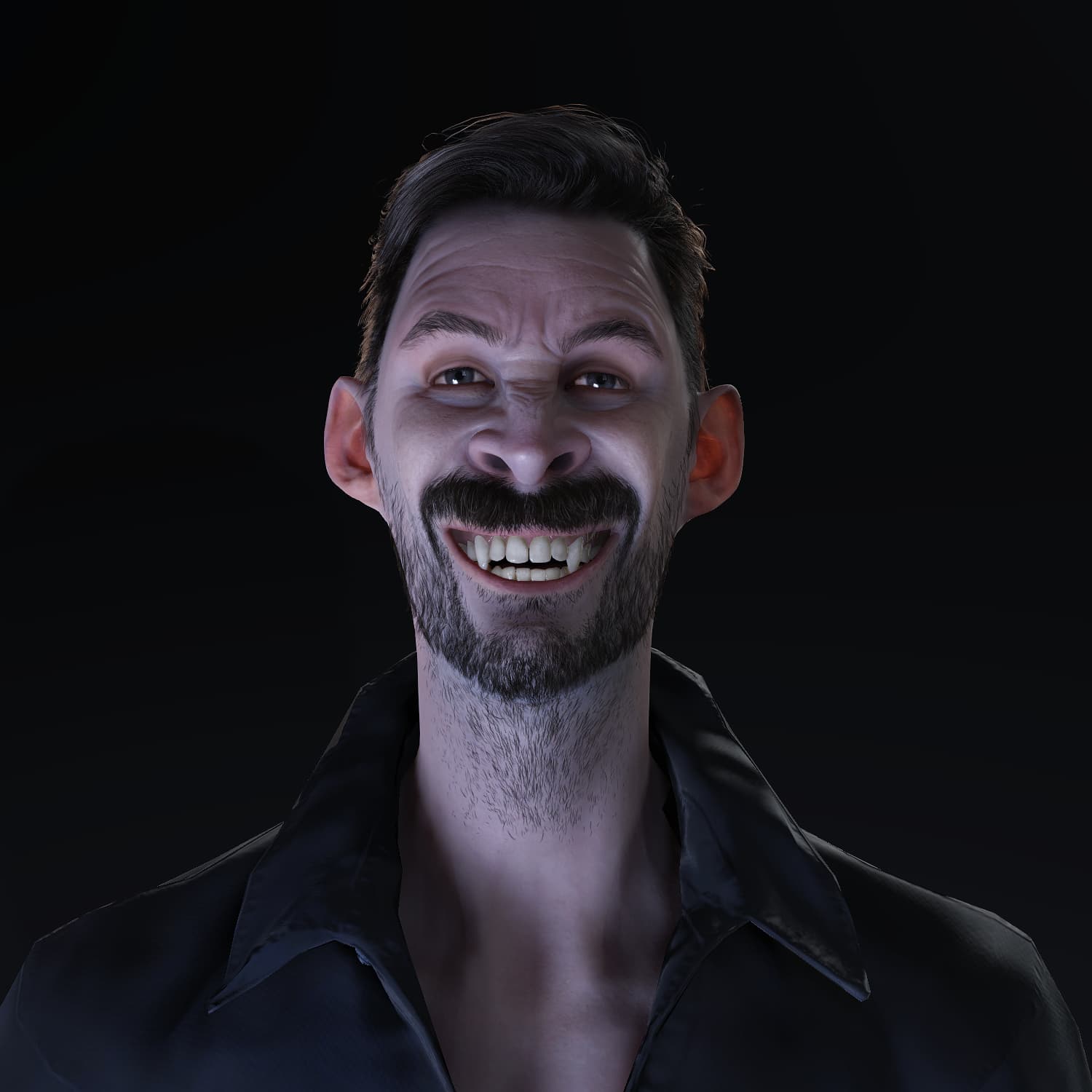
AI RESULT
5 Likes
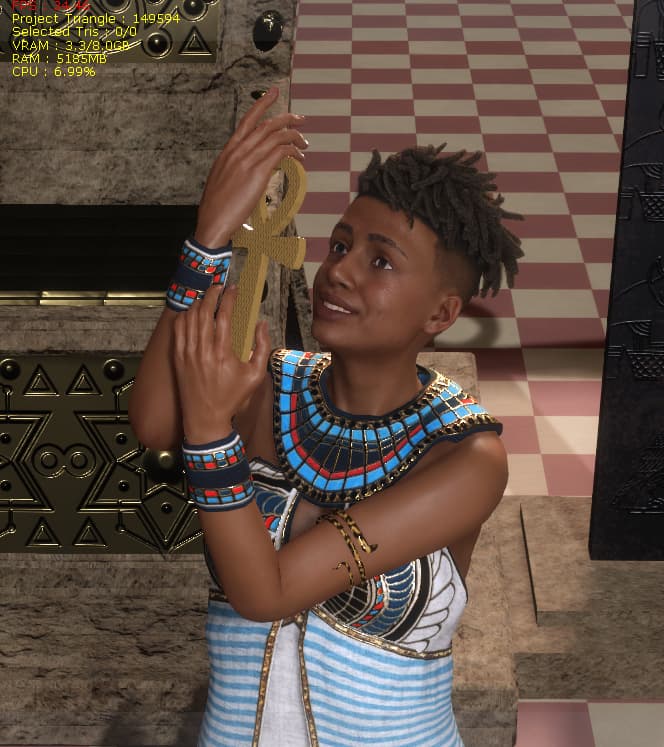
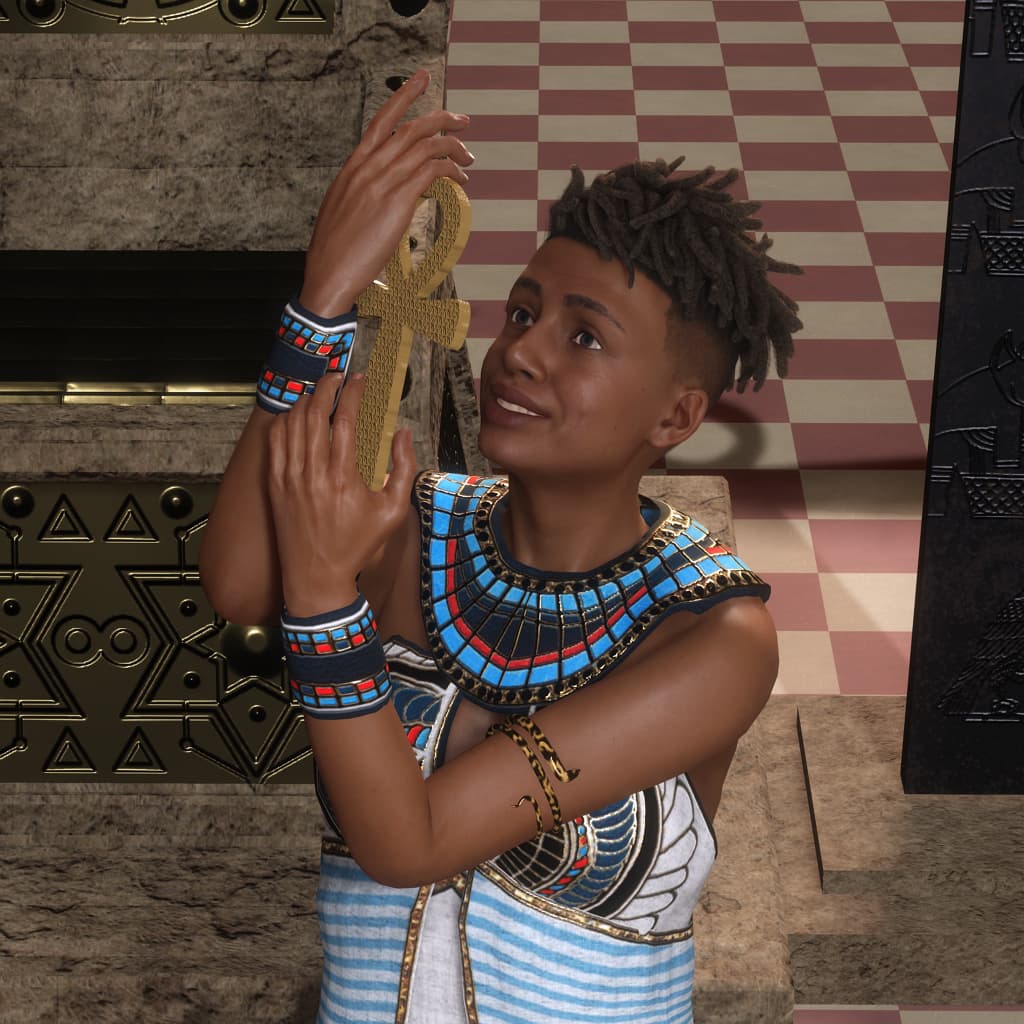
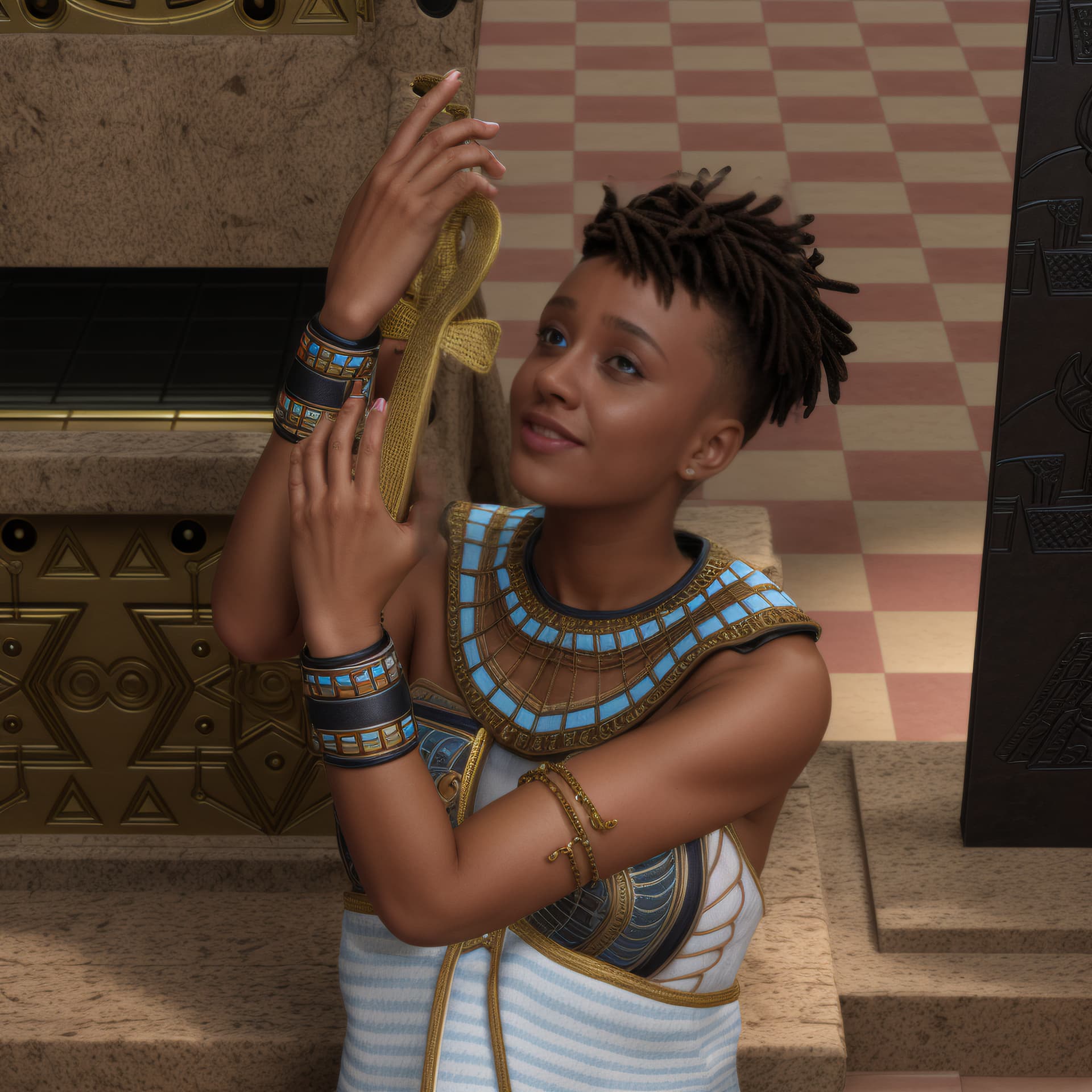
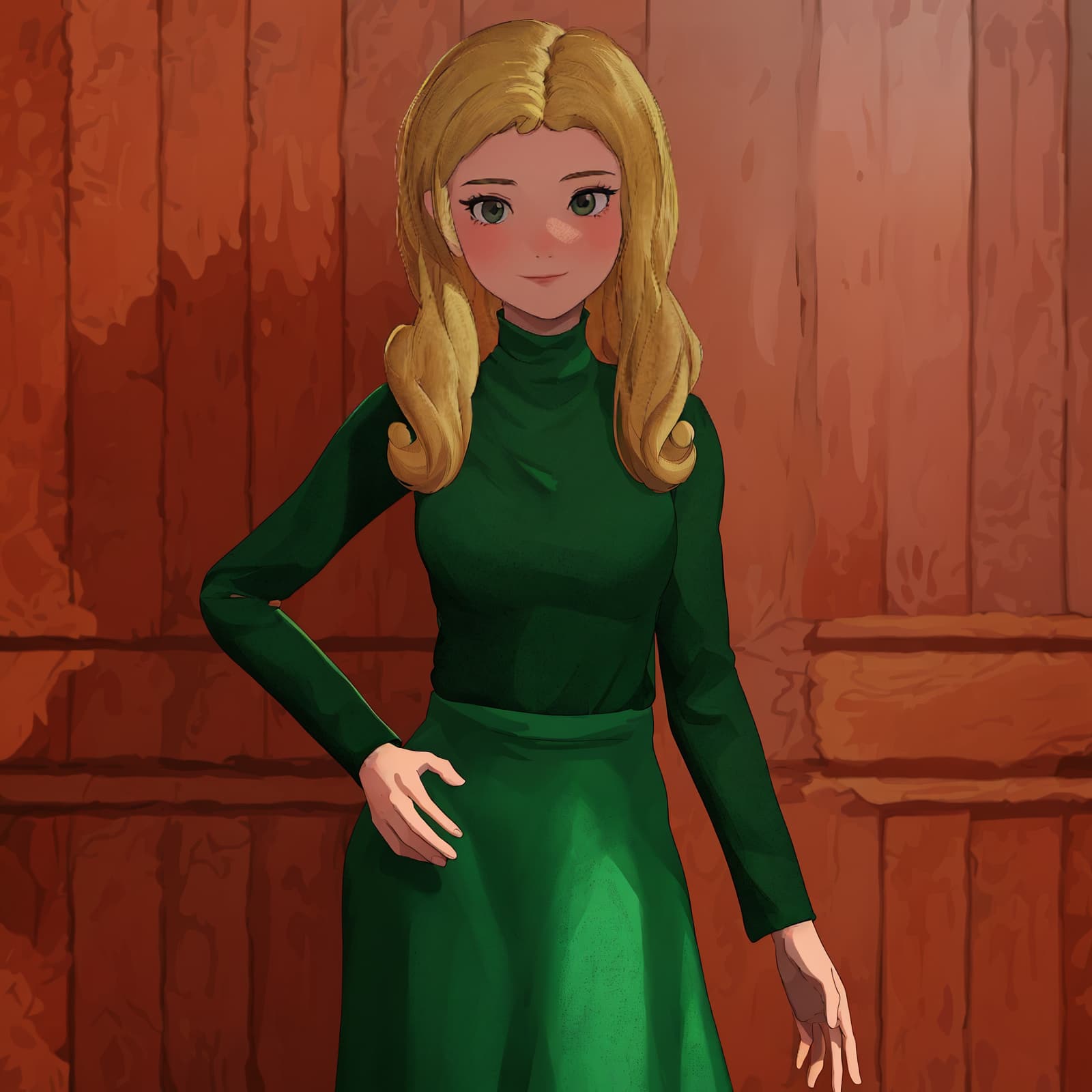
Hello everyone, I hope you are all doing well. Here’s a look at the CC4 character I made with the Camila base. After a few morph adjustments and skin tone adjustments, I used Egyptian props from these developers Dirtrock and Big Boss, to fill in the background. I created the Ankh in Photoshop 3D extrusion, the clothing from Xurge3D. The smart hair is from Rookie3. What you are viewing in an unrendered version, one rendered in CC4, and the 3rd rendered with the new Ai tools. I hope you all like it. Good luck to you all.
4 Likes
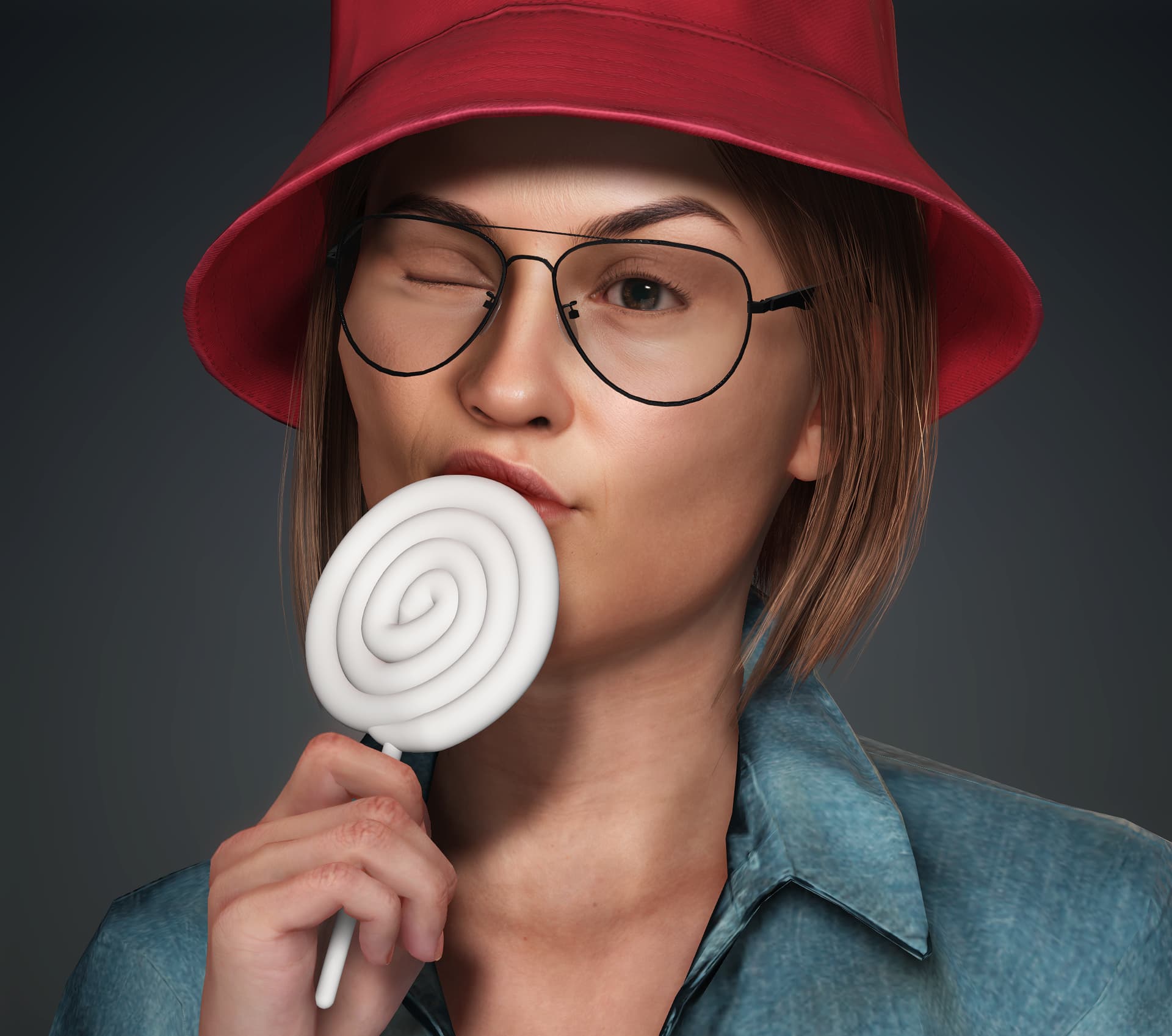


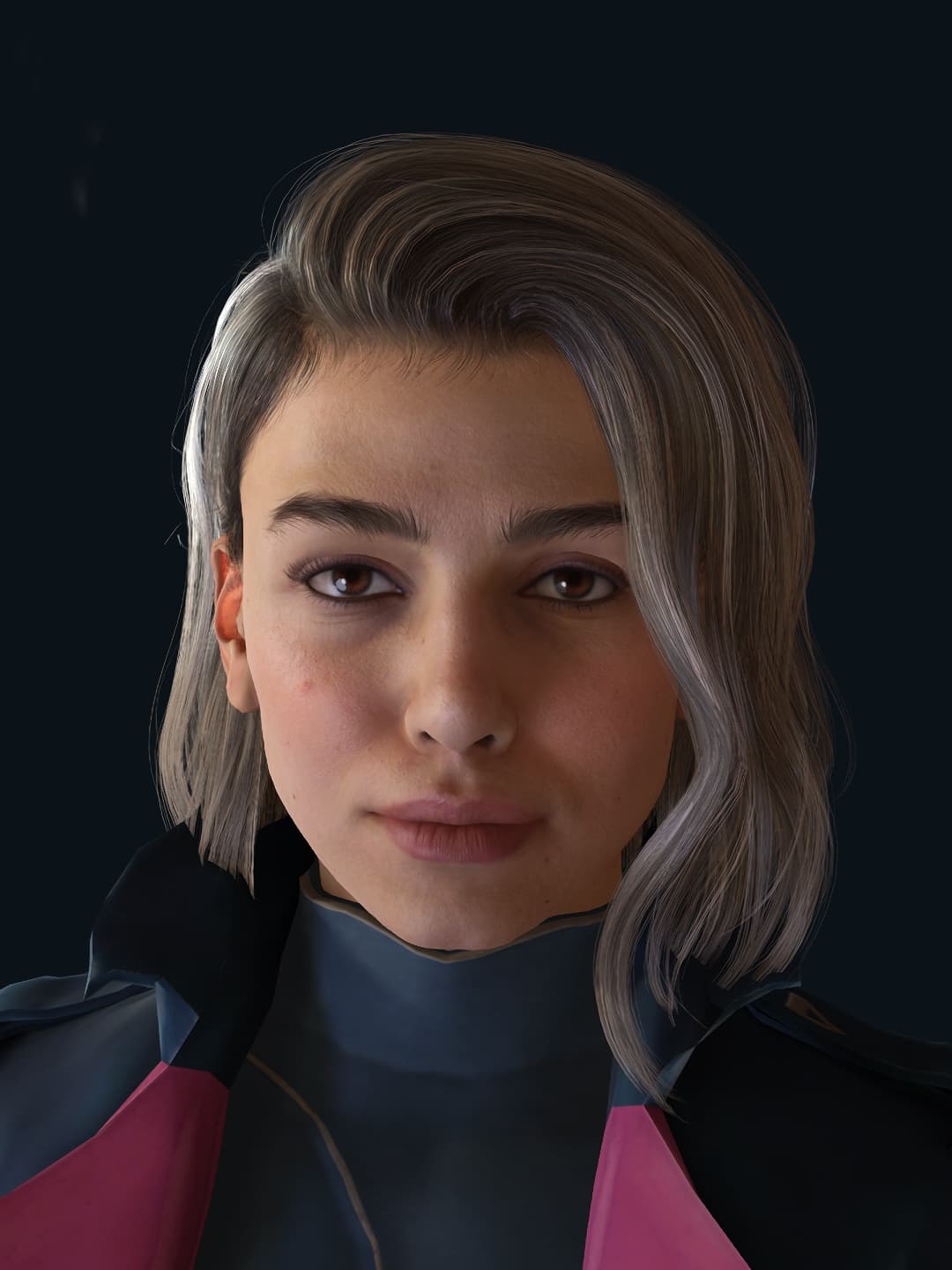

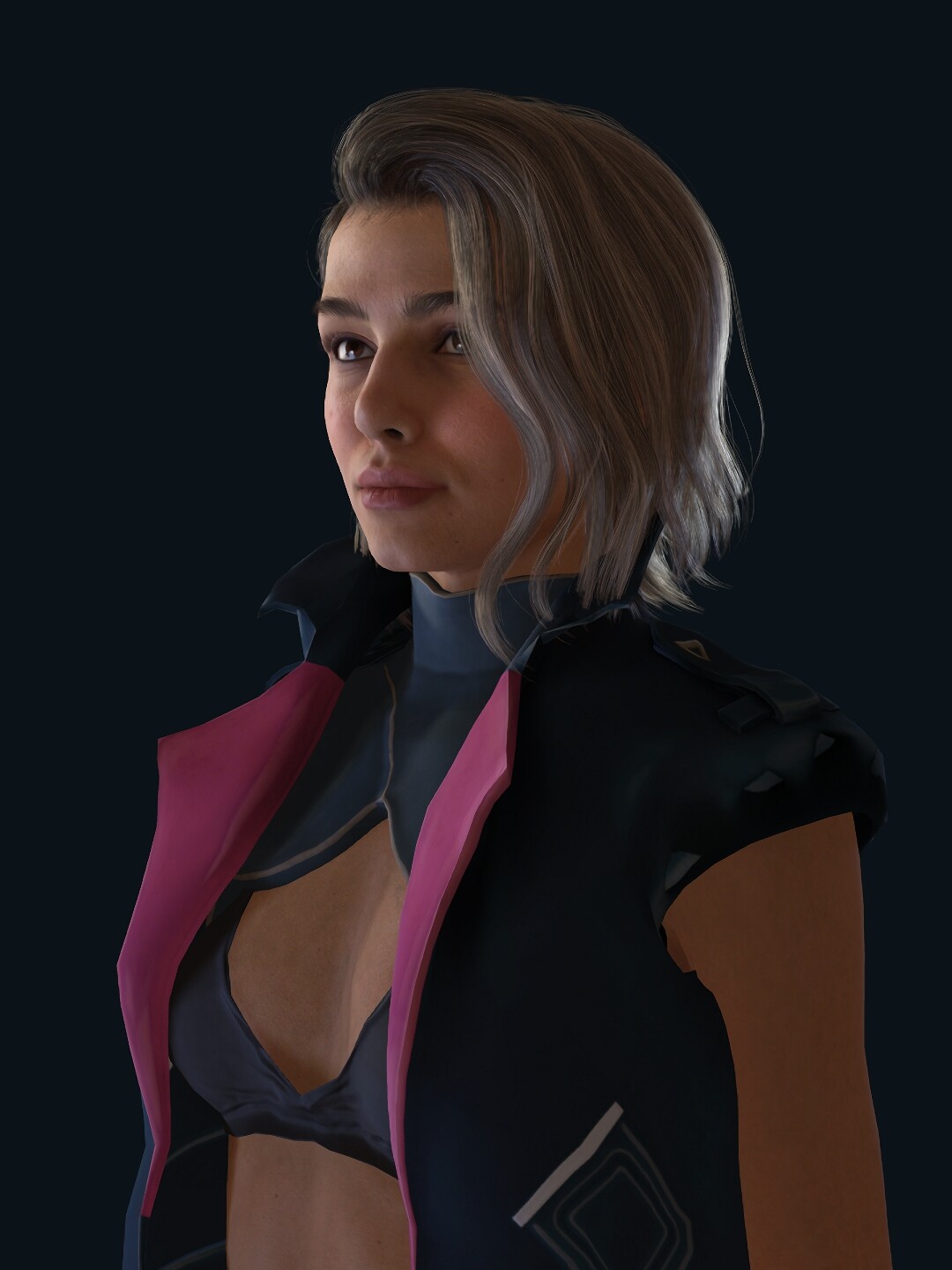
For this test, I wanted the AI to help me come up with a cyberpunk character design. I chose Cinema Image Style because I wanted a cinematic, realistic look.
I used more text descriptions, Prompt Influence 7.0, and AI Creativity 8.0.
For Controlnet, I used Normal Strength 0.6 and Pose 0.6 because I wanted the movement to follow my settings in the IC roughly. I didn’t use background objects, so I didn’t use Depth. Edge was off because it would limit the AI’s imagination.
9 Likes

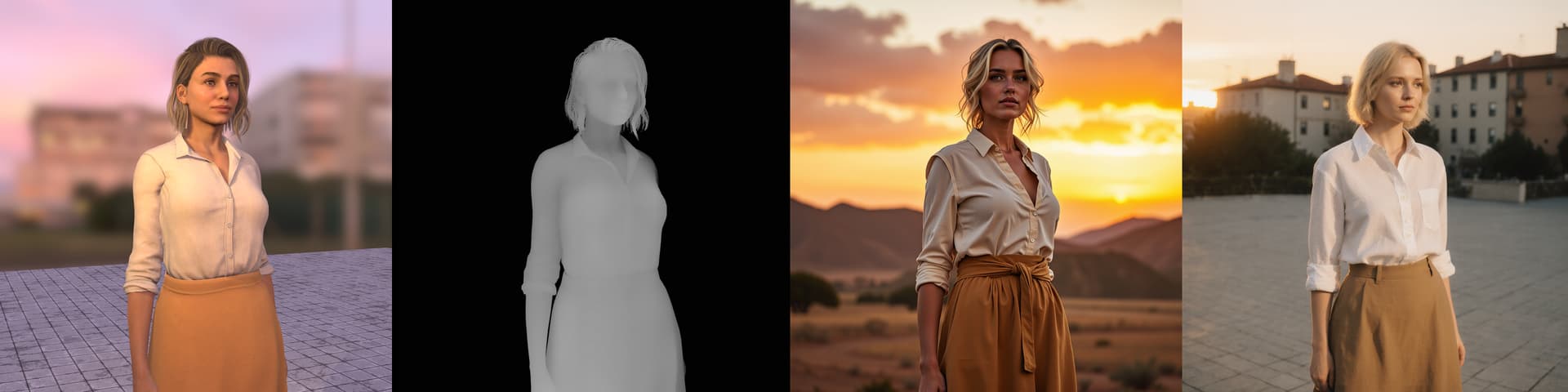
Hi all,
Registration is now open for our first AI Render webinar, happening Aug 22, 2025 (PST/PDT)!
In this session, we’ll show you how to set up Flux 1 Dev on cloud GPU and connect it with iClone, unlocking production-level AI image generation with precise 3D guidance.
Webinar Outline:
- Launching Cloud GPU & Connecting to iClone
- Adding a Custom Flux 1 Dev Workflow to iClone
- Flux 1 Dev Overview
- Image Workflow Breakdown – LoRA, ControlNet, and recommended render settings for character consistency
- Q&A Session
This is the first of three webinars in our AI Render series, and all three are open for registration now. Each session explores a different advanced AI workflow, so be sure to join them all.
 Learn more and register here: Reallusion Courses - Free Online Tutorials for 2D & 3D Animations
2 Likes