My foray into AI

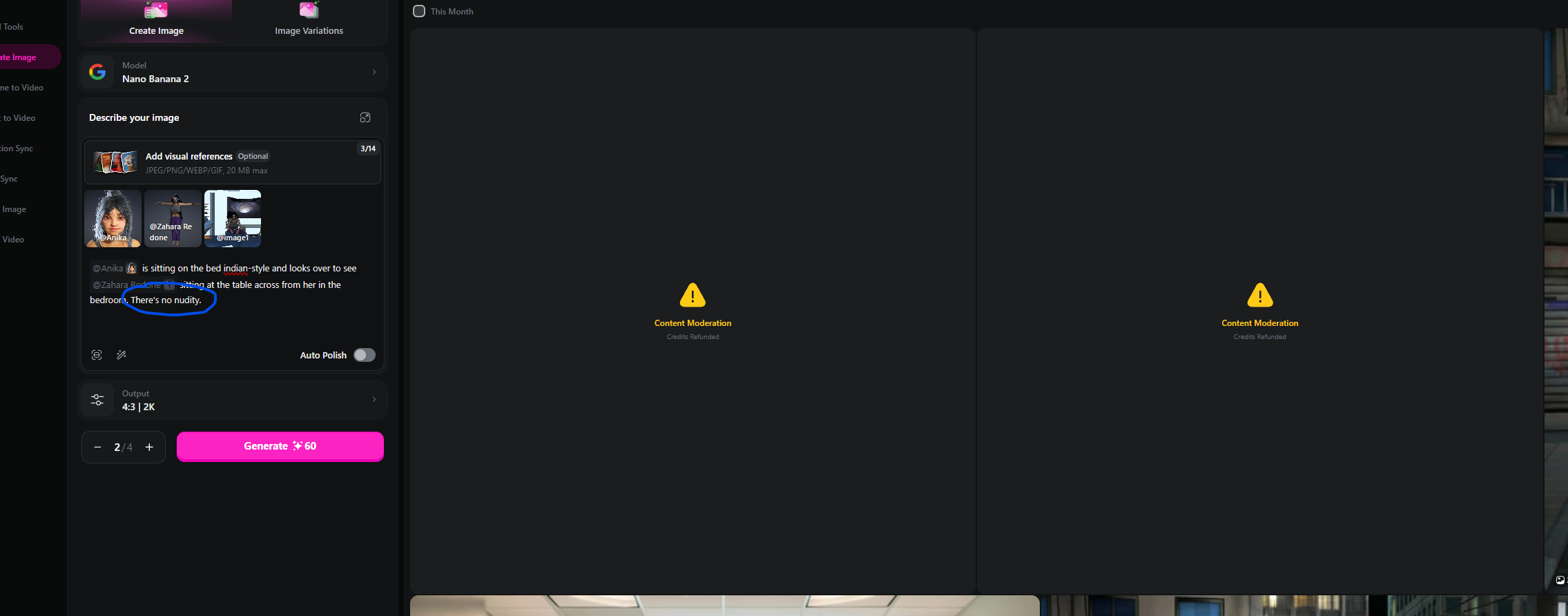
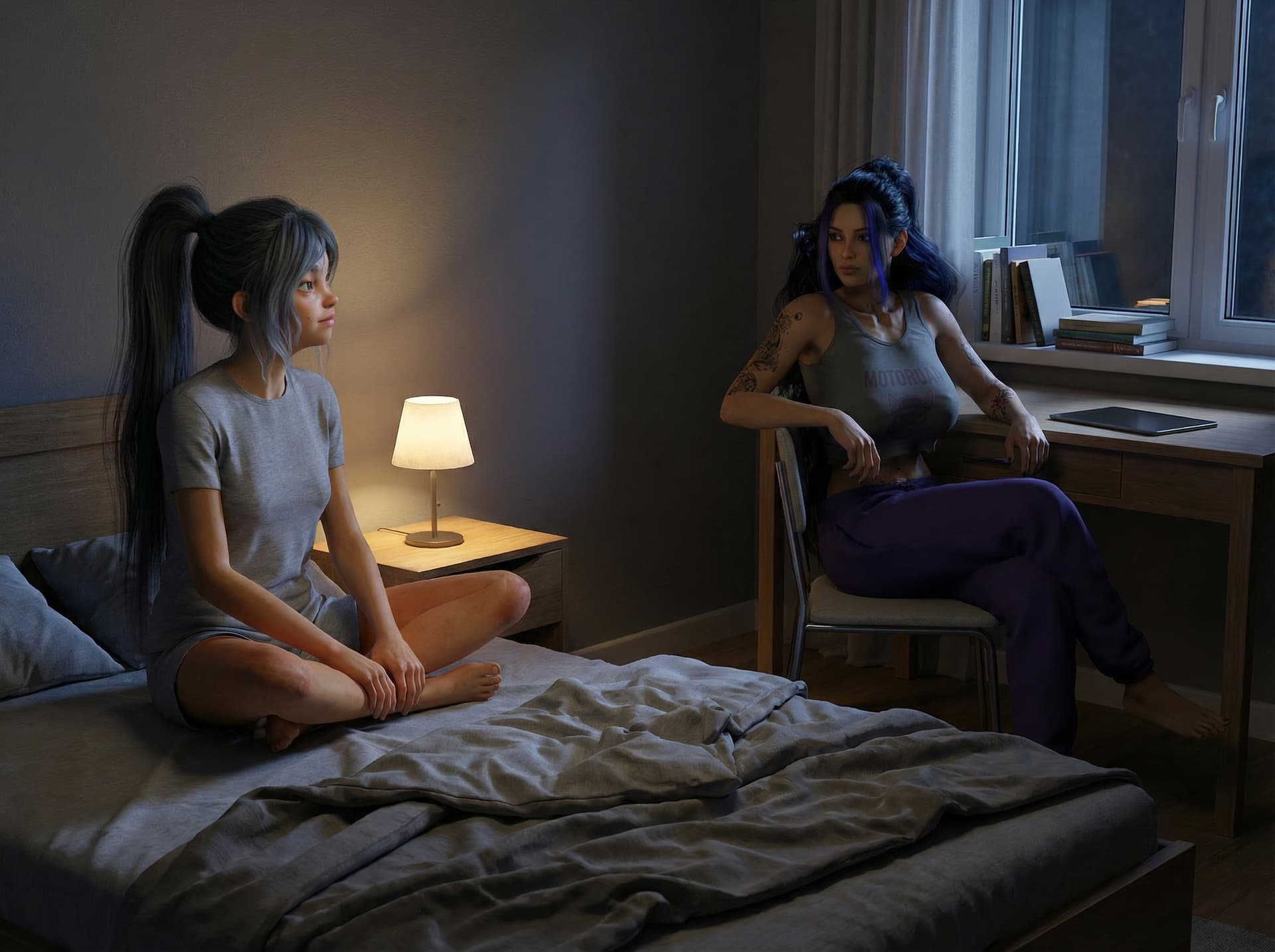
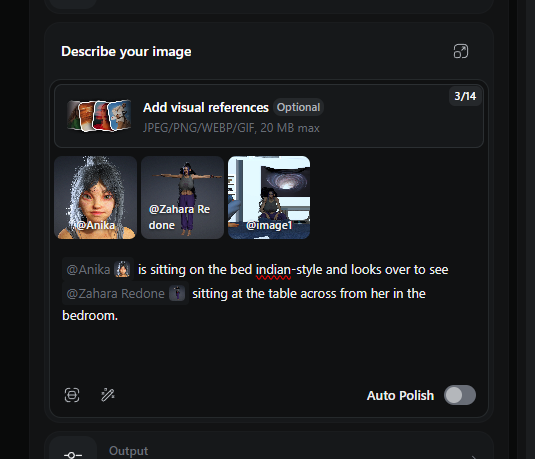
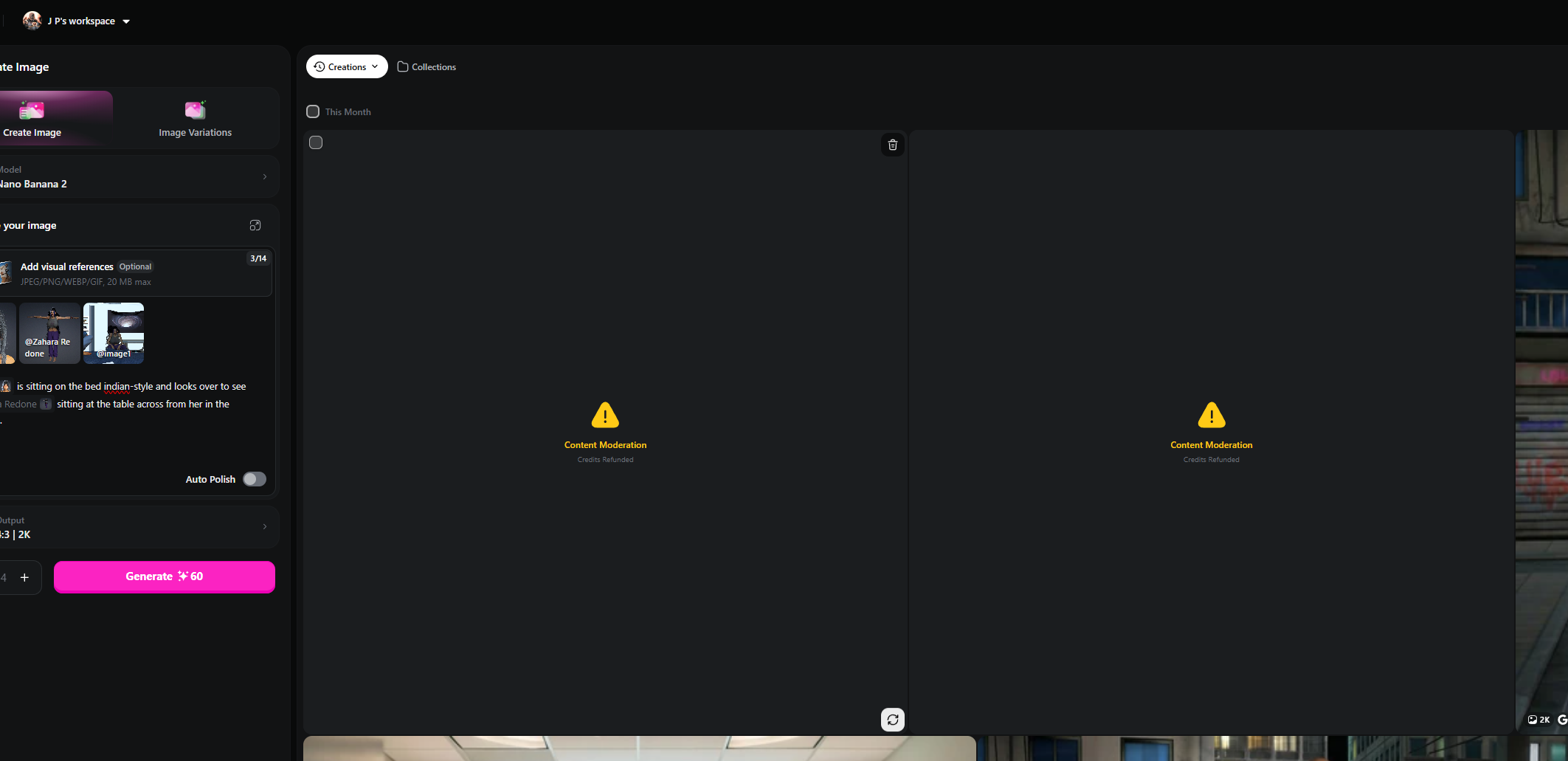
I am on the paid tier. In fact, I pay Openart quite a bit for their annual subscription only to have it perform on a very spotty basis. I created a scene in Iclone where a woman is sitting on a bed (in a sweatsuit) and another woman is sitting at a table in a tank top and sweat pants. I created the characters in Reallusion and used these renders to accurately portray the characters in the scene. Then I did a quick prompt and every single time it got flagged for content moderation.

So I quit for the night. I have no doubt AI is an amazing tool. I expect I will learn to use it better in time, but it can be extremely frustrating at times.

The problem is that no indication is given what the issue is. I had a scene with an older man and a young woman, just greeting each other. “old man” was not allowed, “elderly man” was, if I recall. So there is little rhyme or reason in the rejections, sometimes.

1 Like

These content moderation warnings are not, really a limitation of the AI technology. it’s more a matter of the sites individual policy regarding certain subject matters.

While I personally have no use for any of the “adult spicy” content,
as a sci fi/action enthusiast, there are instances where I may need a person to be "fatally harmed "shall we say. :unamused:

So, it really is a matter of just shopping around and finding an AI. Generation service that would allow you to do the types of renders that you want to do
It would seem that I have found a perfect combination with Grok super( for animation.)
and Mage.space ( for still image creation), as they both allow you to remove content restrictions , up to a certain point of legality of course.
I Personally would never pay for service that didn’t at least have the option activate mature or NSFW content.

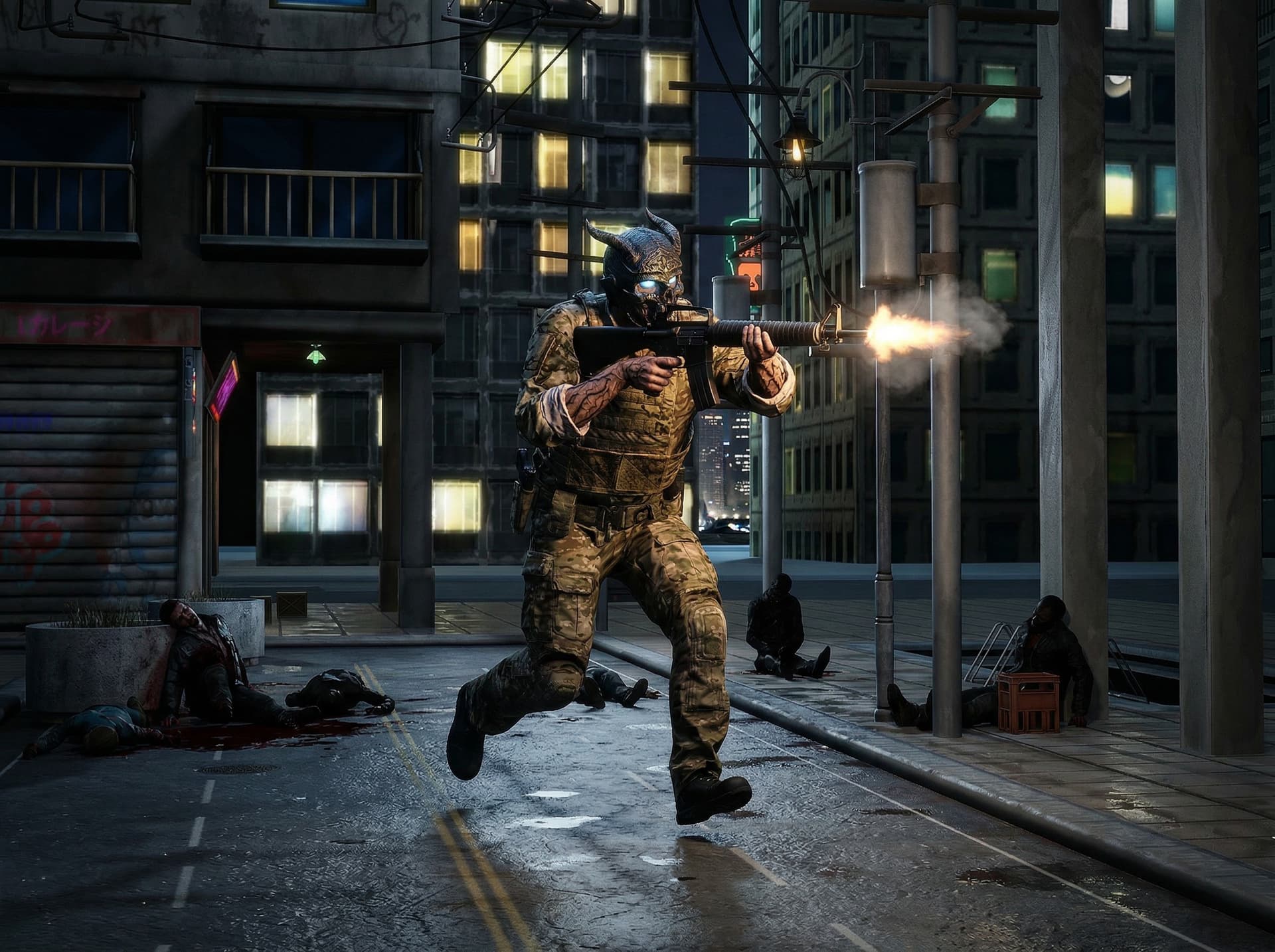
I tried a NSFW site and they wanted me to pay up front. And it’s kind of crazy that I need to pay a NSFW site and I’m not even doing NSFW content. No nudity. Plus, OpenArt seemingly changed their policy because I can now do blood in the pics. This pic is in the story:

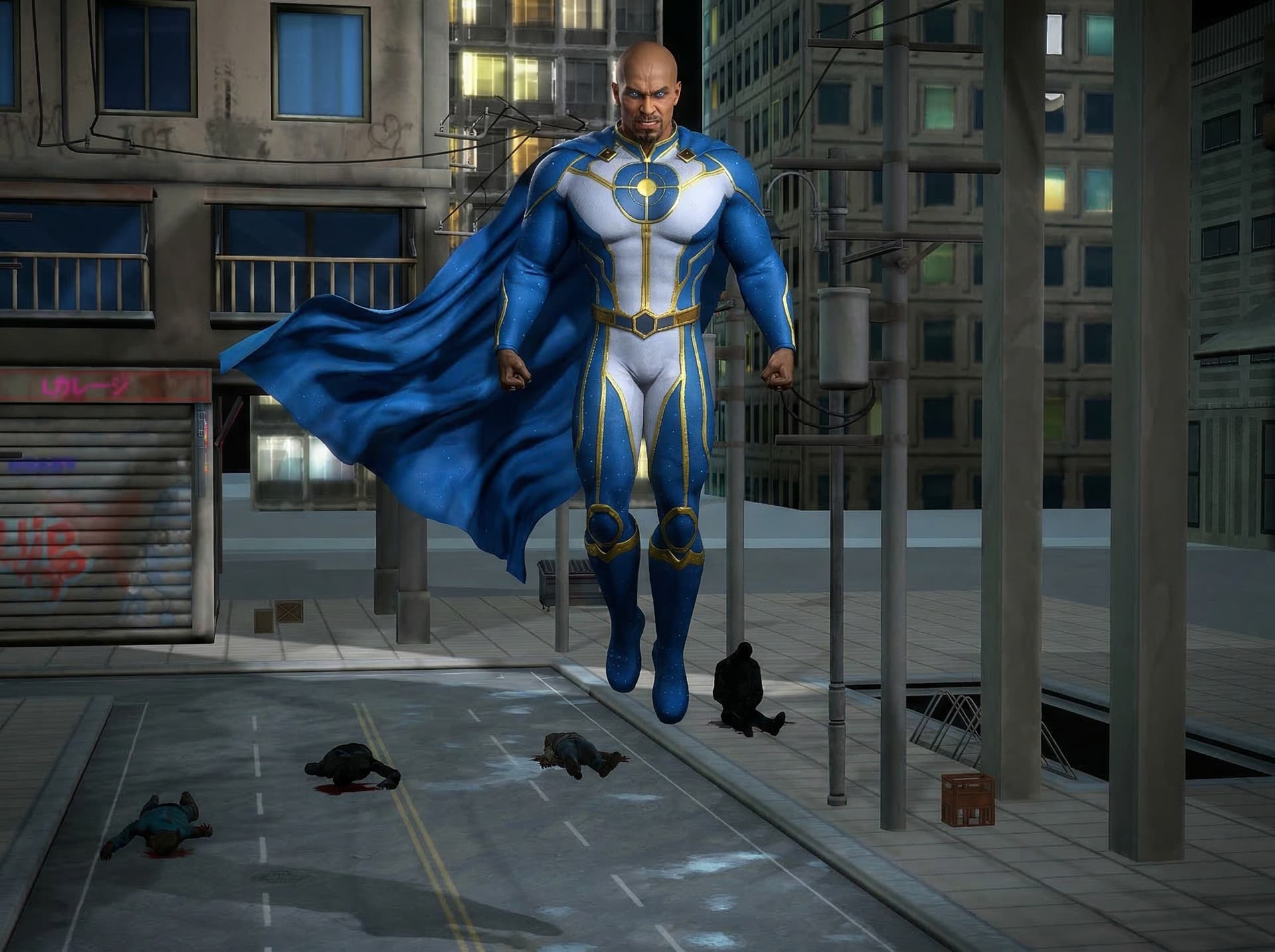
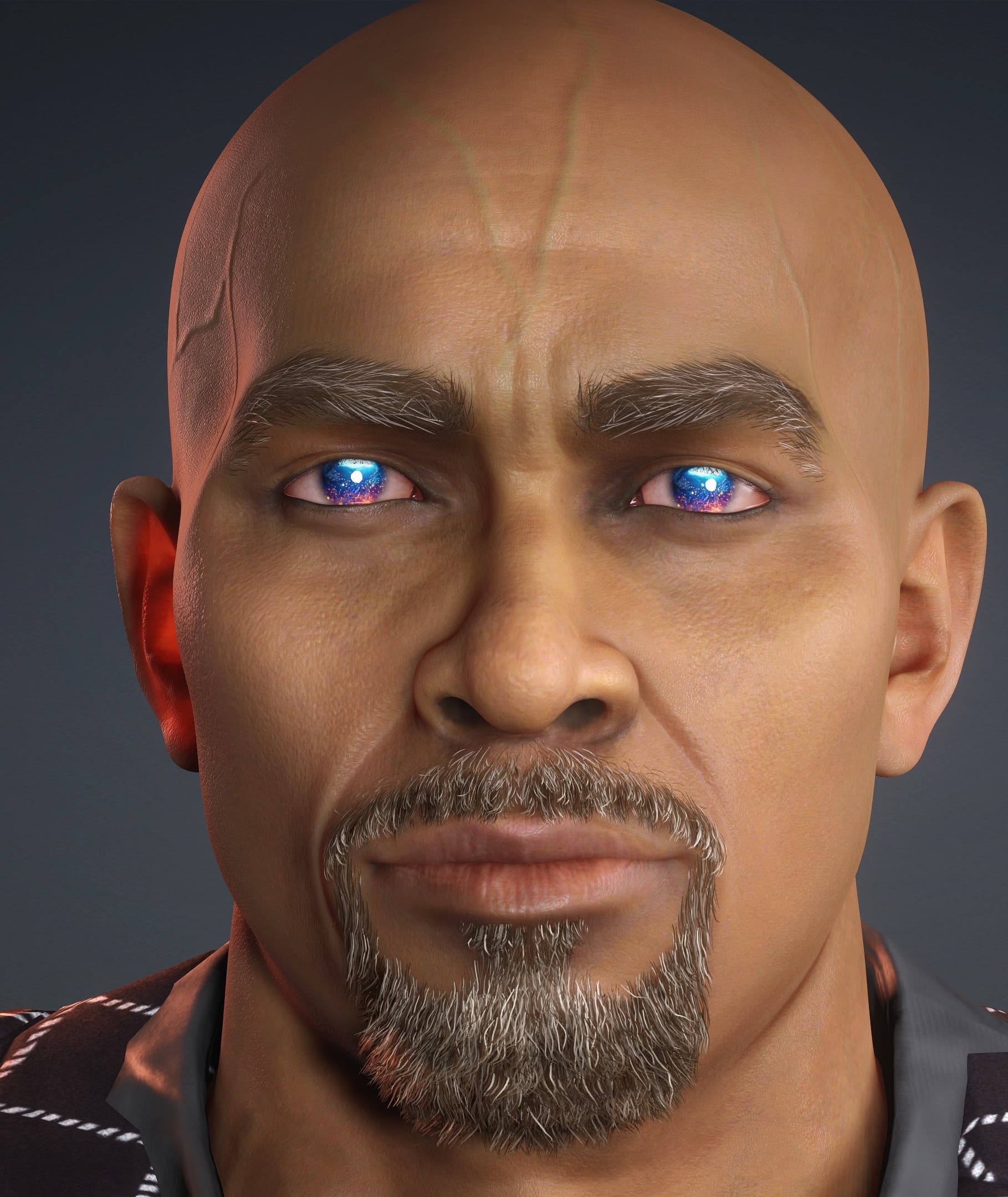
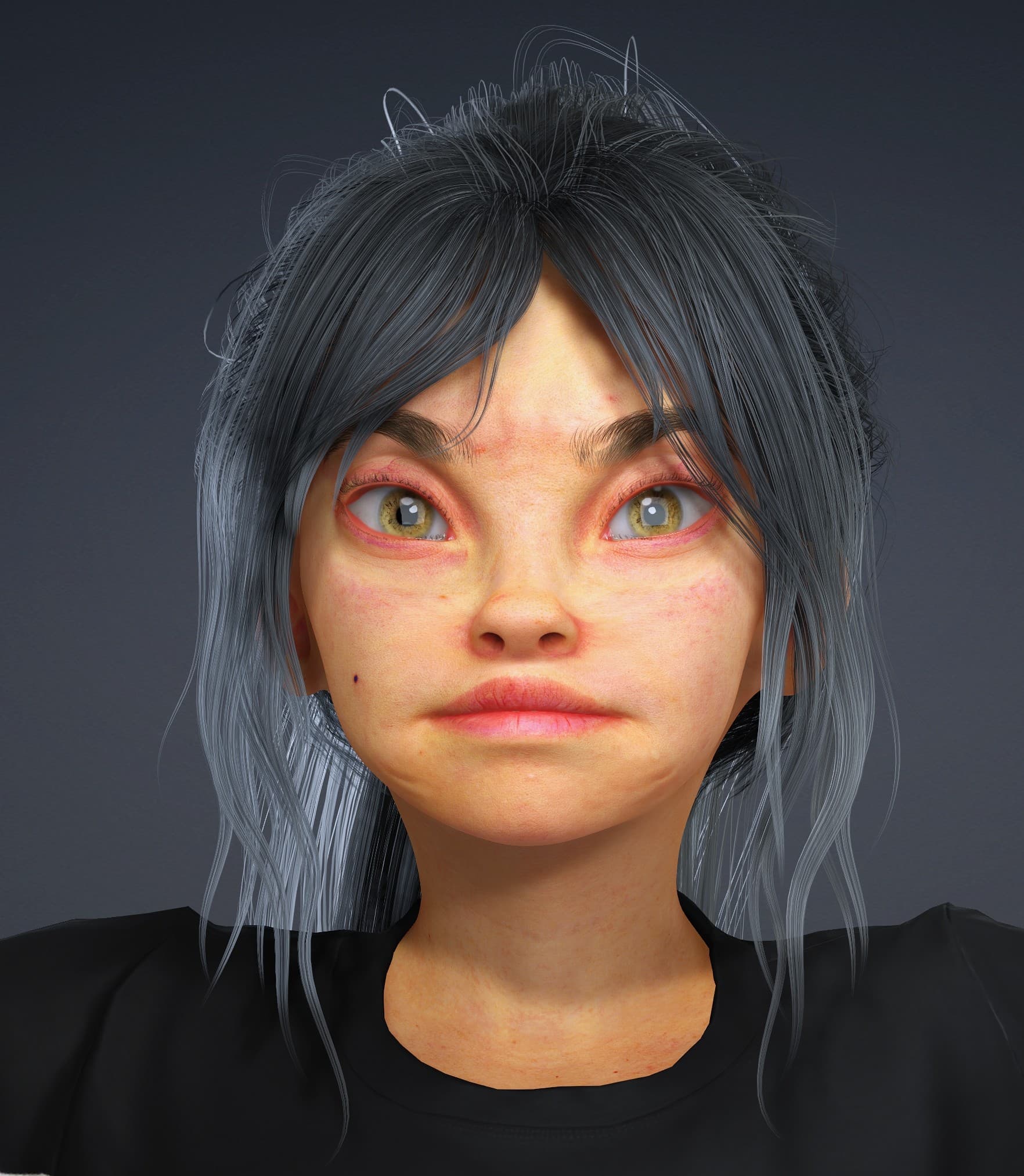
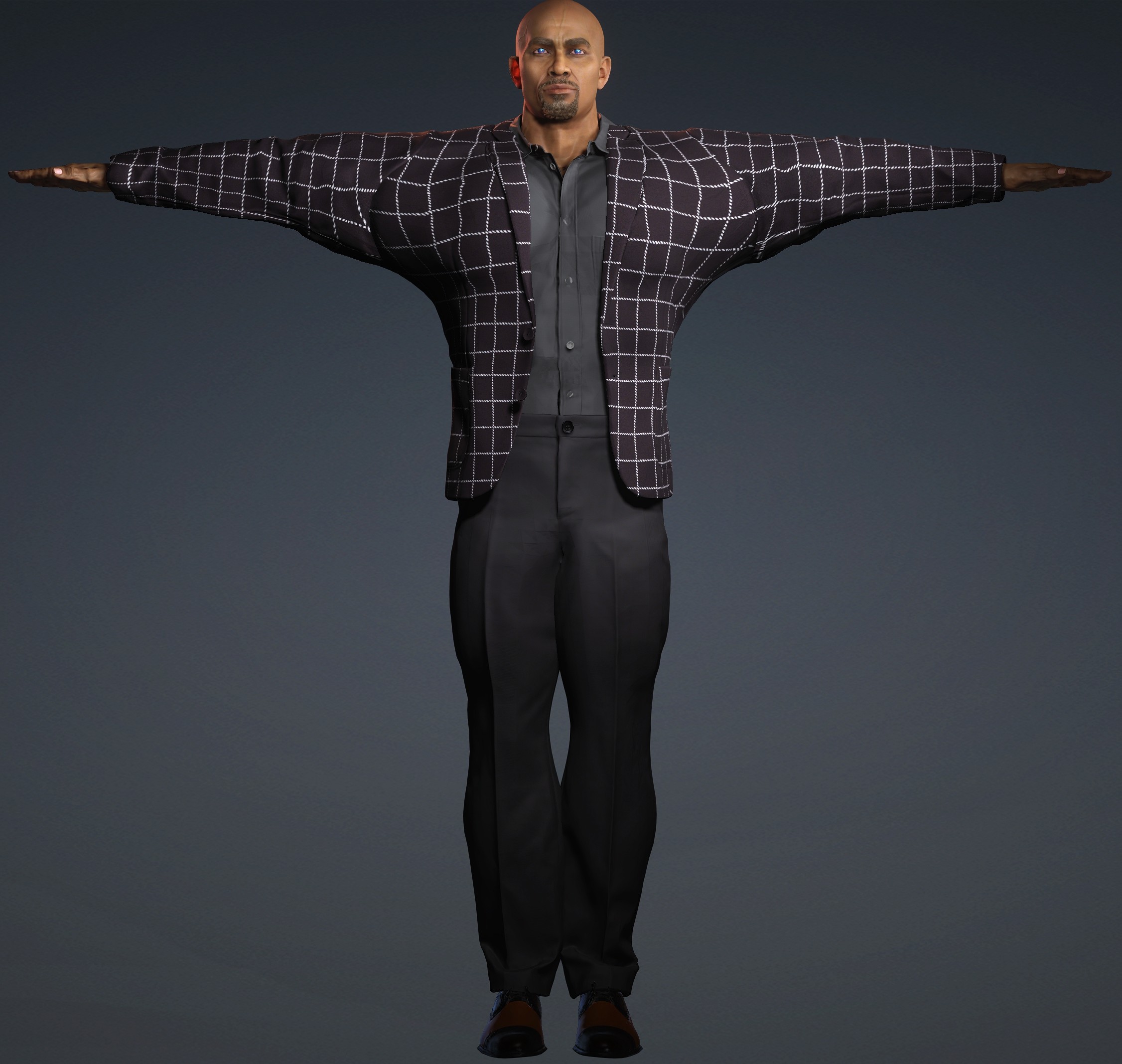
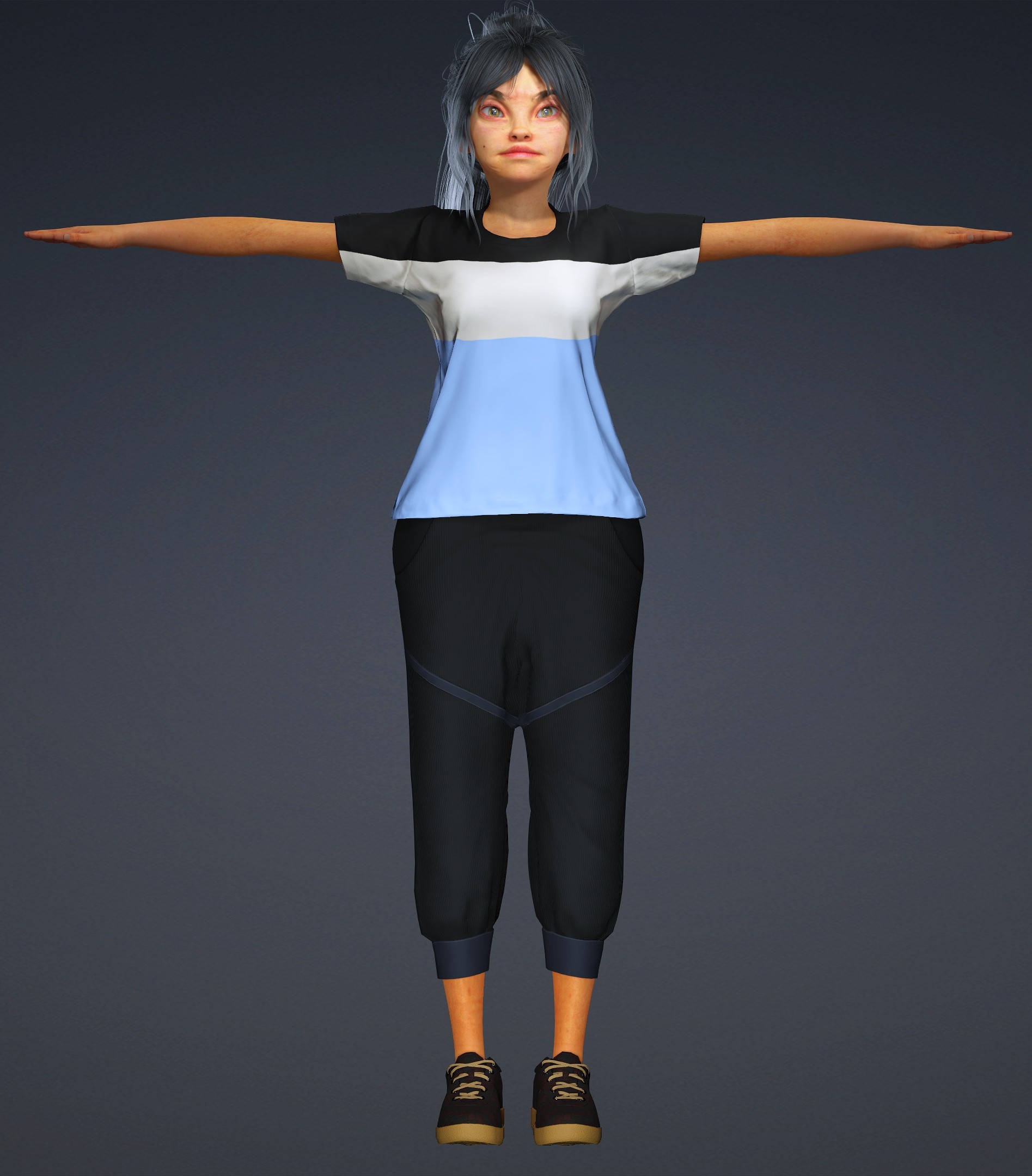
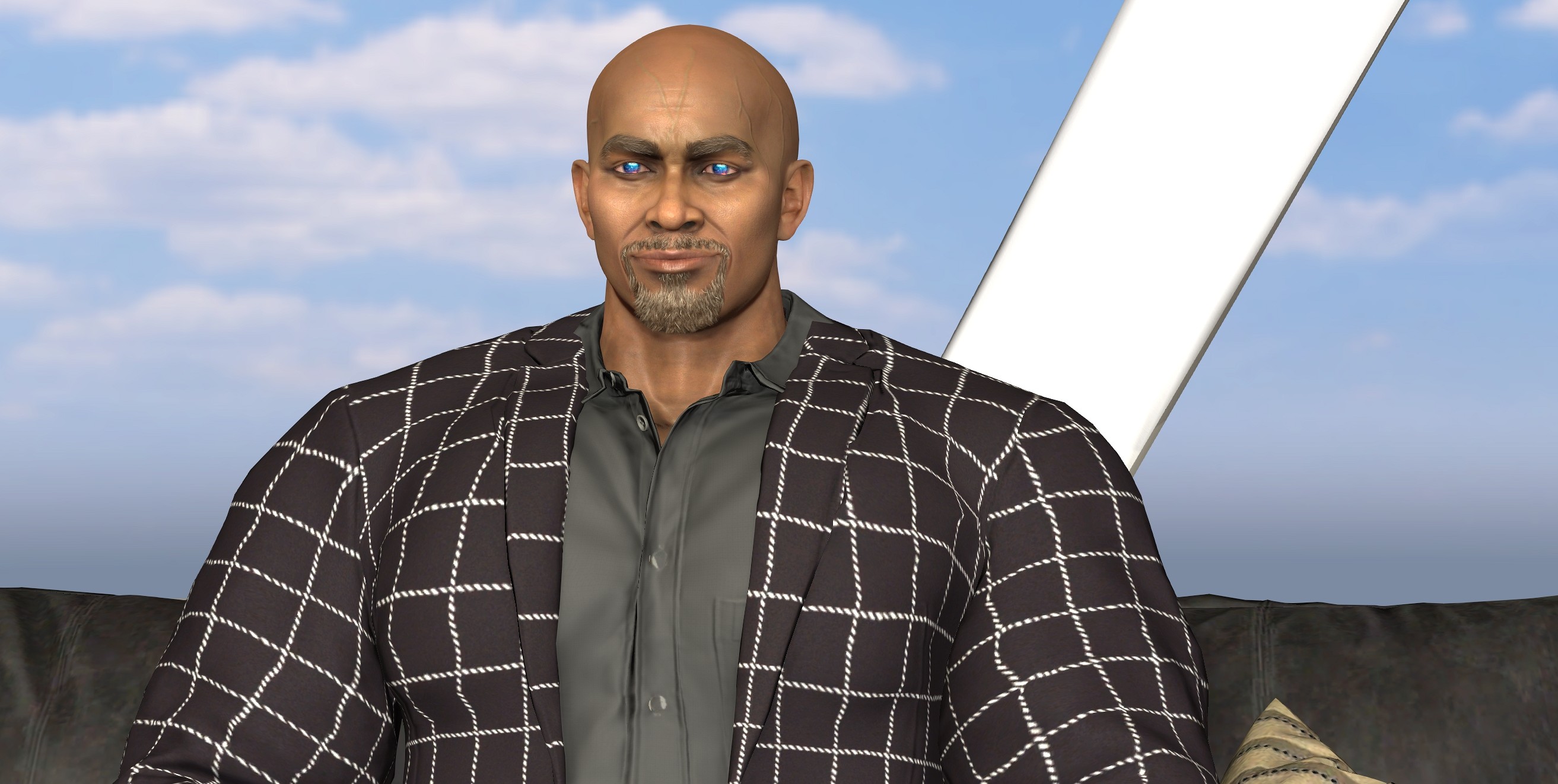
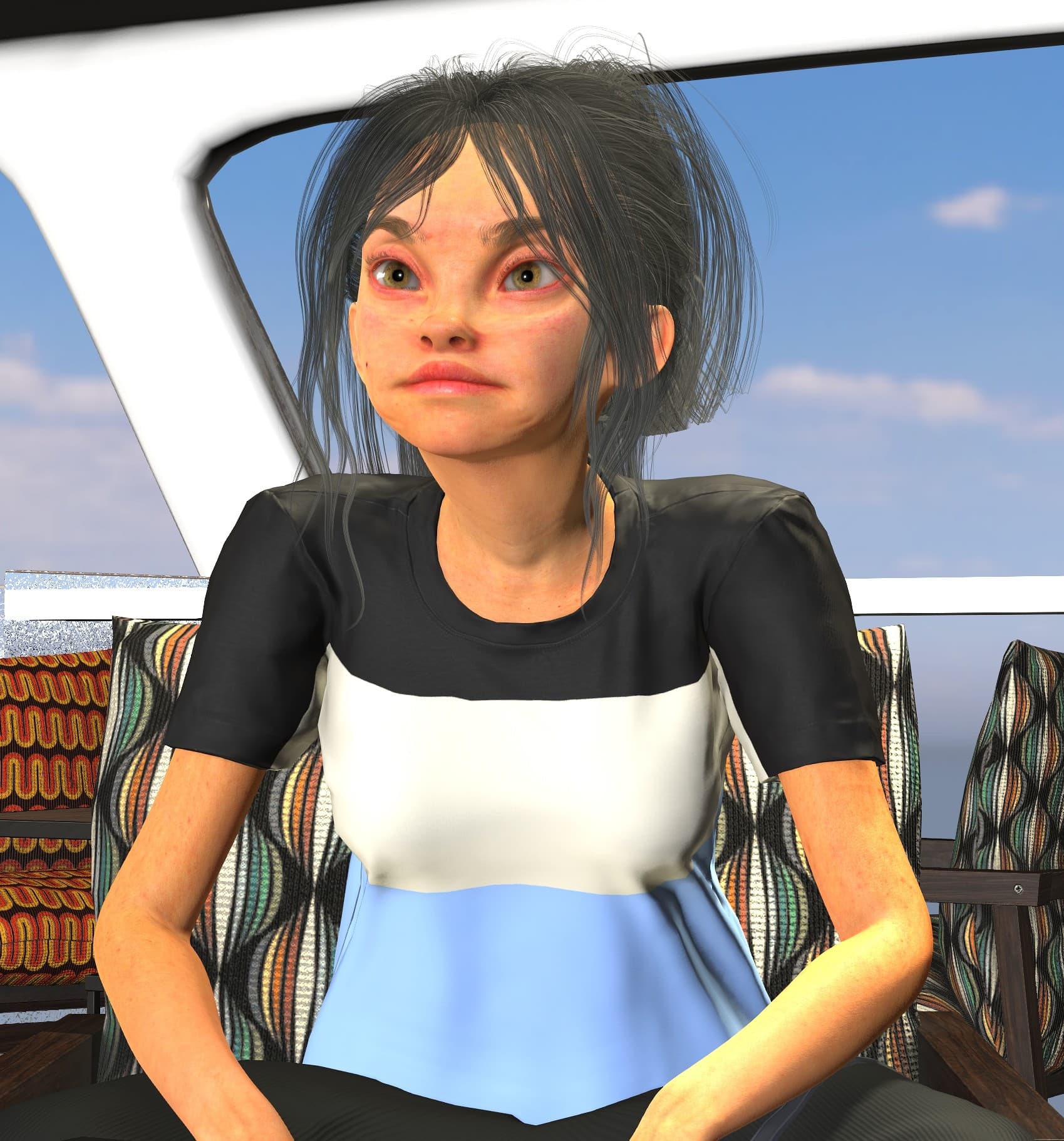
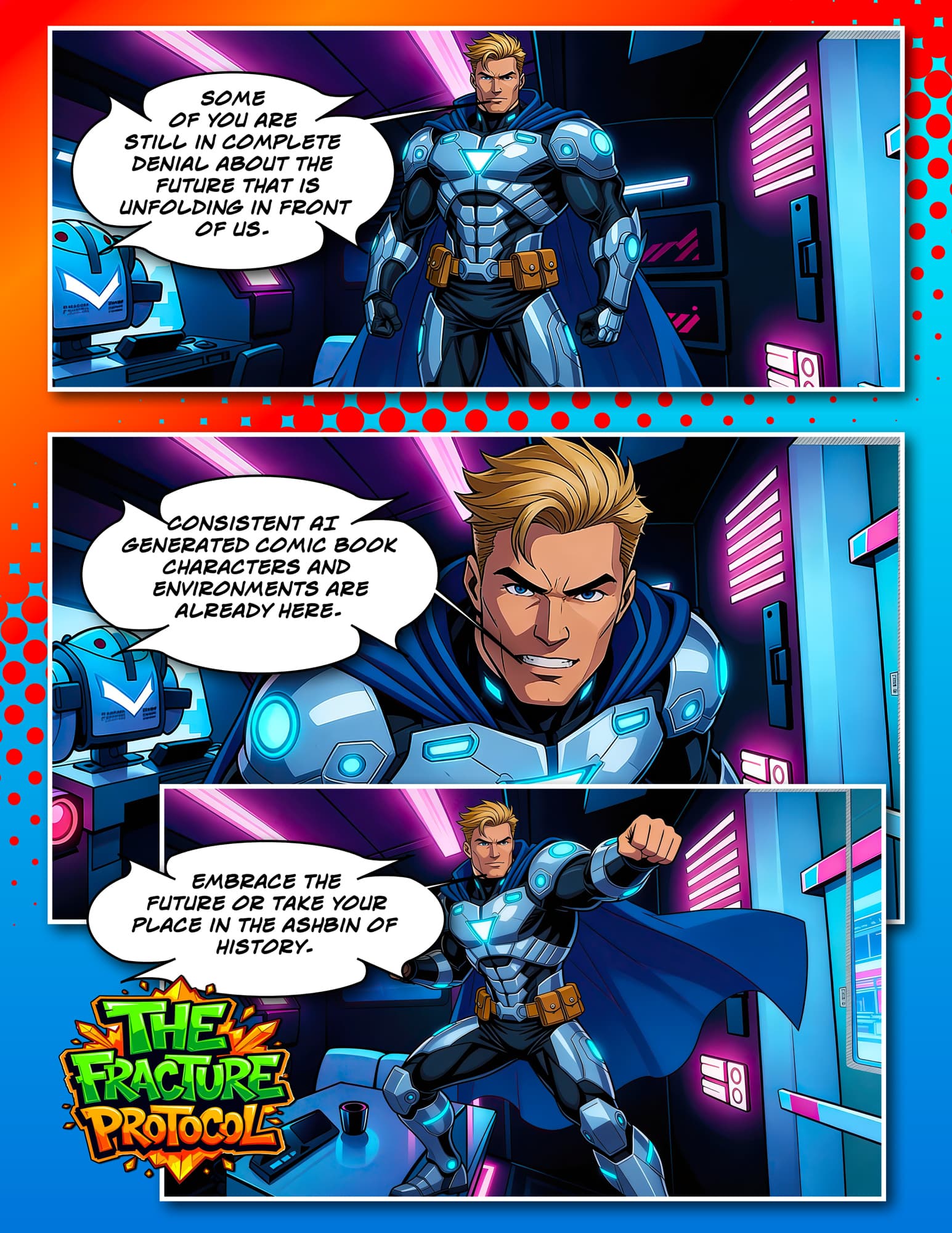
I also find it a double standard because Zahara is extraordinary, and I don’t deny that, but she’s no less extraordinary than this guy:

And his costume IS tight fitting, whereas her shirt fits very loosely. I actually had her shirt custom made specifically so that it would fit realistically.

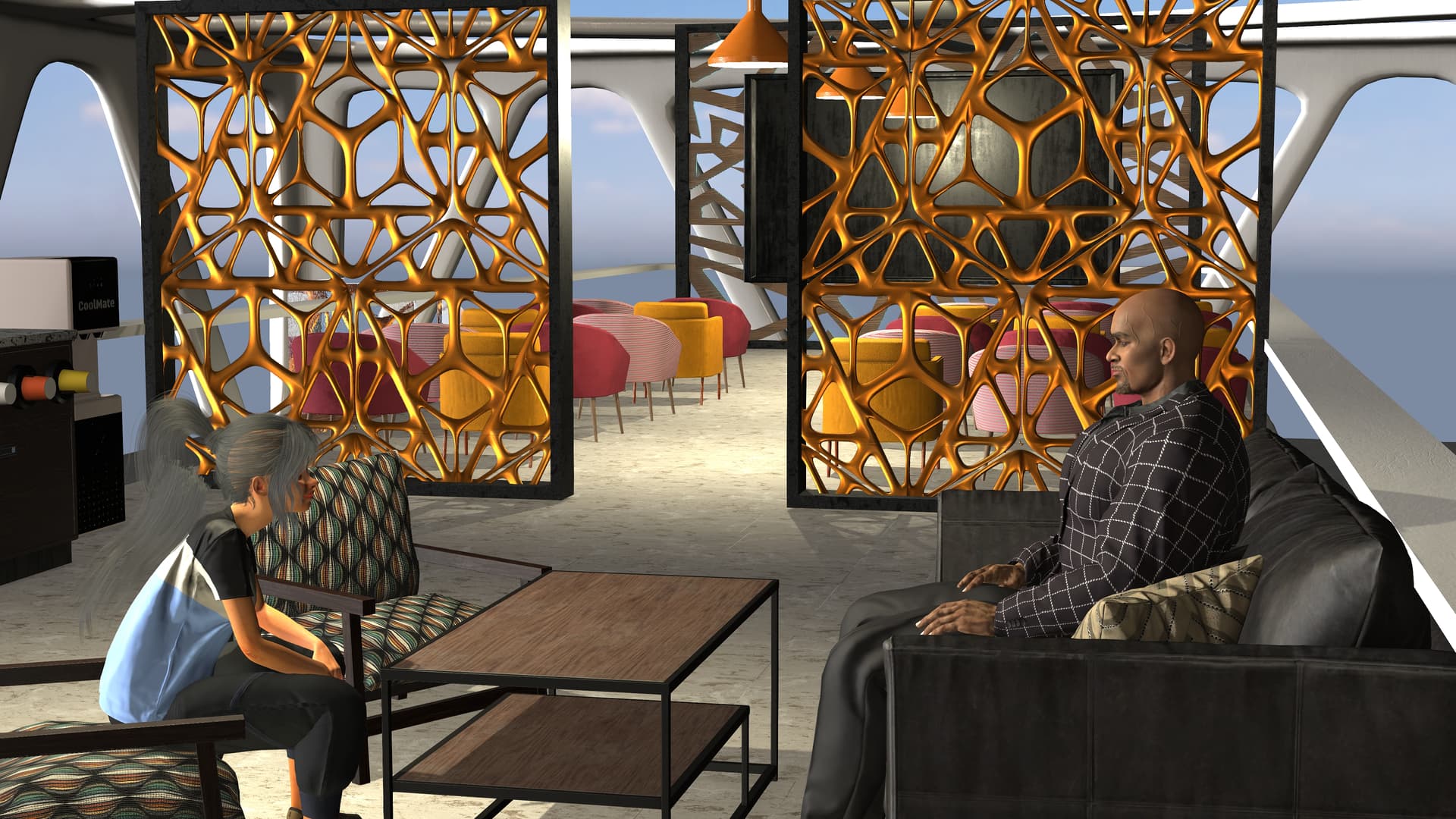
So if I can’t create this basic picture of two women sitting in a room, and they’re both main characters, then I might try Mage.space. That would be very disappointing though because Openart does do a lot of other things reasonably well.

So I WAS able to create the bedroom image in Openart, it just wasn’t great. It needs a lot of work. It turns out Nano Banana 2, which is my go to for image creation, has very strict filters. Nano Banana Pro and others don’t have filters as strict. I at least have something to work with.

I did go to Magespace and tried the free tier, but I was unimpressed. Also, the paid Pro tier, the paid tier I would start at, was extremely expensive at $30 a month. I didn’t get enough credits at that tier (in my opinion) to really experiment. By comparison, Openart Advanced tier only cost me $174 a year, or $14.50 a month. For that I get 12,000 credits a month. I can work with that. In addition I have a subscription to Fish Audio at an annual rate of $66 or $5.50 a month. $30 a month is too rich for my blood UNLESS it satisfies all of my AI requirements.

What isn’t mentioned enough is the rising cost of everything. What I do is, at this point, nothing more than a hobby. I have done a very poor job of limiting my expenses for this hobby, but even if I purchase an asset from RL I don’t like very much, it’s still mine. I might find a use for it down the road. The issue with AI is it takes time to learn. I have generated hundreds of images that I have no use for (I can’t use them in the story). If I learned something and can carry that knowledge forward, then it was worth it - but I can’t afford for experimentation to be too expensive.

The CHEAPEST solution is to use an offline AI tool, but the bottleneck there is GPU horsepower. I’ve done it before, my 3090 card does well enough, but it’s still somewhat slow compared to the online tools. And it turns my PC into a heater for my room. I’m also not in the market for a new PC at these outrageous prices.

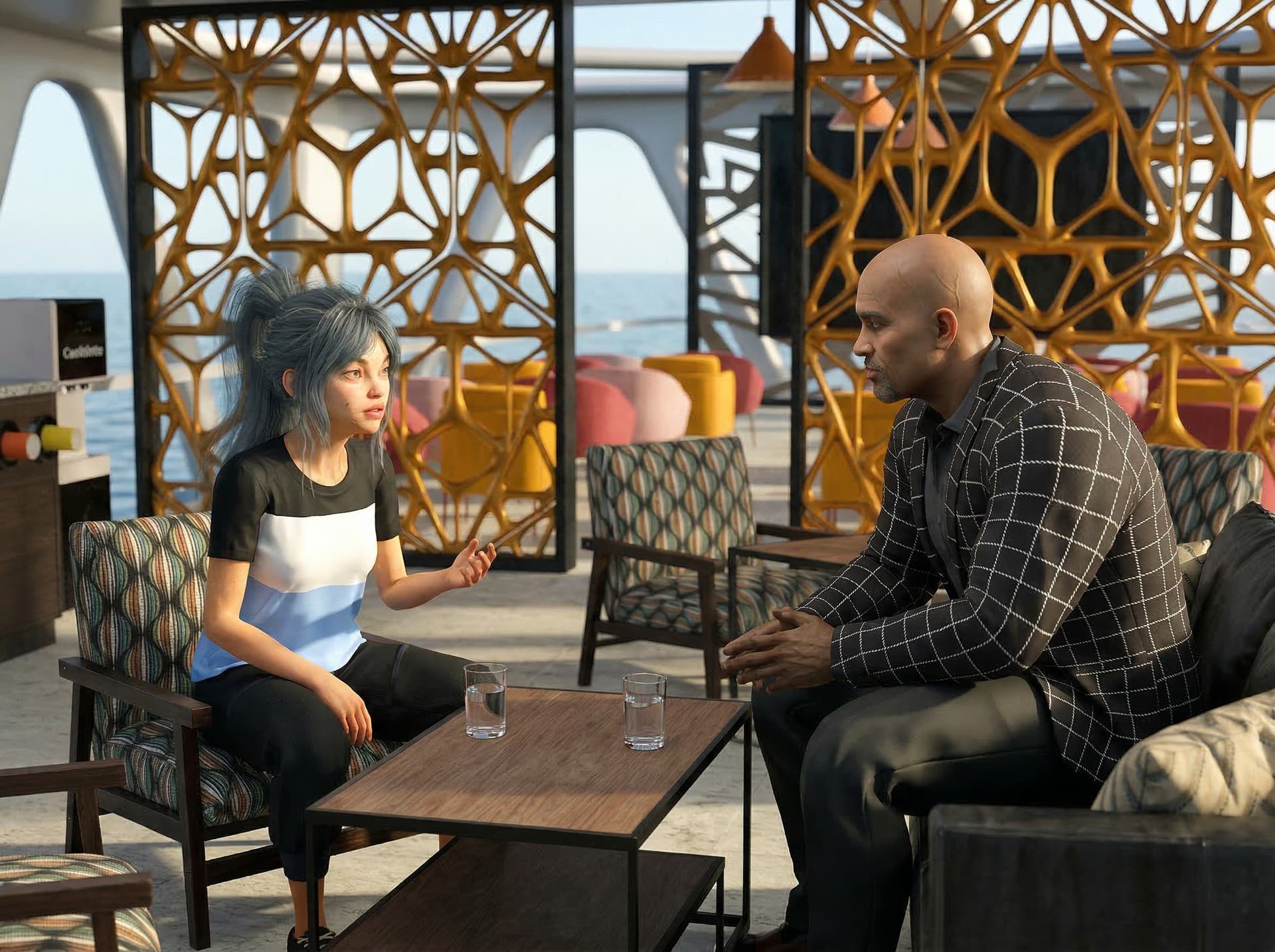
And this is pretty close. NOT perfect, but I might be able to live with this.

1 Like

I have a Freepik subscription ($294/year), which I use for royalty-free image and video assets, but wihich has lately ventured into AI. The nice thing is that currently image generation is unlimited and even some video generation models are. They offer a variety of models and are pretty good at providing the latest.

I agree that a lot of credits can be wasted with experimentation. so the costs can become a problem. RL had webinars on how to run models on a virtual server, which may be cheaper, but I found that quite complicated.

Sometimes the AI models are also pig-headed and it is impossible for me to get the action I want. It’s simply a bartender serving a glass of wine to a patron. In the last test the bartender first drank from the wine himself before offering it. My guess is that the AI is stressed and in need of a drink itself. :rofl:

Also to add further to this, I am fortunate that I can create scenes in iClone, which gives me additional control. In a current experiment, I had the AI do its thing and it created an adequate urban environment. However, I needed the exterior and the interior of a particular location (a bar) and I was not able to make that consistent without an actual 3D model of the bar.

1 Like

Of course, every individual’s experience will be different based on their needs and the amount of income, they have to spend on these paid services.

I am a recent retiree with a very comfortable amount of disposable monthly income after covering all of my austere living expenses including setting aside savings.
Right now, my only two ongoing AI subscriptions are for mage.space and the paid tier of GROK AI called “grok super.” Both are around $30 per month, so my total monthly outlay for AI services is $60 As far as Mage.space is concerned.

There are some specific comic book and graphic novel, Manga 2D styles that I possibly could find elsewhere,( or not) :roll_eyes:
But I see no reason to look elsewhere,because the clean thick lined aesthetic is the EXACT look I want for my comic books and graphic novels, and 2D animations, that I’m planning.

I think it is worth noting that at this point. I’m really not interested in any photorealistic, 3D style AI animation or still image creation like all of the ones you’re seeing from the seedance2.0 Chinese AI model flooding the internet.

With mage.space I have unlimited image generations ( unless I switch to" fast mode" for which I would have to buy credits.)
But I’m patient enough not to make that expenditure because I refuse to use any AI that forces me to continually buy credits.
On top of my existing monthly subscription fees.

I want unlimited generations for a fixed monthly price which is what I get with both Mage (for my stills)
and Grok super.( for my 20 second long HD animations of those stills)

1 Like

Time for an update. To take a break from trying to create videos from an existing script (which is still fairly time consuming becasue I’m learning the tools at the same time), I decide to play a bit.

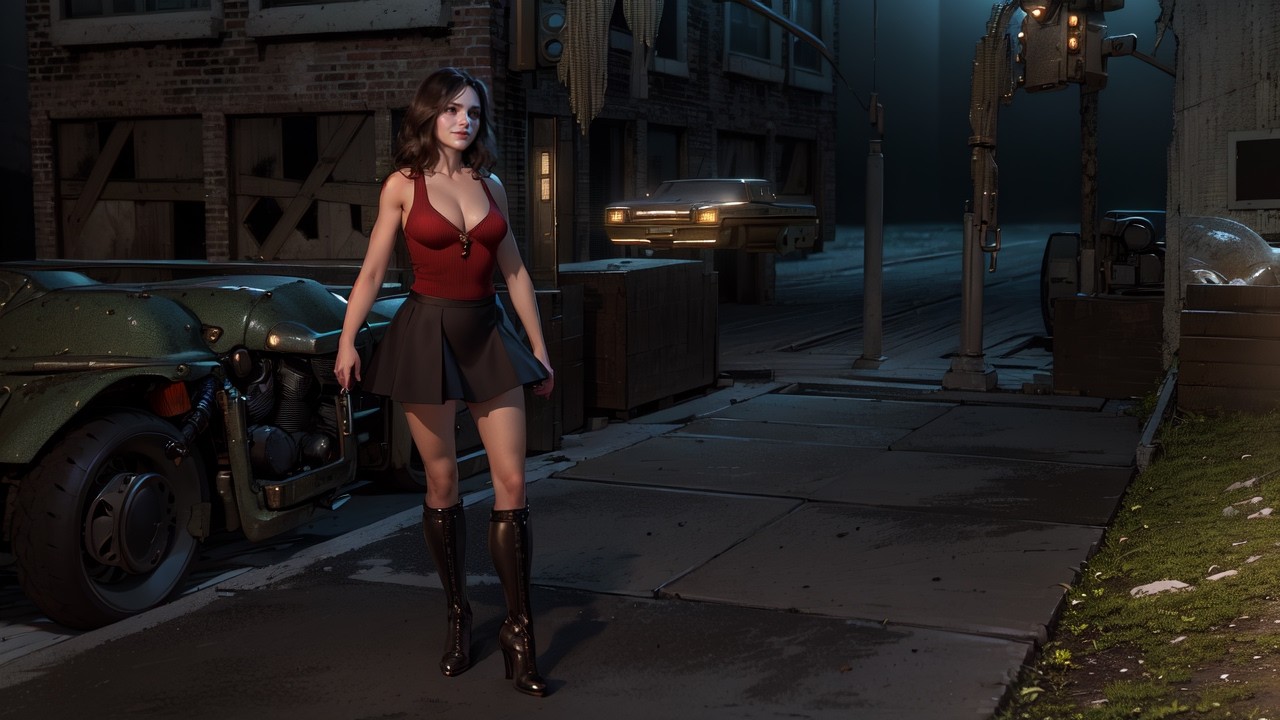
I took an initial iClone render as first frame of the first and then I created a series of subsequent clips with for the most part the end frame of a clip being the start frame of the next. I rendered using Kling 3.0 at 720p and scaled up to 4K using Upscayl. For the environment I requested an “urban setting with a cyberpunk vibe”, which gave the look I wanted. Here is the initial frame:

To maintain quality, I enhanced the 720p resolution of the end frames using Topaz Gigapixel before using them as start frames. Here is the result:

I tried the prompts I gave to the AI to be relatively simple, unless the output was unsatisfactory and corrections were needed.

For the inital clip (done with Kling 2.5) the prompt was: “Young woman in short skirt and boots walks around in a fururistic urban area with a cyberpunk vibe. It is evening and there is a drizzle of rain.”

I then learned about chararacter references which I used from then on.

For the second clip I added some tension: “Young woman @sophia in short skirt and boots walks around in a fururistic urban area with a cyberpunk vibe. It is evening and there is a drizzle of rain. She occasionally looks over her shoulder as if someone is following her.
[expanded prompt] After 6 seconds she quickly turns into a side street and waits. After 8 seconds older man @yuri_cp_2 walks into the frame and starts to look around to find her.”

So in this case I imposed some control to the action. However, I didn’t include extensive camera direction because I wanted to see what the AI came up with.

Prompt for the third clip: “Futuristic urban area with a cyberpunk vibe.
Older man @yuri_cp_2 keeps looking around, then after 4 seconds, he shrugs his shoulders and walks away out of the frame.
At 6 seconds @sophia appears into the frame. She hesitates, looks left and right and then continues her walk.”

The prompt for the next clip is a bit different: “Futuristic urban area with a cyberpunk vibe. Young woman @sophia slowly leaves her hiding place in @Start image . She walks to a colorful main street as in @End image.
She moves past the camera, which slowly pans to reveal the street as in @End image.”

So here I included an End frame because I needed Sophia to end up at a specific place:

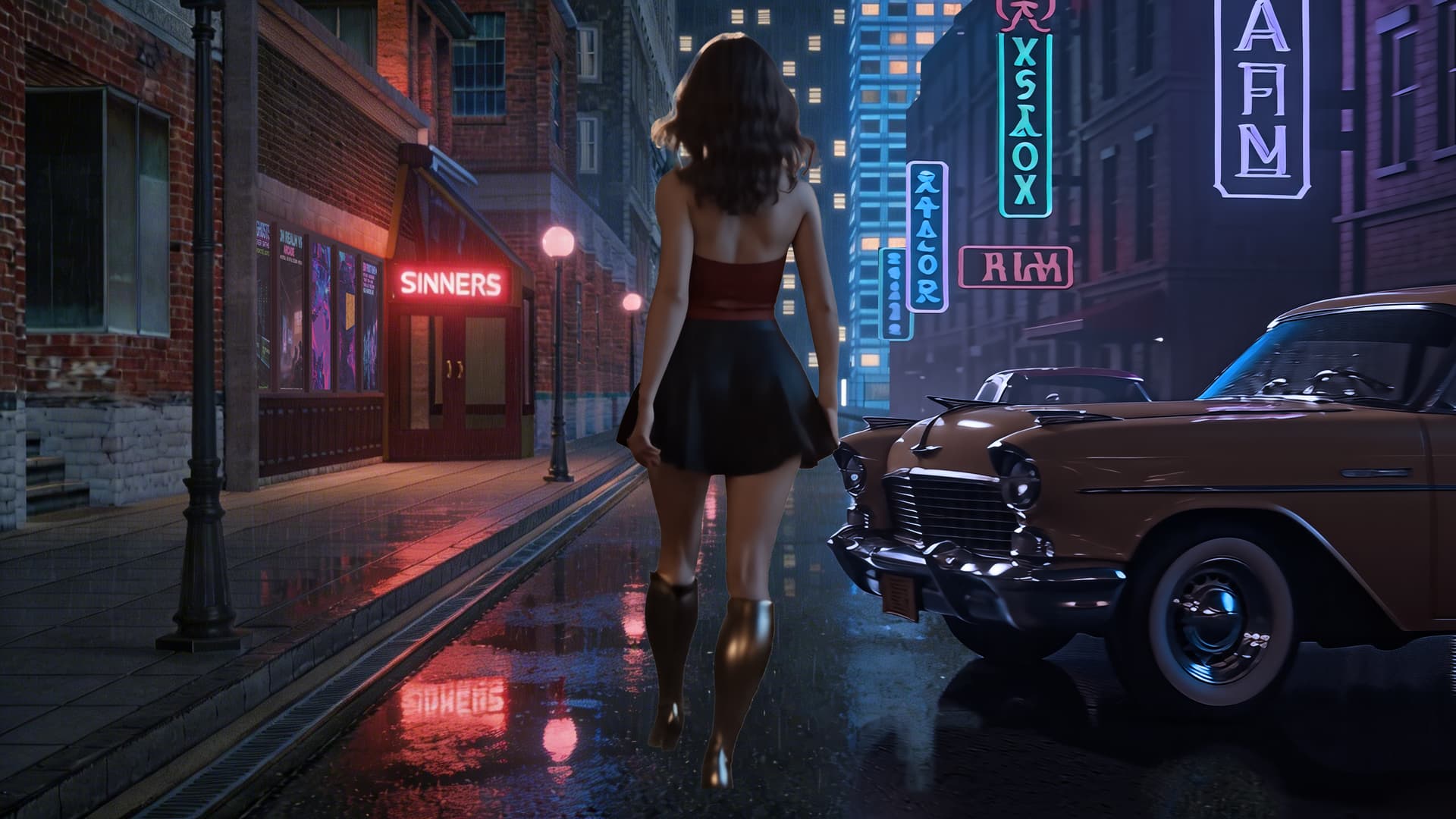
This image is a hybrid. The right side is the orginal end frame of the current clip. On the left side I added the bar and the remainder of the left side of the street. This was then combined in Photoshop. So the effect in the video is that she comes out of her hiding place and then sees the bar.

I created a model in iClone and then gave the render a “cyberpunk vibe” to make it match. Quite some work but also a fun problem to solve.

On to the next clip: “Futuristic urban area with a cyberpunk vibe. There is a drizzle of rain. @sophia steps from the deserted street shown in @Start image onto the sidewalk. @sophia continues walking to a bar called SINNERS located on the left side shown in @End image. @sophia then enters the bar.”

We finally made it into the bar, where Sophia takes a seat and then orders a glass of red wine. As the bar interior started as a 3D model, I provided specific Start and End frames, while describing the action.

Surprisingly, this took many retries. Having Sophia sit was not to hard: “Bar with a cyberpunk vibe as in @Start image. Young woman @sophia walks to the bar counter and sits down on one of the barstools. @casual_m_0009 sits at the end of the barcounter. He looks at @sophia briefly. @bartender addresses @sophia as in @End image to ask what she desires. A young woman sits in a booth in the background. Next to her stands a young African man.”

I can only have three character references, so the background characters have none, but they worked out. What turned out be a problem was additional characters or wallscreens so I had to include negative prompts.

The final clip is where the bartender serves Sophia a glass of red wine, which she then drinks. That was extremely hard. For some reason the bartender wanted a glass of wine too, even though I gave a negative prompt. In one generation, the bartender took a sip of the wine before giving it to Sophia! So in the end I split up the action: first the bartender places a glass of wine on the counter. Then in a second clip Sophia picks up the glass and drinks the wine.

I added a sound track using Krotos Studio Pro, which analizes the video and then creates a sound track split up in stems. It’s good as a start. One thing it has trouble with are footsteps, which are not synched well.
2 Likes

Grok seems as though it’s getting an update on a weekly basis.
references is their latest feature where you literally pick and choose elements you want to be in the scene and describe how you want them to be used much in the same way You would load content from your content panel into iclone/CC or Daz.

Actual,content based, scene building with
AI !!

I have to say, this weekend’s experience with AI image creation has been exceptionally pleasant. I believe I’ve pretty much nailed down my image creation workflow. I realize that I only create still images, but the images must be accurate, detailed, and in the style I want. I cannot emphasize enough who crucial the Reallusion products are in establishing the foundation. Here’s the workflow I’ve adopted:

  1. Create one facial shot of each character in CC5 to capture eyes and facial details.

  2. Create one full body shot of each character in the clothes they will wear in the scene.

  3. Create one shot of each character in IC8 as they appear in the scene.

  4. Create a shot of both characters as they appear in the scene.
  5. Create each character new character in OpenAI based on those three shots.
  6. Upload the image of scene.
  7. Use a lightweight prompt to generate the scene.

    The accuracy for this scene is outstanding. I’m really happy with this because I was afraid I would have to do a prop in IC8 of the interior of a building wall, because in that scene it’s just sky in the background. But the AI did a great job of doing that for me.

This is sharp stuff. I STILL think it struggles when it has a lot of people to handle within the scene, but overall, it’s been pretty good.

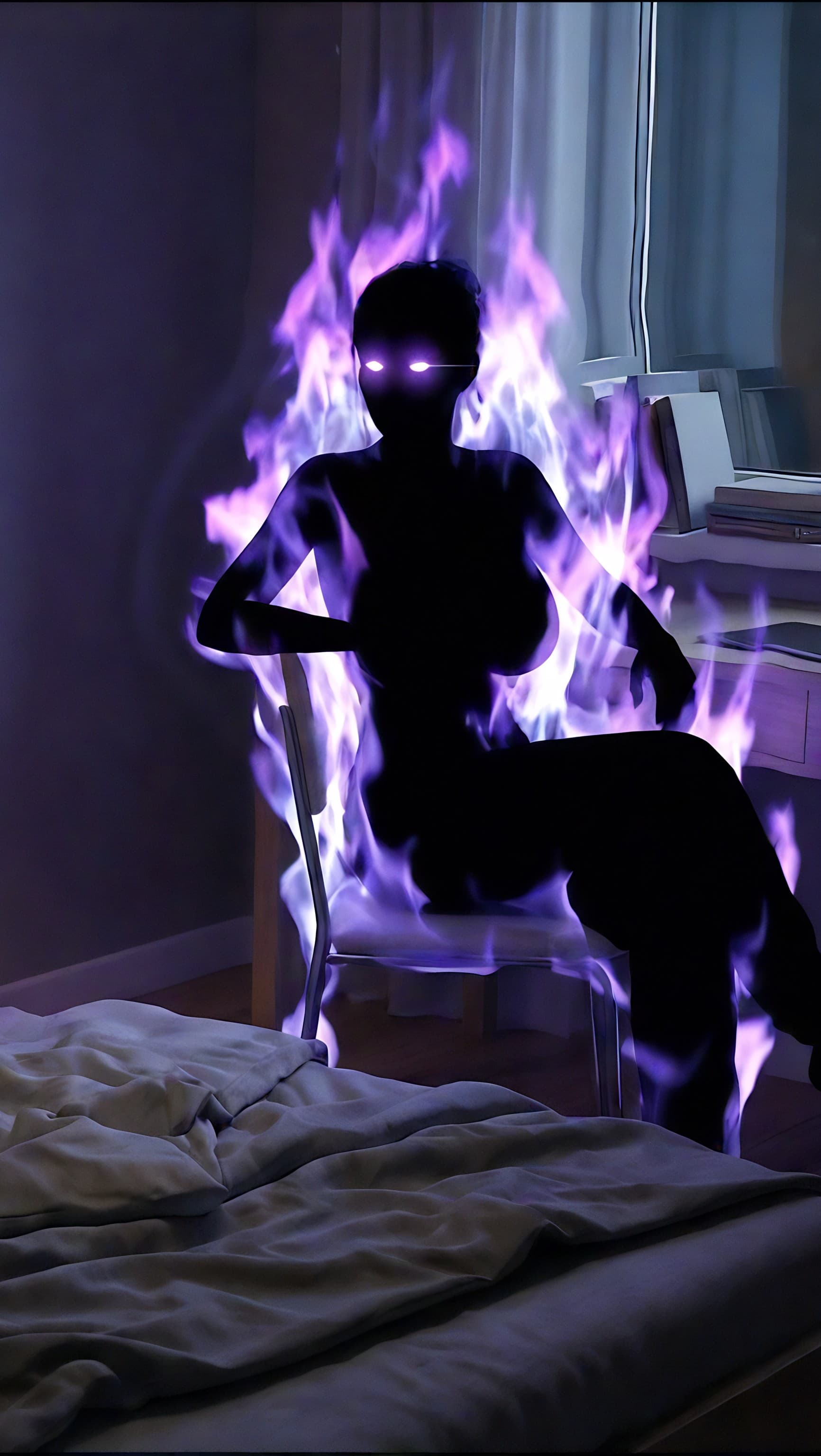
Another good experience is I was EASILY able to take a prior image and alter it so the character appeared in her true form (which occurs slightly after she first appears). Zahara (woman in the chair at the desk) goes from being this:


To being this:

Things are going pretty well and, overall, while I am a critic of the BROAD use of AI to take over a lot of human functions and have become quite the detractor of the technology, it DOES have a lot of uses that adds tremendous value. The creative/artistic field is one of them (there are many others as well) and I’m having a bit of fun with it.

2 Likes

Those are good results. I’m glad you persisted and kept experimenting.

I believe still images are easier than video because having the AI understand even a simple action can be a challenge. I gave the example already of a bartender serving a glass of wine to a patron, which I couldn’t get right. So I kept adding clarifications to the prompt which didn’t really help. Such as: “Young woman Sophia sits at the barcounter. Bartender turns back to get a glass of red wine. Bartender places the glass of red wine on the barcounter. Sophia takes the glass of red wine and drinks it. Then she places a glass back on the counter.”

So yesterday I went the other way and simplified to the minimum: “Bartender serves a glass of red wine to Sophia.” And then I tell the AI that she drinks the win and then places the glass on the counter. That finally worked.

2 Likes

Mage.space now has a feature whereby you can upload characters. Backgrounds props and poses and simply pull them from your library and combine them to create scenes. Just like we do with our iclone or Daz figures and content.
This is going to make my next graphic novel sooo much easier.

1 Like

I have been engaged with various experiments and last week I started making a music video for a song called “Echoes of Lost Love”. I’ve never done a music video before so that was an interesting and sometime challenging endeavor. Before I explain how it was done, I’ll give you the video first:

I created the song last year with a service called “Songer”. It provides a song with an accompaniment. I didn’t like the instrumentation, so a used a tool called Moises to split out the vocals. There is a desktop version, which I acquired. Moises generated a new accompaniment with specified instruments and style. I also used it to add additional vocal tracks. This was done as one of the “refinements” after I had the video mostly mapped out.
Being a novice, I looked for a tool to give me a structure for my music video. I found airmusic.ai, which looked interesting and there is a free trial. I could only upload 15 seconds of the song, but that was enough to provide an initial approach. There were actually three choices and I selected the one I liked. It helped me from then on to come up with scenes for the whole song. It is a bit like a narrative, but very short of course.
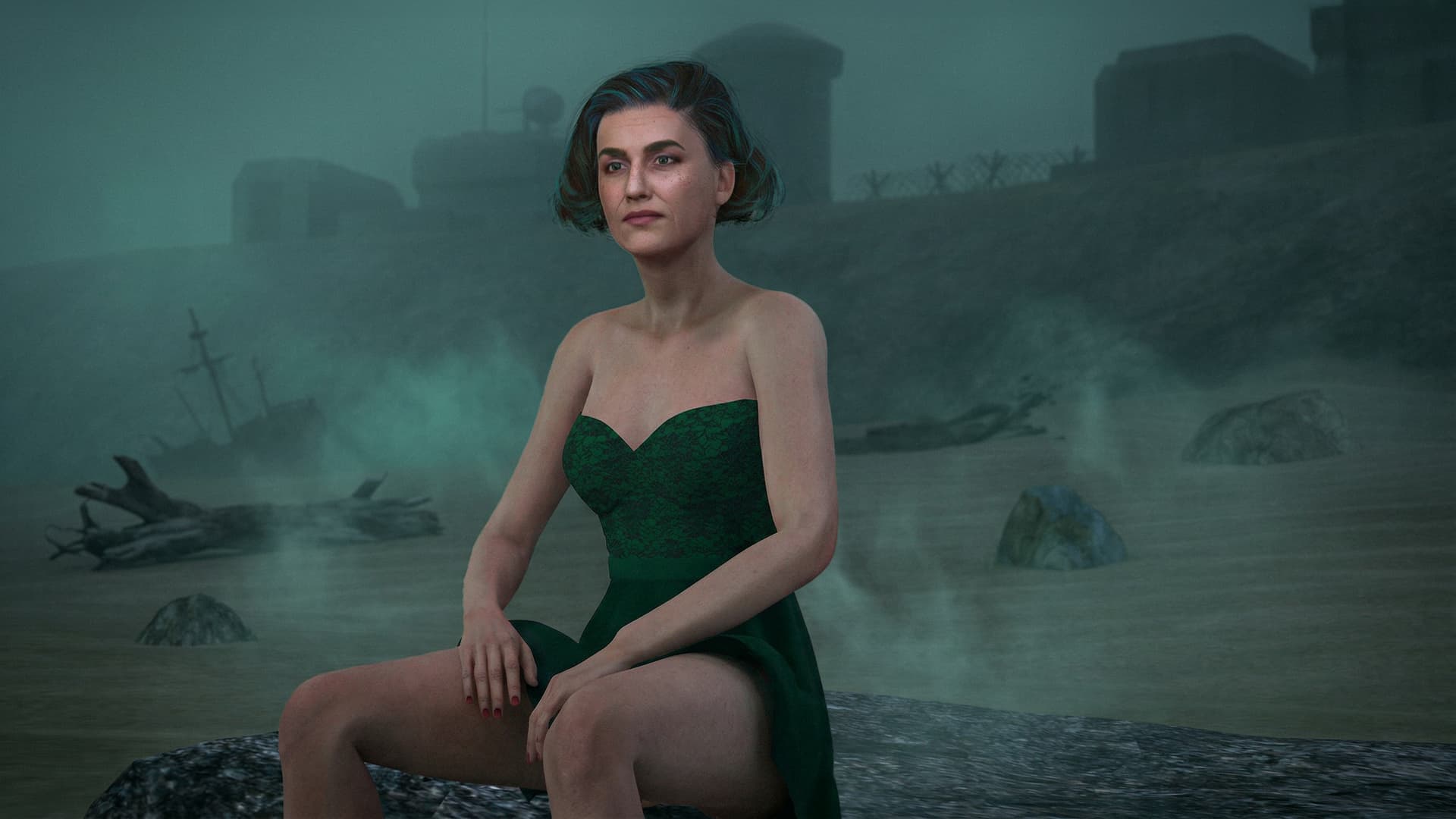
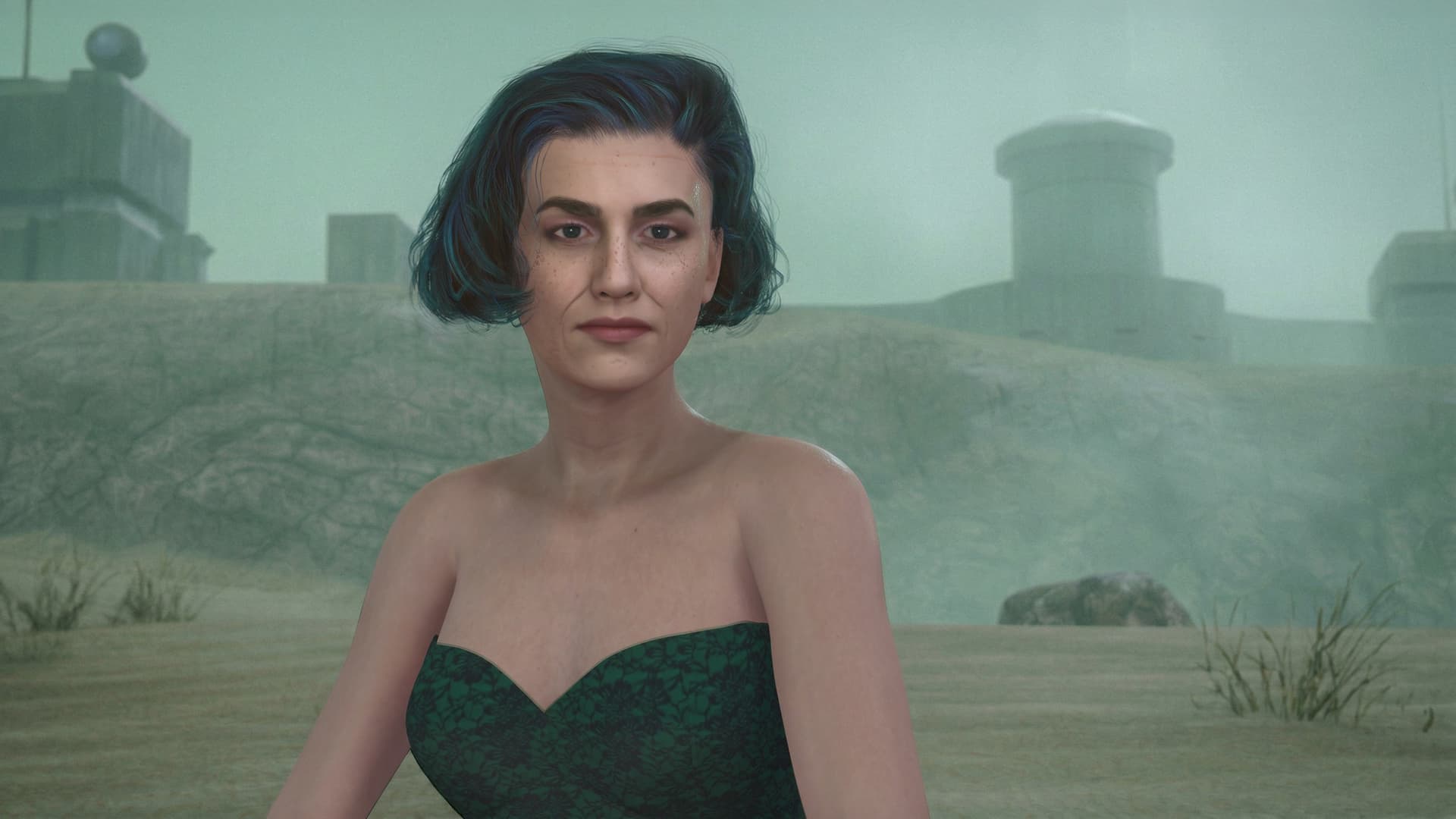
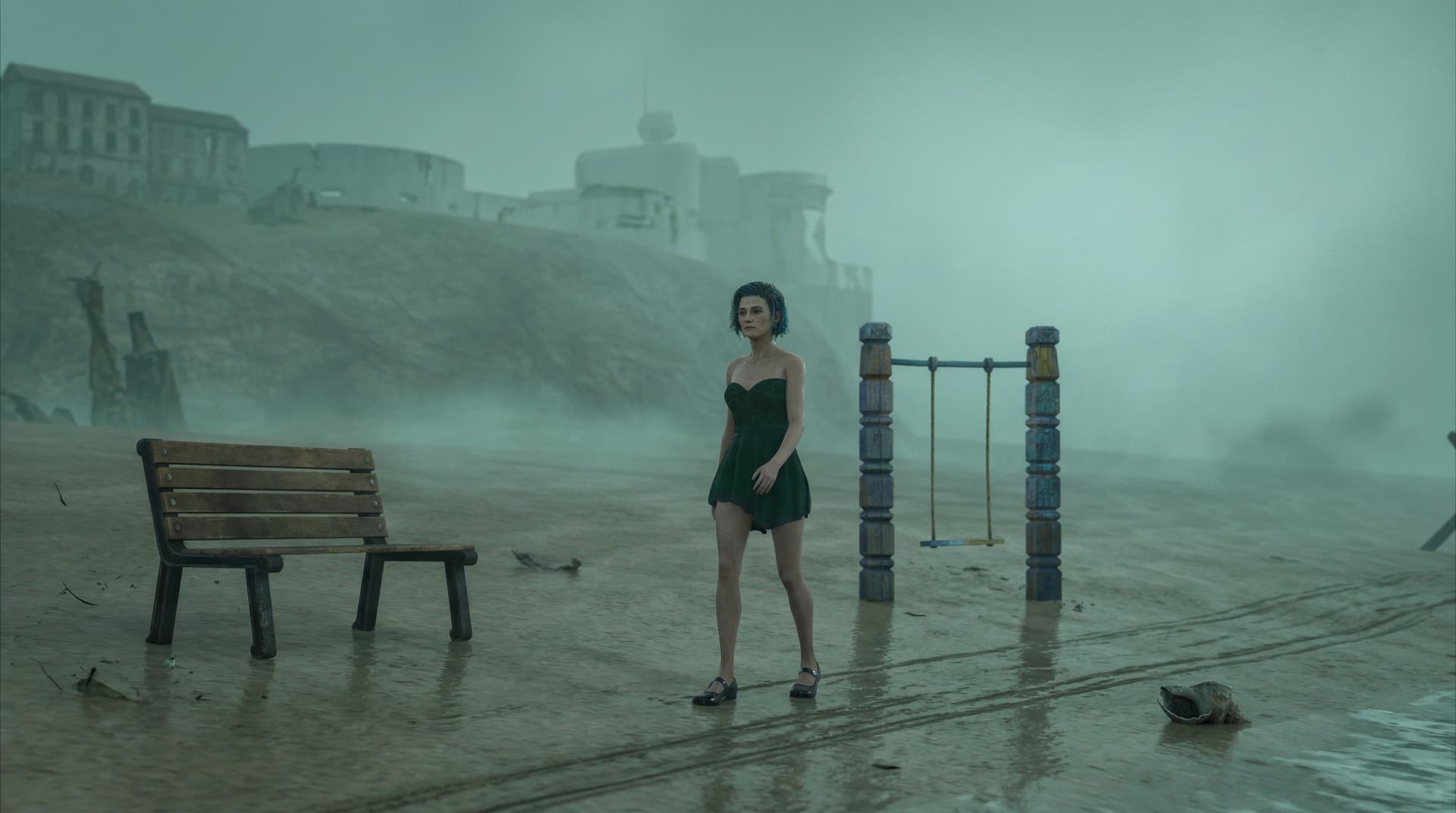
I had an existing CC character and I built a scene in iClone using the WW2 Beach pack (quite old but still useful).

We begin with an opening shot featuring a woman (Sharon):

There is another shot for when Sharon sings the chorus:

In a third shot, Sharon is wandering aimlessly along the beach:

The singing scene is the only instance where we need lip-synching. According to reviews, one of the best tools for that is Omni Human 1.5, as it also handles singing. I used it, but it is expensive. There were a few issues. One was that it outputs at 25fps, whereas I use 24fps, because most tools produce that. The other was that the character looked too smooth. In addition, the background was kind of blocky. I learned from that that reference images with heavy DOF should not be used.

There is a tool for every problem, it seems, so I used one to replace a character with another, which gave me the result I wanted. I was also able to replace the background with a free tool at Wide Video.

As was mentioned in another thread, one tool doesn’t cut it!

The 25fps was not an issue. I always convert into image sequences so it was simply interpreted as 24 fps. I then had to stretch the audio, which Vegas Pro does very well without changing the pitch.

For the final scene, I used an iClone pack representing a beach town. As with the WW2 beach, I needed to change the textures to PBR but other than that it was quite useable:

As the initial render was a bit dull, I asked the AI to add some “magic”, which it did admirably.

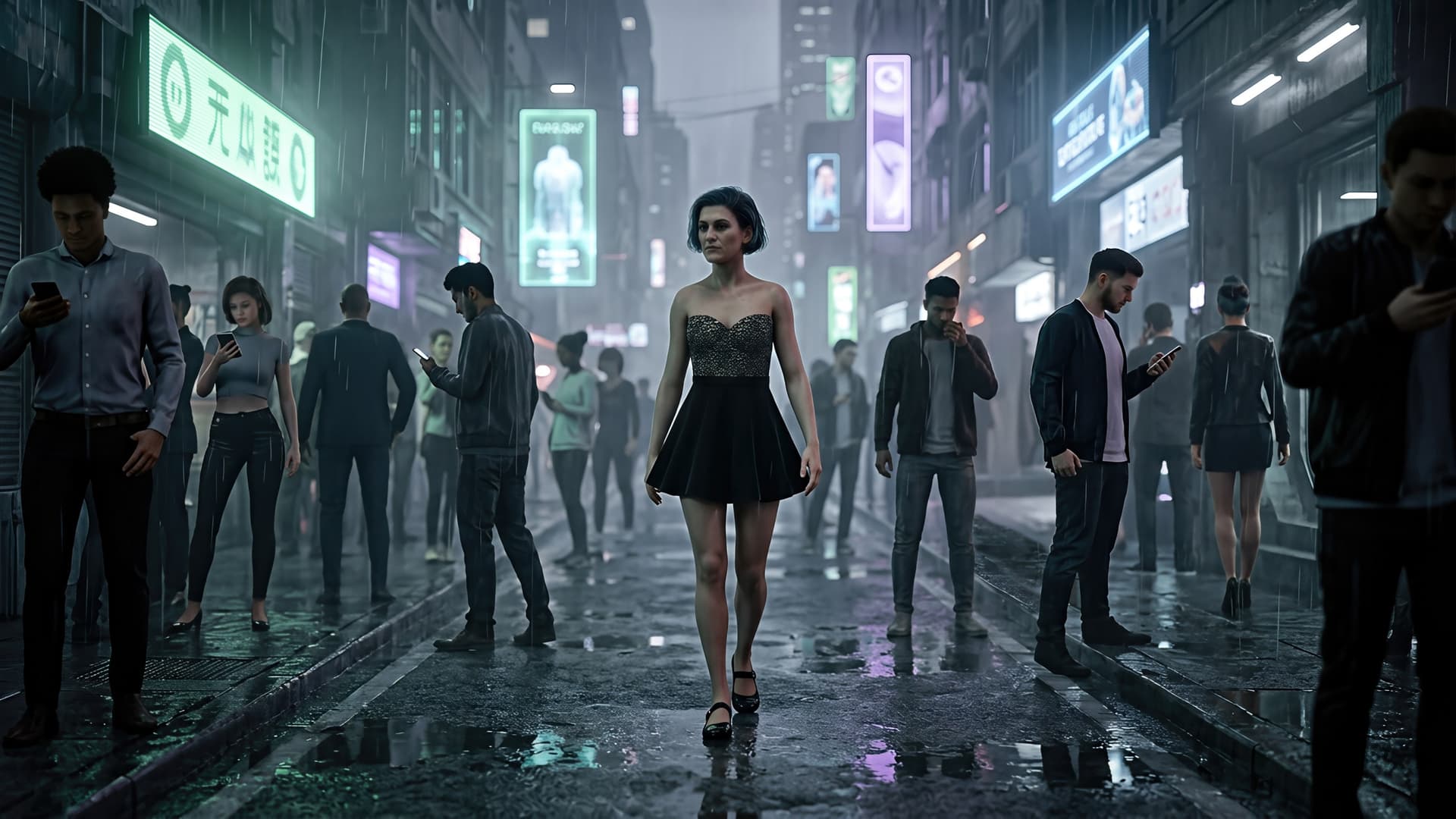
A few scenes were AI-generated with only the CC charcater being supplied. They are the underwater scenes from the original storyboard and a scene with Sharon feeling alone in a busy street:

After completing a first draft (maybe in a day or so), I implemented many refinements. This was a good learning project for me and I enjoyed doing it.

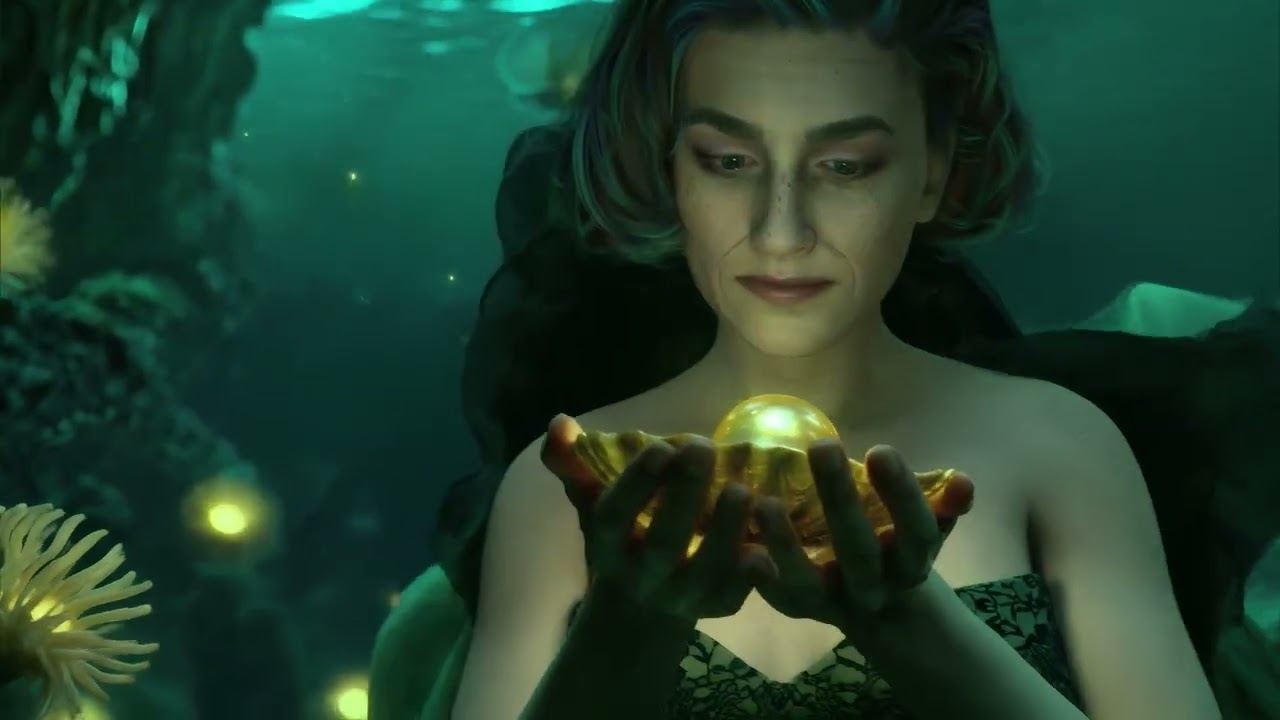
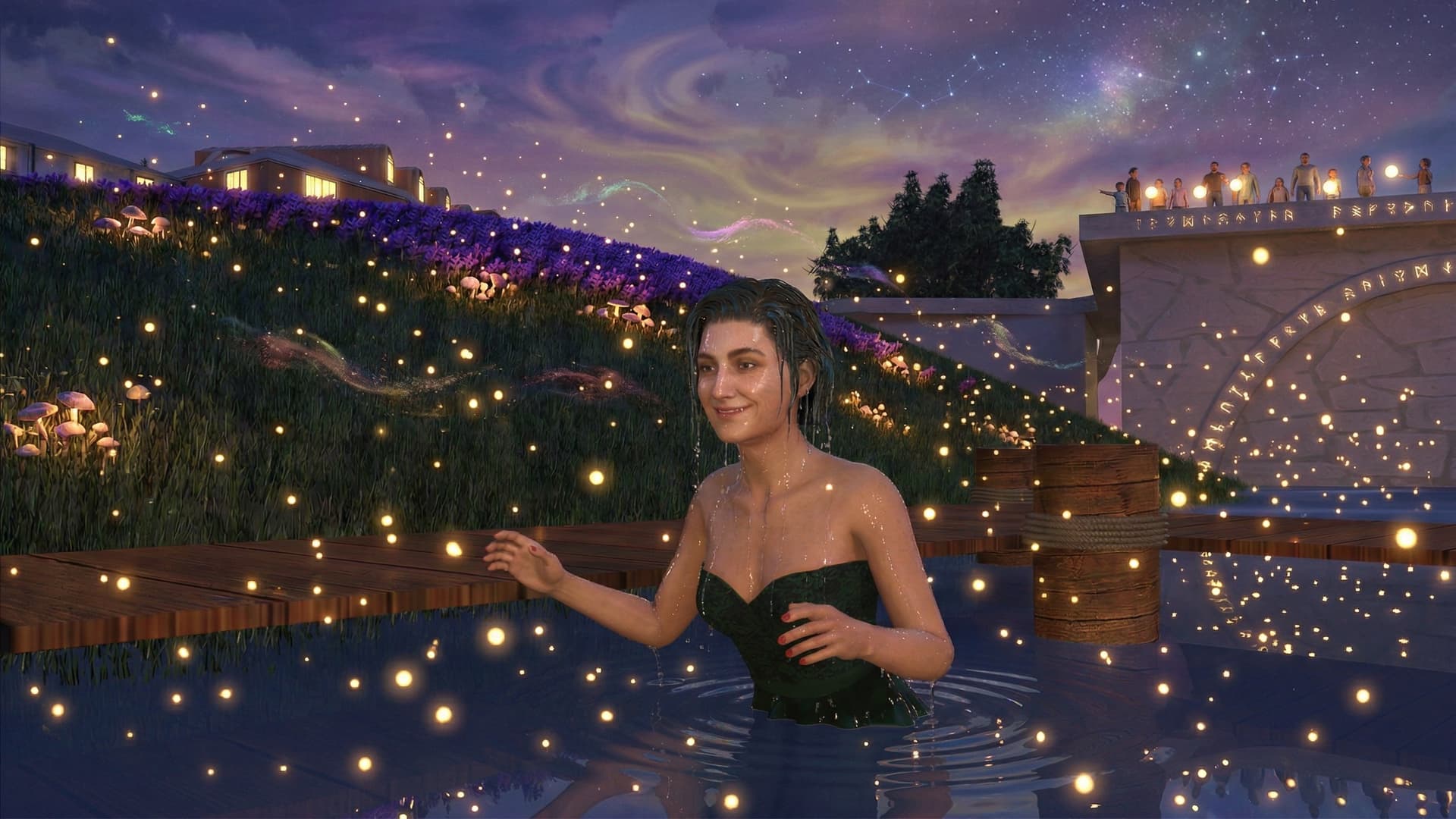
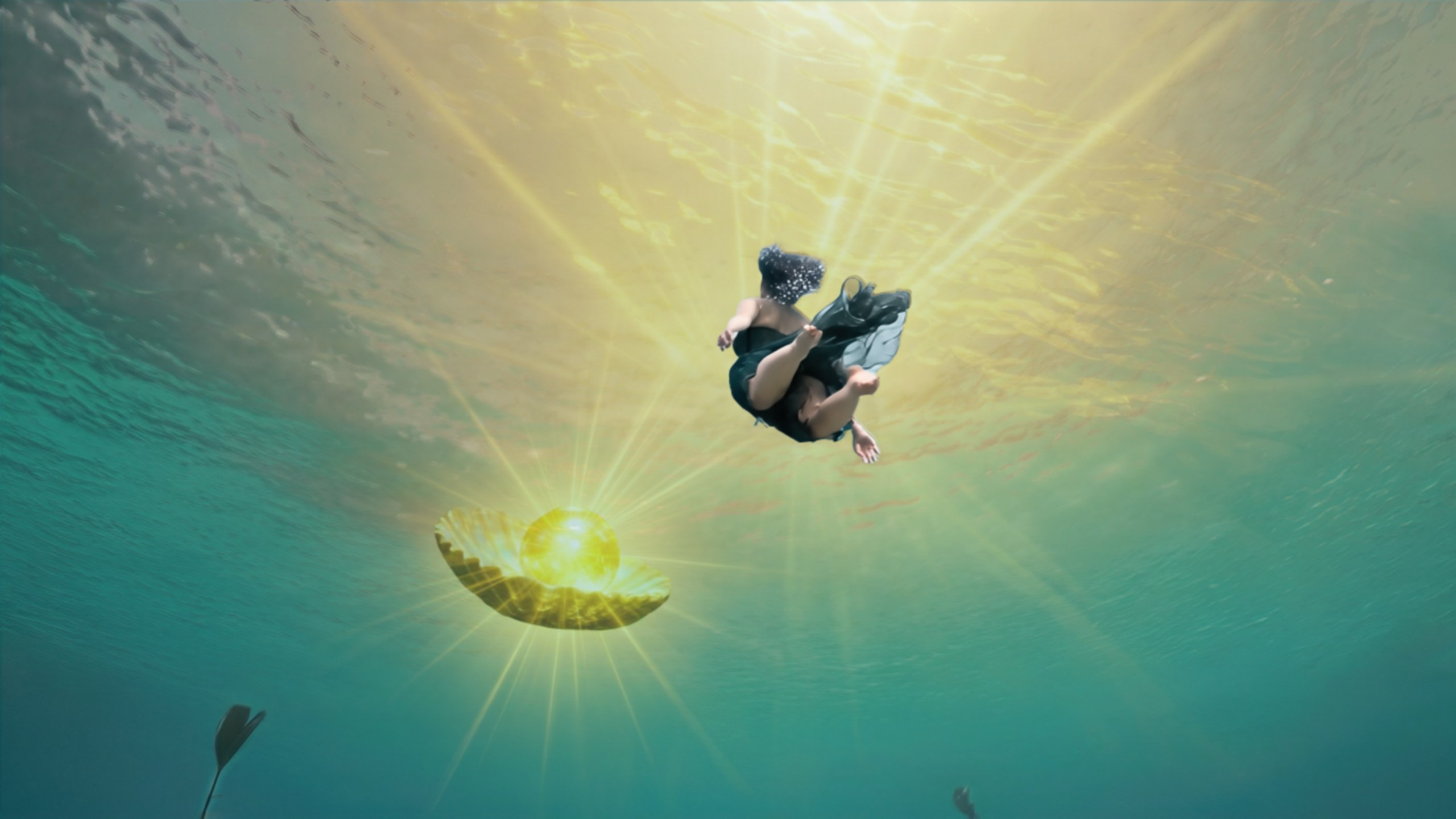
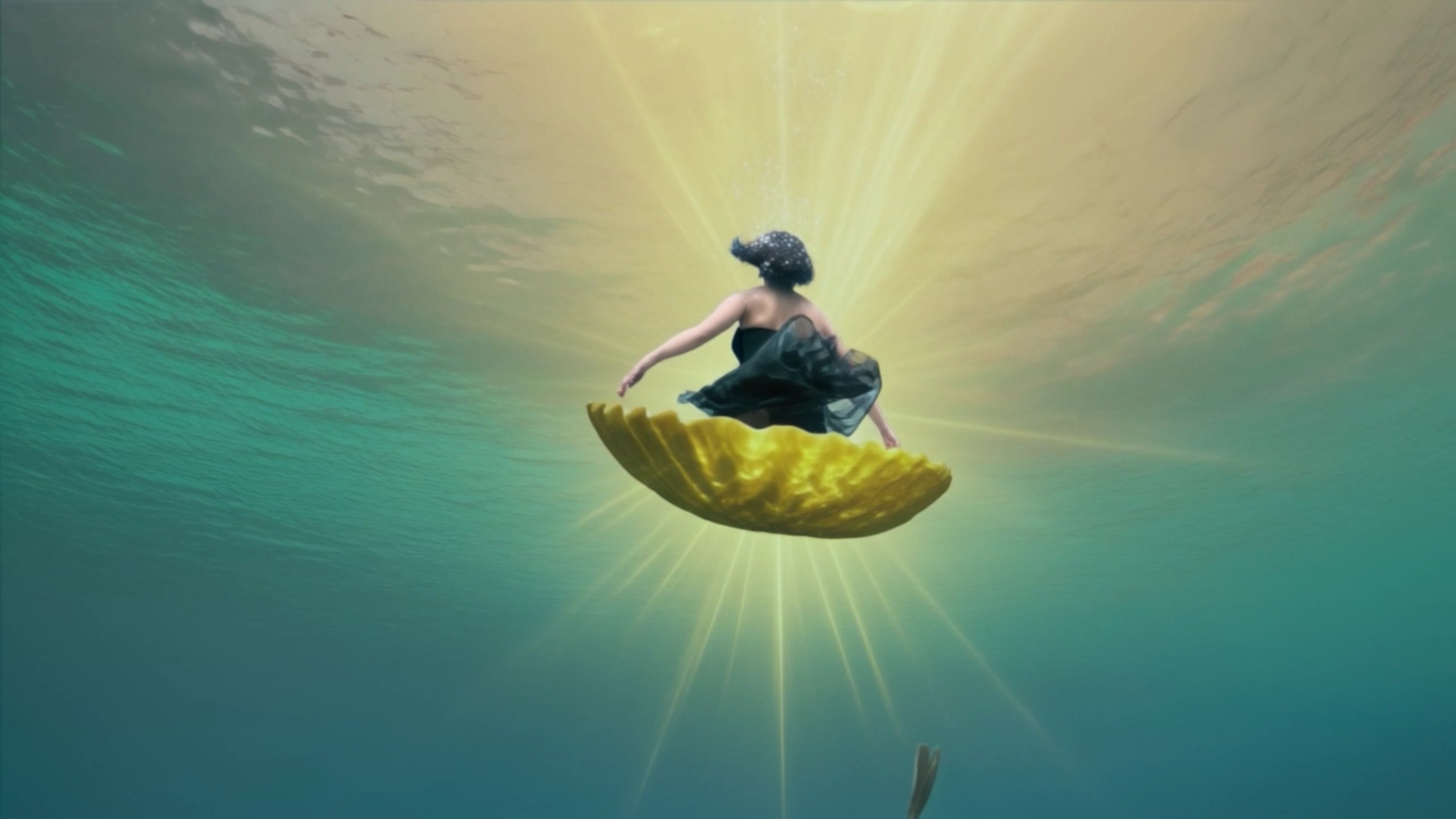
The AI has still problems now and then understanding my prompts, but sometimes that is good and gives a new slant to a scene. For example, in the scene before the last one, Sharon swims to the surface:

There is floating pearl that I wanted to rise as well. The AI did that but decided to place Sharon on the pearl and thave it rotate while floating:
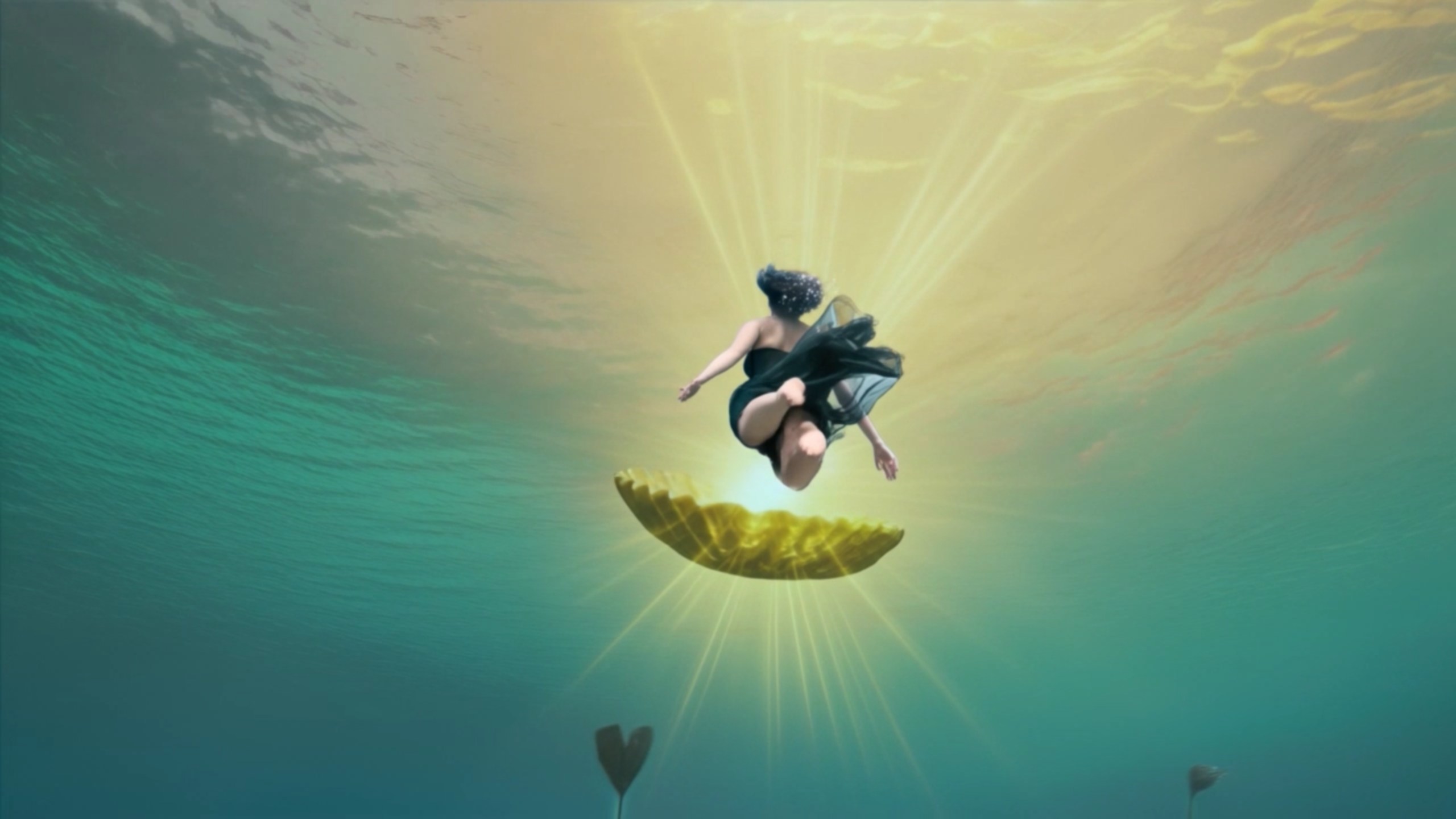
It was not what I asked for but I liked the result and it worked quite well in the video.

2 Likes

Great work!

Music videos is something I’ve been also working on with the help of generative AI tools. The main reason being is that making all the sets would take a long time in 3D and these are not my main projects.

For the lipsync I can recommend wan2.1’s infinitetalk, it works with singing too and you can run it locally in wan2gp for example. Its default output is also 25fps, that can be adjusted I think but it’s also worth considering adjusting the other scenes to be 25fps (there are different methods like interpolation). My reasoning would be that if the lipsync clips are the ones fps-adjusted/interpolated, they can look incorrect. Although here it wasn’t a problem, your solution worked out well.
I will look into that and also in starting to run things locally to cut costs. I have sort of standardized on 24fps for my productions so I like to stay with that. In the video editing stage I always work with image sequences. The 720p video that is produced by the models is first turned into an image sequence using VirtualDub after which I use Upscayl to upscale the image sequence. This works OK most of the time.

1 Like

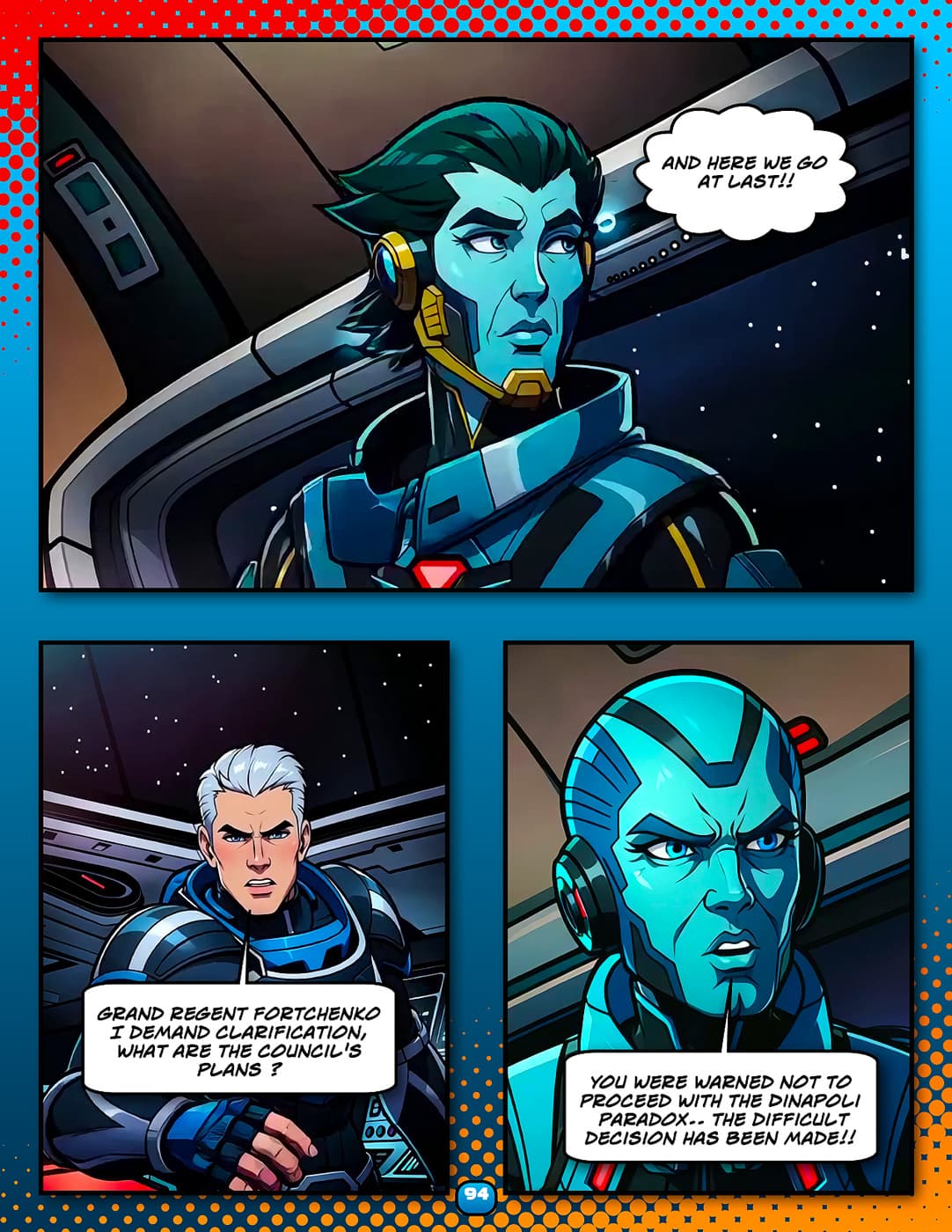
Here are the first 24 pages of my current graphic novel project.
total production time-4 days
alot more of the story to produce before I get some prints made of the book (probably sometime in April)

And a short teaser trailer made with Grok AI

3 Likes

Looks great! The consistency also looks very good in terms of characters and environments - which is usually a difficulty with AI. This solution on mage.space you mentioned in your earlier post seems to work well (not all tools that promise consistency are actually good at it in my experience).

1 Like

This is impressive work and again proves the viability of using AI. Keep it up!

If I may, I would suggest to carefully read the text, as I found a few issues. For example, it says: “…we were granted rights to sell HOUR raw beridium…”, instead of “…OUR raw…”.

I worked as a technnical writer/editor, so my eye spots these things. I’ve had the same with my own graphic novel and I sometimes missed issues as well.

1 Like

Thanks for the typo catch Job.

Yeah, this is not the final version of the book in fact, I’m anticipating it finishing out at about 80 pages
( I am already up to page 53 with more action/story to show) .

I confess to being a bit lazy here in my dotage.
So much so that I never actually type anything of length anymore.
I’m using the dictation feature built into my phone and I essentially narrate my dialogue and it is auto transcribed.
I then send that transcription
( via Bluetooth ), over to my PC and paste it into the script editor of my comic layout software, ( comiclife 3)
obviously it’s going to get a thorough editorial review before I send the final version off to be printed.