Reallusion introduces iClone Video Mocap, an AI motion capture service that turns ordinary videos into precise, editable 3D motions, right inside iClone. This new solution streamlines motion creation for filmmakers, game developers, and creators seeking natural, production-ready animation without the need for mocap hardware or costly subscriptions.
Included with the iClone Trial: the Video Mocap Plugin plus 60 seconds of free motion generation. Download the iClone Trial now.
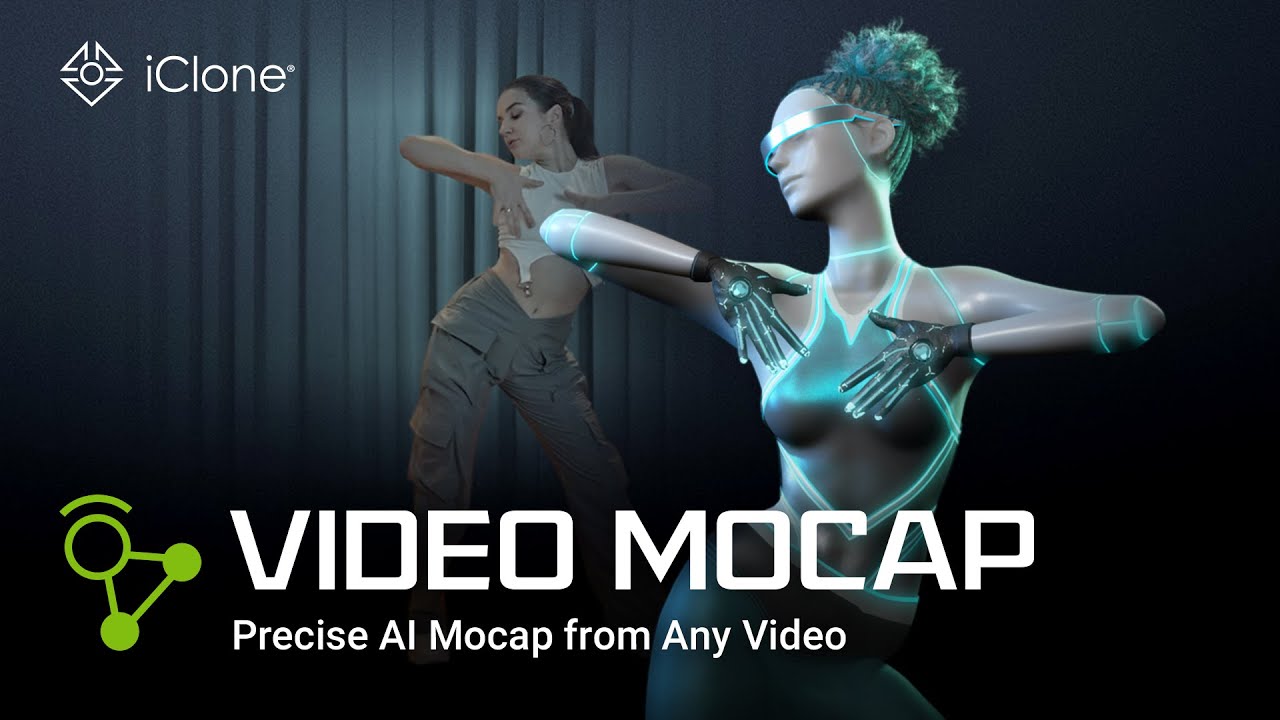
Precise AI Mocap from Any Video
By partnering with Quickmagic, Reallusion brings one of the most accurate and widely adopted AI mocap solutions on the market. With iClone Video Mocap, creators can instantly convert any video — whether it’s a YouTube clip, a movie scene, or even a quick phone recording — into precise, editable 3D motion data that is ready to apply to any 3D character. This is all made possible with Quickmagic’s advanced AI engine, which analyzes 2D footage, reconstructs 3D motion to deliver stable, lifelike animations.
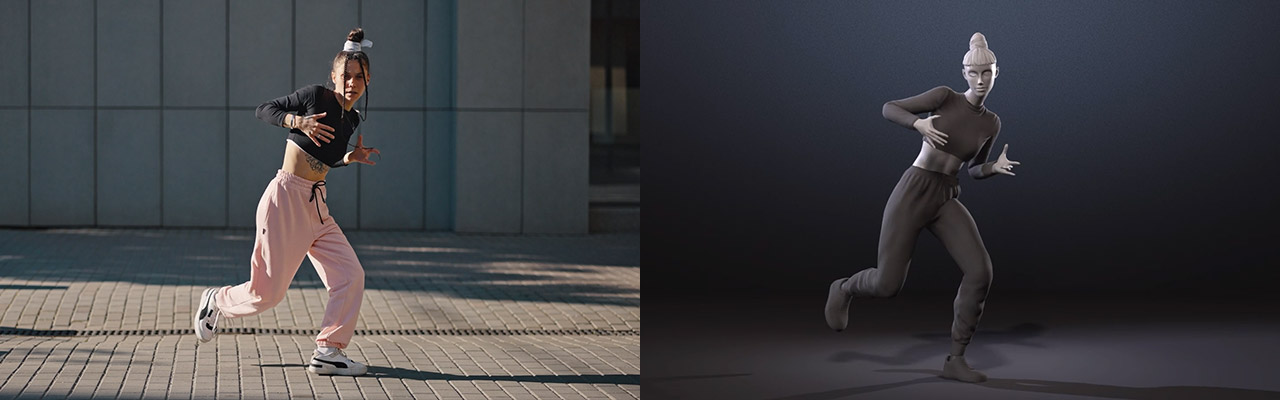
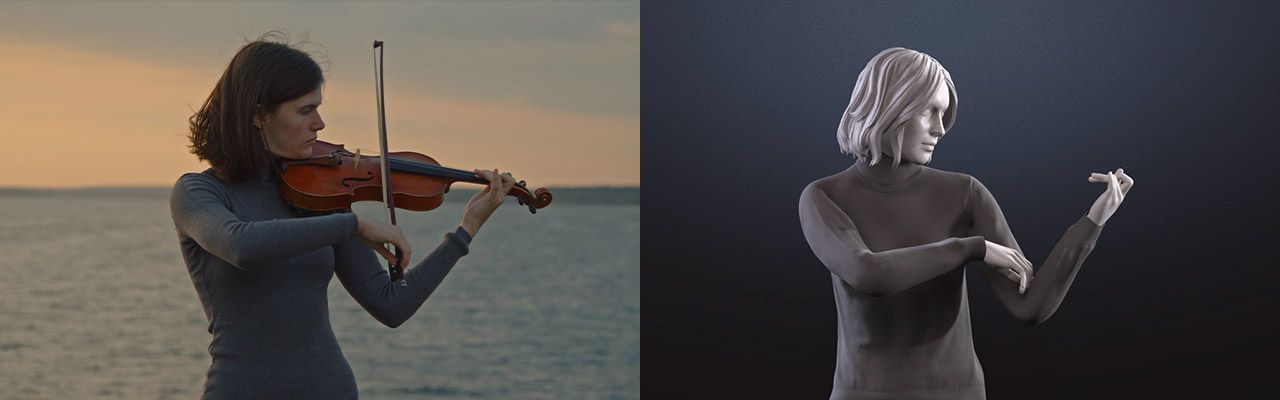
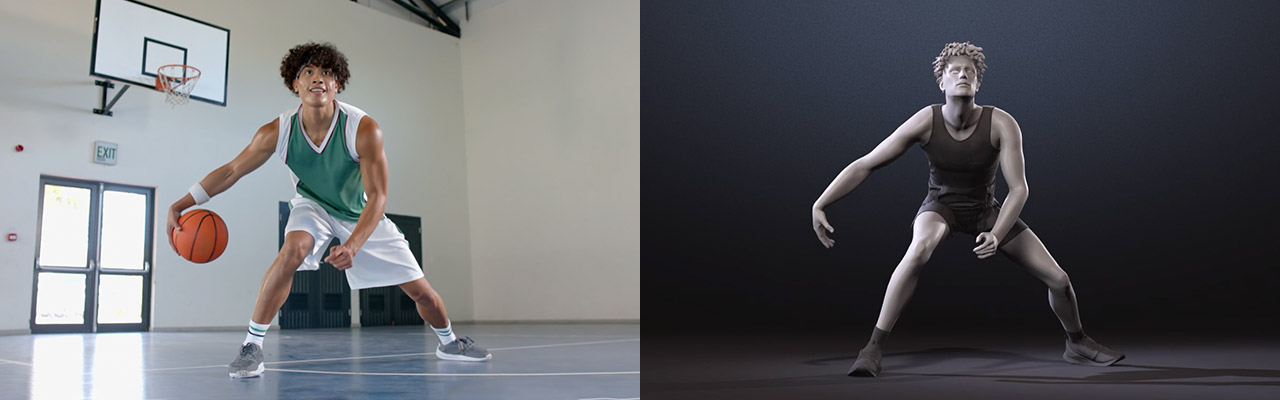
Recreate Group Actions to Talking Scenes
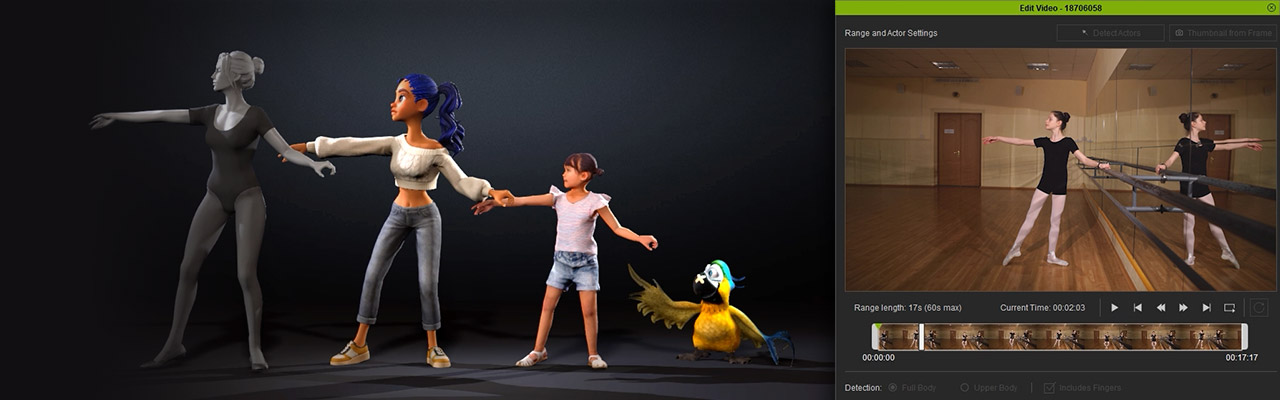
From high-energy choreography to intimate conversations, iClone Video Mocap gives users precise control over every capture. Visually trim clips and define the detection range to match the performance you need. For multi-actor footage, simply duplicate the task for each performer and separate the detections to ensure clean, accurate motion for every single character.
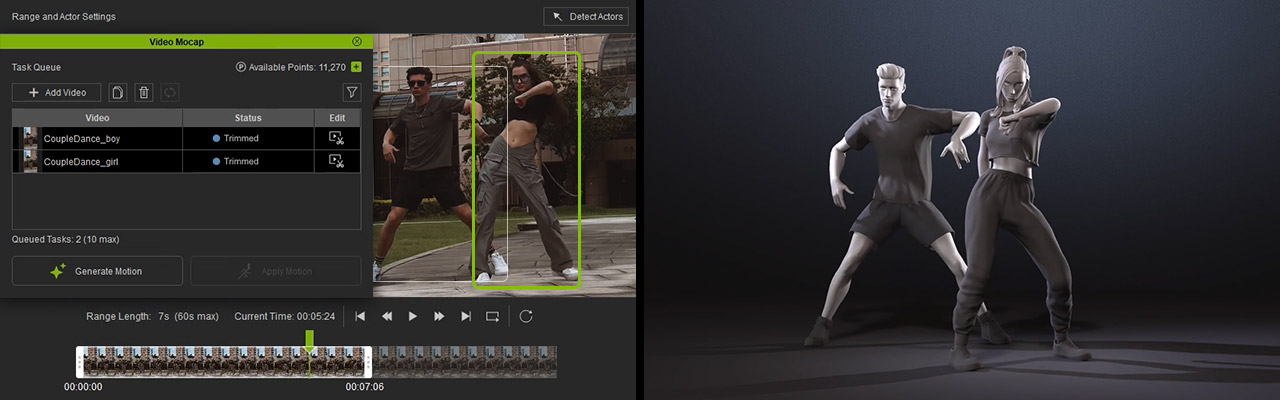
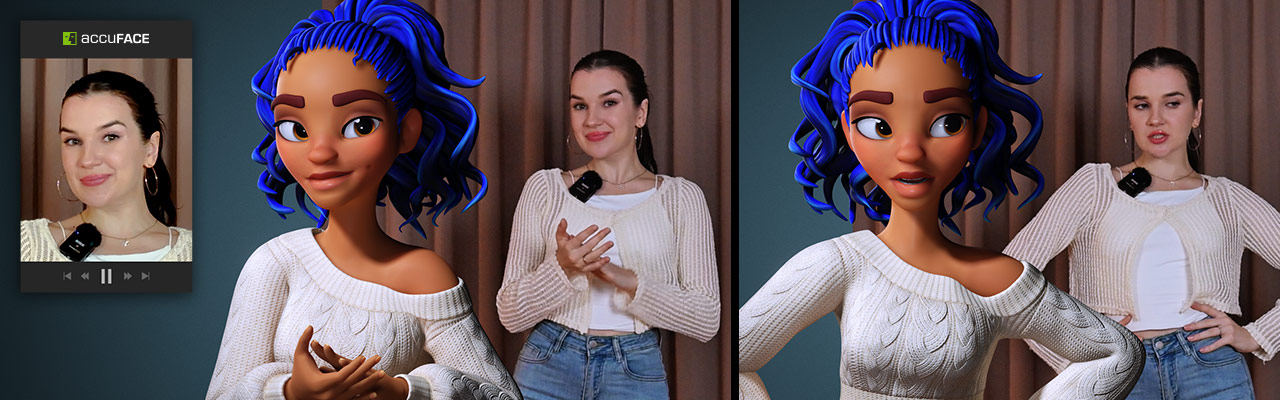
The system adapts to a variety of performance, from full-body movement to upper-body gestures with detailed finger tracking. Paired with iClone’s AccuFACE and LIVE FACE, it transforms any talking clip into a fully synchronized facial-and-body performance with lifelike realism.
Motion Editing Adds Core Support
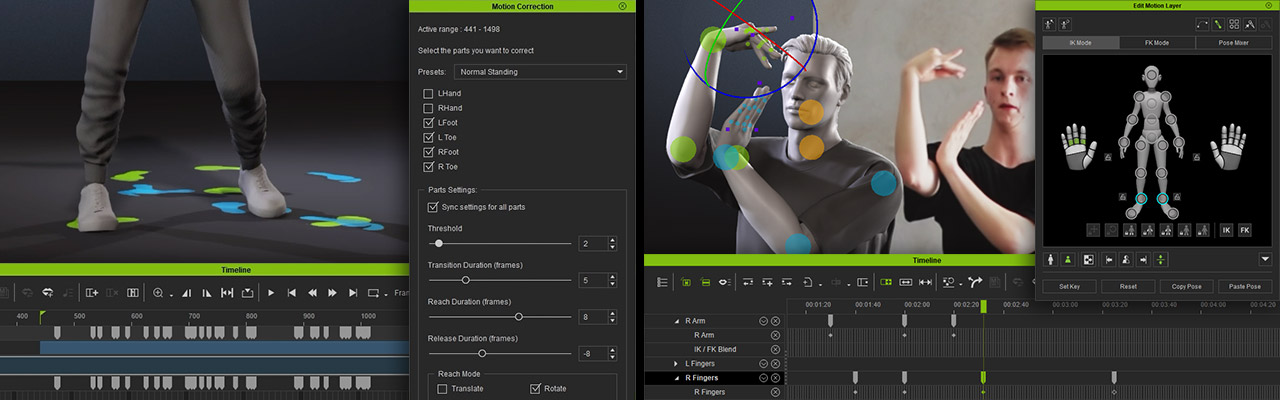
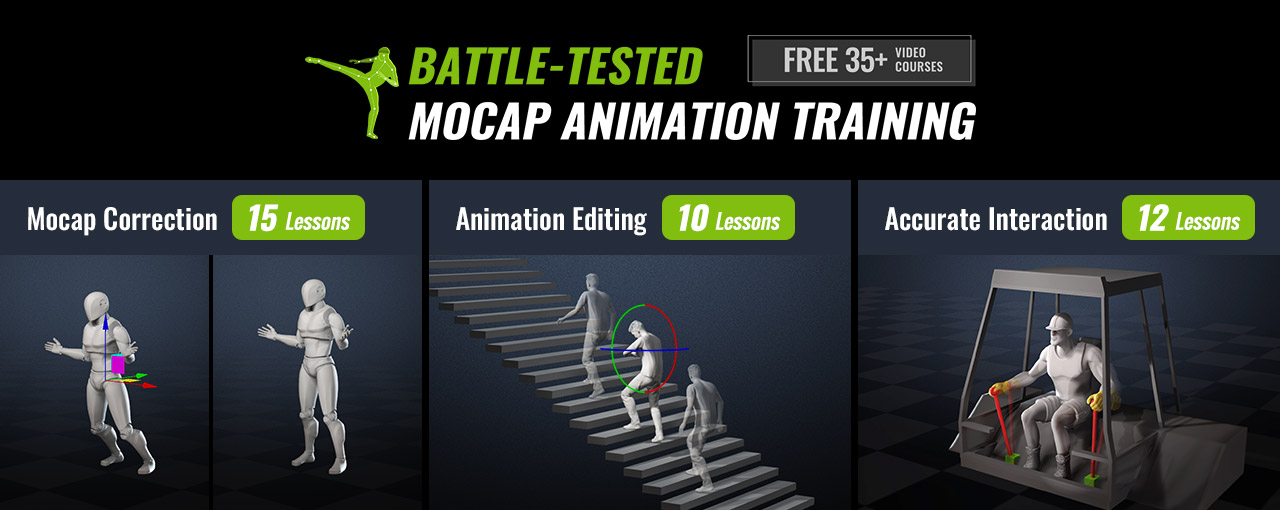
While AI mocap can capture realistic movement, it also introduces common issues like foot sliding, depth misalignment, or unnatural twists. Most tools require exporting the data to another 3D editor for cleanup, adding extra steps to the process. With iClone Video Mocap, all fixes can be done directly inside iClone. Animators can correct motion offsets, smooth out jitters, and fine-tune details right in the timeline using tools like Foot Contact, Auto Motion Alignment, Curve Editor, and Reach Target.
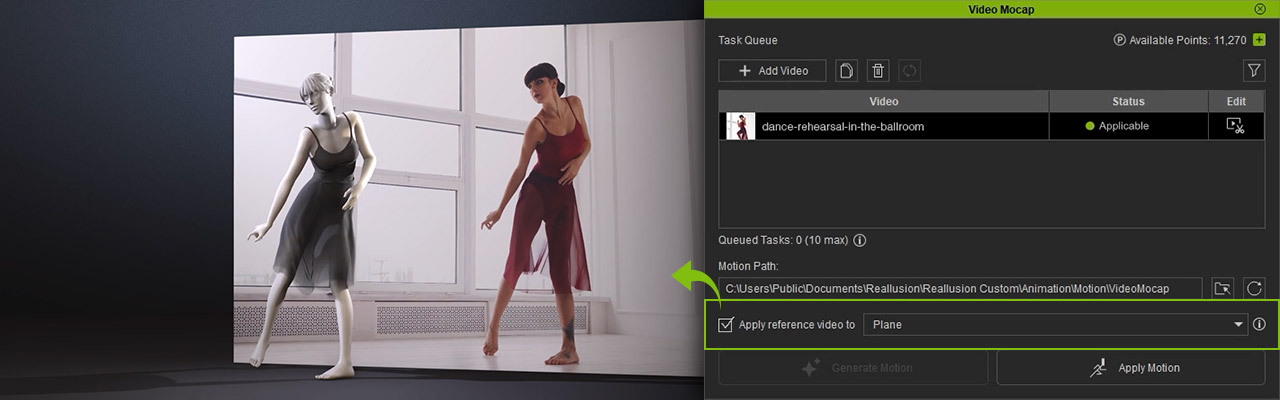
Once a motion is generated, the reference video automatically loads in the viewport as a 2D background, letting you compare their animation with the original footage in real time.
Reallusion also provides over 35 professional mocap tutorials, helping users quickly master motion refinement and achieve production-quality results — all without leaving iClone.
Custom Motion for Any Character
iClone Video Mocap expands the creative reach of Reallusion’s character ecosystem. For AccuRIG, it offers a quick way to animate freshly rigged characters with personalized motions. For ActorCore users, it’s the perfect add-on, enabling unique performances that complement existing motion packs.
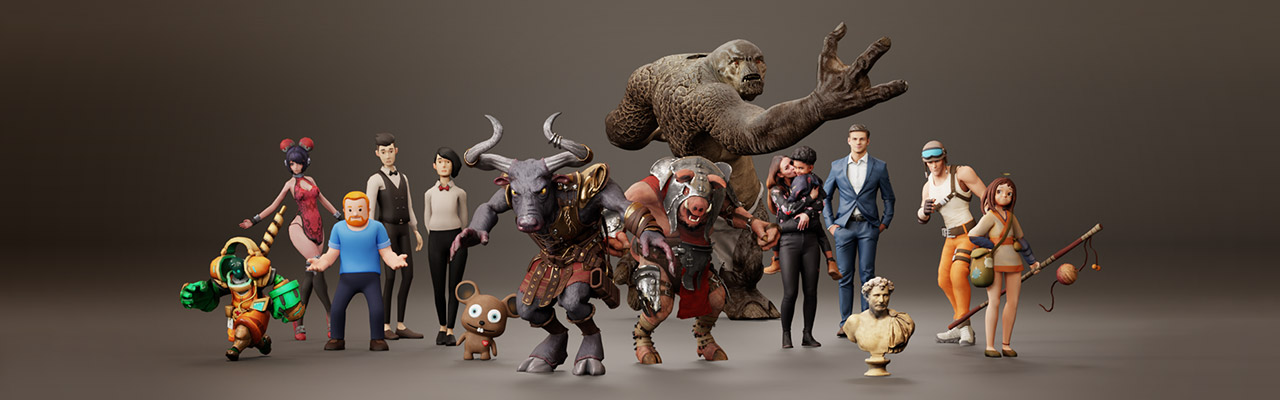
With Auto Retargeting, generated motions can be instantly adapted to characters of different body types with precise fitting, ensuring consistency and accuracy across diverse models.
Production-Level Mocap for Everyone
iClone Video Mocap is built to fit the needs of both indie creators and professional studios, offering a flexible, cost-efficient, and production-level approach to motion capture. For indie creators, it removes the need for expensive mocap suits or studio rentals — just record with your phone and start animating right away. For production houses, it supports a hybrid workflow for quick shots or background actions while reserving traditional mocap for large, complex scenes. The precise motion data makes it easy to integrate with existing pipelines, boosting efficiency without sacrificing quality. From solo artists to full teams, iClone Video Mocap adapts to any workflow with ease.
Pay-Per-Use for Maximum Flexibility
Unlike most AI mocap services that lock users into monthly subscriptions, iClone Video Mocap adopts a pay-per-use model. This gives creators full control over their costs. Spend just 250 DA Points (~$2.50) per motion generation, with no ongoing fees or usage limits.
Each upload can be up to 60 seconds long, and you can process up to 10 videos simultaneously, making it a fast, scalable solution for both individual artists and production teams. This on-demand model is both affordable and flexible.
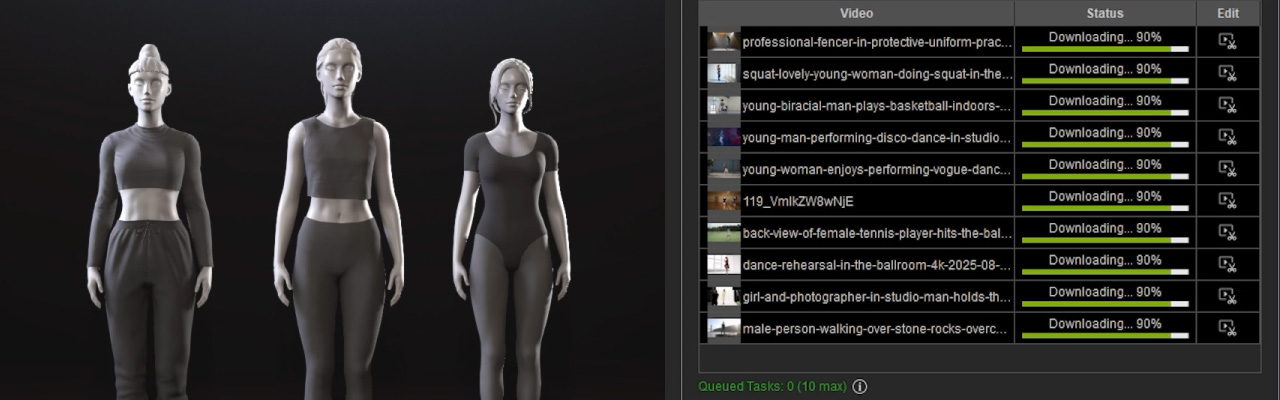
Convert Footage to Finished Animation in iClone
iClone Video Mocap marks a new chapter in Reallusion’s AI production ecosystem that combines intuitive AI automation with iClone’s precision motion tools. Creators can now generate, refine, and apply realistic motion entirely within one platform, redefining how animation is made.