Could you please first check in the application to see if there are any installation records of the AI Render Plug-in left on the computer?
If there are records, please help me uninstall it and then reinstall it once.
After reinstalling, please try opening IC/CC to see if it has returned to normal.
I uninstalled and reinstalled iclone but nothing about still no AI render to be seen. It was there before the last update. it took away the video mocap button as well when i reinstalled it this time. Although now its on a side bar with content and such. But still no AI Render. Looks like i am going back to 8.5 which means i won’t have video mocap but oh well yall will get it fixed eventually
Hi Ture_Vision,
Thank you for your help! We’re sorry we can’t reproduce the issue yet, but we’re eager to find the cause. Could you kindly share your computer’s System Info? We’d also like to check if there are any records in your console log. We’ll review everything carefully.
Additionally, could you please check whether there is another “AI Render” folder nested inside your installed AI Render directory? We found that having multiple layers of folders may cause the AP to fail to detect the plugin. Please make sure to keep only one folder layer.
Your support means a lot!
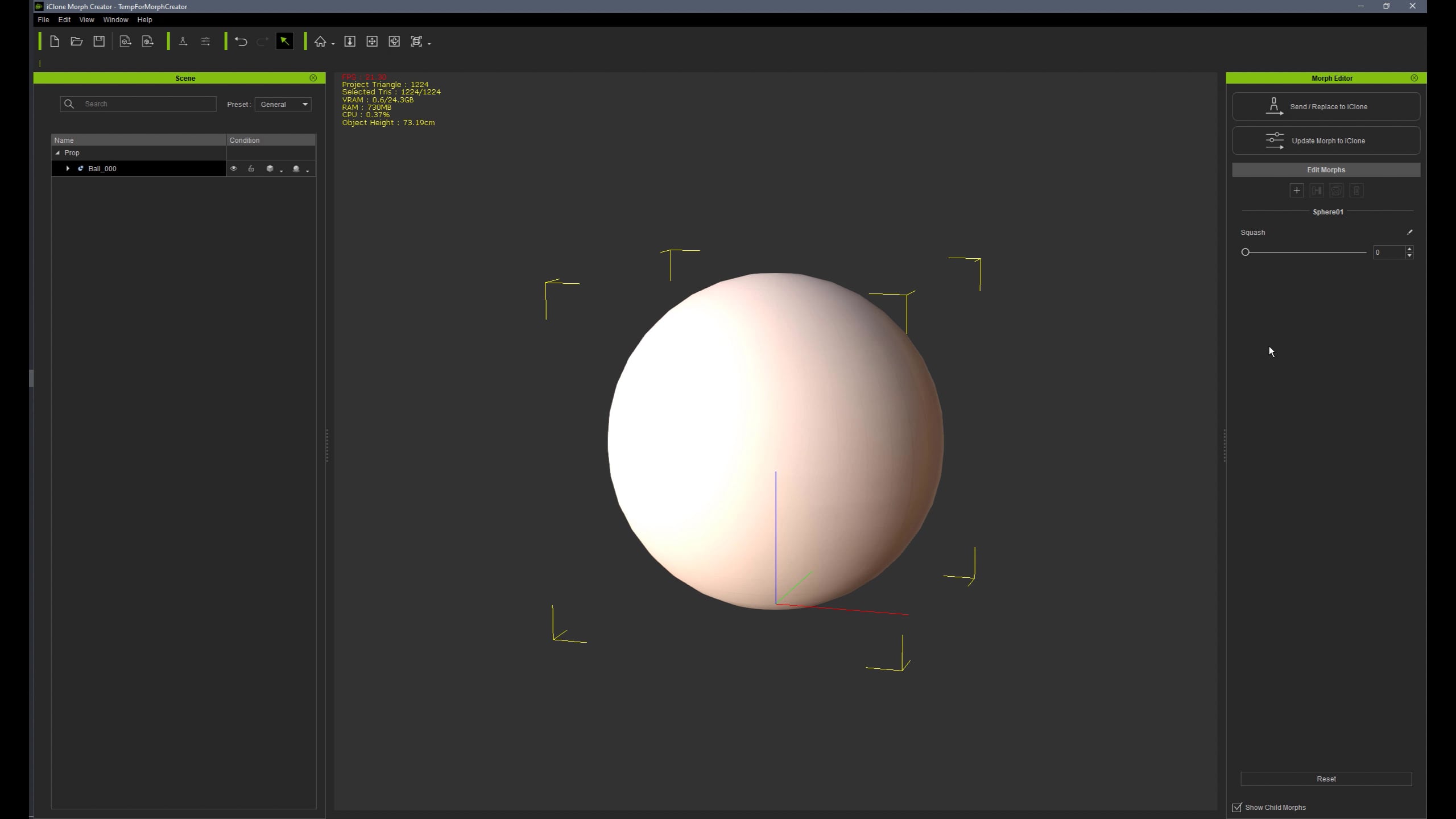
Hello @Joanne_RL & @crystalpan_RL, there’s an issue with morphs on objects, the transformation only happens at the very end of the timeline, even when the morph key starts much earlier.
I’ve already submitted a support ticket with a demo project to show the problem :
This is quite an important issue that’s currently preventing me from continuing my project.
Also, are you planning to allow morph creation on characters with SubD levels enabled in a future update? That would be a huge help! Thanks.
1 Like
Yeah, this is an issue. But it seems only affect newly created morphs. I tested old morphed objects and they perform just fine.
The issue occurs only when “Updating” morphs. When using “Send / Replace” it seems translate just fine. So this workaround can be used in some cases as a temporary solution until it’s all fixed.
And I have another longstanding and important issue with morph keys on a timeline. Transition Curve Presets are no longer highlighted when selected and what’s most important the “Strength” cannot be controlled on those presets where it’s available. I believe I mentioned it somewhere but never opened a ticket…
1 Like
Is there an option to choose Frame rate selection? It seems that it’s using 30fps and another question, does it uses also physics interpolation 2.0 (or higher) as the latest iteration of quickmagic? Will we be able to choose the options we would like to process the video?
I Read this and I tried to uninstall and reinstalling Iclone and it also fixed the issue for me as well. It works fine now instead of the constant loading
There is not a motion known to man worth $2.50 a minute. This stuff is priced for pro’s, not amateurs.
There is no profit to be made in the amateur market for companies like Reallusion
Amateurs and hobbyists now have AI alternatives to spending thousands of dollars that pros have to spend.
The motions that I can’t do myself and that are not in motion packs are certainly worth it for me.
I was able to try the Mocap from video once and the results were impressive however after closing the IClone app I am not able to open it again as it crashes while trying to load the Video Mocap plugin. There is no error prompt, it just closes. If I uninstall the plugin it will open fine. Is there a workaround or bug fix for this? Thanks
If you have uninstalled the plug-in and iClone worked fine, did the same issue reoccur once you installed the plug-in again?
If so, please contact our Technical Support department who will be able to advise you further. Thanks.