Hi Everyone,
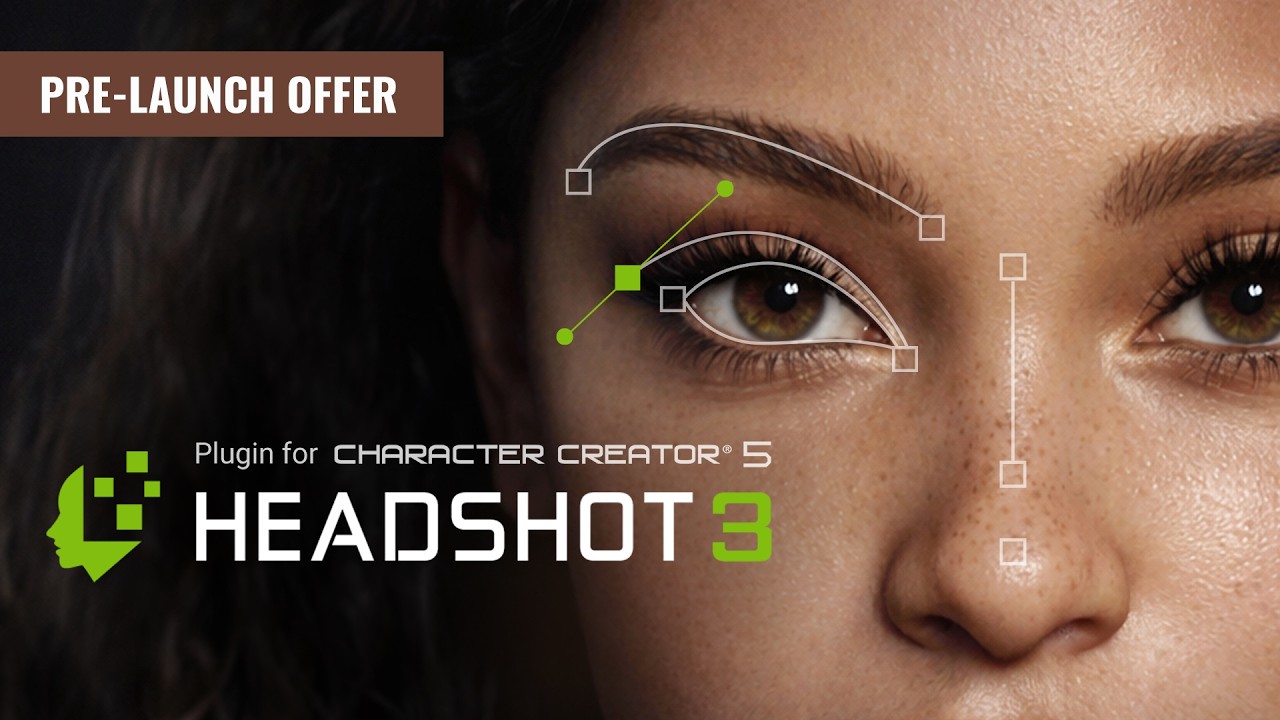
We’re excited to introduce the latest updates to the upcoming Headshot3 plugin for Character Creator 5.
To significantly improve the accuracy of 3D head creation from images, Reallusion has invested extensive effort in training a proprietary AI model designed specifically for high-precision facial reconstruction.
In addition, Headshot 3 has included a range of powerful new features, including AI image generation, spline-based head shape refinement, lens correction, enhanced texture channel generation, mask brush tools, and body matching, all designed to achieve significantly higher likeness and precision.
Explore the new key features of Headshot 3:
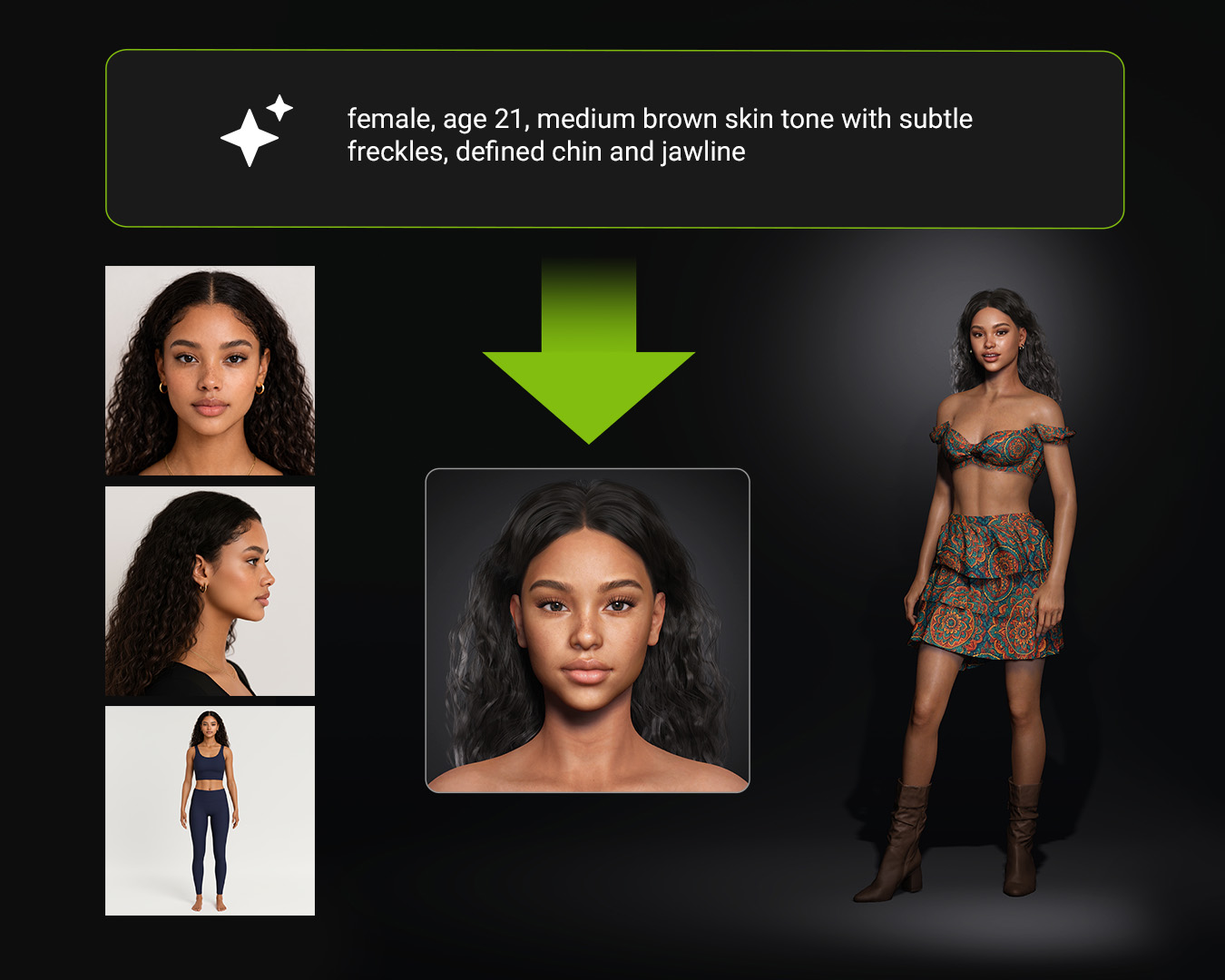
1. Prompt to 3D Model
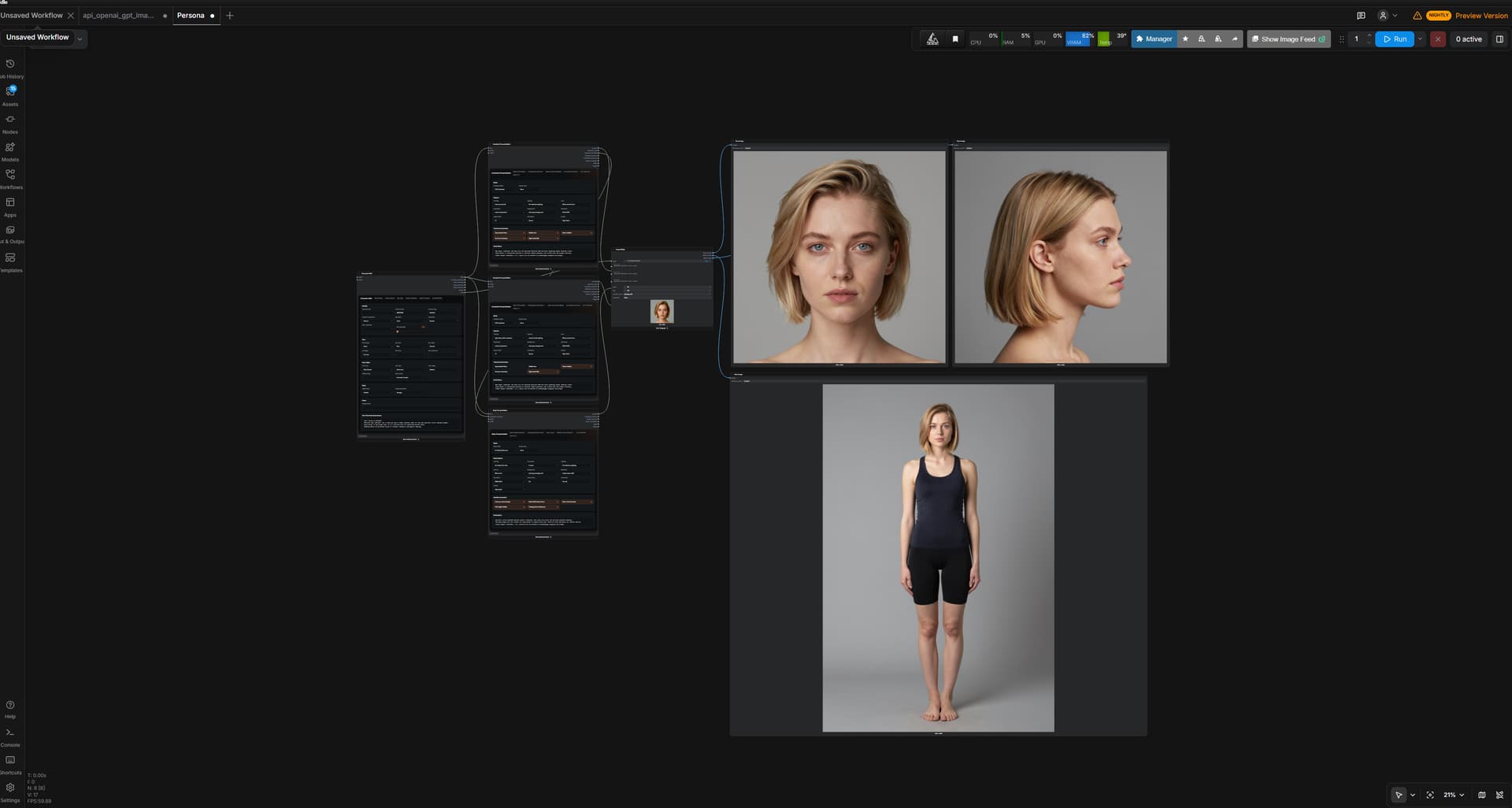
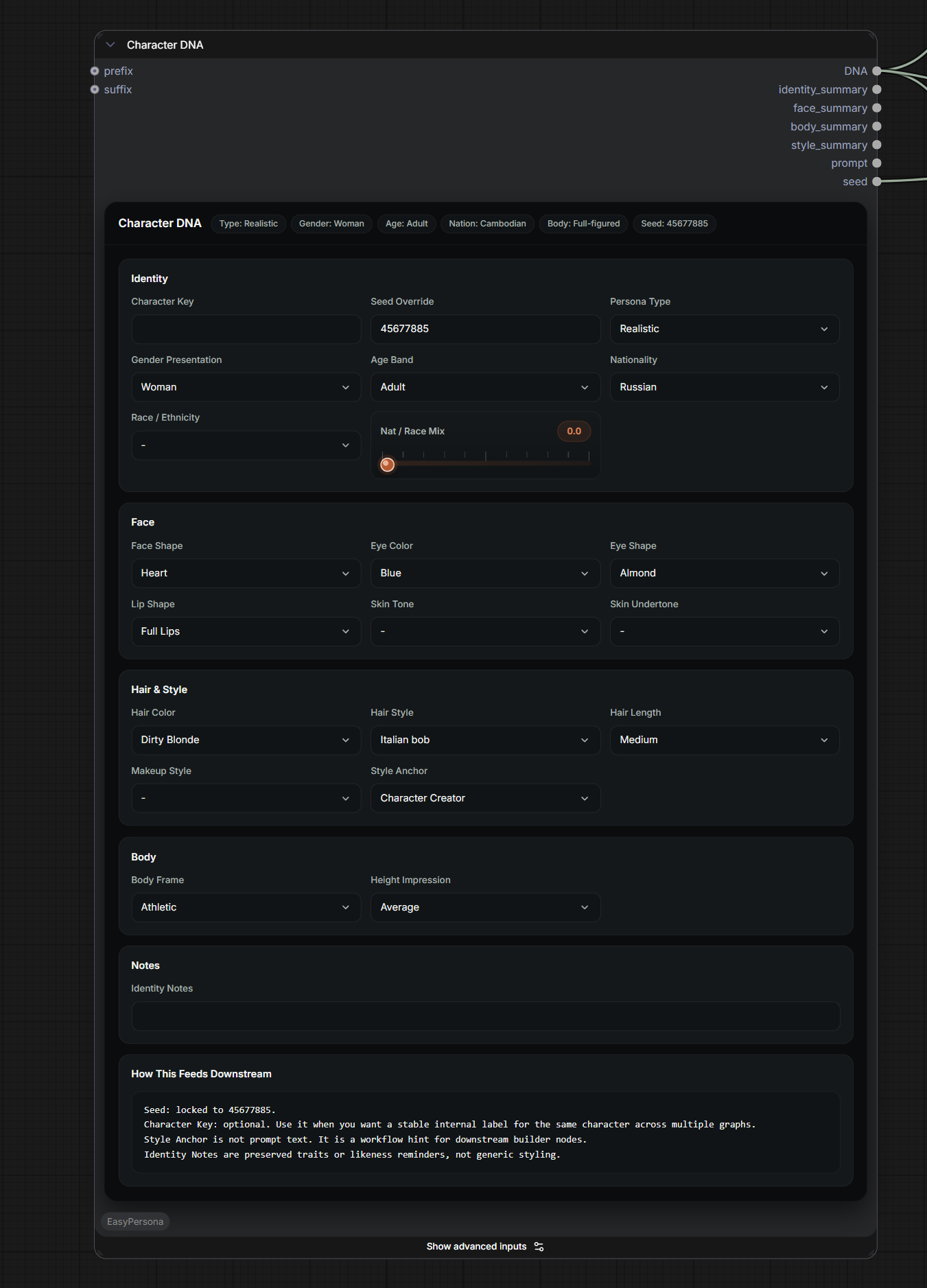
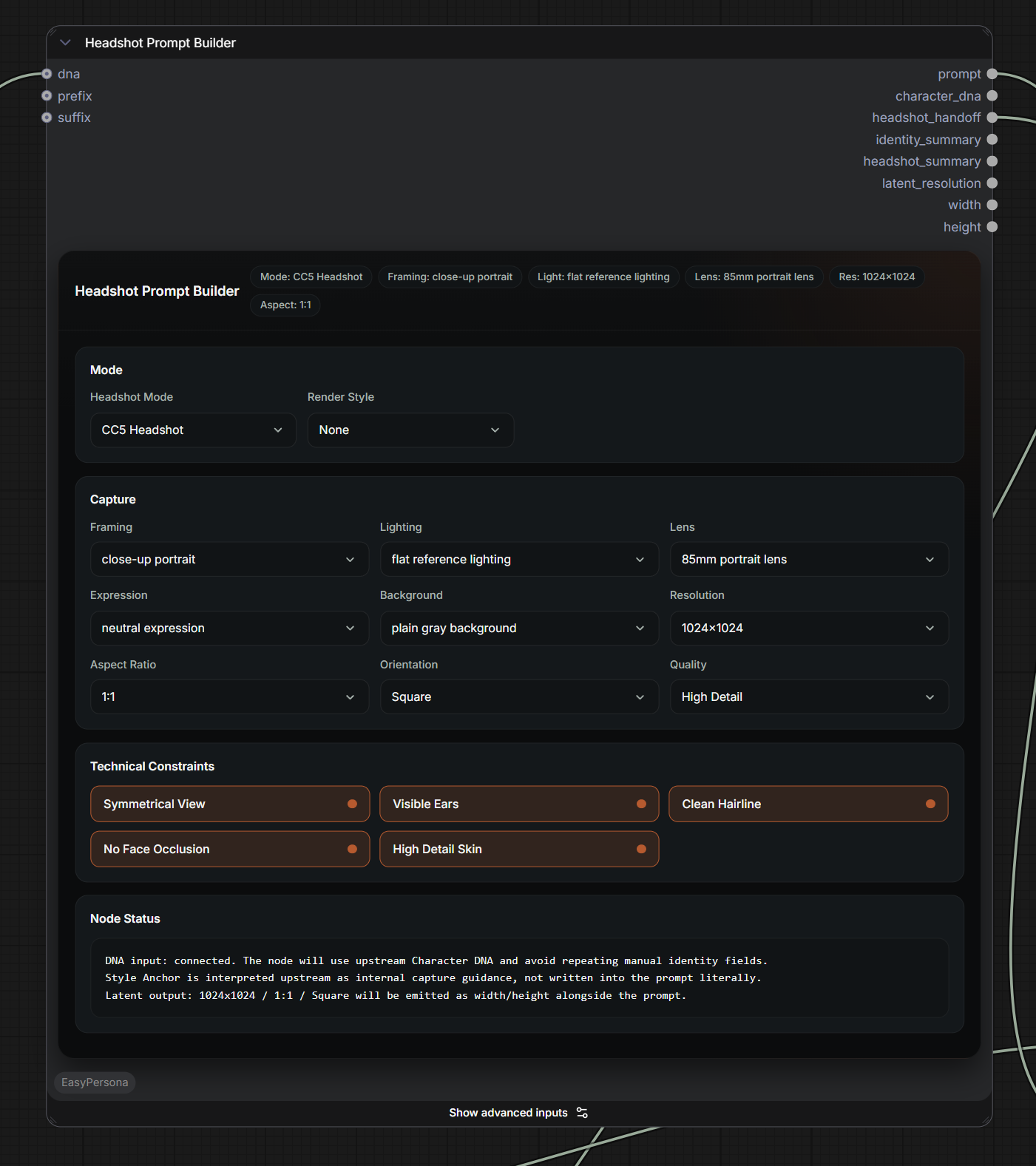
To obtain neutral-expression facial images suitable for constructing 3D head models, Headshot 3 includes an integrated AI Image Generation tool. Simply enter a text prompt to generate optimized front, side, and full-body photos. These images can then be automatically converted into an accurate 3D model. This streamlined workflow removes the need for tedious reference collection and enables the rapid creation of production-ready assets.
2. Higher Accuracy Across All Demographics
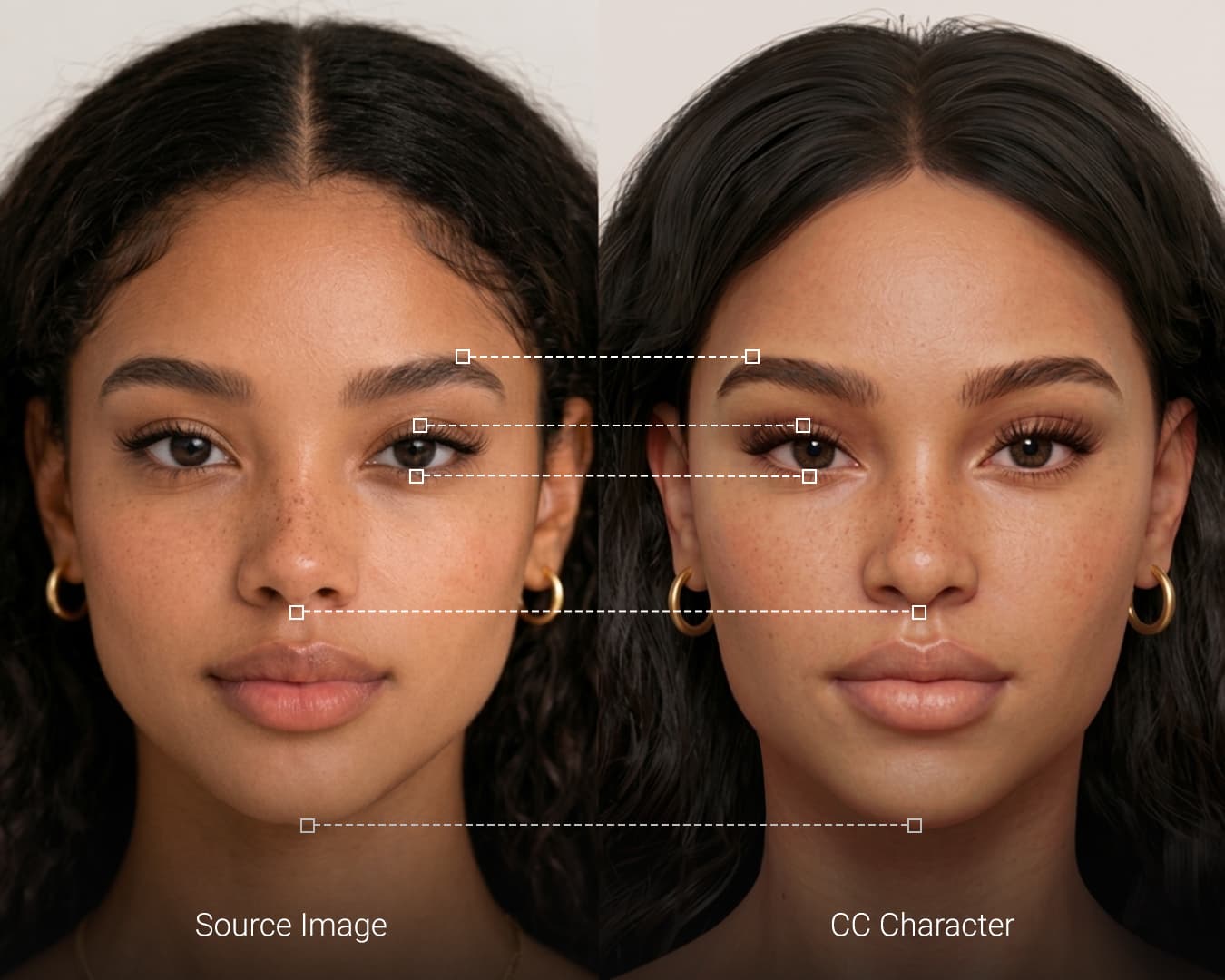
Headshot 3 delivers much more precise generation results tailored to specific ethnicities and ages. Whether you are creating a digital double or a unique character, the AI ensures a faithful representation of diverse human features.
3. Intuitive Bezier Controls
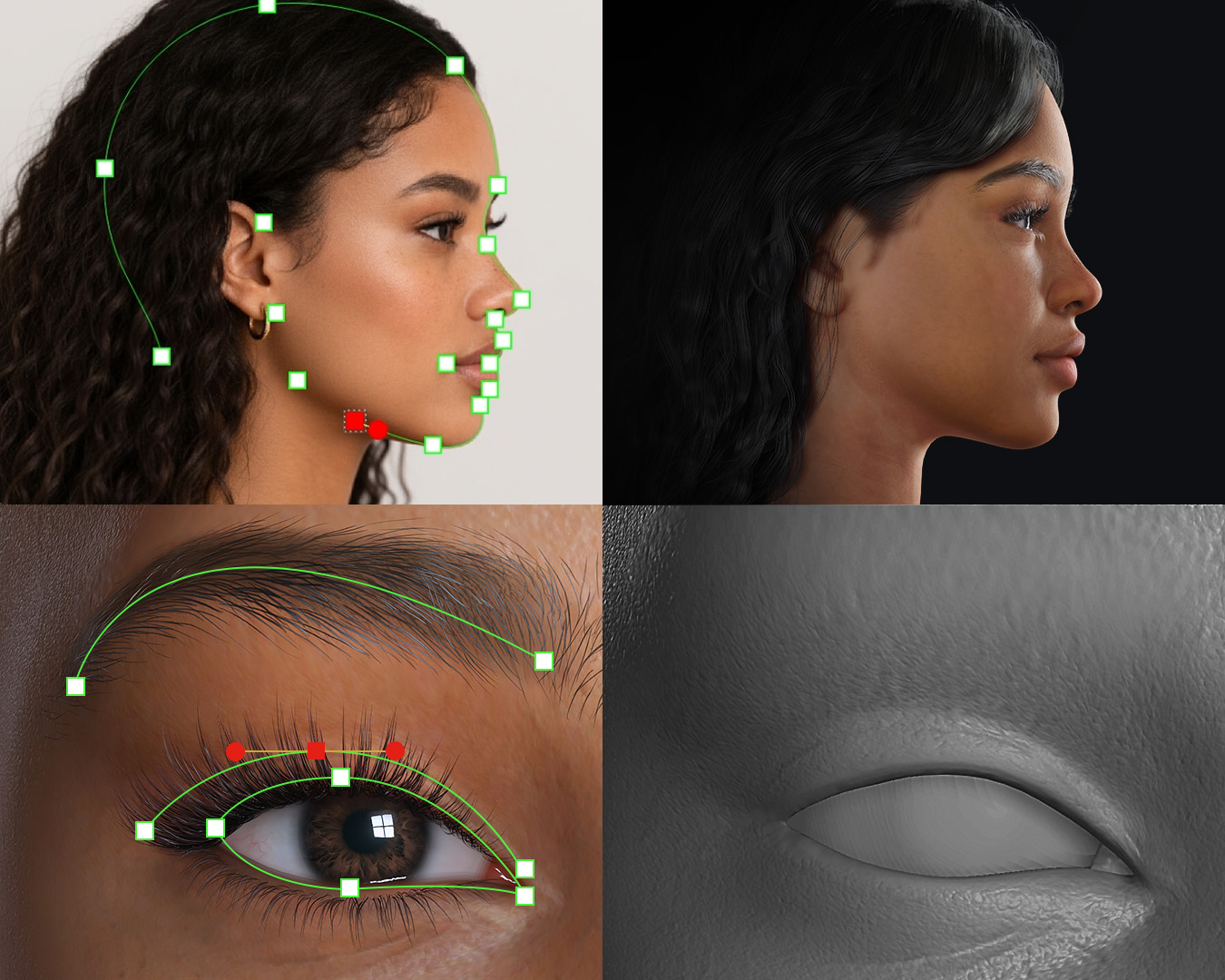
To achieve an even more faithful digital double, you can refine the front and side profiles with intuitive Bezier controls. This allows for granular adjustment of the head shape to match your reference perfectly. When combined with CC5 characters, this feature allows users to precisely define eyelid structures, refine mouth curves, and align the flow of laugh lines to achieve greater facial likeness.
4. Professional Lens Correction
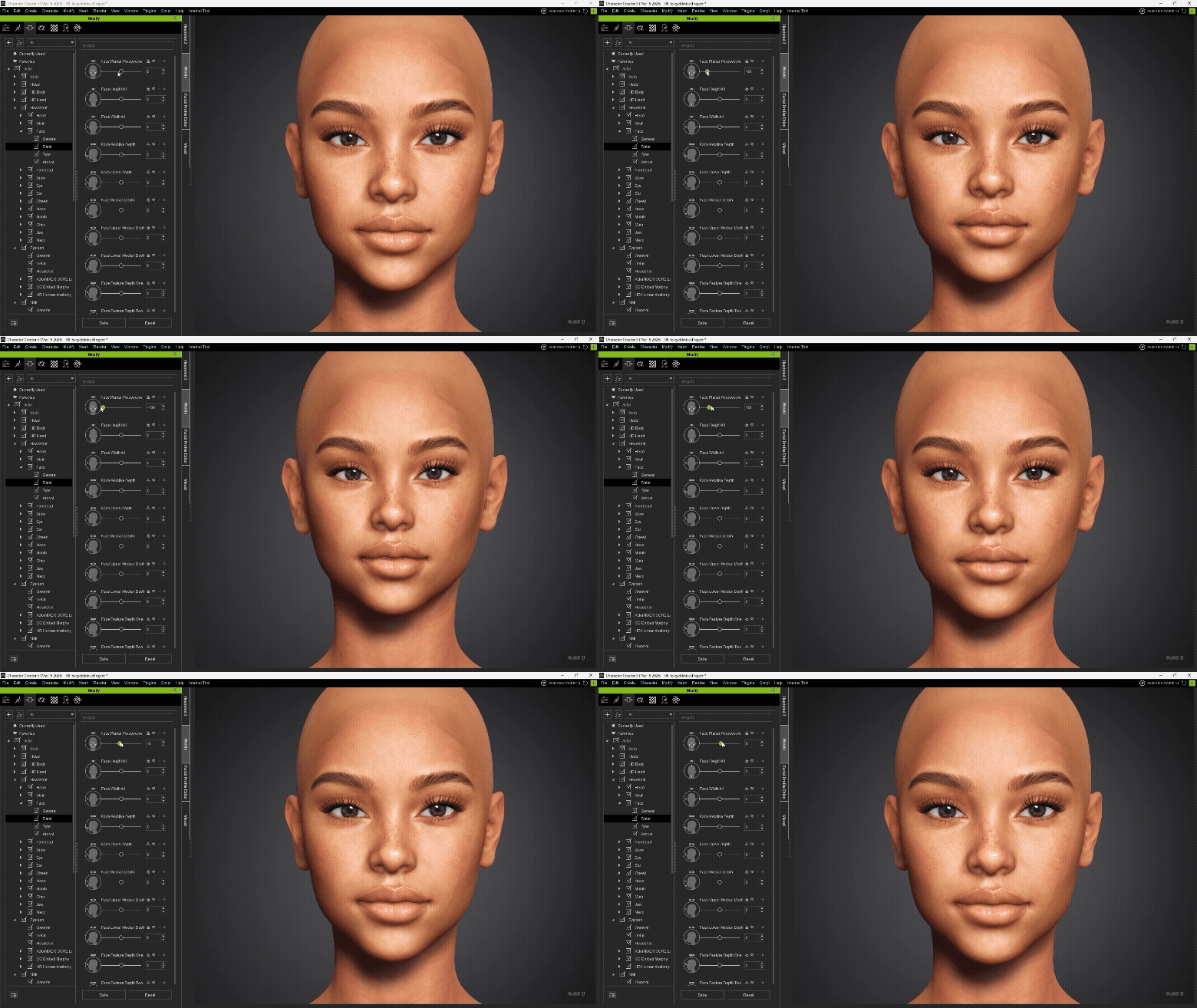
Built-in lens correction compensates for distortion in source photos. This ensures that the generated 3D head maintains correct proportions, even when working with photos taken from different focal lengths.
5. Automatic Texture Enhancement
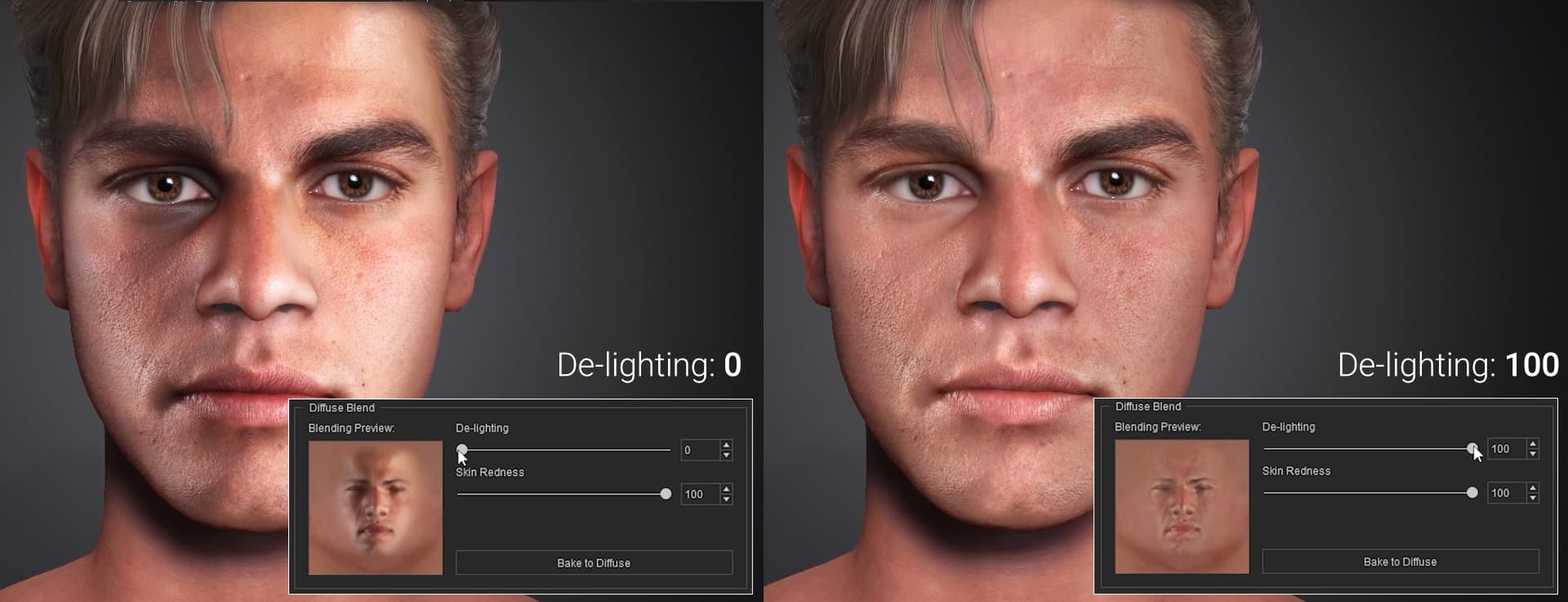
The new De-light function intelligently removes shadows and highlights from source photos to produce a clean albedo texture for accurate rendering. It can also generate roughness and normal maps automatically, giving users a full PBR texture set for more realistic results.
6. Advanced 3D Brush & Masking
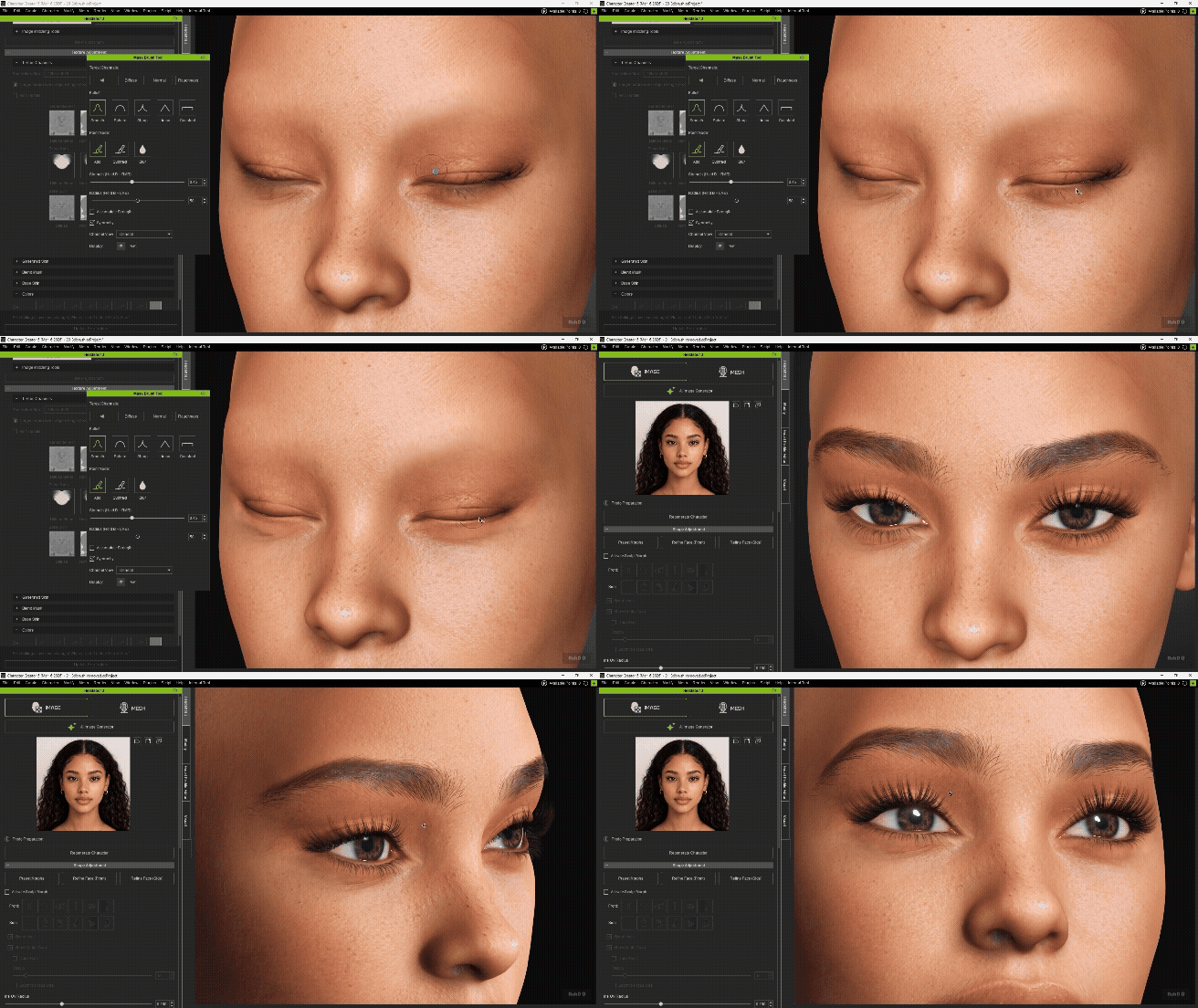
The 3D mask brush allows users to remove unwanted blemishes and photo artifacts, such as stray hair or eyelashes captured from the source image, while enabling edits on selected texture channels or across all channels at once.
Headshot 2 vs Headshot 3
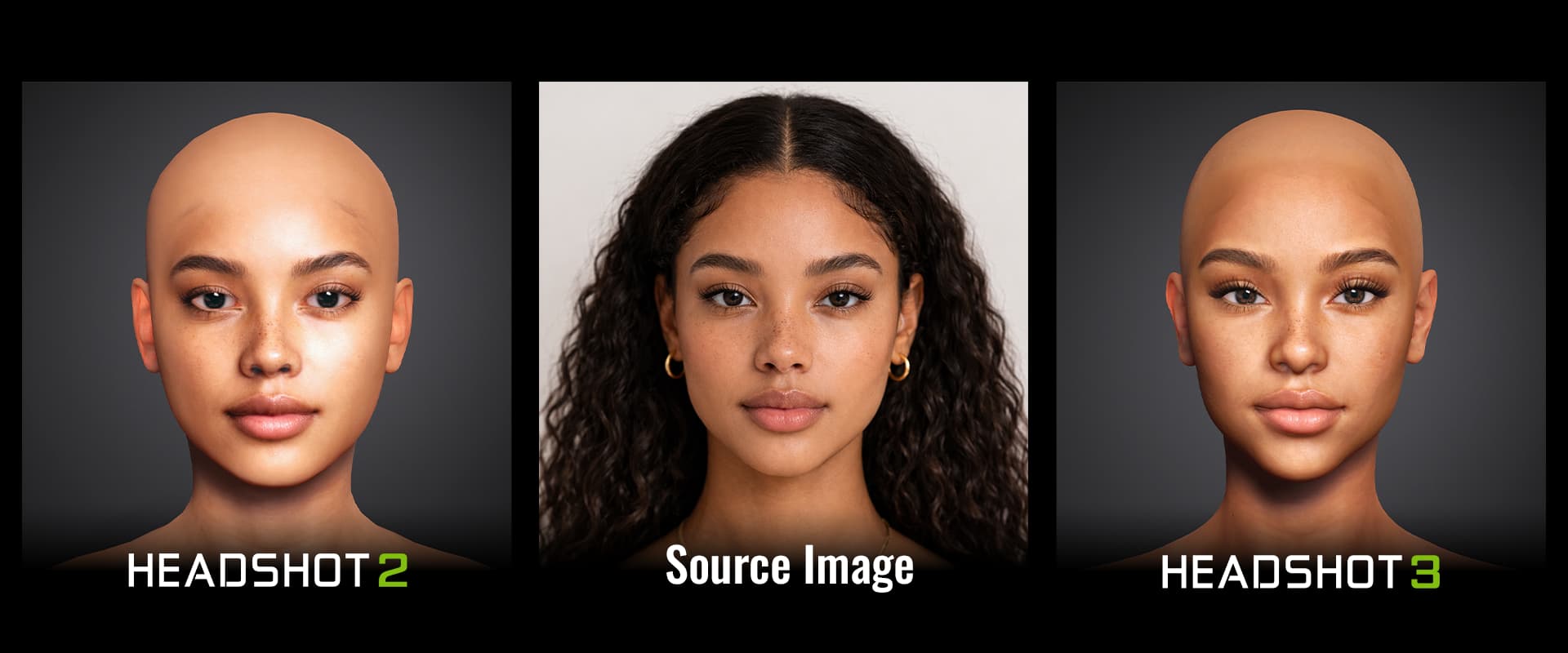
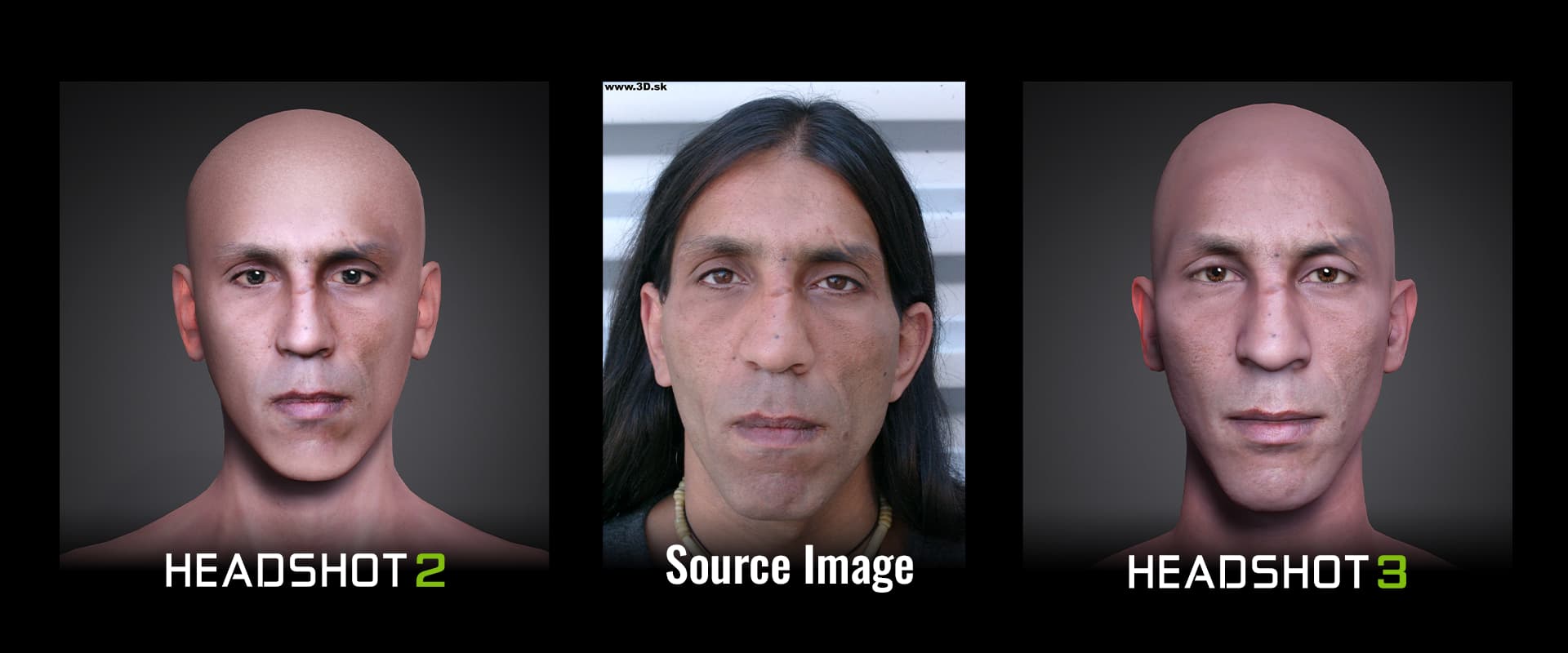
A comparison of head shape accuracy between Headshot2 and Headshot3, using the same source image for automatic head generation.
 Exclusive Pre-Launch Offers
A. New Users (Don’t own Headshot 1 or 2 yet)
Purchase Headshot 2 now for $129 (Special Offer) and get Headshot 3 for FREE at launch! This offer is available from now until the official April release.
B. Existing Users (Own CC5 + Headshot 1 & 2)
Current Headshot 1 & 2 owners can secure Headshot 3 for a Loyalty Upgrade price of only $99! This special pricing will be available starting on launch day in April.
C. Get the Full Suite (For non-CC5 users)
Don’t have Character Creator 5 yet? Pick up the CC5 + Headshot 2 Bundle during this pre-launch period to secure the best pricing and ensure your pipeline is ready for the Headshot 3 revolution.
→ Buy now at Reallusion software store
 Special Bonus for All Users
To show our appreciation for our community, all three types of users will receive:
- Bonus: 100 AI Image Generations
(Note: The pricing and details for Reallusion AI Generations will be officially announced once the service is ready.)*
 How it Works
- Purchase: Buy Headshot 2 during the pre-launch period (now through April).
- Automatic Enrollment: Your Headshot 3 license will be automatically added to your Reallusion account.
- Launch Day (April): Simply open the Reallusion Hub to install Headshot 3 and start creating immediately!
*Note: Headshot 3 requires Character Creator 5 (CC5) to operate. If you don’t have CC5 yet, it’s the best time to upgrade to CC5 now!
We can’t wait to see the stunning characters you’ll create with the combined power of Headshot and AI!
 I cant be the only one interested, right?