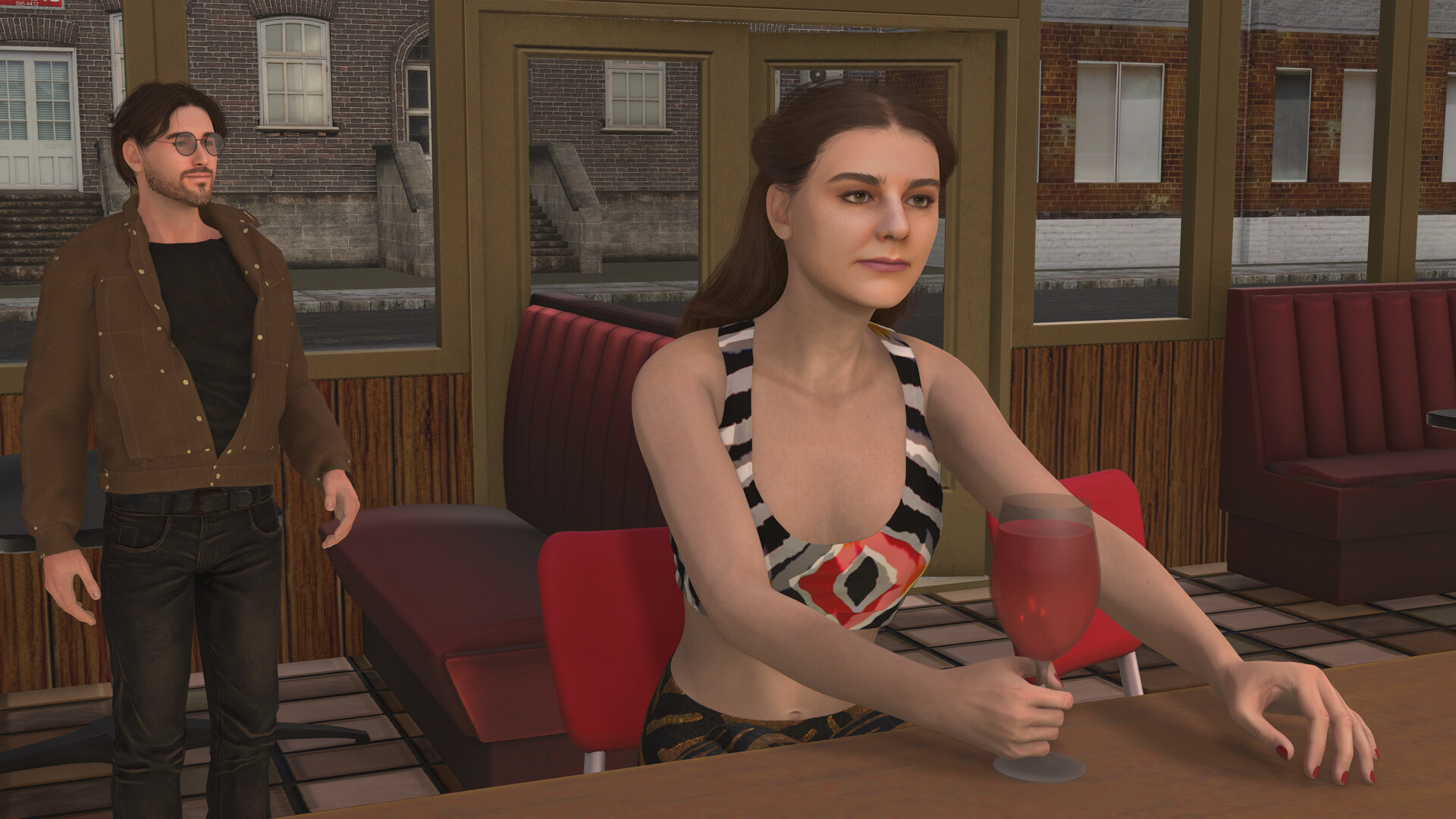
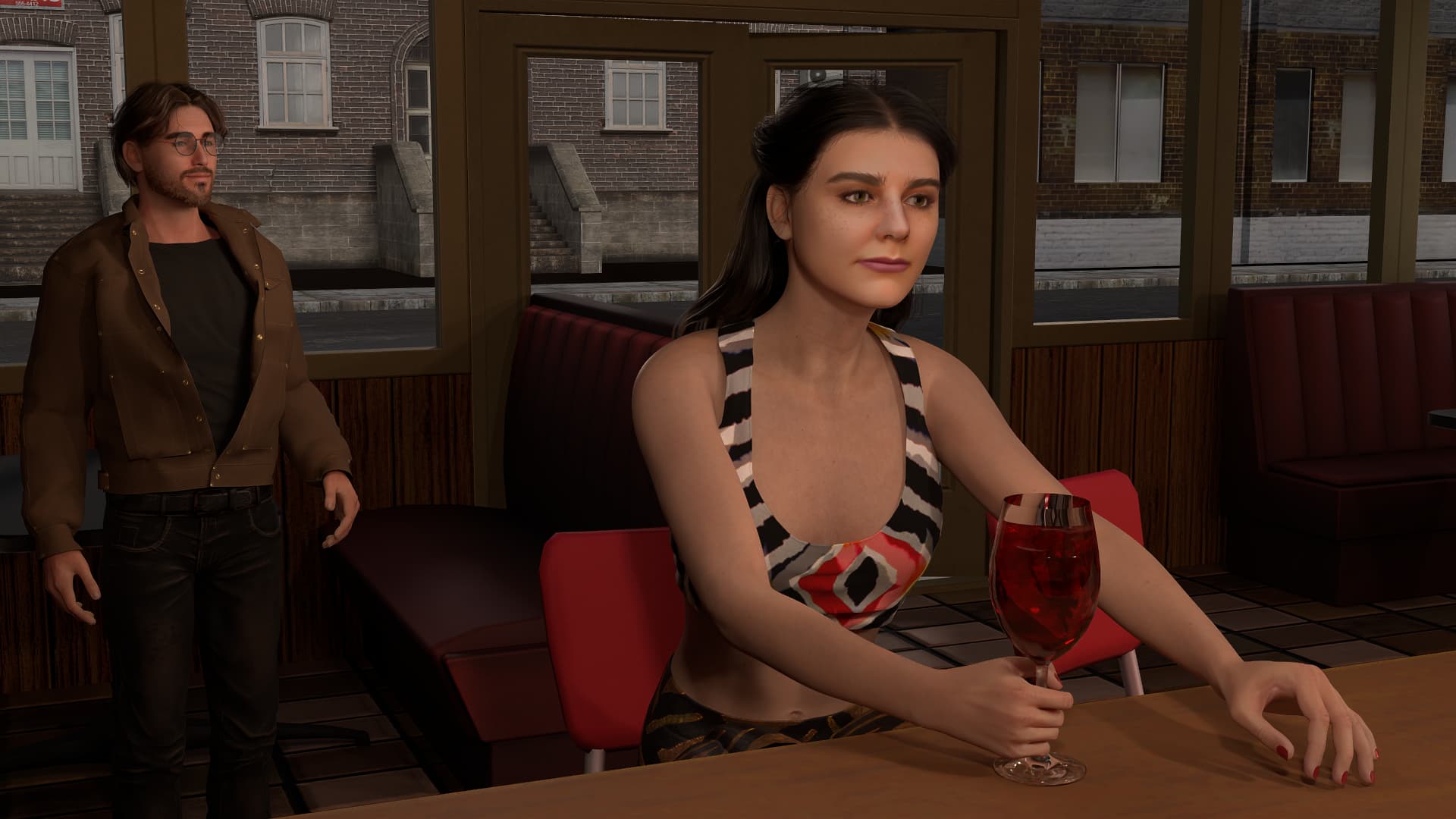
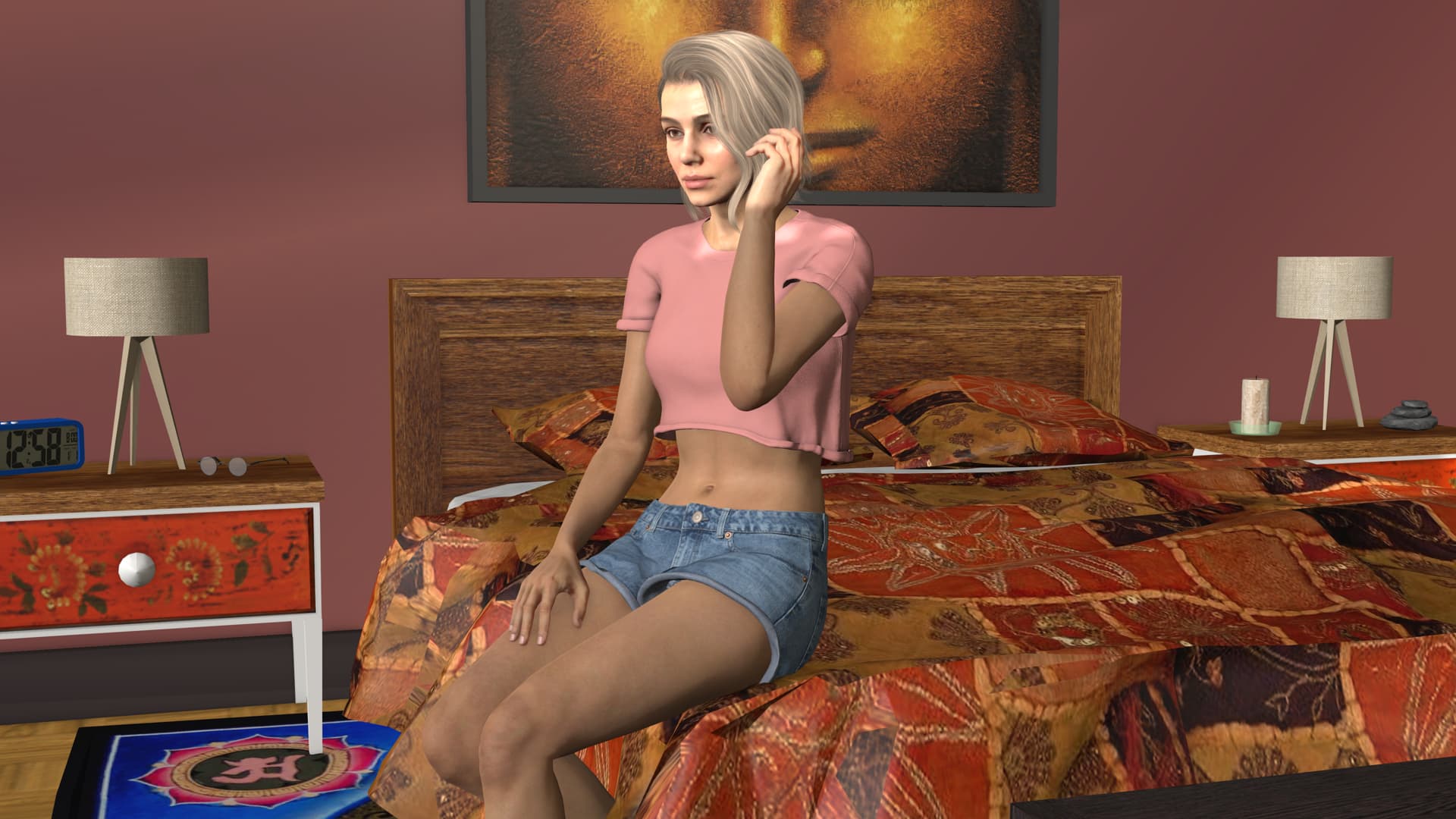
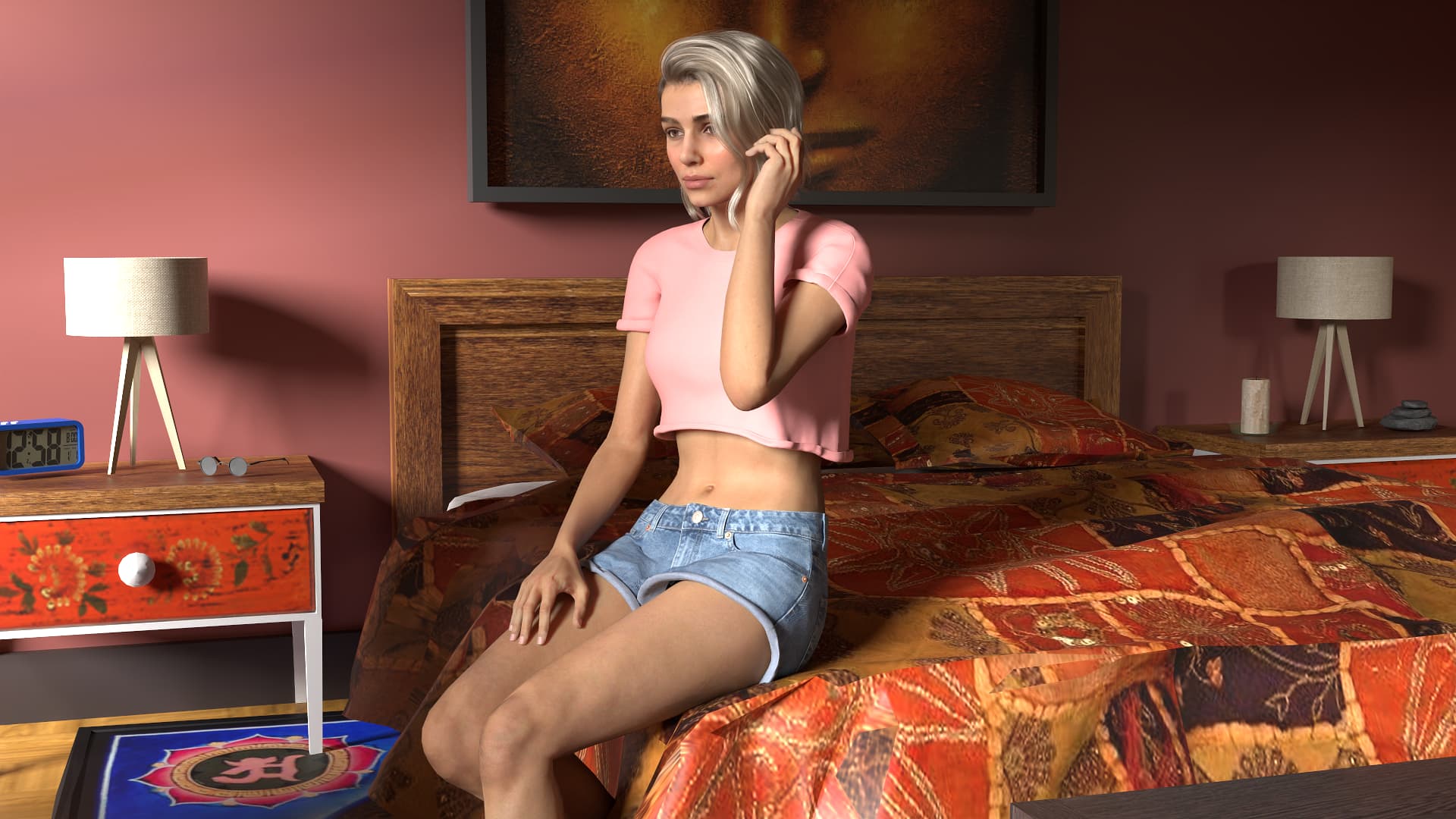
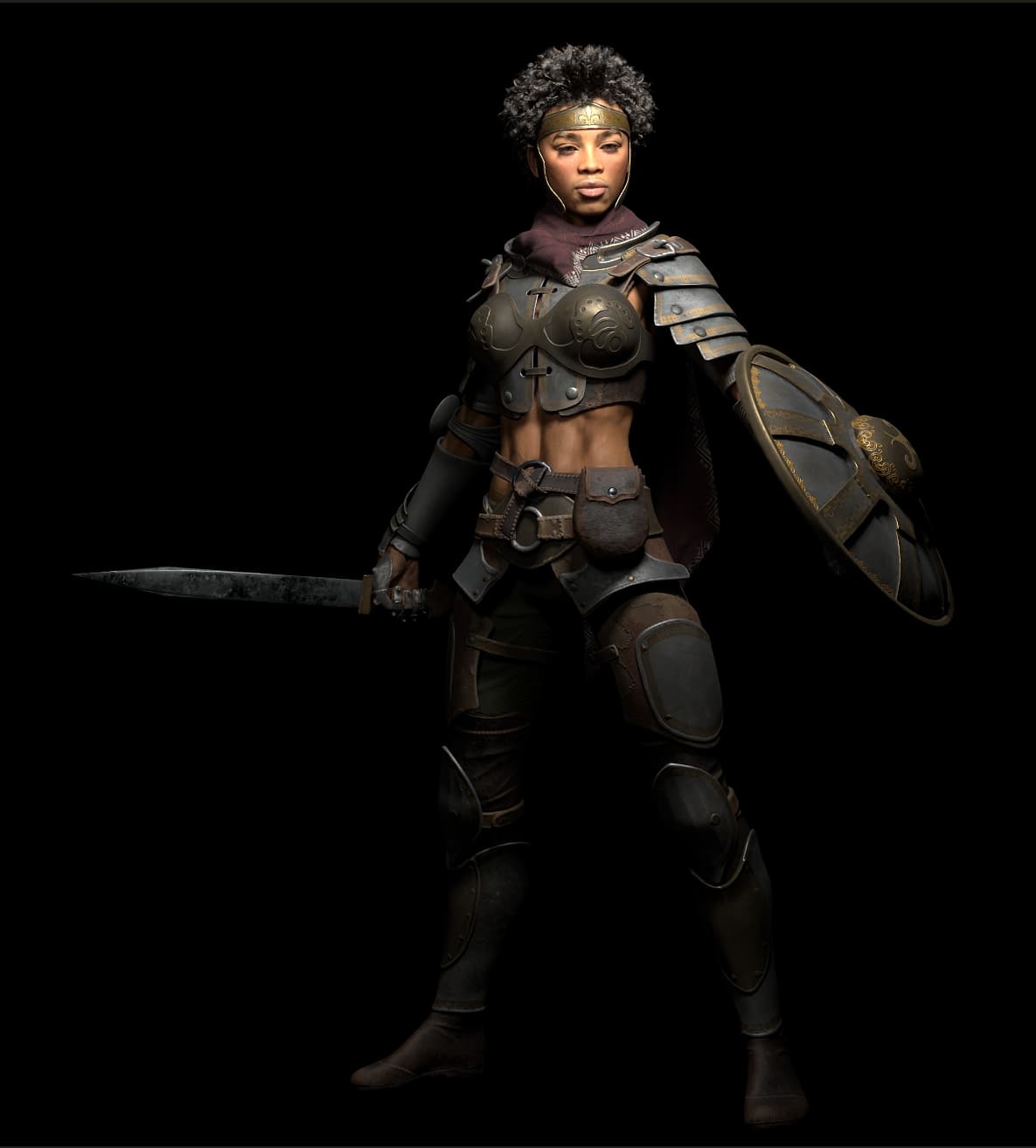
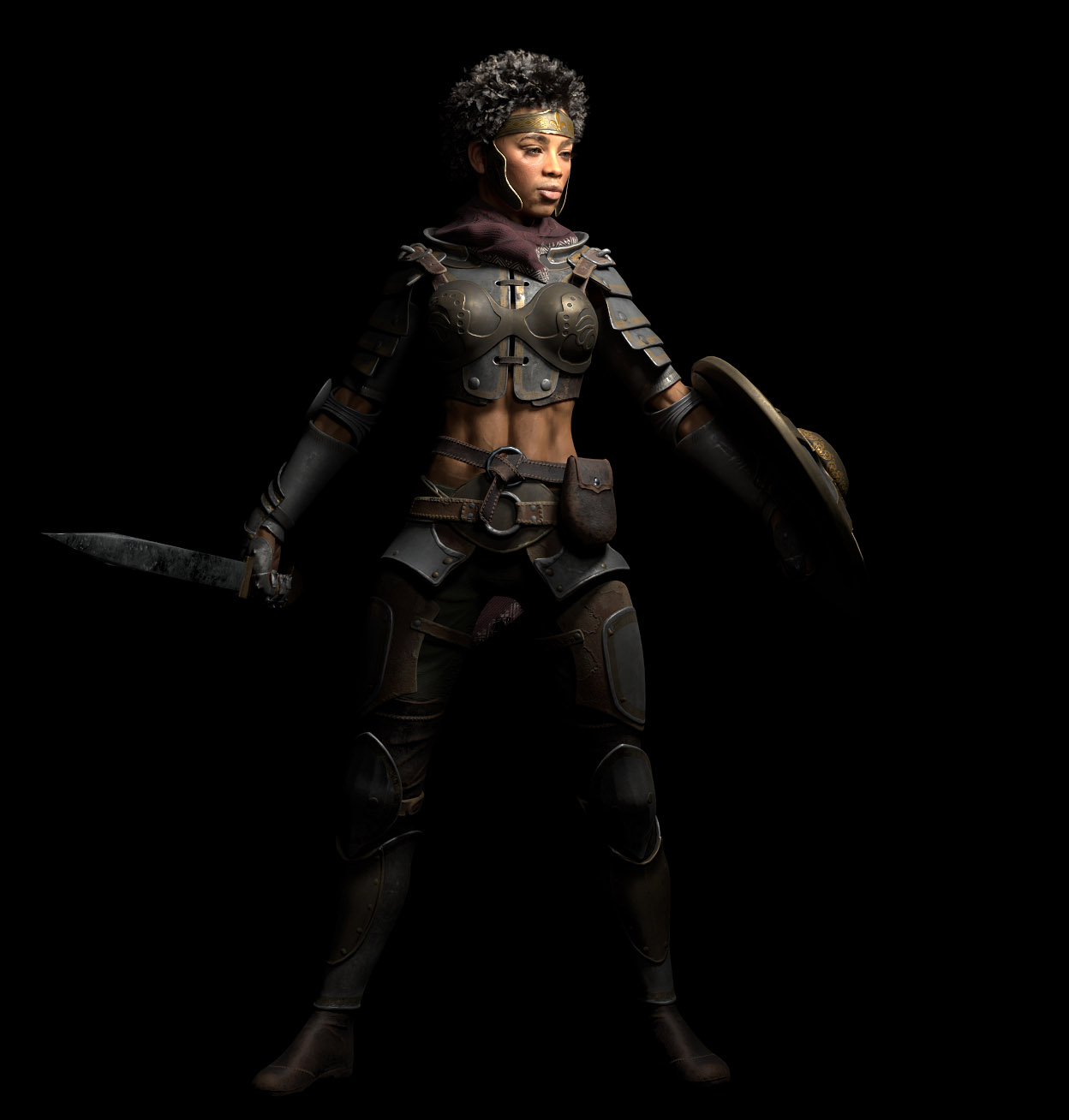
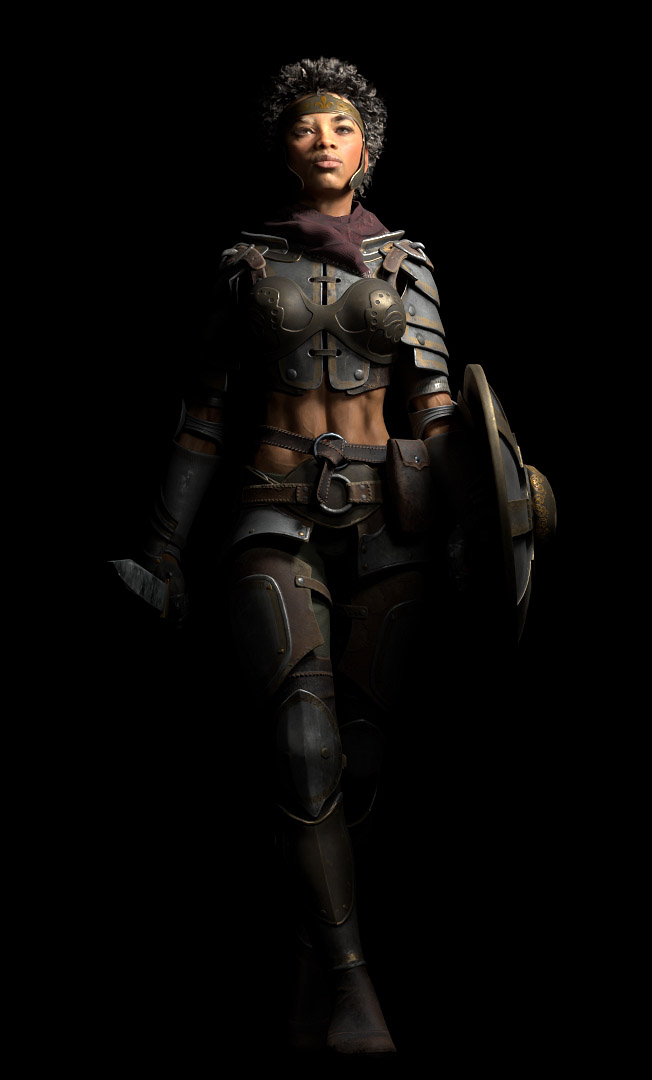
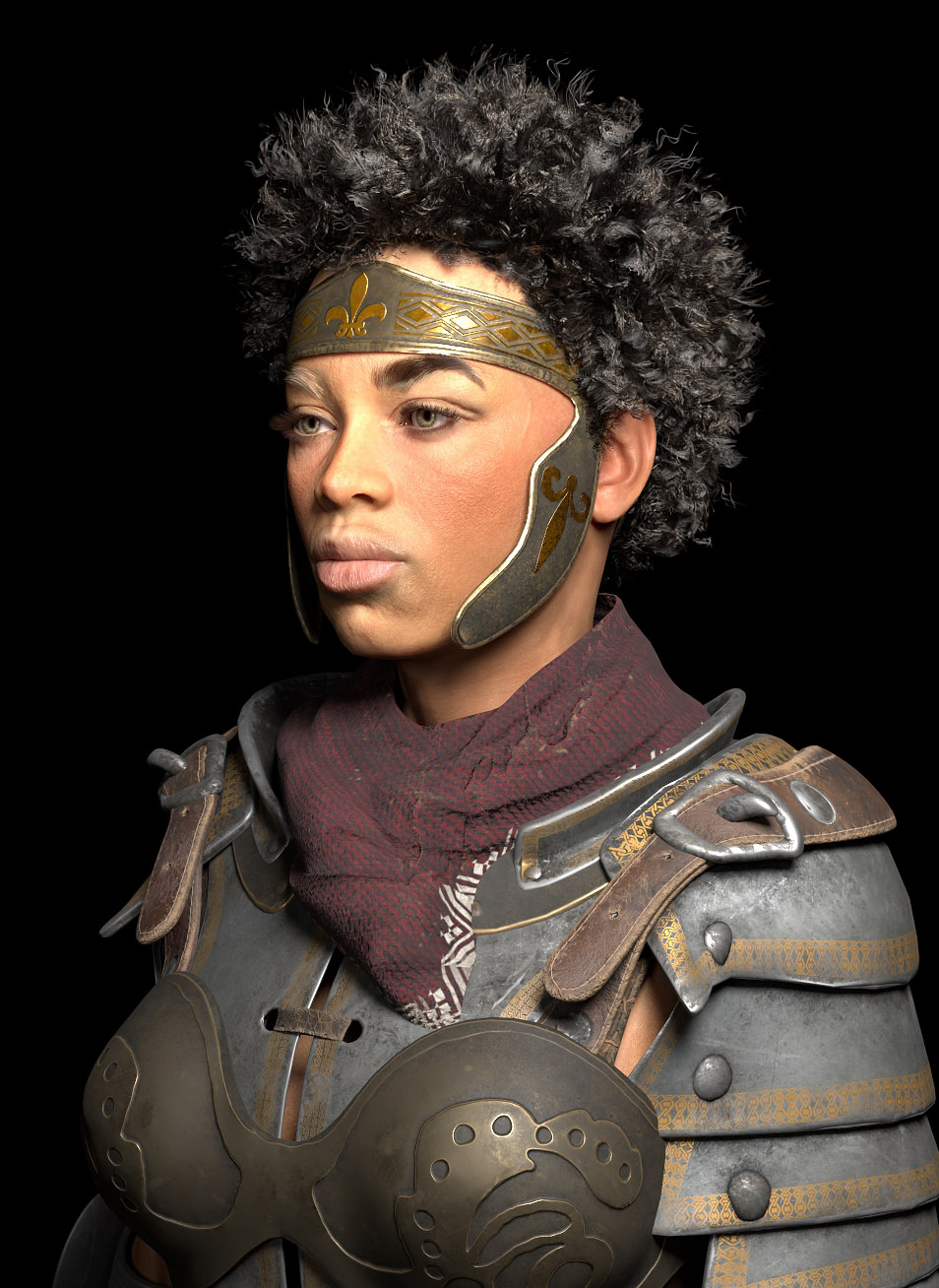
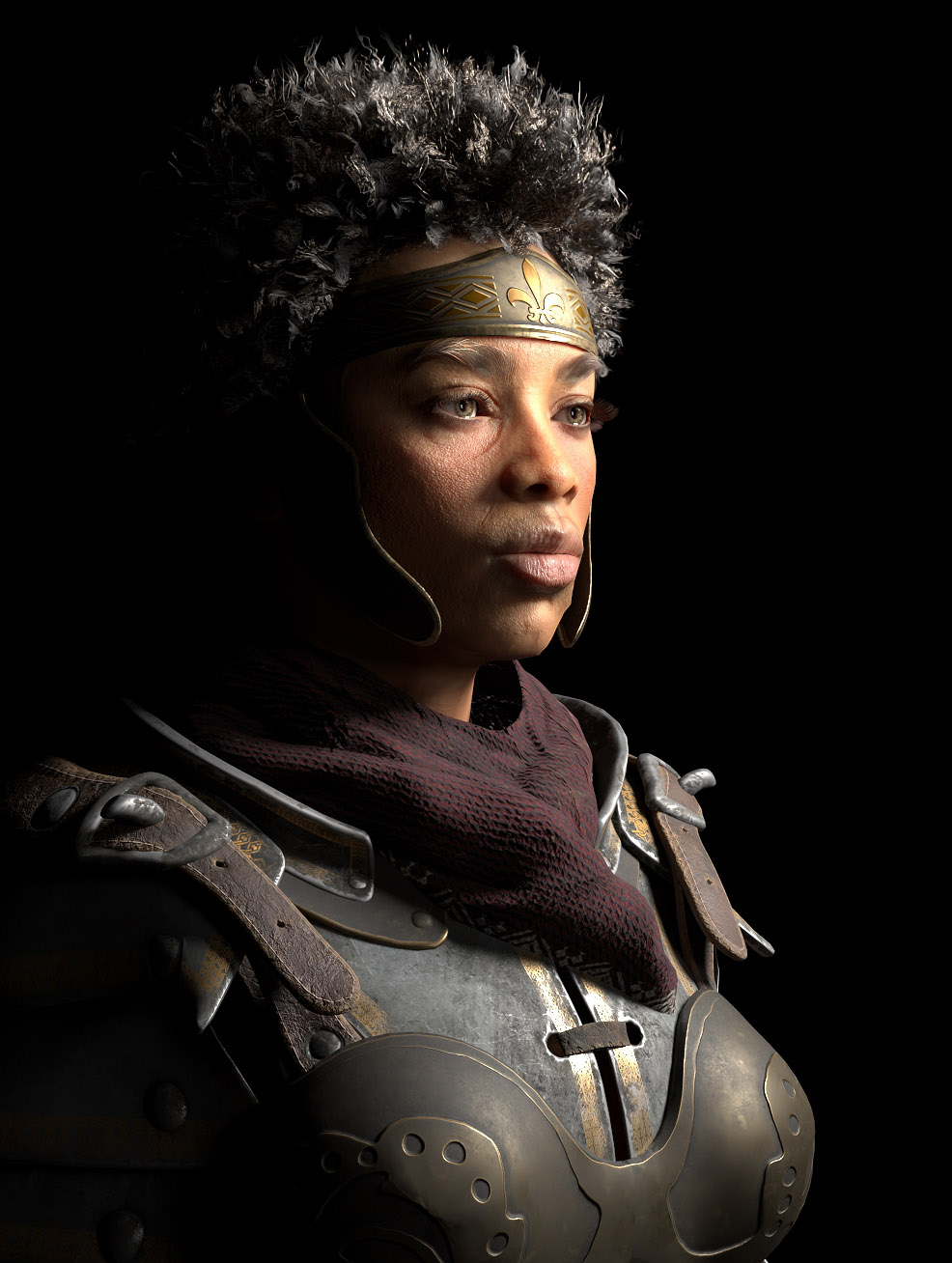
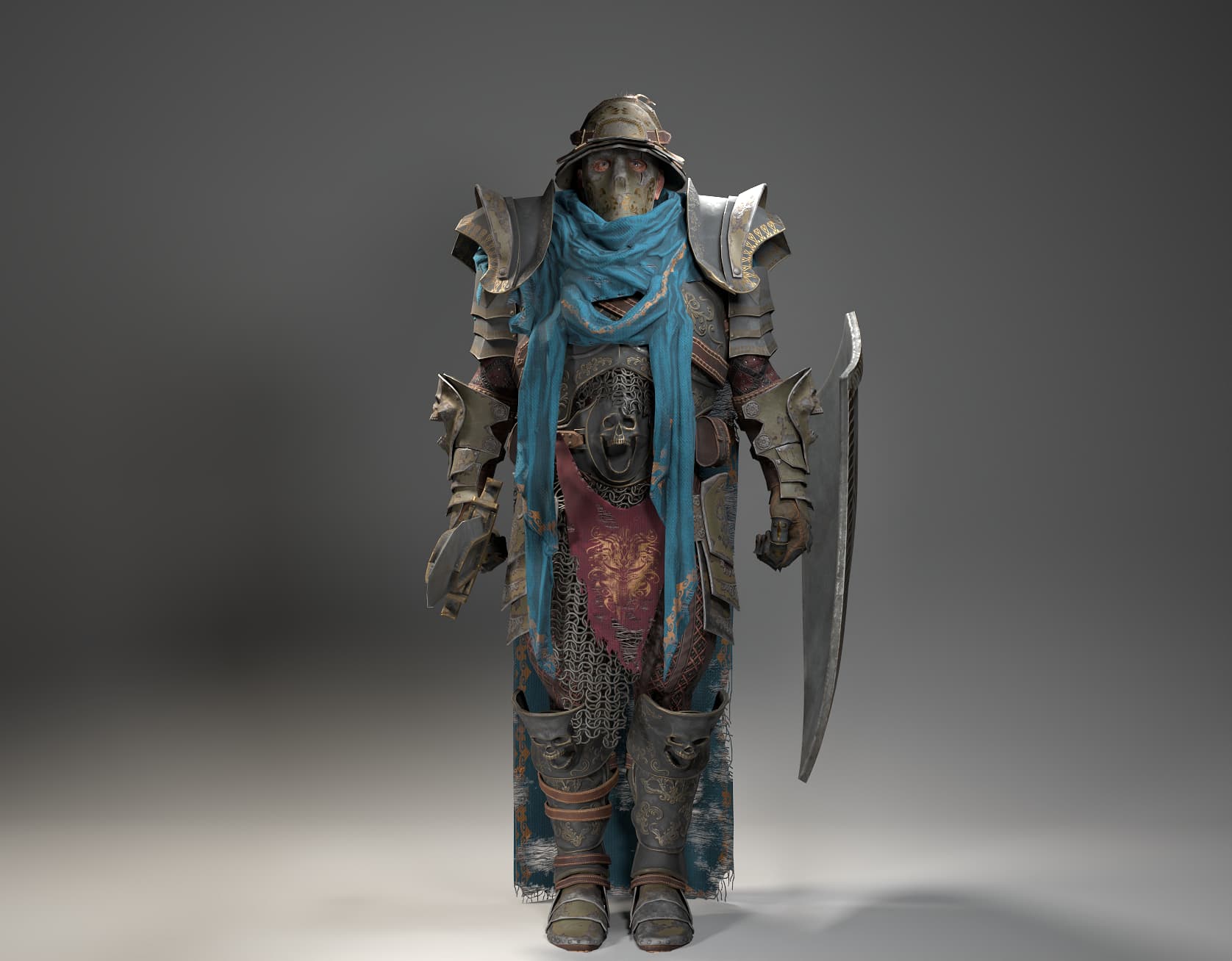
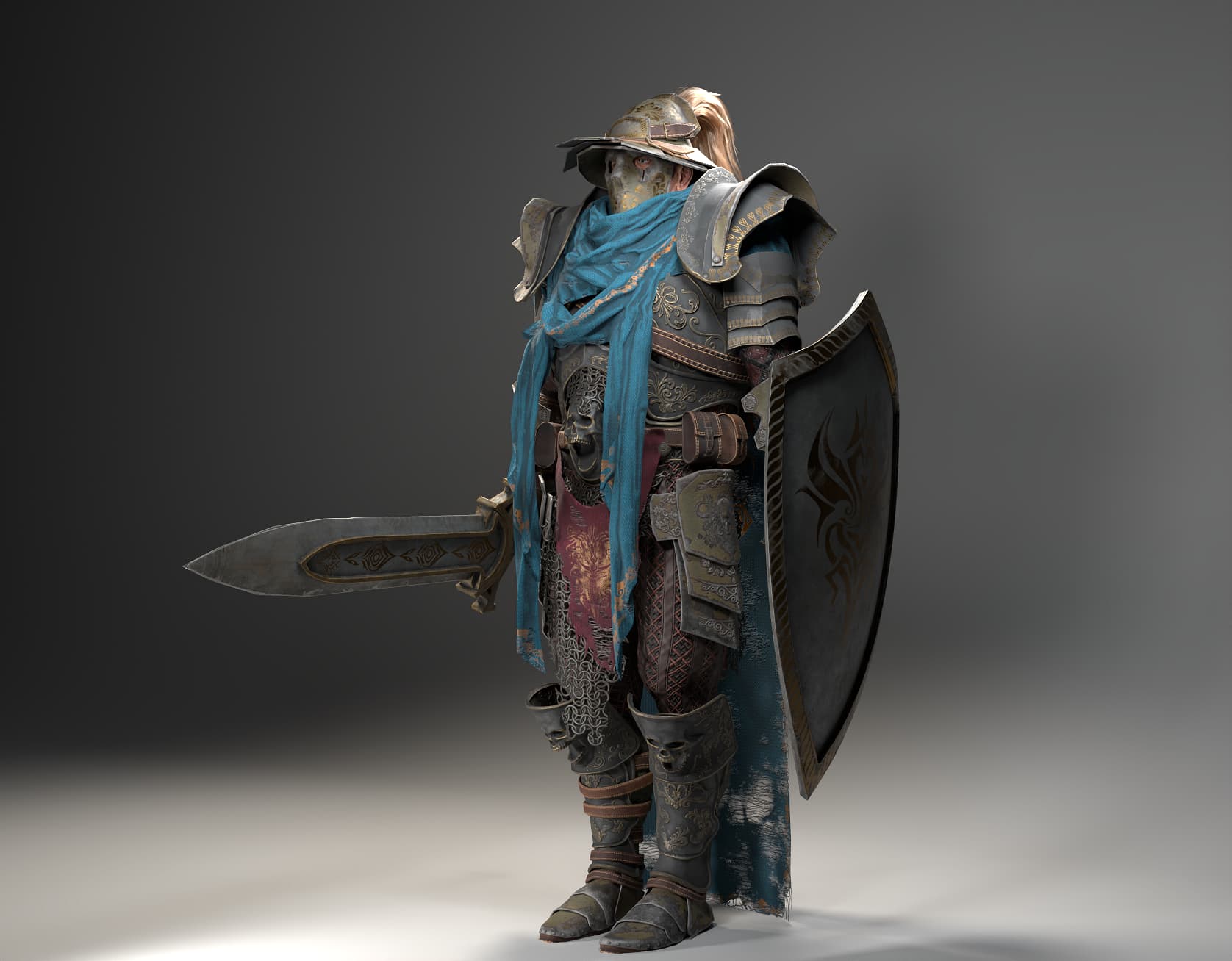
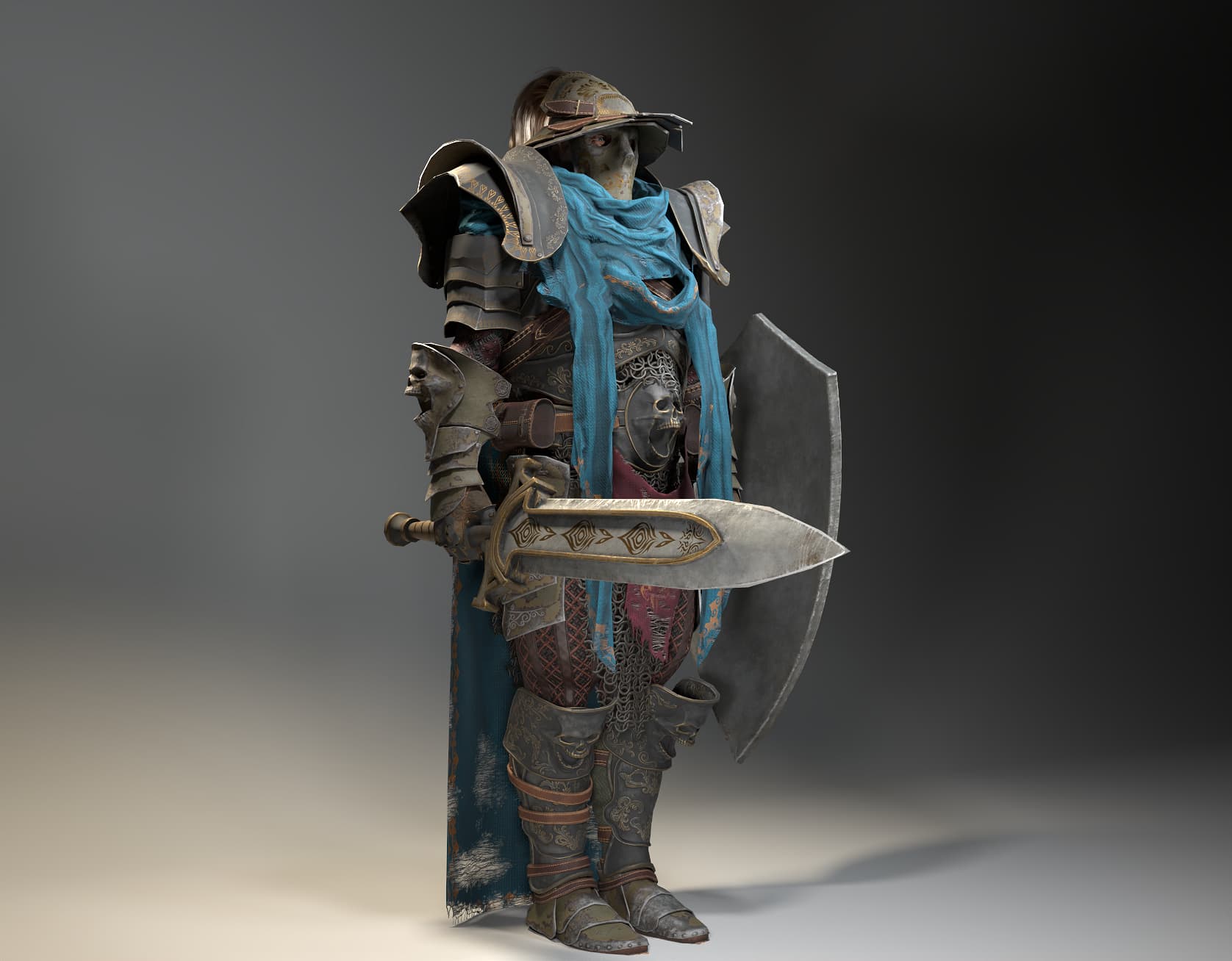
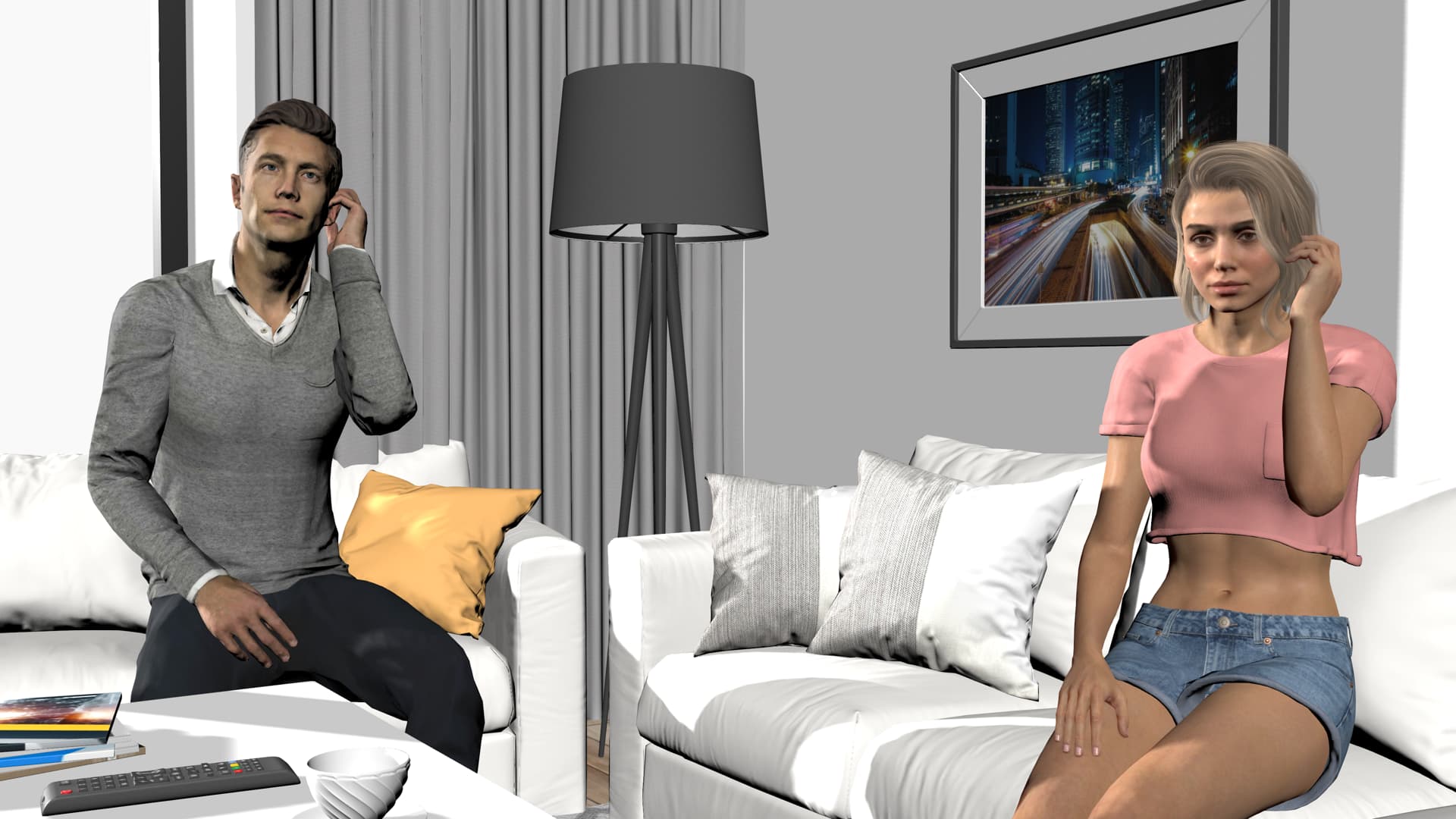
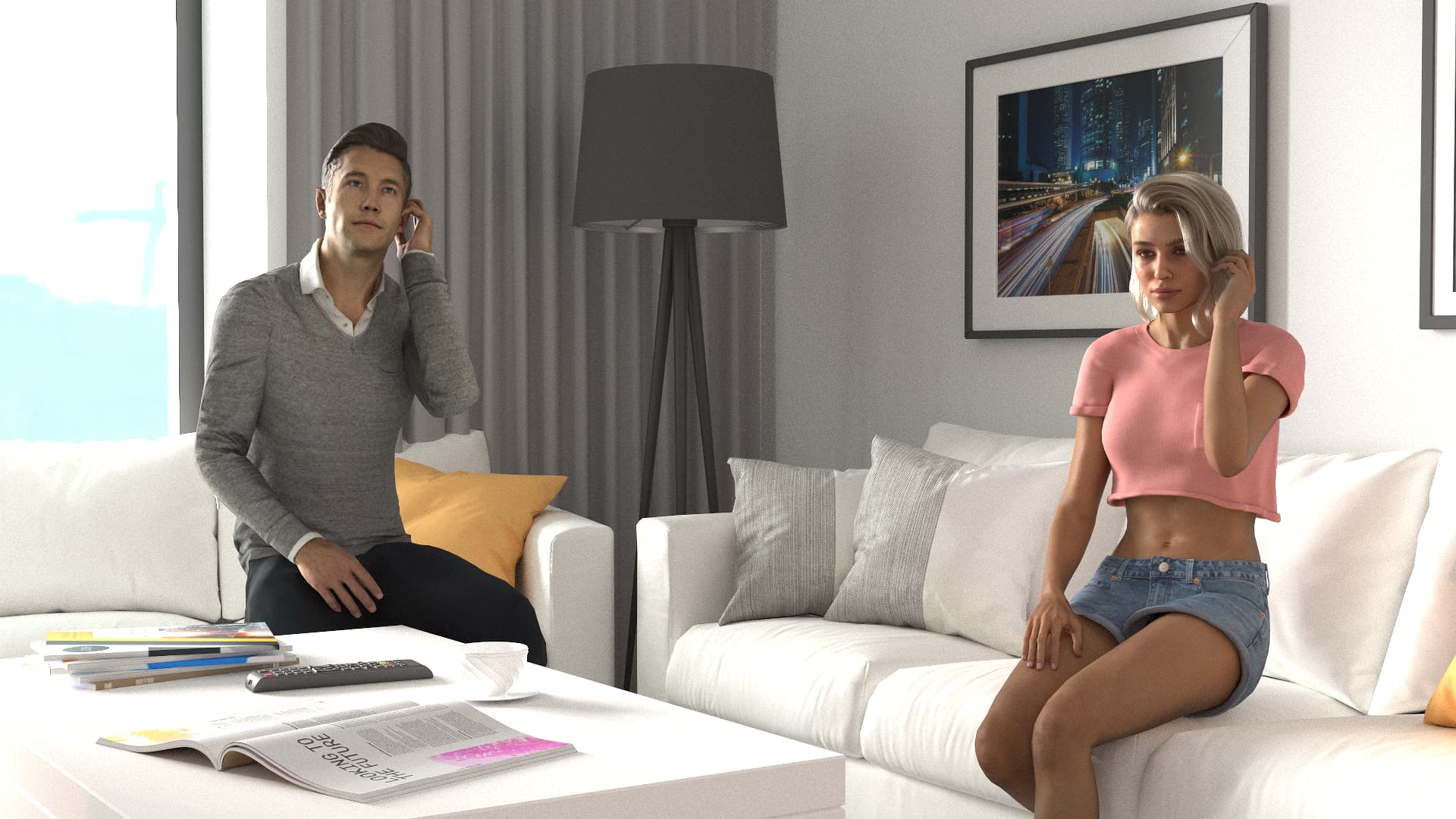
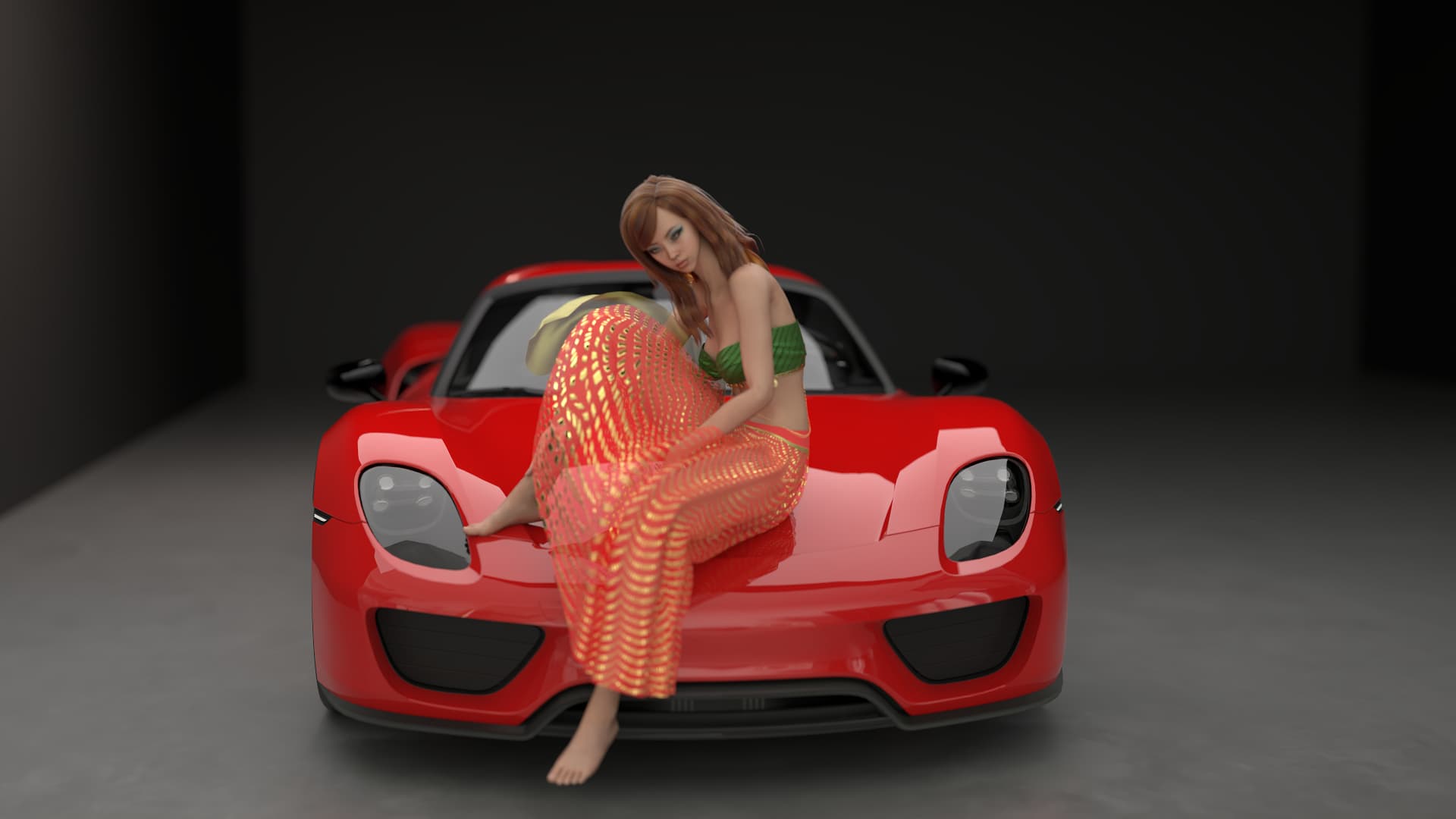
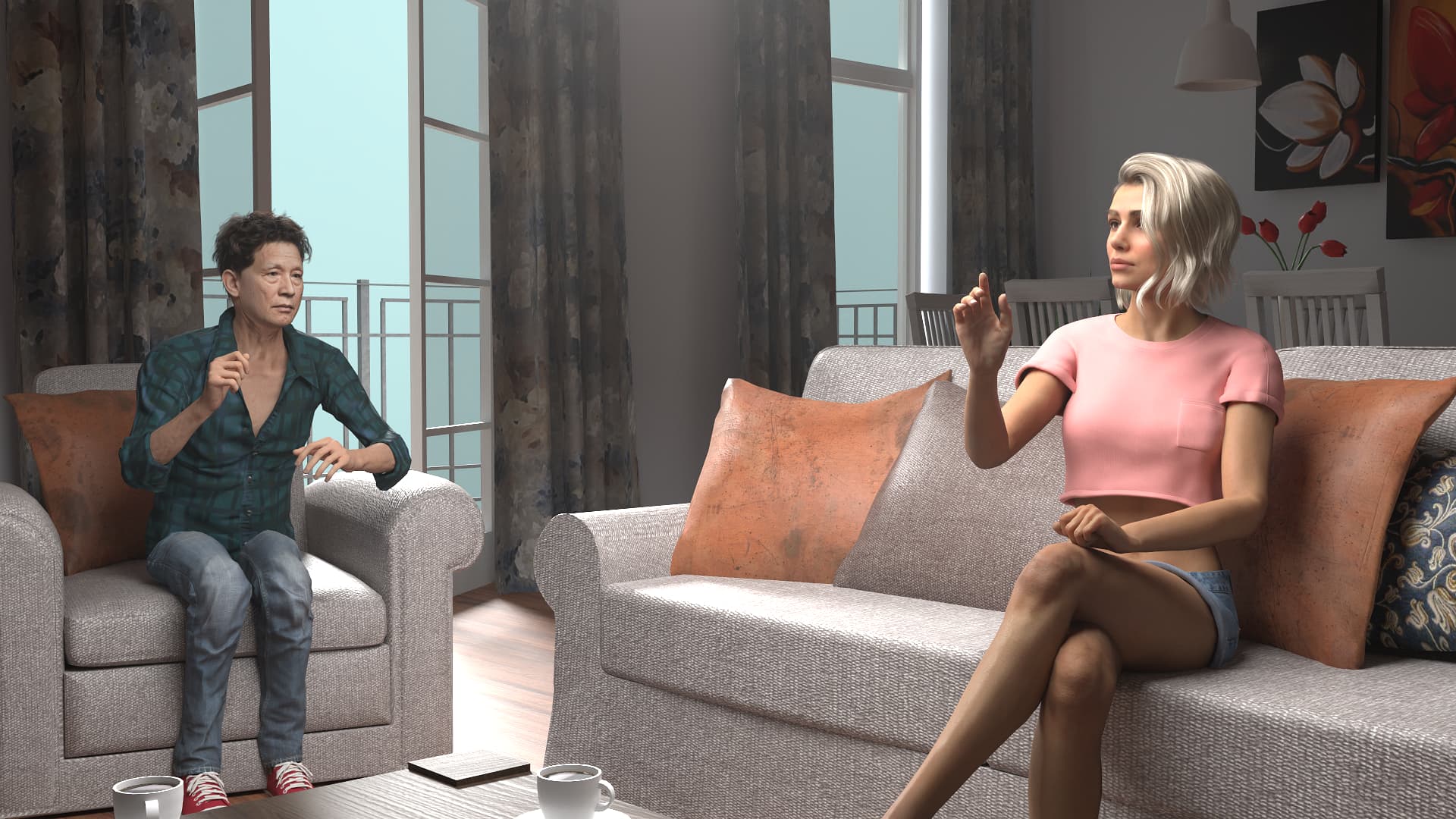
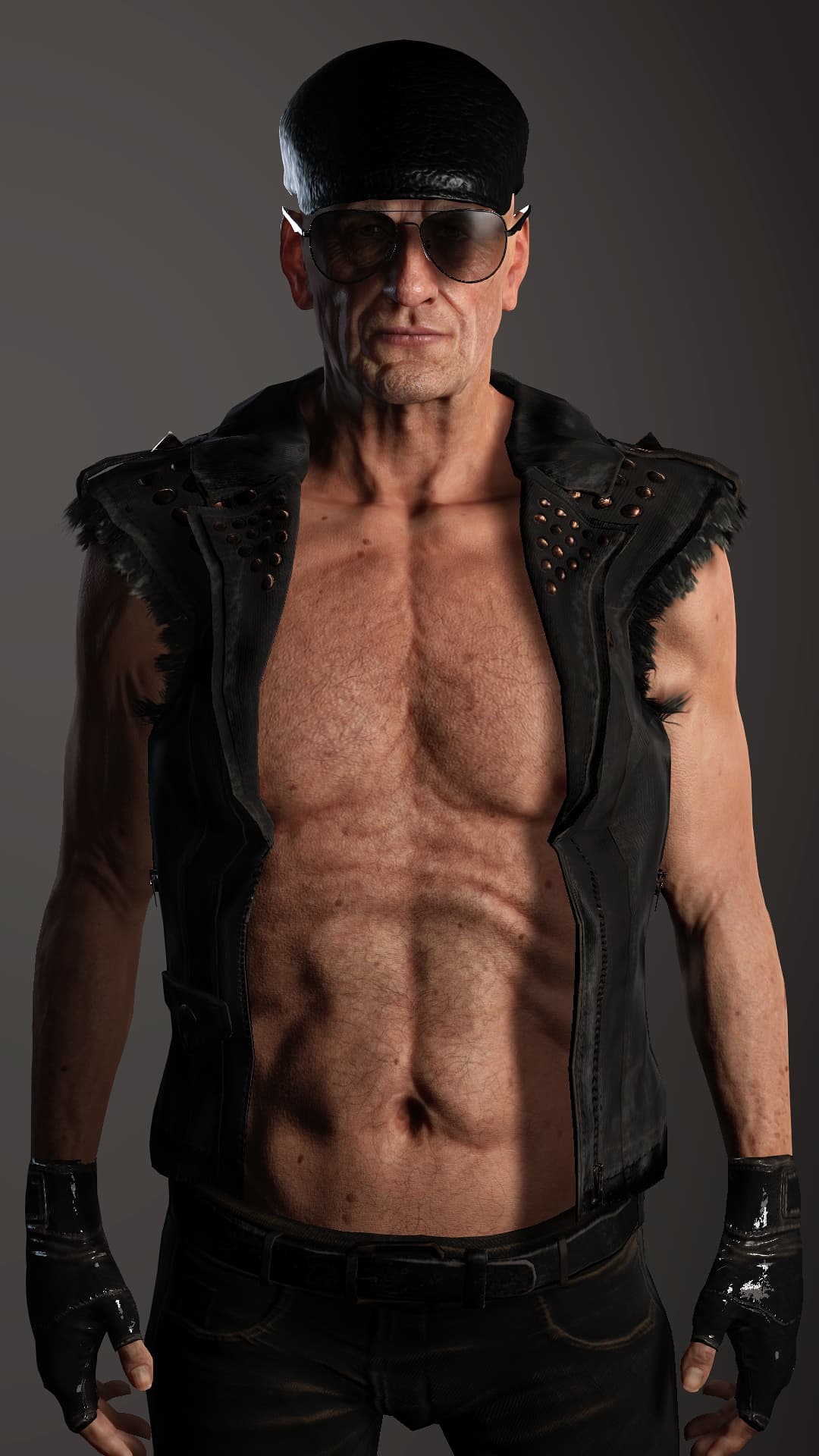
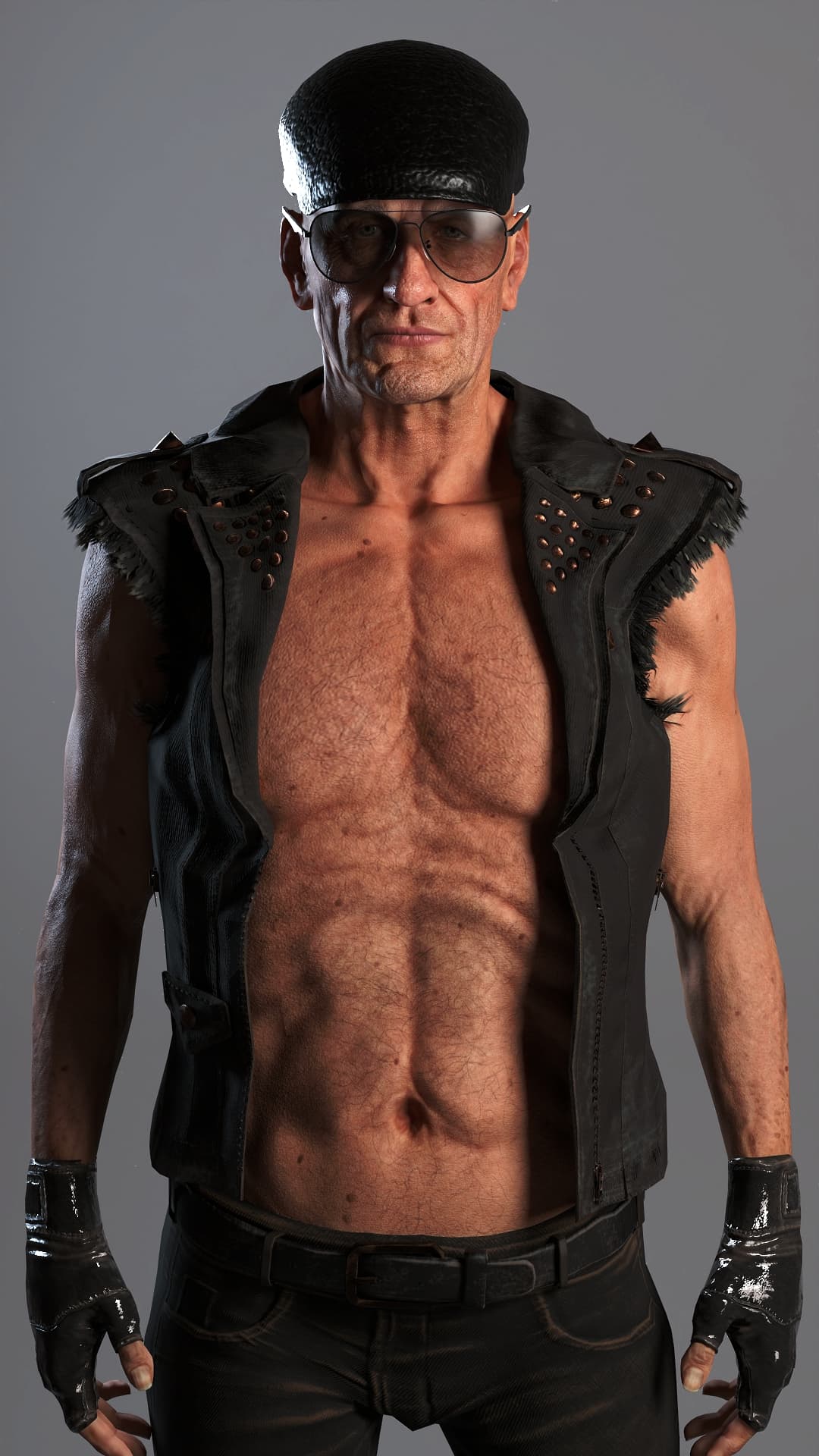
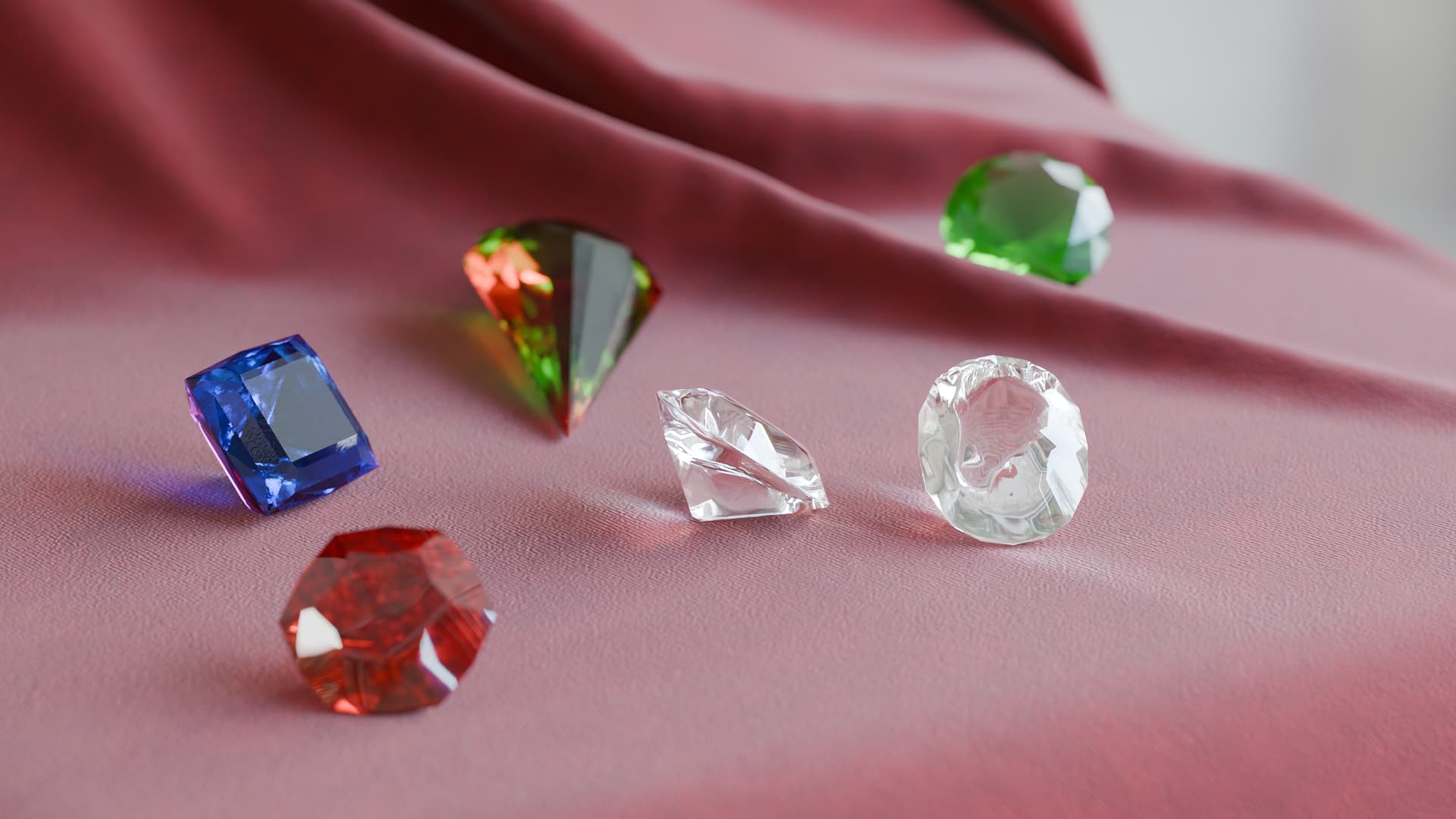
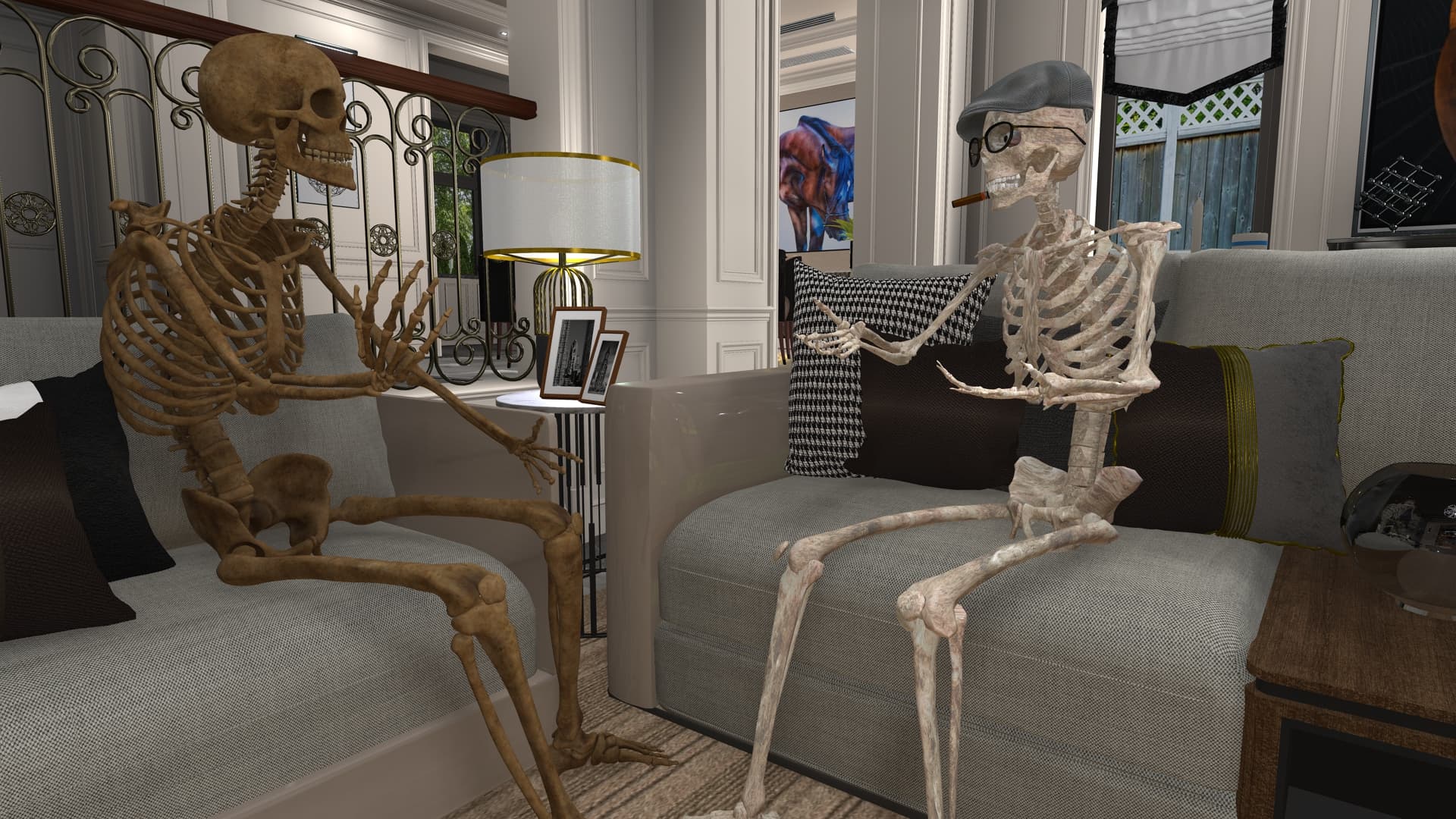
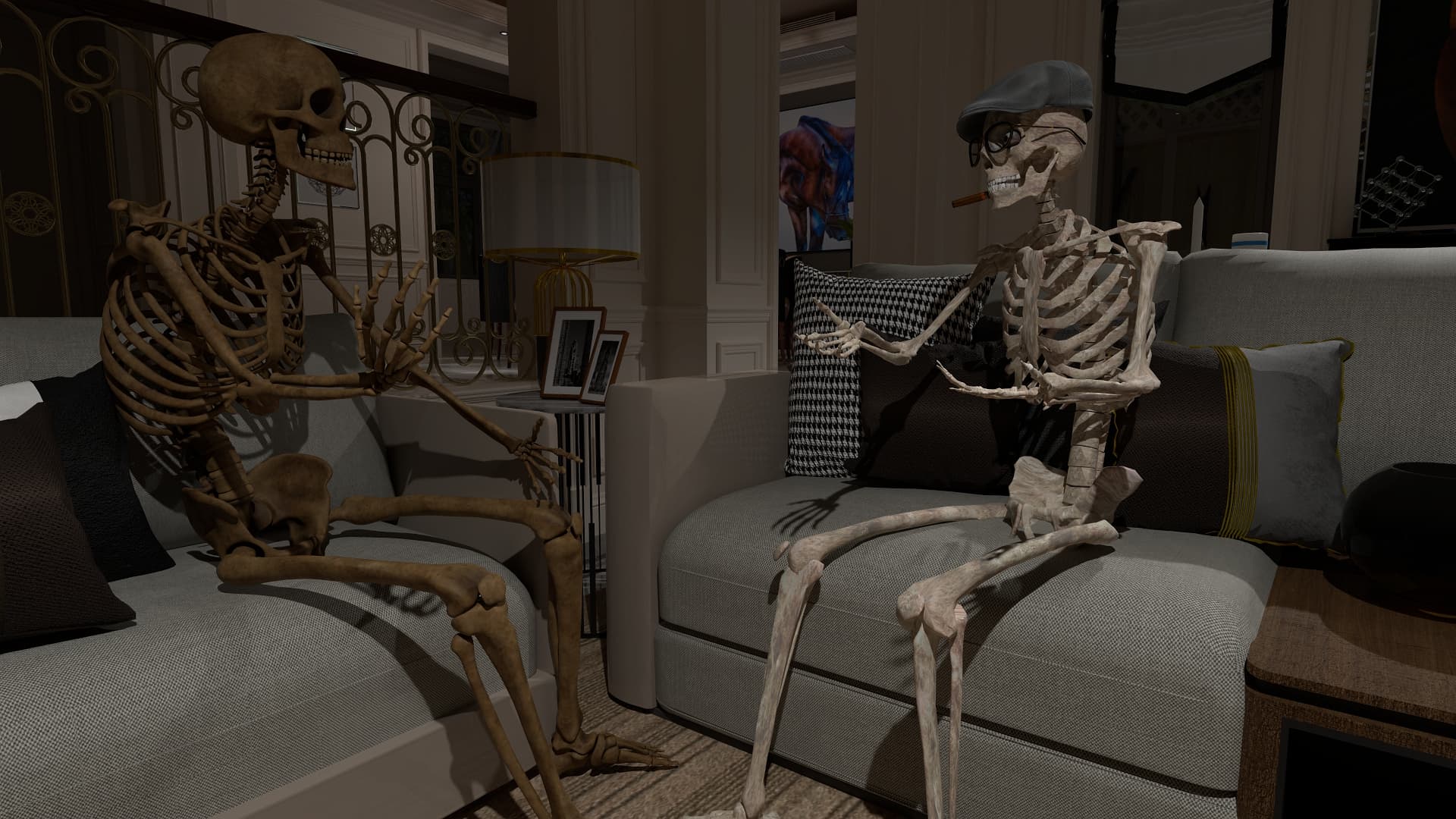
I took another existing project as a basis for an RTX render. This project I used as first-frame-last-frame for an AI video render.
Because of differences on how lighting is interpreted, my DX render is an approximation of the scene. I noticed that I have to increase the lighting strengths for RTX to see an effect.
For this scene I replaced the materials of the wine glass with RTX materials from the library. “Glass” for the glass and “Ruby” for the wine. I tried “Glass” for the windows but for some reason there was kind of a lens effect, so I gave up on that.
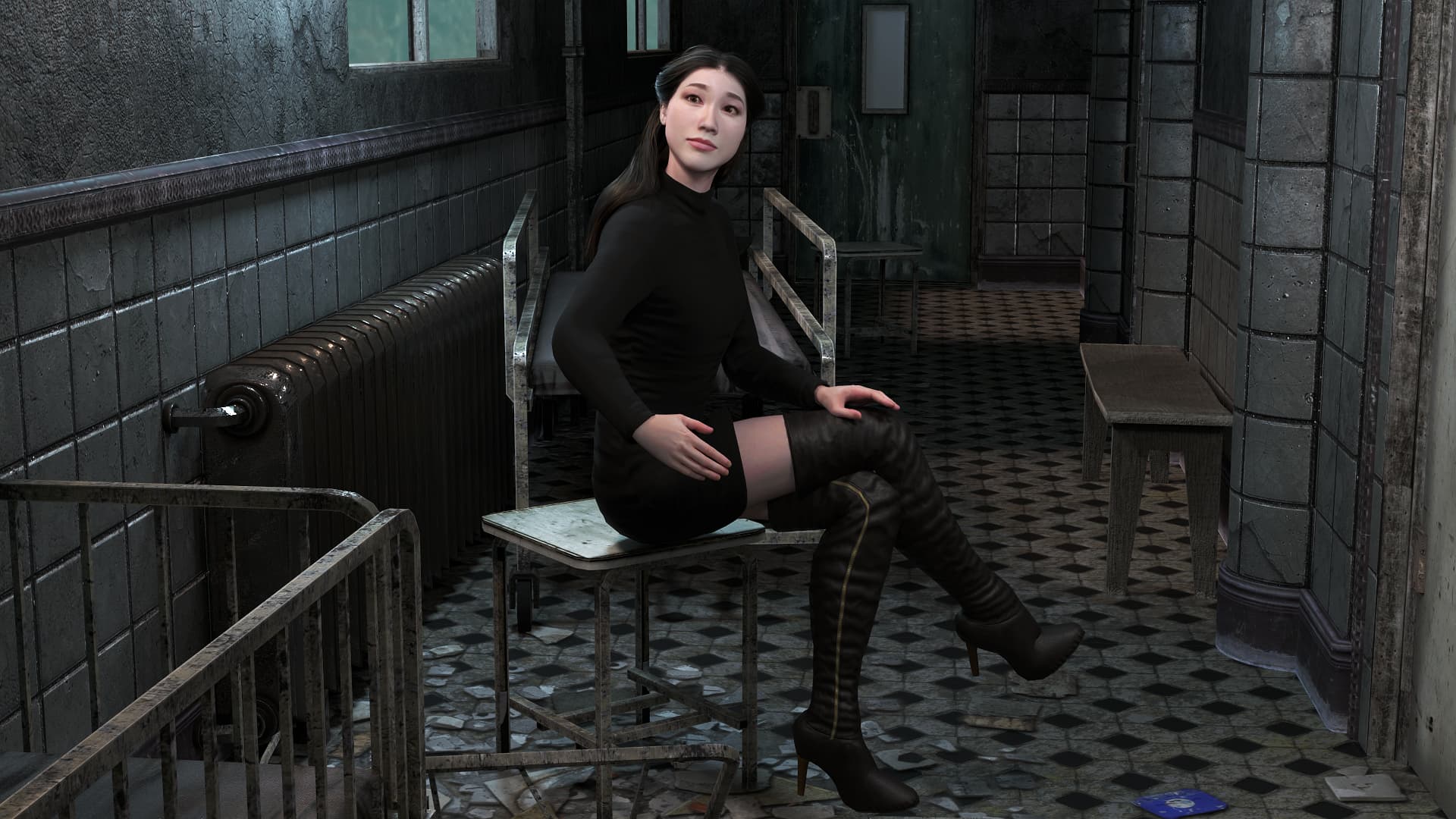
My own RTX render project. It’s really cool, I really liked it. It threw an error once and kicked me out of the program while trying to render a face too close. There were no problems with installation or rendering except for the one instance mentioned above.
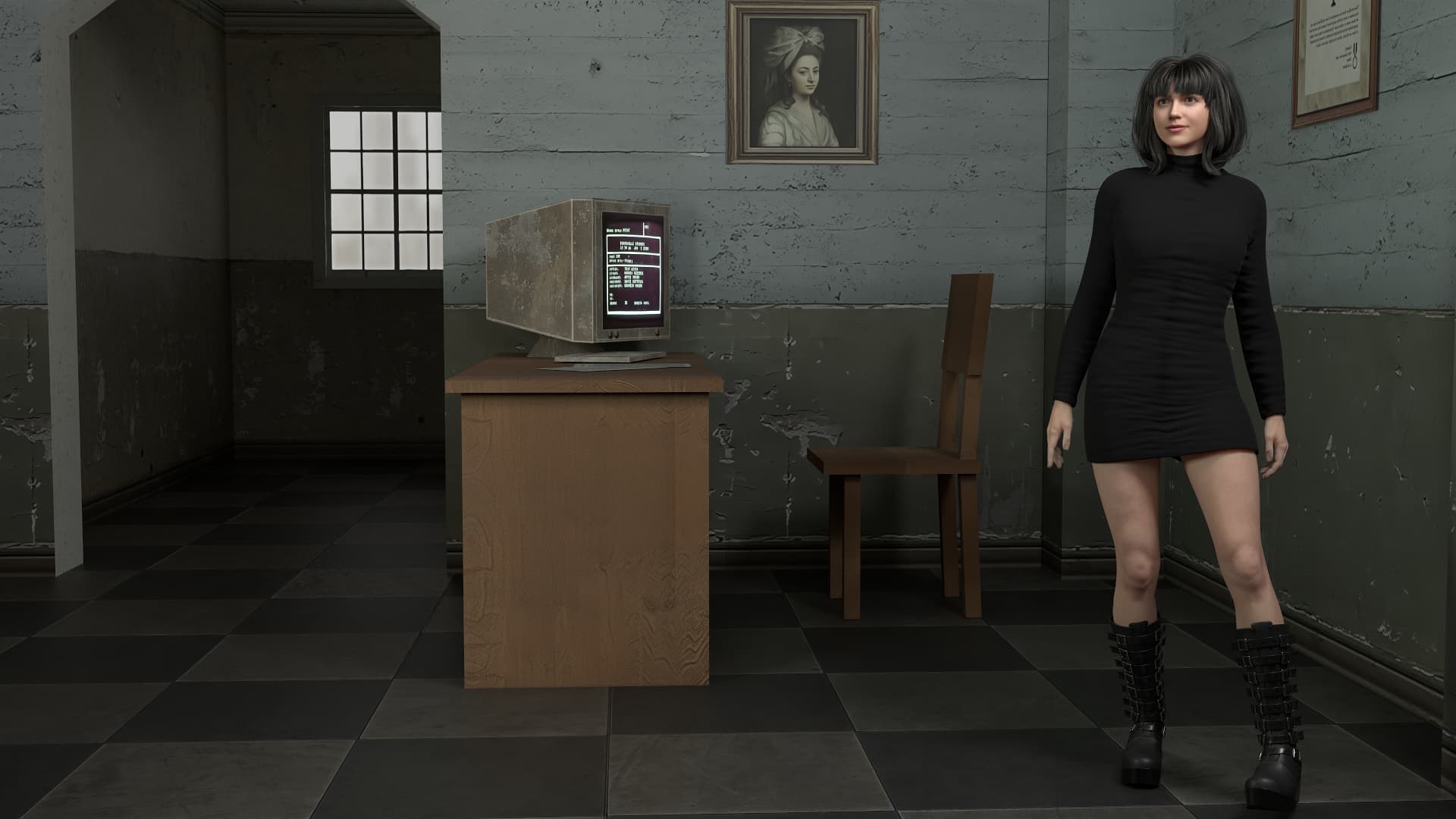
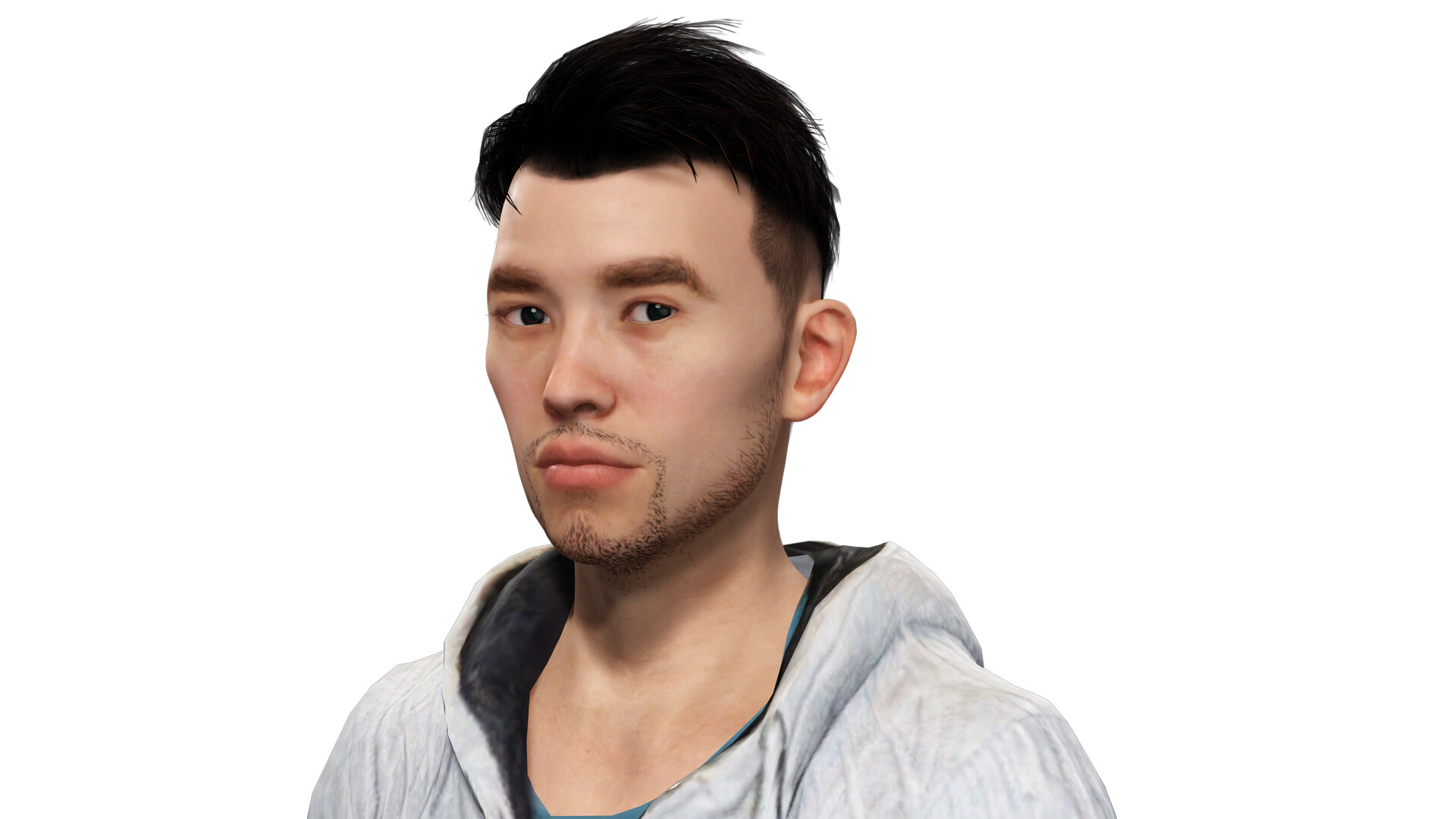
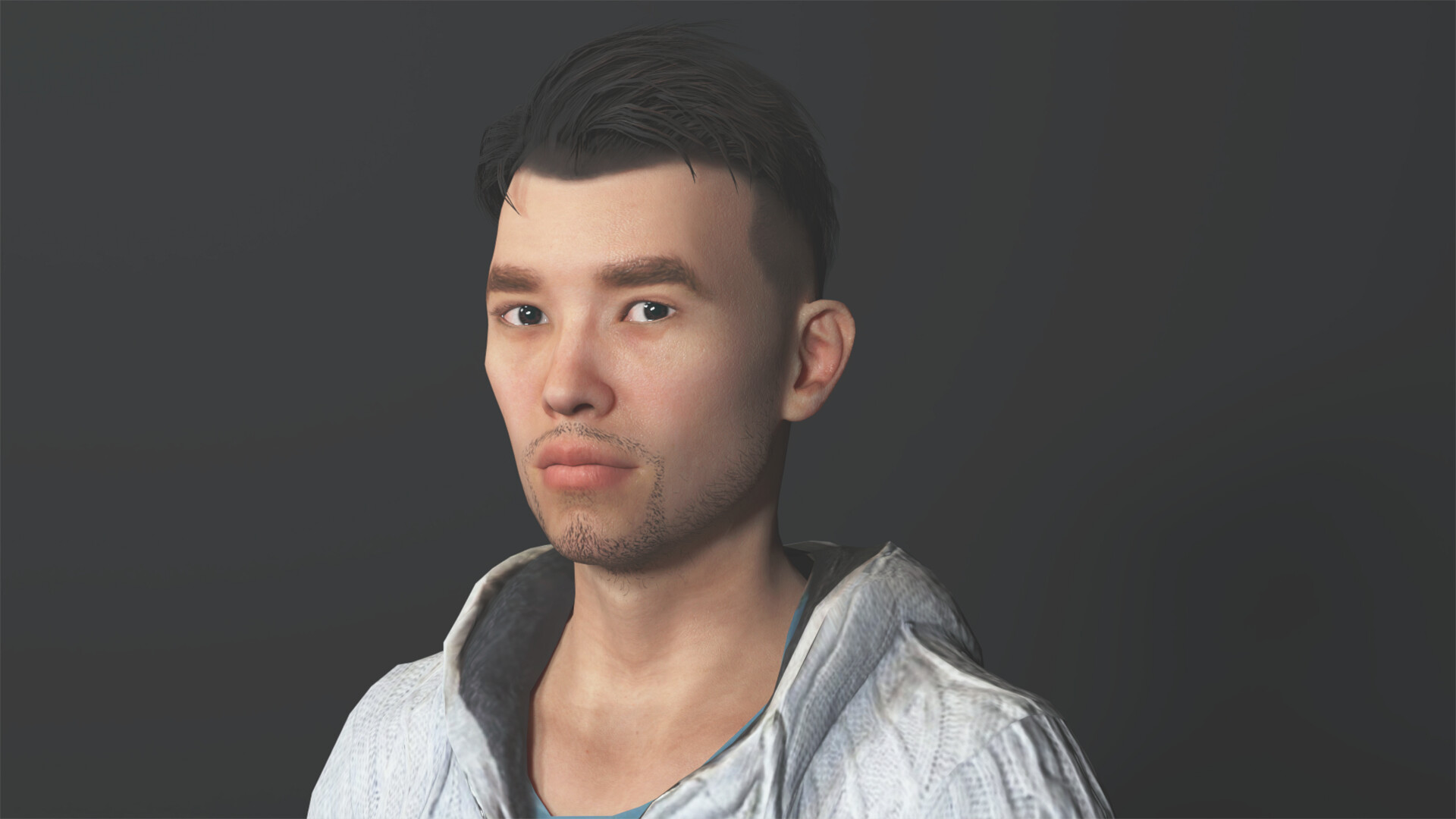
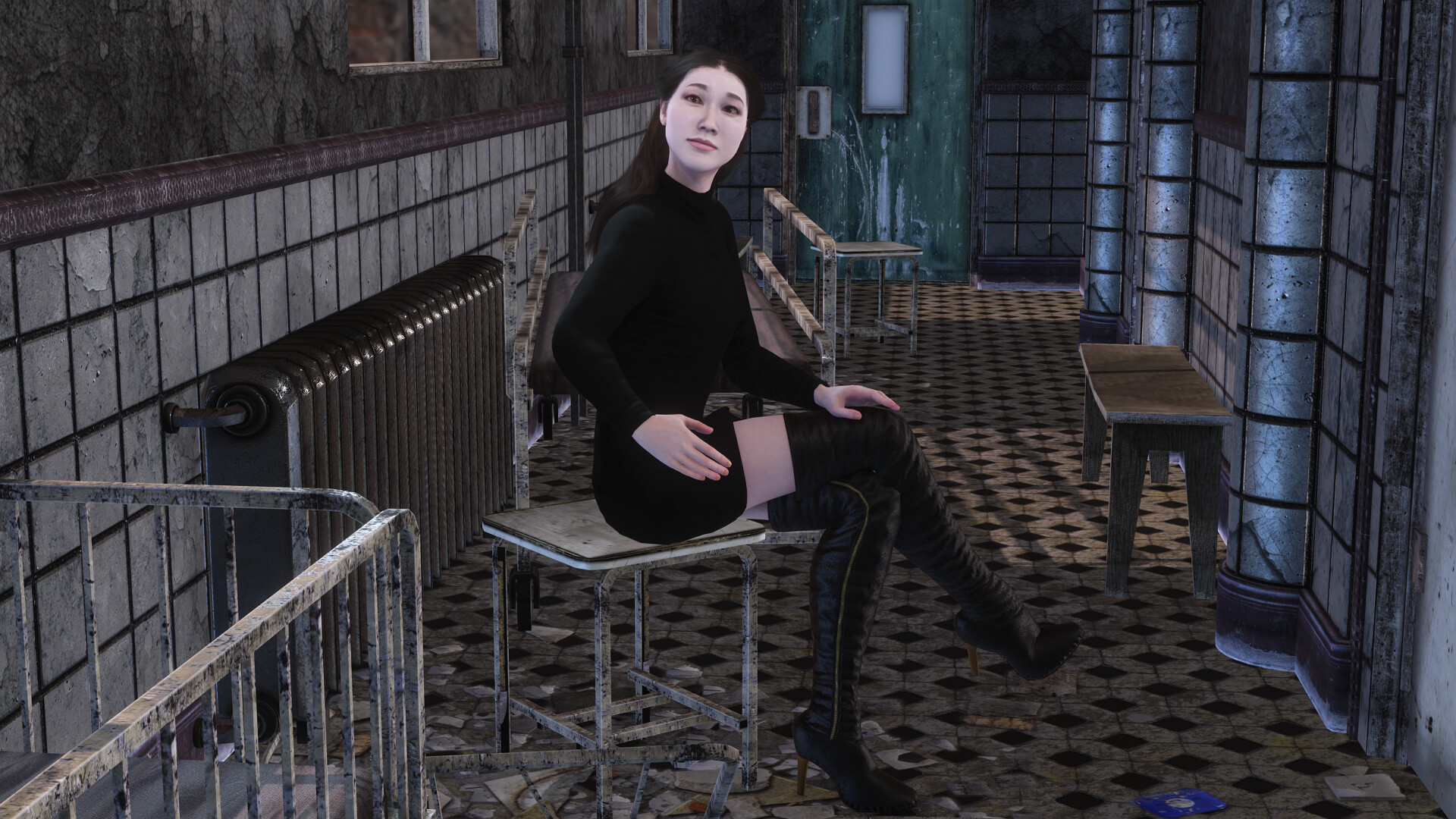
I had not used the CC5 RTX Beta yet, so this was done with Beta 2. The charcater was created in CC5. I placed her into a set: “Armed Forces and Industrial Interiors - Terr*rist Base”. This is an older product, so to improve the look I upscaled the closely visible textures with Topaz Gigapixel.
Resolution 1920x1080, otherwise default settings for the renderer.
Render time: 2 min+4 sec.
Hello, I wanted to thank you for your advice. The problem was this: I was uploading photos to a chat opened in Google Chrome, and it wouldn’t let me upload them. I was able to upload them to Edge. Thank you very much for your help and participation; it means a lot.
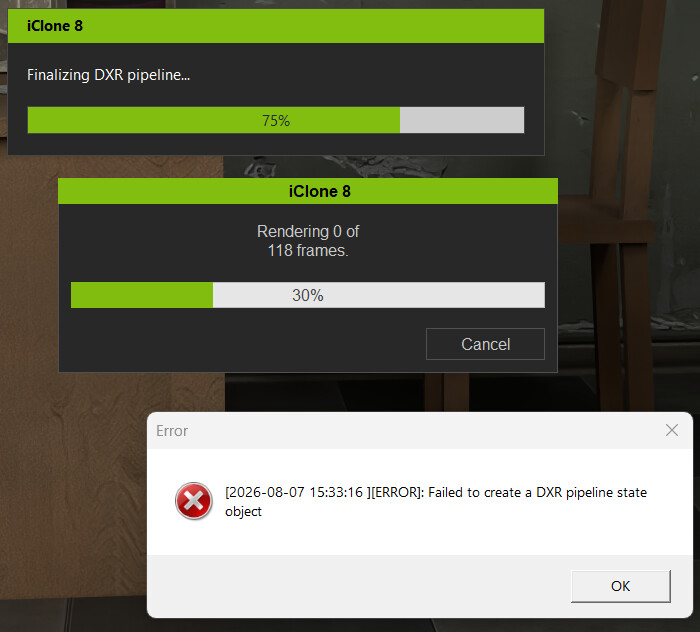
I had seen this error once before, but an addtional attempt was successful.
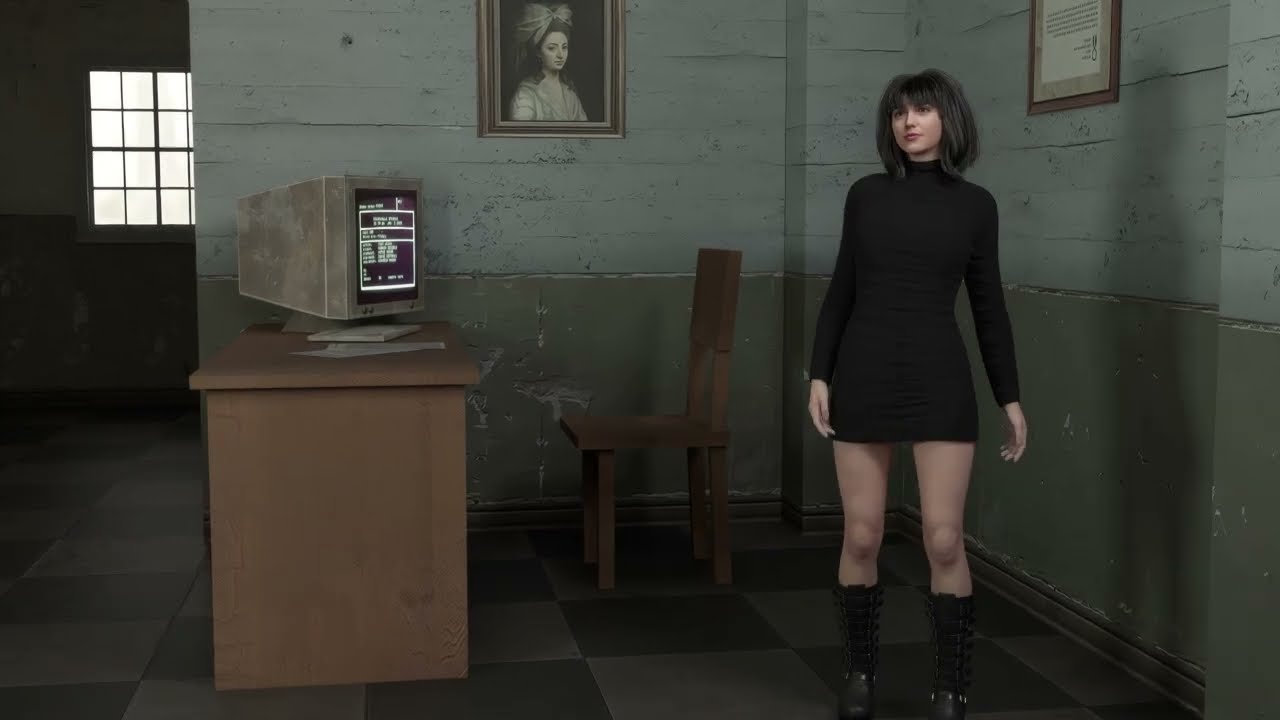
Although it is attractive to render at 4k with a lot of samples, it is slow, as people have found out. For my AI work, I mostly render at 720p and then I use Upscayl to upscale to 4k. So I tried the same here.
The orginal video has the following specs: Video: 720p 192 samples 24 fps 122 frames (about 5 seconds).
I have started working with 24fps, because that is what most AI models will give you, so I’ve done the same here.