@R_Ham
I found another one. It’s basically the same thing, but Rampa goes into more details here. It’s also tutorial for Genesis1. Same principle though.
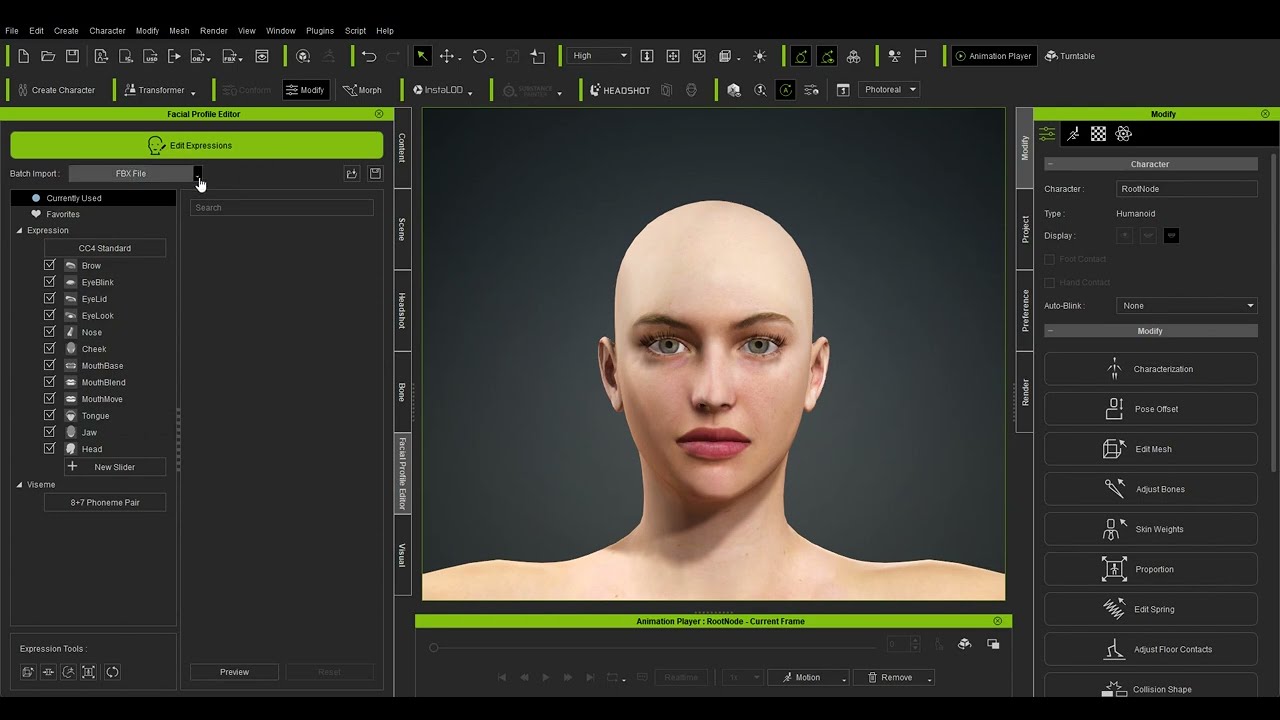
After importing blend-shapes you only have to match/map DAZ CAT visemes to appropriate one in Standard RL profile. For some of them, DAZ does not have a match or name them differently. So I ended up mapping the same DAZ viseme to multiple RL viseme sliders but with various strength.
And in General, I do not miss 3DX a bit. Everything I could do in 3DX, I can now do in CC… plus. Like I can do minor morph tweaks in Edit mesh without leaving CC. It’s just a matter of getting used to…
@AutoDidact
Thanks!
For ears I mapped Cat ear morphs to RL Brow sliders and then Face Puppet Brows blending with the rest of the expressions… 