We’ve just released Auto Setup for Unreal v2.03 (build 2.03.1914.1) with support for Unreal Engine 5.8 and several important bug fixes for eyelashes, HD Tearline, MetaHuman textures, and Physics Asset display.
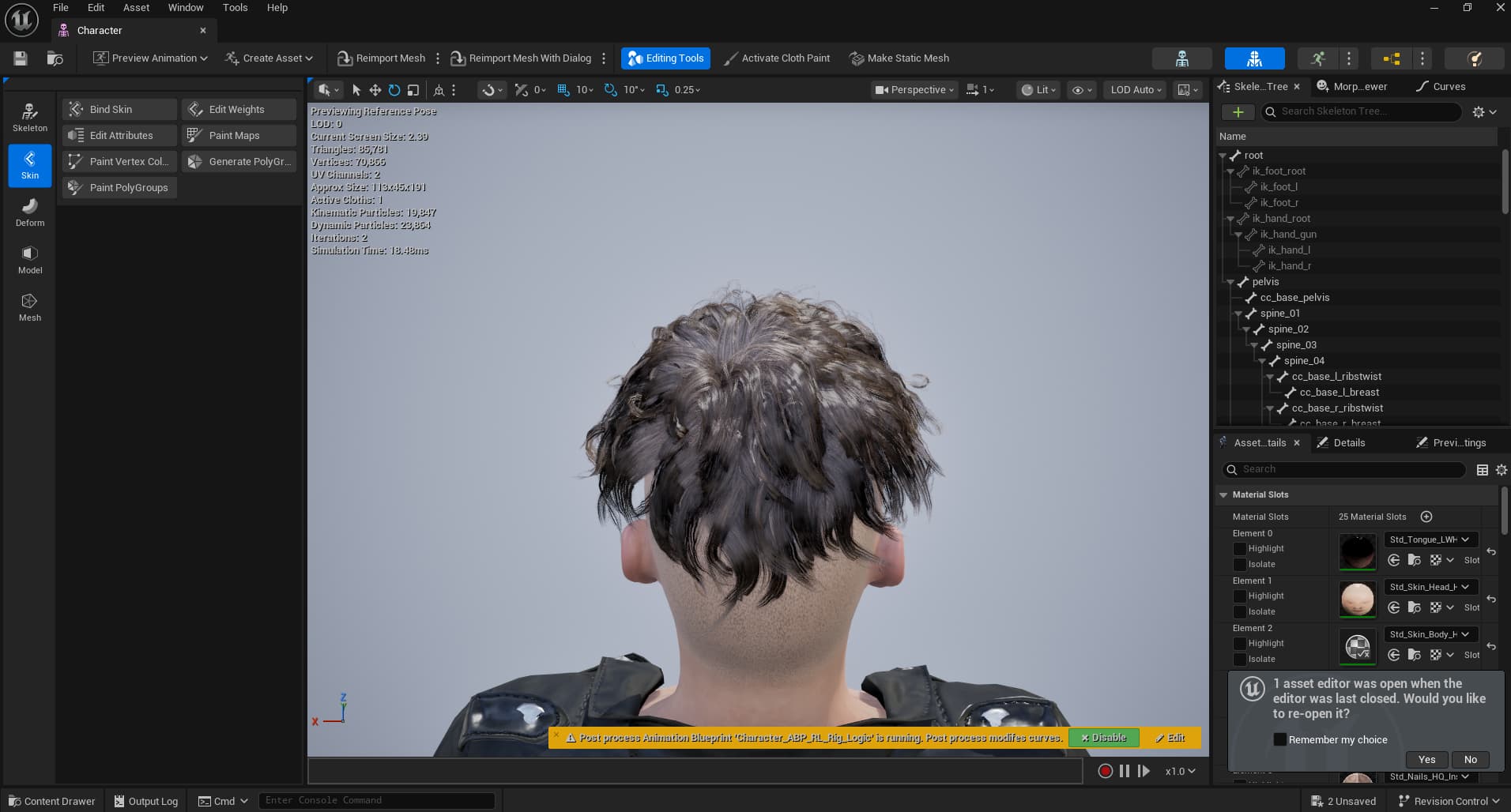
I upgraded to v2.03 v 2.02 on UE 5.6 and I imported a new game base character. I then noticed one of my preexisting characters’ imported via 2.02 hair texture is now corrupted and turned gray. This is the last thing I need to deal with - will downgrading back to 2.02 fix this?
@Winner_RL - did you add a CC5 HD character first to the project, then add a game base character? This is exactly what I did. I imported and CC5 HD chr in 2.02 and then imported a game base chr (not CC3+ HD) into the map and in a test, realized the previously imported character’s hair color had changed from it’s original color to gray.
Honestly, I’m in the middle of a project and just don’t have the time to revert anything. I’m finding these issues as I go and report them - I’ll try to send what I can to that email address. We’re pressed for time so we don’t have time to tinker - we just revert back to the working version.
Yes, we did use the Game Base character as you suggested and we still couldn’t replicate the grey hair color
We tested the following character types:
Standard CC3+
HD
Game Base Single
Game Base Multi
For each test, we first imported the character using Auto Setup 2.02 and then upgraded the existing Auto Setup files to version 2.03 using two different methods:
Overwriting the existing files
Deleting the existing files and replacing them with the 2.03 files
has reallusion released a version of the livelink plugin for unreal that is built so that it works with unreal 5.6 on UGS? We bought the license, and it worked before we swapped to UGS. But the 5.6 version of plugin doesn’t work if the game project uses UGS (Unreal Game Sync) and you can’t build the binaries without sourcefiles, which aren’t included).
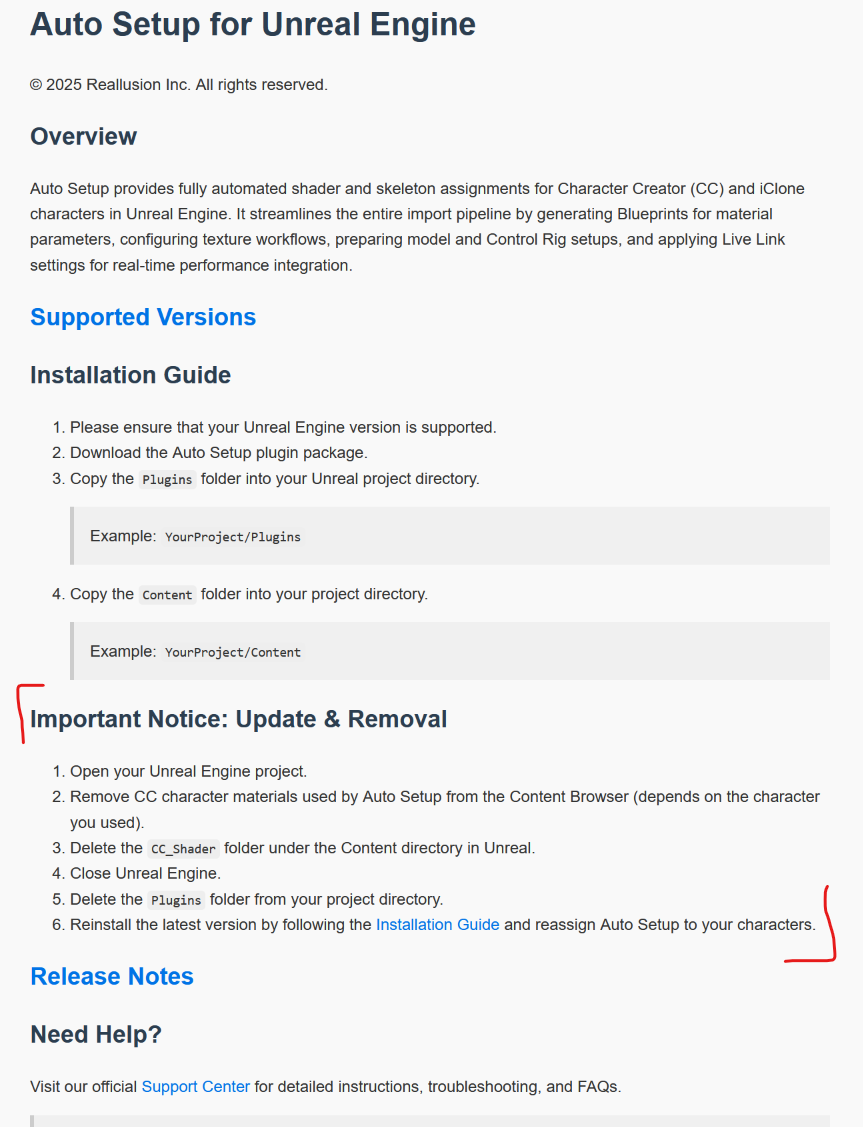
Could Reallusion explain how to properly UPGRADE a 2.02 installation? Previously, one of your reps instructed users to simply copy and paste the CC_Shaders and RLPlugin folders from the new version into the respective folders of the old version contained in your existing project (overwriting them).
However, the README file (RL_Readme_Auto_Setup_2.03.html) contained within the 2.03 download states the following:
The easiest way is to download and extract Unreal Auto Setup 2.03, then overwrite the existing 2.02 files. However, following the instructions in the Readme file would provide a cleaner installation and reduce the risk of errors.
Are you currently experiencing any installation issues?
I sent you an email with an attachment containing the character I mentioned whose hair and eyebrow textures turn grey when upgrading UE 5.6.1 Auto Setup 2.02 → 2.03.
The hair looks fine in 2.02 and thus I downgraded.
Were you able to upload the Unreal Auto Setup files successfully? We have received your email, and our team is currently testing the files you provided.
The Auto Setup files? There was no instruction to do so. I had AS 2.02 installed on UE 5.6.1 and upgraded to 2.03 by copying and pasting (overwriting) the Content/CC_Shaders and Plugin/RLPlugin folders
We tested your character with Unreal Engine 5.7 and Auto Setup 2.03 but were unable to reproduce the issue. On our end, the hair and eyebrow colors in Unreal Engine appear consistent with those in iClone.
Could you please follow the Auto Setup installation tutorial once again? The issue may occur if the Auto Setup folder was not copied or placed in the correct location, as these files are required for the textures to display properly.
If you don’t mind, I can also upload and share the video we recorded while testing your character.
Yes, we noticed that you are using Unreal Engine 5.6 and upgrading to Auto Setup 2.03. We’ve created a video specifically for your case, which you can watch here.
Please follow the steps in the video and let us know if they resolve the issue. Since your character appears correctly on our end, if the issue persists, could you please provide a screen recording of your workflow so we can investigate further?