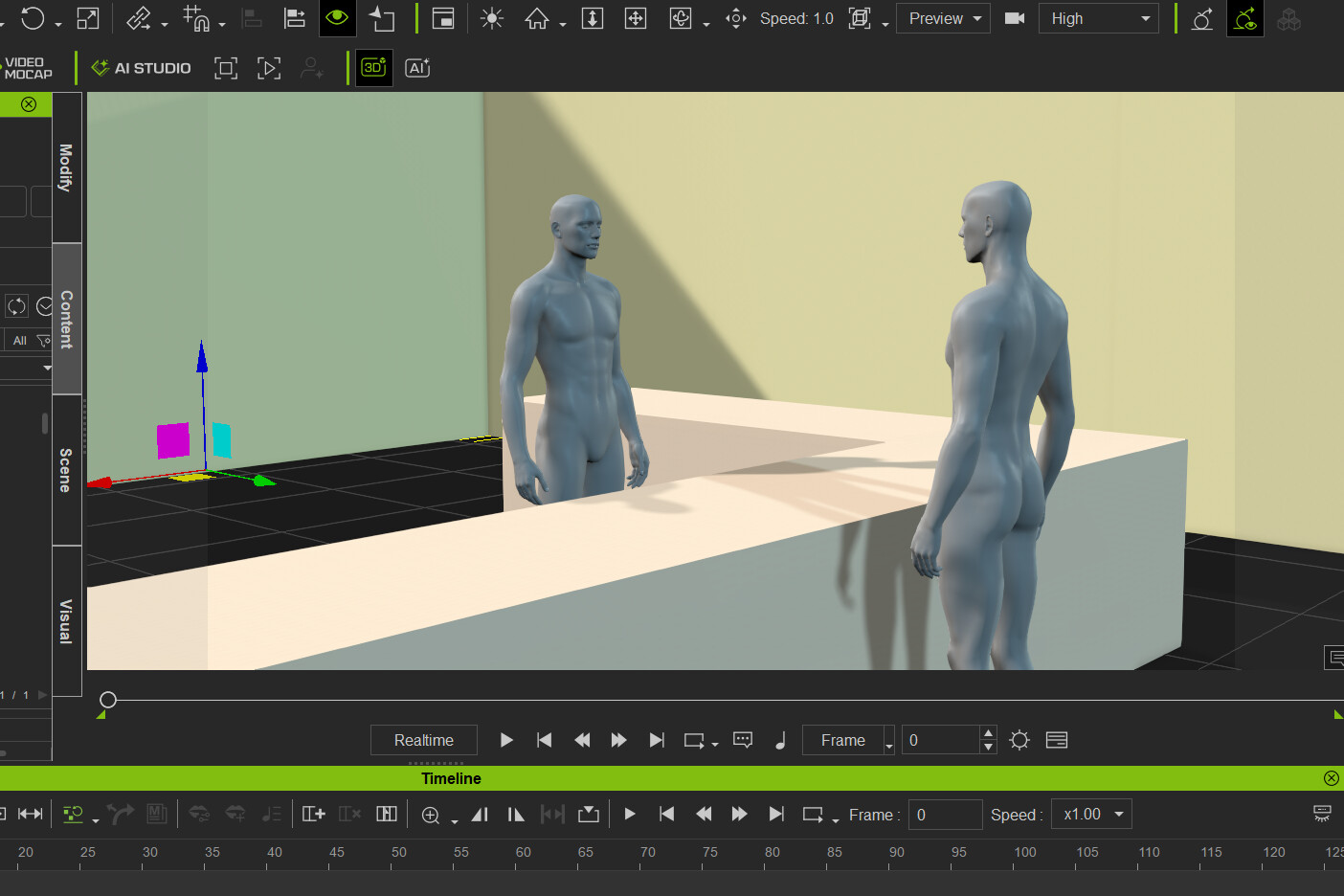
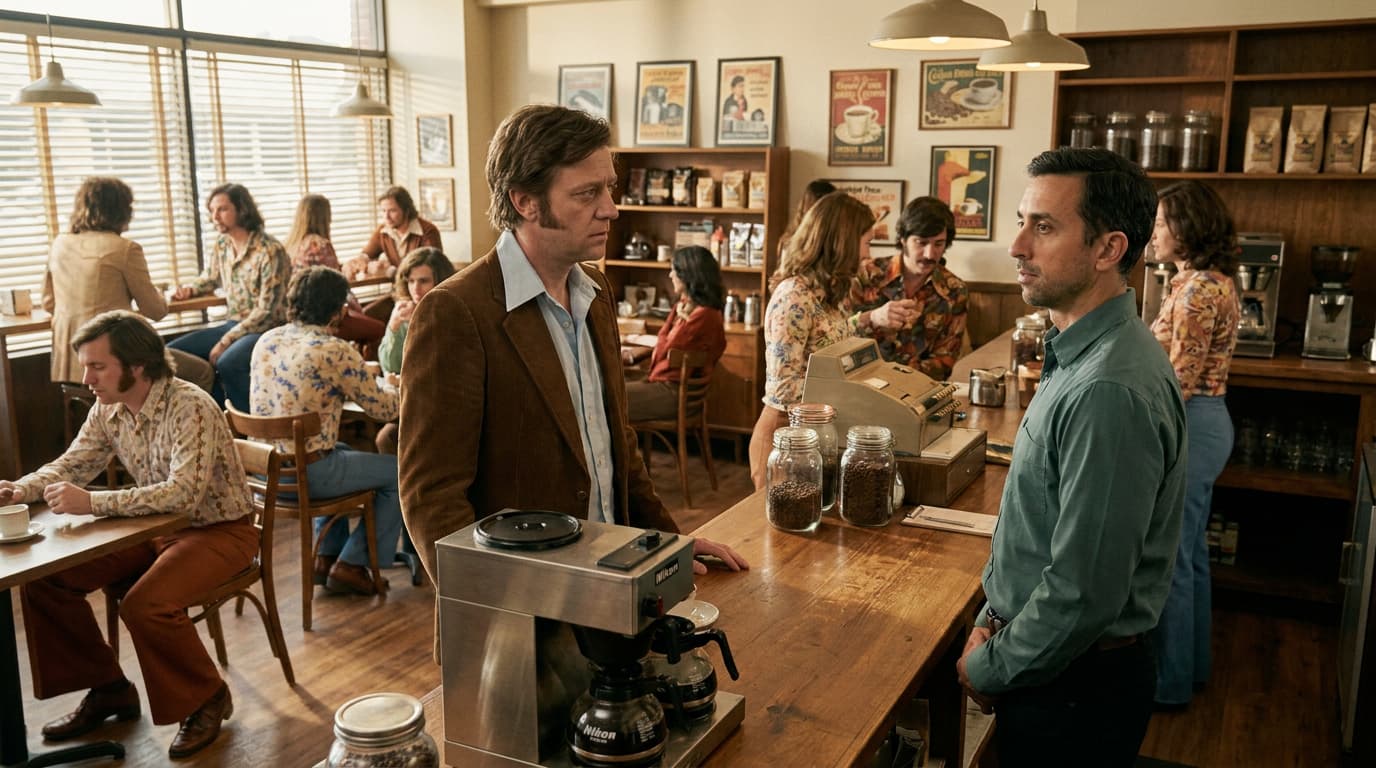
This challenge explores the delicate division of labor between your 3D software and the AI image engine. The goal is to perfectly preserve your spatial perspective while giving the AI absolute freedom over style and mood.
Educational Focus: The Line of Control
3D Software is responsible for: Camera angles, composition, hard environmental layouts, and spatial depth.
The AI Prompt is responsible for: Aesthetic style, surface materials, texture details, and lighting atmosphere.
The Golden Rule of Prompt Strategy:
A bad prompting strategy will completely break your 3D tracking. Describing scene layouts textually will force the AI to fight against your 3D reference image, ruining your camera alignment.
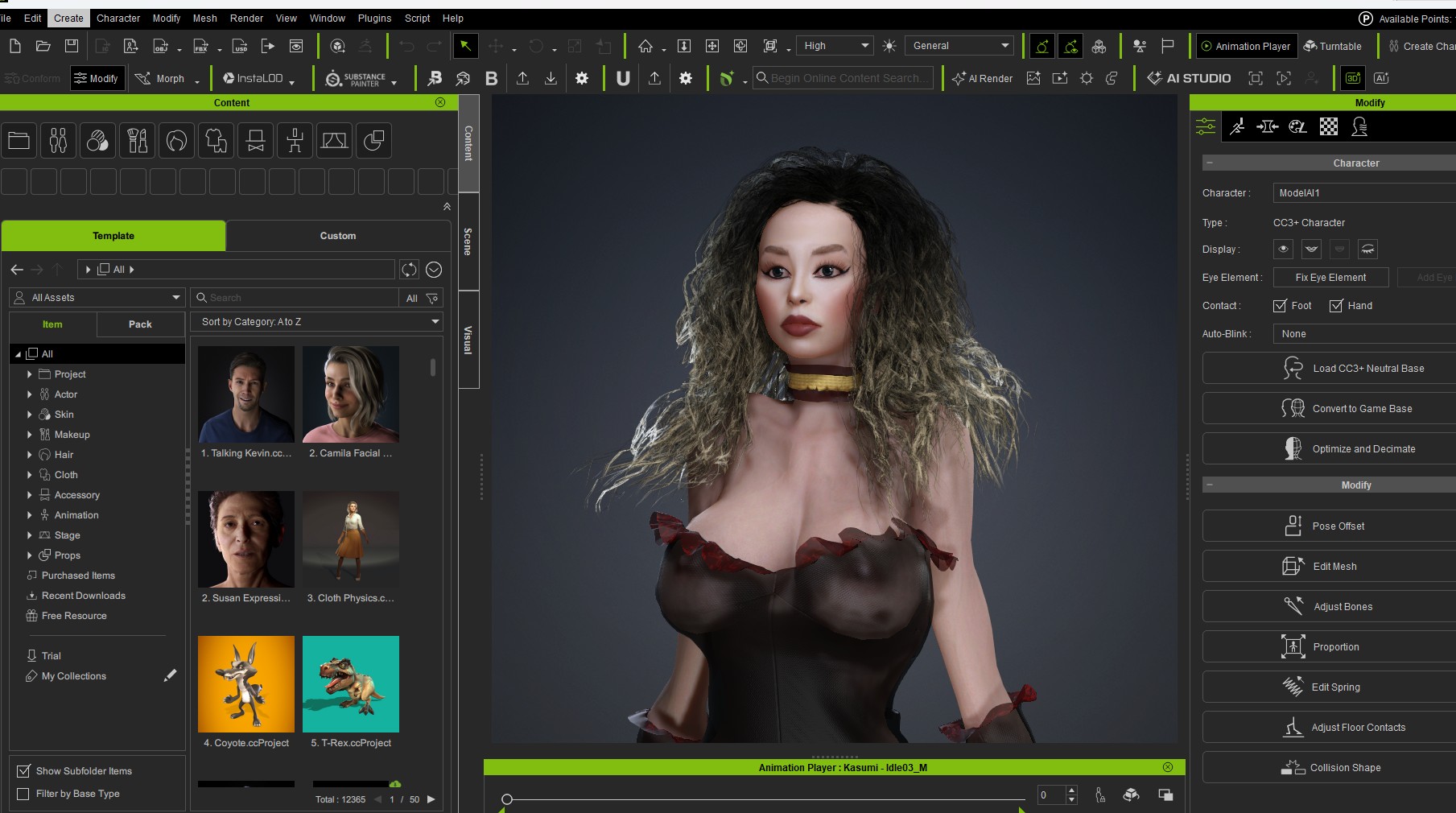
Take a custom 3D layout from iClone or Character Creator to act as your foundational composition blueprint. Using a highly strategic text prompt, generate a final image that completely retains your exact 3D camera angle and spatial volume, while deriving 100% of its visual style and lighting atmosphere directly from your prompt.
How to Submit
To claim your 200 AI Points, reply to this thread with:
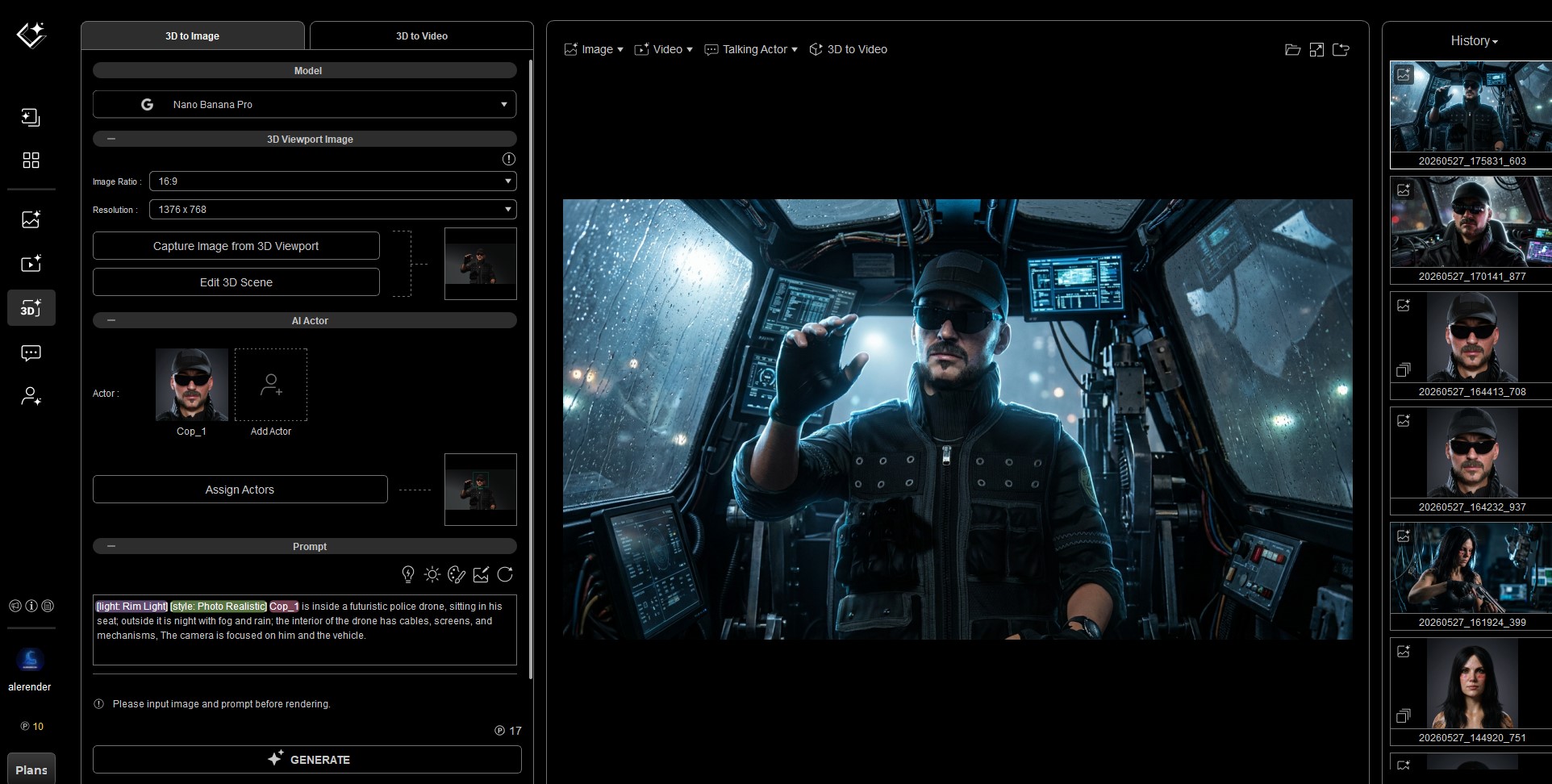
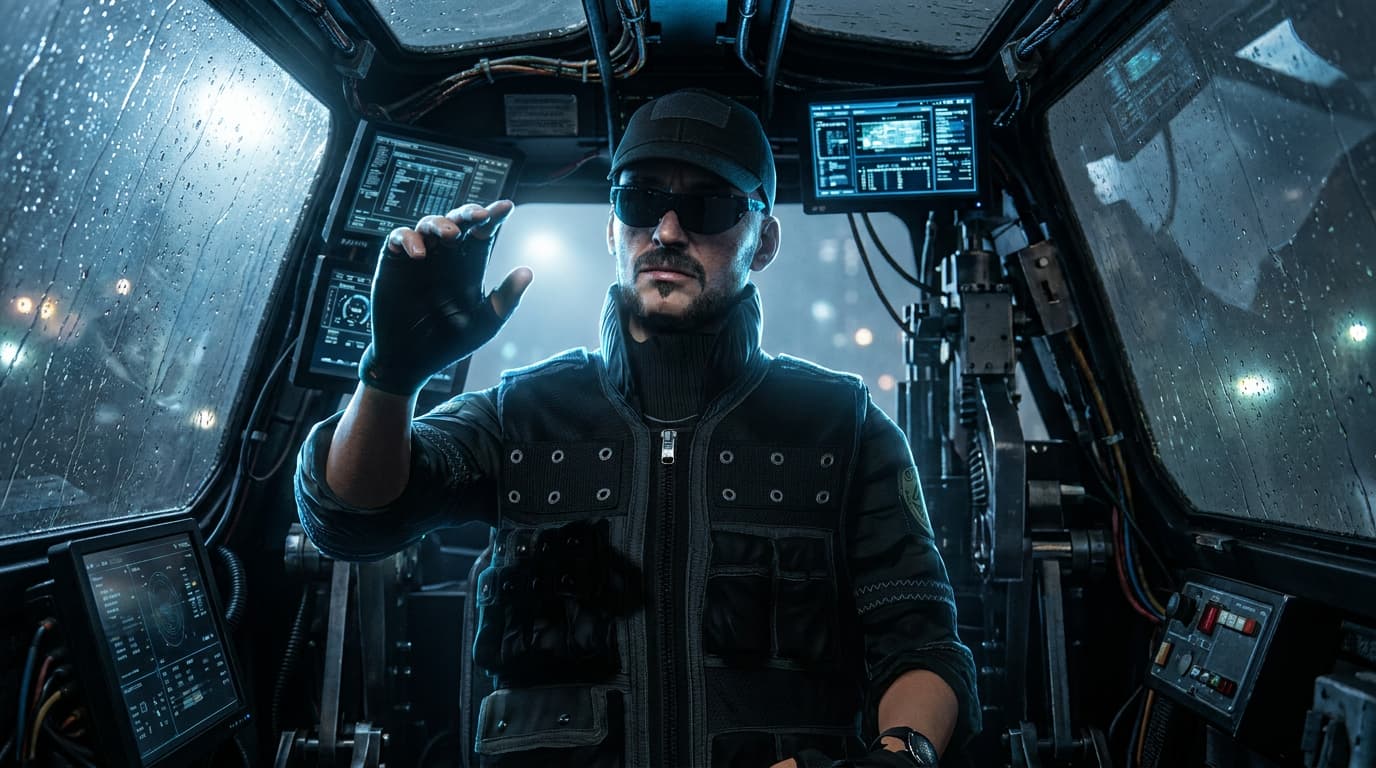
Your final generated image.
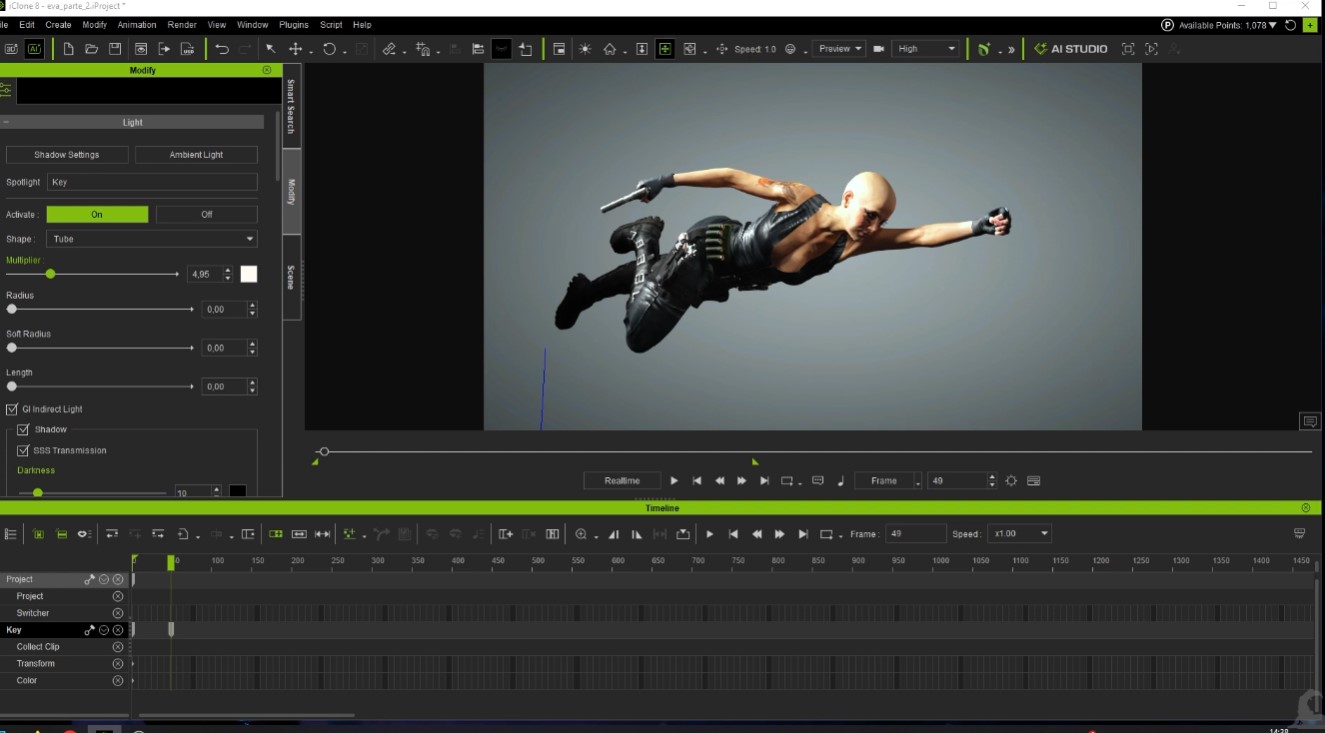
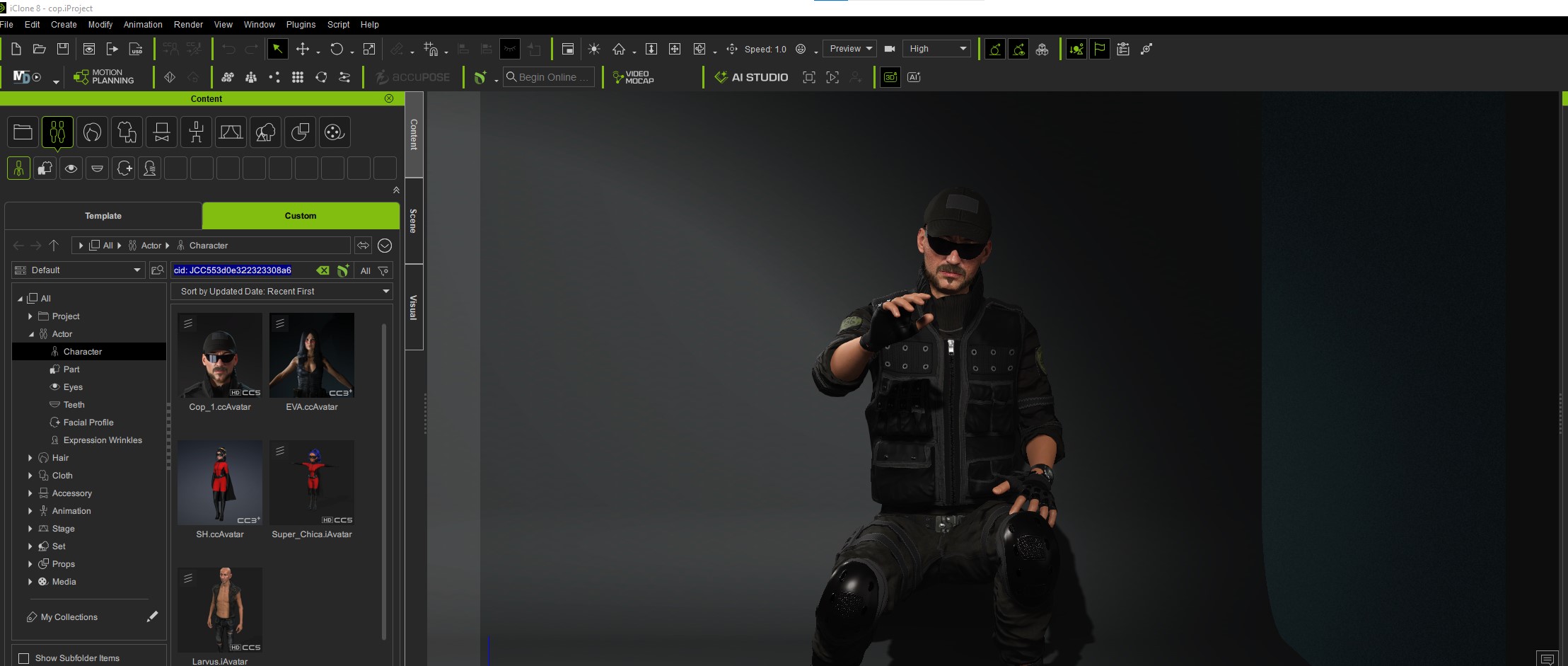
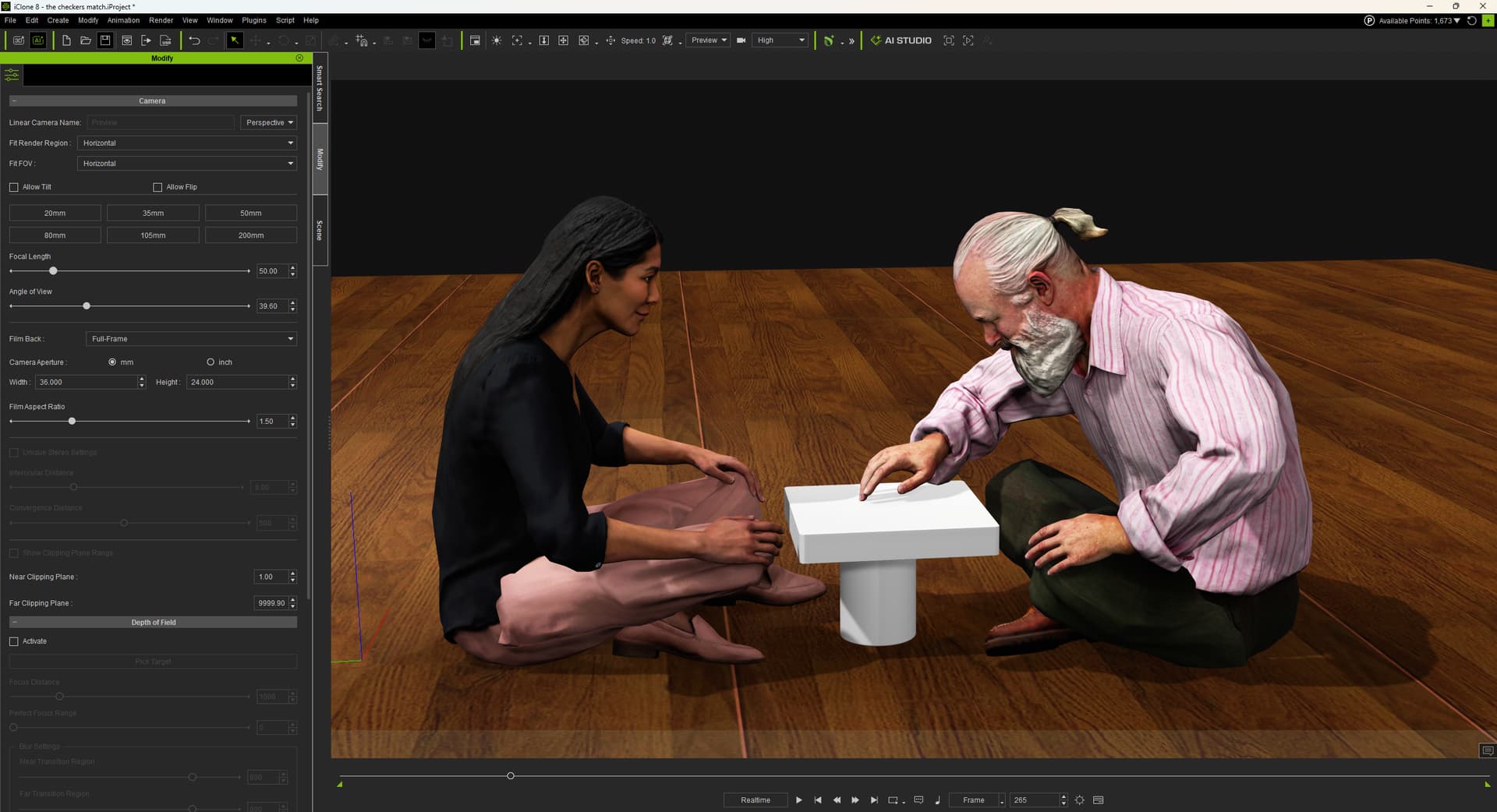
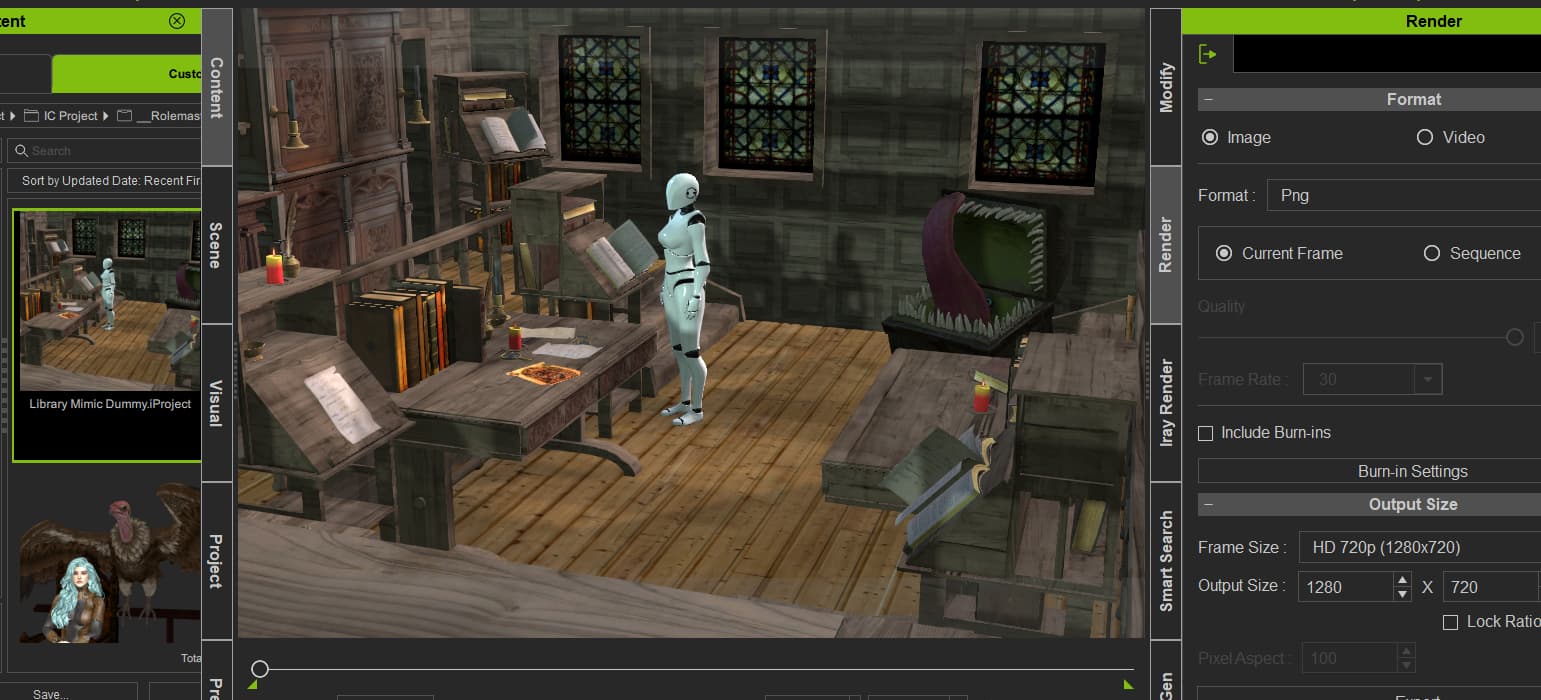
A screenshot or clip of your original 3D source viewport (iClone/Character Creator).
A brief breakdown explaining your prompting strategy
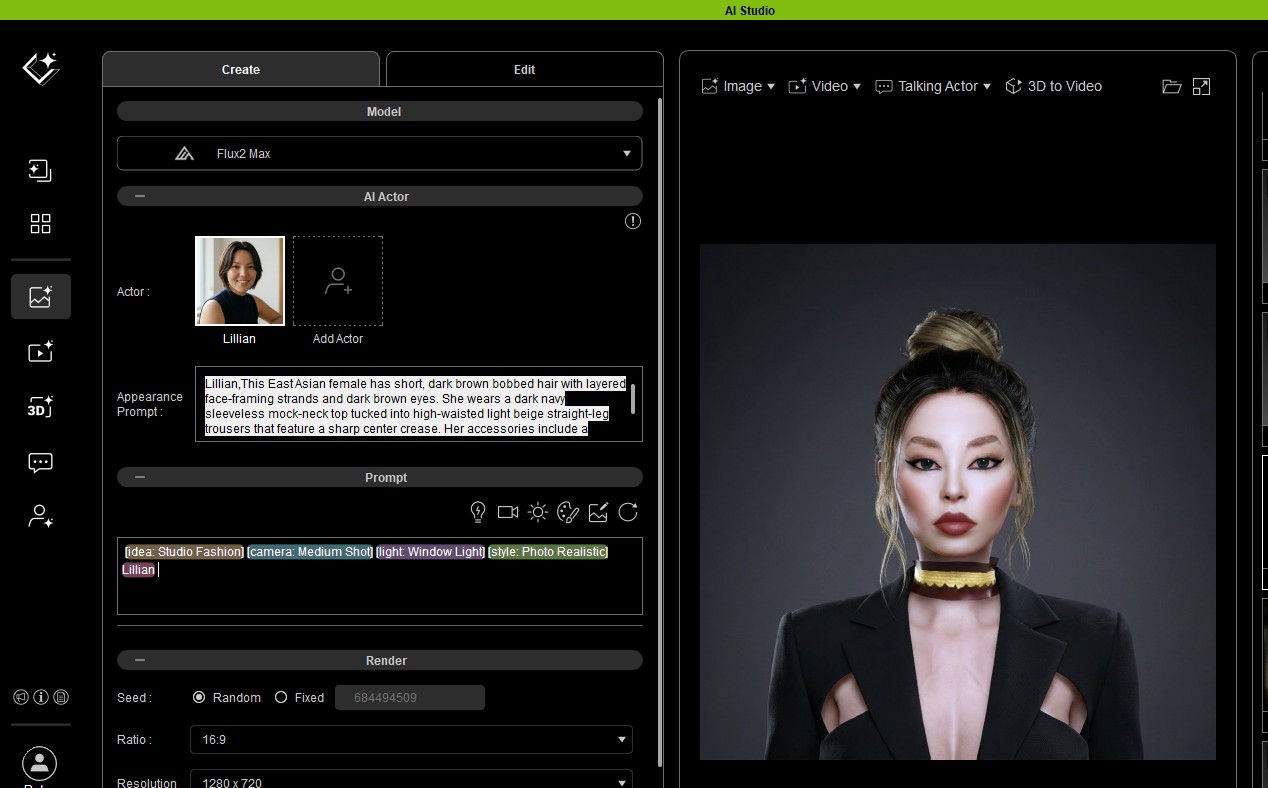
AI Studio works well and it’s easy to use, few clicks let it AI do the rest
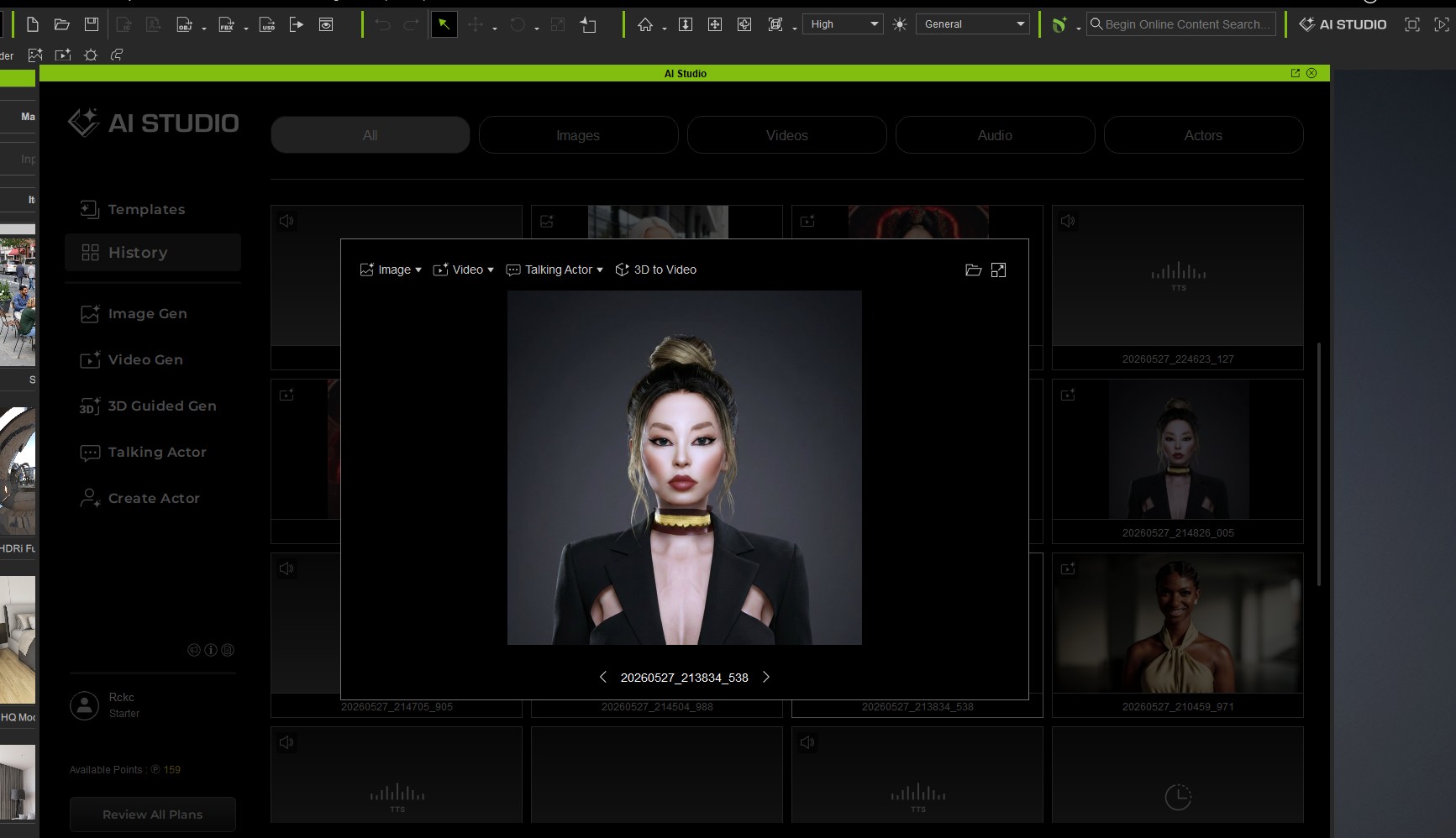
Just select actor (Lillian) and select other features: Idea, Camera, Light, Style and generate , that’s all, image is ready pretty soon.
Try, this takes 30 points. you can use own Actor or other model as well, i used Flux2 Max.
That’s all
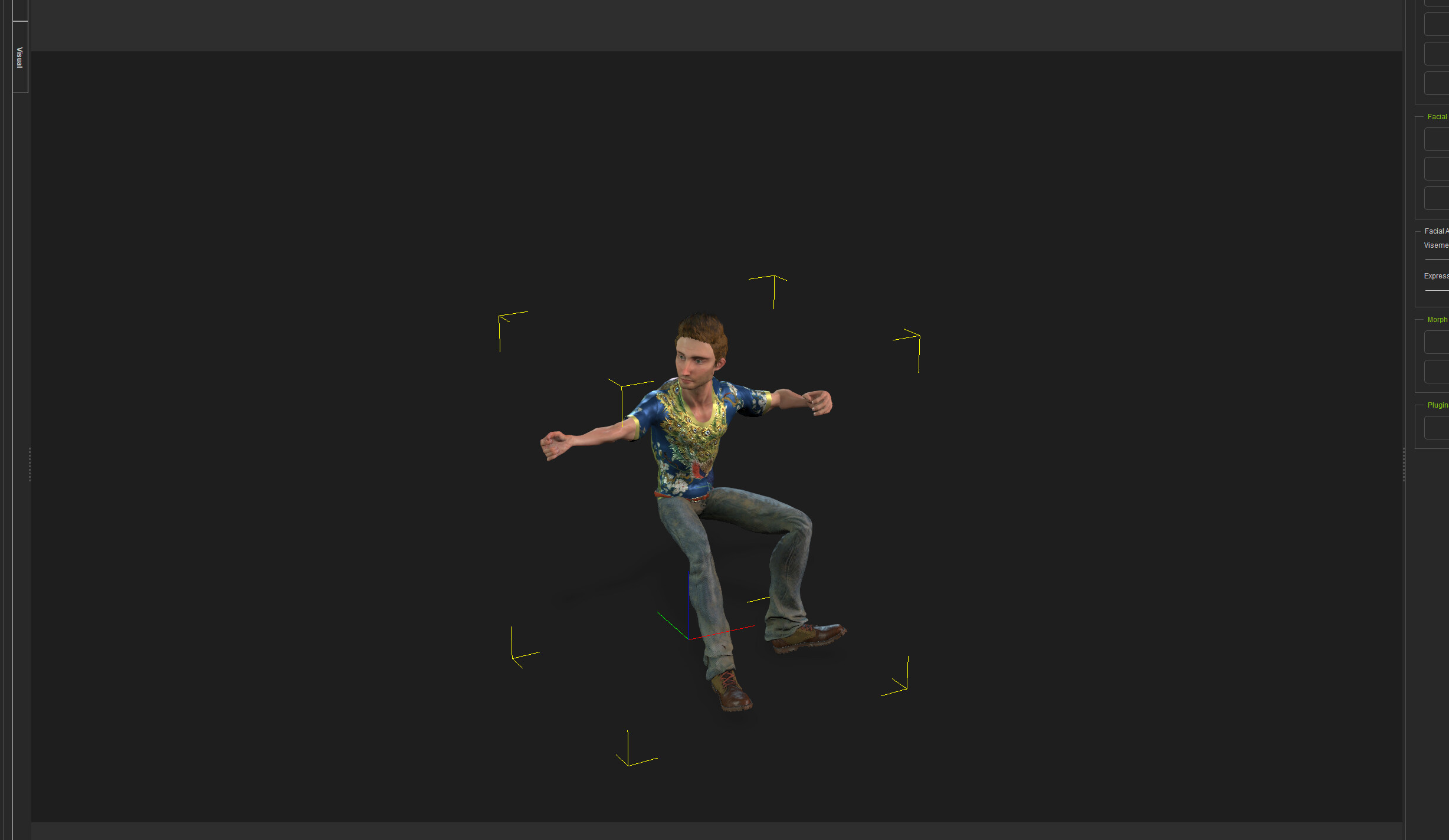
My cartoon character, Steve.
He’s a crazy energy bundle.
Prompt strategy;
Create an expansive scene, but only Steve is the hard-fast iClone object. The rest is prompted. Greate comp capability here!
This it LITERALLY my first Comp.
Had to make Steve as an actor–No Prob! Just follow the guide ACTUALLY LINKED in the AI Studio Tool,
Awesome Power!
No more AI “Prompt and Hope” !!!
=================
Massive arena concert, drum solo highpoint, thick haze from fireworks smoke, sparkler spray cascading from cymbals, LED-studded drumsticks leaving light trails, a red-haired drummer in a peacock-feather shirt embedded with pulsing LEDs, silver Ringer pendant catching the spot, towering stacks of LED-lit amps, 14-foot lighting truss rig with moving heads, piercing laser beams cutting through the haze, stadium crowd silhouetted in the dark, explosive stadium atmosphere, hyperrealistic, 8K Steve Drummer
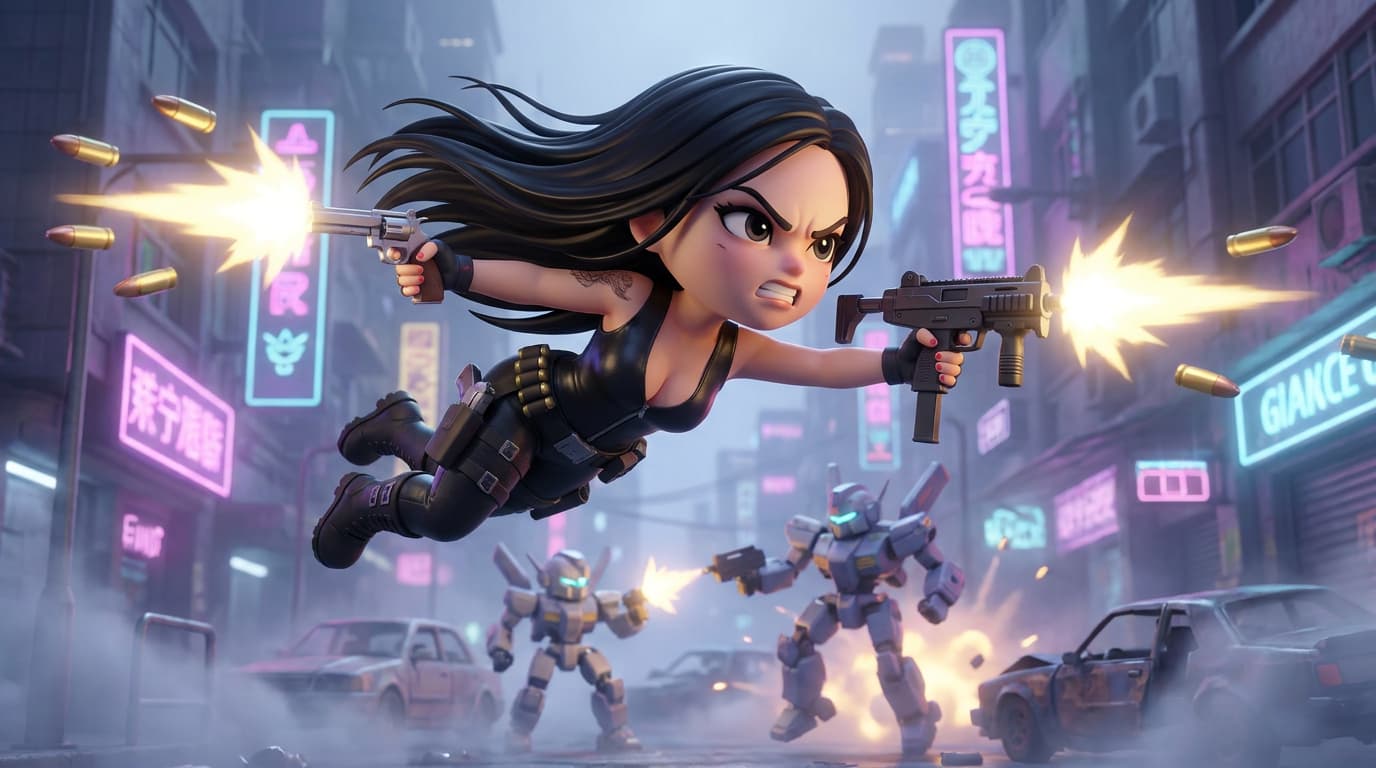
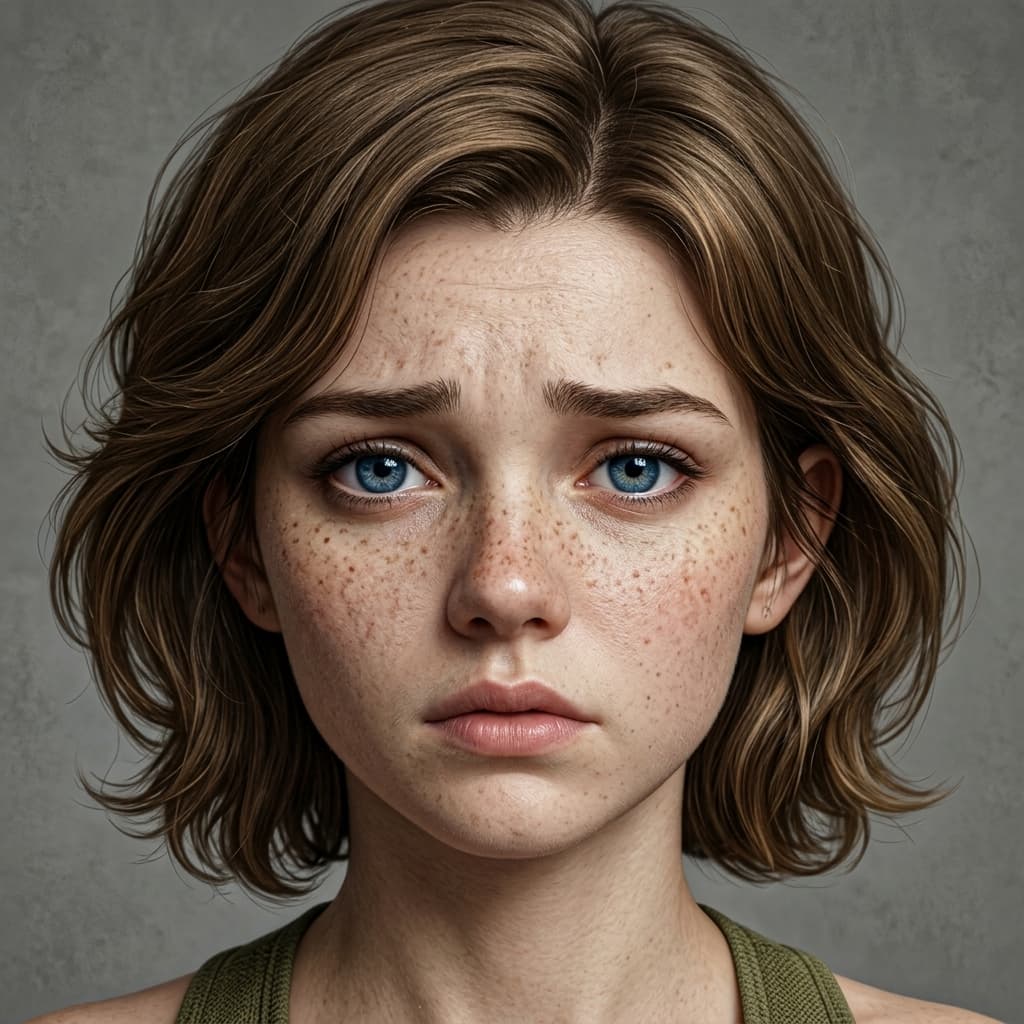
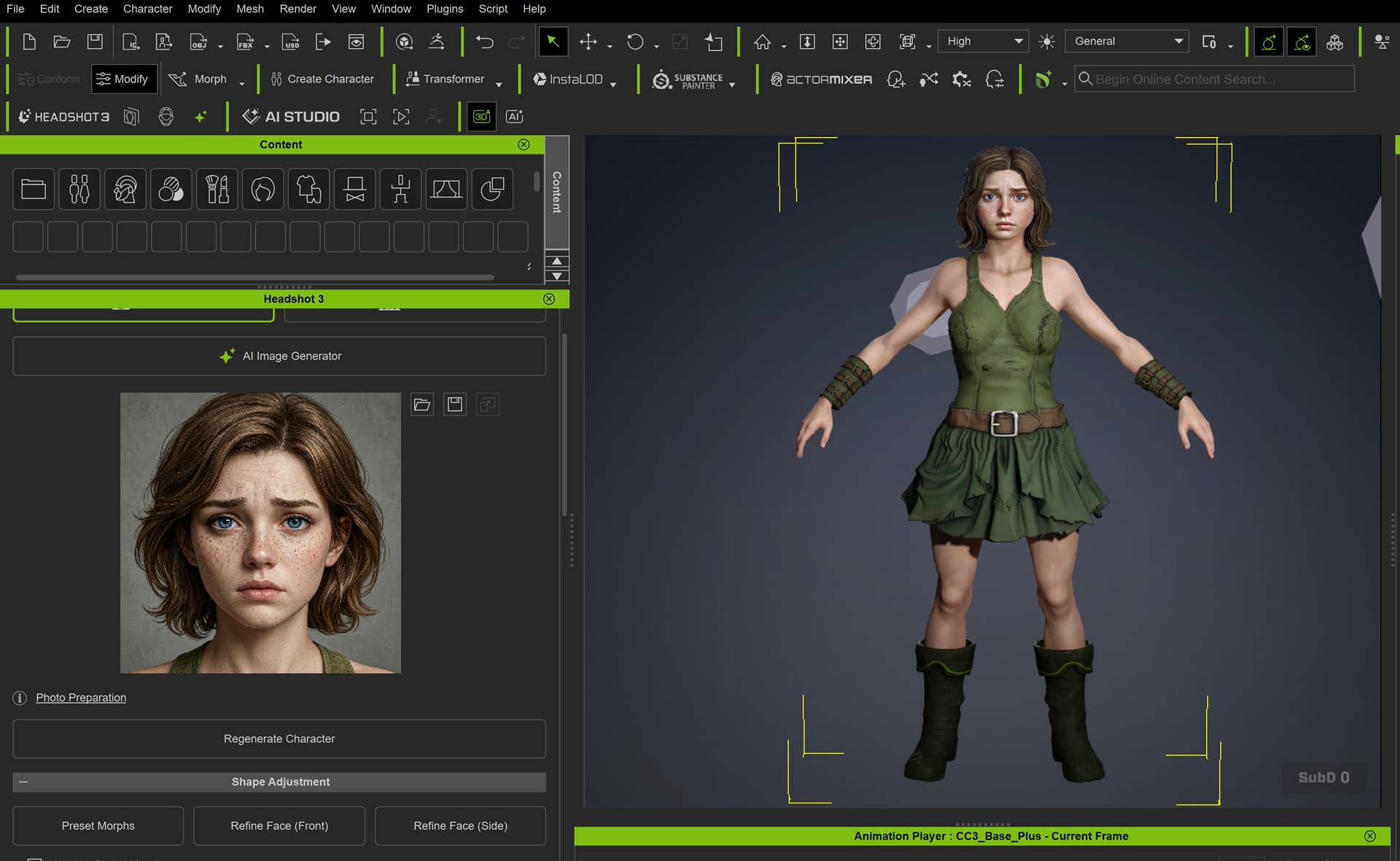
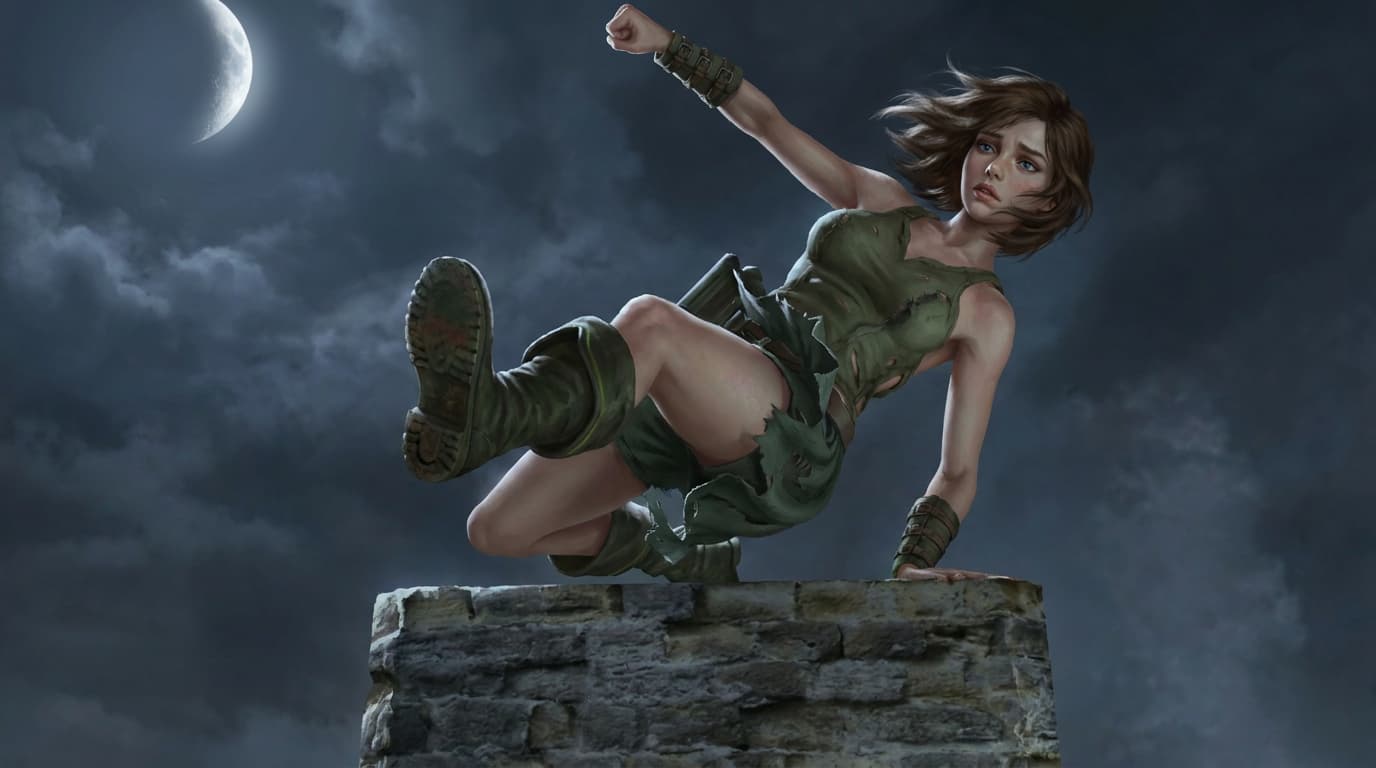
I first created Fayenne’s 3D character in Character Creator 5 using Headshot 3, based on my own concept work, sketches, and AI-assisted visual development. Then I built the action scene in iClone, where I defined the pose, camera angle, composition, and depth in 3D.
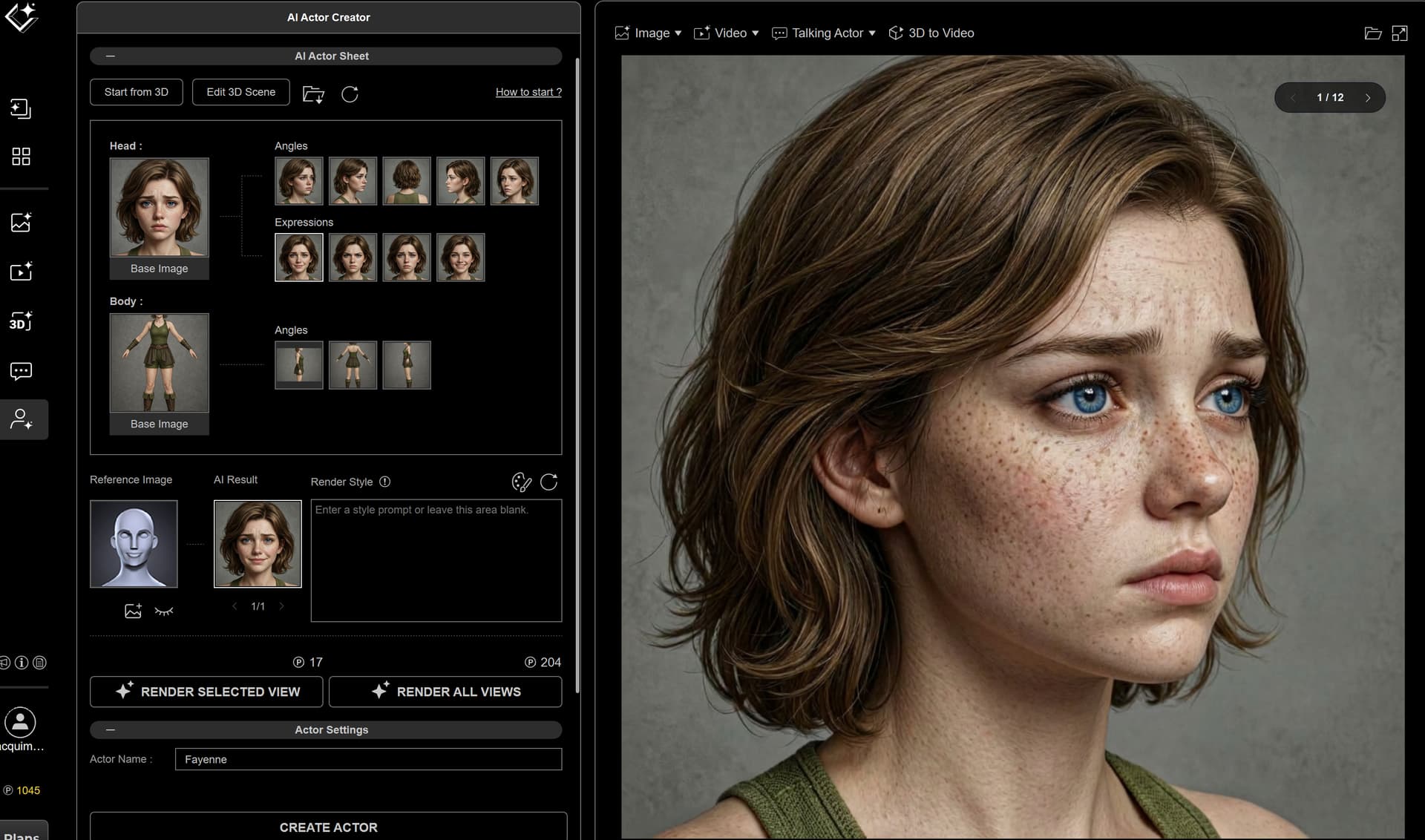
Next, I sent the 3D scene into AI Studio using 3D to Image. To improve character consistency, I also created a custom AI Actor called Fayenne2 using a front face image, a side face image, a front body image, and a back body image. After that, I used Render All Views to expand the actor references.
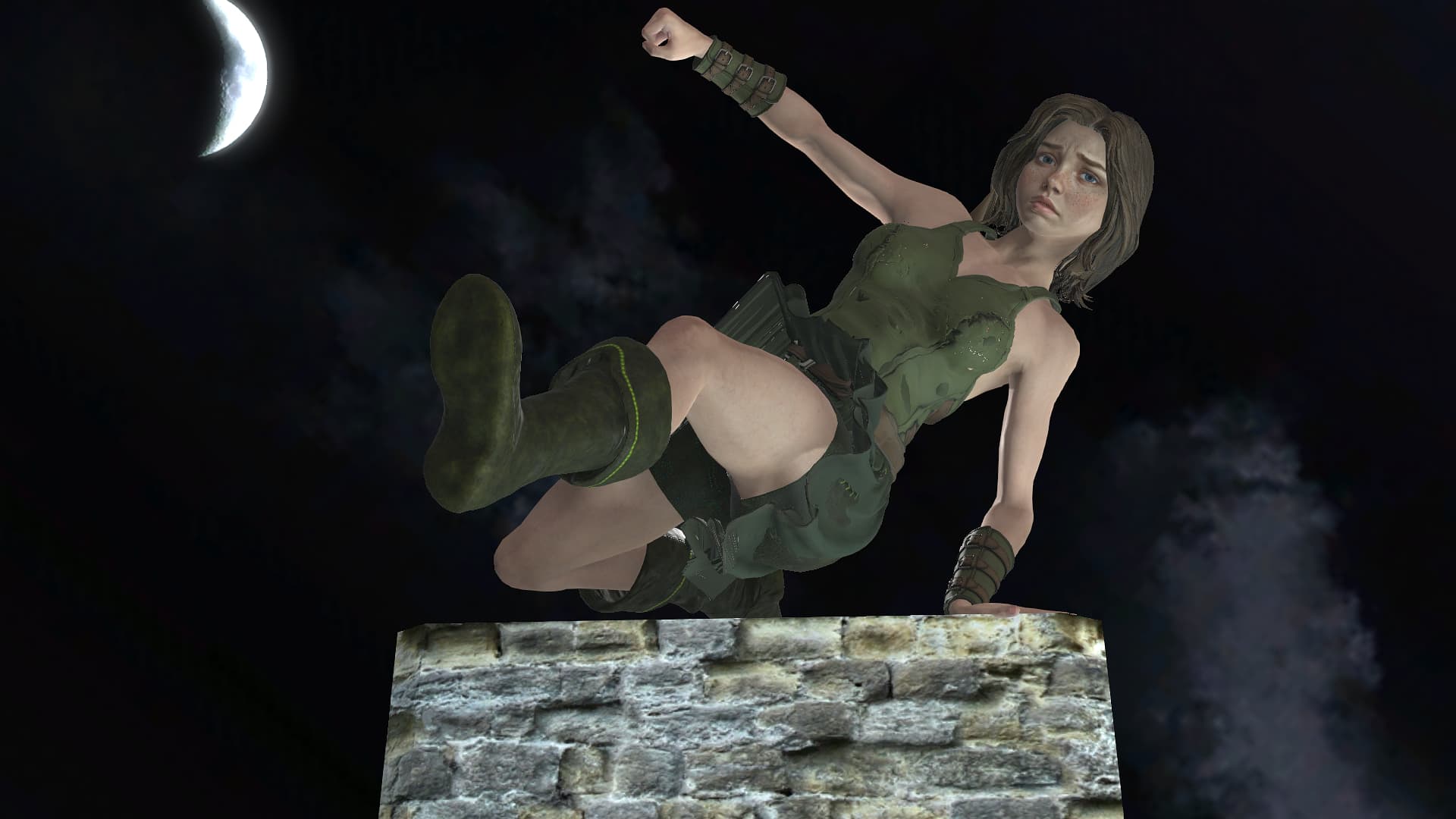
Finally, I combined the captured 3D viewport image and the Fayenne2 AI Actor to generate the final image. My prompt focused on Fayenne jumping onto a broken medieval stone pillar at night, keeping her short hair, green outfit, wind movement in the skirt and hair, blue eyes, and a semi-realistic RPG-style illustration look.
In this workflow, the 3D scene controlled the pose, camera framing, and spatial layout, while AI Studio refined the final visual style, mood, lighting, and character detail.
Maintain the motion and expression of the Reference Image. Maintain the camera angle and composition of the Reference Image.
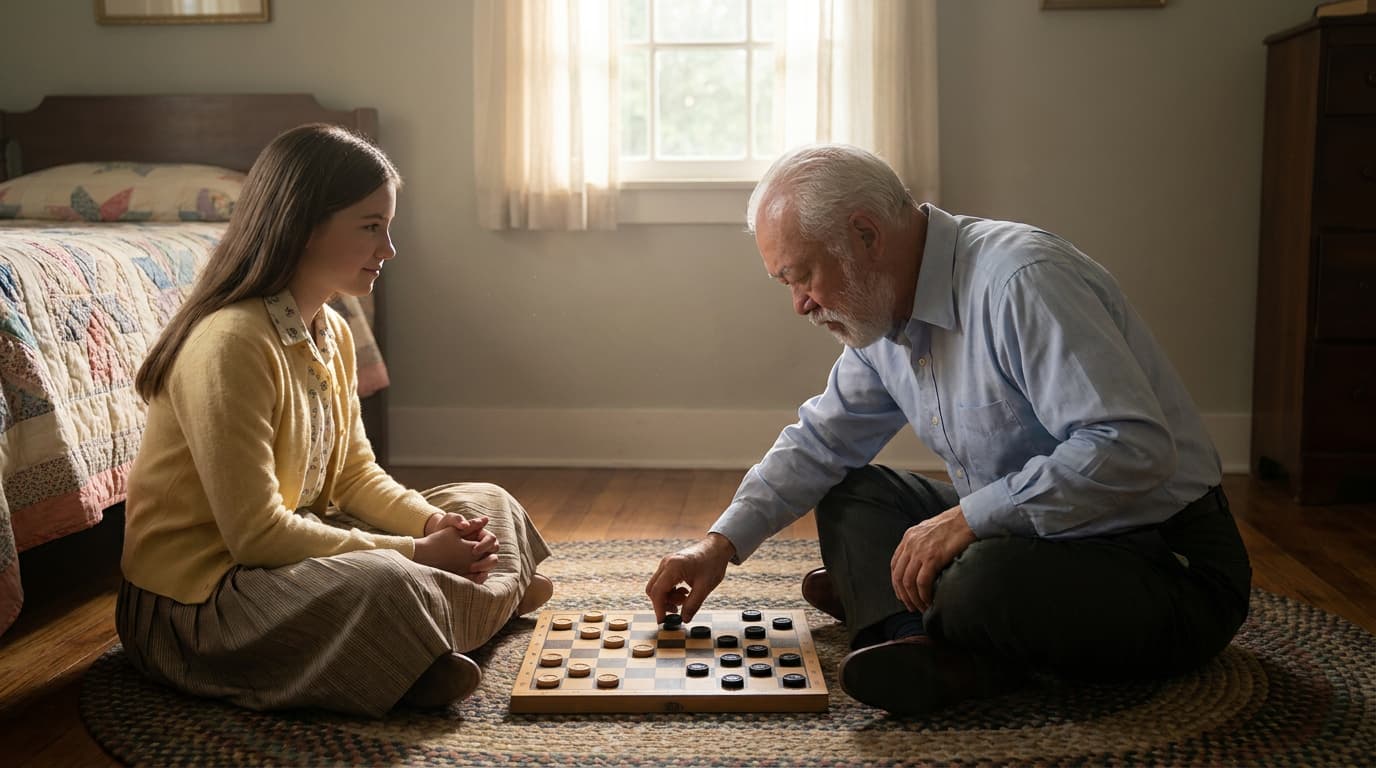
The girl is caucasian with long brunette hair, 14 years old, looking at her father with love and respect. The man is caucasian with white hair, 50 years old, looking at the checkers board with concentration.
Change the girl 's cloth to casual lounge clothes from the 1950s attire. Change the man’s cloth to what a man in the 50s would wear while expecting company at home.
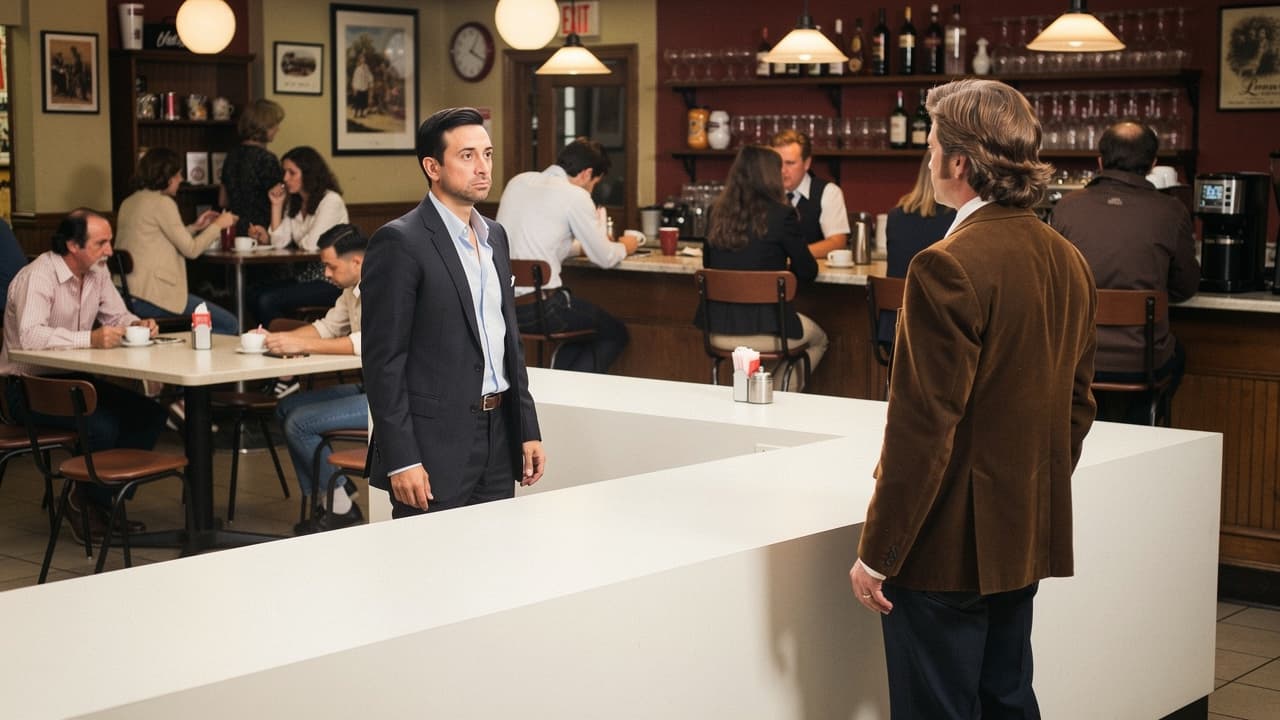
Transform the white box and pedestal into a checkers board mid-game. The man is reaching for one of the pieces. the man has a good move and is poised to have his piece do a jump. His fingers are gripped tightly on his piece. the checkers board is an 8x8 grid.
A hyper-realistic, cinematic portrait of a sweet family moment, a daughter playing checkers with her father . They are in their American 1950s home, sitting on the floor in her bedroom. He wears respectable clothing for the 1950s, a button up shirt and slacks. She wears lounge clothes. The man is 50 years old and the girl is 14 years old. Focus on detailed fabric texture, skin pores, and the innocent bedroom aesthetic. Shot on Canon EOS R5, f/4.0, volumetric lighting, photorealistic masterpiece, 8k resolution.
My prompting strategy was to use as much of the language as I could from the default under the assumption that it was crafted with this tool in mind. From there, I described the scene. It took me three tries to get what I wanted. The first try, they made both characters Asian and the man bald, so I added hair and race constraints. The second time, the checkers board was a 7x8 grid and that just looked crazy, plus the piece was hovering in the man’s hand, so I added constraints there as well. I’m very happy with this result!
The idea was to create a scene where we can tell the girl is just happy to be with her father, not worried about winning.
Hi!
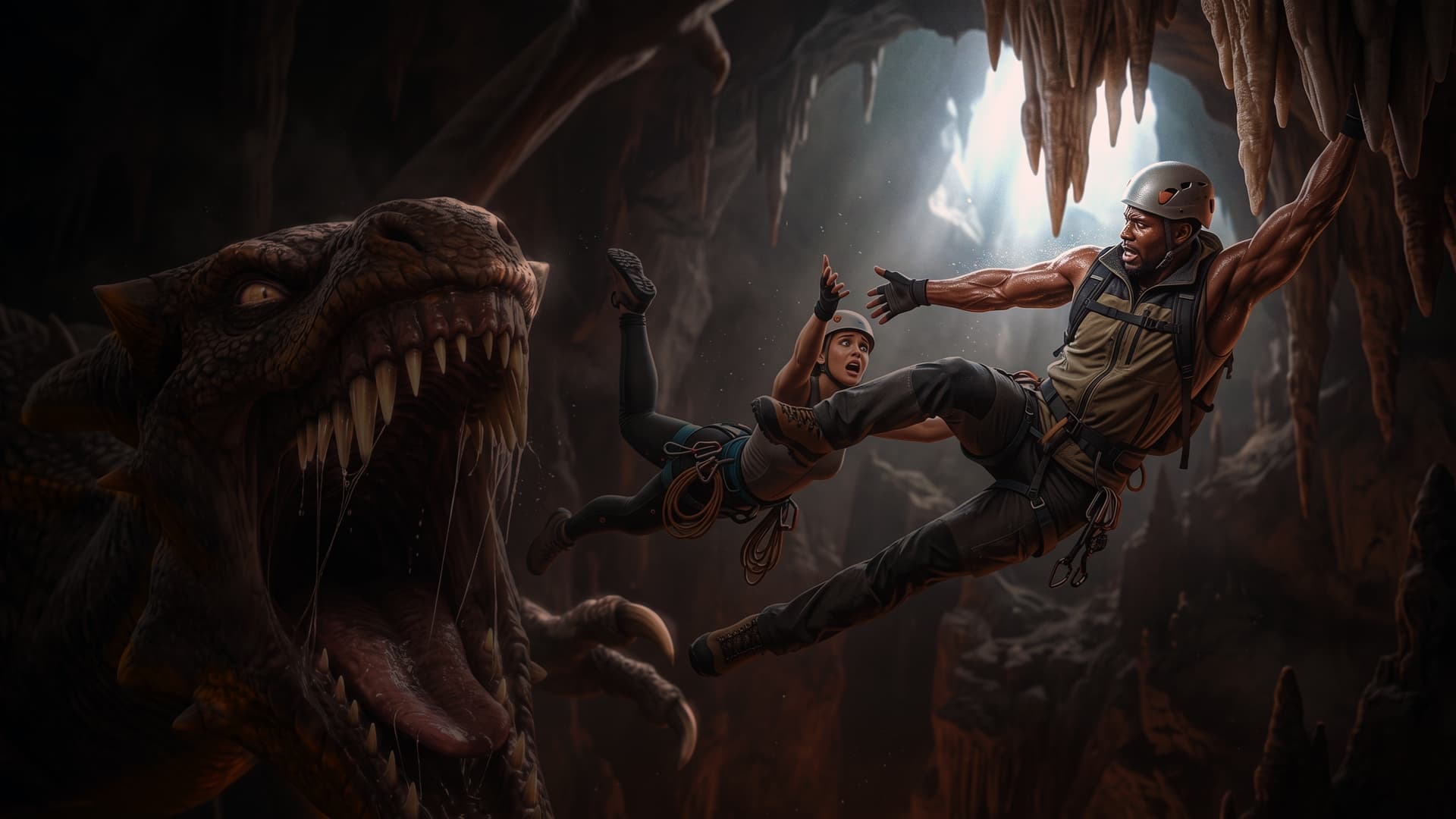
What I wanted to test was being able to layout 3 different elements at three different depths and seeing if the AI can keep them sorted in the same way. So I imported a Blender sphere with a few stalactite guides, Darius, Delany and the basic Daz dragon and posed them in a way in which the x, y, and z of each one matters to the story. I didn’t bother too much with hair or clothes because the AI should not need guidance with that if we’re not going to need consistency with any other scene.
Then I kind of messed up with the prompt:
A professional mountain climber man, wearing a mountain climbing outfit, is hanging from the cave’s stalactites. The cave seems to be miles deep. If they fall, the fall would be terrifying. The man tries to grasp a falling woman’s hand. The man is desperately trying to reach her. His muscles visibly straining with the effort, stretched to their limit and covered with sweat. Real skin. The woman is screaming, terror filling her eyes, stretching out trying to reach the man’s hand. She is wearing a female mountain climber’s outfit and gear. A giant dragon is flying towards the woman, with terrible hunger and desire to eat her. The dragon drools in anticipation and stretches to reach its prey. The image is an ultra realistic masterpiece photograph taken with a professional 35mm cinematic camera. Atmospheric. Action movie.
Which is conflicting because I really liked it, but that was not the composition I was trying to replicate and this is a learning exercise for me. Maybe in another situation I’d need the composition to be followed exactly, so I have to try to make it closer.
Fortunately, just adding, “Keeping the composition and character placement of the original image.” at the beginning of the prompt fixed it.
and a little Photoshop so the cave will be a bit more “cavey”…
This is indeed recommended. The AI-generated prompts are very “imaginative”, but they are very bad at describing the layout and composition of a scene.
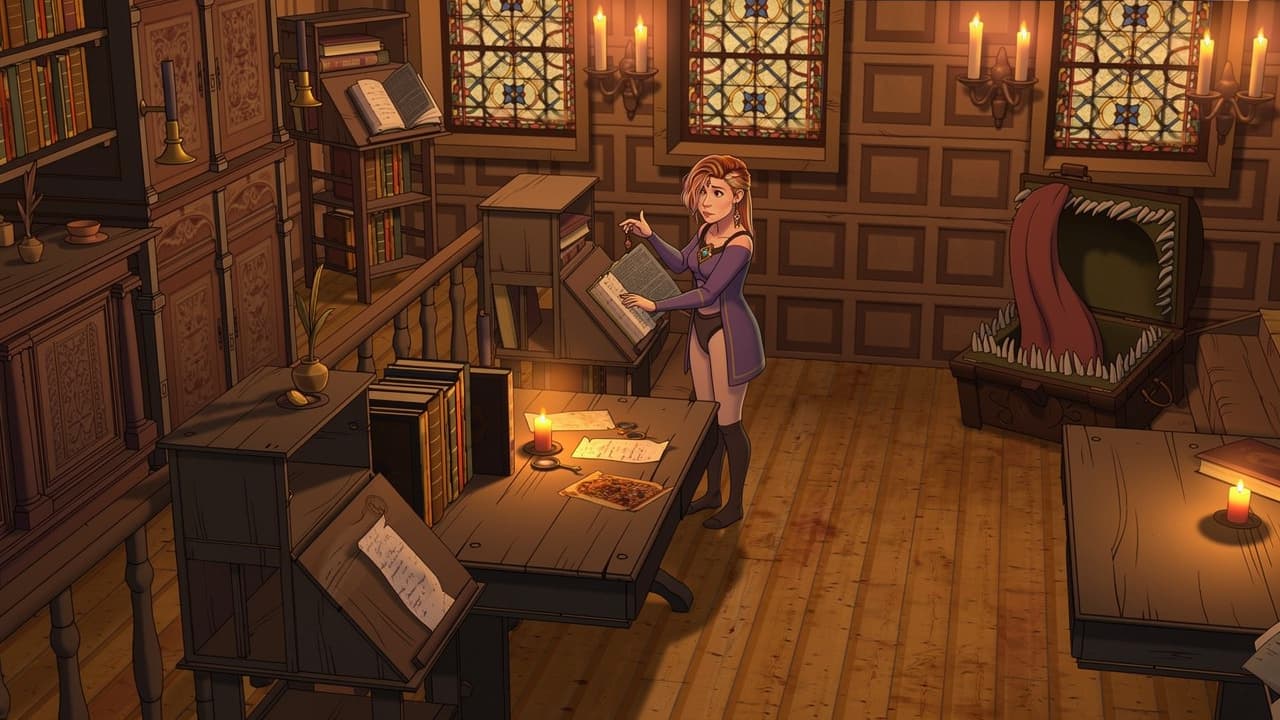
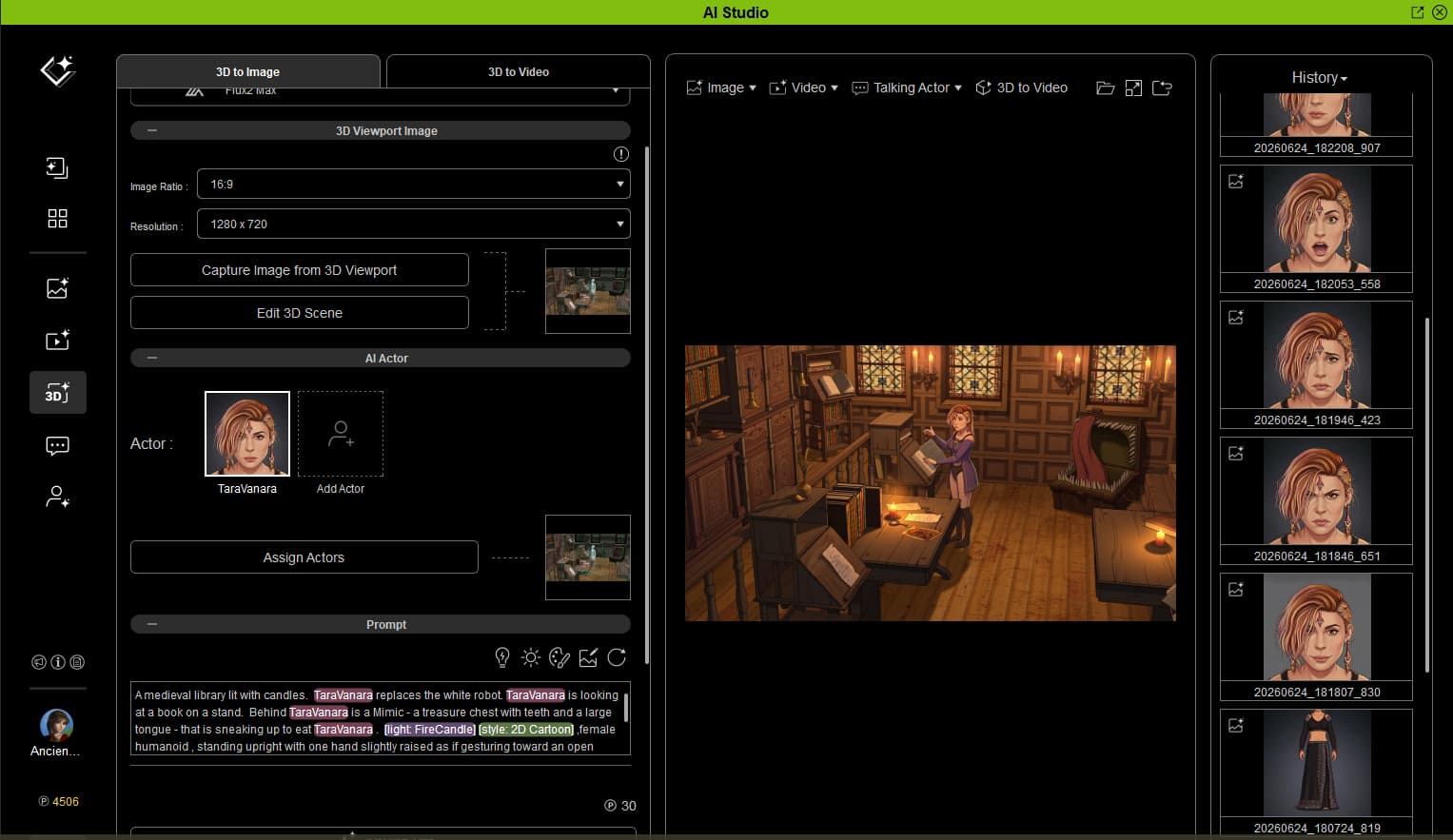
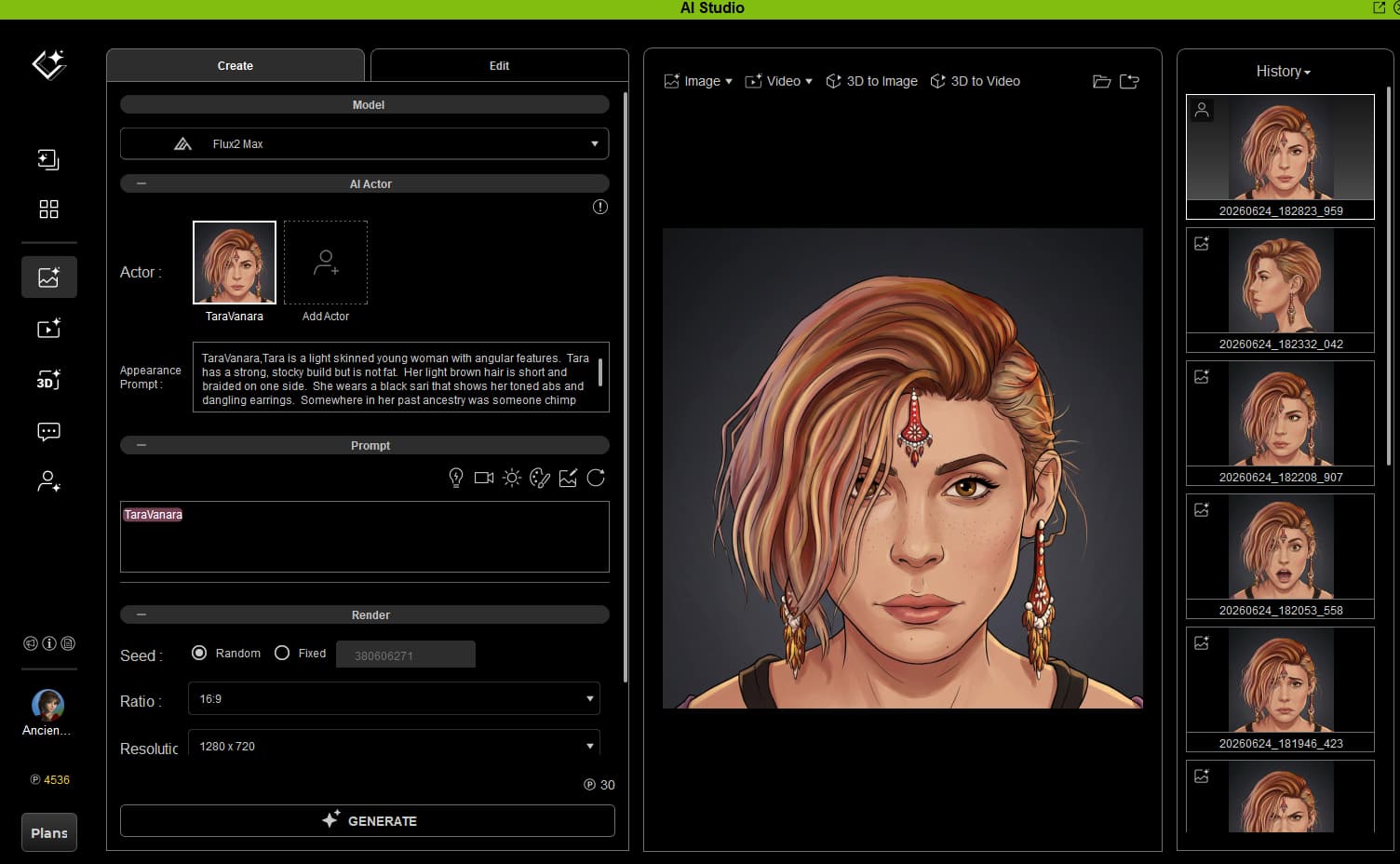
I created the AI version of my custom character. I created a scene in a medieval library with a dummy standing in her place reading a book. A Mimic is in the background gazing at her hungrily.
I prompted for candle light and 2D cartoon.
Wow, people are creating a lot of cool stuff. Here’s my first foray into AI studio.
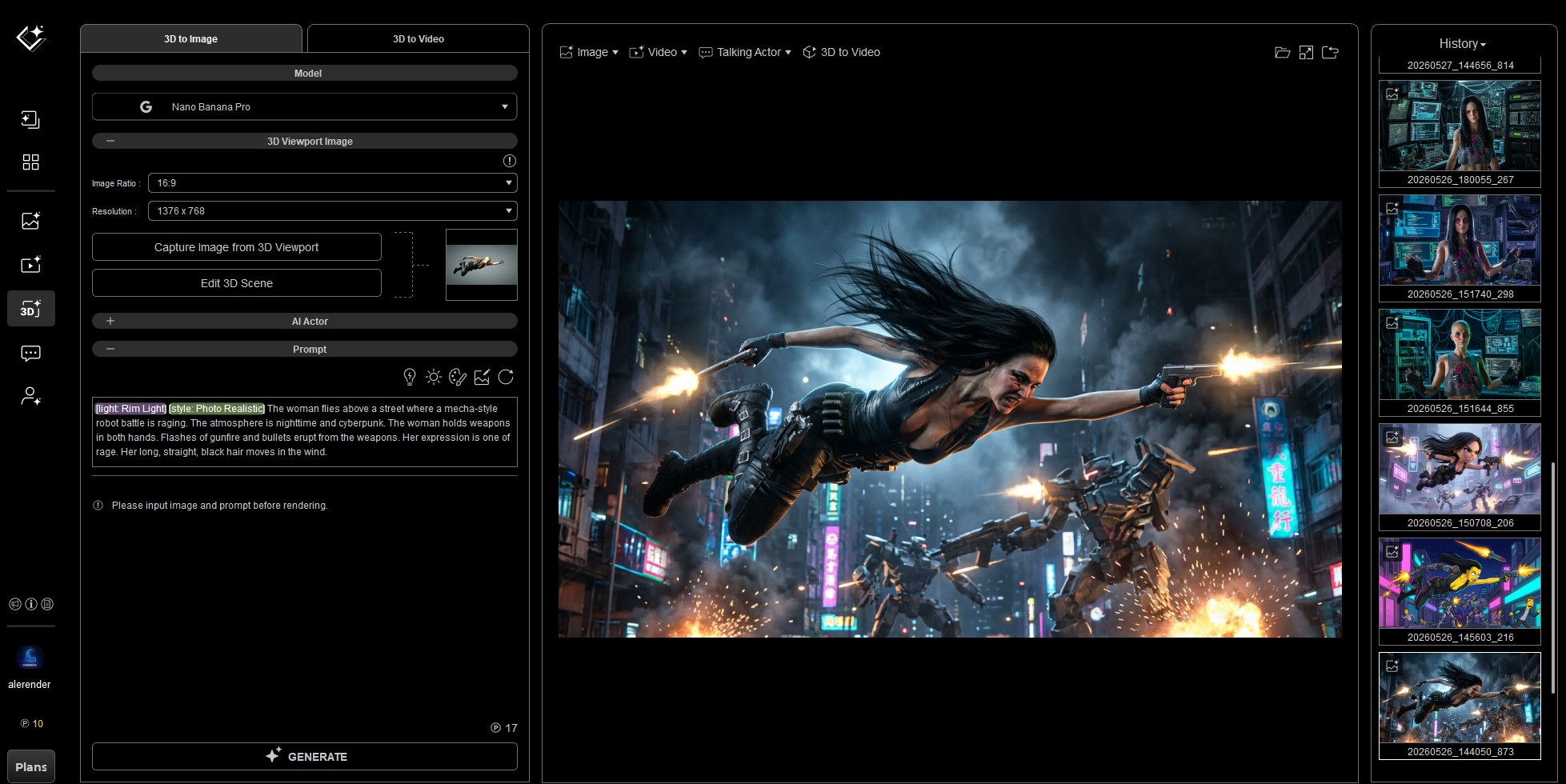
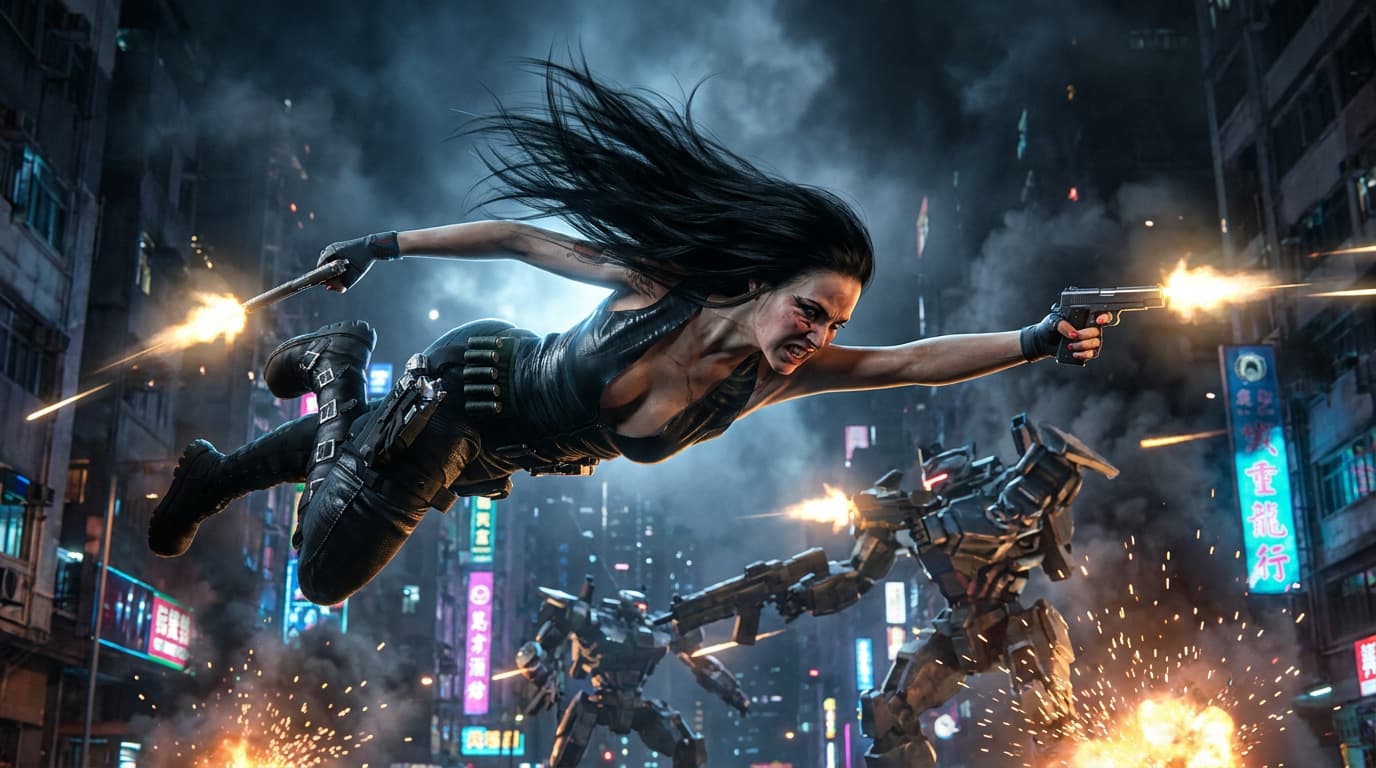
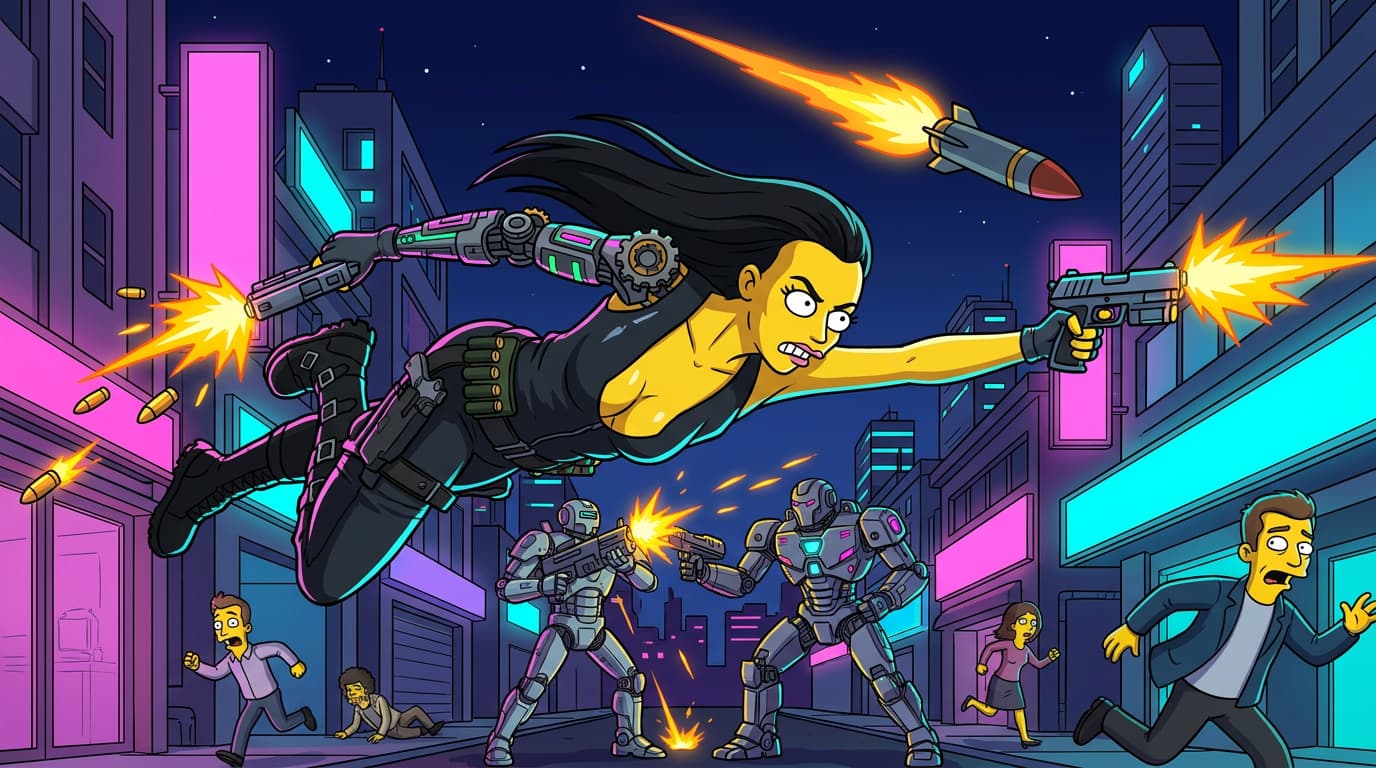
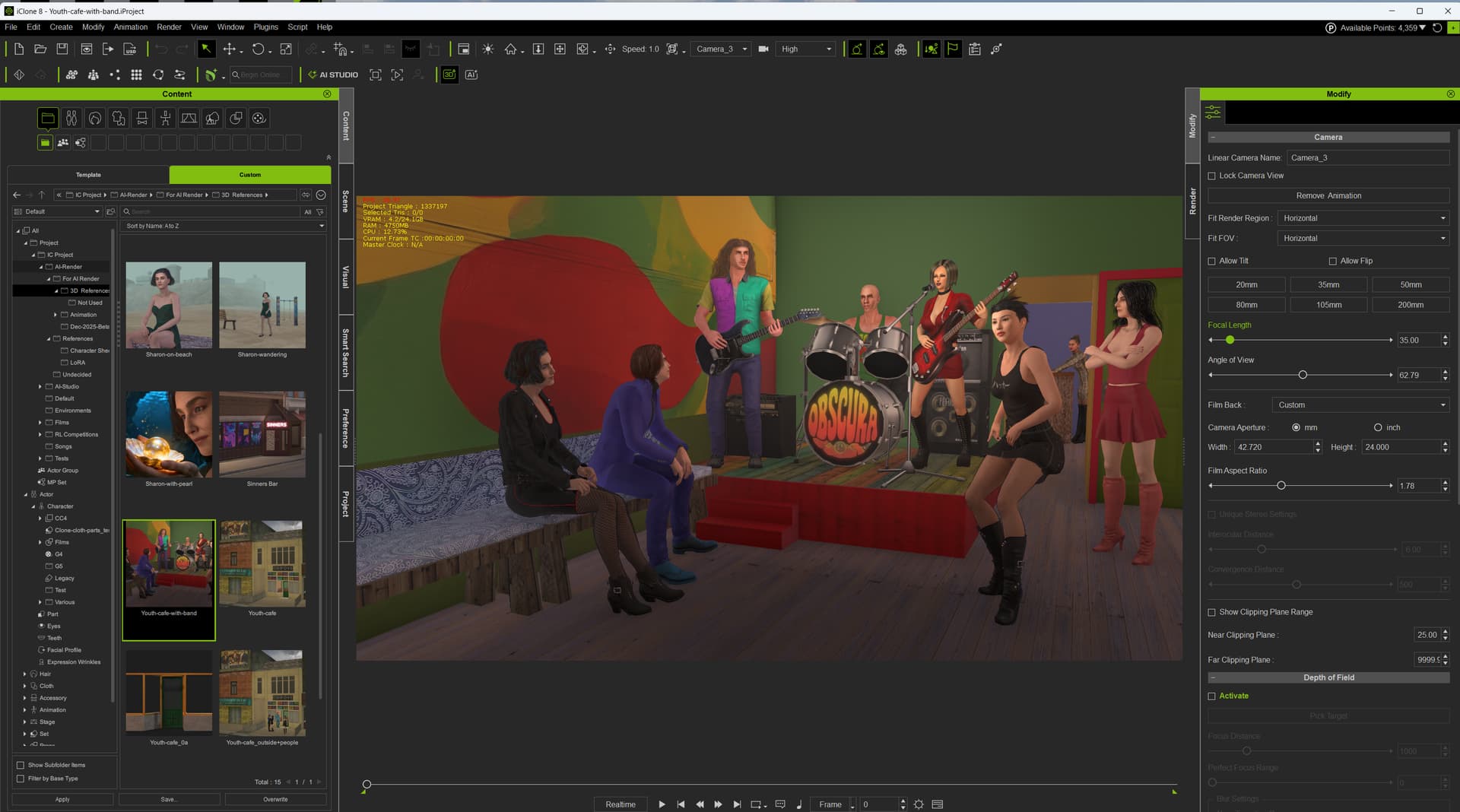
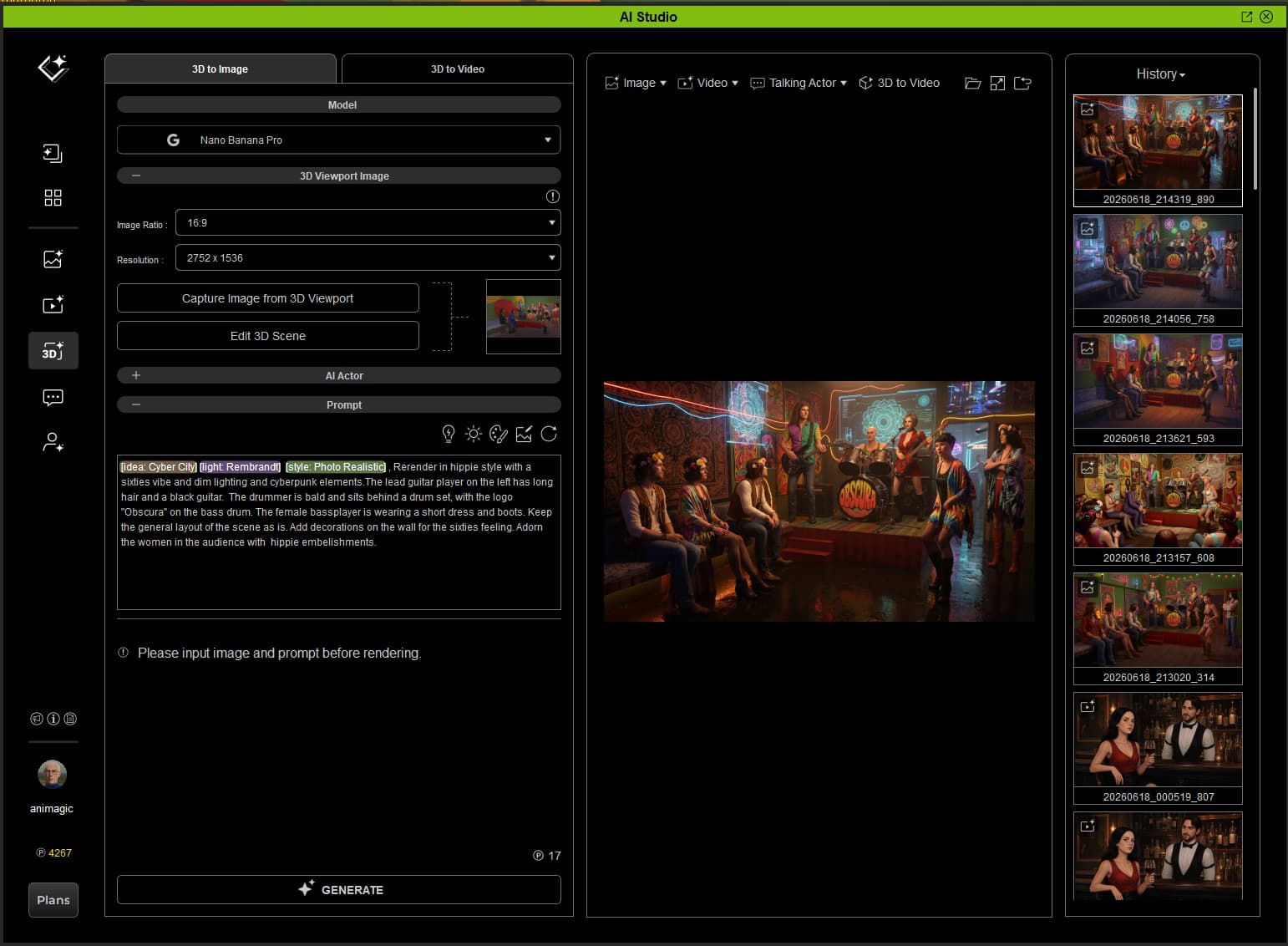
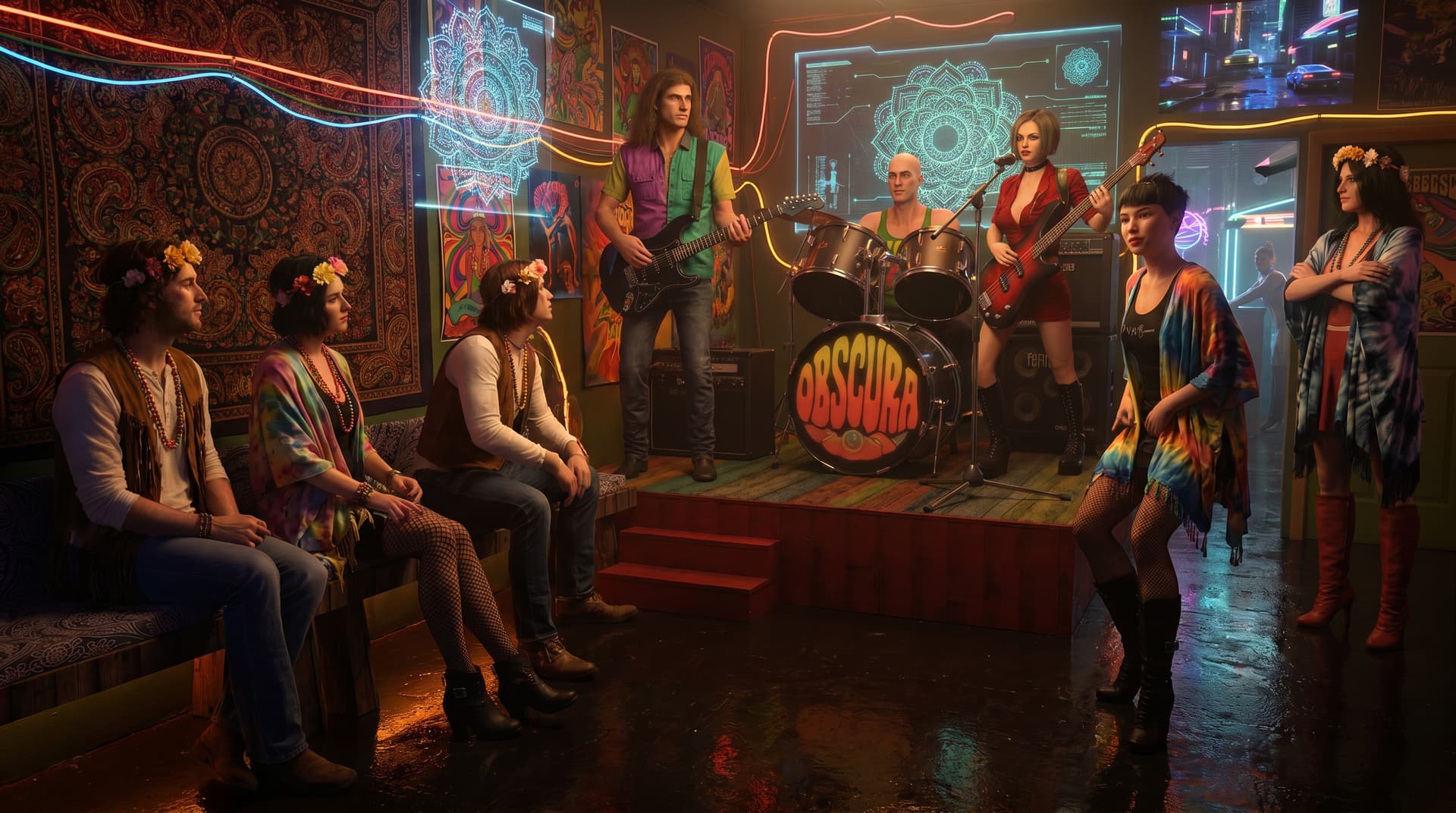
First is a quick and simple setup in Iclone using Logan, a custom character for a story I’m working on. I will be using that story to learn AI studio on. The other two images are what NanaBanana and Flux2 Max did with it and a simple prompt.
 Educational Focus: The Line of Control
The Golden Rule of Prompt Strategy:
 Challenge Objective
 How to Submit