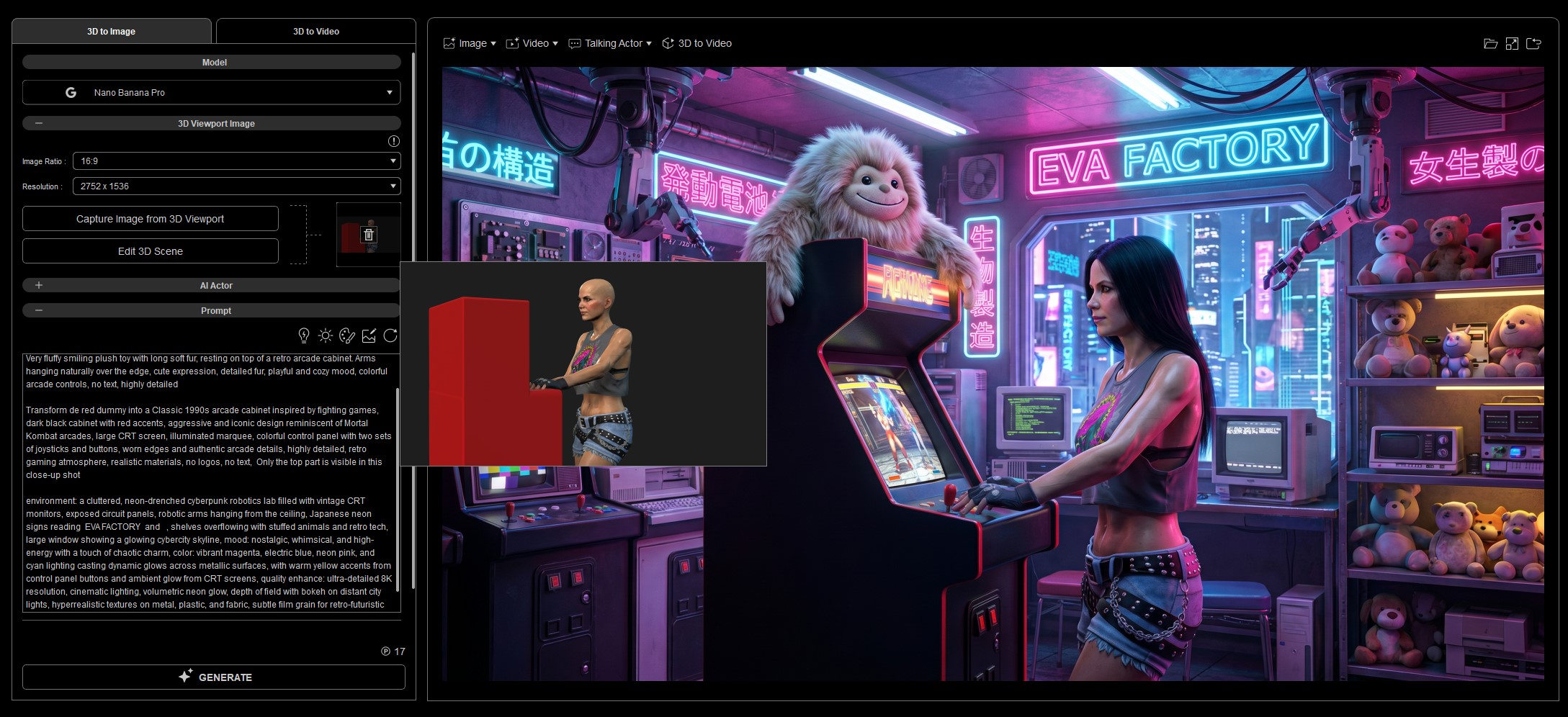
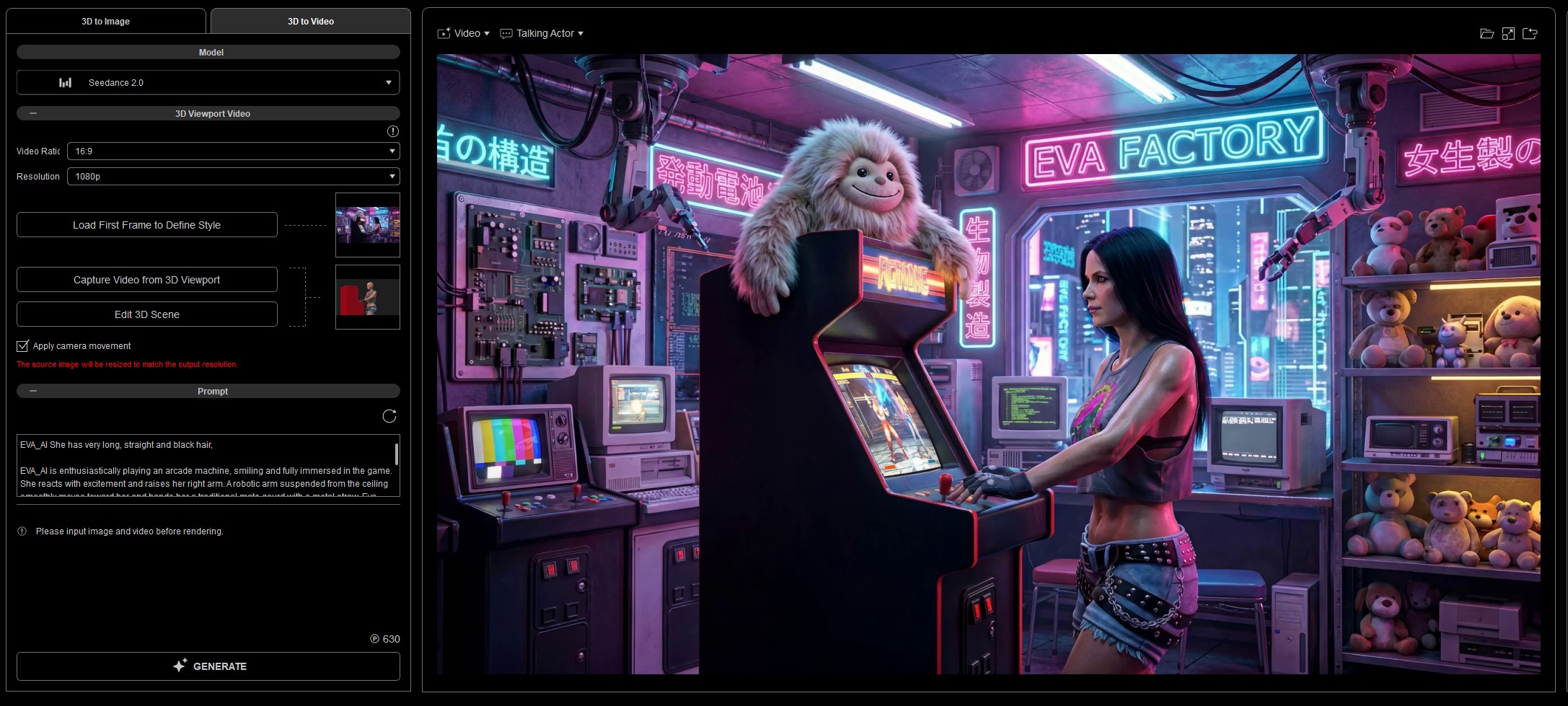
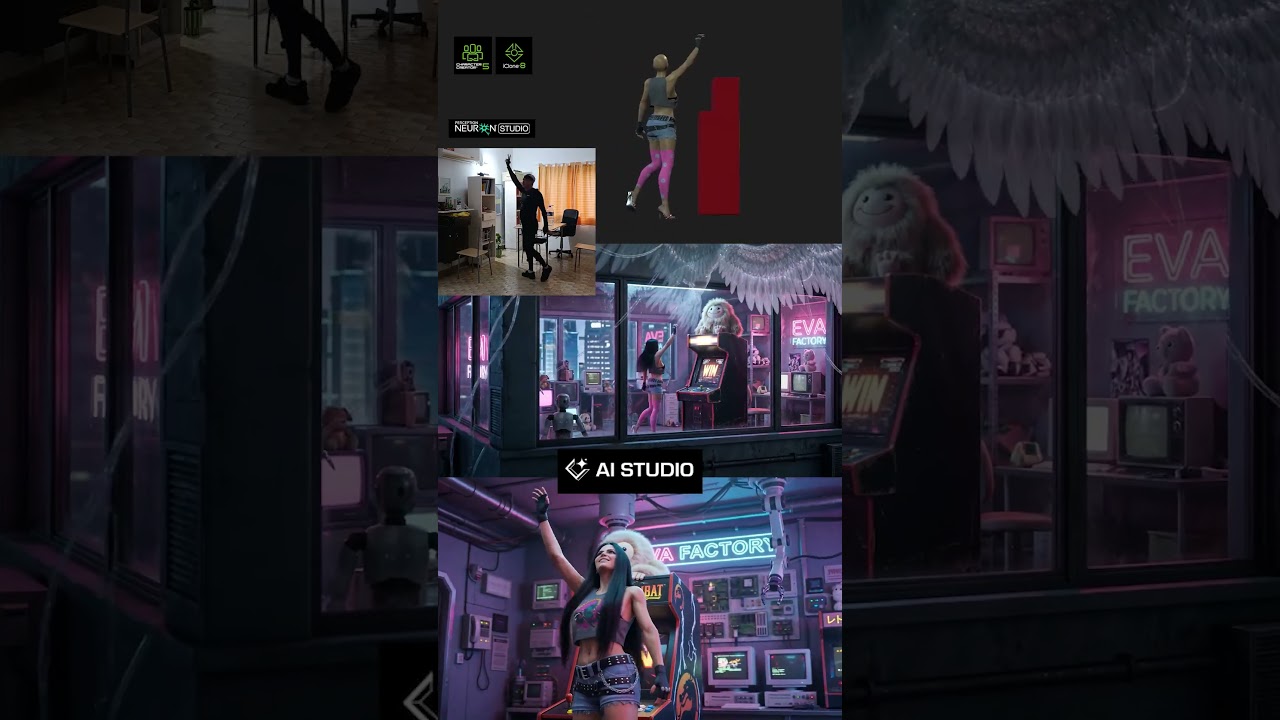
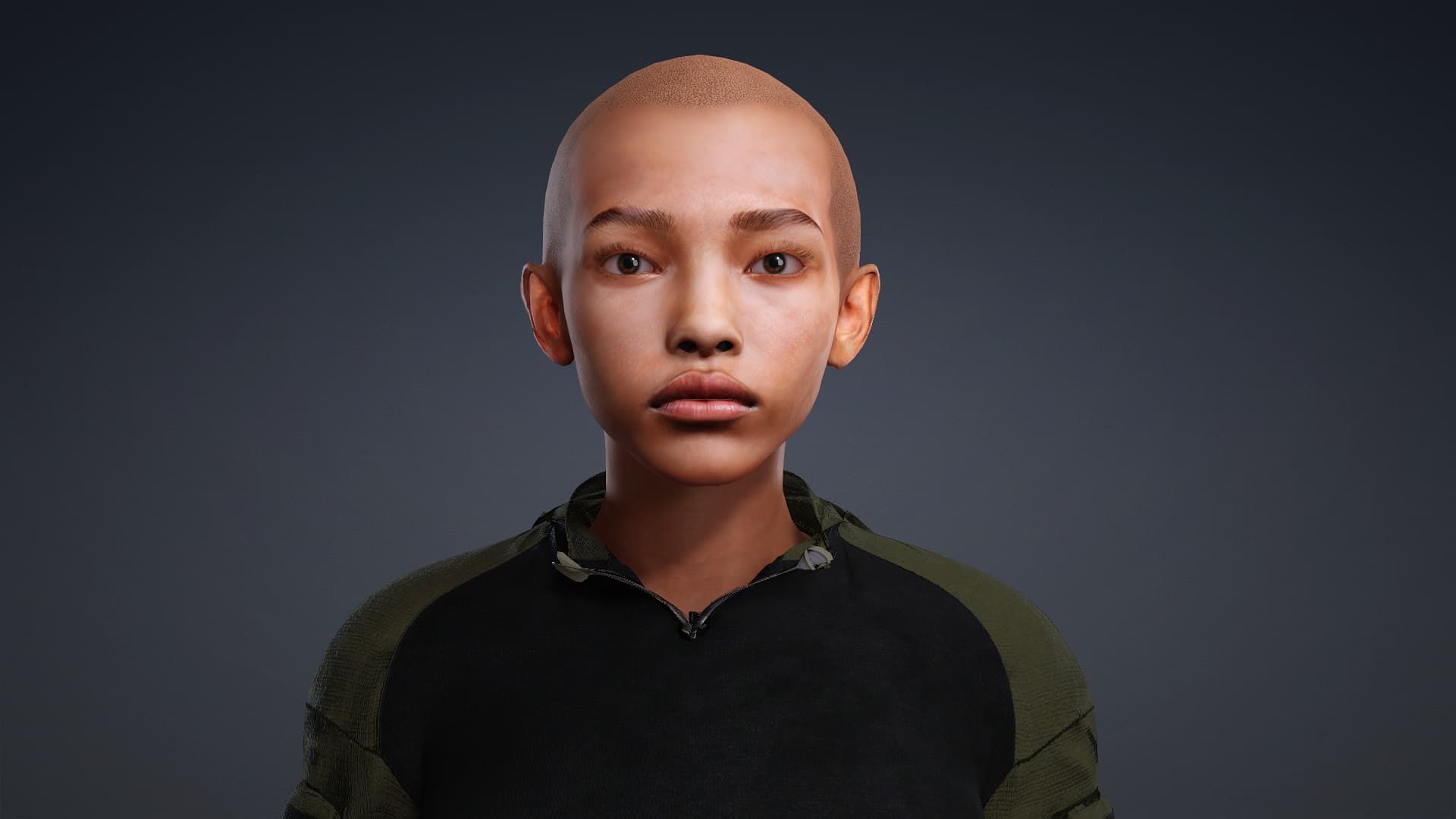
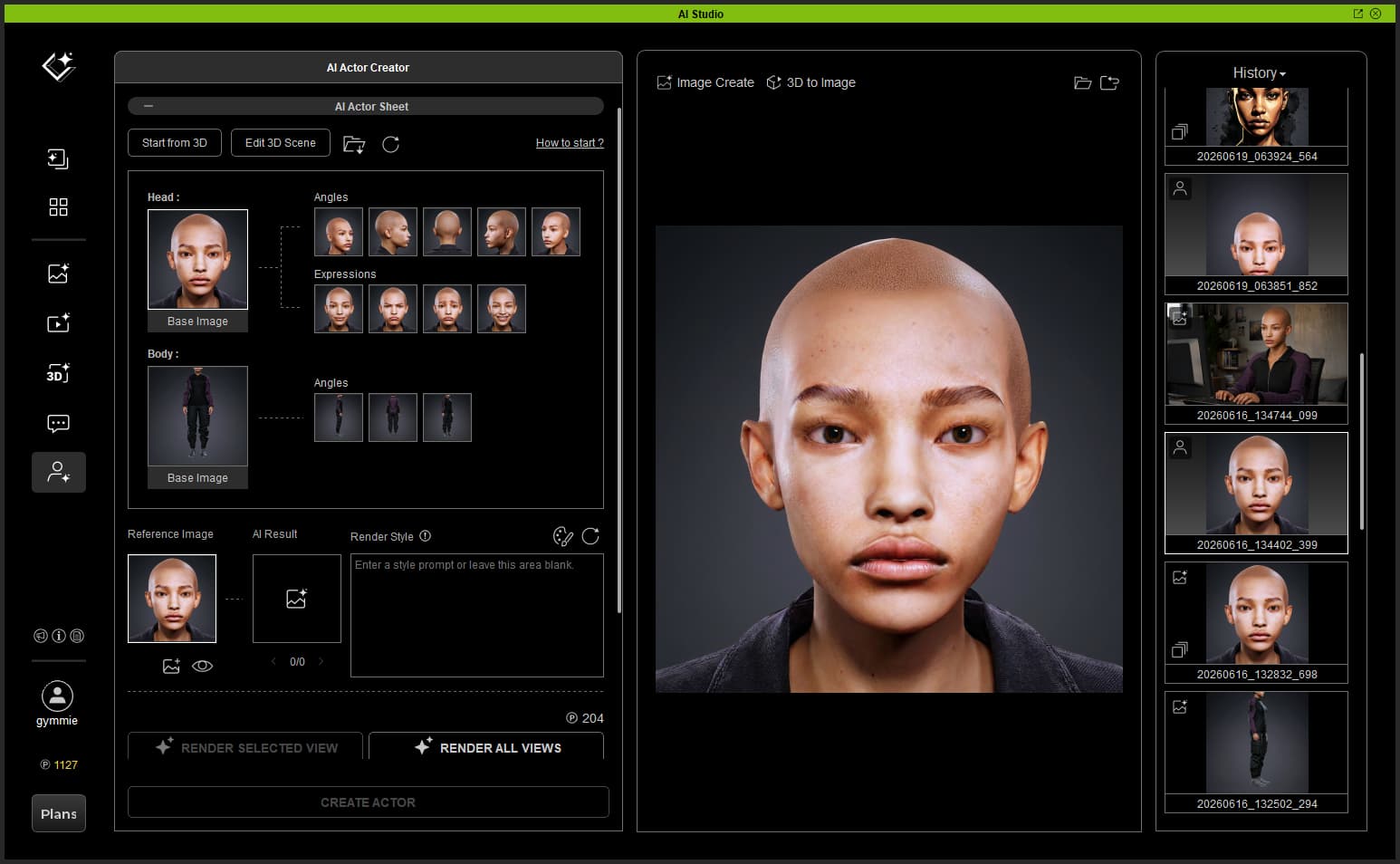
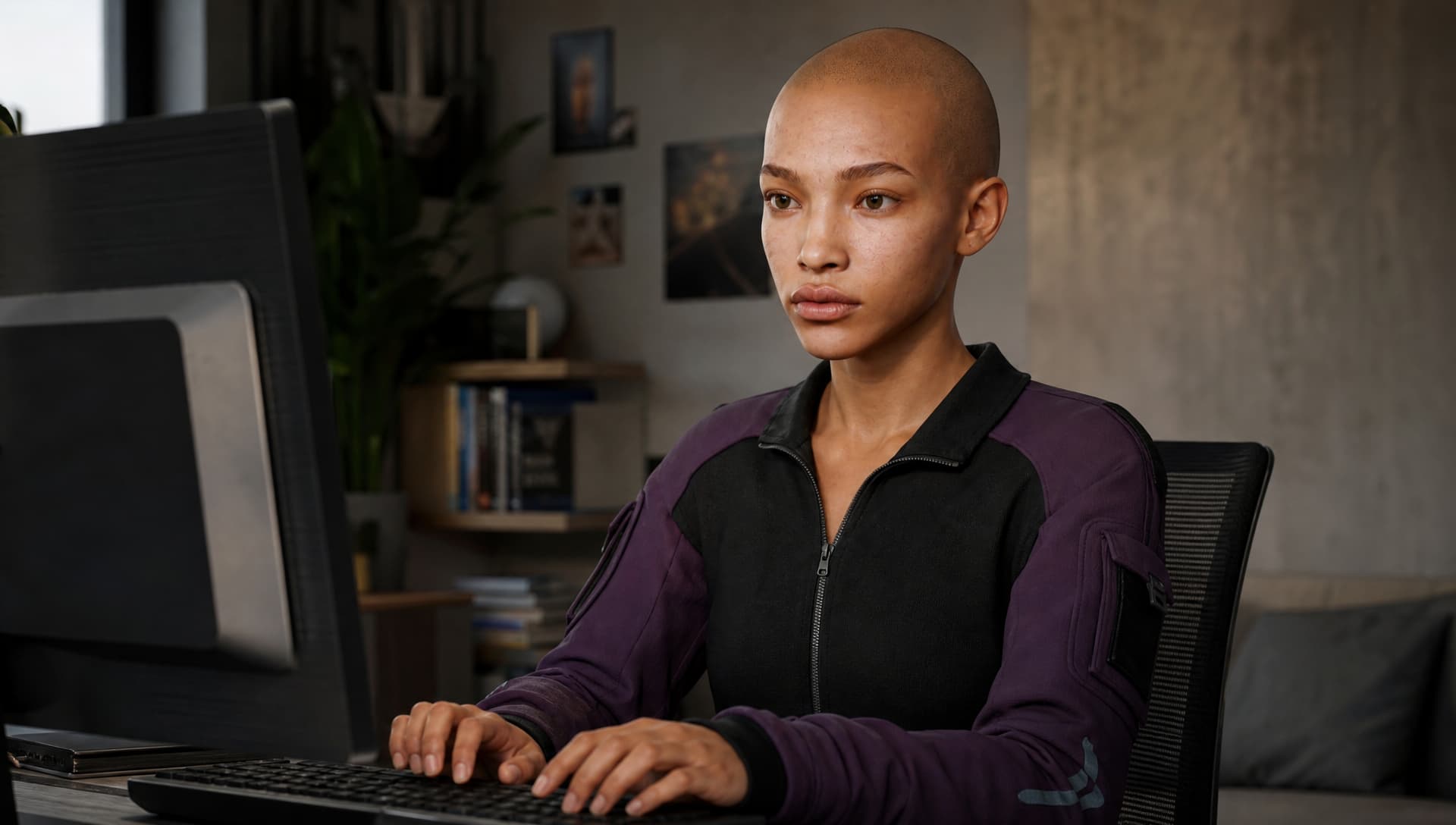
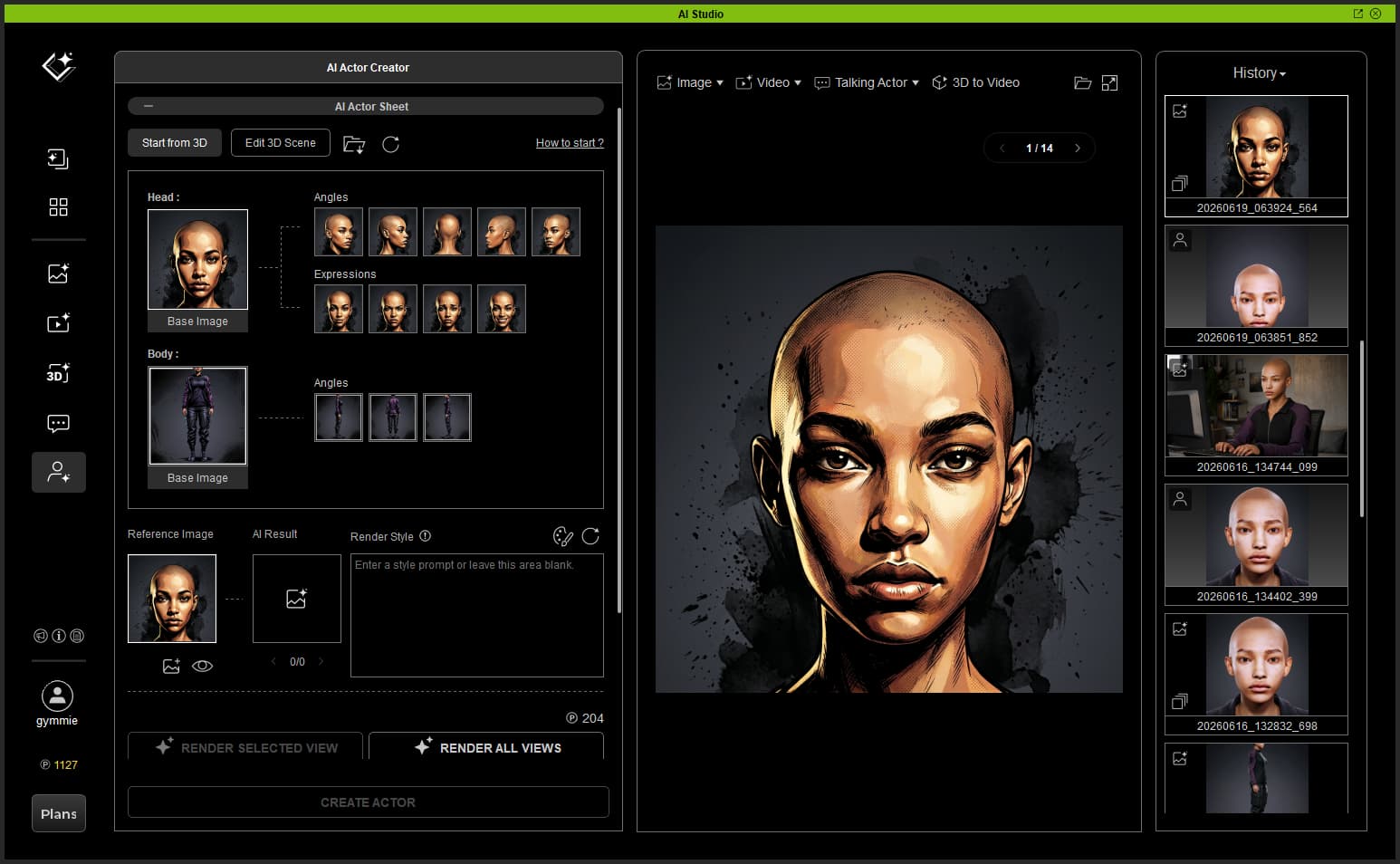
When rendering multi-character scenes or highly specific digital actors, maintaining strict structural and visual consistency is notoriously difficult. This challenge focuses on establishing flawless character foundations inside the AI Actor Creator.
Educational Focus: The AI Actor Pipeline
To get the most out of the AI Actor Creator, your text prompts, reference sheets, and 3D scenes must work in perfect harmony. Providing detailed appearance descriptions drastically minimizes visual artifacts, eliminates unpredictable AI hallucinations, and locks in rock-solid identity consistency.
High-Quality Source Sheets Matter: Your visual character sheet serves as the primary dataset for the AI model. Ensuring your initial generated images are sharp, clean, and properly framed from multiple angles gives the engine a pristine foundation, directly resulting in superior character persistence during production.
Text Prompts are Your Anchor: Text prompts act as the baseline machine code for your AI Actor. They work hand-in-hand with your multi-angle character sheet to fully optimize the generation data model.
Pro-Tip for Stability:
When applying an AI Actor to a 3D-guided workflow, the absolute most stable, reliable workflow is to use a neutral dummy mannequin or a native AI Actor 3D character mesh as your initial 3D reference. This gives the model a perfectly clean, standardized physical canvas to build upon.
Build a scene containing at least one character utilizing a neutral dummy mannequin or native 3D character as your reference. Correctly assign your AI Actor and implement a clean prompt tag strategy to ensure the character’s facial structure, apparel, and environmental position are cleanly resolved in the final render.
How to Submit
To claim your 200 AI Points, reply to this thread with:
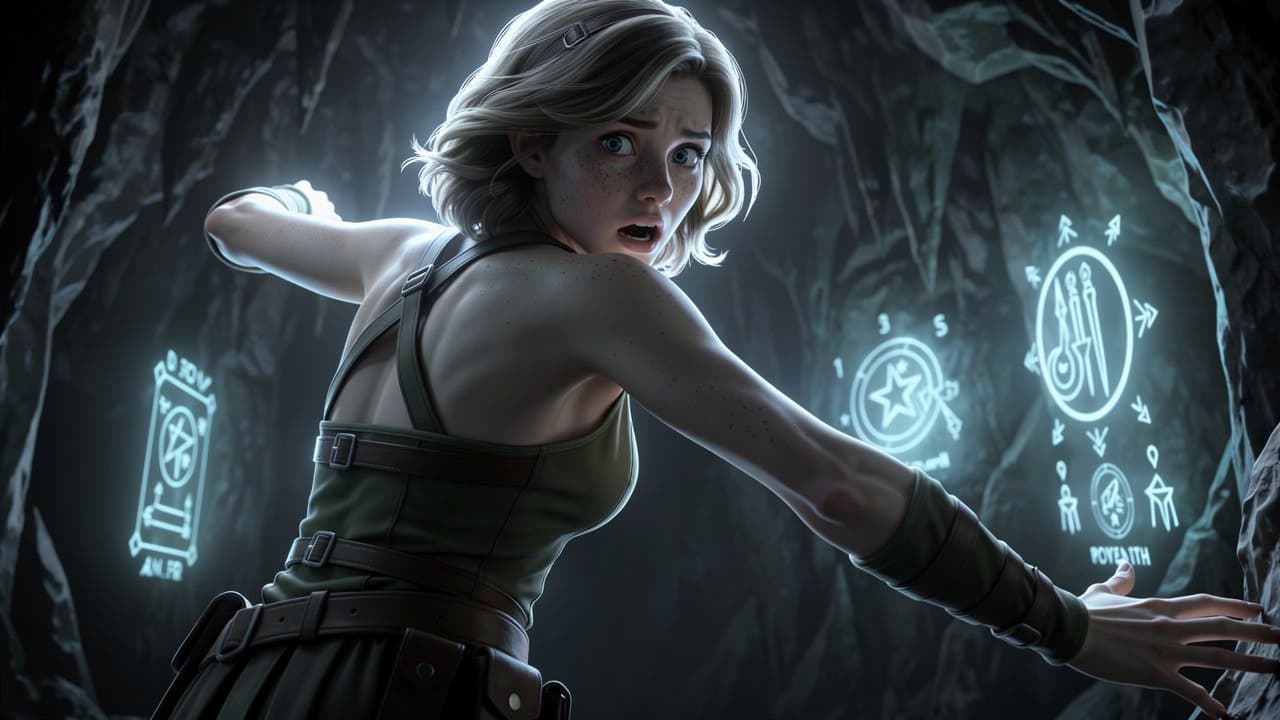
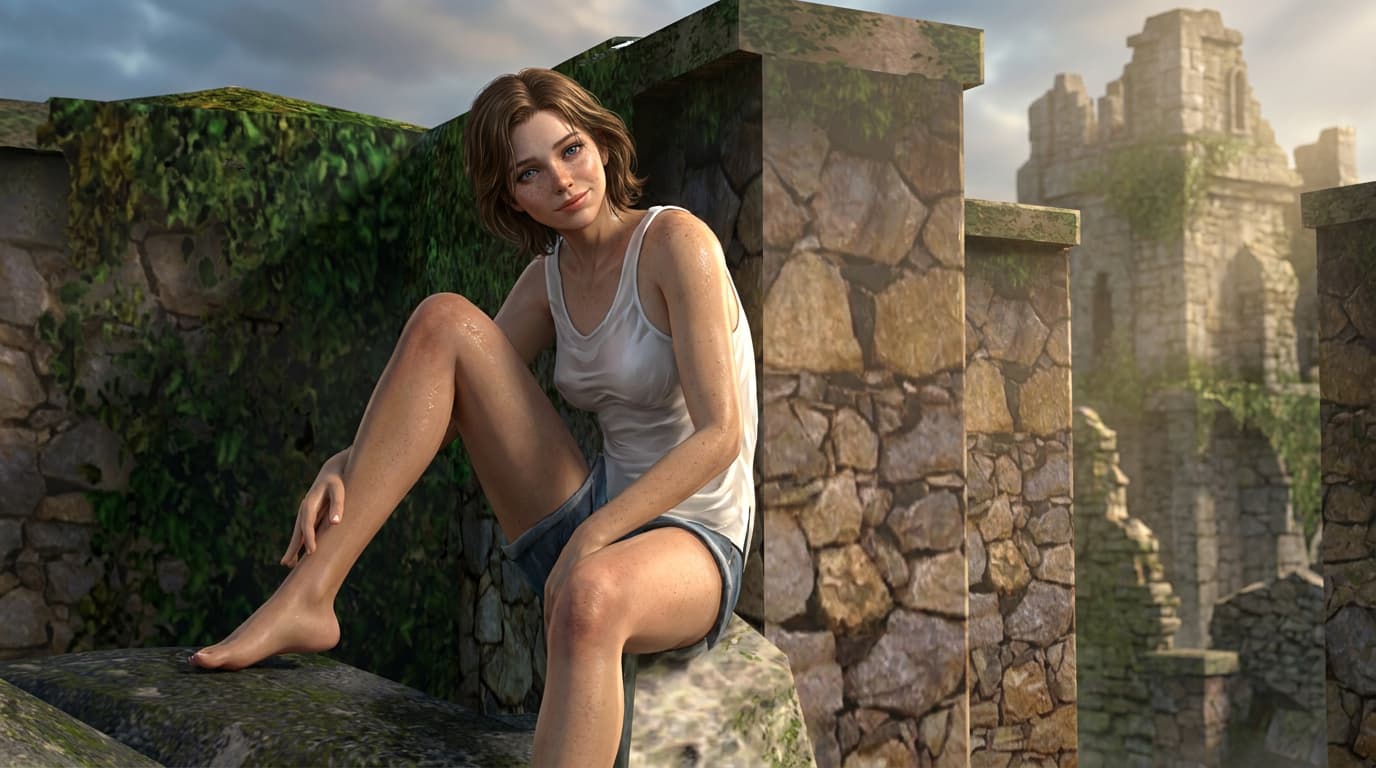
Your final AI Actor render. (Image required, video optional)
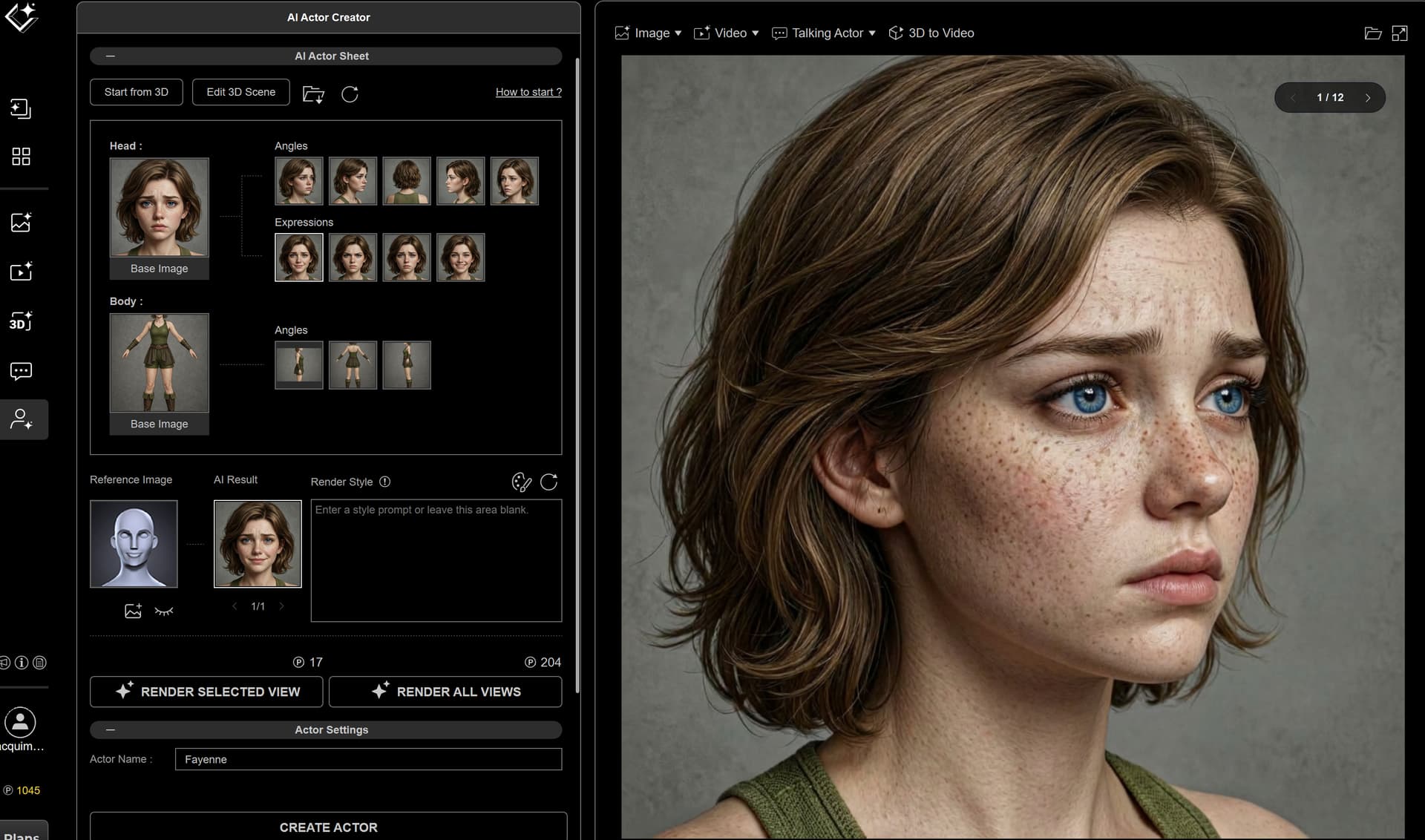
A look at your character sheet/3D reference character setup.
A brief explanation showing how you structured your AI Actor dataset(character sheet & prompts)
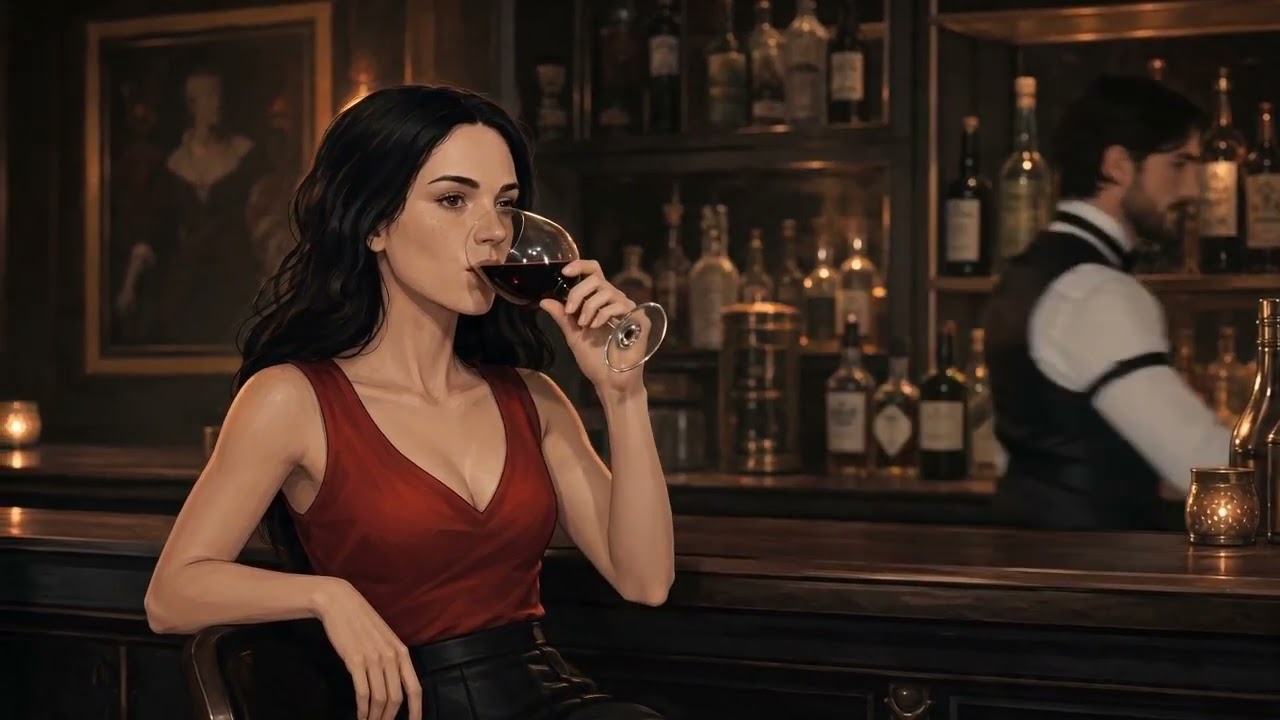
In this video, I created a consistent character and added audio.
(The video has no English audio. YouTube has a problem creating the track when it finds both Spanish and English audio in the same file. In this case, it’s because the character speaks in English.)
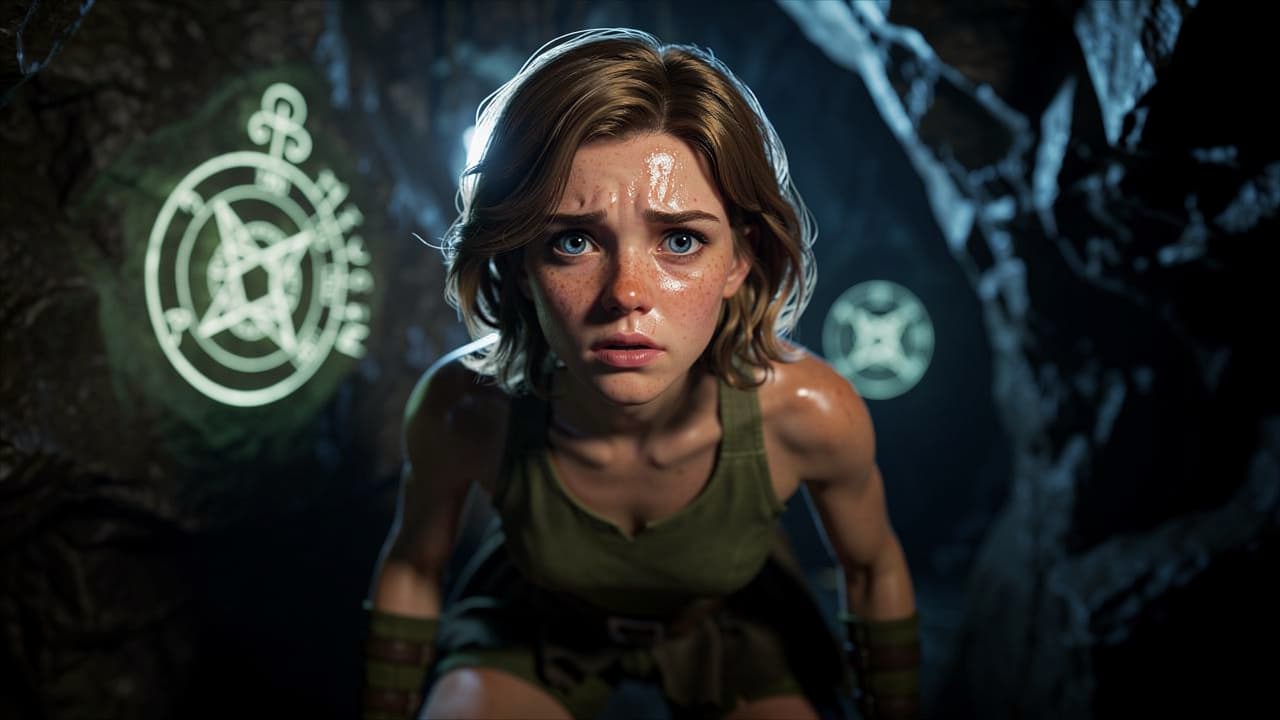
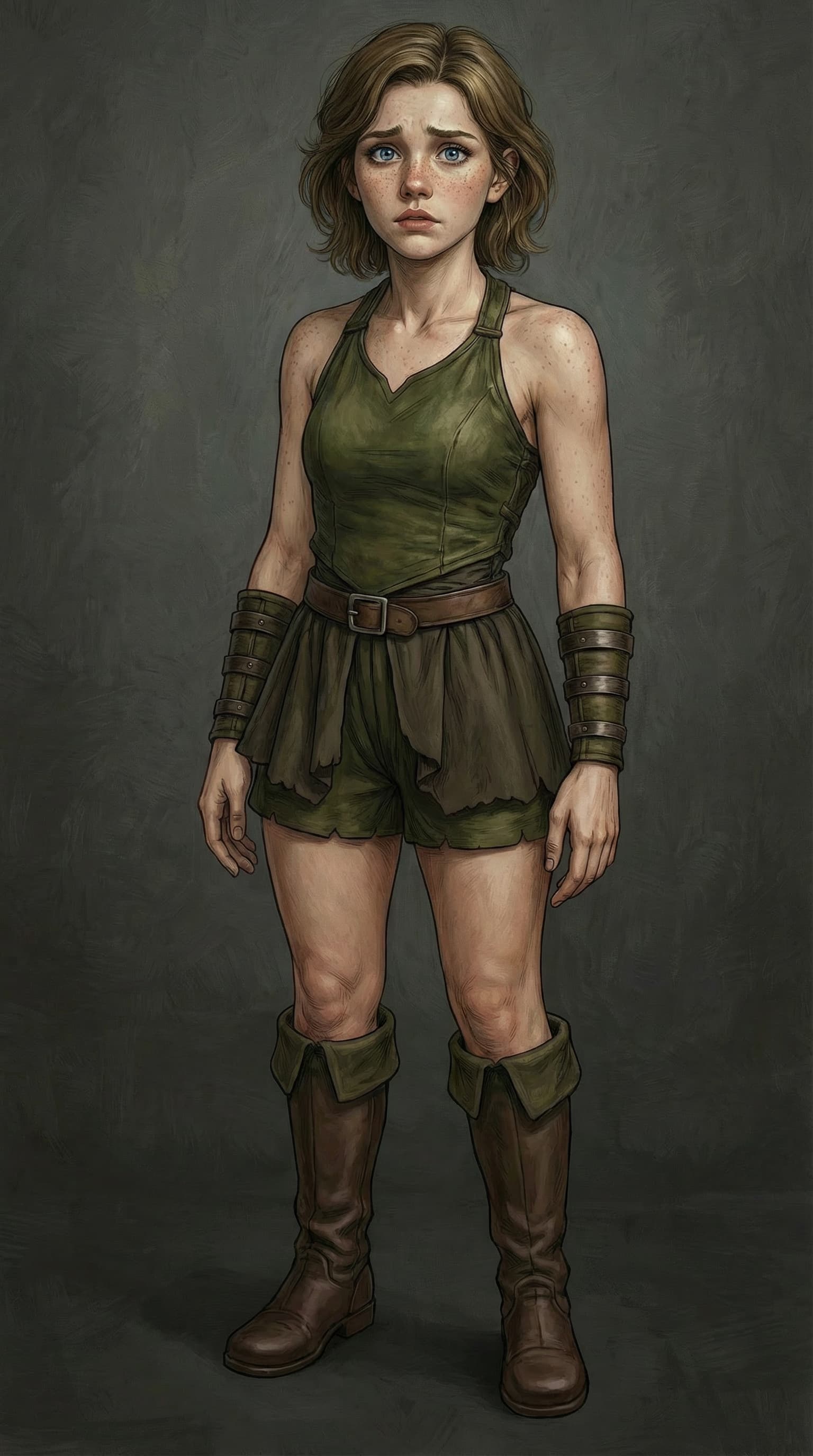
For this challenge, I built an AI Actor for Fayenne, my original fantasy character: a young medieval thief with short brown hair, blue eyes, freckles, and a green outfit with leather wrist guards and boots.
Brief breakdown of my AI Actor dataset and prompt structure
I created the AI Actor using a clean character sheet with facial views, body views, and expression coverage.
My goal was to keep Fayenne’s identity stable: short brown hair, blue eyes, freckles, youthful face, green medieval clothing, leather wrist guards, and boots.
I used a simple appearance prompt as the identity anchor, then added clean scene instructions in the final prompts.
I also tested the actor in different scenes, camera angles, and emotional situations** to check facial consistency and outfit retention.
In one of the results, I also used a 3D/native reference-based workflow to help define pose, placement, and overall structure more clearly.
I kept the prompt structure clean by putting the actor name first, then adding controlled tags and scene descriptions to reduce hallucinations and improve consistency.
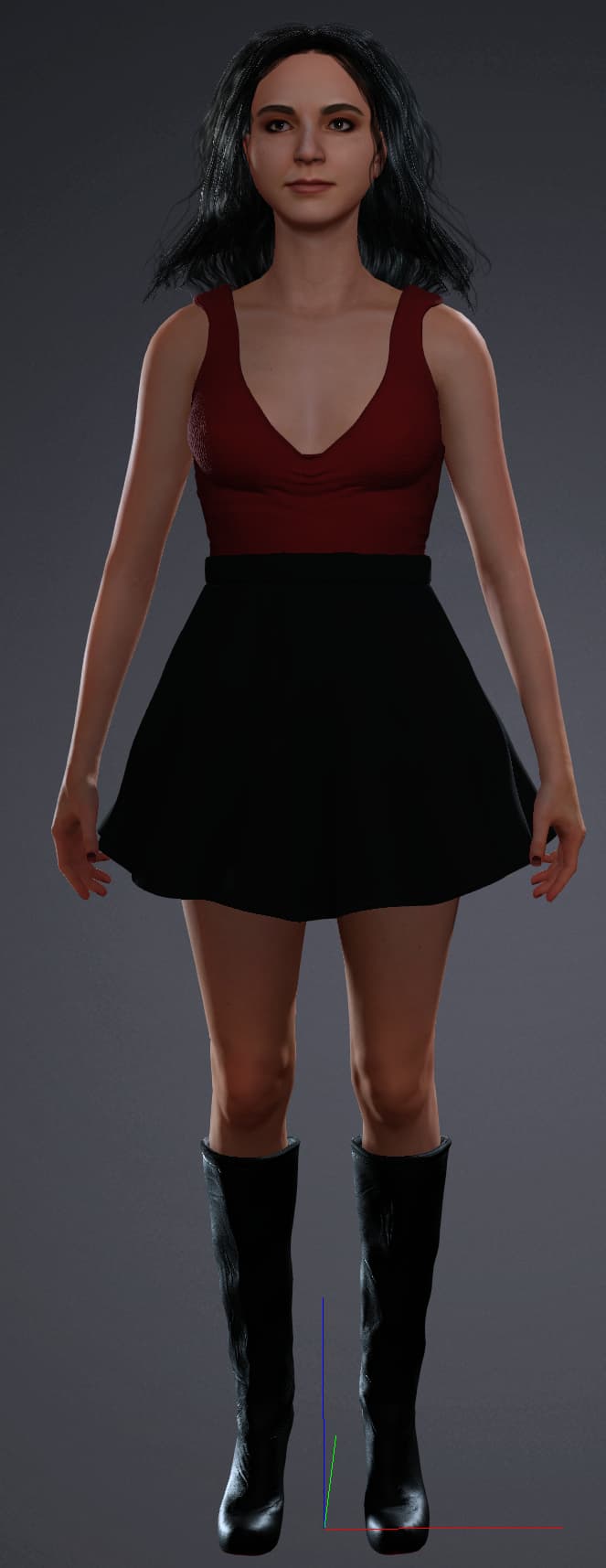
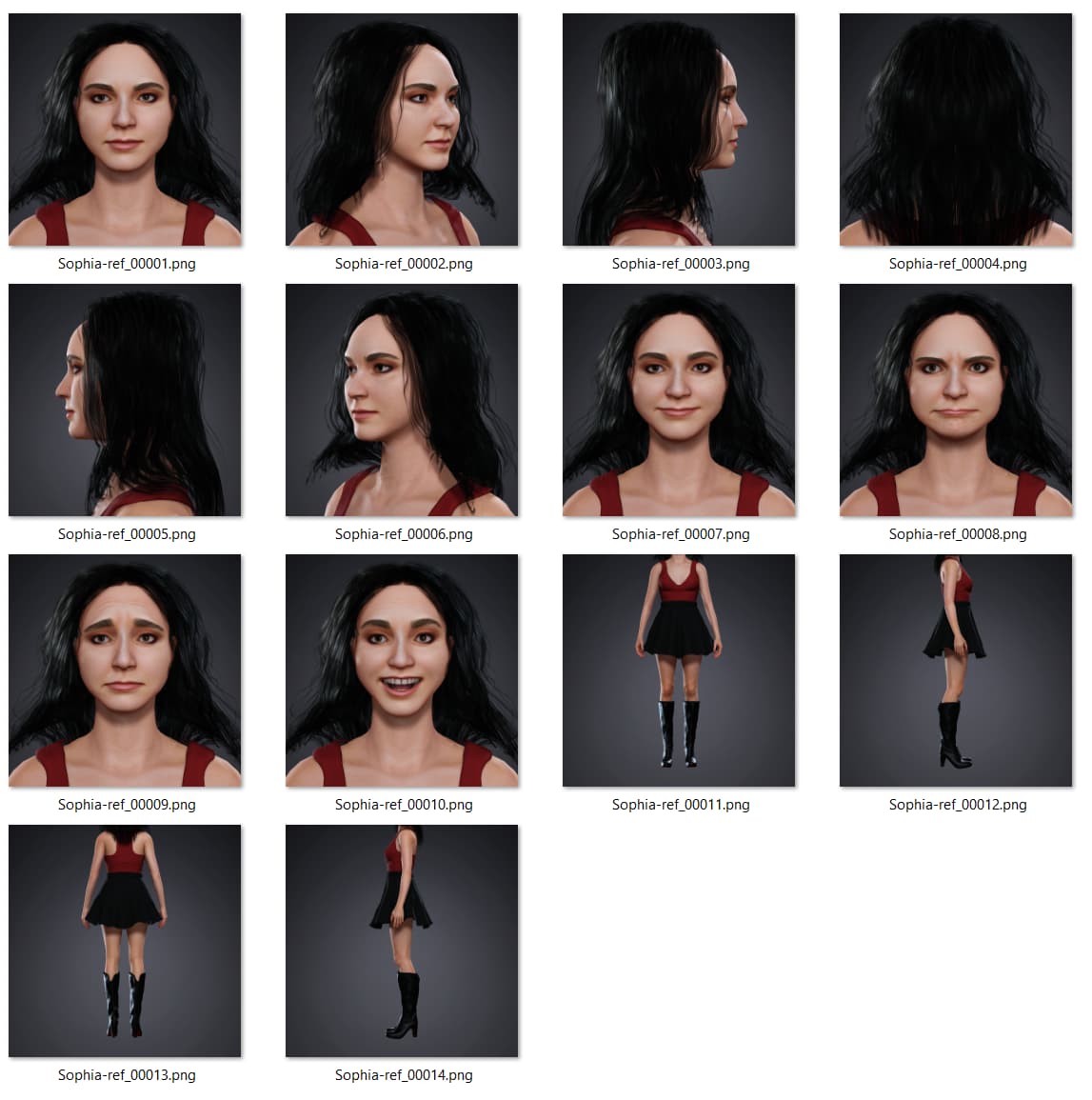
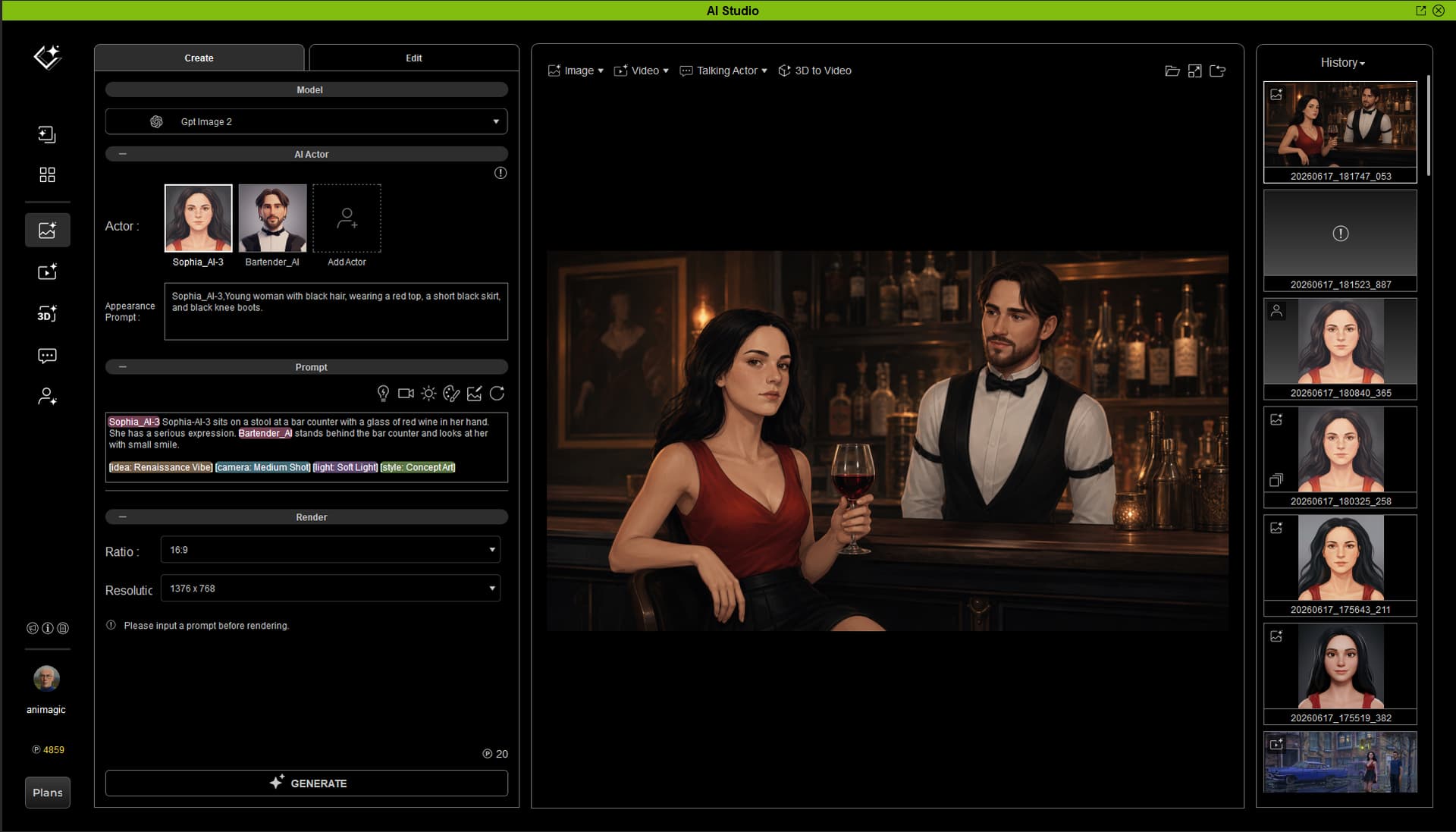
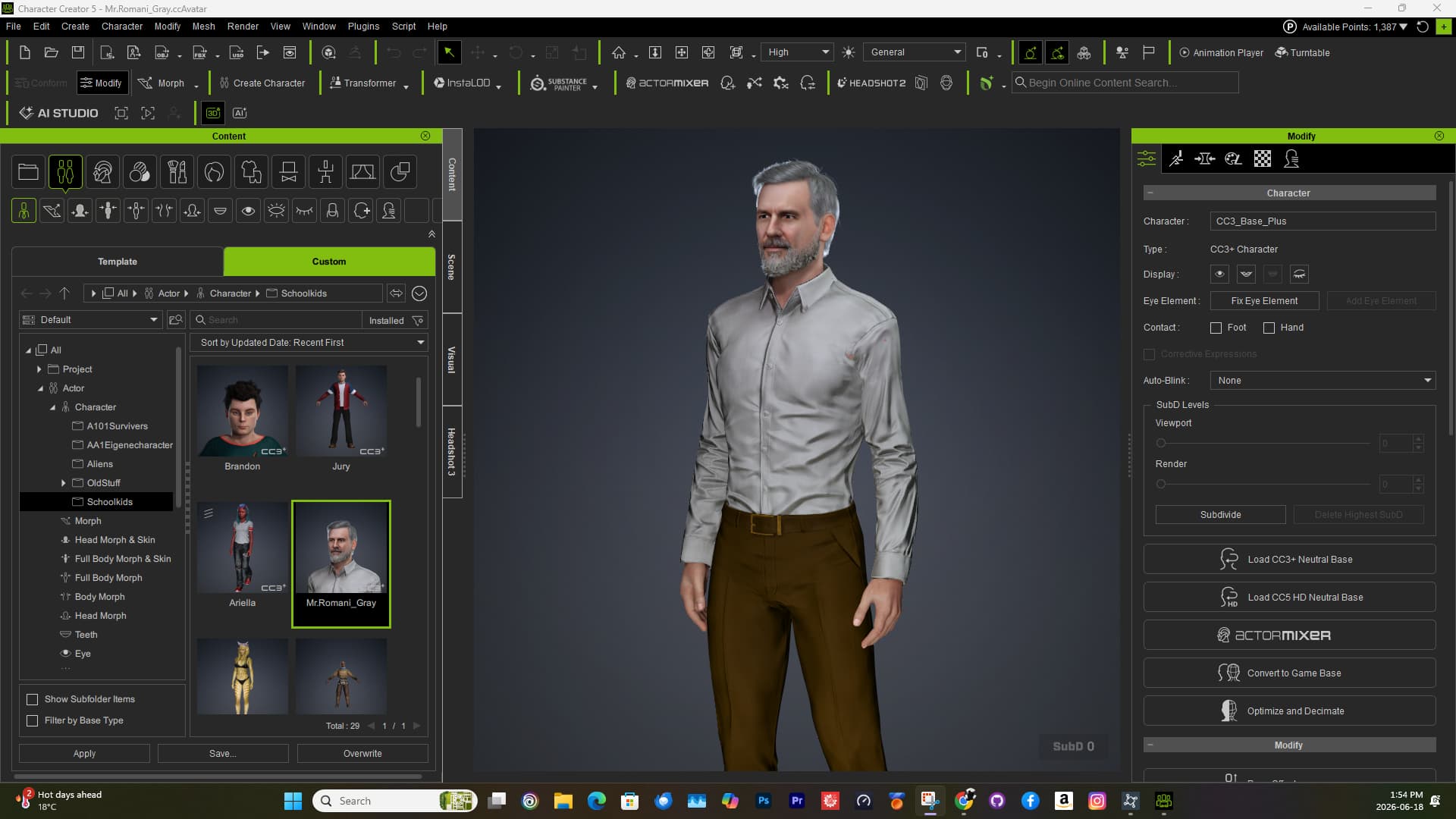
I then took the provided template project for generating the character reference, and replaced the dummy with Sophia. I then rendered the 14 reference images out of iClone as PNGs:
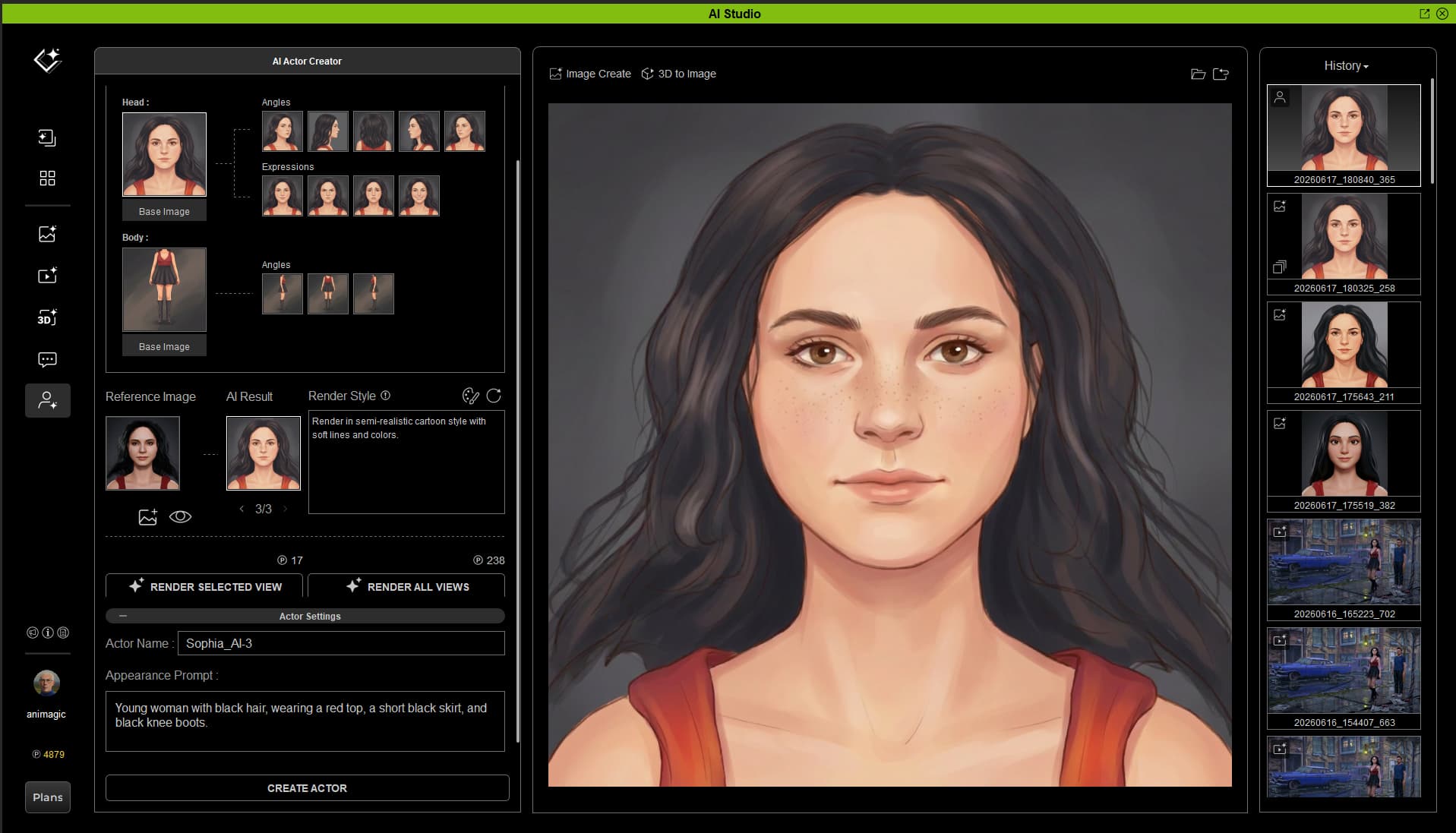
In the next step I loaded these images in the reference grid. I specified a reference style, and rendered an image to test the look. I was satisfied and then rendered the remaining reference images, as seen here:
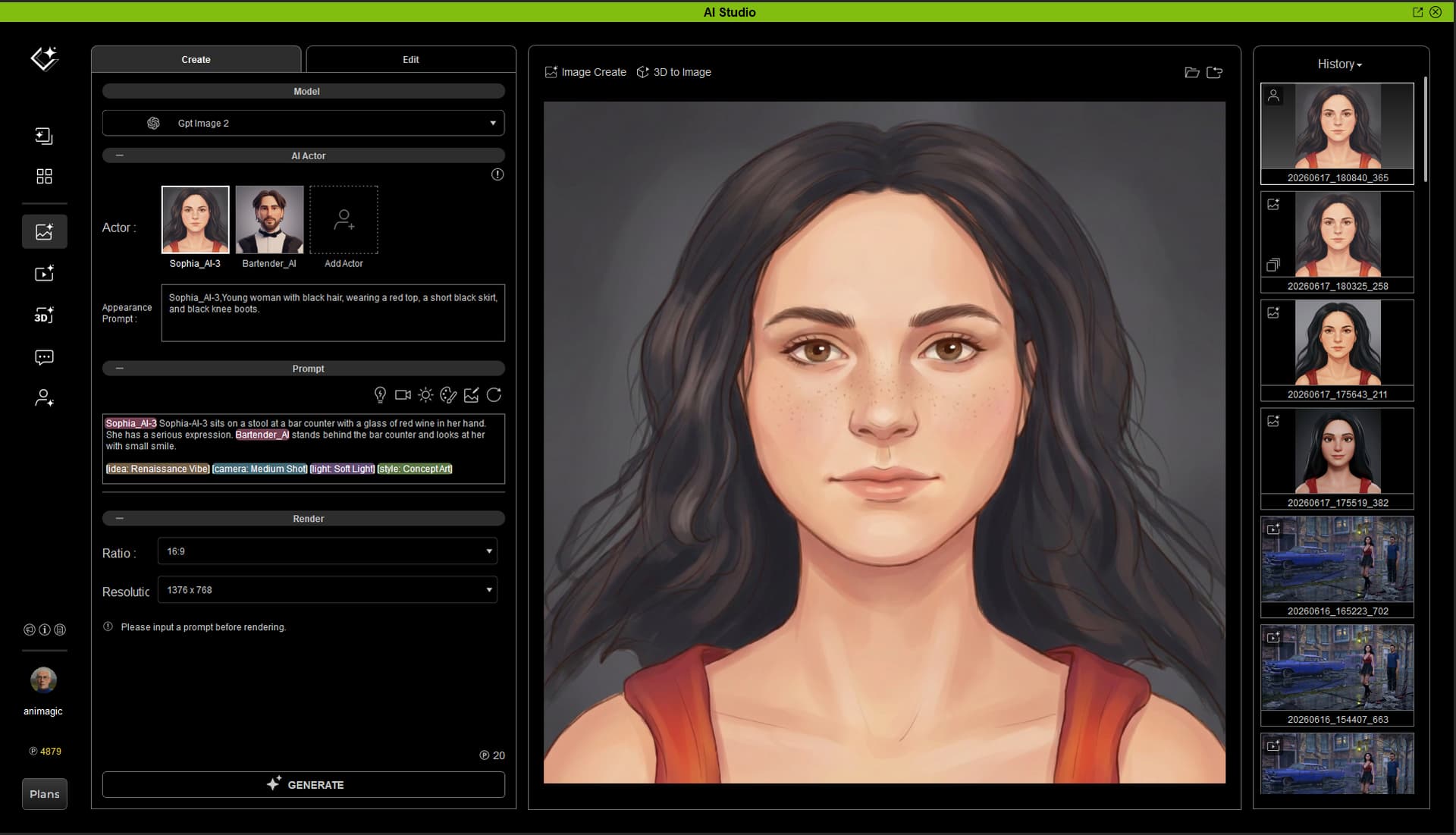
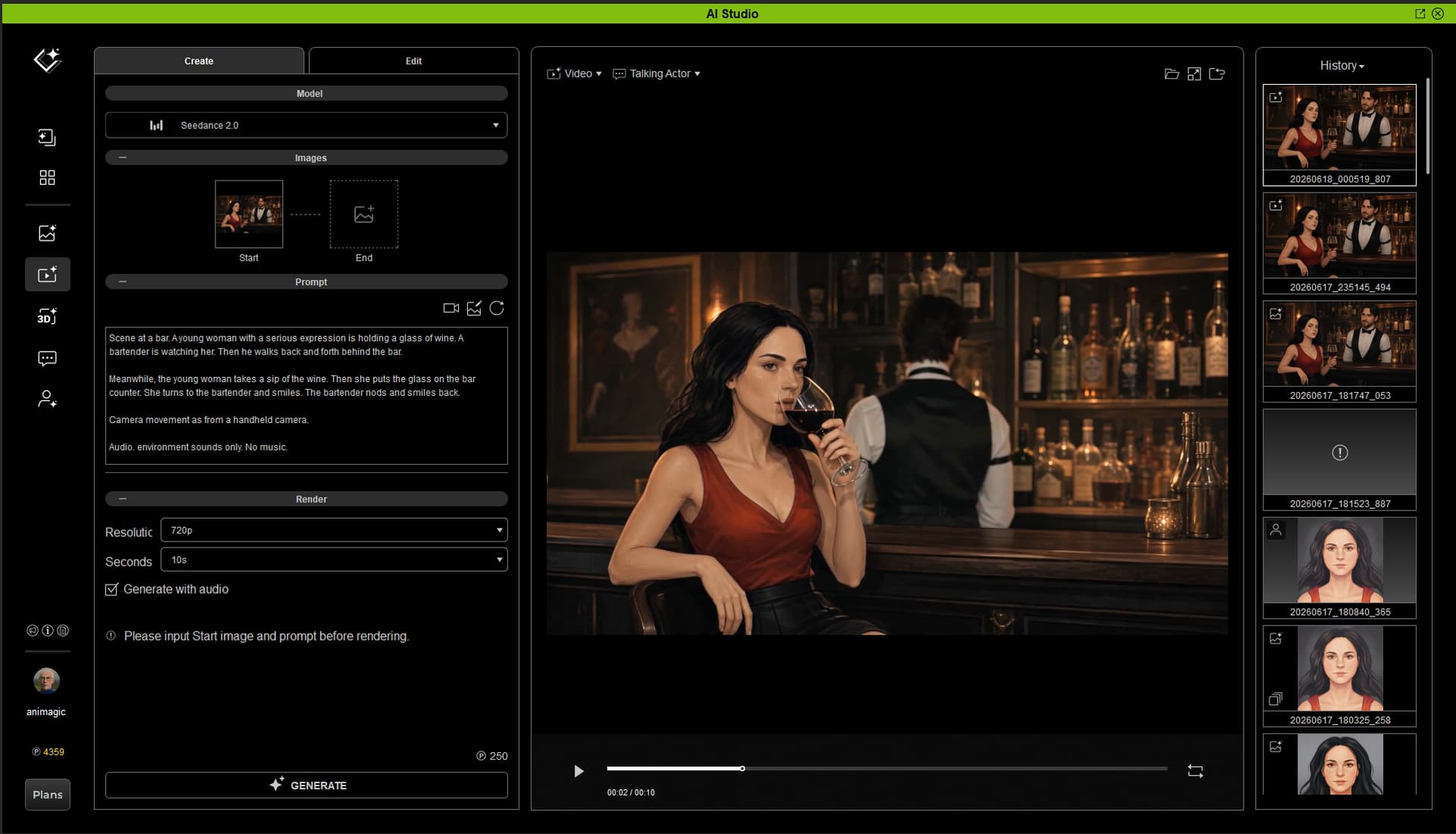
I wondered how to do parallel actions, so I described what the bartender did first. Then I introduced Sophia’s action with “meanwhile”, and that worked out.
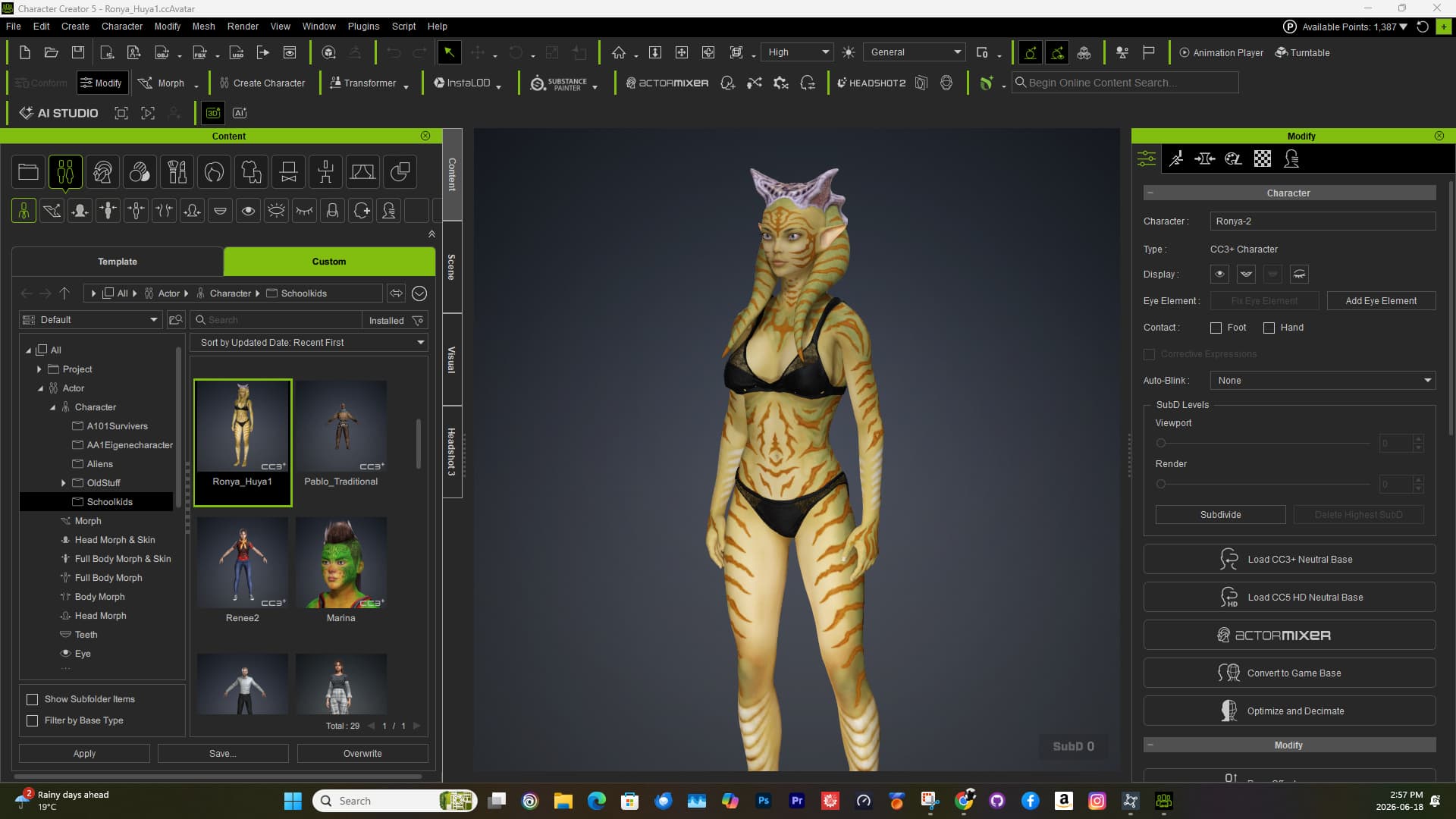
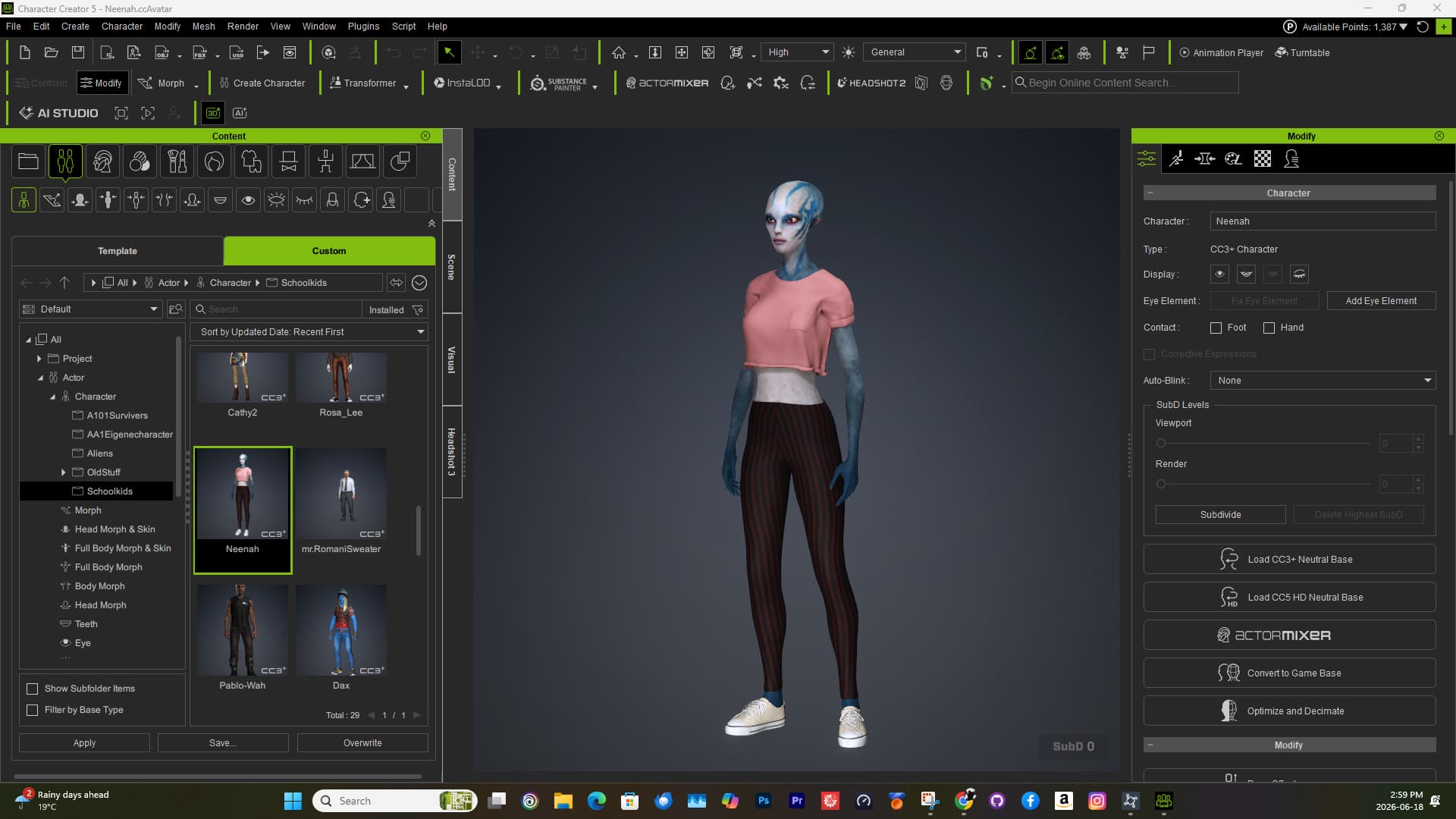
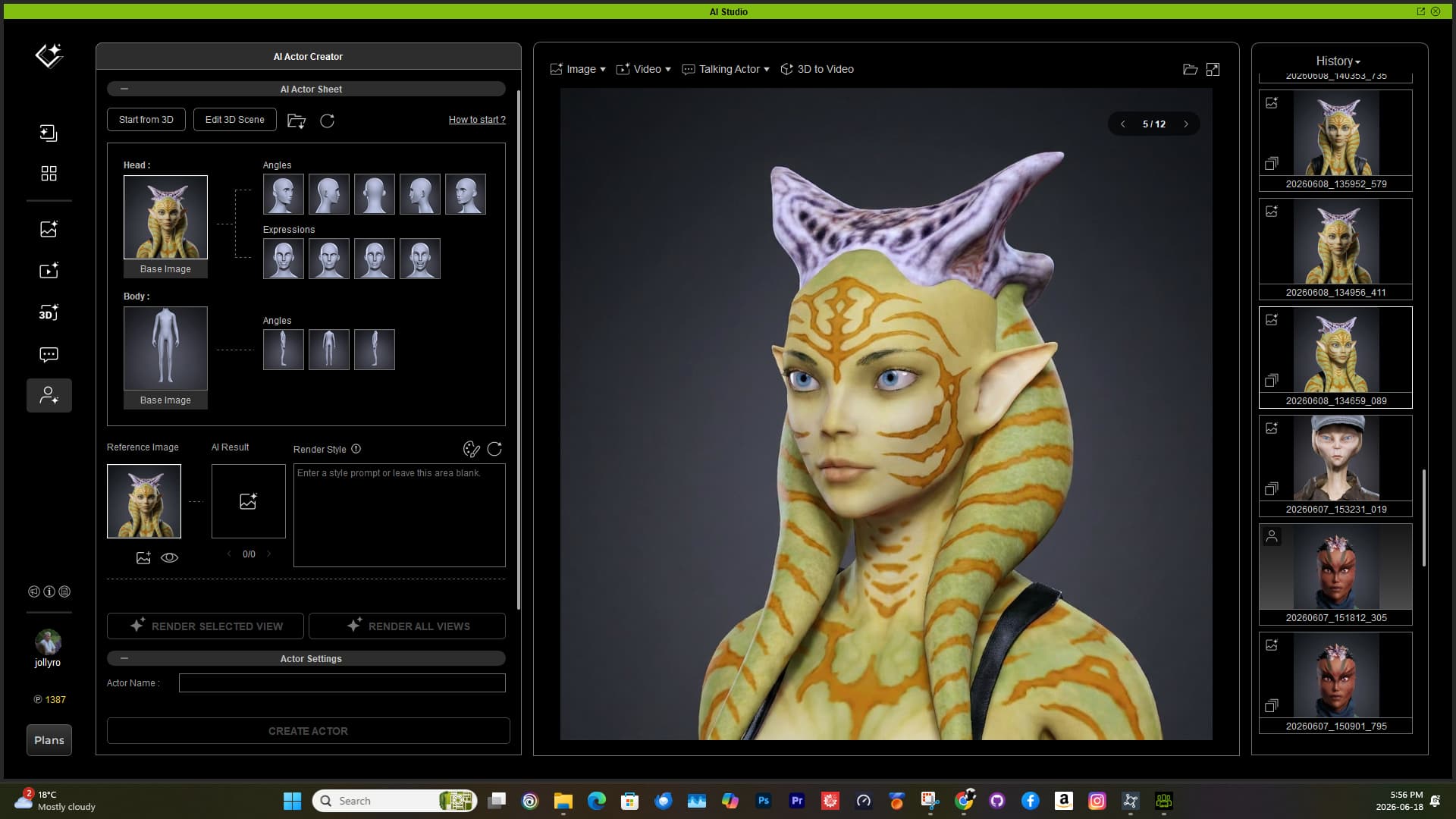
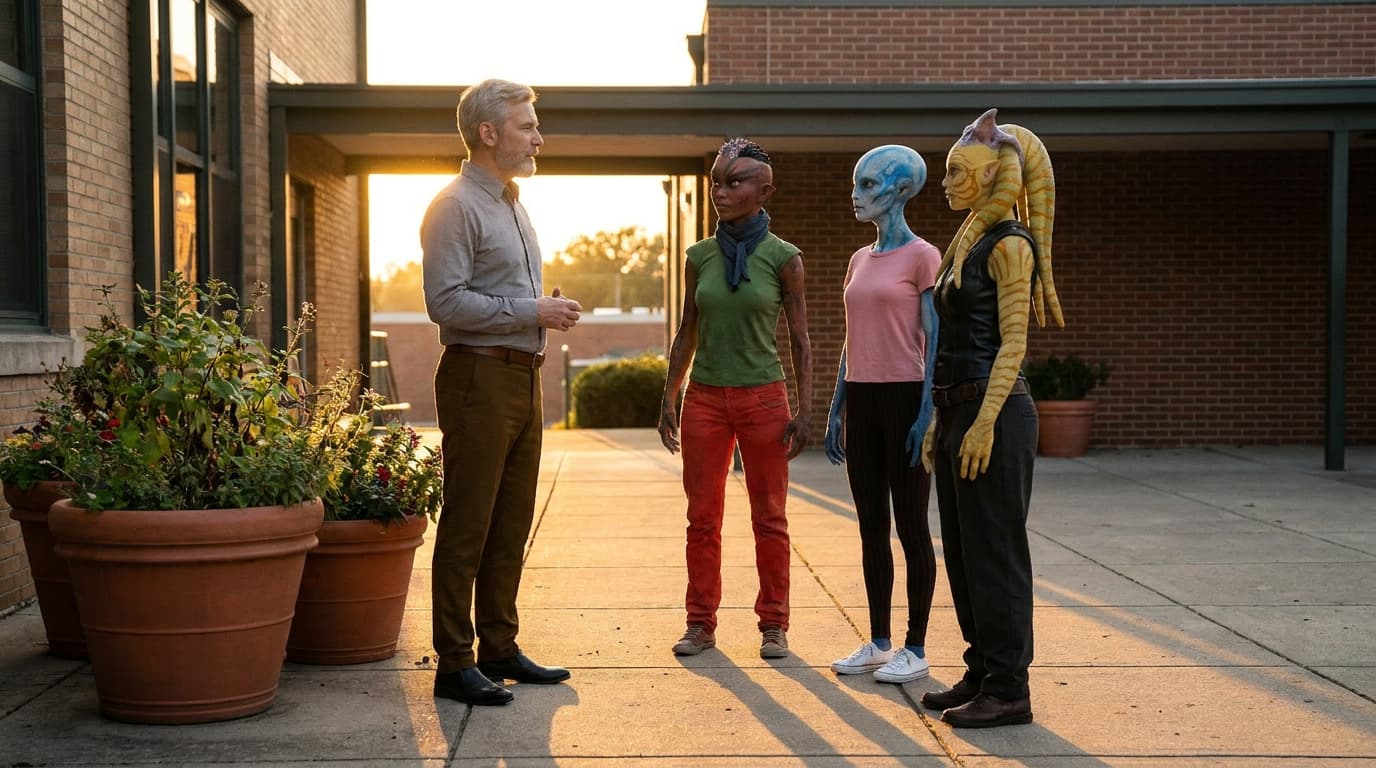
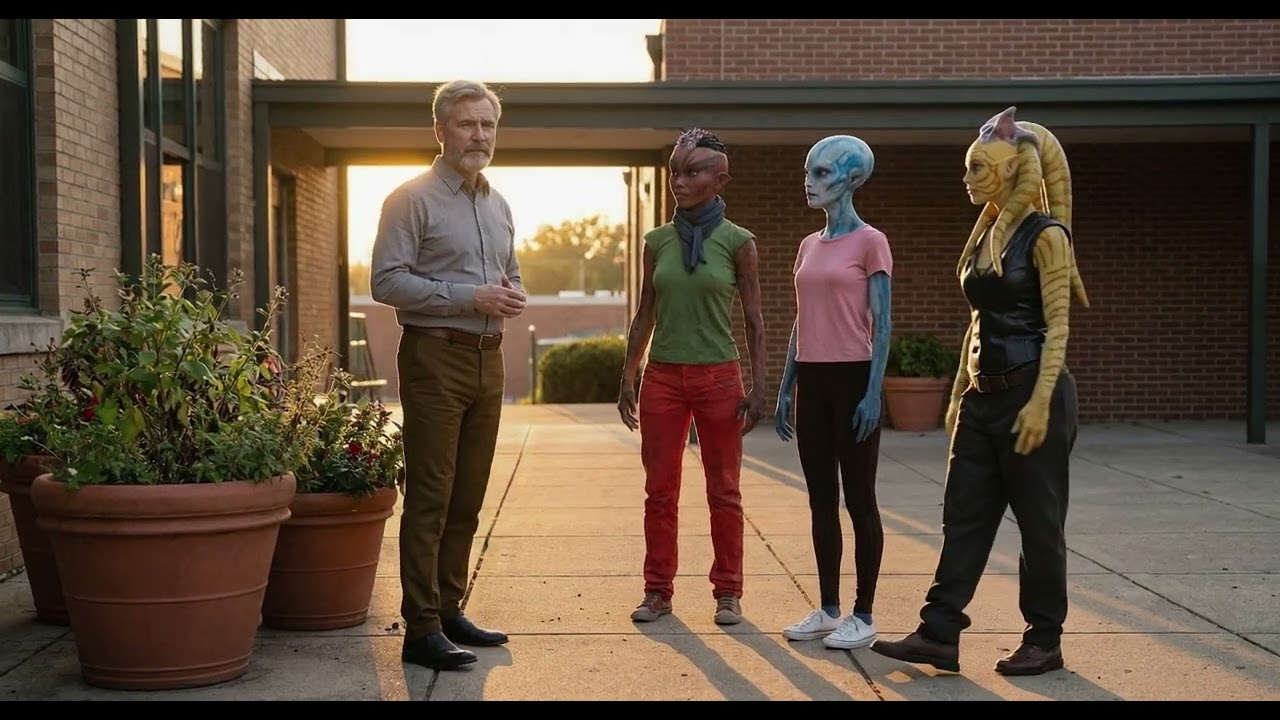
Here is my test from 4 Characters that were created in CC4/5 and Translated into AI Actors, then a little Test with the Teacher and his students in front of the high school, then I tested the animation of the Characters with very little movement.
Here is young Galen. We mis-mashed a few different 3d characters with Headshot 2 to get the base and then used the body of Zina (which we do not know where that Character is from).
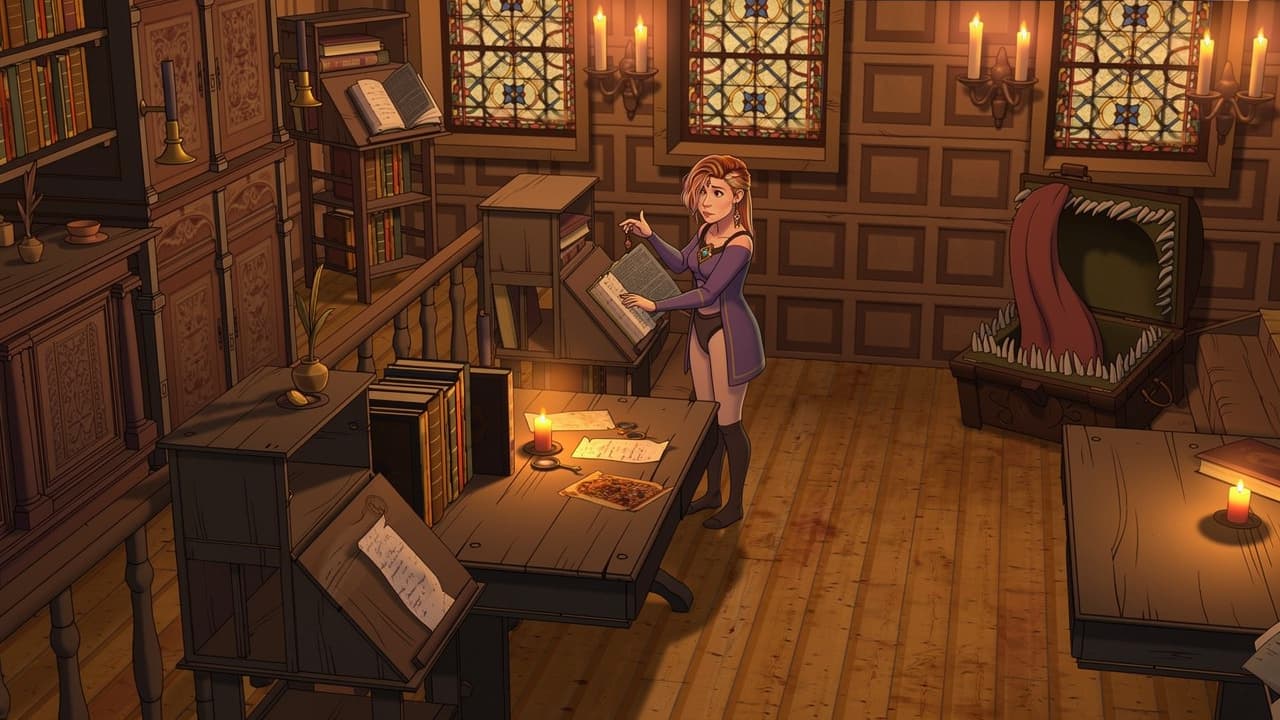
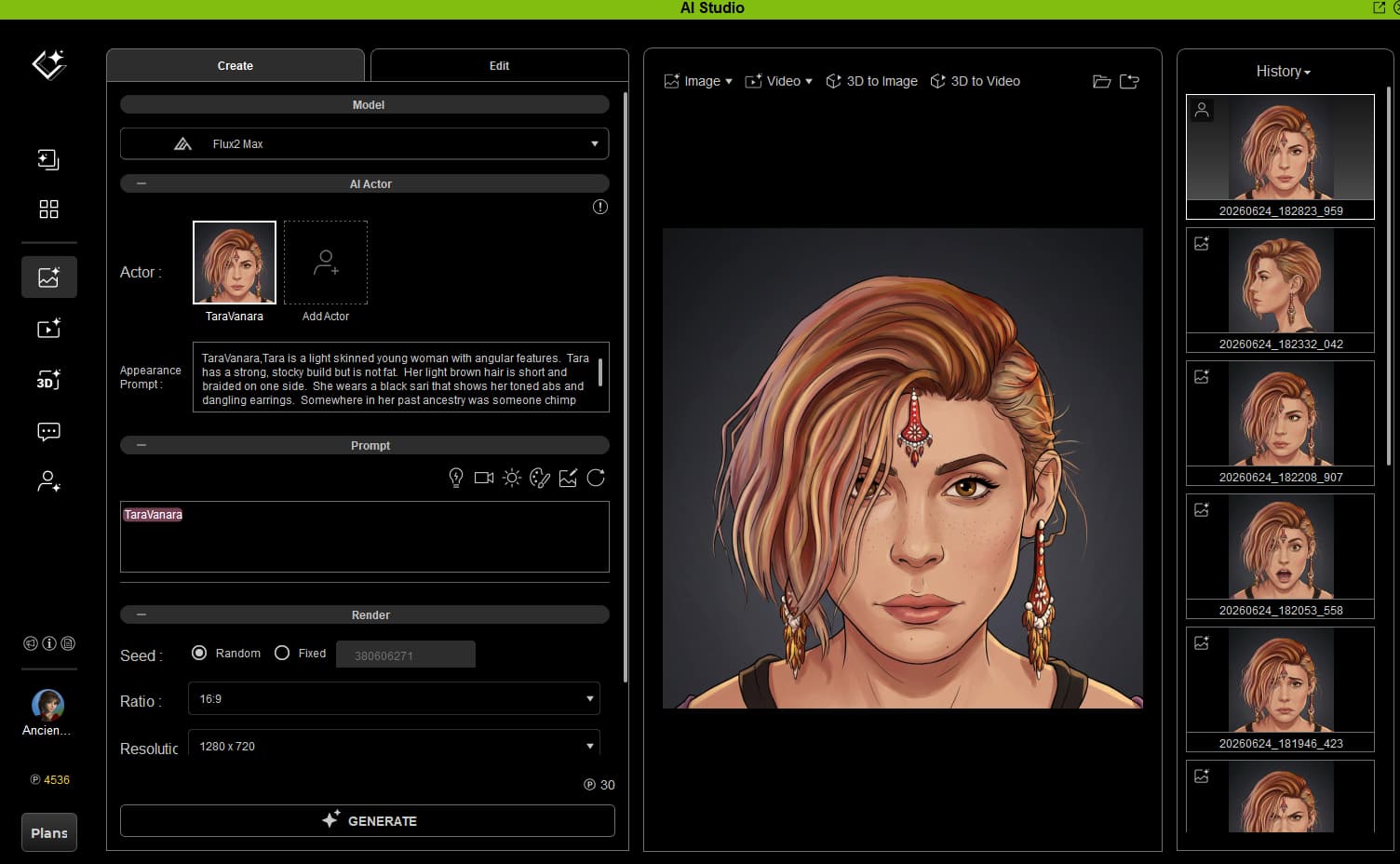
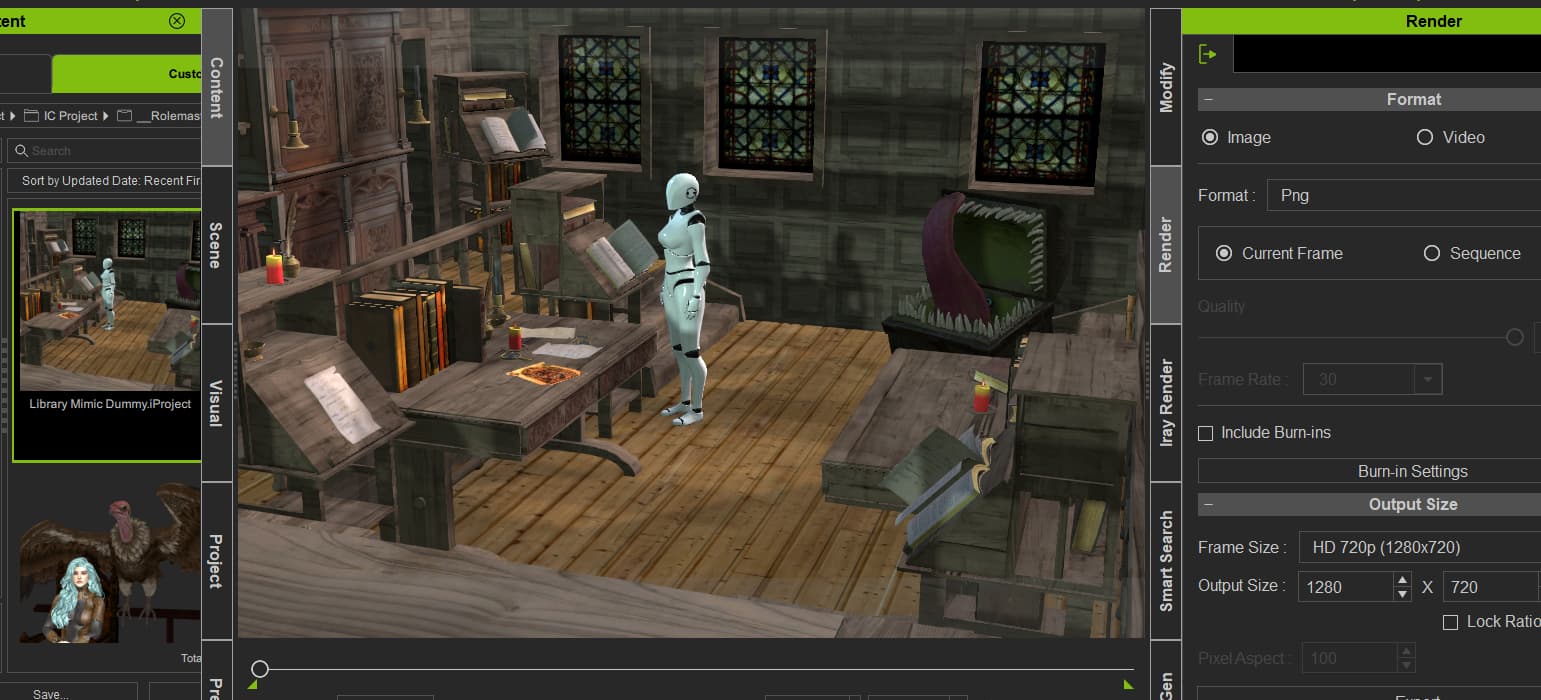
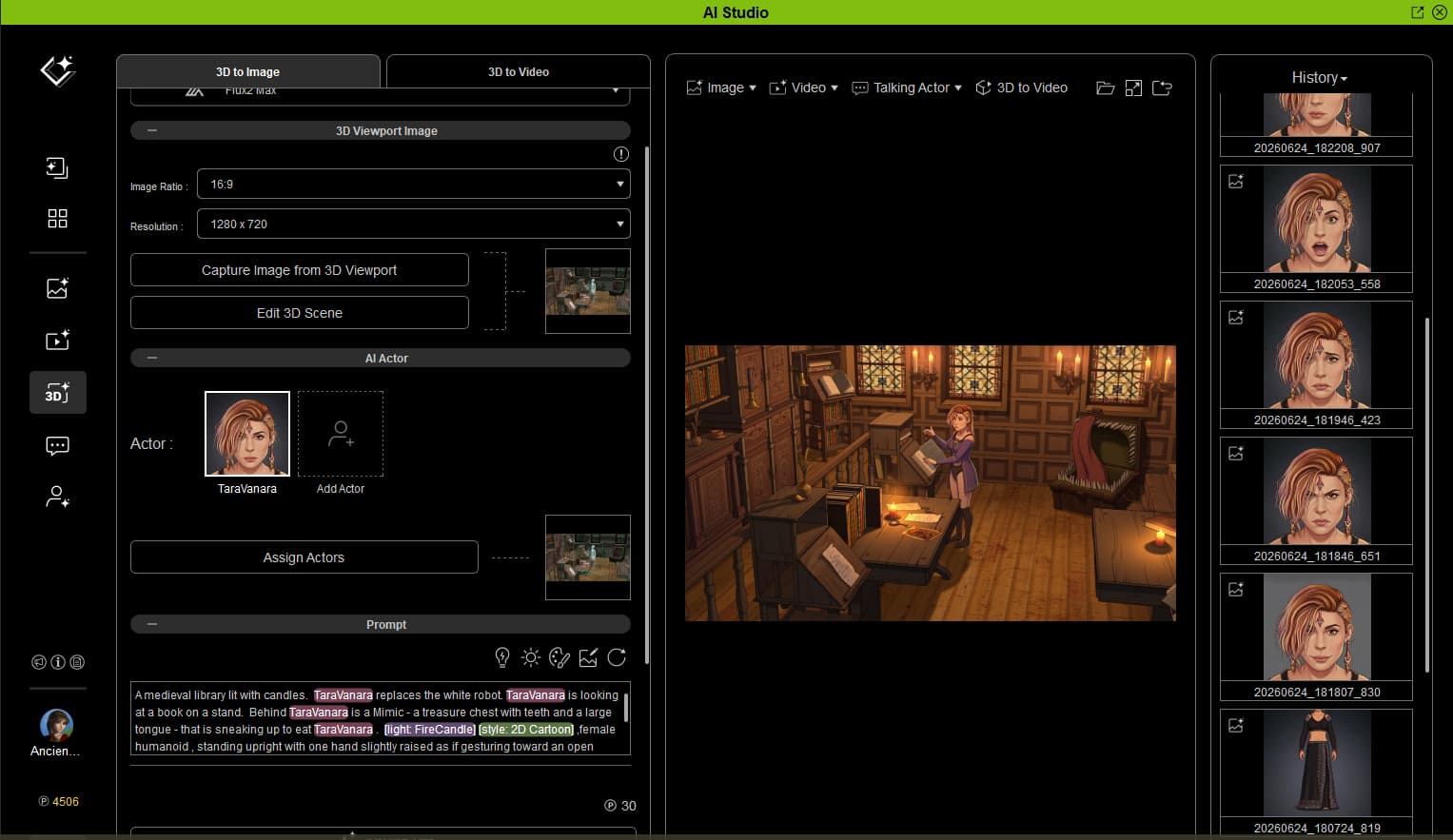
I created the AI version of my custom character. I created a scene in a medieval library with a dummy standing in her place reading a book. A Mimic is in the background gazing at her hungrily.
I prompted for candle light and 2D cartoon.
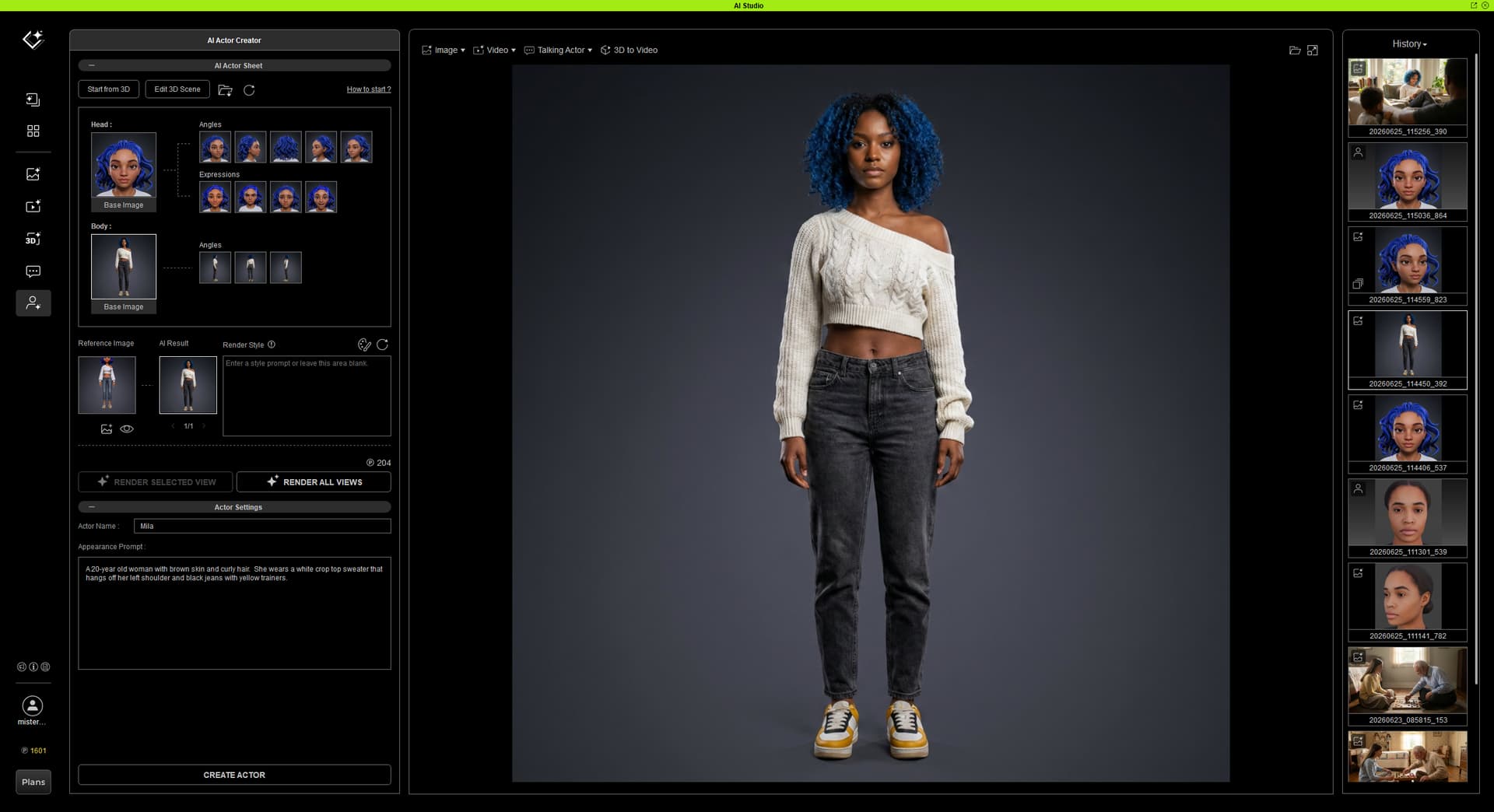
Following the tutorial provided by Reallusion, but using Mila, we made a character sheet. I did have to adjust the pan to get her in frame for all the keyframes, but that went well.
Interestingly, though the renders had a different look for her head (since I included her head in the body images), the final result is really incredible.
For prompts, I mainly used presets to keep things simple and it gave me exactly what I wanted!
Appearance Prompt:
Mila, a 20-year old woman with brown skin and curly hair. She wears a white crop top sweater that hangs off her left shoulder and black jeans with yellow trainers.
Image Prompt:
Mila [camera: Over the Shoulder] [light: Window Light] [style: Photo Realistic]
Mila is reading a book, unaware of the child who is watching her. She looks really pleased to be reading.
Not quite Dune, LOL, but wanting something between “two people racing across the desert” and suitable for city life on a kind of motorbike of the future. Once I get a good gen, do I lock it in with “Fixed Seed”, the same number each time, to keep the char consistent?
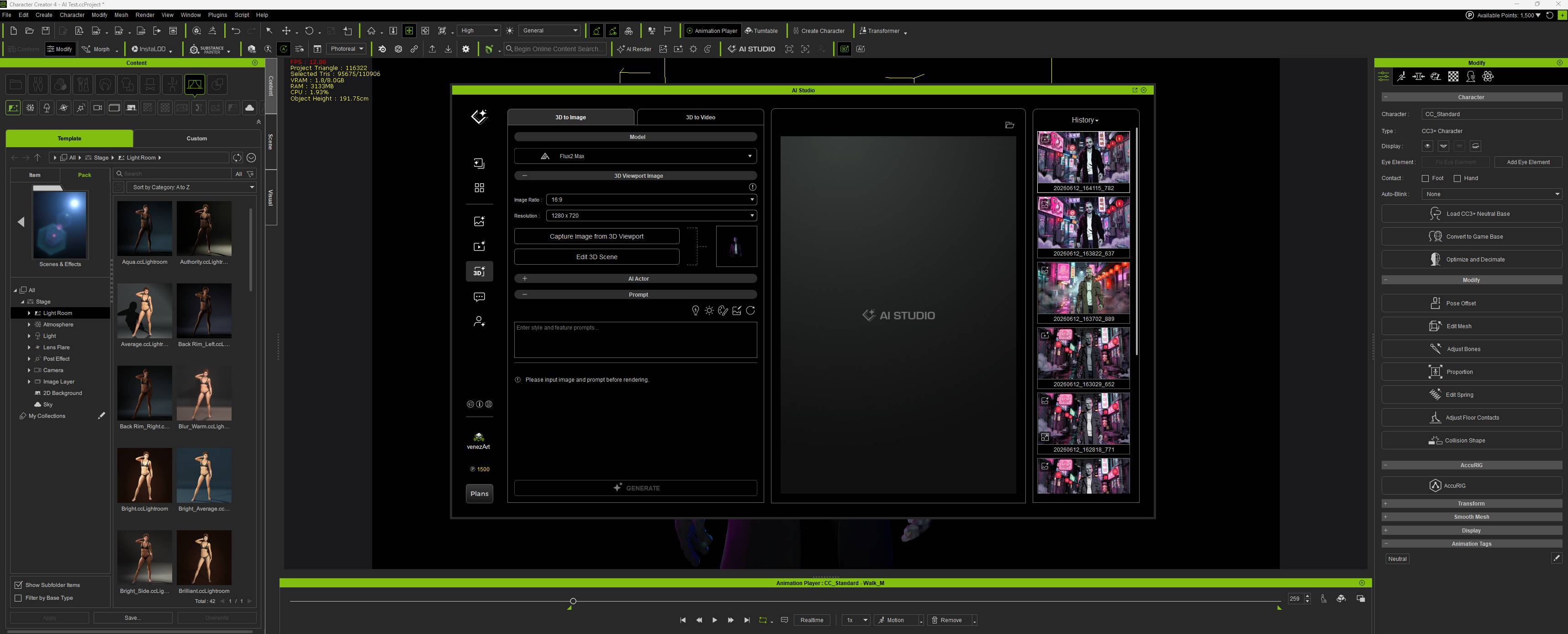
Prompt:
[style: Pop Art]
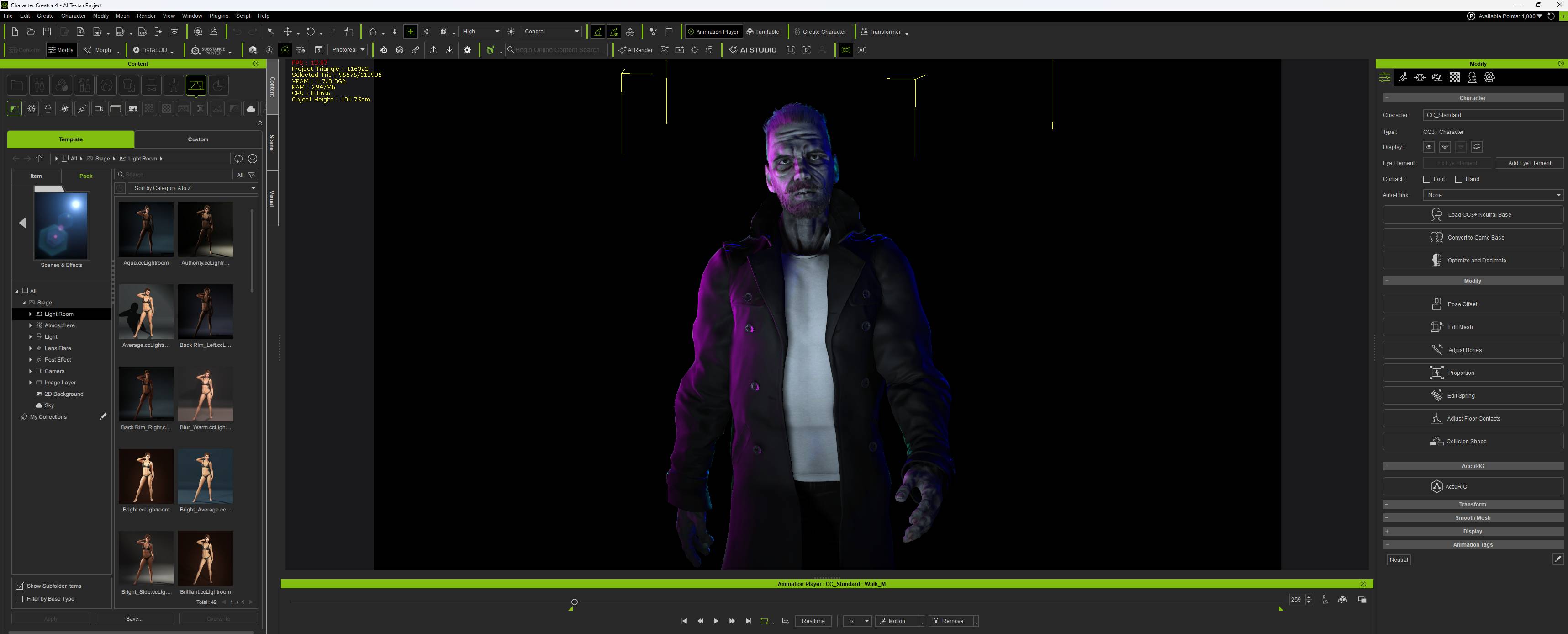
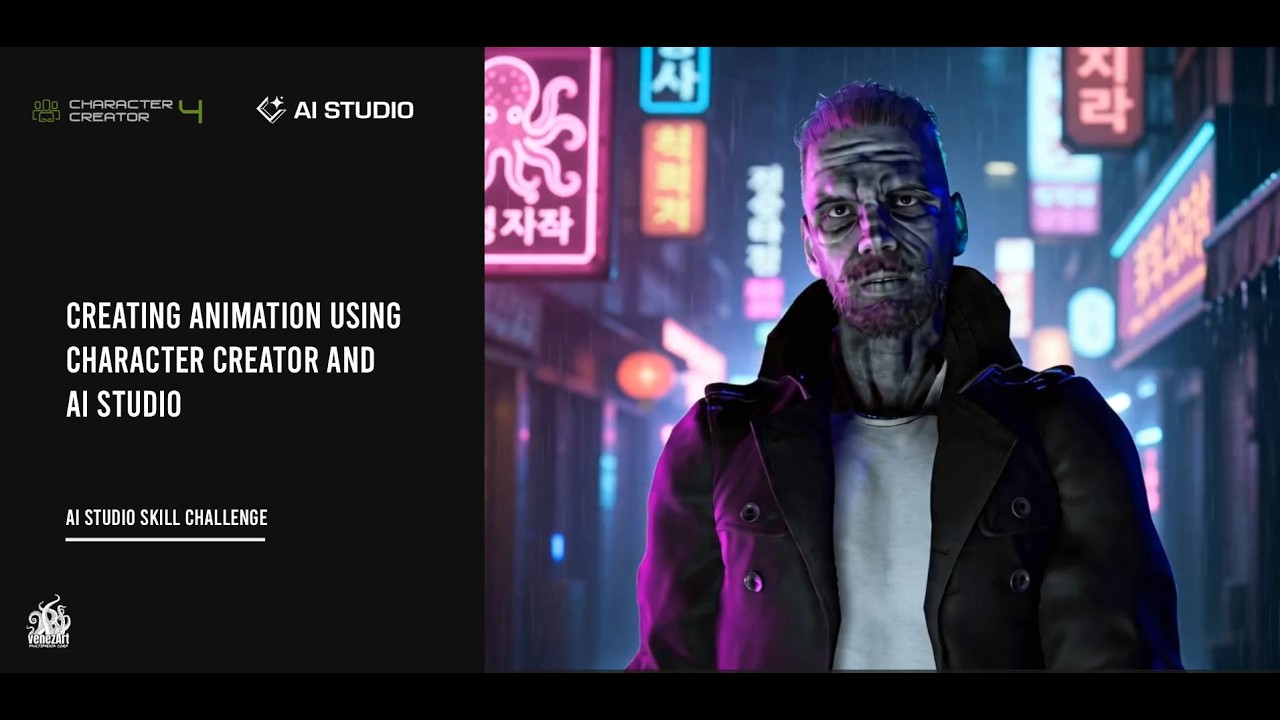
Composition: Medium Close up, tracking shop, of grizzled middle aged man walking in the rain in a narrow rain-slicked alleyway of a cyberpunk Seoul at nigh.
Subject: ,grizzled middle-aged man with weathered face and intense gaze, wearing a long dark trench coat over a plain white t-shirt, walking towards camera, medium close up.
Environment: narrow rain-slicked alleyway of a cyberpunk Seoul at night, surrounded by glowing neon signs in Korean including pink octopus-themed and red lanterns, wet pavement reflecting vibrant magenta and electric blue lights, mood is tense, mysterious, and dystopian, color palette dominated by deep purples, neon pinks, electric blues, and shadowy blacks, ultra-detailed 8K resolution, cinematic lighting, volumetric fog, reflective wet surfaces, photorealistic skin texture, high dynamic range, depth of field with bokeh background, sharp focus on character, atmospheric haze enhancing immersion.
Ambient: Night Tokyo street sounds: distant scooters, bicycle bells, light tokyo chatter, driving by scooters.
Lighting: Neon Dark, with pink and blue light reflecting on his face.
0:00-0:12: grizzled middle-aged man walks towards camera, Tracking shot. Busy Tokyo night life.
 Educational Focus: The AI Actor Pipeline
Pro-Tip for Stability:
 Challenge Objective
 How to Submit