[AI Studio Skills Challenge] 🎬 Direct the Scene: 3D Motion x Video Gen (Earn 400 AI Points)

Hi everyone,

This challenge takes your skills to the ultimate frontier: video generation. The core objective here isn’t just about rendering an image—it is about looking at your raw 3D animation sequence and strategically choosing the absolute best AI video engine for the job.

By understanding the strengths, limits, and credit costs of our model lineup, you can maximize your results without overspending your points.

:brain: Educational Focus: Matching 3D Input Style to Video Model Strengths

When executing a 3D-guided video generation pipeline, the relationship between your 3D input assets and your chosen AI model dictates your final look. Instead of assuming one way is always better, think about how different types of 3D inputs interact with different model rendering engines:

:gear: Model Selection Guide: Choose the Right Tool for the Task

Our video generation models scale drastically by features and credit cost. You do not always need to use the most expensive premium model if your animation sequence has simple requirements:

  • Seedance 2.0 (Premium — :fire::fire::fire:): Choose this engine if your 3D animation contains complex, multi-shot transitions, interactive characters/objects, or if you need top-tier physics simulations and voice/sound tracking. It handles advanced 3D camera data and delivers unparalleled visual consistency.
  • LTX 2 & LTX 2.3 (Mid-Tier — :fire::fire:): Excellent mid-tier options for high-resolution outputs (up to 2K). LTX 2 is incredible for wide, sweeping 3D camera movements and secondary cloth/hair physics. LTX 2.3 balances this by offering enhanced facial consistency for character tracking.
  • Scail Uni3C (Budget-Friendly — :fire:): Ideal if your 3D scene features a completely static camera (like a locked-off interview shot or a talking head) but requires highly natural, precise character movement and exceptional facial accuracy.
  • Wan 2.2 Fun Control (Budget-Friendly — :fire:): The go-to budget option if your 3D sequence has massive, sweeping camera movements or complex pre-visualization layouts, but the character actions themselves are simple.
  • Note: Models like Kling3 and Veo3.1 do not process 3D motion streams at all and are only available in the standalone, prompt-driven Start-End Frame pipeline.

Learn more from Here

:dart: Challenge Objective

Create an animation sequence inside iClone. Analyze your project’s specific complexity (Is the camera moving? Are the characters performing complex actions? What is your budget?) and select the AI video model that best fits those parameters.

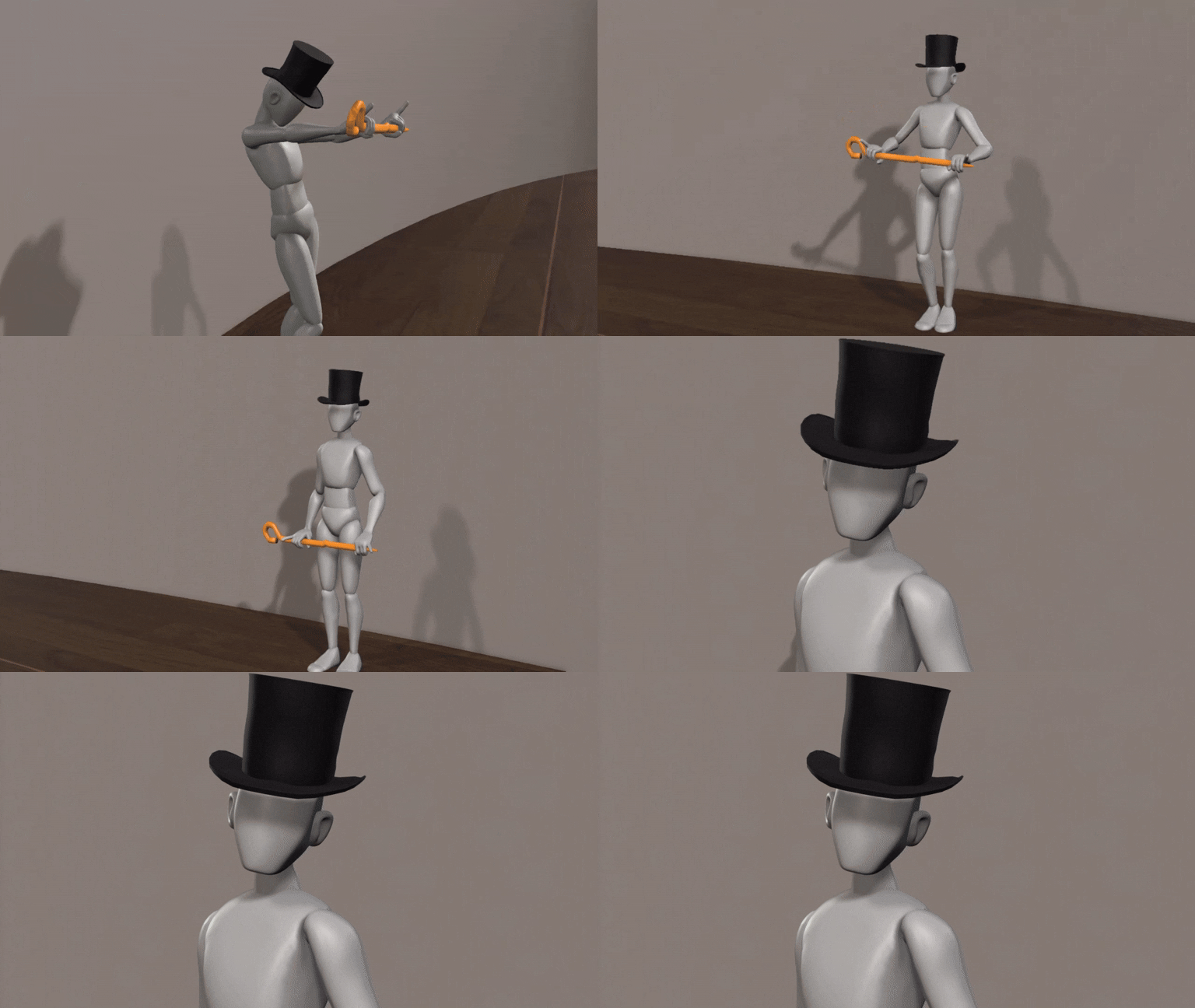
To optimize your visual transformation, drive the performance using a neutral dummy character or untextured asset layout, pair it with your first-frame style reference image, and generate your final video.

:memo: How to Submit

To claim your 400 AI Points, reply to this thread with:

  1. Your final processed AI video sequence.
  2. The raw 3D source videos
  3. A short text summary explaining your video model choice—tell us why you paired your specific AI model with your animation’s complexity and needs!
2 Likes

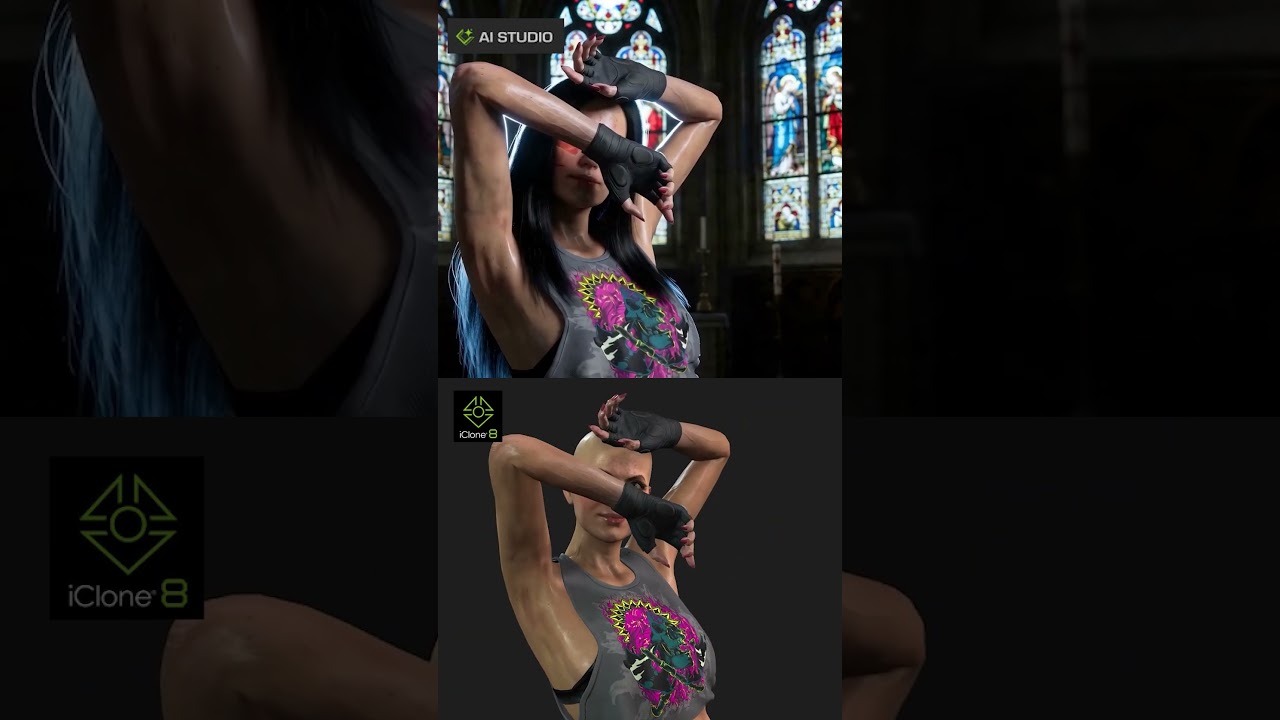
In this test, I converted the iclone animation into an AI Studio video.

( English audio track)

Hi everyone,

Here is my submission for Challenge 3: 3D Motion x Video Gen.

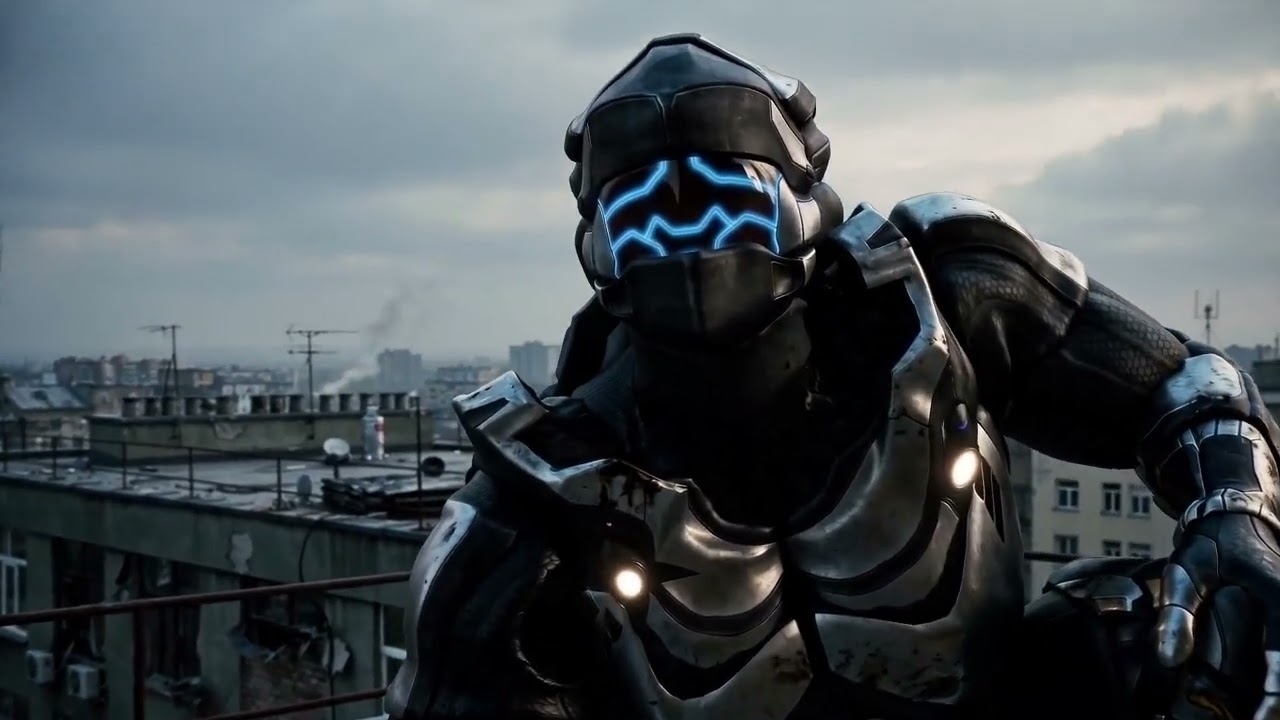
For this test, I created a short action sequence in iClone using my original character, Fayenne. The raw 3D animation defines the character motion, timing, camera framing, and spatial layout.

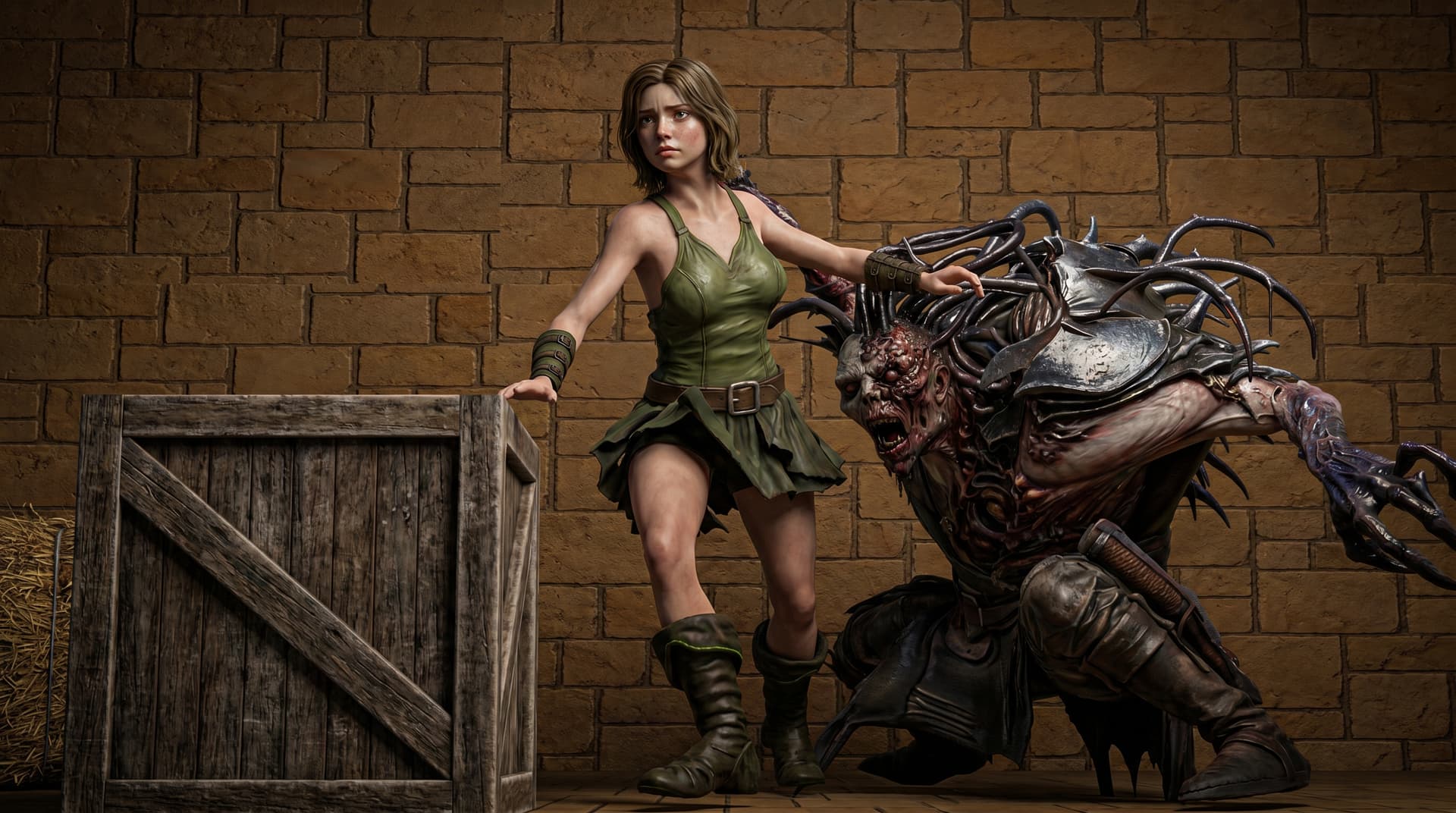
The scene shows Fayenne running and jumping dynamically while being chased, using the 3D animation as the motion guide for the final AI video.

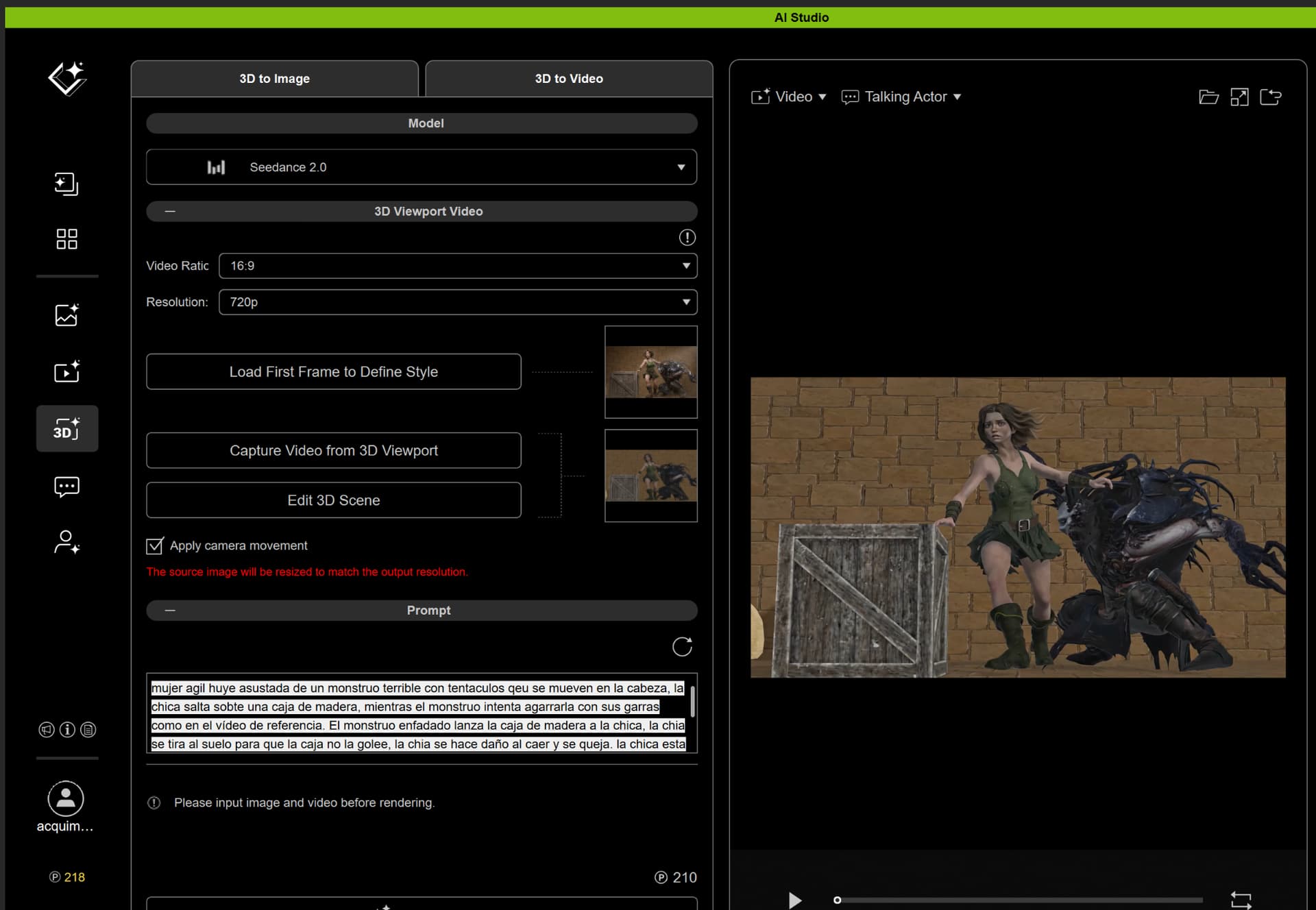
I used AI Studio 3D to Video and selected Seedance for the final generation.

I chose Seedance because this was a dynamic action shot with fast body movement, jumping motion, camera energy, and a chase feeling. I wanted a model that could better preserve the motion flow from the 3D animation while adding a more cinematic and dramatic final style.

My prompt focused on keeping the action clear: Fayenne running, jumping agilely, landing with momentum, and being pursued by a dangerous creature. The goal was to preserve the original 3D motion and timing while improving the atmosphere, visual energy, lighting, and cinematic feeling.

Submitted files:
Final AI-generated video.
Original
Original raw 3D viewport animation.
https://youtu.be/yMm2aBc4nrk

Fist Frame

AI Studio / prompt reference screenshot.

Thanks!

Here is Restaurant scene created with AI studio. It was created using the following approach.

  1. Create characters in CC5
  2. Push to characters to iclone and ue5.7
  3. In ue5.7 setup the scene in my case Restaurant.
  4. Send parts of the ue5 restaurant back to iclone for reference in the animation.
  5. Do 10 sec animation in iclone for characters which also included audio from elevenlabs with lipsysnc.
  6. Use livelink to send animations and camera to ue5.
  7. Render 1st Frame of scene in ue5.
  8. Open ai studio and go image gen custom
  9. Insert the 1st frame ue5
  10. Here you want to replicate the image but this time add lunch menu in the mans hands where the green dummy menu was. Maybe clean up little as well. You do this here because its less expensive then trying to do it all in video.
  11. Next in ai studio go to 3D to Video
  12. Use the image result in step 10 as the first frame.
  13. Capture the animations from the iclone 8 project
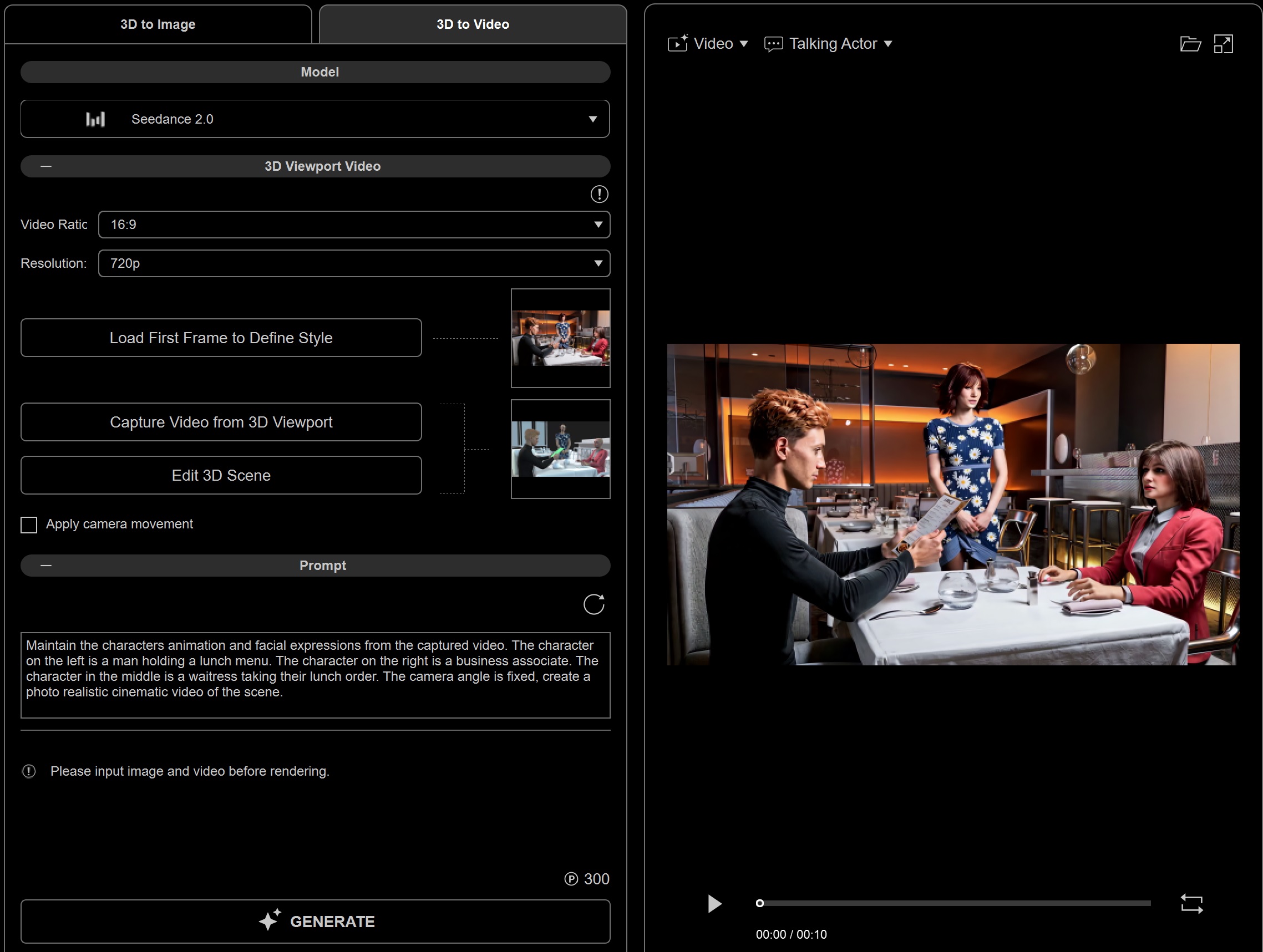
  14. Insert below prompt
    Maintain the characters animation and facial expressions from the captured video. The character on the left is a man holding a lunch menu. The character on the right is a business associate. The character in the middle is a waitress taking their lunch order. The camera angle is fixed, create a photo realistic cinematic video of the scene.
  15. Render using Seedance 2.0

So basic work flow here is to generate the first image in unreal. This allows you to make use of the many unreal environments that are available to guide your workflow.

The results were better then what I rendered directly in unreal and I have enclosed video of iclone, unreal and aistudio for comparison. I only included audio for ai studio, I faded out the last bit of man’s voice on purpose.

Ai Studio can for sure help create better scenes, but I blew through all my free credits and then some to get to this point. So it can get expensive especially with all the trial and error renders.

Ai Studio
AI Studio Render

Iclone
Iclone

ue5.7
unreal

Well, I ended up using all the credits I had without achieving anything specific.

My conclusion is that you need to have a very clear workflow and a very clear idea of what you want to do in order to minimize the margin of error.

So in the end, the only way I could generate a video was:

  • Create 2 images starting from iClone 3D
  • Create a video using those 2 images
  • Use Kling because I didn’t have enough credits for Seedance
  • Add audio to the character

Perhaps that wasn’t the premise of this post. But I still like the realism it gives to the character created with iClone.

I think that in the next test, I’ll try to create something short, with the character in this more contained environment.

But I think it makes more sense to create videos this way than to go from animated 3D directly into AI.

For this video, I used the following technique:

  1. Convert one of my characters into an AI Actor.
  2. Generate 2 images (Nano Banana).
  3. Create a video using those 2 reference images (Seedance).
  4. Add audio using an ElevenLabs voice.

Some characteristics I noticed:

  1. When I tried to generate vertical images, it didn’t preserve the camera exactly. It framed the shot from farther away. And I think it loses some of its realism


2. It does not achieve consistency with flux.

3- With Nano banana, you can achieve consistency.

4-The character obviously lost some detail in the video. And there are some mistakes. But I was struck by how well he portrayed the robotic arm delivering the mate ( It is a typical Argentine drink )

5- The cost of all this was about 1000 points

1 Like

Very well done, thanks so much for sharing.:+1:

Best regards, Robert

1 Like

thanks !

I tested an Iclone AI animation.

I also compared how consistently it performed with this method versus generating video without animation.

Since I can’t upload videos here, I’ve put the full breakdown here, on my LinkedIn profile.

I had time to start experimenting with AI Studio. I have already used AI for image and video creation, so it was not all new to me.

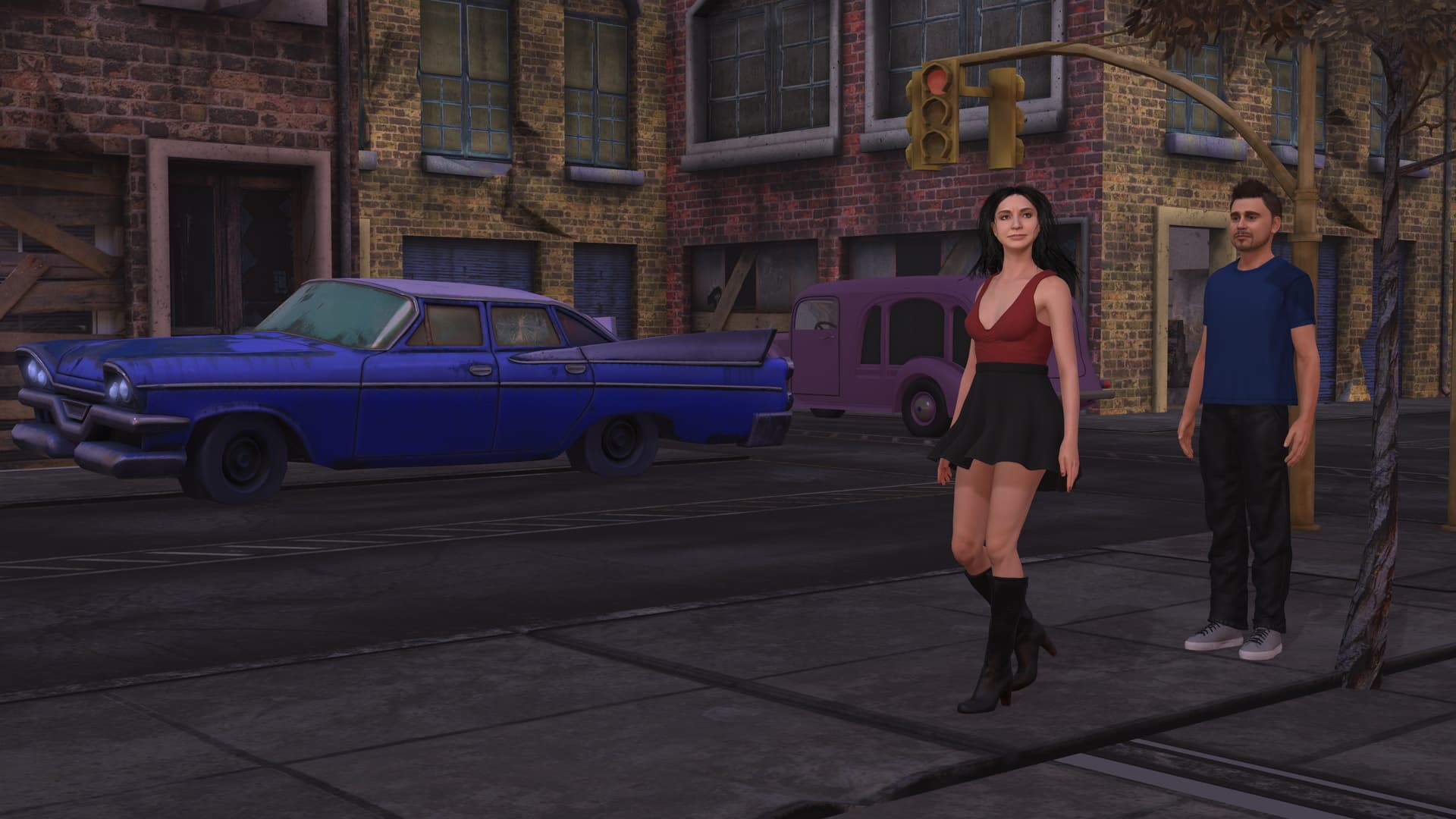
For this challenge, I started with an existing iClone scene that I modified a bit. There are two characters: a young woman called Sophia and a young man called Lheandor. The environment is that of a derelict part of town. (I have a lot of legacy content that is still usable.)

This is the initial scene:

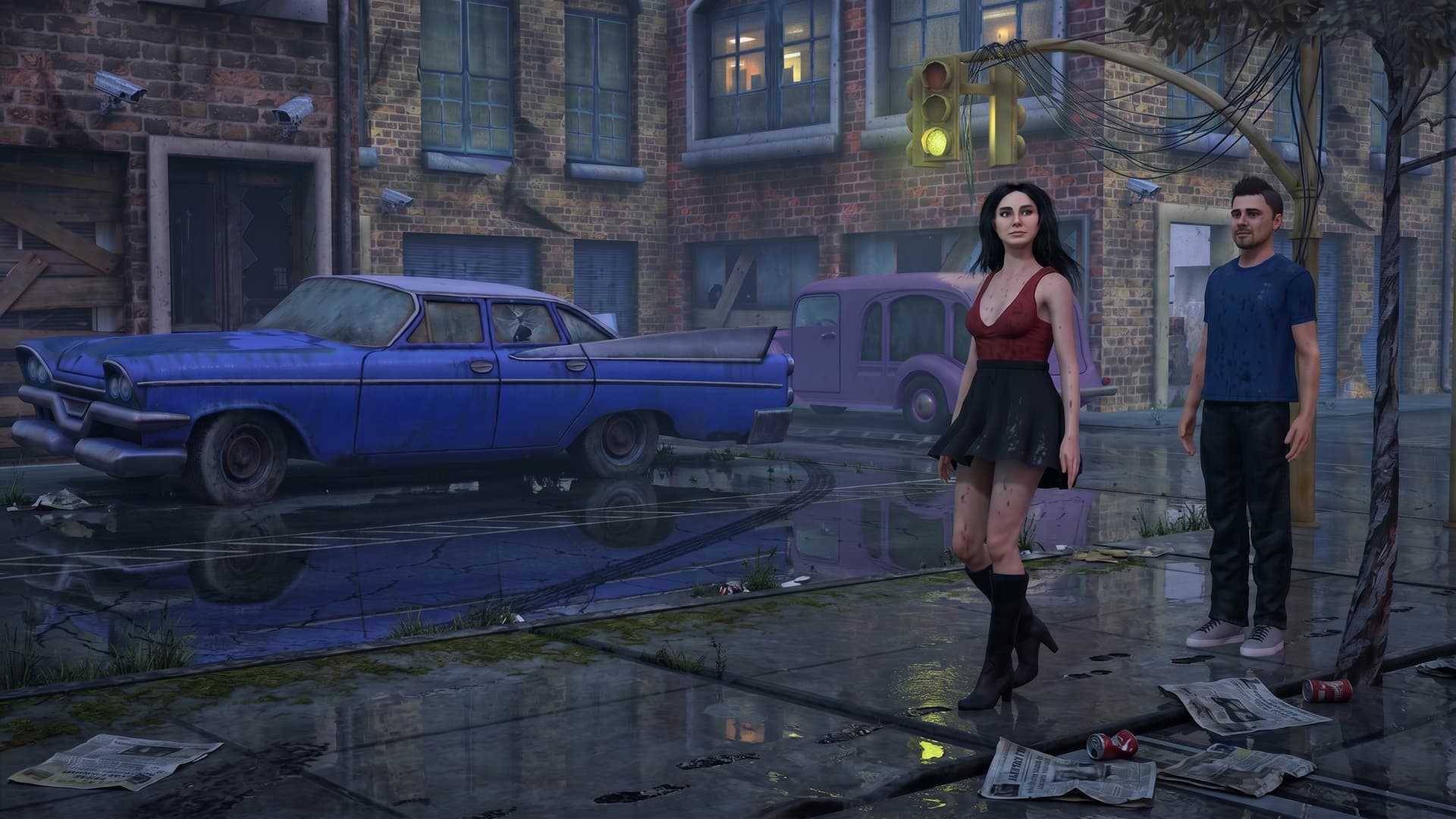
I then used Nano Banana 2 to create a first frame with the look I that wanted:

I used a prompt as follows: “Render in realistic style. This is an urban setting in the evening. There is a slight distopian atmosphere. Add some wetness on the street and pavement as from recent rain.”

The reason why I use Nano Banana 2 (a successor of Nano Banana Pro) is that I have a paid service where I can use it for free, so that saves credits.

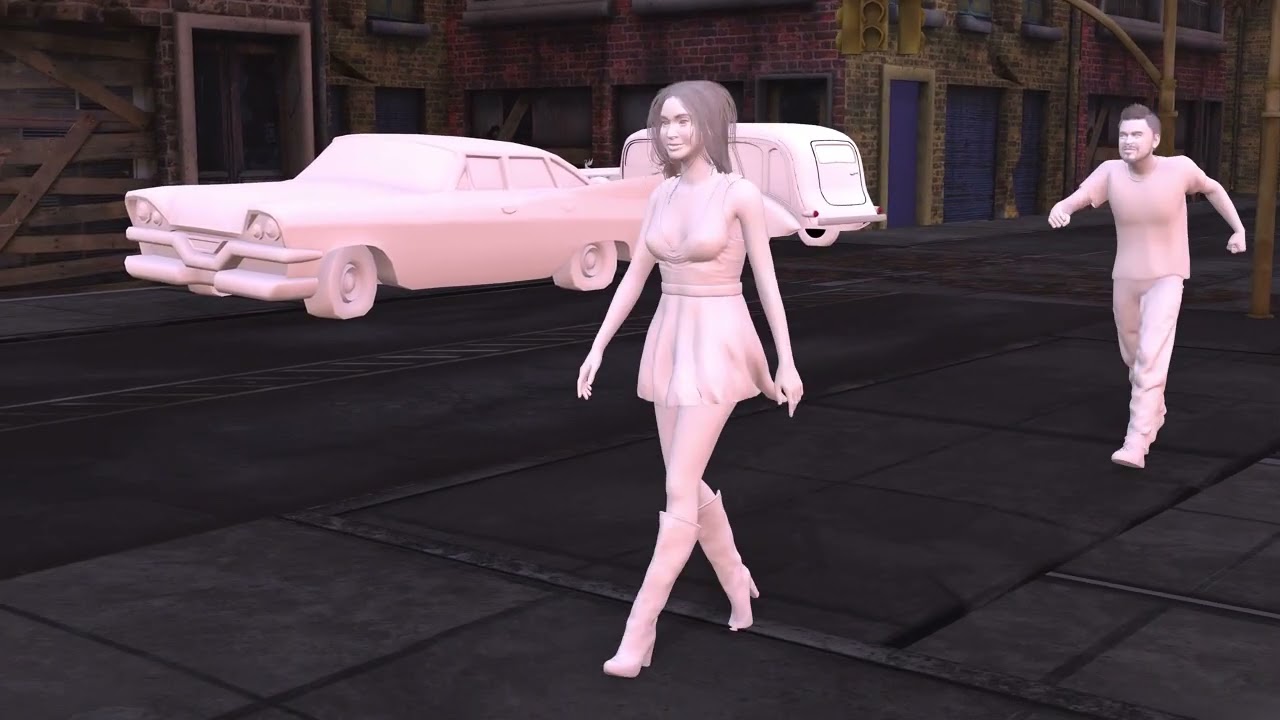
The next step is to create an animation for the scene. I used various motion clips and I applied physics to the hair and the skirt of Sophia. I also added some expressions. As mentioned in the manual it is recommended to render the animation in neutral tones which allows for changing the clothing if needed. I found that I needed the texturing for the environment so that the AI didn’t have to invent what it looked like with camera movement.

Here is the reference video:

I included camera movement and instructed in the prompt to adhere to that, but we will see what happened. I was interested to know if I could include dialog, so I studied Seedance 2.0 prompting. You can add dialog (as script), so that is what I did. The resulting prompt is quite eleborate:

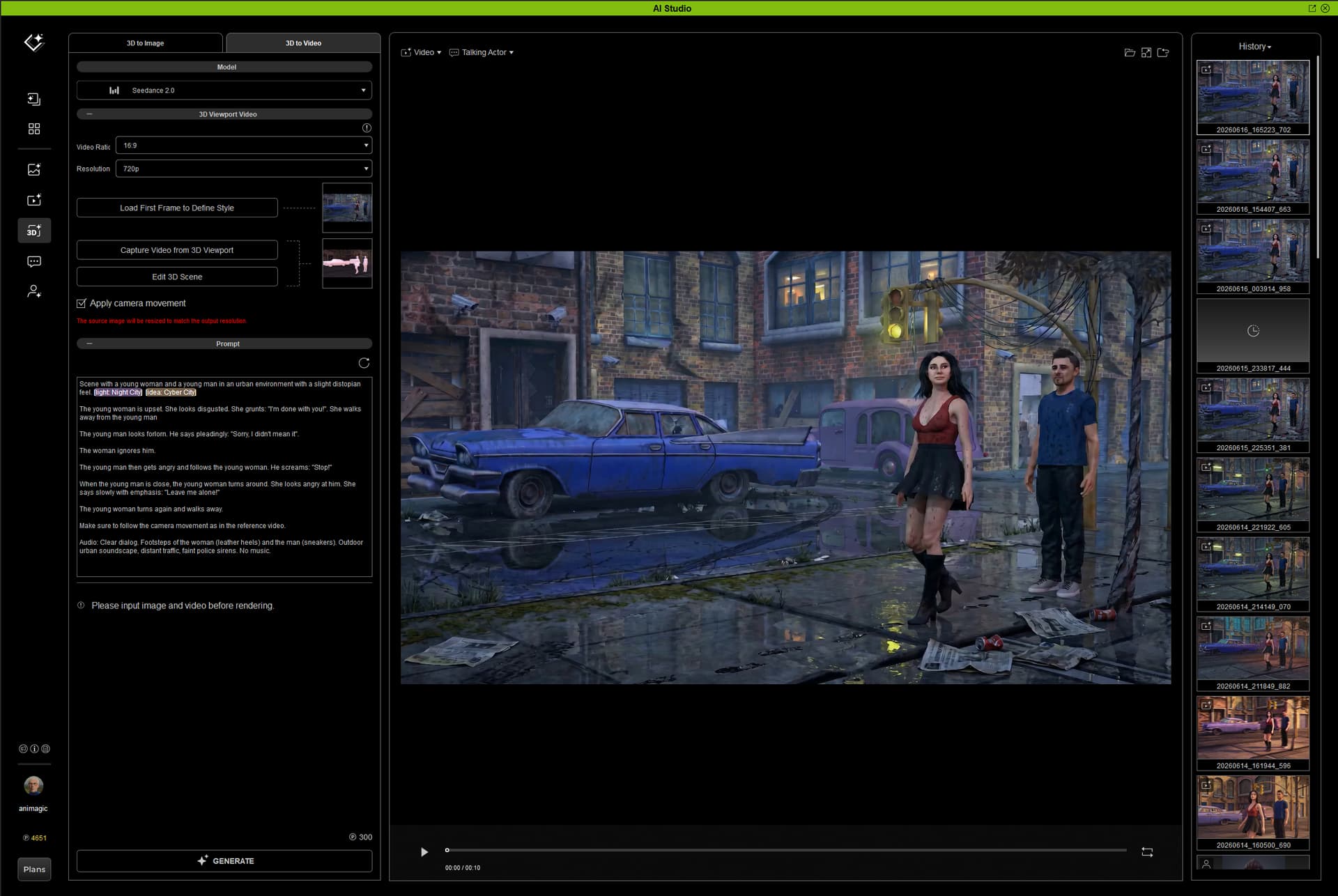
Scene with a young woman and a young man in an urban environment with a slight distopian feel. [light: Night City] [idea: Cyber City]

The young woman is upset. She looks disgusted. She grunts: “I’m done with you!”. She walks away from the young man.

The young man looks forlorn. He says pleadingly: “Sorry, I didn’t mean it”.

The woman ignores him.

The young man then gets angry and follows the young woman. He screams: “Stop!”

When the young man is close, the young woman turns around. She looks angry at him. She says slowly with emphasis: “Leave me alone!”

The young woman turns again and walks away.

Make sure to follow the camera movement as in the reference video.

Audio: Clear dialog. Footsteps of the woman (leather heels) and the man (sneakers). Outdoor urban soundscape, distant traffic, faint police sirens. No music.

Here is a screenshot of the AI Studio setup:

Seedance 2.0 generates native audio (which is one of its strengths), so there is a section in the prompt to specify that. It is important to add “No music”, otherwise it will add music, which may not be what you want.

I rendered in 720p, and then I used a program called Upscayl to upscale to 4k. It uses AI, but you can run it locally, saving credits. It is also quite fast.

Finally, I used Krotos Studio Pro to create additional background sound. Krotos analyzes the video and then generates a sound track with separate stems based on that.

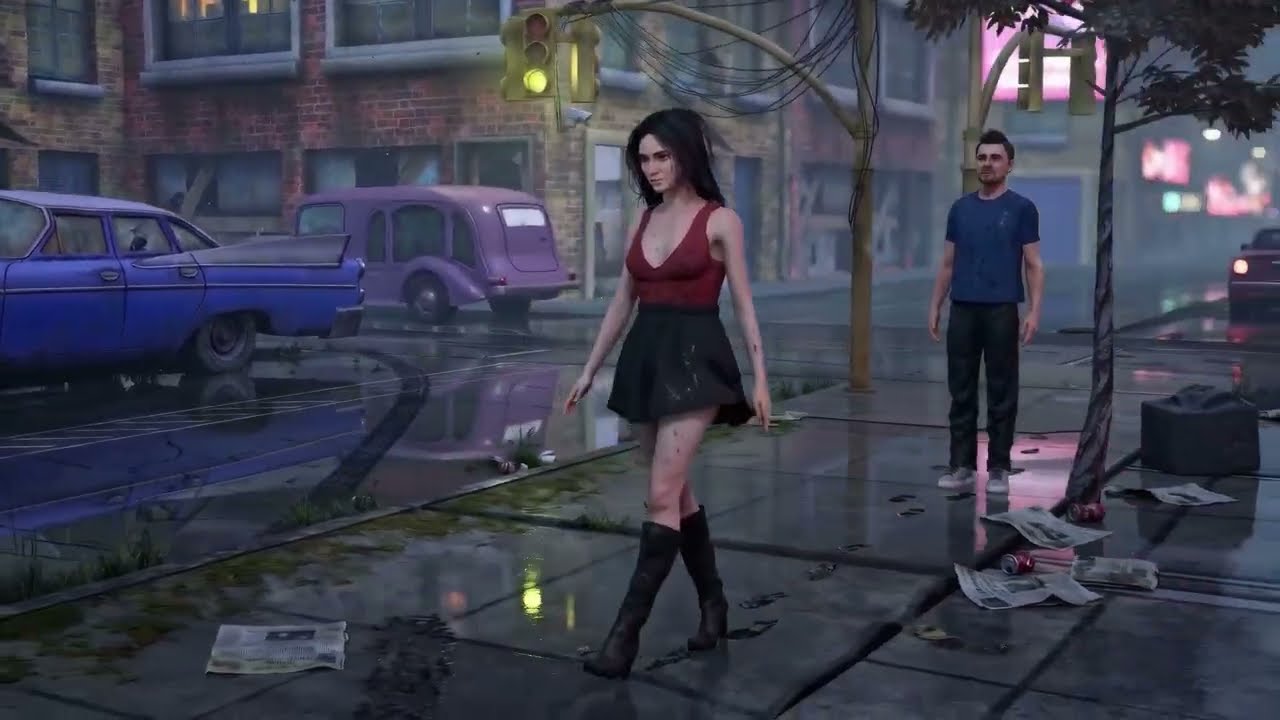
Here is the final result:

You can see that Seedance became creative with the camera movement, but I really like what it did.

1 Like

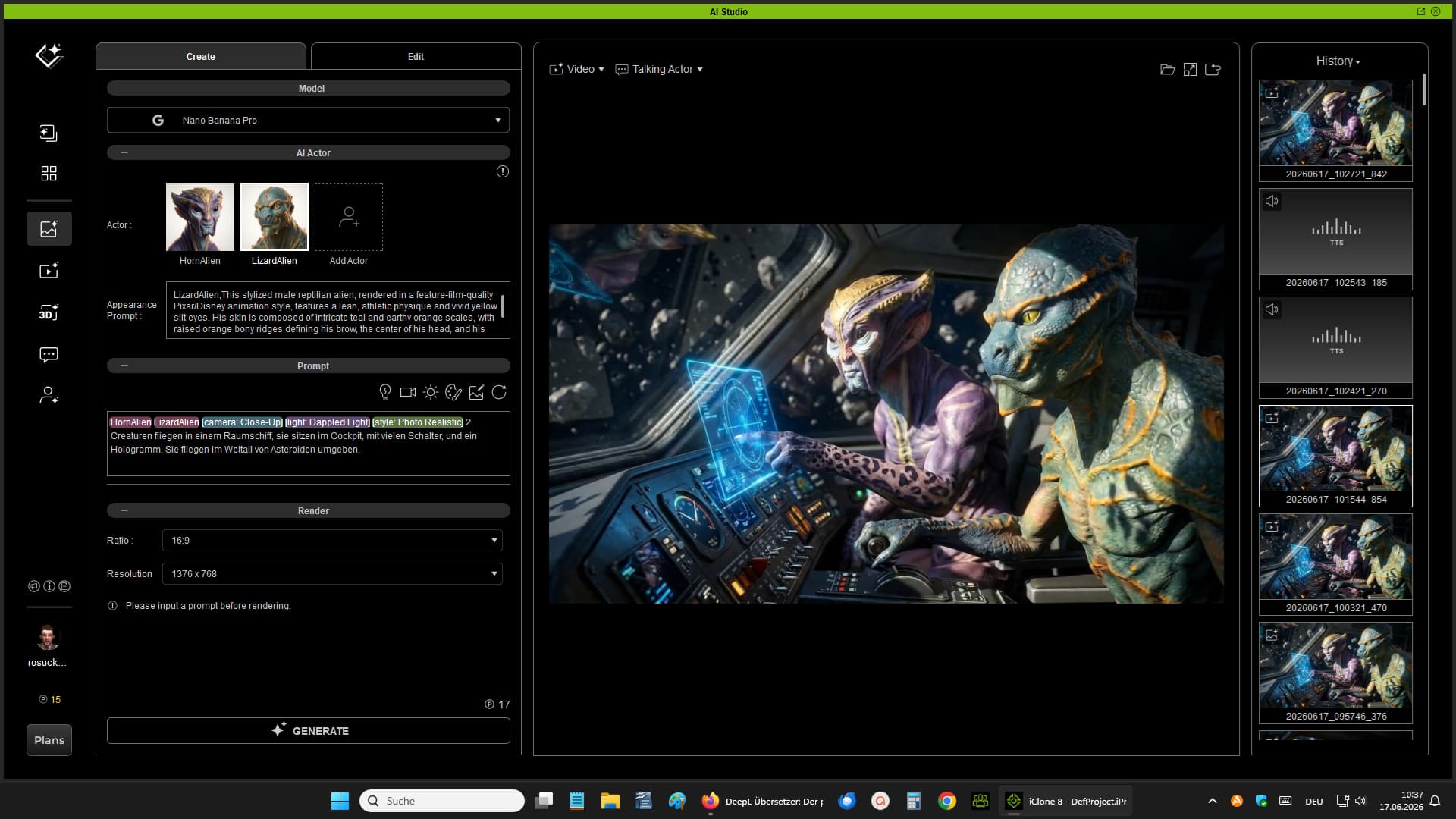
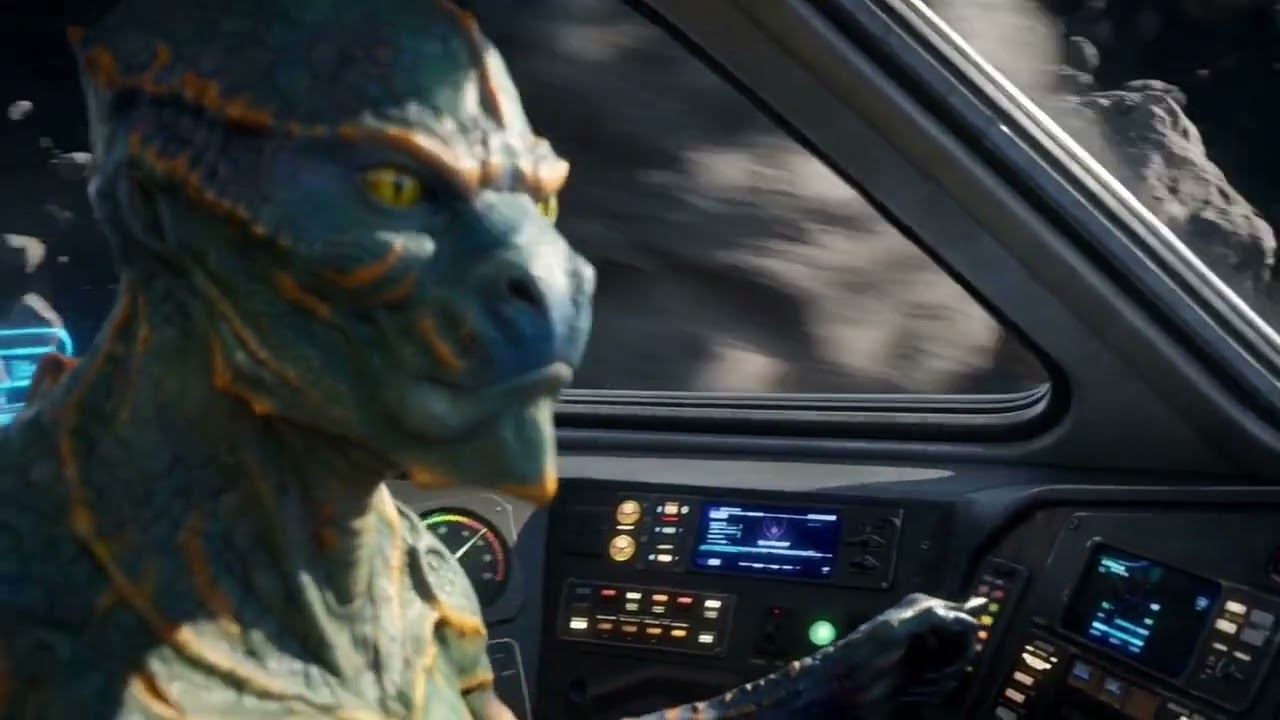
I used two pre-made avatars: Horn Alien and LizardAlien.
Then I rendered an image using Nano Banana.
Camera: Close-up; Lighting: Dappled Light; and Photo Realistic

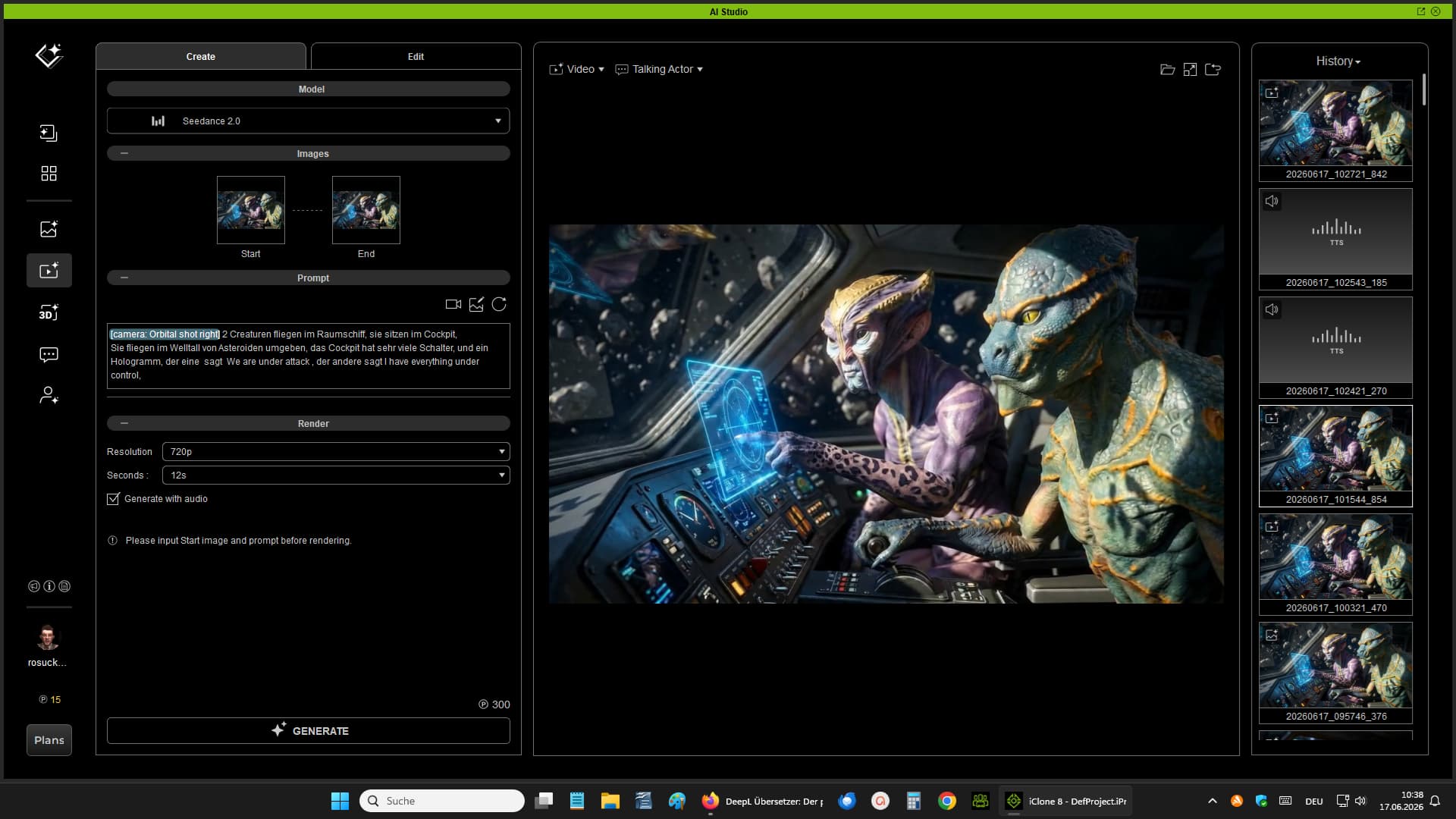
Then I used Seedance 2.0,
with the “Camera Orbital Shot Right” setting. I rendered it with audio, and I wrote the dialogue into the prompt.
It’s just a short dialogue.

That’s the result.
Greetings Robert

1 Like

AIstudio

SourceVideo

I ultimately used Seedance2.
I tried other models, but they didn’t match the 3D scene.