Hello everyone,
I’ve noticed my characters look fantastic and high-end inside Character Creator. However, as soon as I send them to iClone, they lose their “punch.” They appear duller, flatter, and generally less polished.
I understand that while they belong to the same ecosystem, they don’t share the exact same viewport settings, and the default lighting setups differ significantly between the two programs.
1- Is it just the lighting? Is the difference purely a matter of Lightroom presets and Atmosphere settings, or are there underlying shader/render engine differences I should be aware of?
2- Is there a specific guide, manual, or community preset that allows iClone’s viewport to replicate the exact visual quality (lighting, shadows, AO) of the CC4/CC5 default stage?
3. If I animate a character in iClone and then export it to Unity, will the final visual result be identical to a direct export from Character Creator to Unity? Or does the “duller” look in iClone carry over to the FBX/Game Engine?
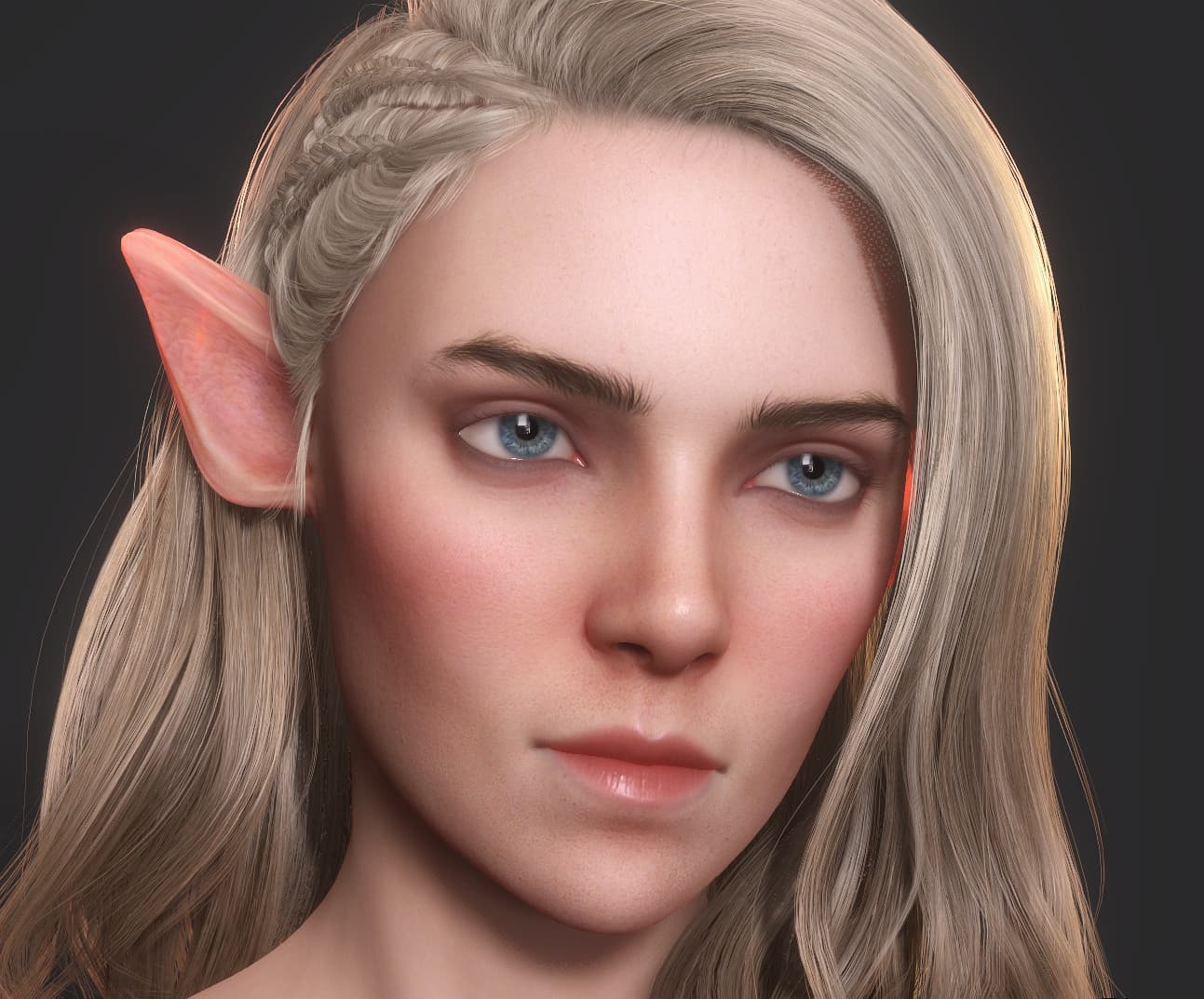
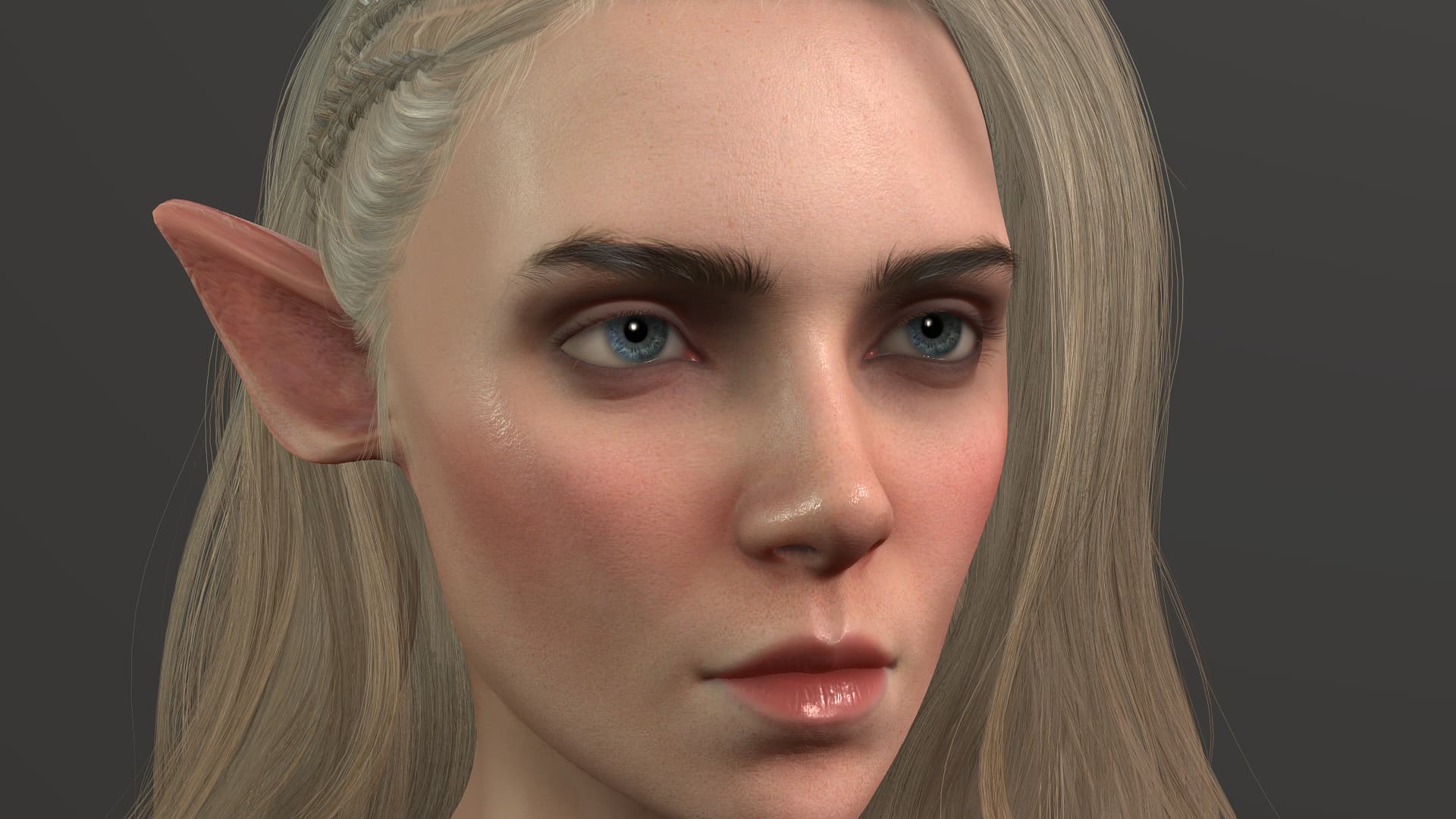
Thanks in advance for your help!