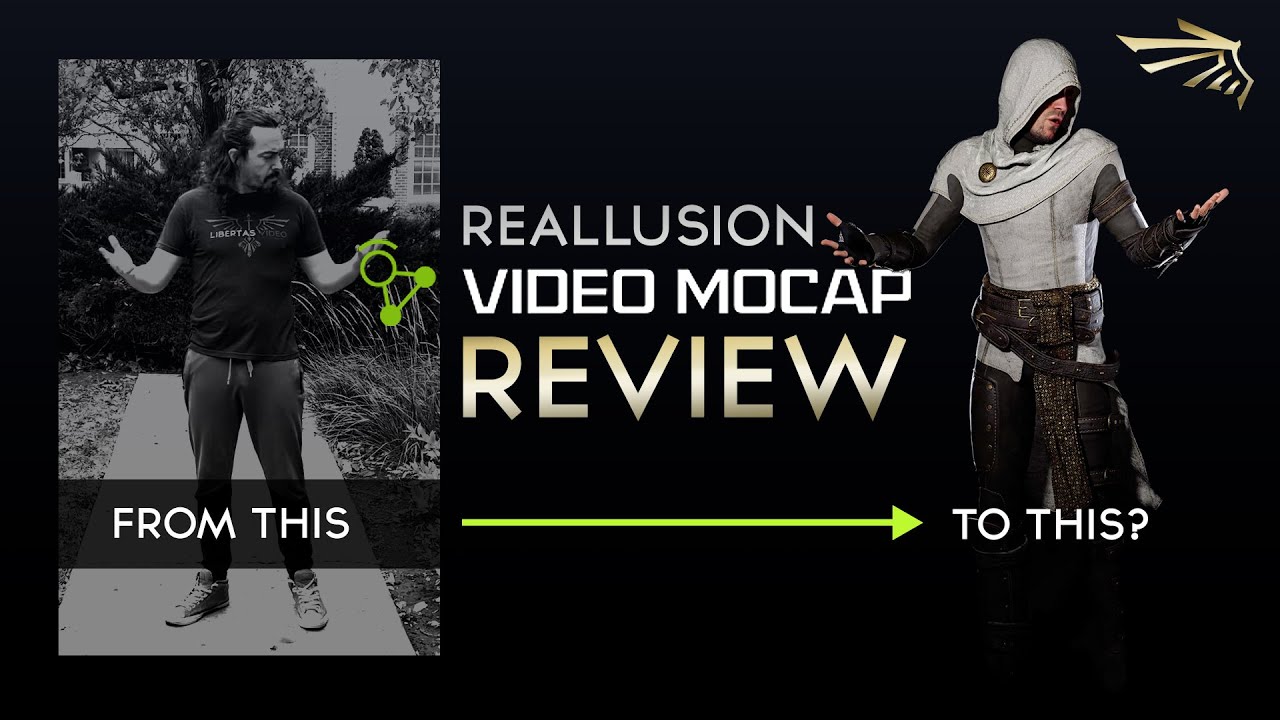
2026 marks a new chapter for Reallusion, and we want to celebrate it with everyone from the very beginning. That’s why we’re opening extended access to Video Mocap—so you can kick off 2026 with an abundance of fresh, new motions for your characters and projects.
Did you figure out how to cancel a stuck task? I’ve been stuck “generating” for a few hours. I’ve even rebooted and when I open the video mocap plugin, it’s still stuck. I canh’t find a way to cancel it or start a new task.
Due to high task traffic, some users are seeing longer processing queues. We’re extending the usage window for all free generations that were already redeemed during the event by 2 more days. Ends:Feb 1, 23:59 (UTC+0).
Hi, this is Joy from Reallusion. Sorry for the frustration you’ve experienced.
Due to high traffic, processing may take longer than usual. Here are some quick tips and system details:
Faster Tips: We recommend submitting 5 or fewer tasks at a time. This allows you to continue editing new videos or refining motions in iClone while they process, then smoothly move to the next batch.
Auto-Reset: If there’s no status update for 30+ mins, the system will auto-refund and reset the task so you can resubmit.
System Design: Manual cancellation isn’t supported yet, but our team is actively optimizing the submission flow.
If your task remains stuck for over 30 minutes: Please contact our support and provide the zipped log folder: %AppData%\Local\Reallusion\VideoMocap\logs