I bought a Dell Tower Plus EBT 2250 with Intel Ultra-9 285 CPU plus Nvidia 5070 card. I installed Nvidia App including the most recent driver & then iClone.
I had BIG problem running iClone 8 (V8.6.5 & 8.6.3). I loaded ‘Wall_001’ which is a simple prop with default straw color. When I try to load a diffuse (pure color in png file) map, iClone 8 becomes non-responsive or it takes a minute or 2 to change color, then it becomes non-responsive.
I had always cleared the TEMP folder and rebooted (which Reallusion Support always askes you to do), but no luck. I also un-installs/re-install several times, but no luck to make it work.
I suspect iClone is a 32 bit app, and Ultra is a very modern CPU (it is very small) primarily built for 64bit App. Though it has backward competility with 32 bit, but it really depends on how good it is in the backward mode. Also the C++ re-distribution thing is also worrying me!
I create a ticket (attaching my diadiag.txt) and hope Reallusion Support can solve that. Otherwise I have to send it back to Amazon.
Hi…
iClone 8 and Character Creator 5 are both 64bit applications. The 32bit versions were discontinued a long time ago so that isn’t the problem.
[Edited to remove some outdated information]
To my understanding modern Windows ignores the settings in the Nvidia Control panel. Instead you need to open the Windows settings and navigate to System > Display > Graphics Settings and add iClone there to the list and select the RTX GPU.
This video shows this step-by-step. The relevant information begin at 2m10s.

I did follow your instruction, but I could not locate Select Graphic Processor Section
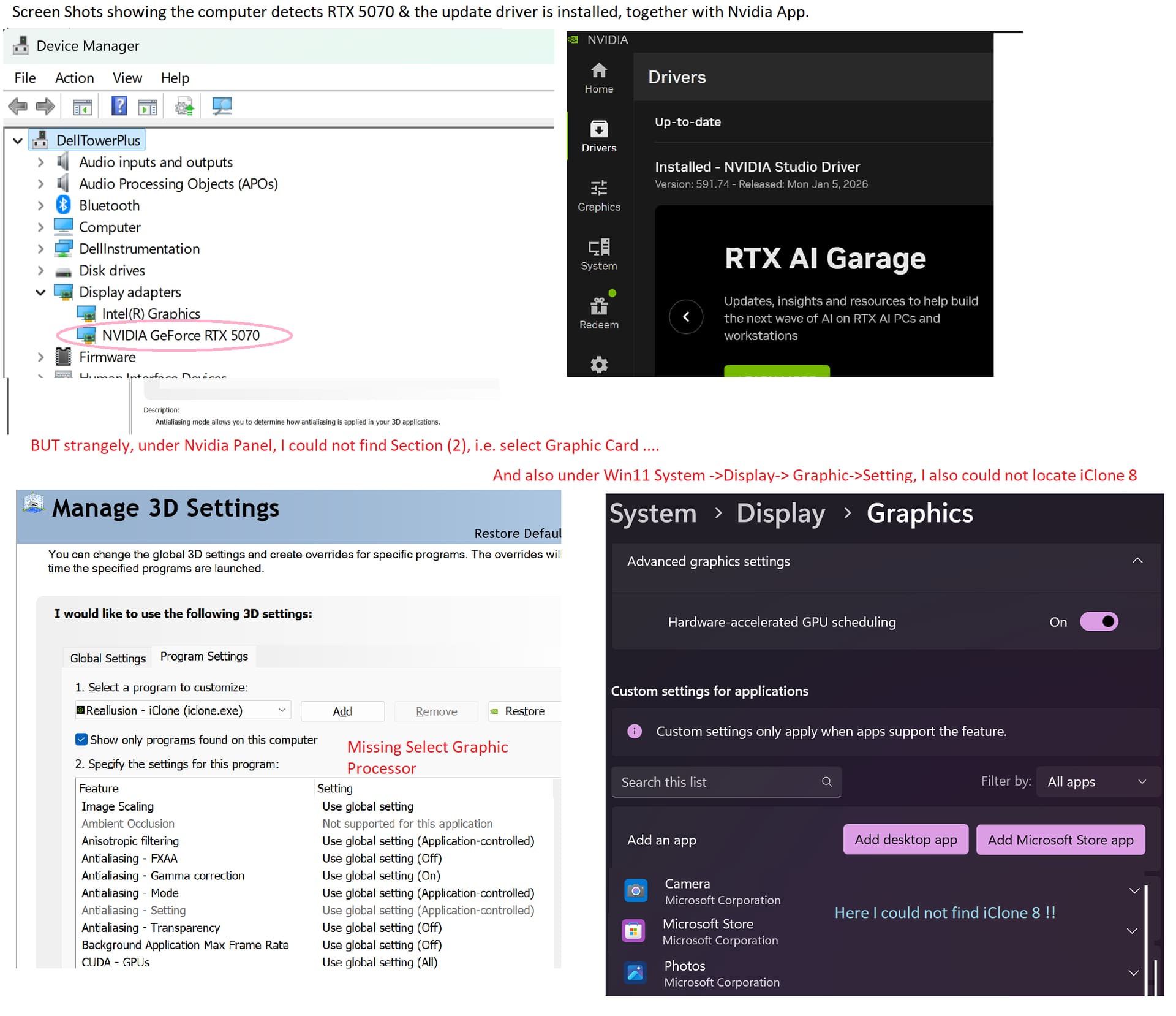
I do not know whether the upload of the screen shot is successful!
Like shown in the YouTube video, you must manually add the iClone exe as a desktop app to the list of apps in the Windows graphics settings, otherwise it’s not listed there.
I followed the VIDEO & successfully add iClone 8 & 7 into App’s list and choose NVIDIA graphic processor. But this does not help much to the problem. I am trying to attach a VIDEO showing iClone 7 can do the job & iClone 8 cannot. Furthermore, it must be noted that when I apply iMTL and jpeg files from ‘Total Material’ Packages, it works. The following is the link to the said
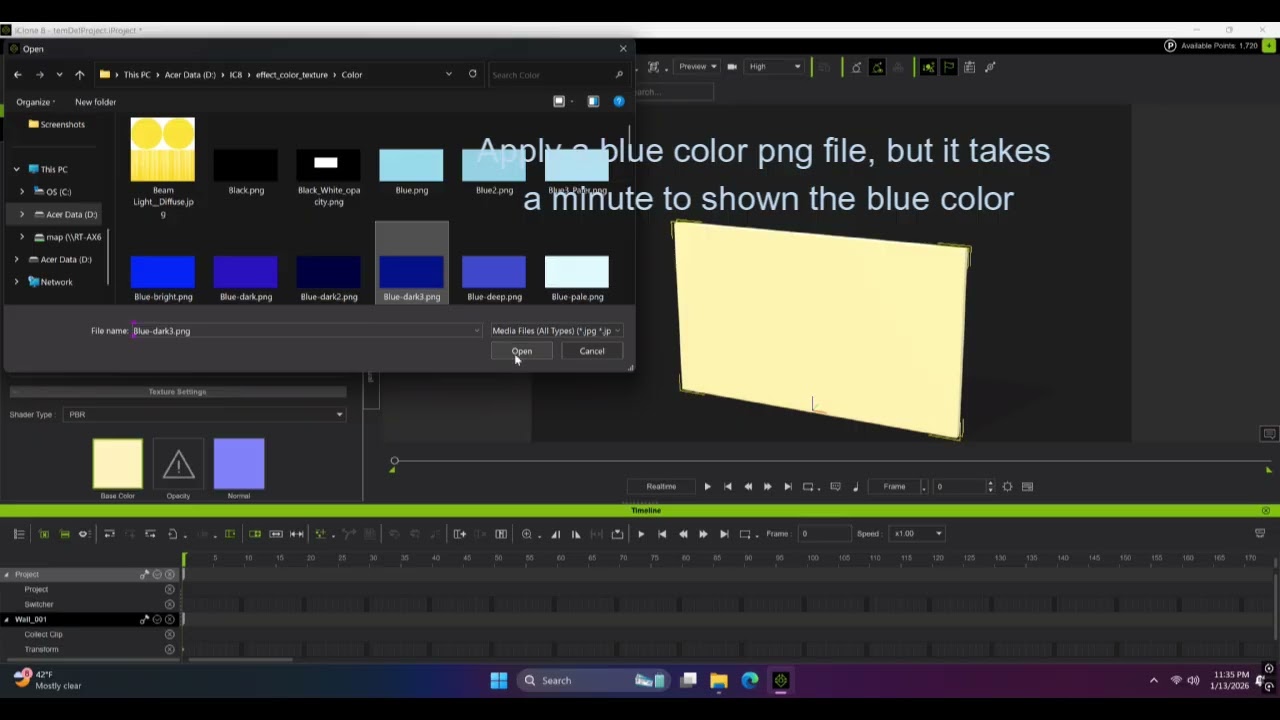
I finally decode to return the computer as I could not afford time to try & error debug. I gaVe the diagnostic file of the system as well as the crash dump file to Reallusion for their reference to inVestigate