Greetings,
I am using Marvellous Designer to add clothing to my CC5 Characters.
My current workflow is to export the CC5 Character using export FBX (selected) with U5 Skeleton as the target export setting.
I then import the character into MD and use create avatar & maintain rig so that I can simulate and drape clothes on the A-Pose.
When I import the character .FBX to Blender & then import my clothes from MD the meshes align and there is no issue with the fit.
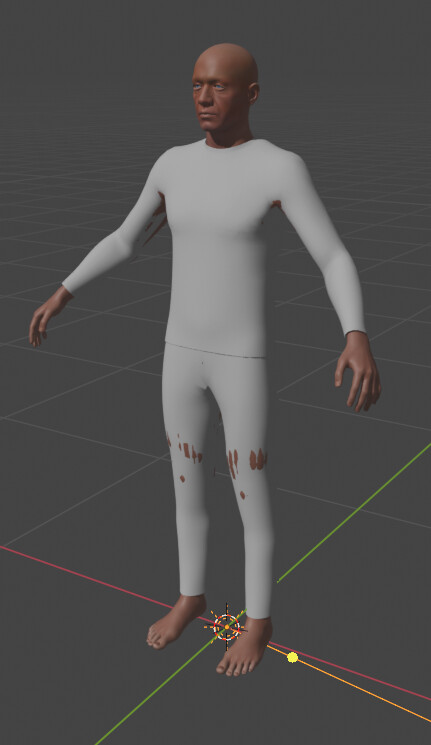
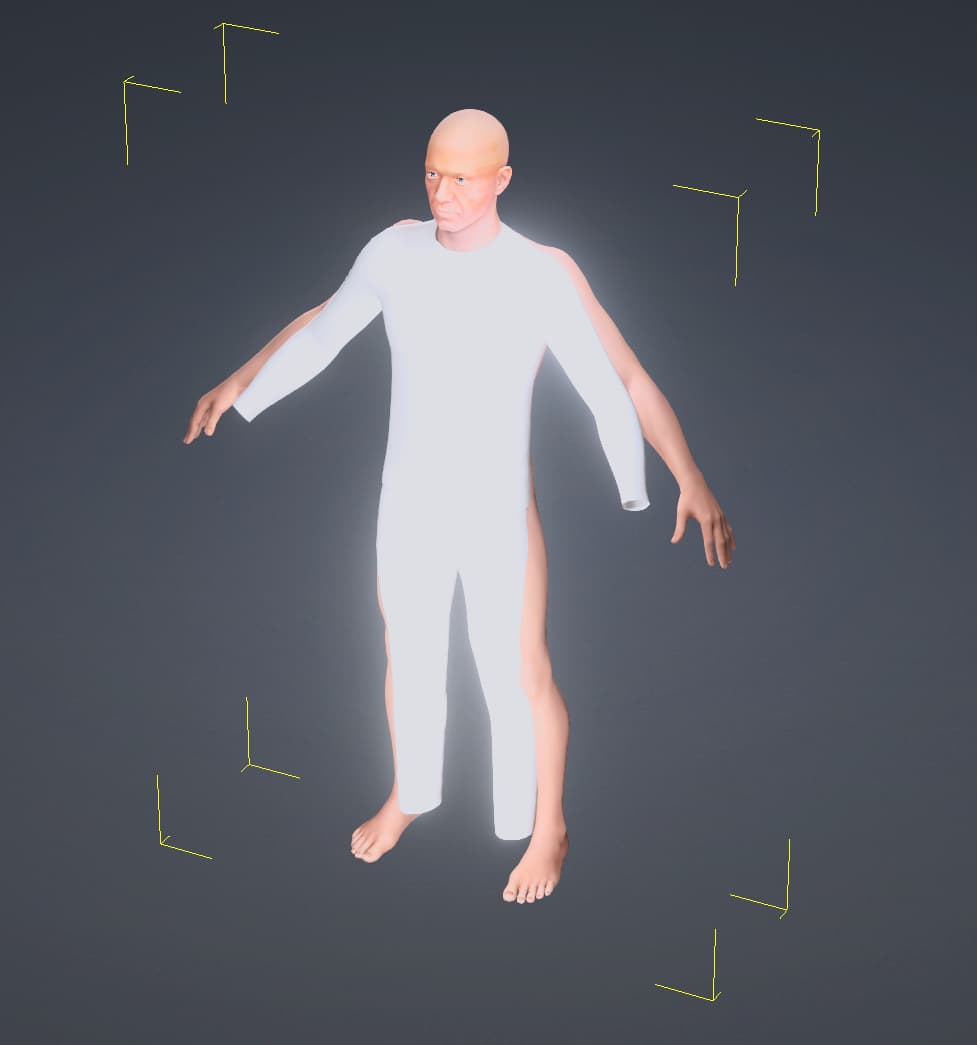
However, when I try to then create accessories in CC5 I am noticing a discrepancy in the A-Pose applied in CC5.
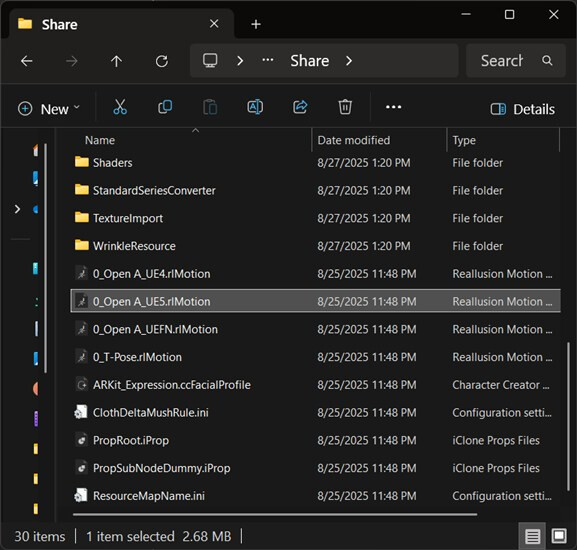
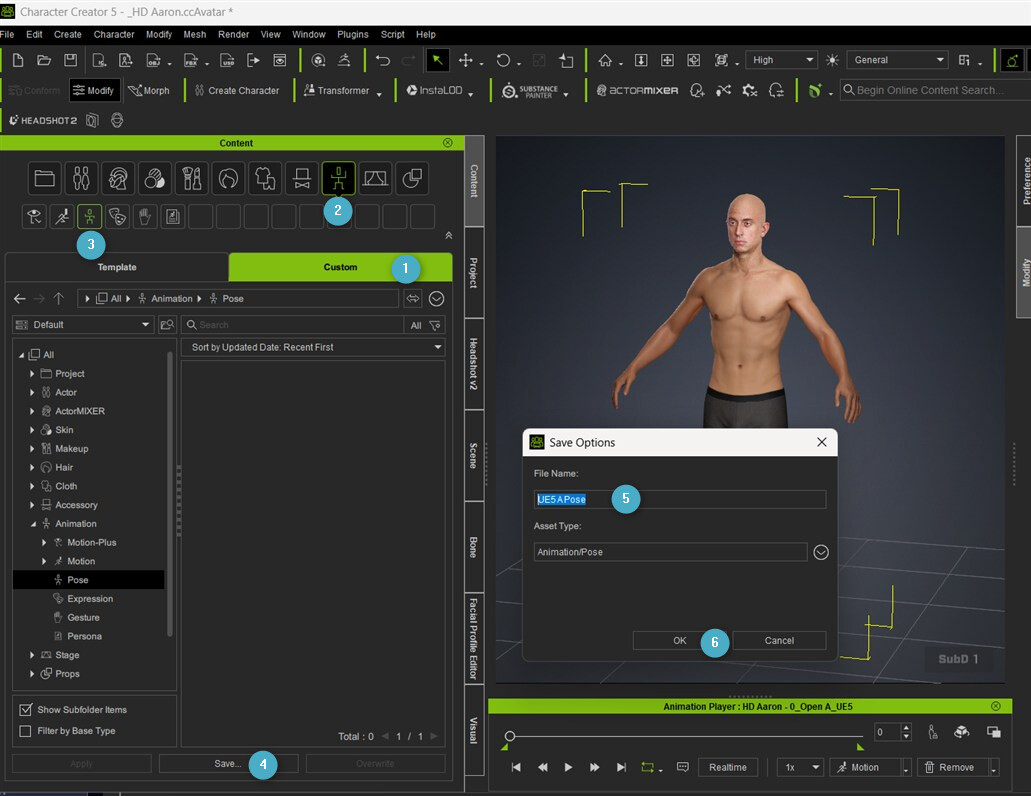
In the pose library within CC5 there are options for a UE4 open arm a pose but no preset for UE5.
If I apply the standard A-Pose in CC5 there is a difference between the A-Poses.
I am able to transfer skin weights and conform clothing by manually offsetting the pose. Then zeroing out changes.
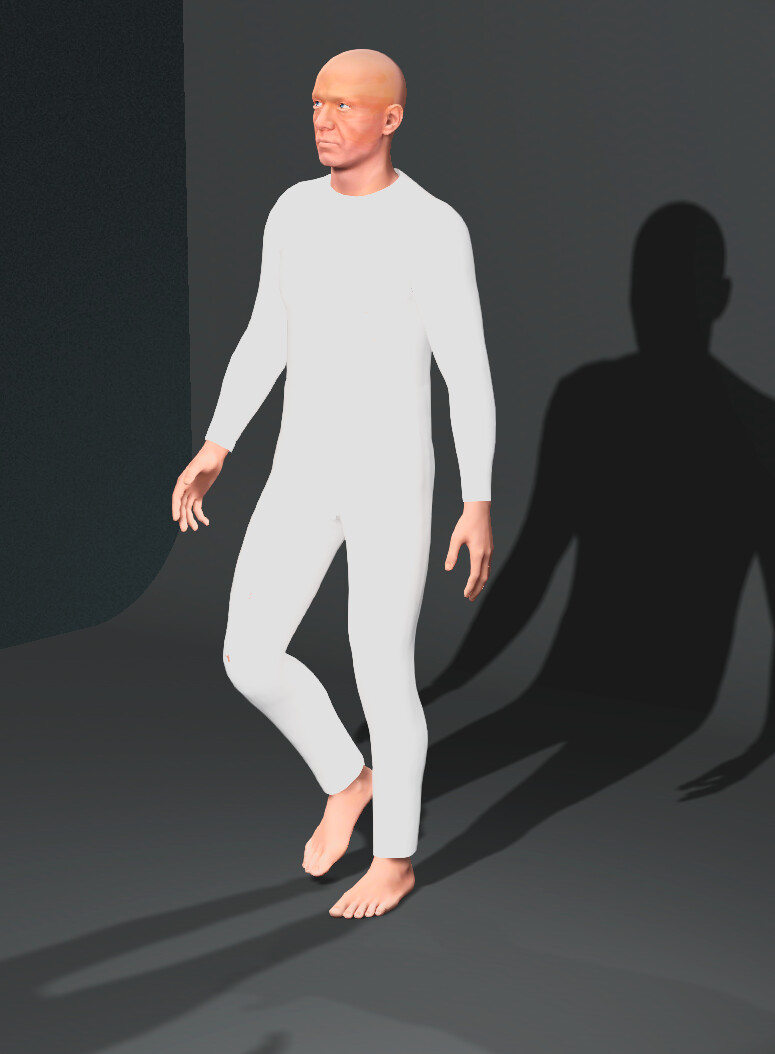
I am curious where in the process the A-Pose is being changed.
Can anybody advise on the best way to correctly transfer a CC5 character between MD, Blender & CC5?
Thank You