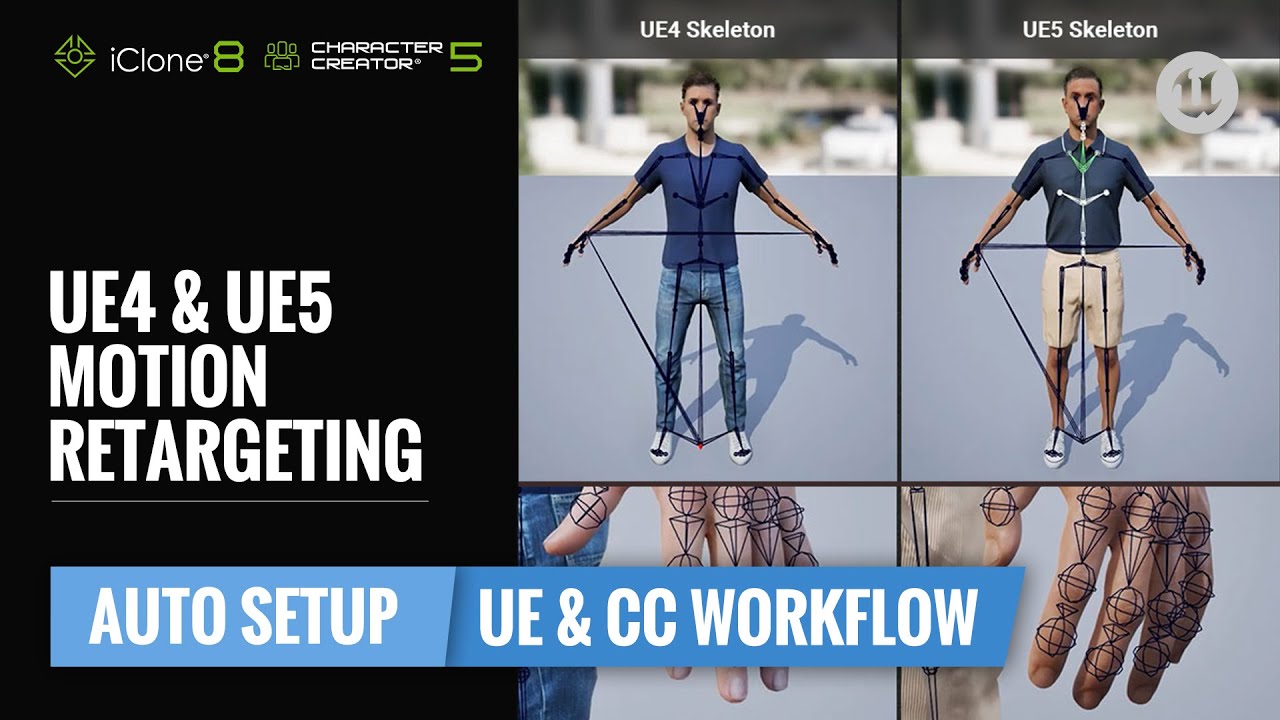
Once your characters are in Unreal, you can retarget motions across different skeletons. CC5 supports two major methods for this—based on whether the skeletons match or differ.
If you’re not sure how to export and import your character from CC5 for Unreal, check out the previous post here: [Export Guide →]
Retargeting Made Simple – No More Trial and Error
In the past, retargeting Unreal animations onto CC characters inside UE was a time-consuming and error-prone process. From mismatched skeletons to incorrect bone offsets, it was easy to get lost in the details.
With CC5 and Auto Setup for Unreal, we’re now introducing two simplified and reliable workflows to make animation retargeting much smoother and more accurate.
New update of UE auto setup
- Automatically generates the correct IK Rig and IK Retargeter assets for both UE4 and UE5 skeletons
- Auto-assigns the correct Retargeting Options for all bone chains — no manual editing needed
In addition, during export from CC5, you can now choose the right skeleton and bind pose (UE4, UE5, or UEFN) to match your Unreal target — ensuring perfect alignment from the start.
 For more on this, refer back to: [Exporting Characters from CC5 →]
 Method 1: Retarget Manager (Same Skeleton)
Use this recommended way if your CC character was exported with UE5 Skeleton, and you’re retargeting animations from UE5 Mannequin.
Steps:
- Open Retarget Manager in the Skeleton Viewport
- Add Skeleton → Select UE5 Mannequin
- Preview the new motions added via Preview Animation
- CC motions can also be retargeted to Unreal characters if skeletons match
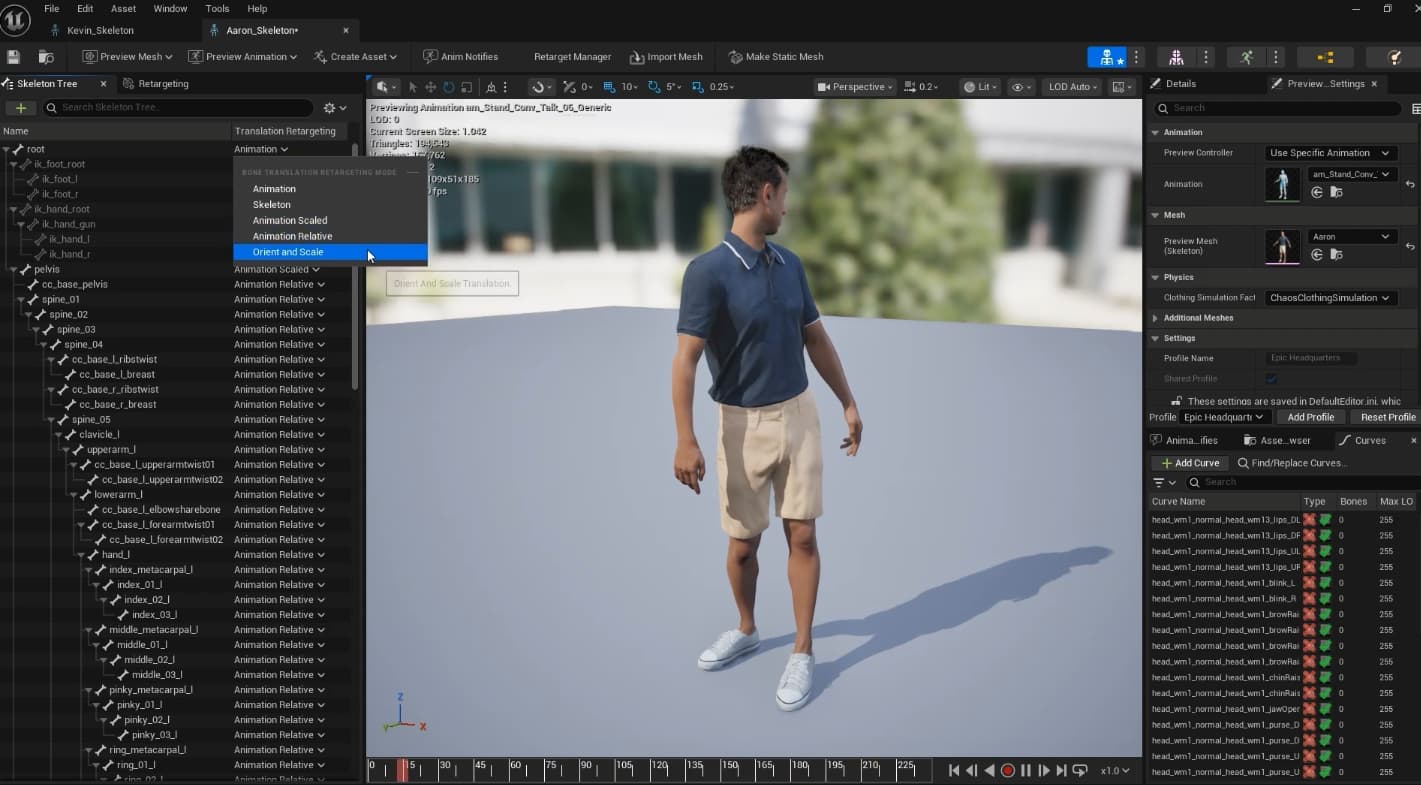
Auto Setup configures Retargeting Options automatically, so you don’t have to tweak bone settings manually.
Method 2: IK Retargeter (Different Skeletons)
Use this when exchanging animations between characters with different bones—like CC characters and MetaHumans.
Steps:
- Open the IK Retargeter
- Set Source and Target (e.g., MetaHuman → CC character, or vice versa)
- Load source animations from the Asset Browser
- Preview and export retargeted animations to bake results
Results may vary depending on the bind pose. Use the UE5 A-pose when targeting MetaHumans for best results.
How to Send CC Motions to Unreal Characters (e.g., MetaHuman)
Did you know CC motions can be used on MetaHumans and other UE characters?
Whether you’re using mocap or keyframe animation in CC, you can export and retarget motions into Unreal with minimal setup.
 Here’s How:
- In IK Retargeter, set Source = CC character, Target = MetaHuman
- Load your exported CC animations from the Asset Browser
- Preview results and Export Selected Animations to bake them to MetaHuman
- (Optional) Use Op Stack Panel to fine-tune offsets if needed