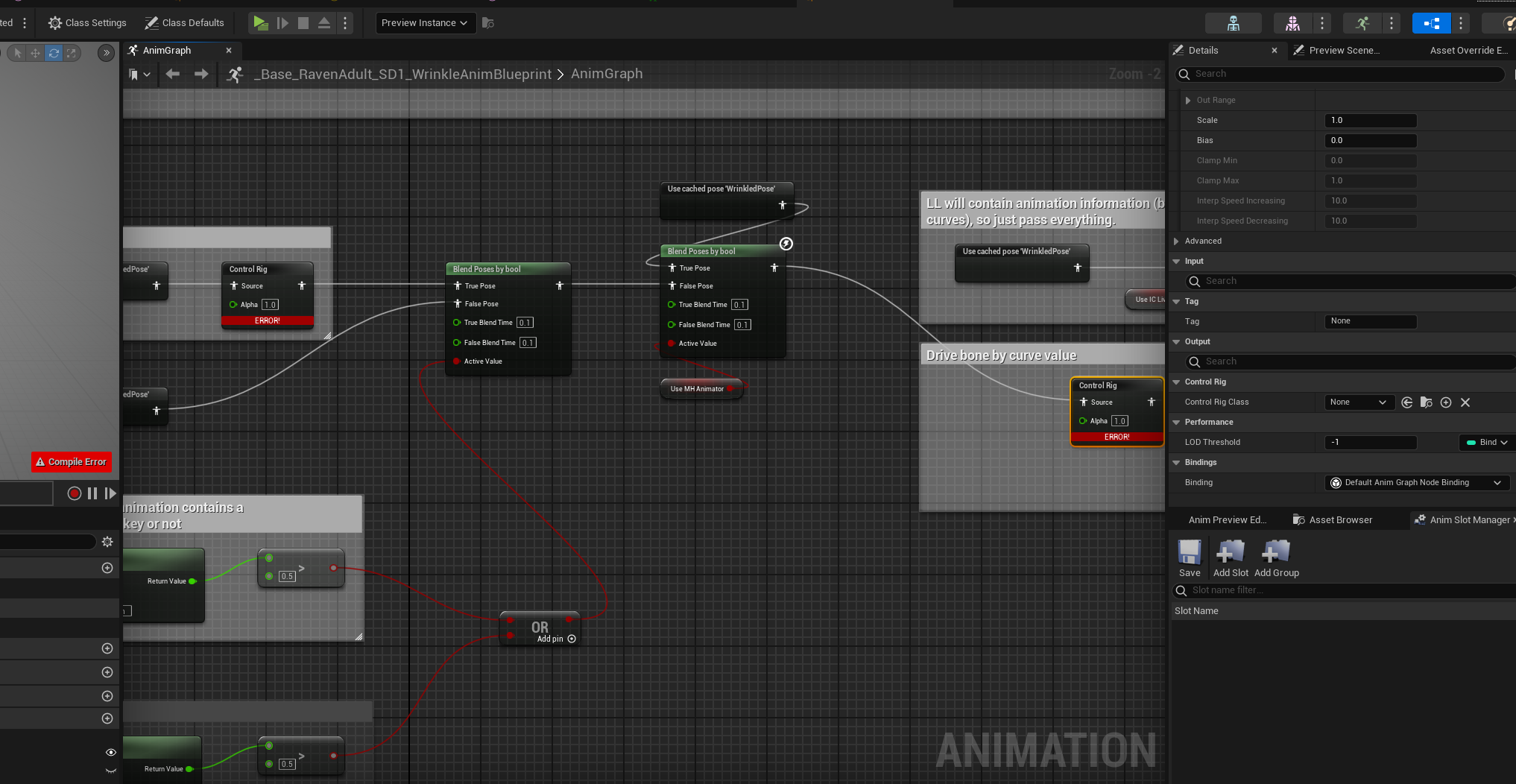
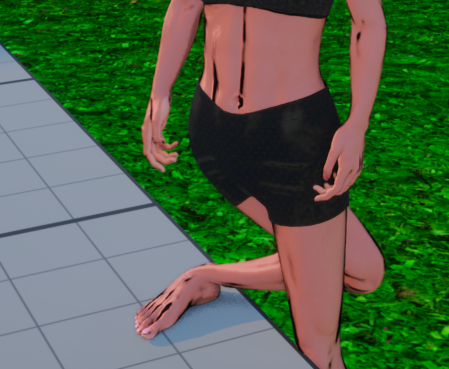
After exporting, your next step is to import everything correctly into Unreal Engine—especially if you want to preserve retargeting compatibility and shader fidelity.
If you’re not sure how to export your character from CC5 for Unreal, check out the previous post here.
 What You’ll Need:
- Unreal Engine 5.4 - 5.6 or later
- Reallusion Auto Setup for Unreal (make sure it’s installed) Download here
 Auto Setup automatically applies the correct materials and rigs. No manual shader setup required.
 Import Steps:
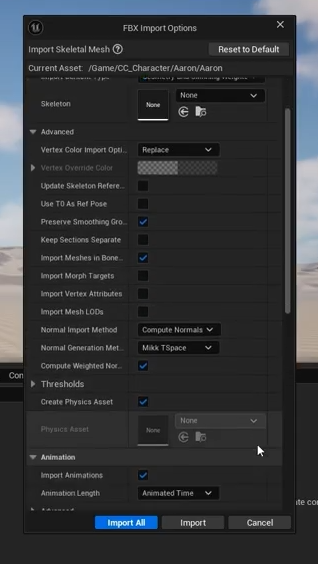
-
Create a new folder for your character
-
Right-click > Import
-
Select HQ Shader
-
Uncheck “Use T0 As Ref Pose” → Unlike previous workflows where this was required, leaving it unchecked now can cut your import time in half
-
Uncheck “Import Morph Targets” (unless editing expressions)
-
Check “Import Animations” (if motions are included)
-
Click “import”
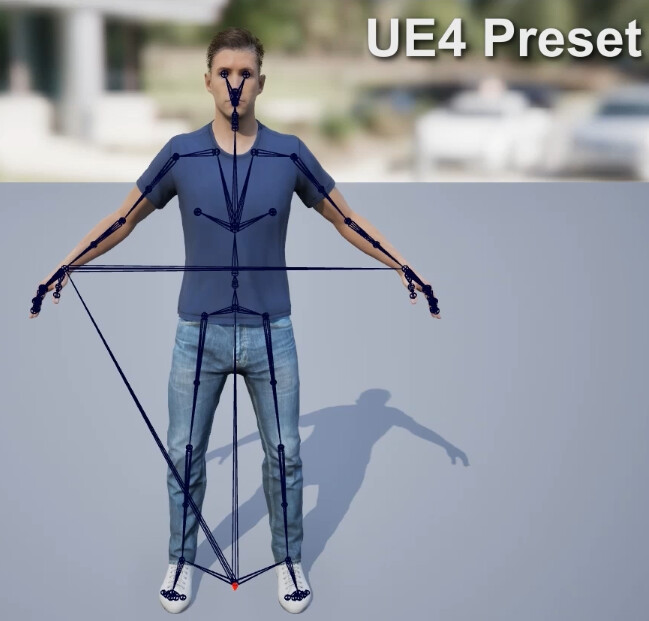
For UE4 Skeleton characters (like Kevin), use the UE4 preset and skip animations if not included.
 Compare these two characters:
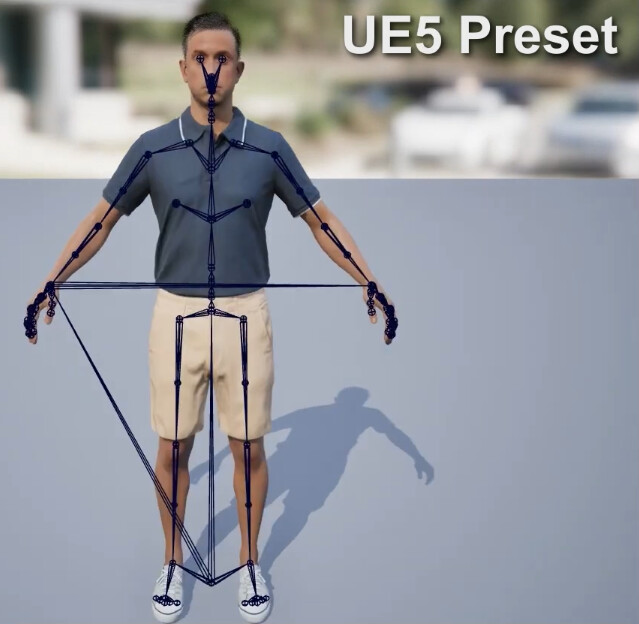
Preview Imported Motions Directly
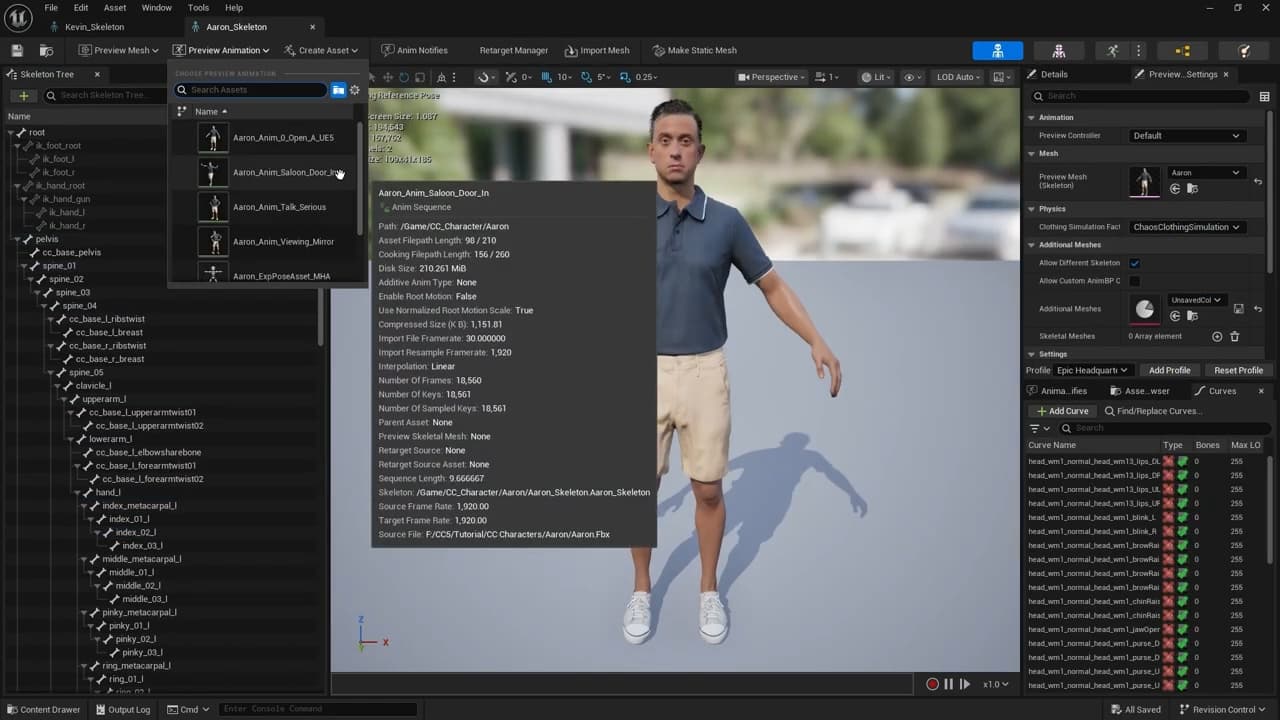
After import, open the Preview Animation dropdown in the Skeletal Mesh viewport to instantly test the CC motions you exported.
This lets you quickly verify bone compatibility, motion quality, and bind pose alignment before retargeting or animating further.
Want to learn how to retarget Unreal motions onto your CC character? Don’t miss the next post: [Retargeting Tutorial →]