the iClone tagline is: Dramatically simplify Character animation …
but, is that true?
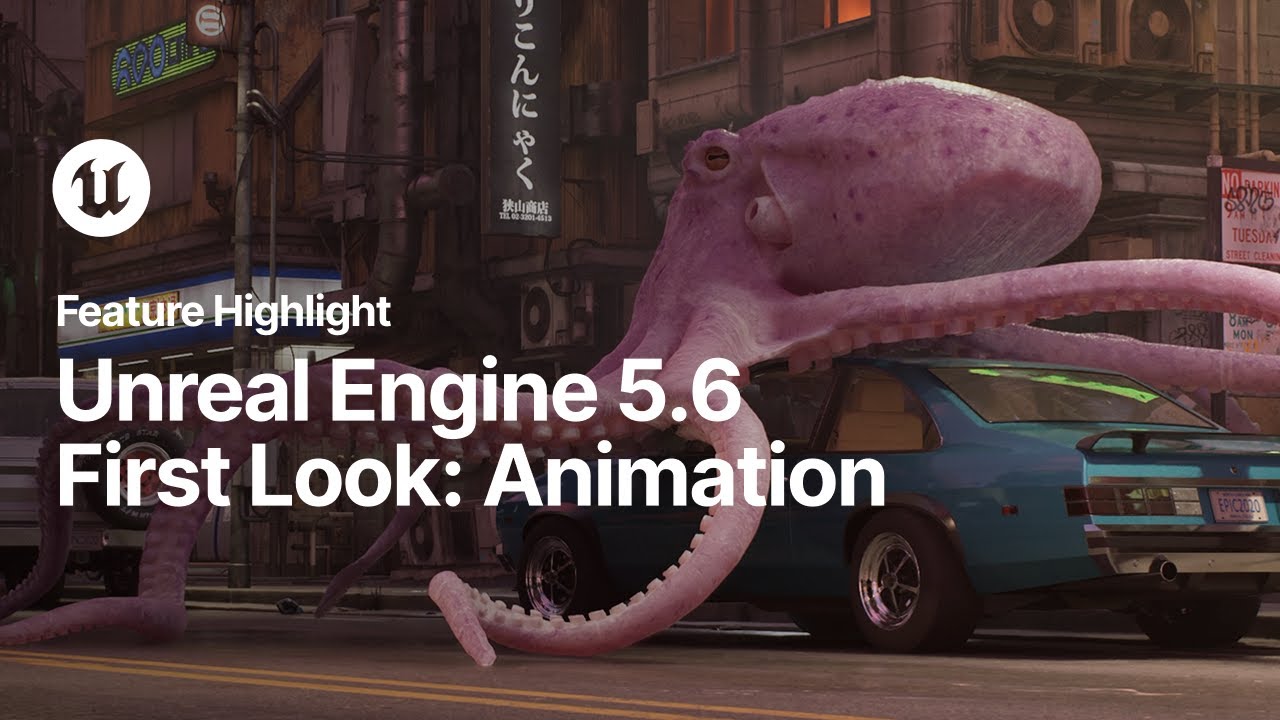
you PAID for an character animation software called iClone which is non squash-stretch and limited rigging system with no any geo deformers vs FREE UE5.6 that is an game engine with advanced industry standards animation tools and workflows!!?
this is ridiculous 
just watch these:
And your point? You don’t have to use iClone/CC if you don’t want to. UE being free is of course an illusion because somebody else pays for it. No company can survive without revenue.
1 Like
UE5 is good for animated films if you have the hardware and the time to learn “blueprints” and all of that.
But times are changing rapidly.
I created these “animations” with a FREE Samsung Galaxy Smart phone app with only still images to start
Not “perfect” yet.
But clearly the days of single individuals (and perhaps small studios) ,having to invest time and money in cumbersome multi-software/hardware ecosystems is rapidly coming to a close and at the age of 62, I am all for it. 
In that case, Blender can do that as well plus a lot more. Do what’s best for you.
iClone’s main strength is the plug and play. It’s a lot more easier to follow than relying on unreal engine and you can create a good pipeline for production using the two together.
1 Like
I swear by Unreal Engine, but I have also purchased every iteration of Character Creator and iClone since CC3 and iC7, because for my particular workflow I swear by the Reallusion software as well. Why? Because the tools make the job infinitely easier ONCE YOU KNOW HOW TO USE THEM and they elevate my work superbly when used in conjunction. Character Creator and iClone serve an invaluable purpose, just like Blender does, just like Cinema 4D does and just like Unreal Engine does. So making it seem as though one is better than the other in an absolute sense of the word, when they are meant to compliment each other, is extremely misleading and a misguided take at best. It’s a shoddy carpenter that blames his tools.
2 Likes
First off, I’ve got nothing against CC — it’s honestly an amazing piece of software with a solid pipeline, especially when paired with ZBrush.
But when it comes to iClone… if you can’t have anything beyond a basic biped rig — and even that without proper squash and stretch, super limited and clunky — how does that fit with their whole “we make character animation easier” slogan?
The only real advantage iClone has, in my opinion, is its Unreal LiveLink pipeline.
If your rig doesn’t support squash and stretch, character animation pretty much loses its meaning.
I can create a character in CC and then take it to Maya, use the Advanced Skeleton plugin, and rig the entire body and face professionally with a single click — a rig that’s completely flexible and without any restrictions.
What I see in iClone right now is a bloated piece of software stuffed with useless paid plugins — they’re charging for every little thing!
And honestly, what you’re saying sounds more emotional than logical — probably because you’ve already spent money on the software and just don’t want to admit it wasn’t really worth it.
I don’t know if you were addressing me, but I have done very well without stretch and squash over the years. It all depends on the style of animation one is after.
If your rig doesn’t support squash and stretch, character animation pretty much loses its meaning.
This is a completely false narrative
if you are not doing cute & cartoony stuff you do not need squash and stretch for your story to have “meaning”
Go watch the “secret level” series on amazon where many of those animated shorts were made by BLUR studios with Maya and unreal engine.
Great animations with ZERO squash and stretch
I can create a character in CC and then take it to Maya, use the Advanced Skeleton plugin, and rig the entire body and face professionally with a single click — a rig that’s completely flexible and without any restrictions.
I have Maya
setting up an advanced skeleton rig have never been a “single click”
is there some new version of the advanced skeleton mel script that creates the entire rig in one click?
If so please share a link to an example video.
1 Like