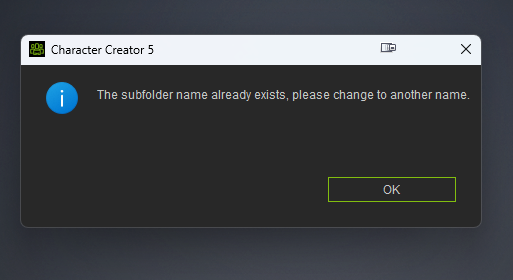
I’m trying to add my custom content folder in CC5 and keep getting this error.
The content is saved on a NAS drive shared mapped via SMB and have about 50tb of space.
When I try to do smart import custom content, I get these errors.
Any idea what’s wrong and how can I fix it? I checked and the content folder does not have a ‘read only’ tag in the properties.
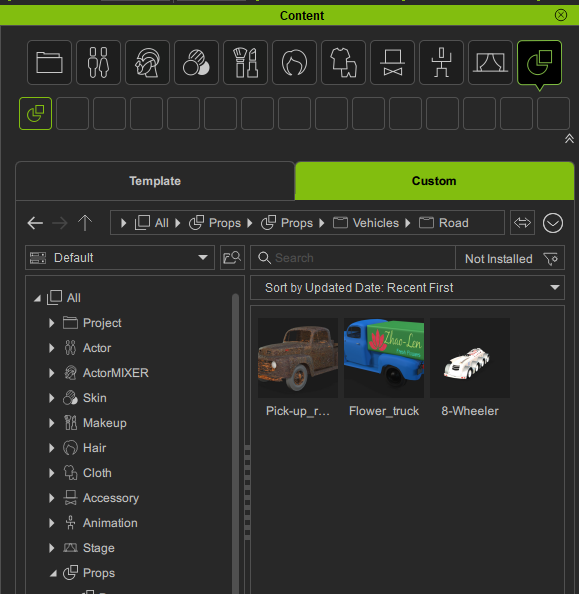
I’m not quite sure what you are trying to do. Your Custom content should already be available as the Reallusiob Custom folder is shared. I just checked in I have custom content without having to do anything special:
my content used to sit ona USB drive, and now I have moved everything to a NAS drive.
And since moving the content, I seem to have trouble syncing my custom folder.
The template folder is still pointing to my C:\Documents, and that is showing the content there
In Content Manager there is a way to change your path. I’m not at my PC at the moment, but I think there is a Settings item under the “down arrow”. In iClone it’s next to the Refresh icon.