Looking for some advice in getting nice crisp lines when I have toon-shader activated. Obviously this is something that normal maps aren’t really made to do, and most advice I can see online suggests abandoning normal maps altogether when working with a toon-shader. And generally I agree.
However when it comes to things like, expression wrinkles or even just little details on clothing, I’d love to have some outlines and details that only a normal map can offer (as far as I know).
Unfortunately my custom normal maps keep resulting in the annoying pattern of two lines around the detailed areas, when I’d really like there to be only one. You can see in the images that the pocked of the jeans now has two outlines. I’m pretty sure I know why this is happening, I’d just love to know if anyone has any ideas on how to stop it.
What would a normal map have to look like in order for the raised area to only have a single outline?
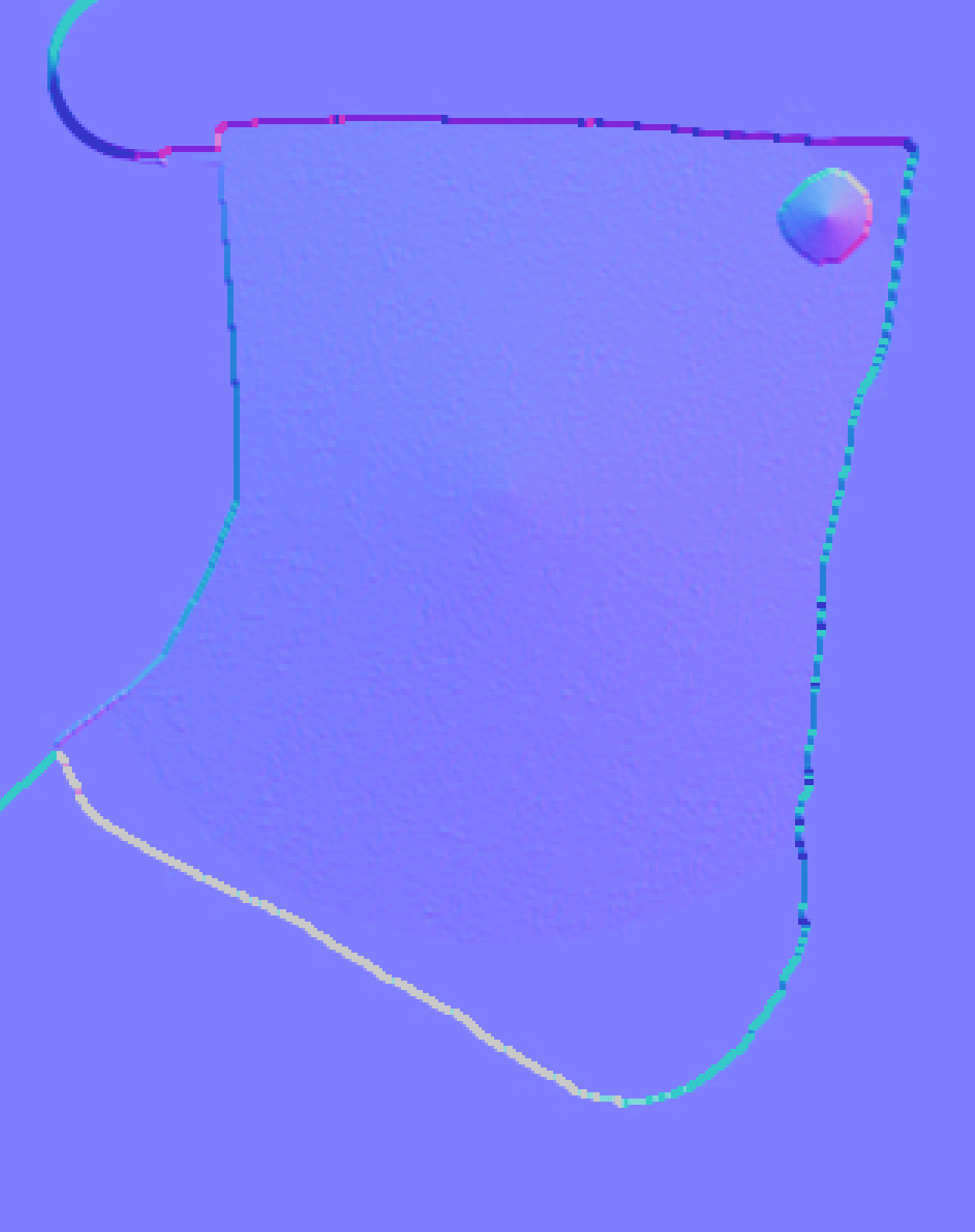
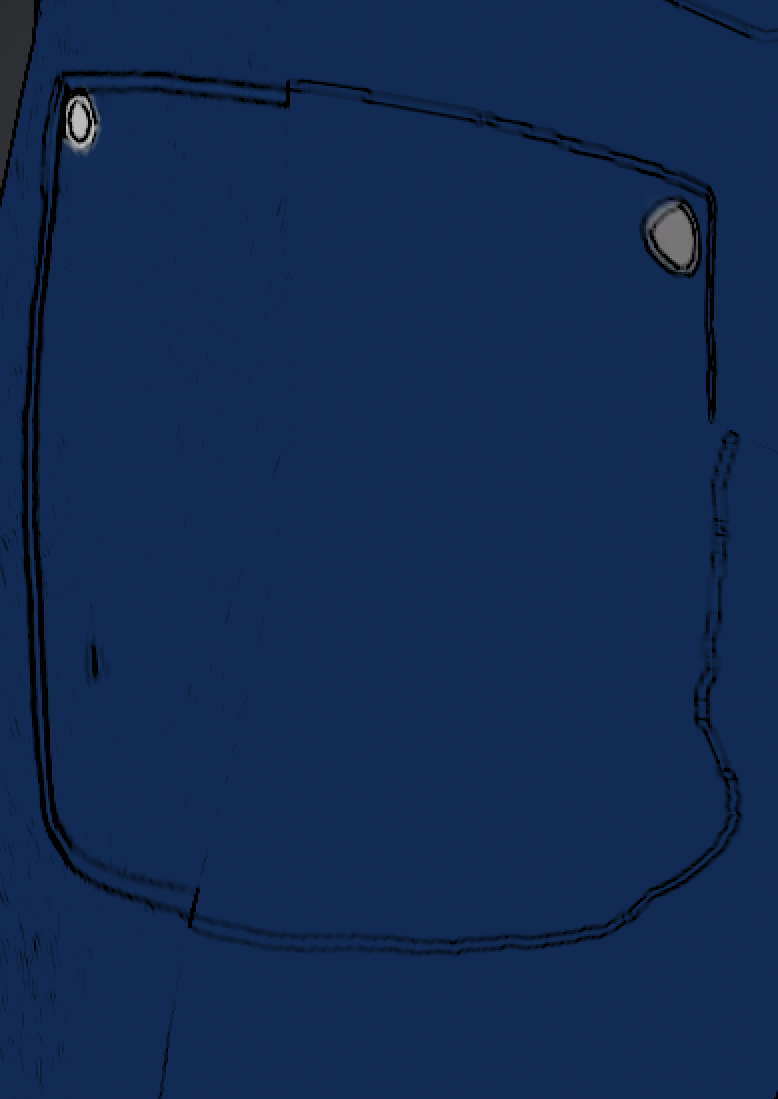
More practical would be to draw black outlines on a white background and slide that into Blend channel in Multiply mode.
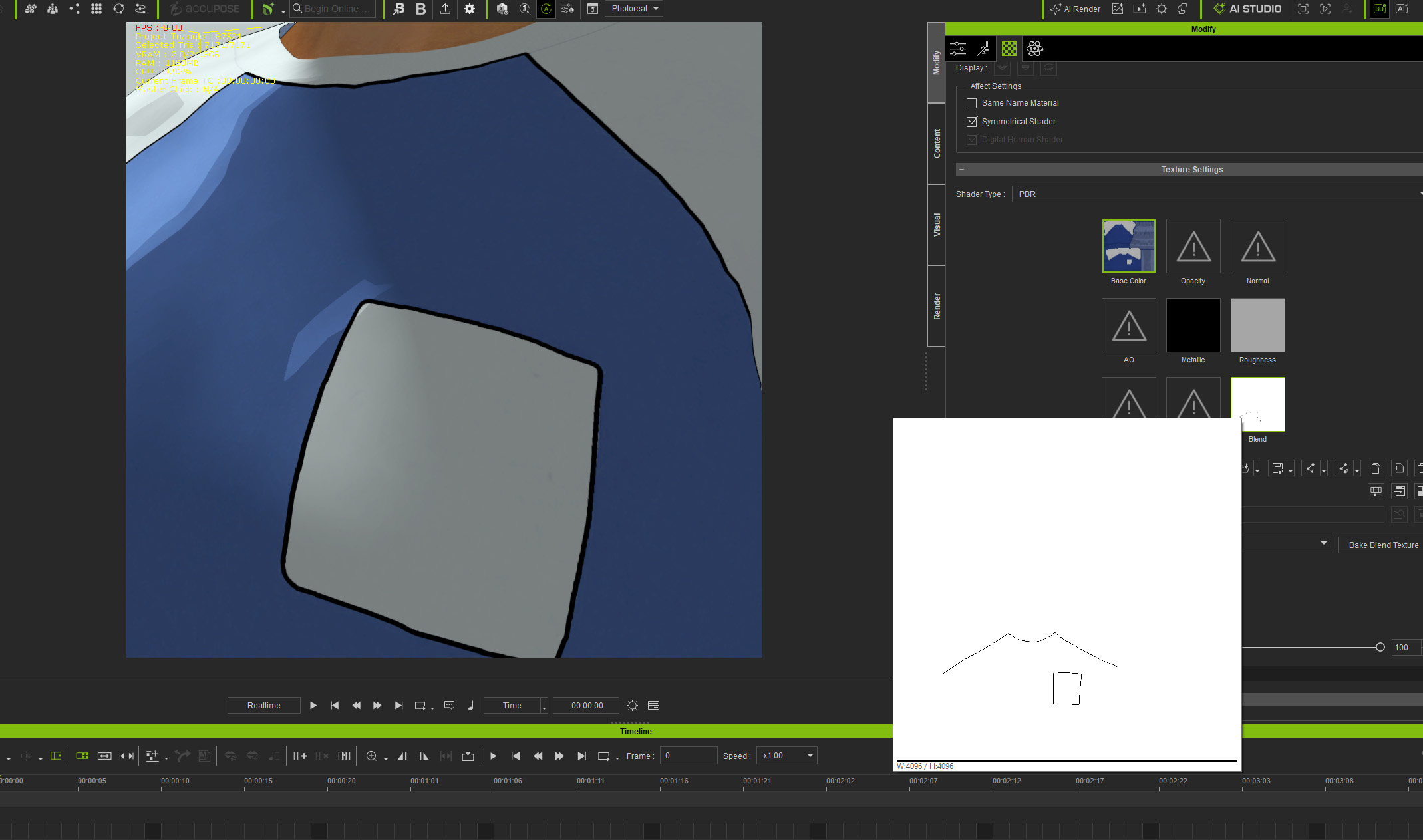
And if you want to use normal maps, you’d need to solidify areas. It will not work well in general mode, but in Toon shader it works nicely.
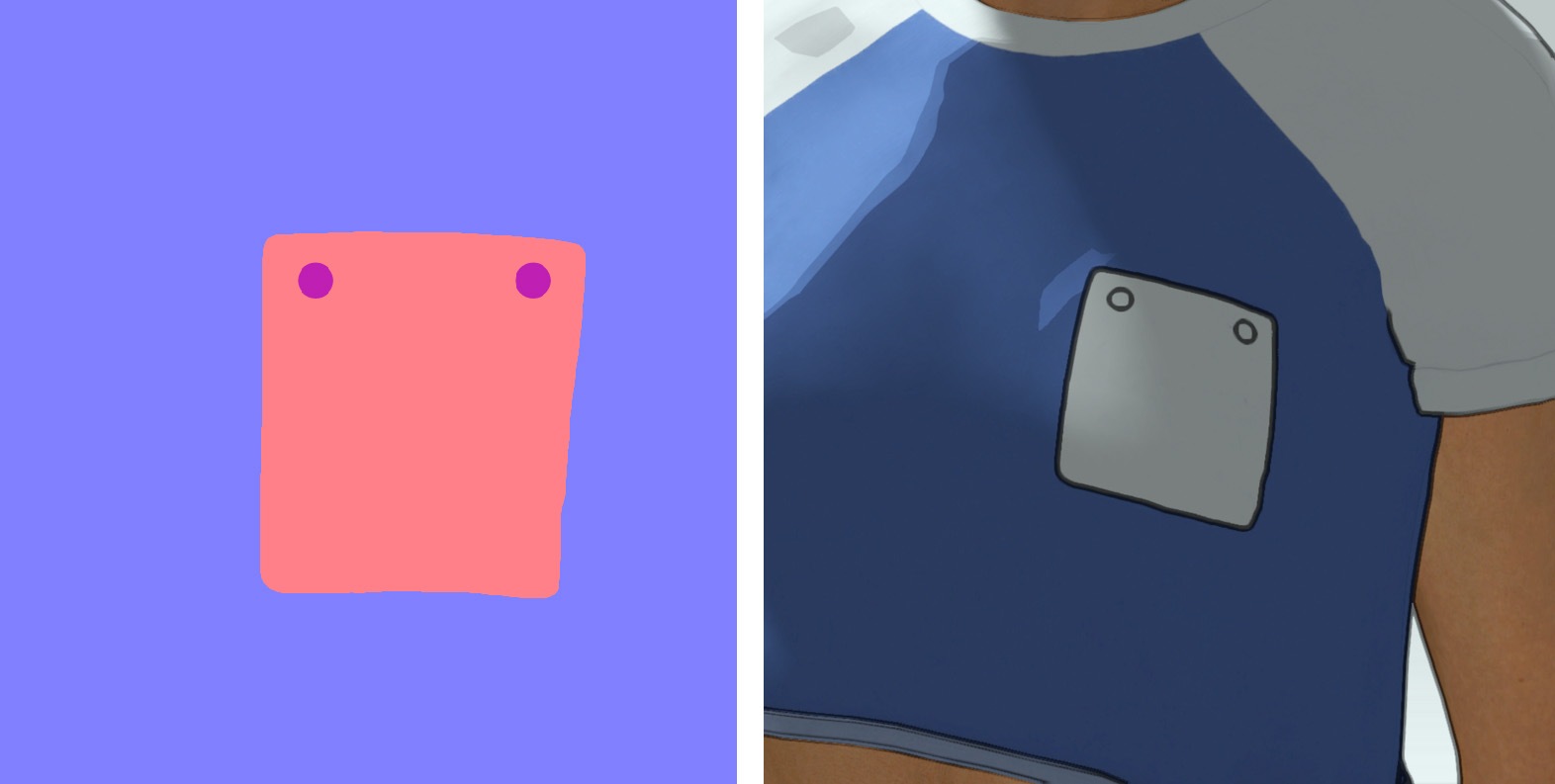
Hi thanks for the reply. I tried your suggestion with the blend map, but the result still means that the thickness of the line shifts with the camera angle as it’s part of the overall texture, as opposed to the toon shaders outlines which remain consistent.
I tried your suggestion with the solid areas on the normal map, but for some reason I’m still getting the double lines. I even copied your exact colours. Is there something I missed?
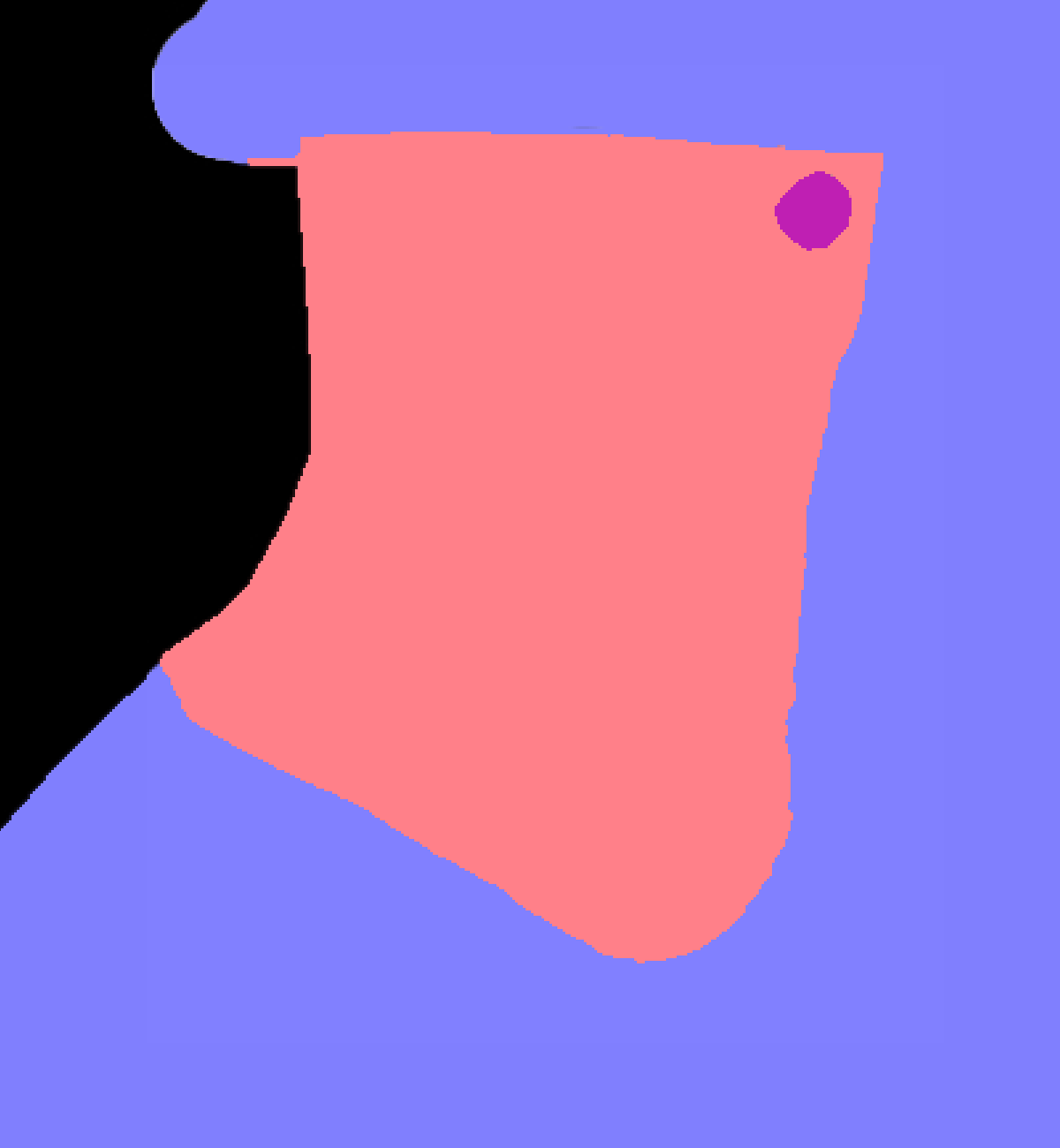
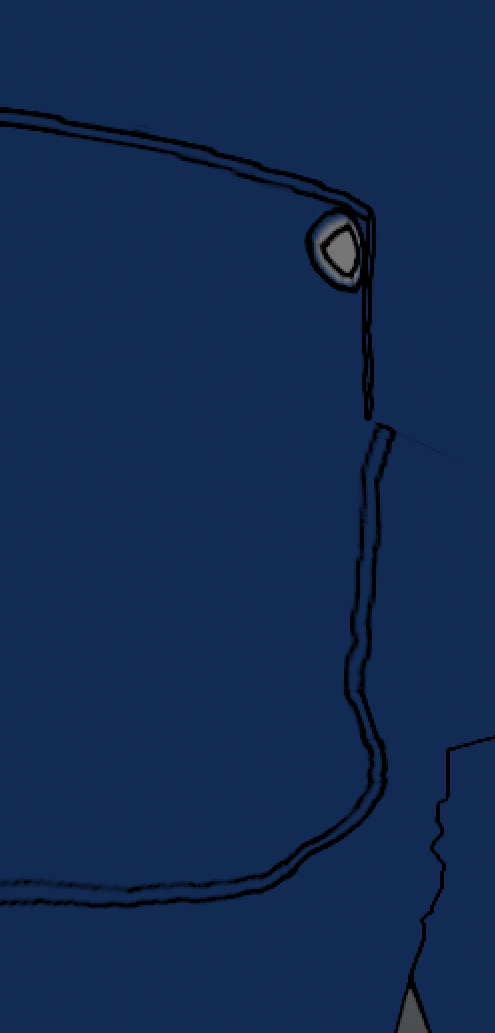
The only way I could still simulate a double outline is when normal map applied as a Bump (it should be Normal). Otherwise it’s always a single line.
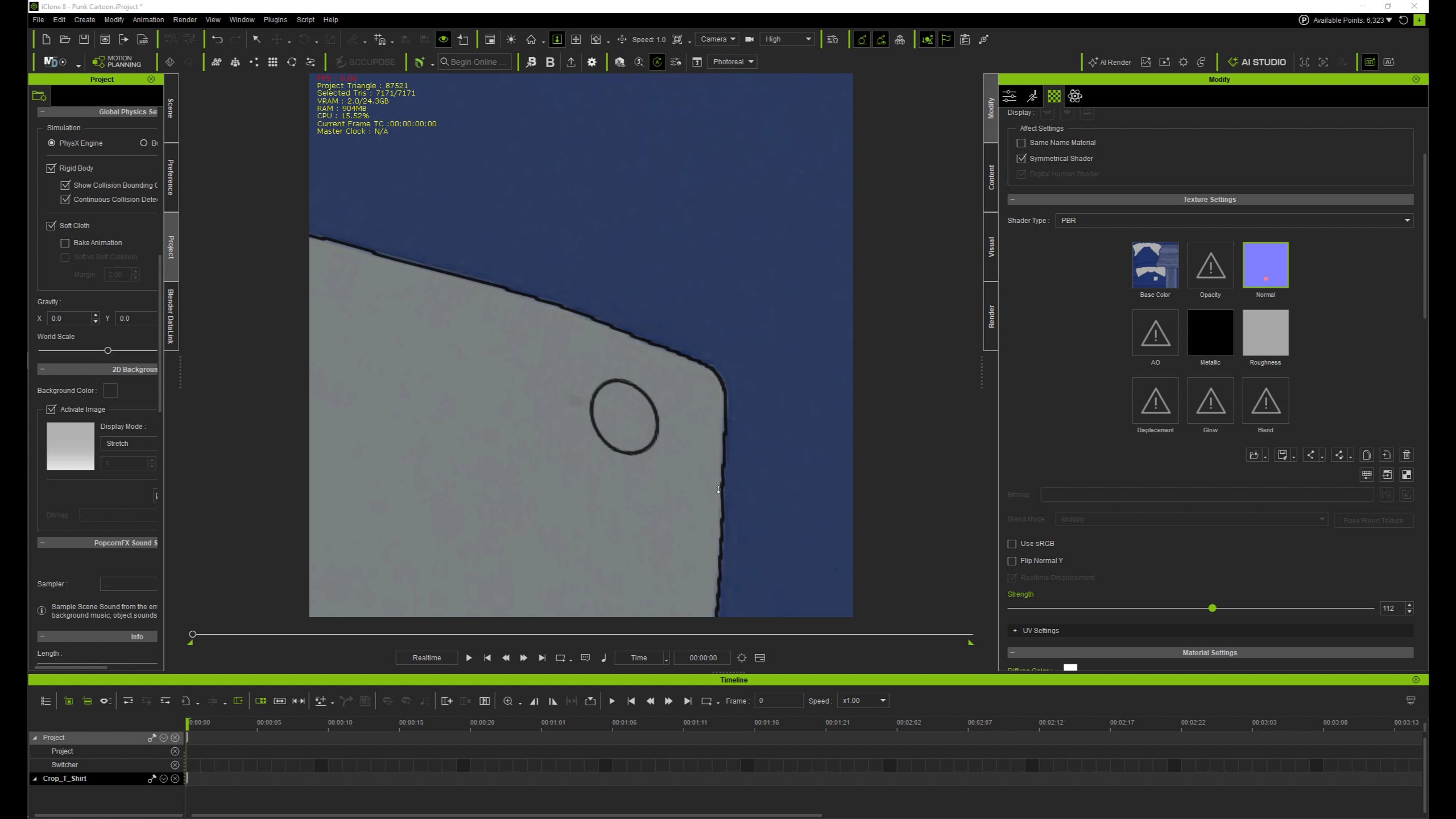
Fantastic. Thank you. I already had them set to Normal, but apparently the Toon renderer in Iclone is slightly different to the one in Character Creator (could be because I’m still using CC4) but either way once I moved the project from CC to Ic it’s giving me desired effect.
Thanks so much for your help.