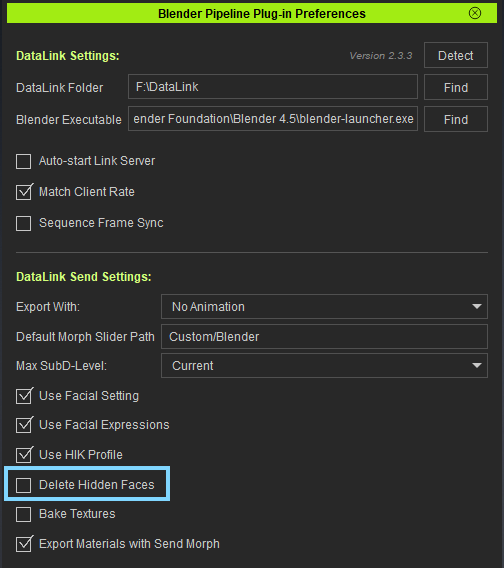
To save storage space, I haven’t tried anything beyond the title setup.
In CC5, I open _HD Ariana from CC5 Characters in the Content Manager.
Without making any changes, I send the avatar to Blender via Datalink → Send Avatar.
It transfers successfully — no slime issue. It’s Ariana, just as expected.
However, the Go CC button is already showing an alert.
Next, I transfer CC4 Camila.
Camila also transfers successfully. And I’ll say it twice because it’s important — no slime issue. It’s definitely Camila.
However, the Go CC button is grayed out.
Therefore, in my environment, I can’t send data from Blender back to CC.
It might work if I export manually, but I haven’t tried that yet because I’d like to use Datalink.
Notably, when I use Send Morph, the Go CC button becomes clickable.
However, the eyes turn completely white. It’s scary —Daryl Dixon is going to show up…
That’s a separate issue, so I’ll post about it separately.
I’m a beginner with both CC and Blender.
I’ve checked other topics and searched online, but couldn’t find a solution.
If anyone knows how to fix this, I’d really appreciate your help.