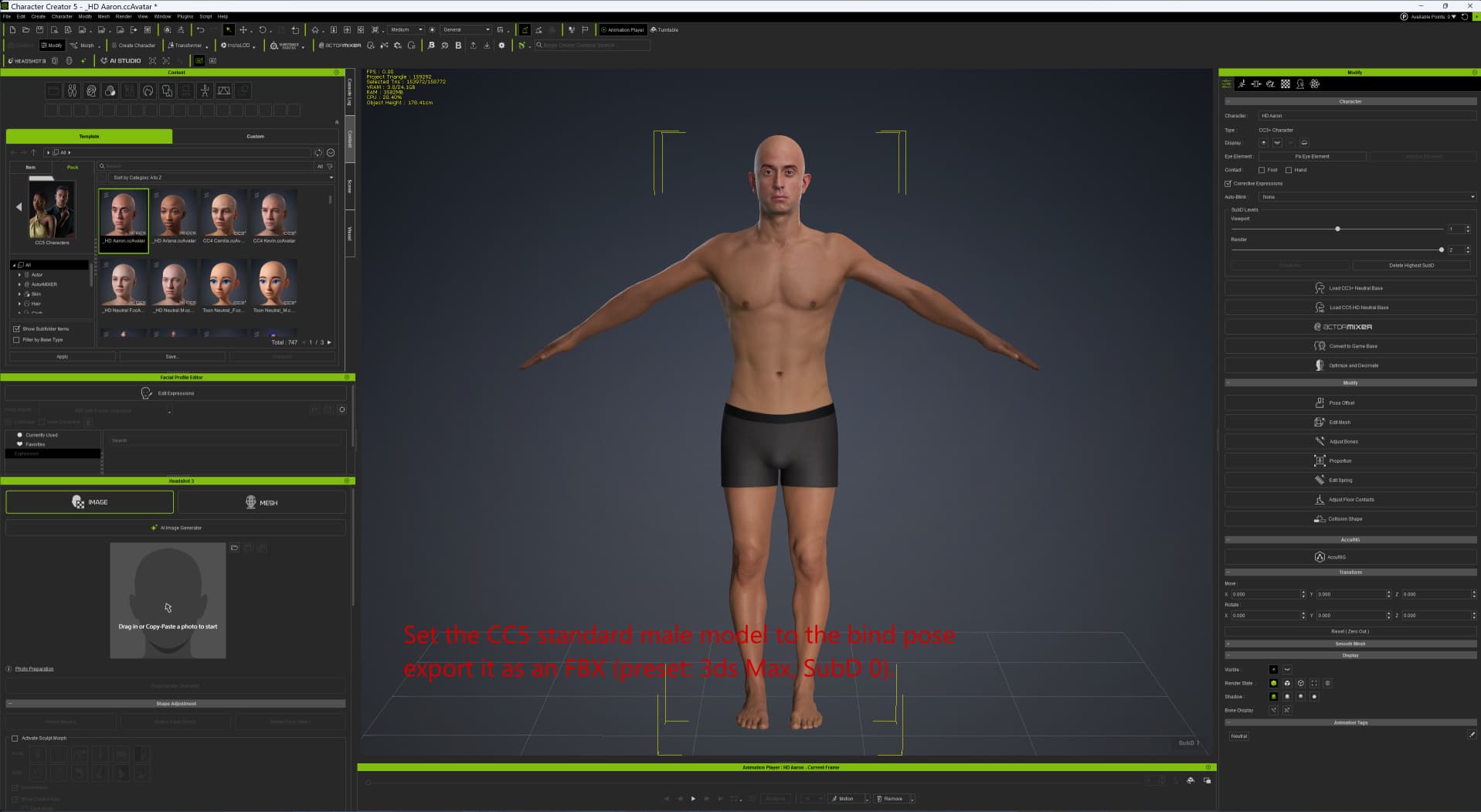
Set the CC5 standard male model to the bind pose and export it as an FBX (preset: 3ds Max, SubD 0).
Importing an FBX into 3ds Max 2023 using CC Auto Setup with Arnold as the render engine.
Mesh editing in 3ds Max (deforming part of the face)
Select CC_Base_Body and export the mesh as an OBJ (the exported vertex count is 14,164, matching the count from CC5).
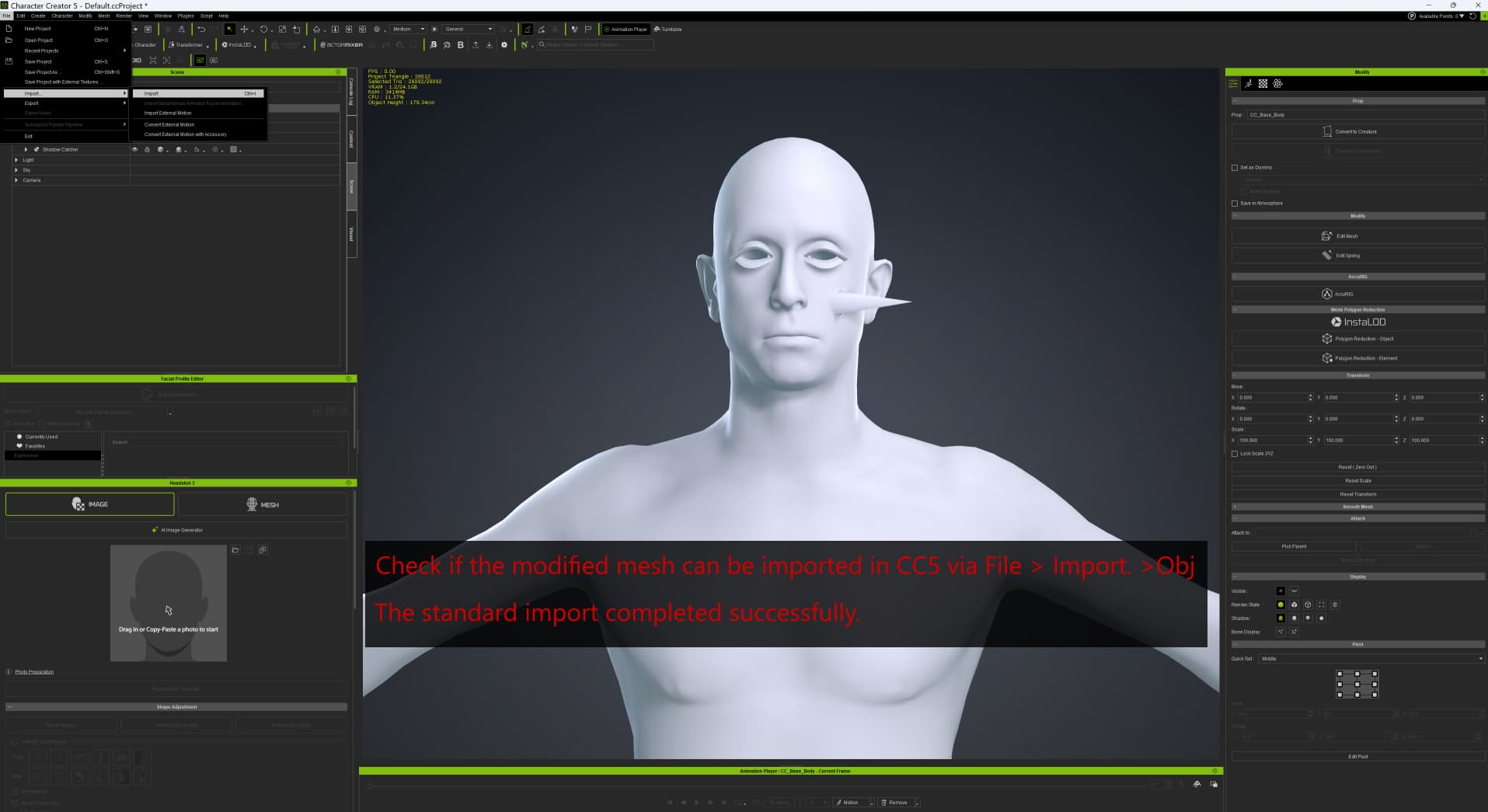
Check if the modified mesh can be imported in CC5 via File > Import.
In CC5, select CC_Base_Body and execute Mesh > Replace Mesh.
Result: C_Base_Body disappears.
When you enter Edit Mesh mode and select vertices or other elements, the selection actually works.
I suspect the display itself is what is incorrect.
cc5 ver5.11
nvidea rtx4090 Driver ver610.62
I’m not sure exactly which version was the limit, but around May 2026,
I was able to replace models exported from 3ds Max 2023 without any issues.