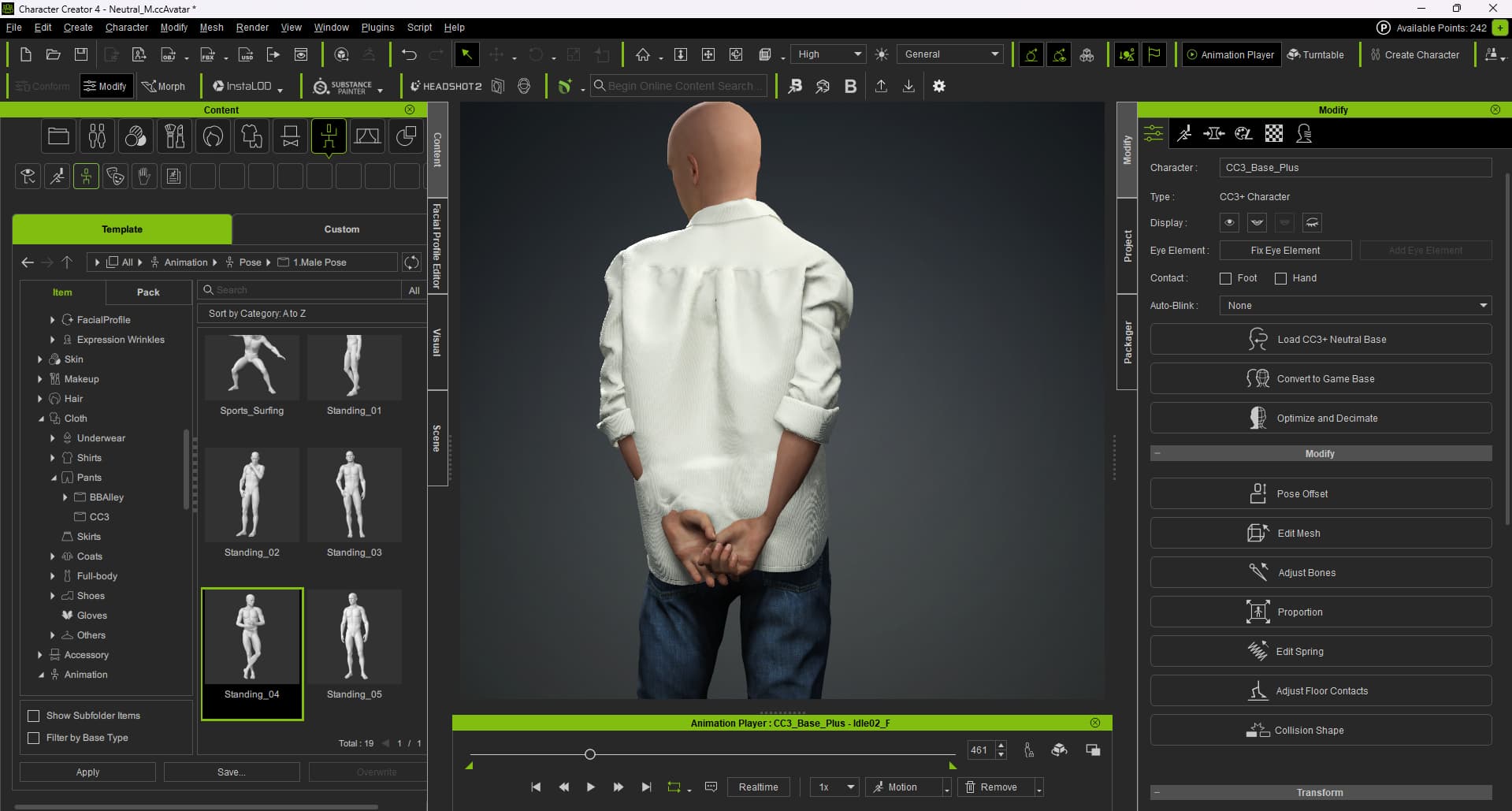
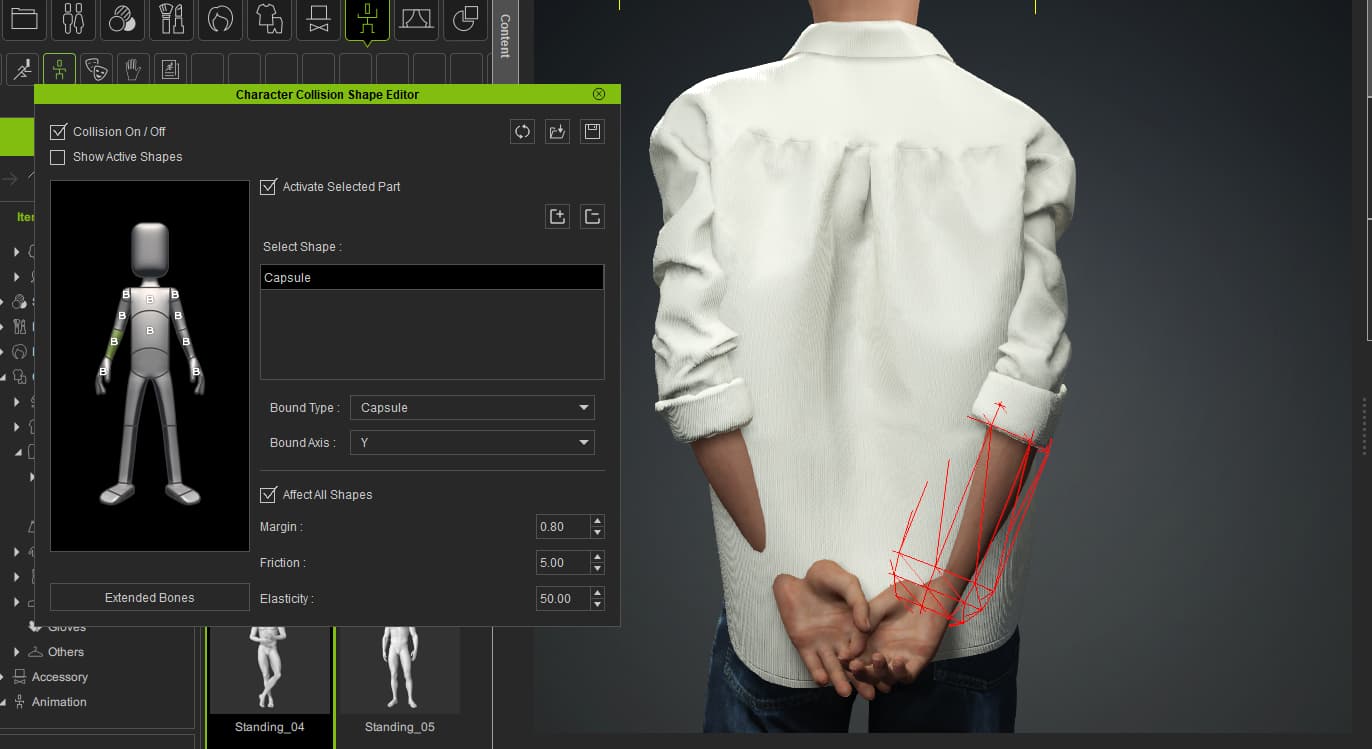
The character’s body (legs and hands) is going inside the dress during animation and poses. I applied full collision to the hands as well, but it’s still not working. Can someone please tell me how to fix this and share any fixing ideas or videos?
In this case, you’ll need to adjust the pose of the arms, so that they are outside the shirt. Collision affects the cloth (to some extent), but not the position of body parts.
Can we fix it by adjusting the arm pose?
How to do it? I don’t clearly know how to do it. Please teach me.
If there are any videos available, please add them.?
You would use the Motion Editor. There is a series of videos on how to use the tool:
I am using only Character Creator 4, I am not using iClone. What should I do? Is there any way to fix this directly in CC4? Please let me know.
In CC you would use the Edit Pose option to make adjustments, as explained here:
https://manual.reallusion.com/Character-Creator-4/Content/ENU/4.0/08_Animation/Character-Pose.htm
Note that CC is not suited for editing animation because it does not have a timeline. All you can do is making an initial adjustment. Hopefully that will solve further issues with the clothing.
I adjusted the shoulders using the HIK T-Pose, and it worked well.
But when I apply a different animation, it creates another problem.
For animations where the hands are placed at the back, it works correctly.
But for animations where the hands come to the front, the hands going inside the cloth.