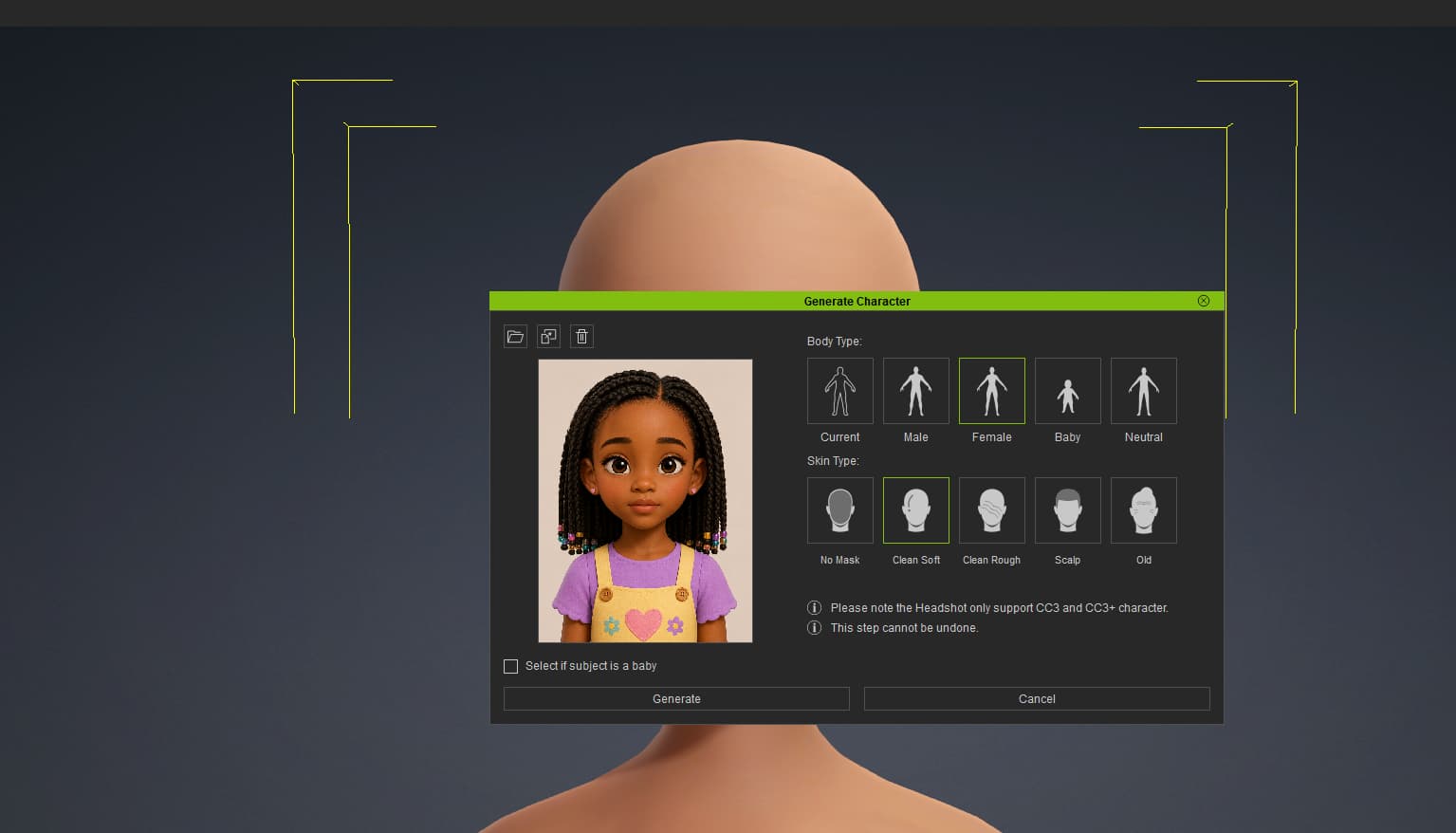
I’m having issues creating a custom toon/stylized character.
Note I bought
Cartoon Character Designer - Toon Figures
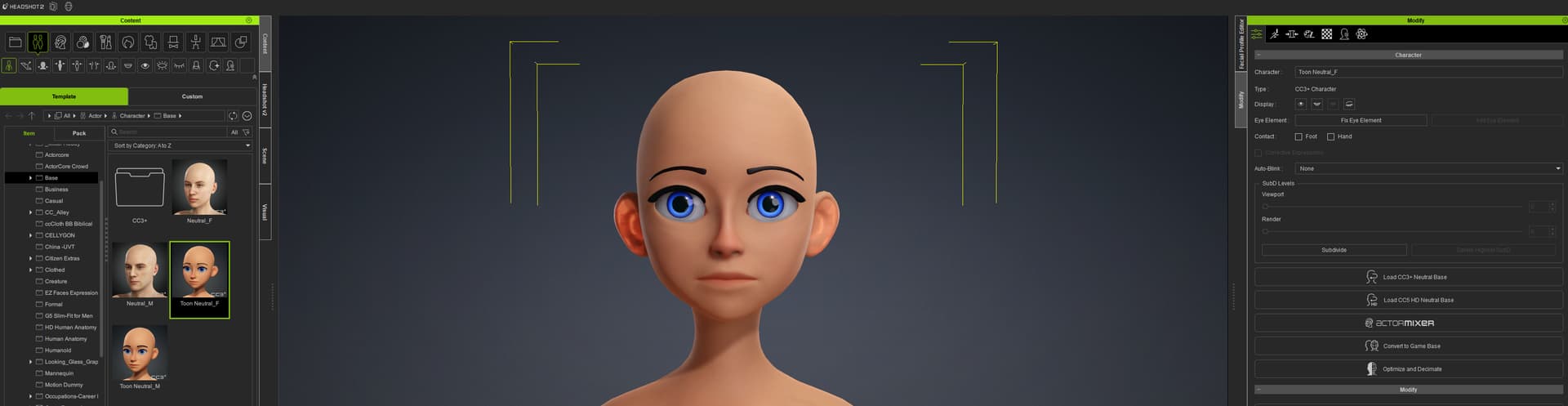
I even used the free CC3 Toon Base
I’m using Headshot 2 (Do I need HS3 to create a custom Stylized Character?)
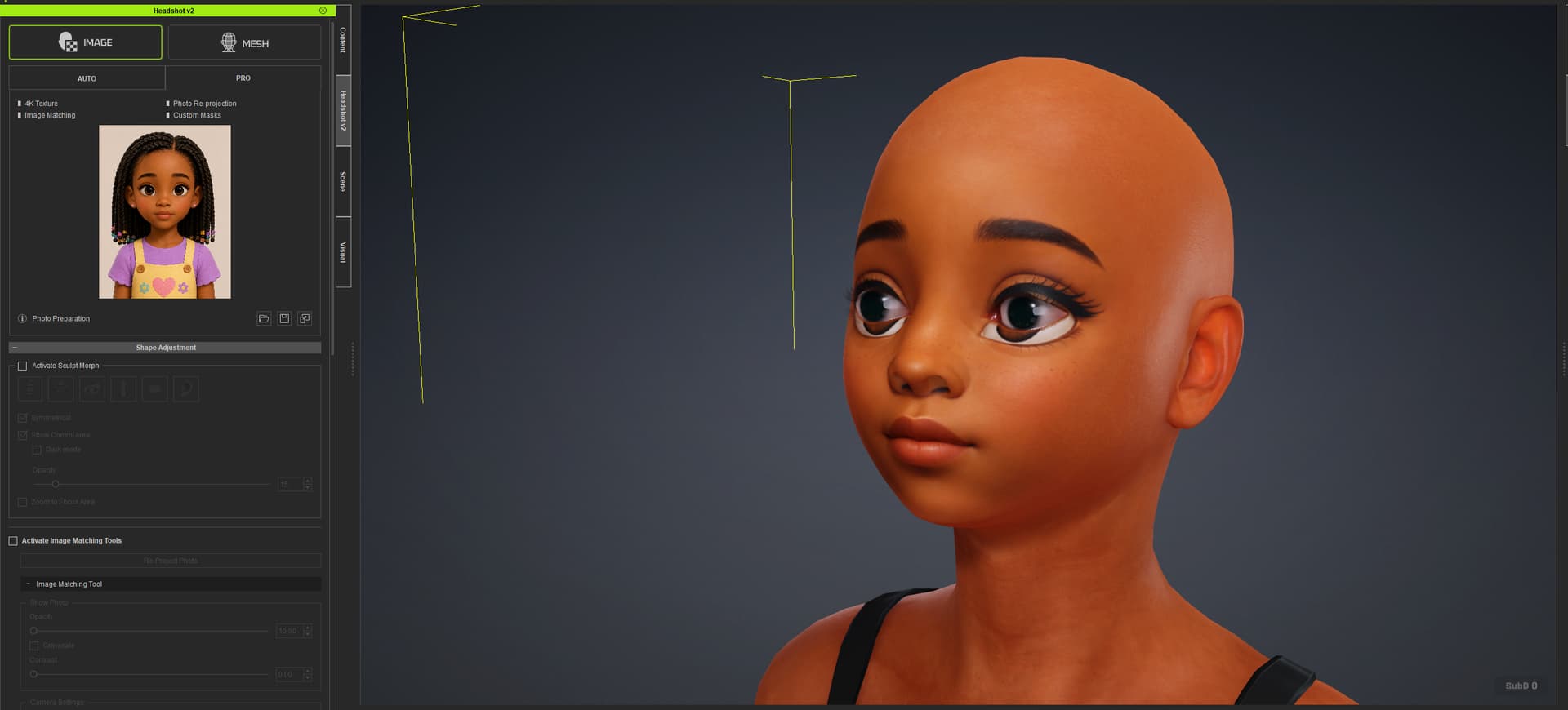
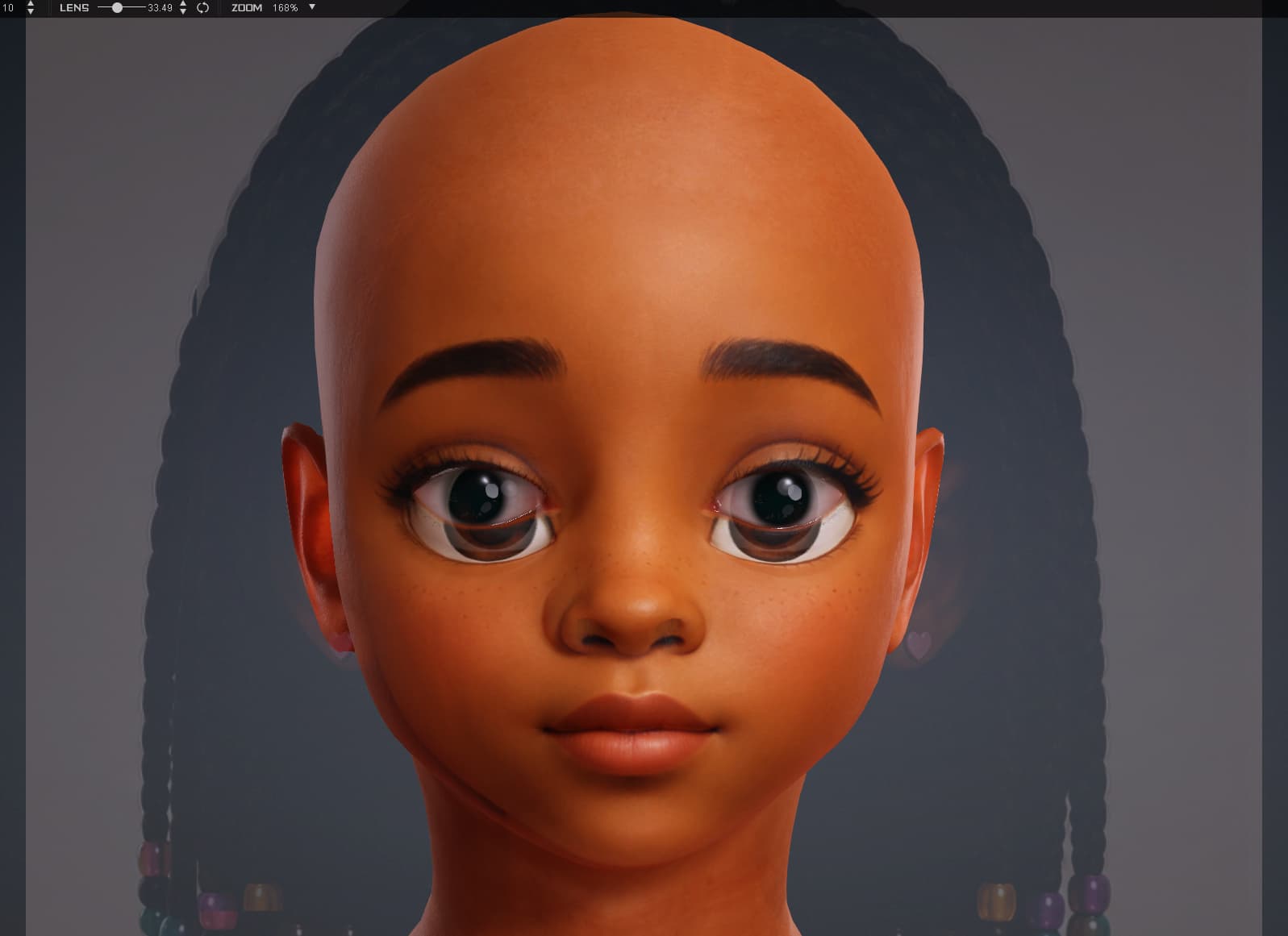
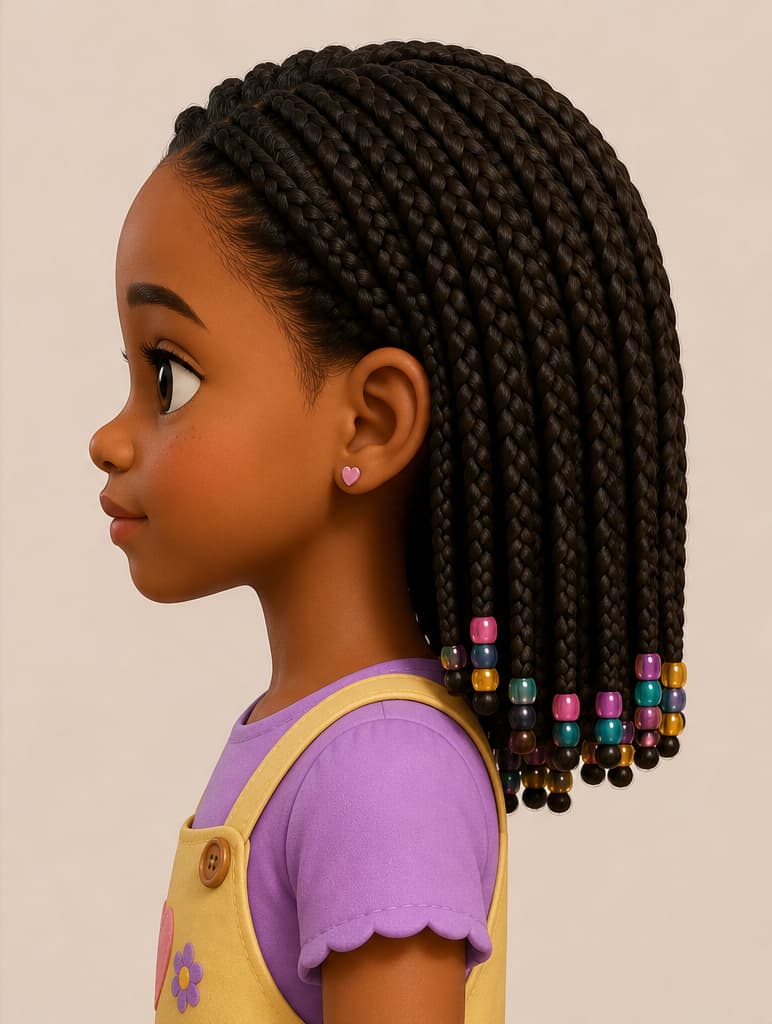
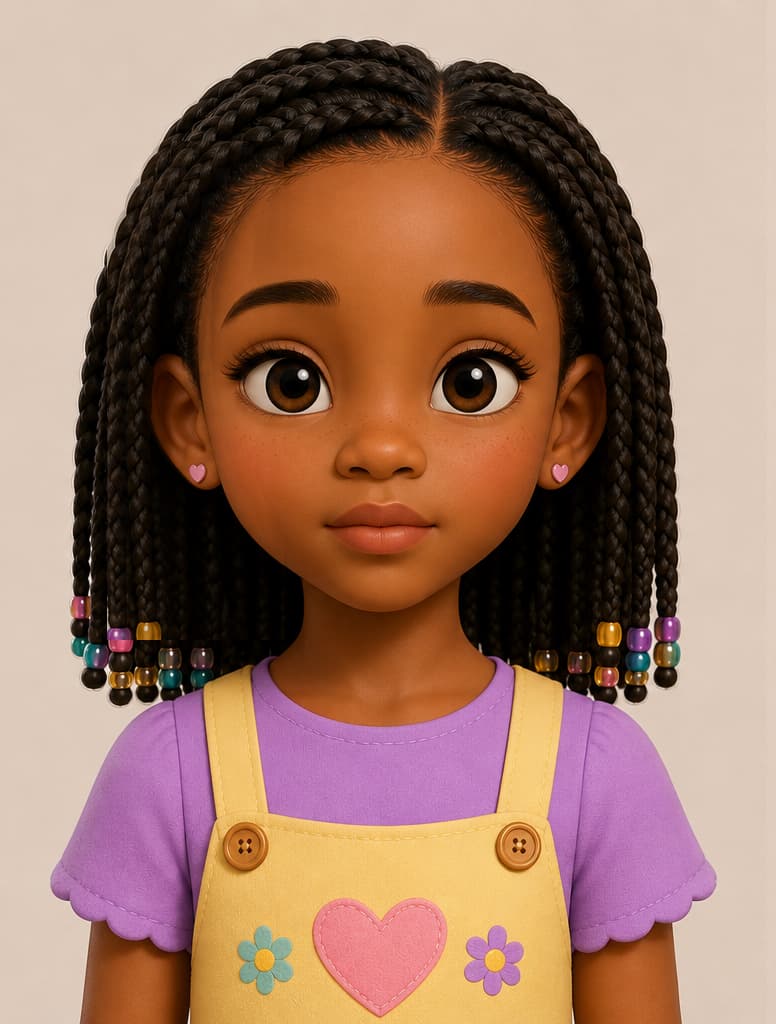
My main problem is the eyes not fitting. I created a stylized version of my cousin, with no facial expressions and even lighting. I tried even using a realistic character, yet I’m still having issues with the eyes. I’d hope the toon base would fix it but no luck. Is there something I’m missing or doing wrong?
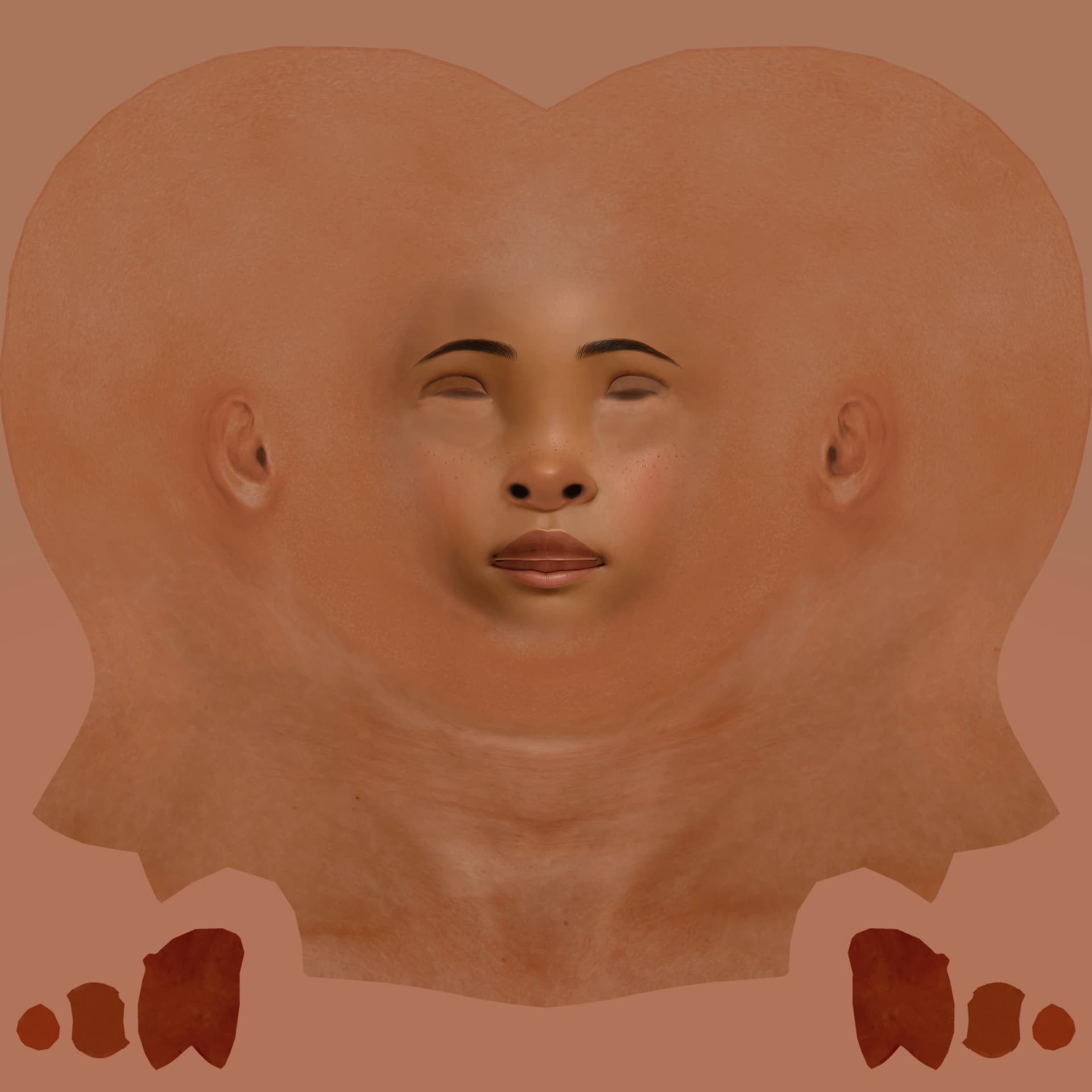
I tried that with the sliders and still when I Re-project the photo, the diffuse image still shows the eyes being bigger. I’ll try again to see if anything changes.
I’m wondering why the toon base female (with oversized eyes) isn’t matching the eyes from the photo or making it easy to create the character.
The image mode heads are created starting from a neutral head. So loading the toon character is really only effecting the body, if you choose “Current” for the body type.
So basically, you can get the eye sockets big using the sculpt tool or morph sliders, but you still need to get the re-projection so the eye texture is not on the face. The better workflow is to start with a normal-sized eye photo, then enlarge the eyes later using morphs. Or generate a 3D head via AI to use with the mesh mode of Headshot 2.
Sometimes stylized characters can be created directly with Headshot, but sometimes not. Can you post the image? I’ll see If I can manage it.
For the most cases with Headshot a texture tweaking requires one way or another. Specifically for this stylized girl, the eyes overlapping need to be clone stamped away in Photoshop. Which is what I did. And generally I would scale up original source image for up to 4K with AI for more details (like freckles in this case). And then of course sculpting eyes and other parts of the face.
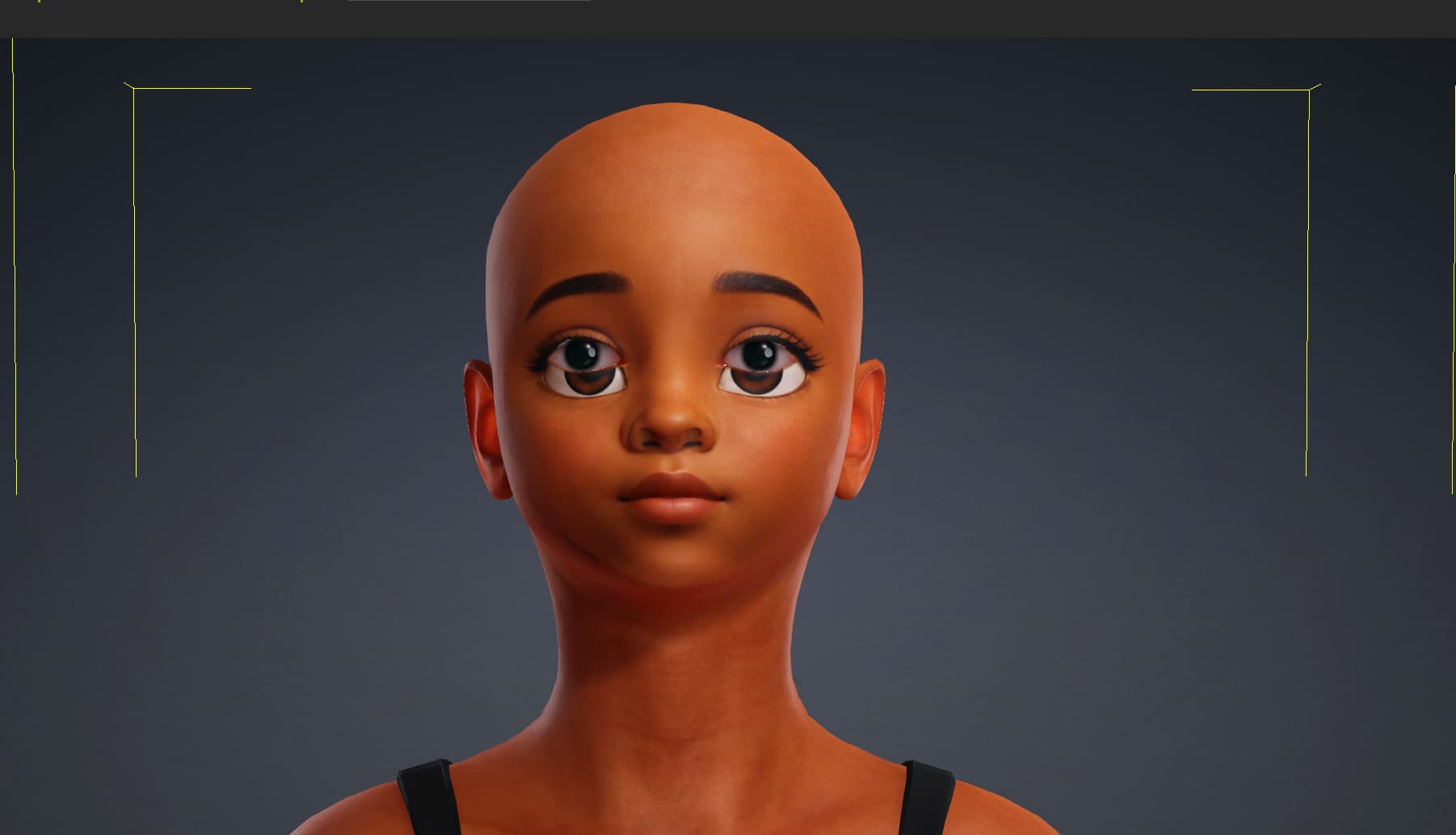
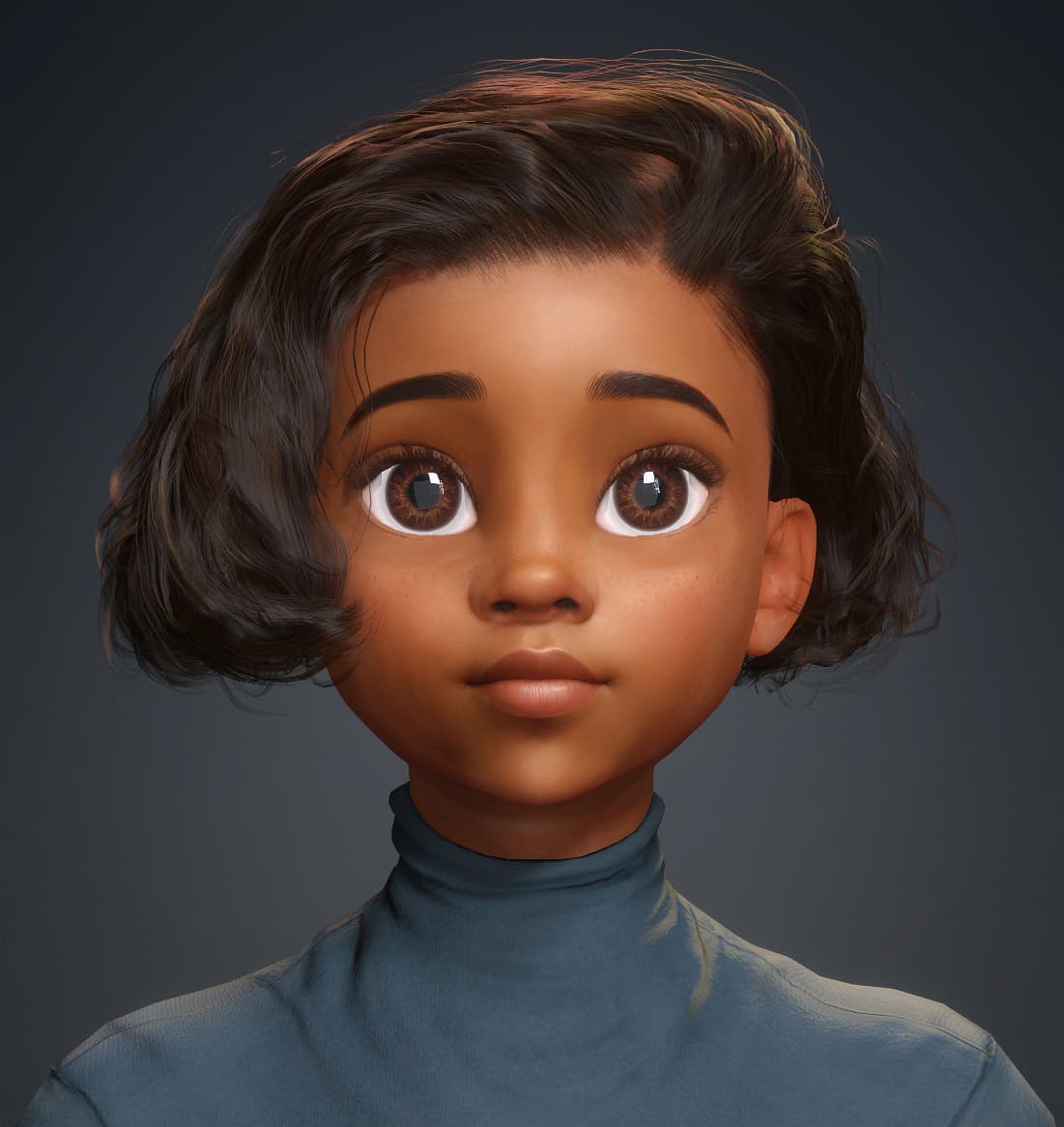
This is my take on it.
I’ve been doing it for a long time
Masking and re-projecting in HS helps to rectify some of the common issues. But I cannot recall any project where I did not “photoshop” final texture - mostly to fix eyes, remove eyelashes, blend a skin tone between original face texture and HS generated and so on…
You can try the mesh mode with an AI generated head. If you do that, generate a head with no hair will work much better.
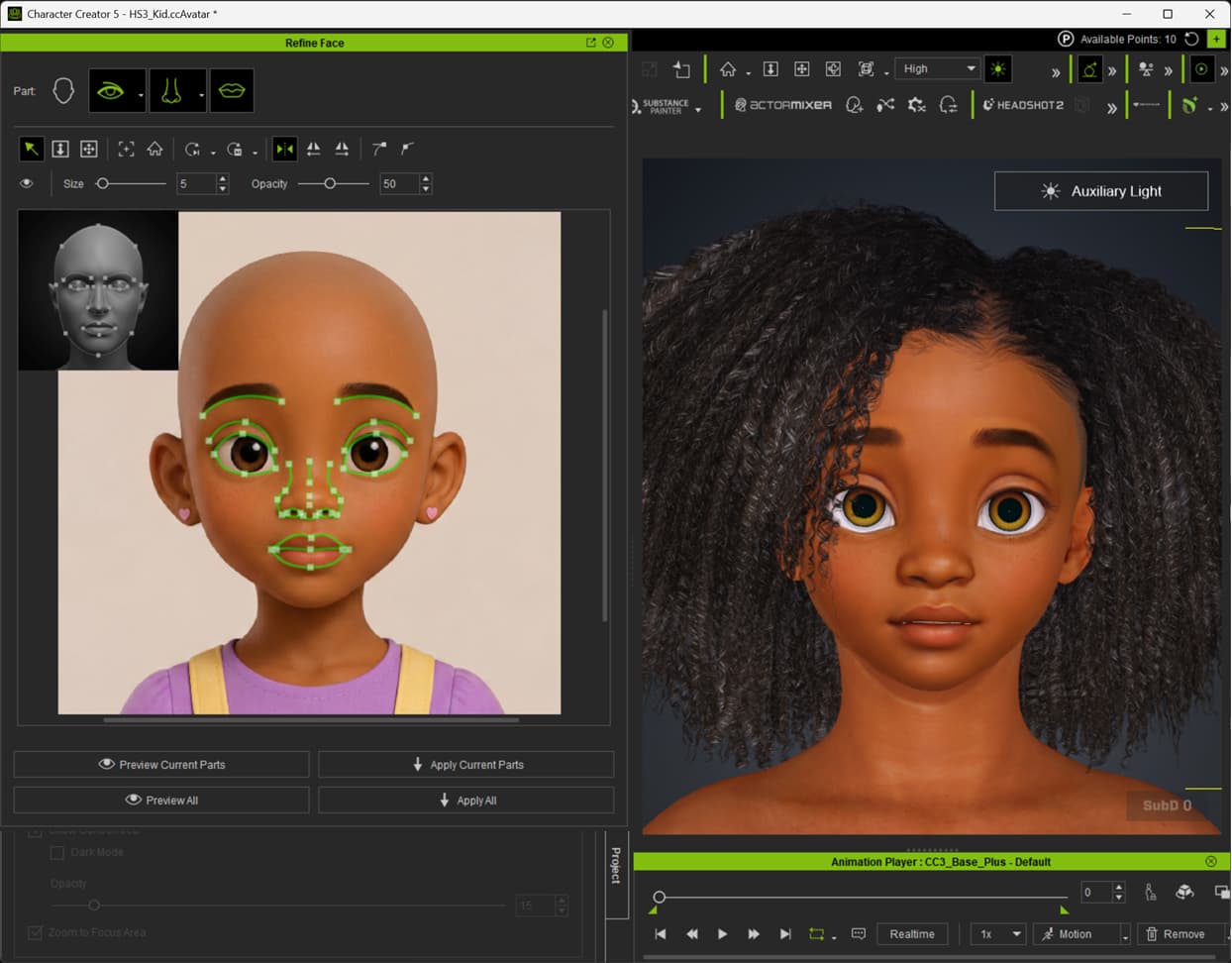
On a related note. I had a go at correcting the eyes with the spline refinement in Headshot 3. It did a fairly good job of redefining the eye shape without needing any additional re-projection.
I did regenerate the image without hair or eyelashes. Also, I did adjust the iris scale to match the image better. Skin tone needs a little adjusting still. And I hid the tear ducts using Mesh Edit>Element.